- Batasan usia4+
- KategoriBisnis
- PengembangWRENCH Solutions Pvt Ltd
- BahasaInggris+ 1 lainnya
- Ukuran86,0 MB
Tertaut ke halaman resmi App Store
Download.org tidak menyimpan file Wrench SmartProject apa pun. Tombol ini membuka halaman aplikasi di App Store, tempat WRENCH Solutions Pvt Ltd menerbitkannya. Halaman terakhir diperiksa pada 15/11/2026.
Tangkapan layar


Tentang
Pengembang belum menyediakan teks ini dalam bahasa Anda.
Welcome to WRENCH SmartProject mobile application.
WRENCH SmartProject is the world's most effective engineering and construction project control and EDMS solution, providing an integrated platform for the smooth digital transformation of the project delivery process, including quality management, collaboration, and information management.
WRENCH SmartProject mobile application permits you to access the application from wherever you are provided you are connected to the net.
Why WRENCH Mobile App?
Modern engineering projects, especially the infrastructure and construction projects have distributed and simultaneous project execution, involving separate project teams working across different geographies. This adds challenges in letting people access project information from a variety of devices such as desktop PCs, mobile devices and even the devices of the IOT class. WRENCH mobile application permits you to access the application from wherever you are provided you are connected to the net. WRENCH Mobile App is intended to be used on various hand held devices in a distributed project management environment.
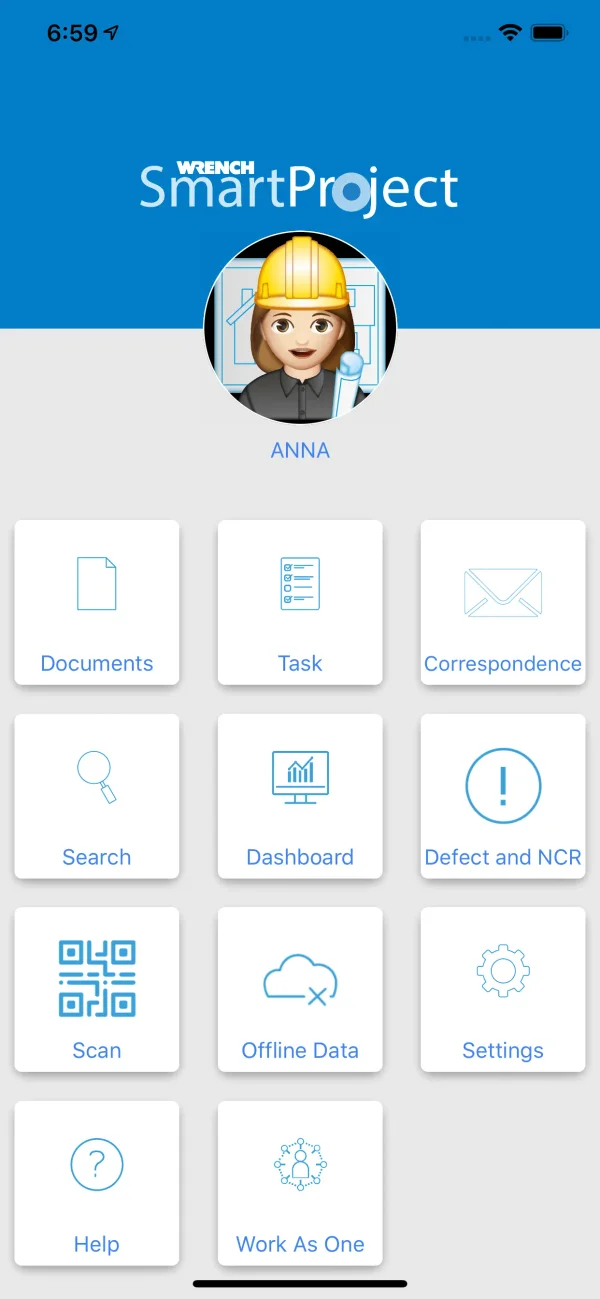
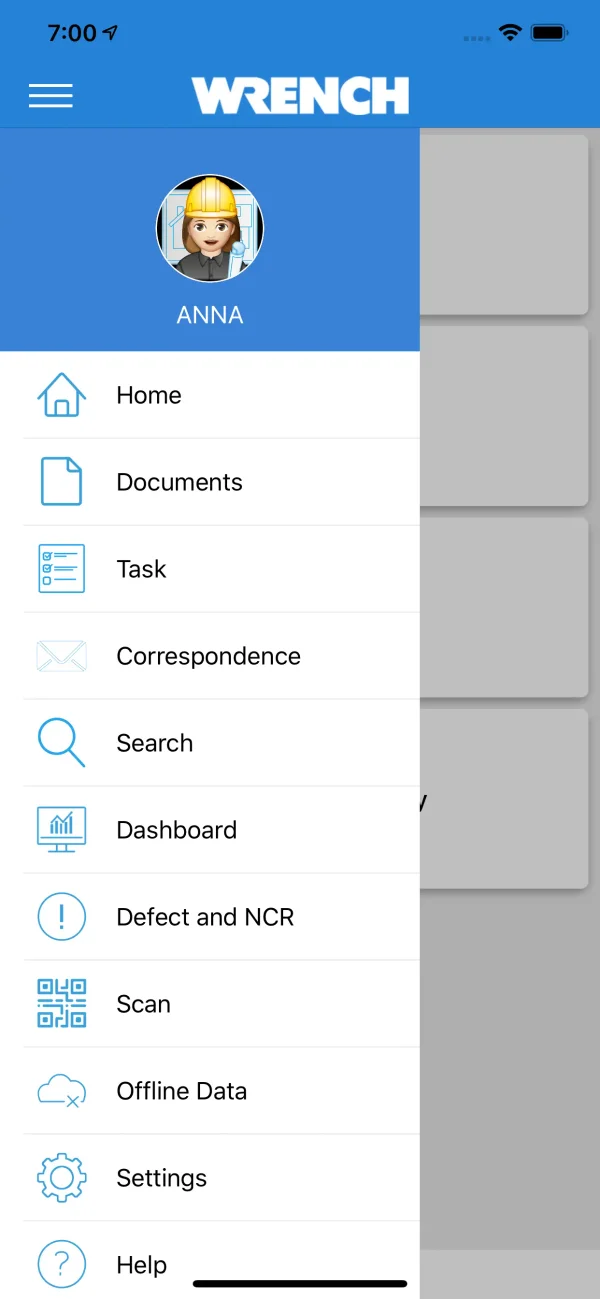
Once you log in successfully main screen is displayed. In the main screen frequently used folders will be available and various functions are available for you to choose from. Different operations can be carried out selecting these functions.
You can carry out the following operations using WRENCH Mobile App.
• Send Documents and Task to different resources
• Add documents and images
• Attach comments
• Download and View Comments
• Link and refer documents to tasks
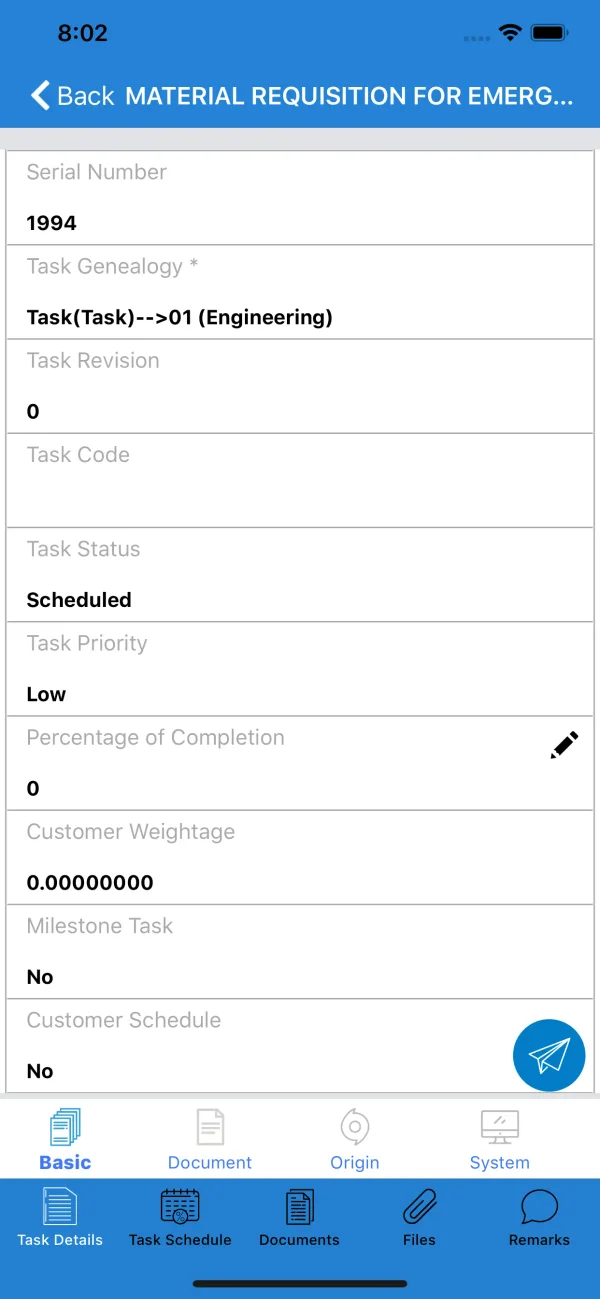
• Update progress of task
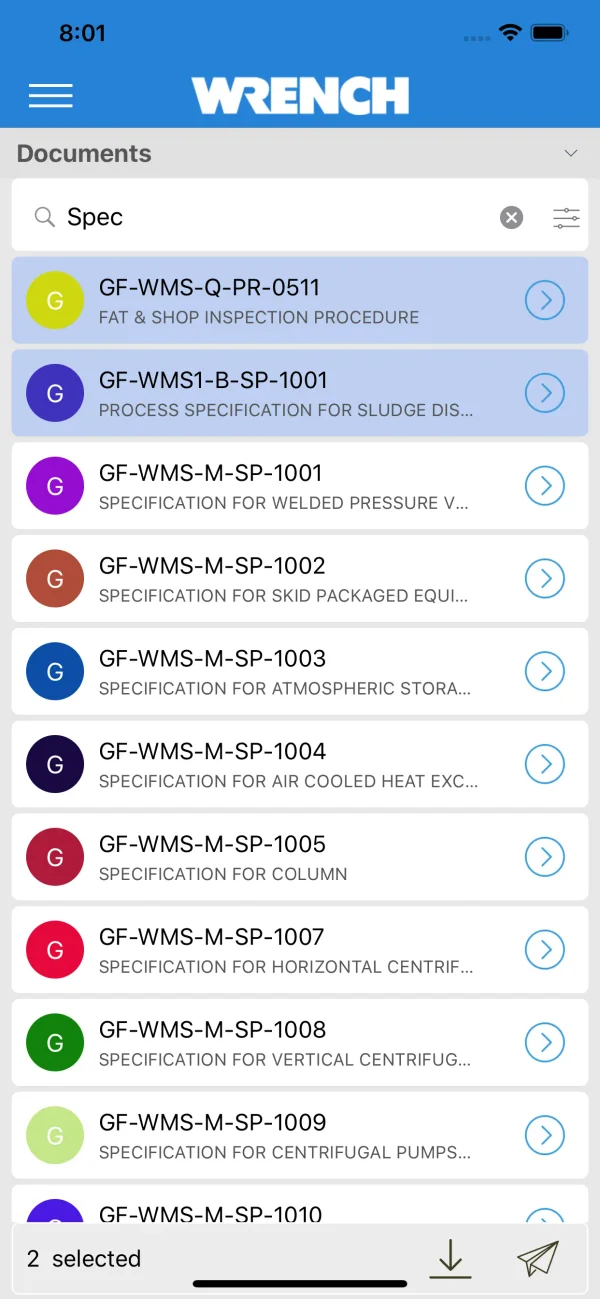
• Search and download documents
• Search and retrieve tasks
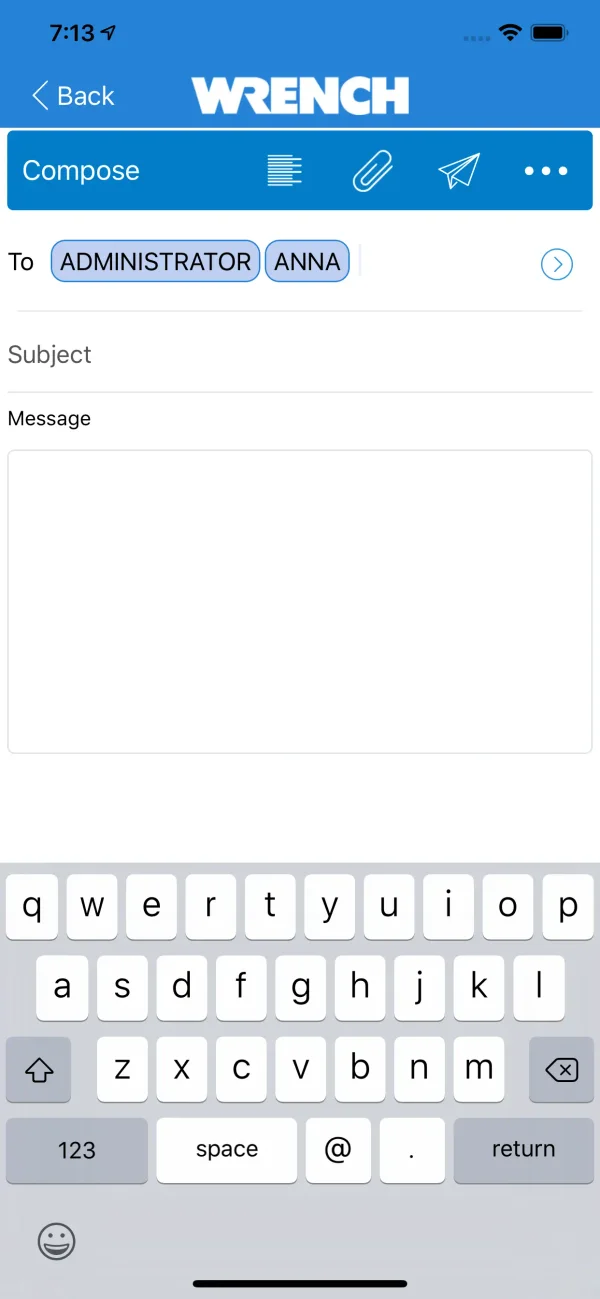
• Send Correspondence
The following options are available in the main screen.
Task: When this option is pressed list of task smart folders available in the device is displayed.
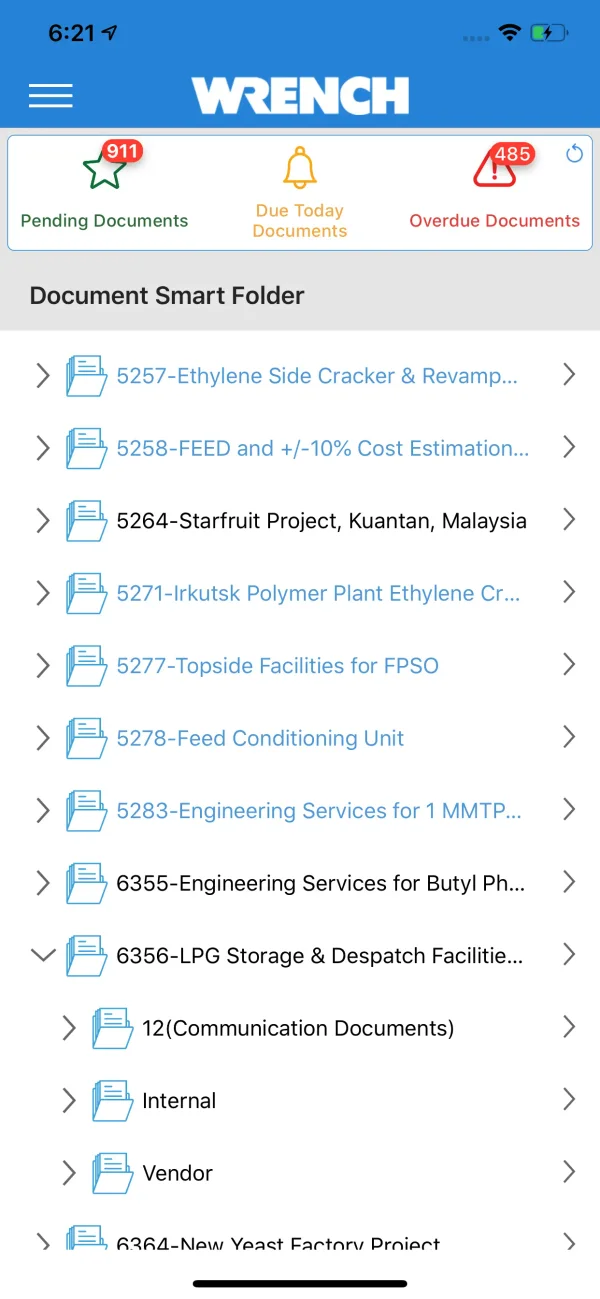
Document: When this option is pressed list of document smart folders available in the device is displayed.
Search: When this option is pressed Search window is displayed. Documents or Tasks can be searched from this window.
Settings: On pressing this option settings screen is displayed.
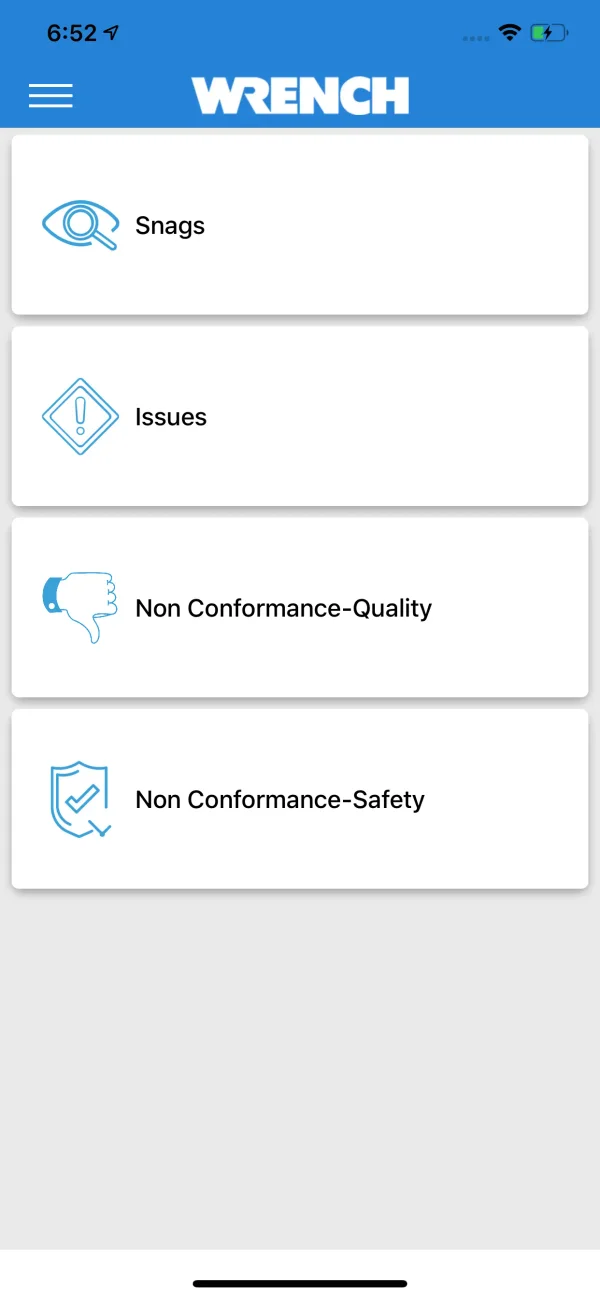
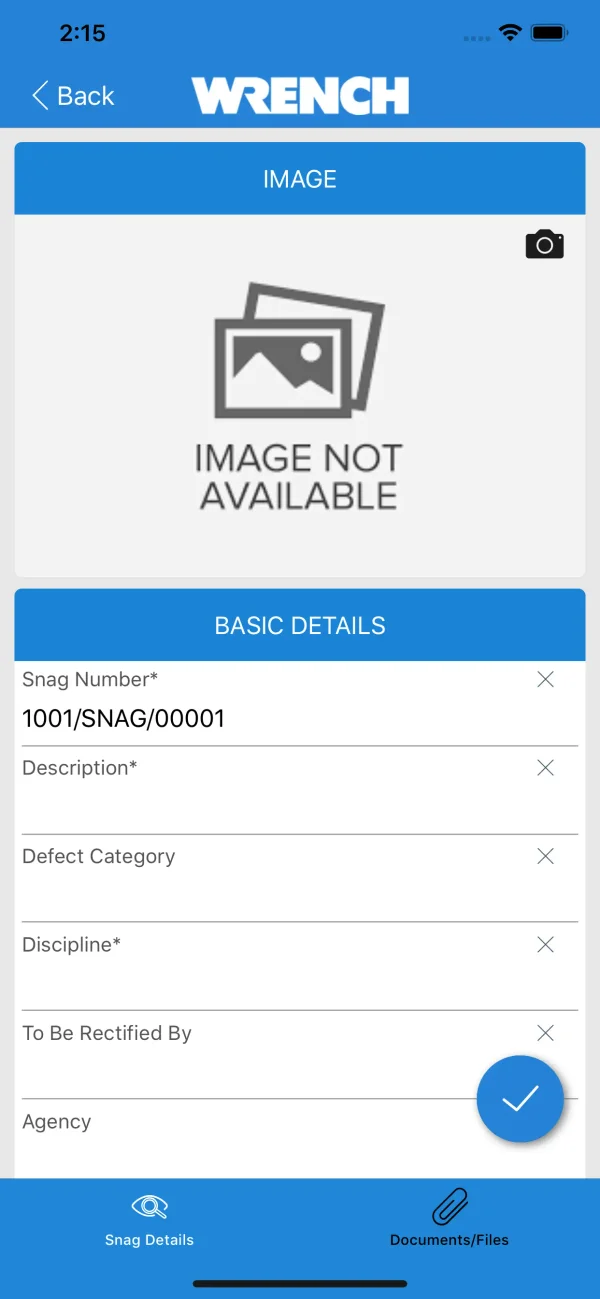
Defect and NCR:Snagging facility in WRENCH Smartproject, helps you in defining the process of inspection necessary to compile a list of minor defects or omissions in building works for the contractor to rectify is simplified. Site teams will be able to create snags on the fly, add a photo and quickly assign it to the responsible person with no paperwork. Snag feature manages and records what are typically referred to as “Snags” within the construction industry. This feature provides the site team a seamless process for creating multiple snag items and issue them to third parties without ever needing a piece of paper.
Help: When this option is pressed support page of the application is displayed. You can obtain help in carrying out different operations from this page.
Work as One: Press this option to launch WRENCH SmartProject support portal.
Yang baru
Versi 2026.3.202 · 11/11/2026
Compatibility patch for 2026.3.2.0
1. Enhancements in Defects and NCs Module
2. Facility to filter vendor based on project
3. Facility to autofill Target Date
4. Integrate Blockly into Dynamic Forms
5. Facility to set Forward Genealogy in Correspondence
6. Facility to enter timesheet on weekly basis
7. Facility to restrict downloads from mobile app
8. Facility to auto populate force closed users in workflow
9. Facility to control the visibility of comments based on Discipline in Rasterex Viewer
10. Bug fixes
Privasi aplikasi
Yang dinyatakan WRENCH Solutions Pvt Ltd di App Store tentang cara aplikasi ini menangani data.
-
Data tidak dikumpulkan
Pengembang tidak mengumpulkan data apa pun dari aplikasi ini.
Praktik privasi dapat bervariasi, misalnya berdasarkan fitur yang Anda gunakan atau usia Anda.
Informasi
- Penjual
- WRENCH Solutions LLC
- Kategori
- Bisnis
- Versi
- 2026.3.202
- Diperbarui
- 11/11/2026
- Dirilis
- 13/7/2019
- Ukuran
- 86,0 MB
- Memerlukan
- iOS 18.0 atau yang lebih baru
- Batasan usia
- 4+
- Harga
- Gratis
- Bahasa
- Inggris, Hindi
- Hak cipta
- © WRENCH Solutions (P) Ltd