ZipScan - PDF Scanner + OCR
Searchable PDF. Pay once.
Dirancang untuk iPhone
Gratis · Pembelian dalam aplikasi
- Batasan usia4+
- KategoriProduktivitas
- PengembangXU ZHENG
- BahasaInggris+ 6 lainnya
- Ukuran1,6 MB
Tertaut ke halaman resmi App Store
Download.org tidak menyimpan file ZipScan - PDF Scanner + OCR apa pun. Tombol ini membuka halaman aplikasi di App Store, tempat XU ZHENG menerbitkannya. Halaman terakhir diperiksa pada 20/11/2026.
Tangkapan layar


Tentang
Pengembang belum menyediakan teks ini dalam bahasa Anda.
The 3-second scanner. Open ZipScan and the camera is already pointing at your document. It captures automatically, cleans up the page, and hands you a searchable PDF ready to share — before other apps finish loading.
WHY ZIPSCAN
• Instant by design — the app opens straight into the camera, so scanning starts before you've tapped anything.
• Import from Photos — a photo of a page becomes a searchable PDF, same pipeline as the camera. Share to ZipScan straight from the Photos share sheet.
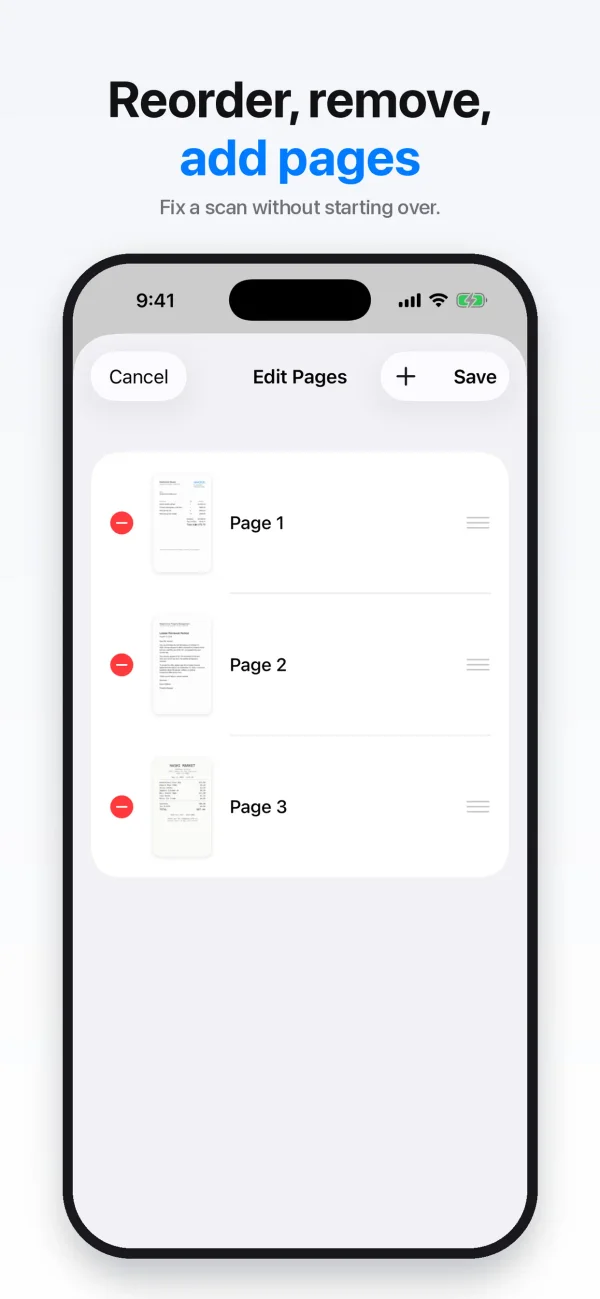
• Your text is yours — Copy Text hands you the recognized words; export as PDF or JPEG; reorder, remove, or add pages anytime.
• Sign and mark up — the system Markup tools, with your saved signatures, right on the PDF.
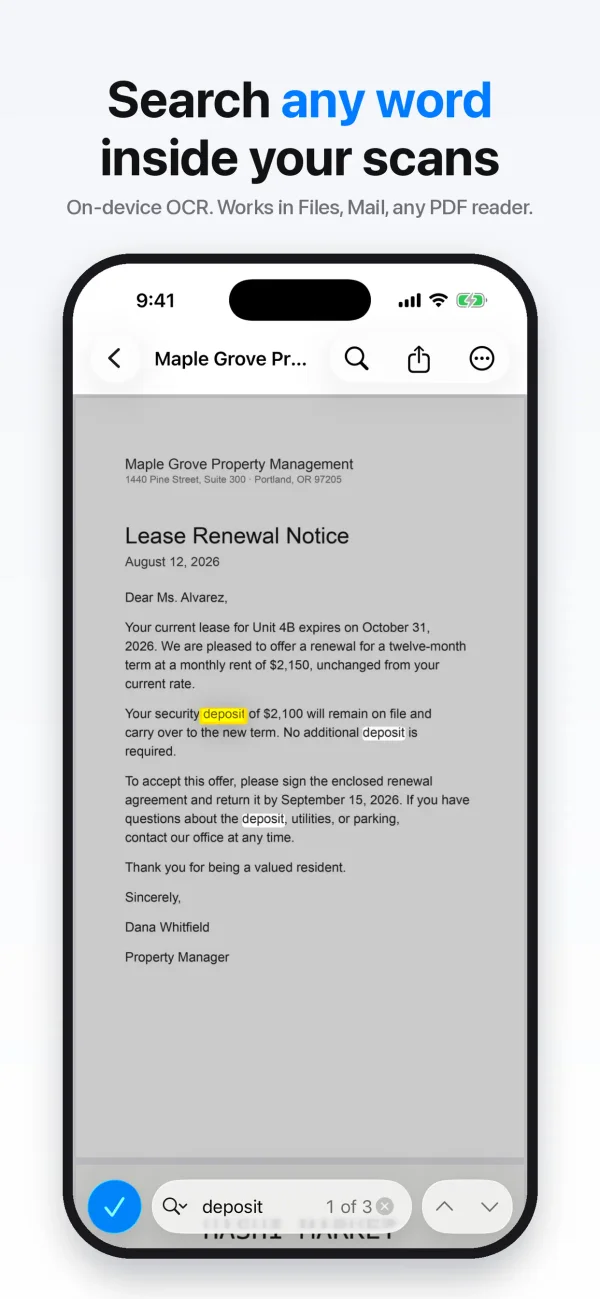
• Searchable PDFs, always — on-device OCR embeds real text in every scan, so you can search inside your documents in Files, Mail, or any PDF reader.
• Smart names — scans name themselves after what's on the page ("Hashi Market – Aug 13"), not "Scan_0142.pdf".
• Small files — a full page is usually a few hundred KB, not several MB. Email-friendly, always.
• Multi-page in one pass — keep pointing at pages; they stack into one PDF.
PRIVATE BY ARCHITECTURE
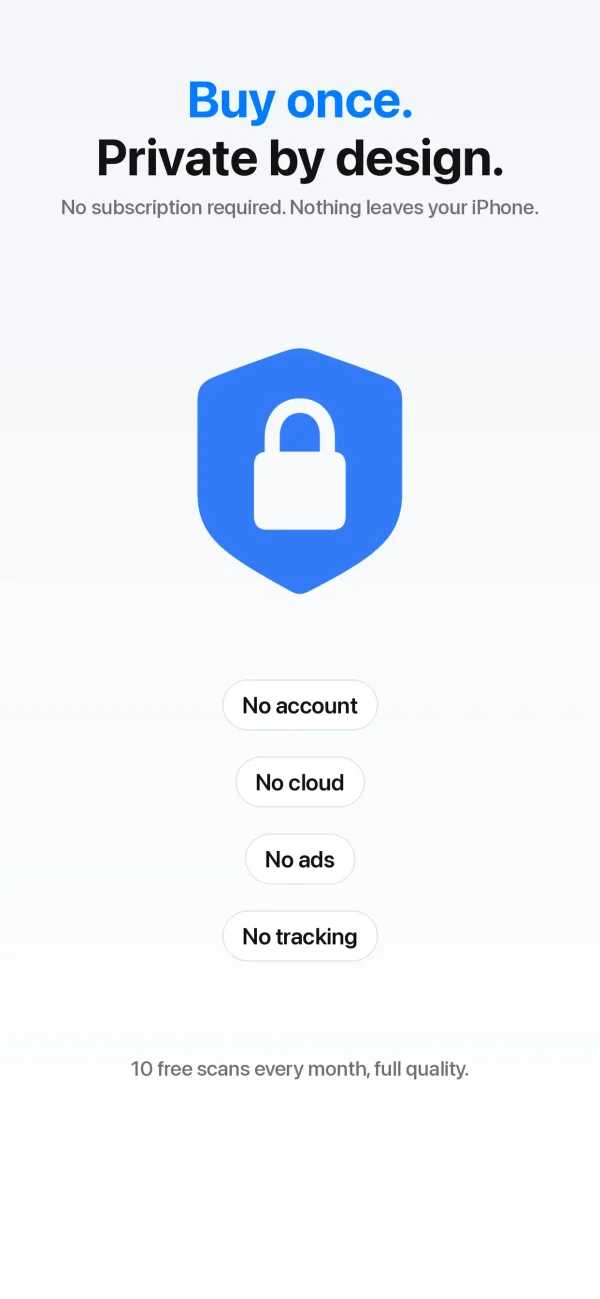
Everything happens on your iPhone. No account. No cloud. No tracking. Your documents never leave your device unless YOU share them. Scan in airplane mode if you like — it all works.
HONEST PRICING
10 free scans every month — full quality, full OCR, no watermark, forever. Need more? One purchase unlocks unlimited scans for life. Prefer monthly? There's a small monthly plan, cancel anytime. No forced trials, no bait-and-switch, no features held hostage.
BUILT INTO iOS
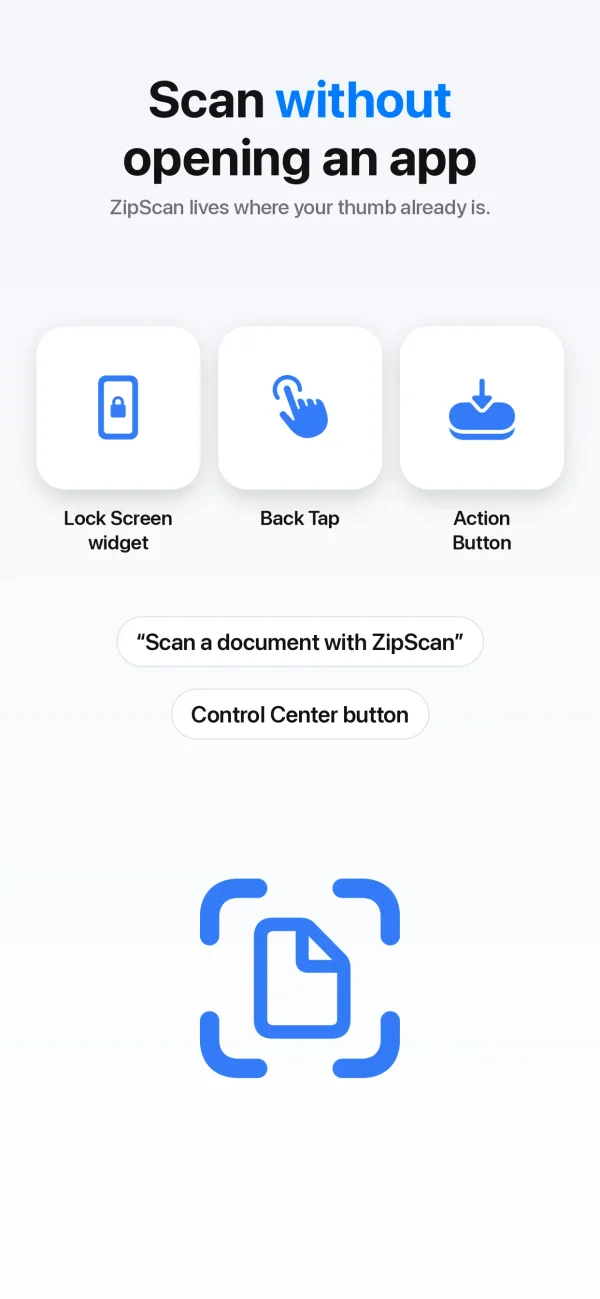
• Lock Screen widget — scan without unlocking
• Control Center button — swap your flashlight for a scanner
• Action Button support (iPhone 15 Pro and later)
• Siri & Shortcuts — "Scan a document with ZipScan"
• Back Tap — double-tap your phone to scan
WHAT ZIPSCAN DOESN'T DO
No ads. No accounts. No cloud lock-in. No AI chatbots. No 47 features you'll never use. One thing, done fast: paper in, searchable PDF out.
Questions? support@swiftlynx.co — a real person answers.
Terms of Use: https://www.apple.com/legal/internet-services/itunes/dev/stdeula/
Privacy Policy: https://swiftlynx.co/zipscan/privacy
Yang baru
Versi 1.2 · 10/10/2026
Sign & Mark Up — sign and annotate any document with the system Markup tools. Your saved signatures are right there.
Import any number of photos — the 20-photo limit is gone. Photos are processed one at a time, so long imports stay light.
Copy Text keeps lines together — an item and its price on a receipt now come out on one line.
Find in document scrolls to the match it counts.
Privasi aplikasi
Yang dinyatakan XU ZHENG di App Store tentang cara aplikasi ini menangani data.
-
Data tidak dikumpulkan
Pengembang tidak mengumpulkan data apa pun dari aplikasi ini.
Praktik privasi dapat bervariasi, misalnya berdasarkan fitur yang Anda gunakan atau usia Anda.
Informasi
- Penjual
- XU ZHENG
- Kategori
- Produktivitas
- Versi
- 1.2
- Diperbarui
- 10/10/2026
- Dirilis
- 19/8/2026
- Ukuran
- 1,6 MB
- Memerlukan
- iOS 17.0 atau yang lebih baru
- Batasan usia
- 4+
- Harga
- Gratis
- Pembelian dalam aplikasi
- Ya
- Bahasa
- Inggris, Prancis, Jerman, Jepang, Portugis, Tionghoa Sederhana, Spanyol
- Hak cipta
- © 2026 Xu Zheng
Mungkin Anda juga suka
-
 EyeScan Pro OCR & PDF ScannerProduktivitas
-
 Silo PDF: Private PDF ToolsProduktivitas
-
 kaune: Shopping List & ToDoProduktivitas
-
 Scanory: Pemindai DokumenPindai ke PDF, tanpa watermark
-
 VoiceKey Speech to TextProduktivitas
-
 E-NSUREProduktivitas
-
 365 Calendar & TasksProduktivitas
-
 Dale: Countdown & Year TrackerProduktivitas
-
 SinceWhen: Days Since TrackerProduktivitas
-
 Document Scanner: ScanivaProduktivitas