ZumenX
Construction Drawing Viewer
Dirancang untuk iPhone, iPad, iPod touch
Gratis · Pembelian dalam aplikasi
- Batasan usia4+
- KategoriProduktivitas
- PengembangBooth
- BahasaInggris
- Ukuran90,8 MB
Tertaut ke halaman resmi App Store
Download.org tidak menyimpan file ZumenX apa pun. Tombol ini membuka halaman aplikasi di App Store, tempat Booth menerbitkannya. Halaman terakhir diperiksa pada 18/11/2026.
Tangkapan layar


Tentang
Pengembang belum menyediakan teks ini dalam bahasa Anda.
ZumenX – The Drawing & Document Viewer Built for Construction Sites
Stop carrying rolled-up paper drawings around the jobsite. ZumenX lets you open the drawing files you use every day on your phone or tablet, measure right on the spot, mark them up, and share them with your team.
■ Open jobsite drawings as they are
Supports PDF, AutoCAD DWG and DXF, Jw_cad JWW, SVG, and scanned images (PNG, JPG, WEBP, HEIC). BIM IFC files can be viewed both as floor plans and as 3D models.
■ Measure lengths and areas with a tap
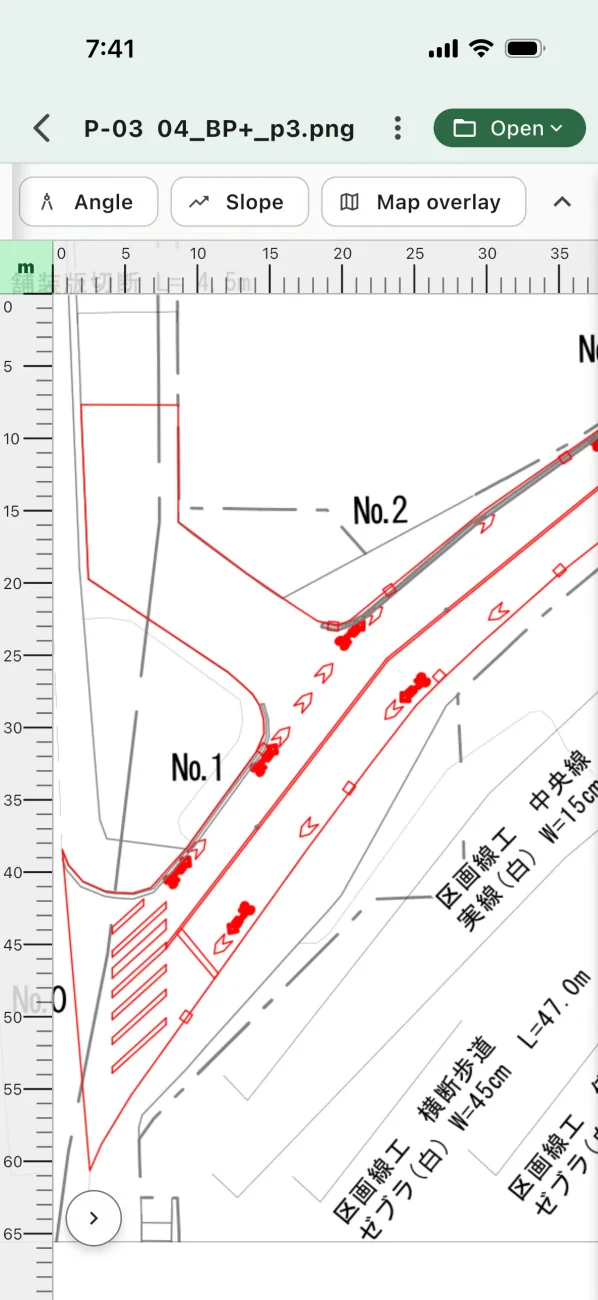
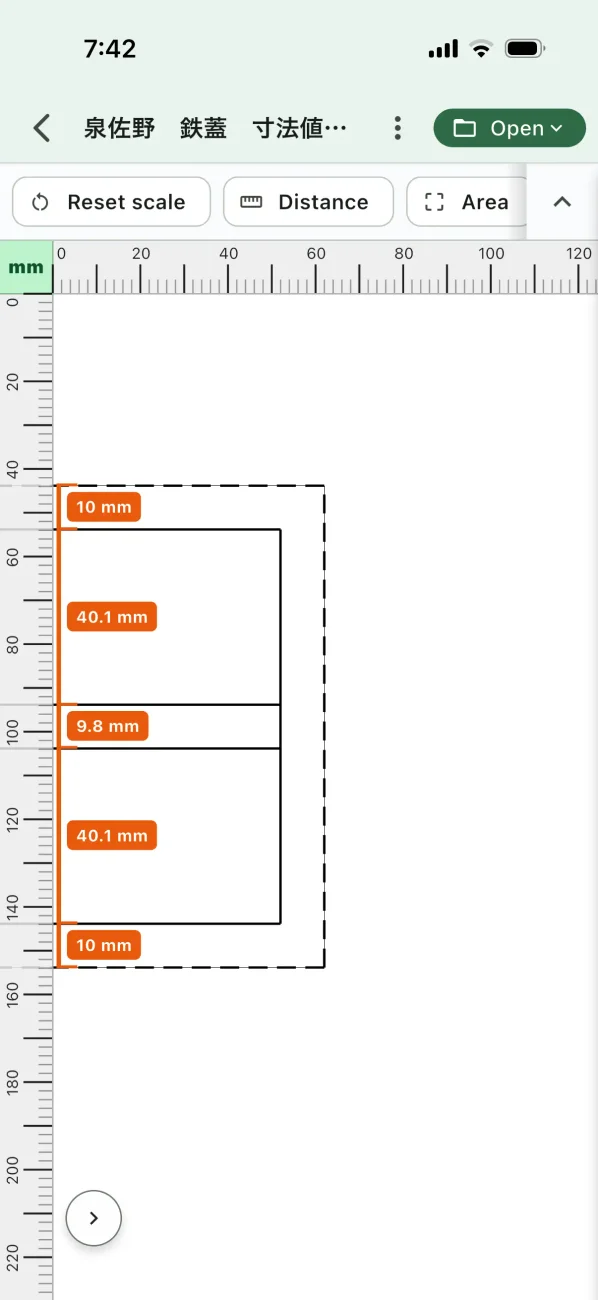
Calibrate the scale simply by tracing two points on the drawing and entering the real distance. After that, just tap to measure.
- Length: Tap the points you want to measure, one after another, to see each segment's length and the total. The crosshair automatically snaps to corners, intersections, and line endpoints, so you don't need pinpoint accuracy.
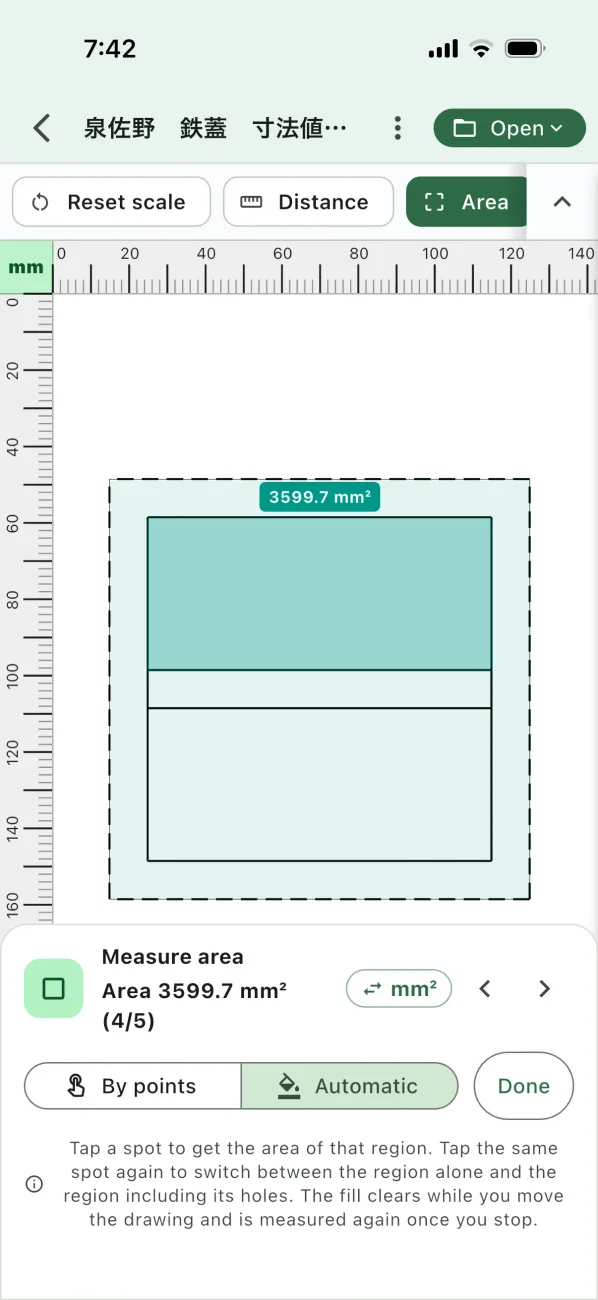
- Area: Just tap inside the space you want to measure. The app automatically finds the enclosed region, fills it, and shows its area. Tap again to switch to the area including inner holes. Get room and zone areas without picking every vertex.
- Angle and slope: Shows the angle between two lines, along with the slope as a ratio and as a percentage.
Choose from mm, cm, m, inches, or feet. The calibrated scale is saved per drawing, so it's ready the next time you open it.
■ Markups and notes
Draw lines, arrows, shapes, and text directly on the drawing. Great for sharing issues or reviewing the plan before the morning meeting. Markups are saved without altering the original drawing.
■ Photo pins show exactly where each photo was taken
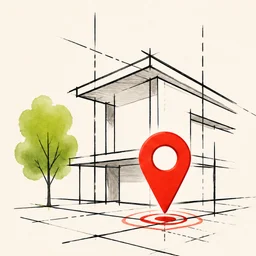
Drop a pin on the drawing and attach site photos to it. Add an assignee, due date, and notes, and never waste time figuring out where a photo was taken. You can also create PDF corrective action reports and photo logs from the pin list.
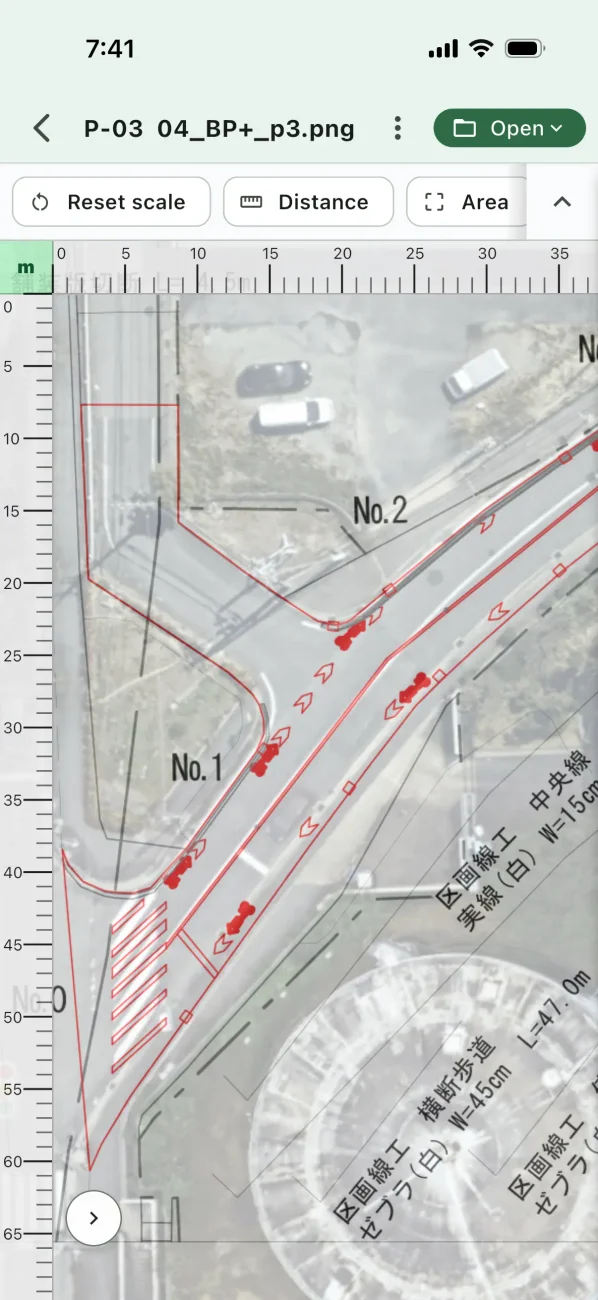
■ Overlay drawings on a map
Overlay your drawing on a map to check the site location and its surroundings.
■ Pricing that lets you invite anyone
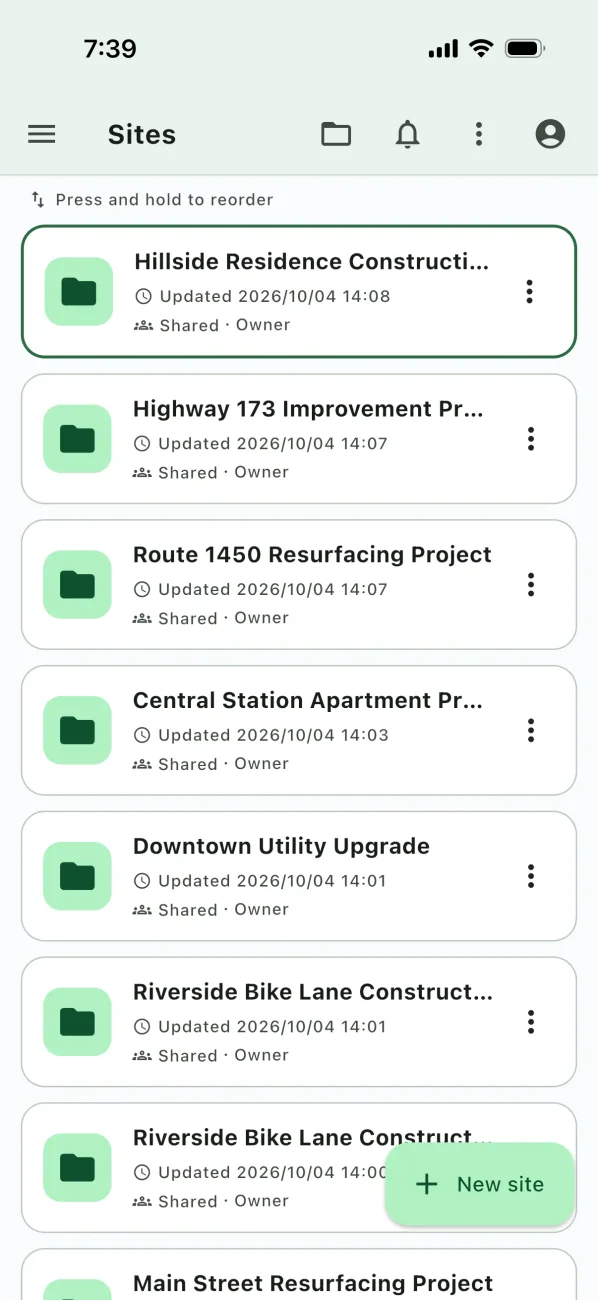
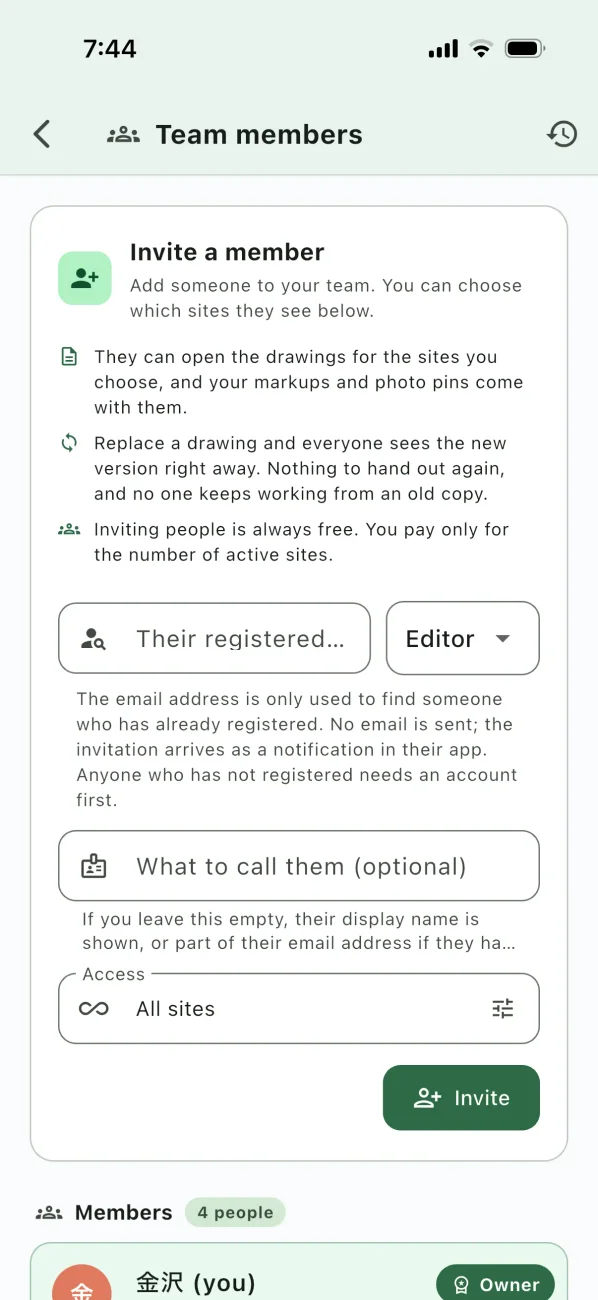
Pricing is based only on the number of active sites. There is no limit on how many people you invite, so tradespeople and subcontractors can join at no extra cost.
■ Learn with short videos
Short in-app videos show you how to use each feature.
■ Word and Excel documents in the same app
Drawings aren't the only thing you bring to the site. View specifications, quantity sheets, and meeting minutes as they are: Word, Excel, PowerPoint, TIFF, text, and CSV files open right in the app. Even design documents hundreds of pages long are comfortable to read page by page.
■ Share the latest version with your team
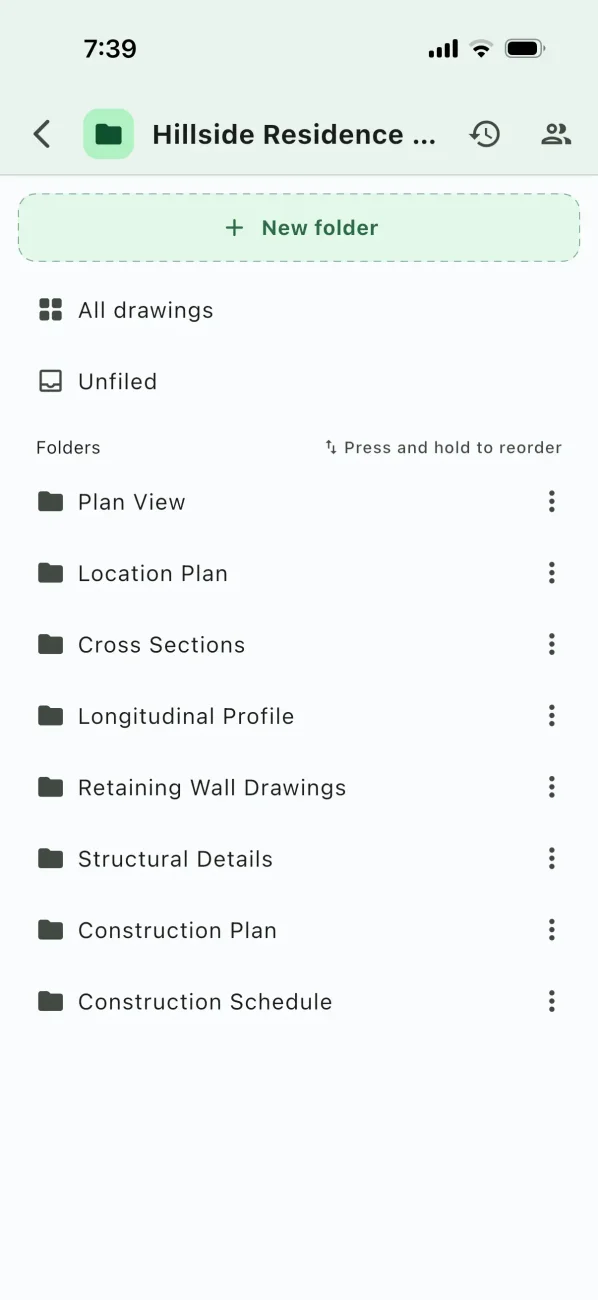
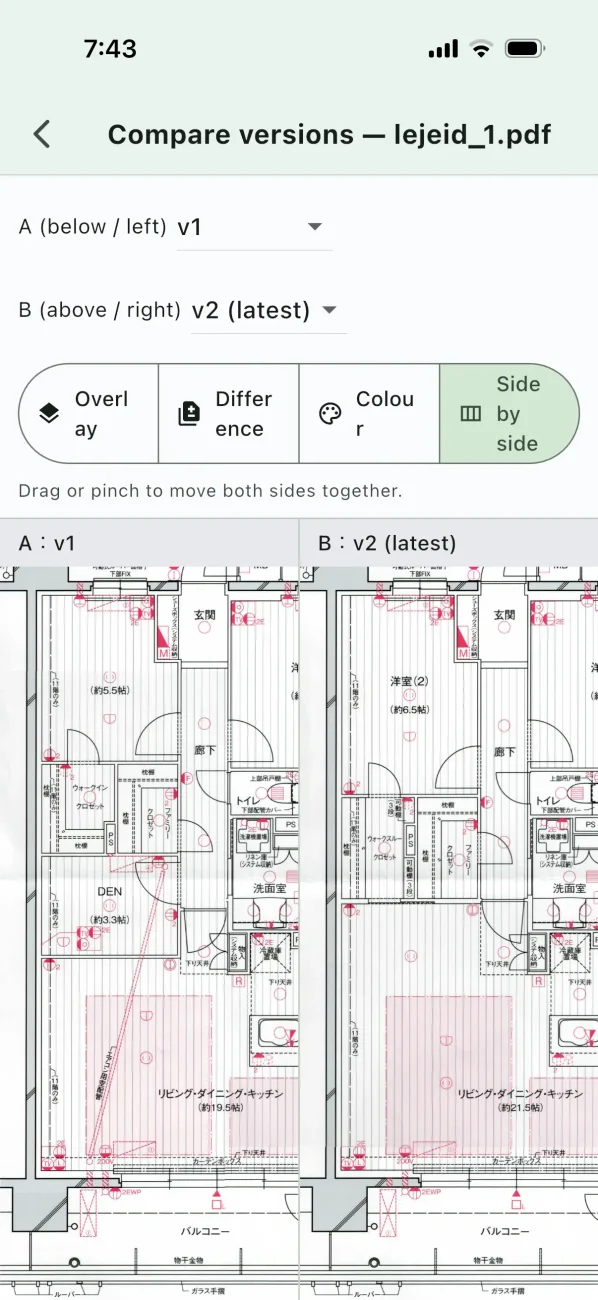
Organize drawings by project and simply invite members to share them. When a drawing is replaced, everyone gets the latest version, and you can overlay it on the previous version to see exactly what changed. Supports separate permissions for editors and view-only members.
■ Works without a signal
Drawings you've opened once are saved on your device, so you can view them even where there's no signal, such as in the mountains, in tunnels, or deep inside buildings.
Recommended for
- Site supervisors and construction managers
- Anyone who often gives instructions to tradespeople or shares drawings with subcontractors
- Teams tired of asking "Which drawing is the latest?"
- Anyone who wants to stop carrying paper drawings and cut printing costs
Try it free. Start by opening a drawing you already have.
The app is available in English and Japanese.
Terms of Use (EULA): https://zumenx.net/legal/en/terms.html
Privacy Policy: https://zumenx.net/legal/en/privacy.html
Yang baru
Versi 1.0.8 · 15/10/2026
bug fix
Privasi aplikasi
Yang dinyatakan Booth di App Store tentang cara aplikasi ini menangani data.
-
Data yang ditautkan dengan Anda
Dapat dikumpulkan dan ditautkan dengan identitas Anda.
- Info kontak
-
Data yang tidak ditautkan dengan Anda
Dapat dikumpulkan, tetapi tidak ditautkan dengan identitas Anda.
- Pembelian
- Konten pengguna
- Pengenal
Praktik privasi dapat bervariasi, misalnya berdasarkan fitur yang Anda gunakan atau usia Anda.
Informasi
- Penjual
- Seigo Kanazawa
- Kategori
- Produktivitas
- Versi
- 1.0.8
- Diperbarui
- 15/10/2026
- Dirilis
- 23/7/2026
- Ukuran
- 90,8 MB
- Memerlukan
- iOS 15.0 atau yang lebih baru
- Batasan usia
- 4+
- Harga
- Gratis
- Pembelian dalam aplikasi
- Ya
- Bahasa
- Inggris
- Hak cipta
- © 2026 株式会社Booth