10,000 Hours Timer
One goal. One timer.
Designed for iPhone
Free · In-app purchases
- Age rating4+
- CategoryProductivity
- DeveloperNatsukiktst Sato
- LanguagesEnglish+ 1 more
- Size8.5 MB
Links to the official App Store page
Download.org hosts no file of 10,000 Hours Timer. The button opens its official App Store page, published by Natsukiktst Sato. Listing last checked on Nov 18, 2026.
Screenshots



About
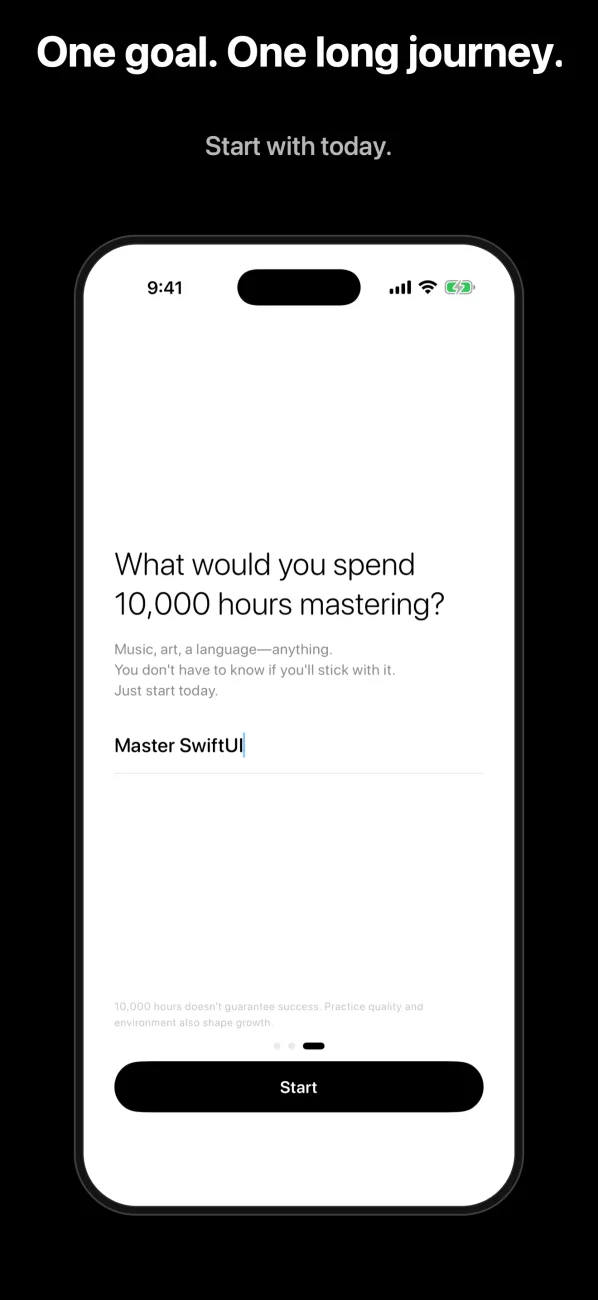
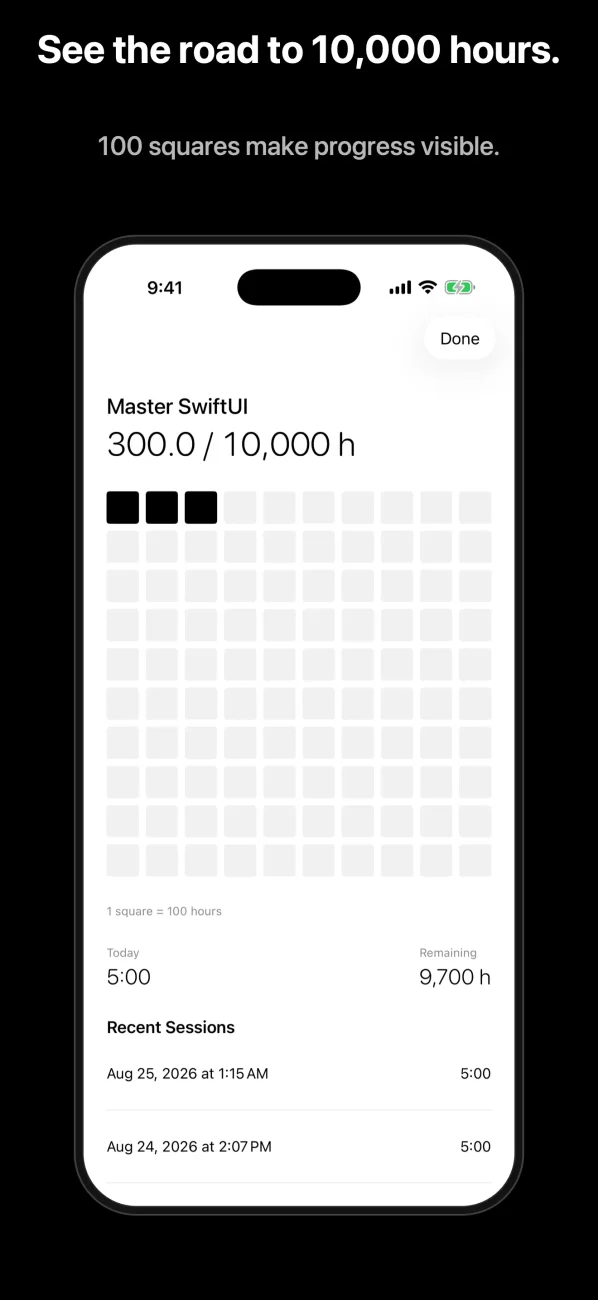
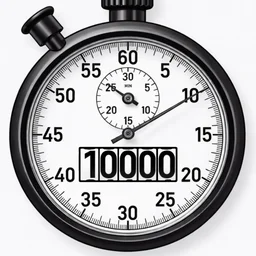
10,000 Hours is a simple timer for tracking the time you devote to your goals.
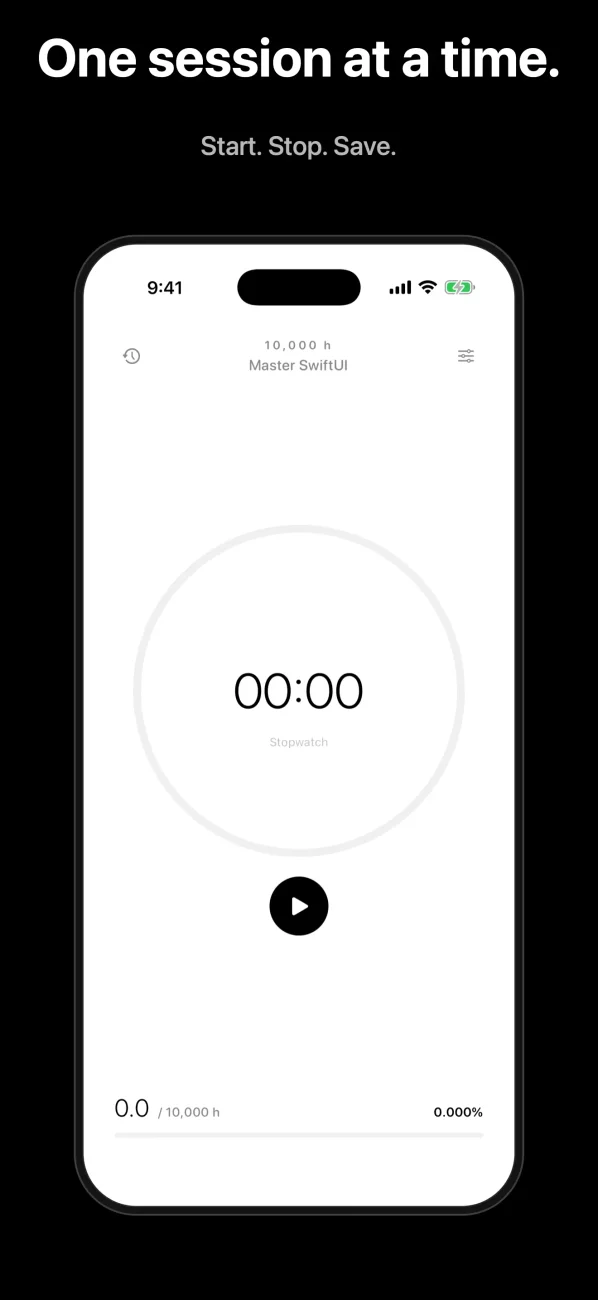
Start a stopwatch or countdown, then tap the checkmark when you finish. Each session is saved in your on-device history, where you can add, edit, or delete entries later.
One goal is free with unlimited time and history. A one-time purchase unlocks up to five goals, each with separate time and history. Purchases can be restored from Settings or the purchase screen.
Features
• Stopwatch and countdown timer
• Start, pause, resume, and save sessions
• Total time and visual progress toward 10,000 hours
• View, add, edit, and delete history entries
• Direct numeric time entry
• Manage up to five goals with one purchase
• View your active timer on the Lock Screen and Dynamic Island
• Optional local notification when a countdown ends
• Restoration after backgrounding or relaunching the app
No account is required. Goal names, recorded time, history, and settings stay on this iPhone. There is no advertising or advertising tracking. Apple and RevenueCat are used for purchase validation, restoration and revenue analytics. Goal names and practice history are not sent to RevenueCat. Restoring a purchase restores access only; it does not sync on-device goals or history.
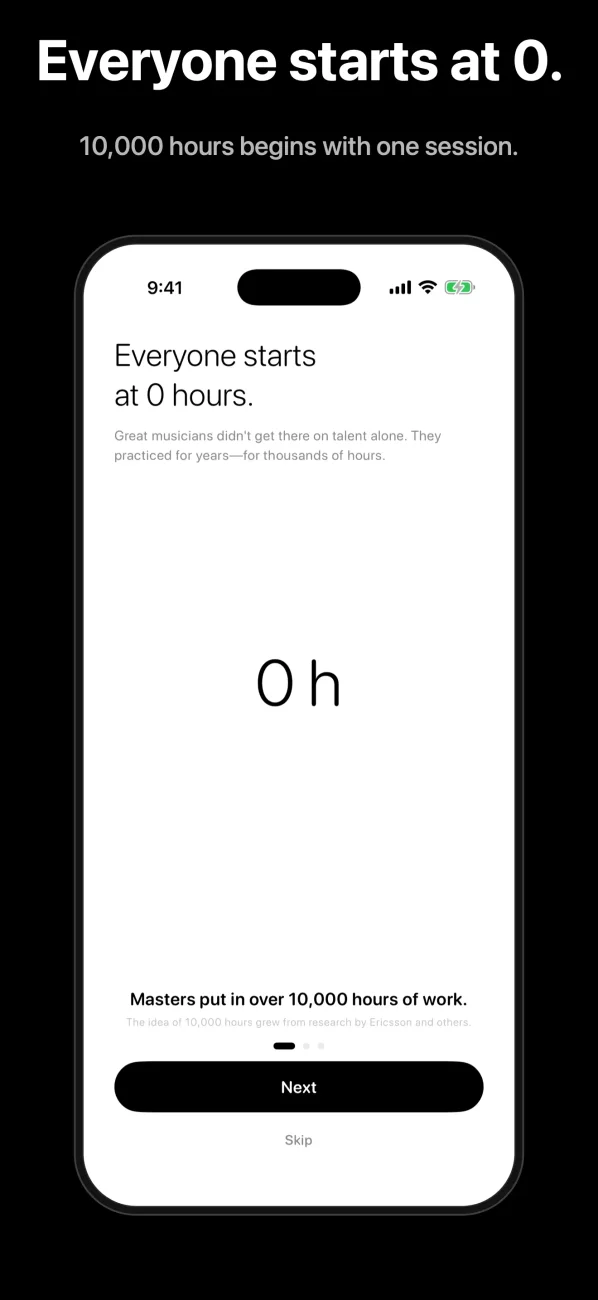
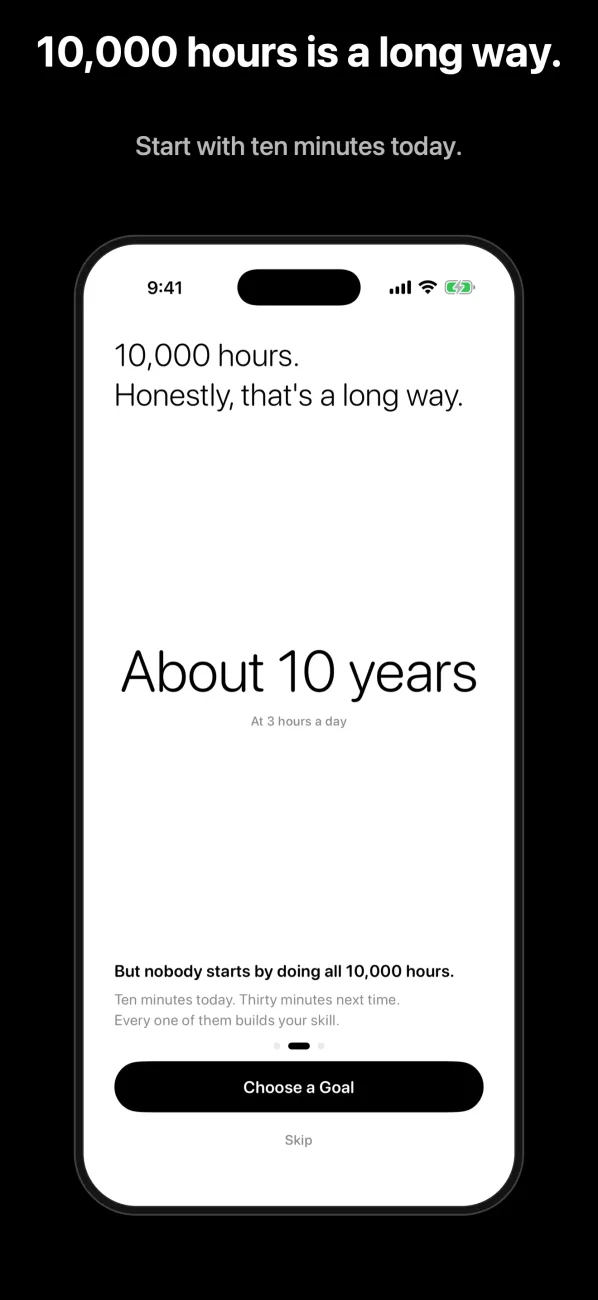
10,000 hours does not guarantee success. But you can keep a record of the time you put in today. Start with your first minute.
What’s new
Version 1.3 · Oct 1, 2026
See your timer on the Lock Screen and Dynamic Island.
Improved countdown completion messages and notification handling.
Updated purchase and restore handling and privacy information. Your goals and practice history remain stored on your device.
App privacy
What Natsukiktst Sato declares on the App Store about how this app handles data.
-
Data not linked to you
May be collected but is not linked to your identity.
- Purchases
Privacy practices may vary, for example with the features you use or your age.
Information
- Seller
- Natsukiktst Sato
- Category
- Productivity
- Version
- 1.3
- Updated
- Oct 1, 2026
- Released
- Aug 27, 2026
- Size
- 8.5 MB
- Requires
- iOS 17.0 or later
- Age rating
- 4+
- Price
- Free
- In-app purchases
- Yes
- Languages
- English, Japanese
- Copyright
- © 2026 Natsuki Sato
You might also like
-
 Mastery TimerYour path to 10,000 hours
-
 MyHour: 10,000 HoursProductivity
-
 Demon TimeTrack hours. Evolve. Ascend.
-
 10,000 Hours - Mastery TrackerMaster any skill with practice
-
 LoadUp360Productivity
-
 One Hundred HoursPractice tracking
-
 Etched: Mastery TrackerTrack Skills. Own Your Legend.
-
 Evolution: 10,000 Hour TrackerTrack skills and reach mastery
-
 10000 Hours TrackerTrack your path to mastery
-
 HOPE - 新しいスマホの使い方-Productivity