123Teleprompter
Remote control Teleprompter
Designed for iPhone, iPad
In-app purchases
- Age rating4+
- CategoryUtilities
- Developerleng xiangjun
- LanguagesEnglish+ 1 more
- Size252.0 MB
Links to the official App Store page
Download.org hosts no file of 123Teleprompter. The button opens its official App Store page, published by leng xiangjun. Listing last checked on Nov 10, 2026.
Screenshots



About
123 Teleprompter Function Summary
1. Core Teleprompter Functions
- AI Follow Mode: Real-time voice monitoring, matches spoken words with scripts, auto highlights and scrolls to current reading position
- Script Extraction: Extract texts from links, clipboard, audio, images, videos, documents and recordings, save as new scripts with one click
- Text Editing: Create, edit and save scripts; import text files
- Auto Scroll: Automatic text scrolling with pause, resume and reset options
- Speed Adjustment: Freely customize scrolling speed
- Fullscreen Display: Landscape and portrait fullscreen modes available
- Manual Control: Manually adjust scroll position
2. Script Management System
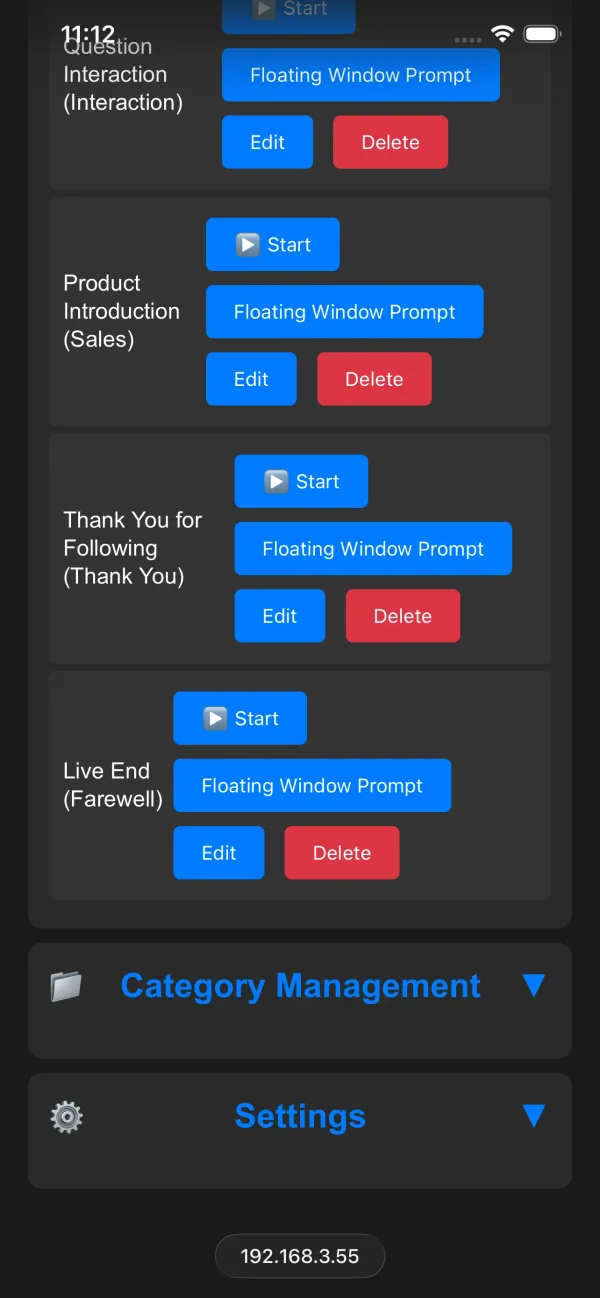
- Script Classification: Categorize opening remarks, interactive lines, sales pitches, gratitude words, closing lines, lyrics and more
- Multiple Script Management: Create, rename and delete numerous scripts
- Quick Script Switch: Swiftly toggle between different scripts
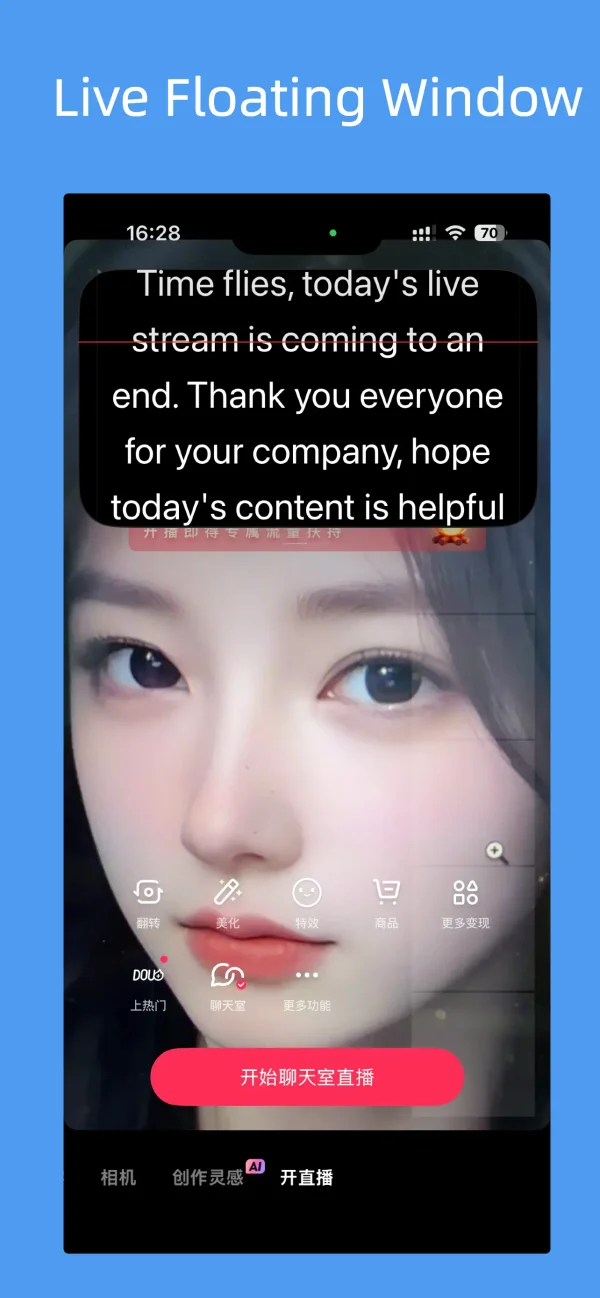
3. Floating Teleprompter
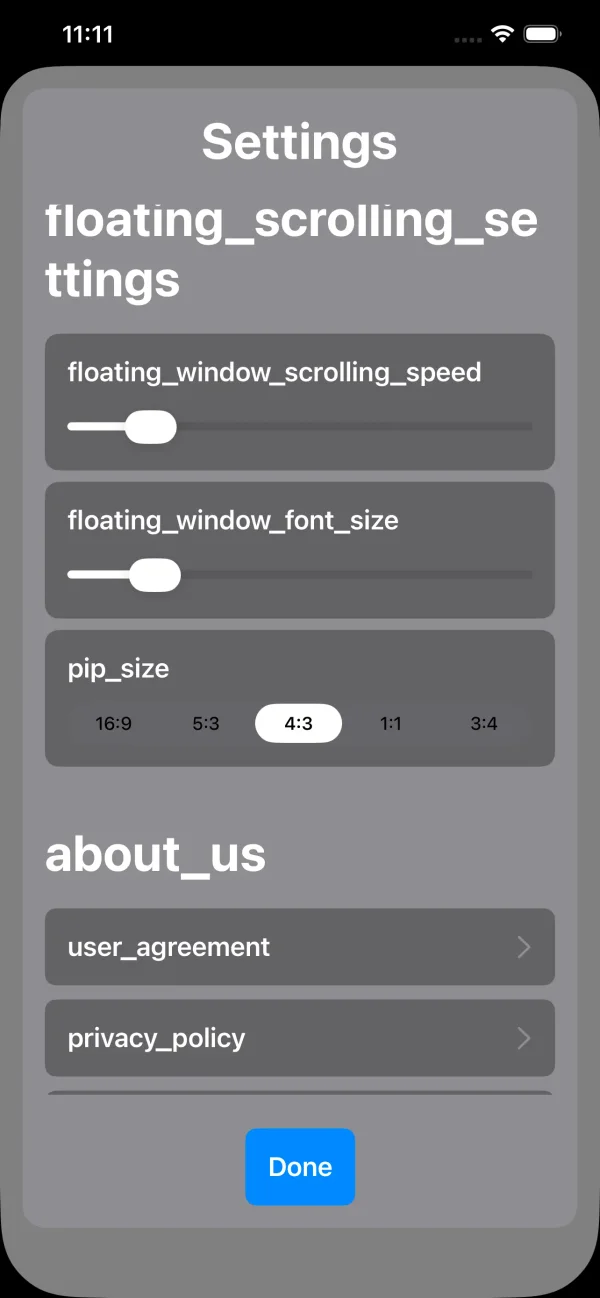
- Floating Window: Overlay window displayed above other apps
- Cross-app Display: Works normally on live streaming platforms, system camera and third-party applications
4. Visual Customization
- Font Settings: Adjust font size and color
- Background Settings: Modify background color and transparency
- Screen Orientation Adaptation: Landscape and portrait display supported
- Dark Mode: Switch between dark and light themes
- Multiple Aspect Ratios: 16:9, 5:3, 4:3, 1:1, 3:4 and other ratios
5. Lyric Mode
- LRC Format Compatibility: Supports standard LRC lyric files
- Timeline-driven Scrolling: Lyrics scroll precisely via timestamps, independent of regular scroll speed
- Auto Parsing: Automatically recognize LRC files with timestamp and offset tags
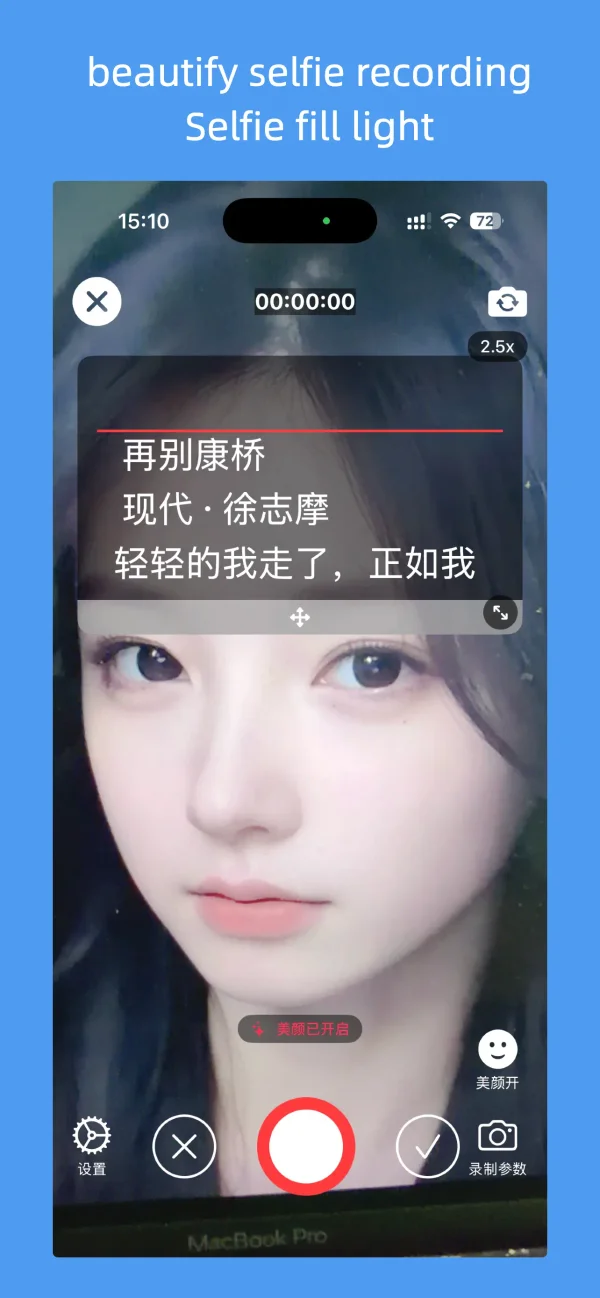
6. Fill Light Function
- Ring Fill Light: Glowing ring border around screen as supplementary light source
- Color Adjustment: Warm white (3200K), natural white (5000K), cool white (6500K)
- Brightness Control: Light intensity adjustable from 0% to 100%
- Dual Light Source: Rear camera supports both flash and screen fill light simultaneously
7. iCloud Sync
- Apple Sign-in: Log in via Apple account
- CloudKit Sync: Sync scripts and categories across Apple devices
- Sync Status Indicator: Real-time display of syncing, completed and failed status
- Offline Availability: Local data storage offline, automatic sync after network recovery
- Conflict Resolution: Last-write-wins policy for data conflicts
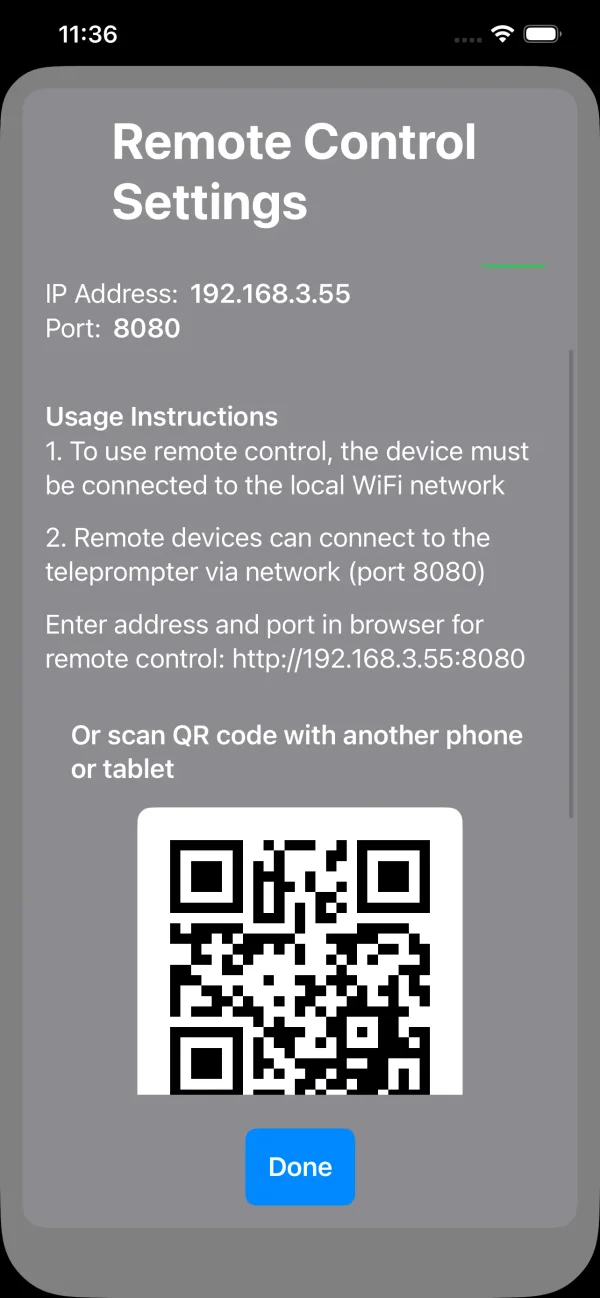
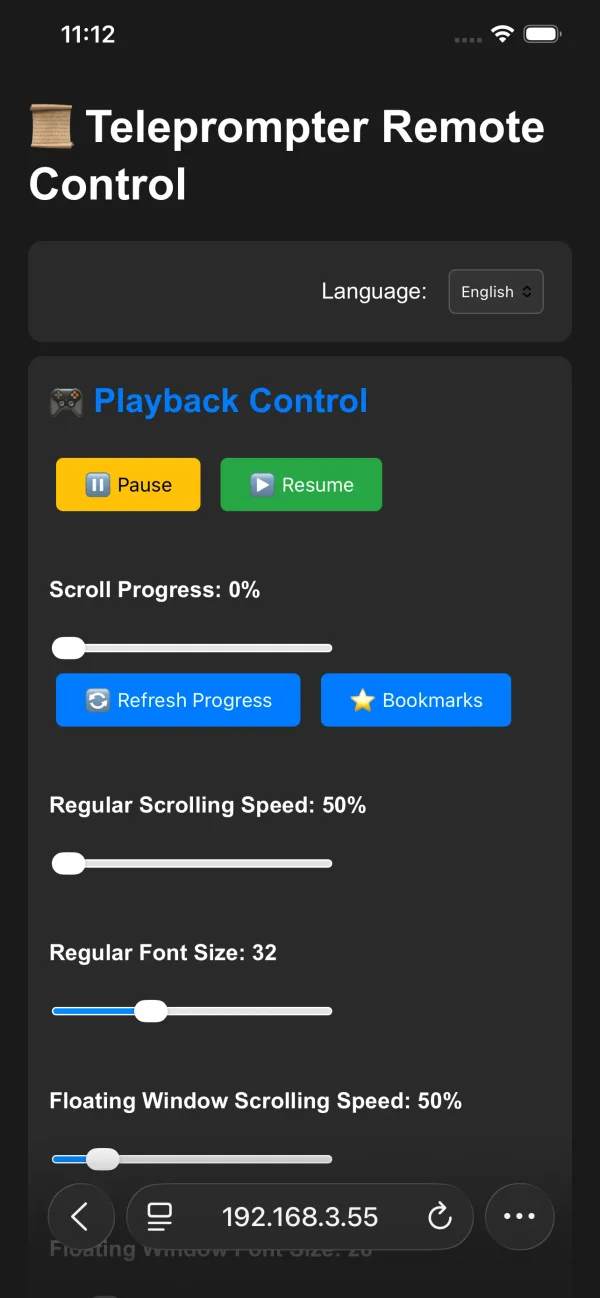
8. Remote Control
- Network Remote Control: Operate the device remotely over network
- QR Code Connection: Generate QR code for quick pairing and remote access
- Synchronized Operations: Remote start, pause, speed adjustment and script switch
9. Shooting Features
- Built-in Camera: Switch between front and rear cameras
- Video Recording: Capture videos directly
- Parameter Tuning: Customize camera shooting parameters
10. Multilingual Support
- Chinese & English: Toggle between Simplified Chinese and English interfaces
- System Language Adaptation: Auto match device system language
User Agreement (EULA): https://www.apple.com/legal/internet-services/itunes/dev/stdeula/
Regarding Subscription:
Payment will be charged to your Apple ID account upon confirmation of subscription.
Subscriptions automatically renew unless you turn off auto-renewal at least 24 hours before the end of the current subscription period.
Your account will be charged for the next renewal within 24 hours prior to the end of the current subscription period.
You can manage, turn off auto-renewal, or cancel your subscription at any time in your App Store account settings.
What’s new
Version 2.4 · Jun 25, 2026
Optimize the scroll end position of manuscripts
Optimize intelligent follow reading
Optimize remote control
Optimize the switching method between intelligent shadowing and steady-speed shadowing.
App privacy
What leng xiangjun declares on the App Store about how this app handles data.
-
Data not collected
The developer does not collect any data from this app.
Privacy practices may vary, for example with the features you use or your age.
Information
- Seller
- leng xiangjun
- Category
- Utilities
- Version
- 2.4
- Updated
- Jun 25, 2026
- Released
- Apr 25, 2026
- Size
- 252.0 MB
- Requires
- iOS 17.6 or later
- Age rating
- 4+
- In-app purchases
- Yes
- Languages
- English, Simplified Chinese
- Copyright
- © 2026 lengxiangjun All rights reserved.