
1Cryptor : Protect Privacy
Encryption Photos, File, PDF
Designed for iPhone, iPad, Mac
Free · In-app purchases
- Age rating4+
- CategoryProductivity
- DeveloperYusuf Ariturk
- LanguagesEnglish+ 7 more
- Size18.6 MB
Links to the official App Store page
Download.org hosts no file of 1Cryptor : Protect Privacy. The button opens its official App Store page, published by Yusuf Ariturk. Listing last checked on Nov 13, 2026.
Screenshots
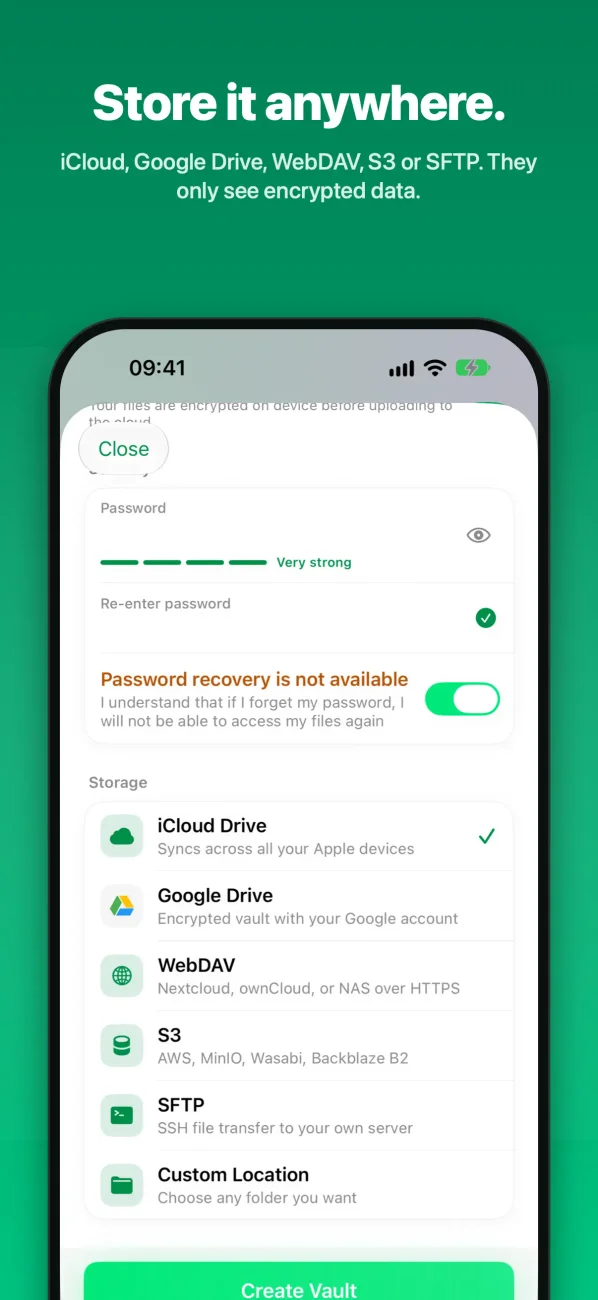
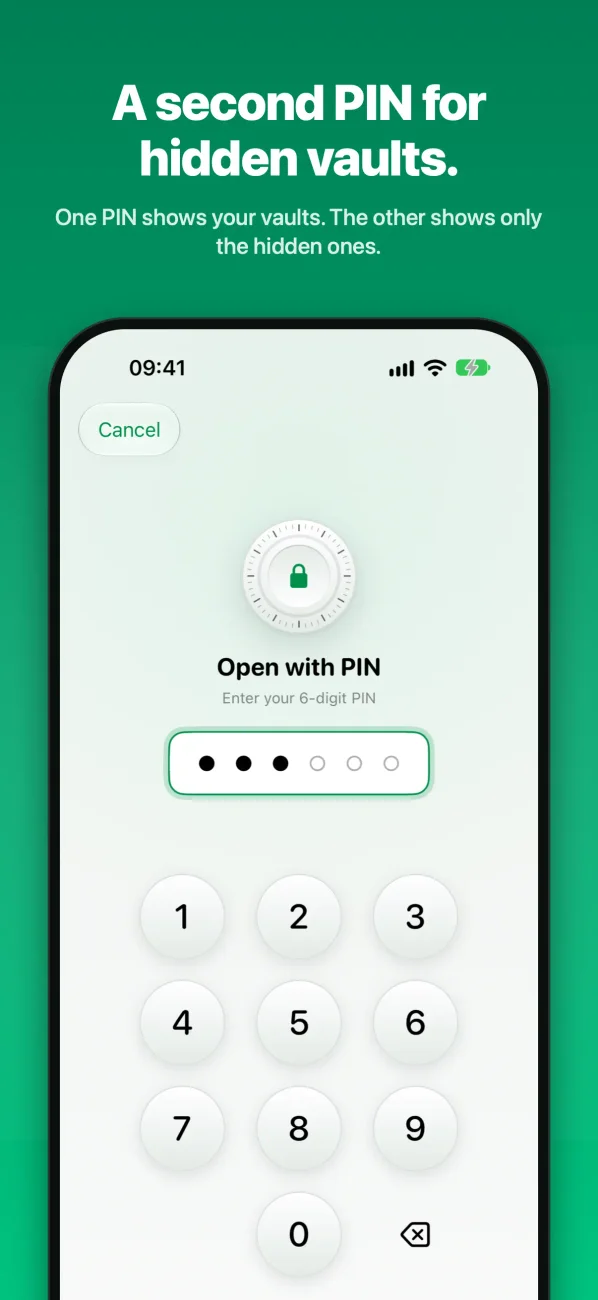
About
Full Description:
Your cloud files, truly private.
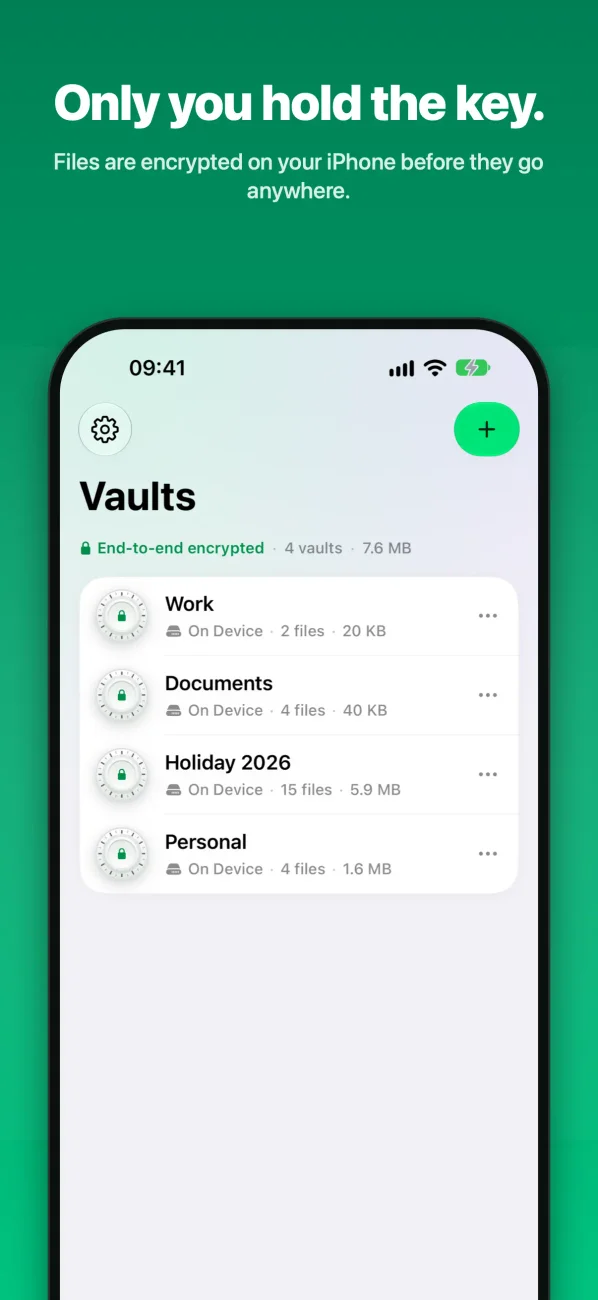
1Cryptor encrypts your data locally on your device before it's uploaded to any cloud provider. This means your files remain completely under your control — no one else can access them, not even the cloud service.
Bank-Level Security
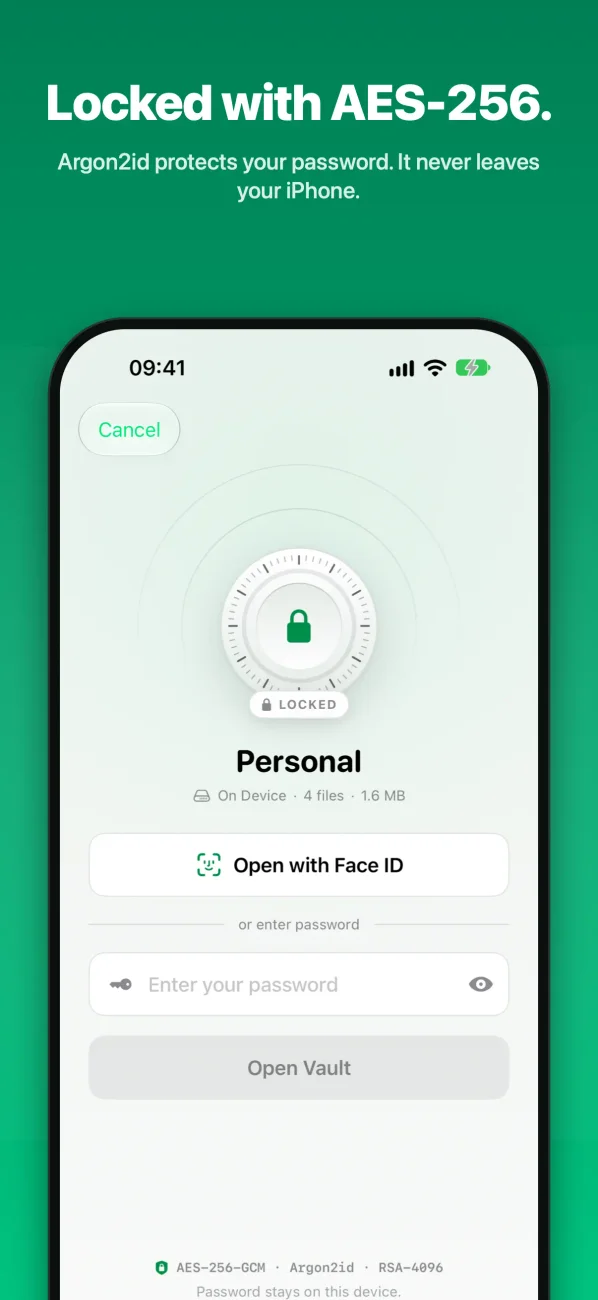
AES-256 encryption protects every file
All encryption happens on your device
Your keys never leave your phone
Zero-knowledge architecture
Works With Your Favorite Cloud Services
iCloud Drive
Dropbox
Google Drive
OneDrive
And any other cloud provider
Privacy by Design
No tracking, ever
No data collection
No account required
No internet connection needed for encryption
Fully offline operation
Simple & Powerful
Encrypt files and folders with one tap
Automatic encryption for selected folders
Access your encrypted files anywhere
Seamless integration with Files app
Face ID and Touch ID protection
Perfect For:
Sensitive documents and contracts
Financial records and tax files
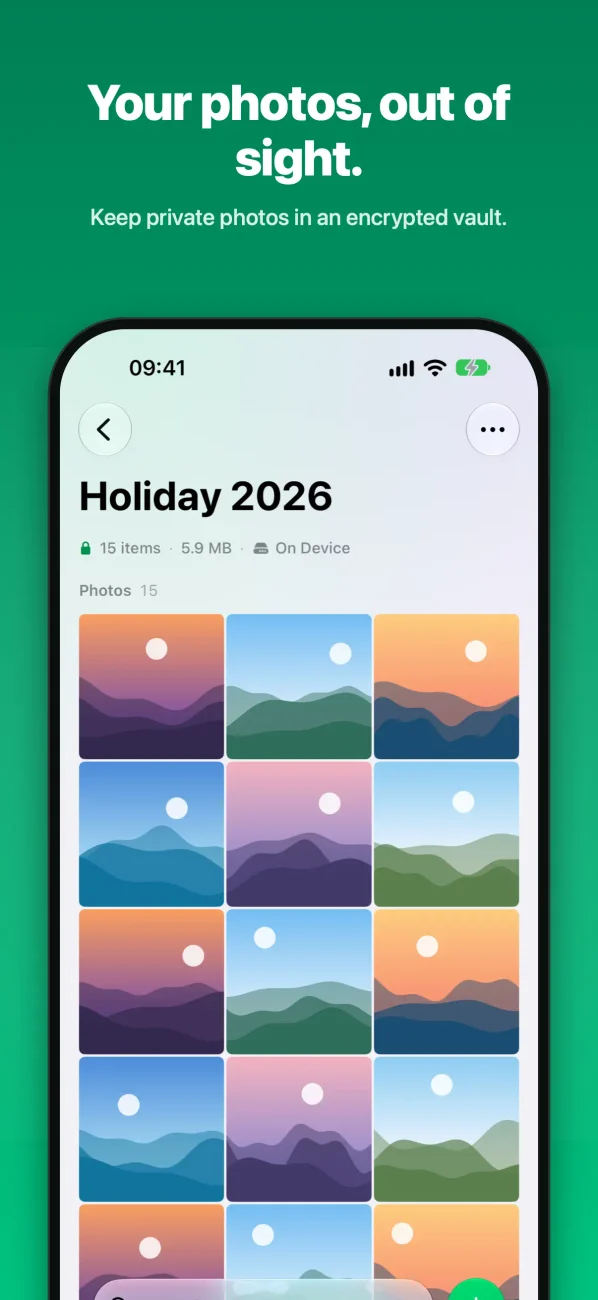
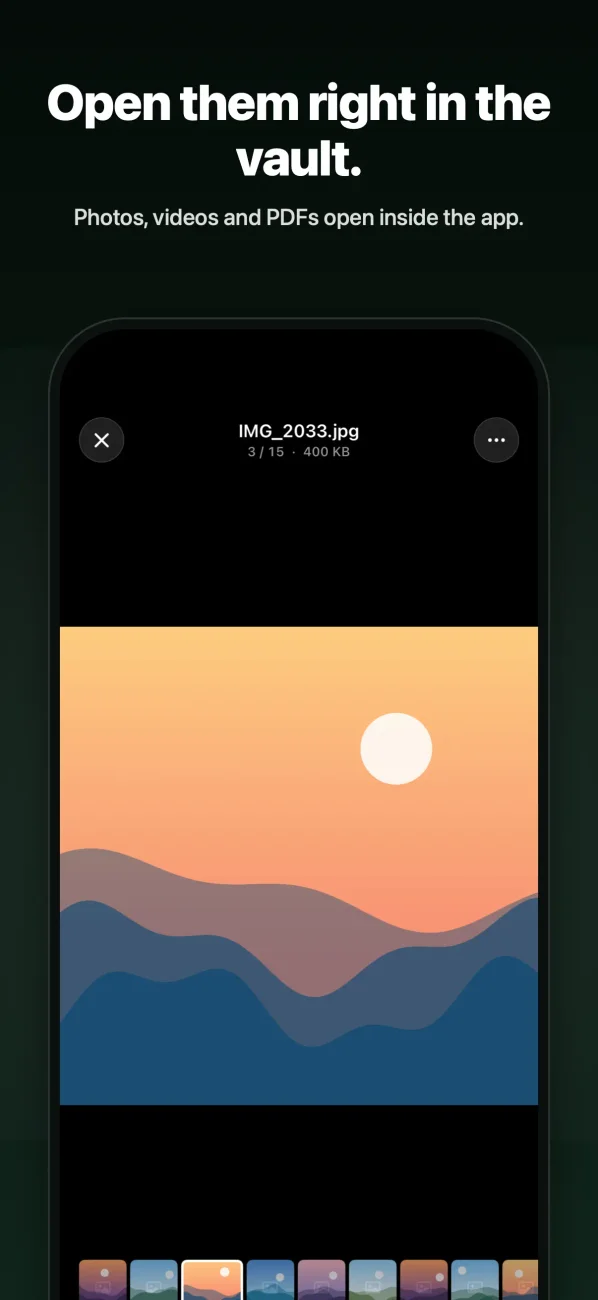
Personal photos and videos
Medical records
Business confidential files
Password databases
Any file you want to keep private
1Cryptor creates an encrypted vault in your cloud storage. Only you can unlock it. Your cloud provider sees only encrypted data — completely unreadable without your key.
Take control of your privacy. Your files, your rules.
https://1cryptor.com/
https://1cryptor.com/#privacy
https://1cryptor.com/terms.html
What’s new
Version 26.45.1 · Nov 4, 2026
What's new:
• Fresh design: The home screen, vault list, settings, PIN screens and file details have been redesigned, and the app opens with a new launch animation.
• Stronger privacy: File and folder names are now encrypted in the shared vault listing too (iCloud, USB drives, servers).
• Safer PINs: PINs are stored in a much harder-to-crack form, and wrong attempts are still counted after the app restarts.
• Server vaults: Open a WebDAV, S3 or SFTP vault from another device. A password changed on one device works on the others too.
• Find duplicates: Find and remove duplicate files from the vault menu.
• Recover files: Bring back files that are still in the vault but went missing from the list.
• More reliable sync: Conflicts and offline changes are handled better for iCloud, Drive and server vaults.
• External drives and chosen folders: These vaults now open on other devices, and files stay intact if a drive is unplugged.
• Large files are now added using less memory.
• Fixes: Photos picked from the library are no longer added twice, and iOS no longer suggests its own password for vault passwords.
App privacy
What Yusuf Ariturk declares on the App Store about how this app handles data.
-
Data not collected
The developer does not collect any data from this app.
Privacy practices may vary, for example with the features you use or your age.
Information
- Seller
- Yusuf Ariturk
- Category
- Productivity
- Version
- 26.45.1
- Updated
- Nov 4, 2026
- Released
- Mar 10, 2026
- Size
- 18.6 MB
- Requires
- iOS 17.0 or later
- Age rating
- 4+
- Price
- Free
- In-app purchases
- Yes
- Languages
- English, French, German, Russian, Simplified Chinese, Spanish, Traditional Chinese, Turkish
- Copyright
- © 202OneCryptor
You might also like
-
 SentryNoteProductivity
-
 VaultyxZero-Knowledge File Vault
-
 OXU DriveEncrypted private file vault
-
 SafePass | Password ManagerSecure Password Generator
-
 Unutma: Life Admin AssistantVoice reminders, private notes
-
 Intuitive Password®Military-Grade Password Vault
-
 PieCloud: Cloud StorageSecure Low-cost Cloud Storage
-
 Private Notes (Nostr)Password Manager & Notes