1GlanceApp
Business & Personal TV Signage
Designed for iPhone, iPad
Free · In-app purchases
- Age rating4+
- CategoryProductivity
- DeveloperJeff Glover
- LanguagesEnglish
- Size89.5 MB
Links to the official App Store page
Download.org hosts no file of 1GlanceApp. The button opens its official App Store page, published by Jeff Glover. Listing last checked on Nov 23, 2026.
Screenshots



About
Turn any Apple TV into your own personal display. Design it on your iPhone/iPad and see it live on the big screen instantly.
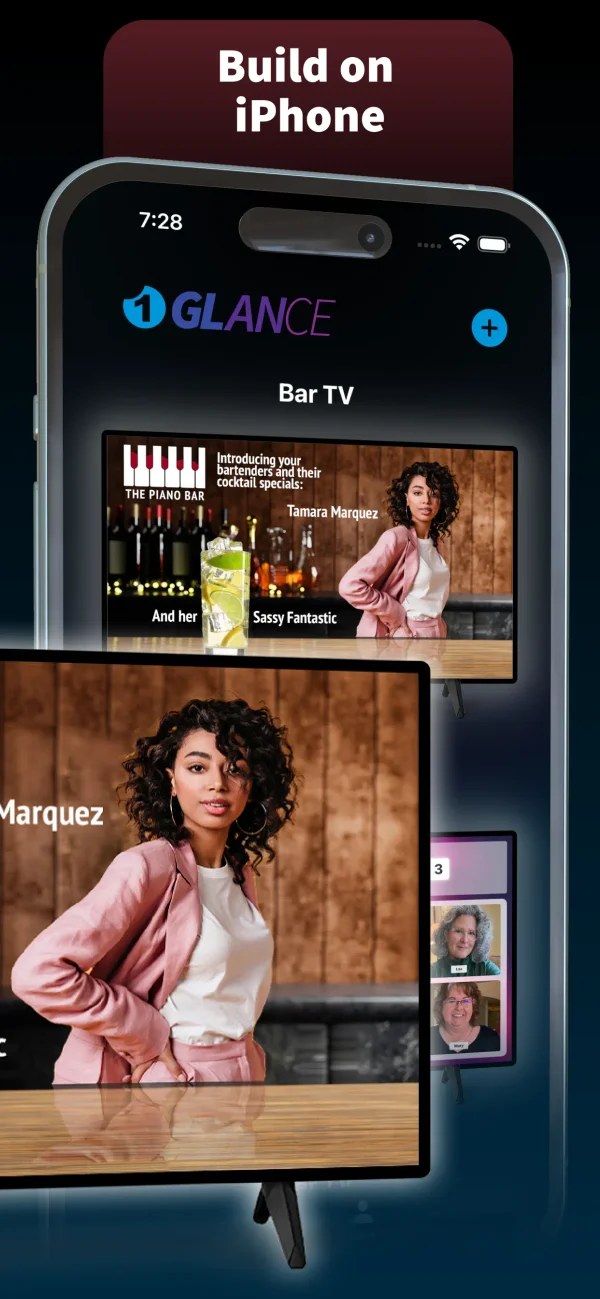
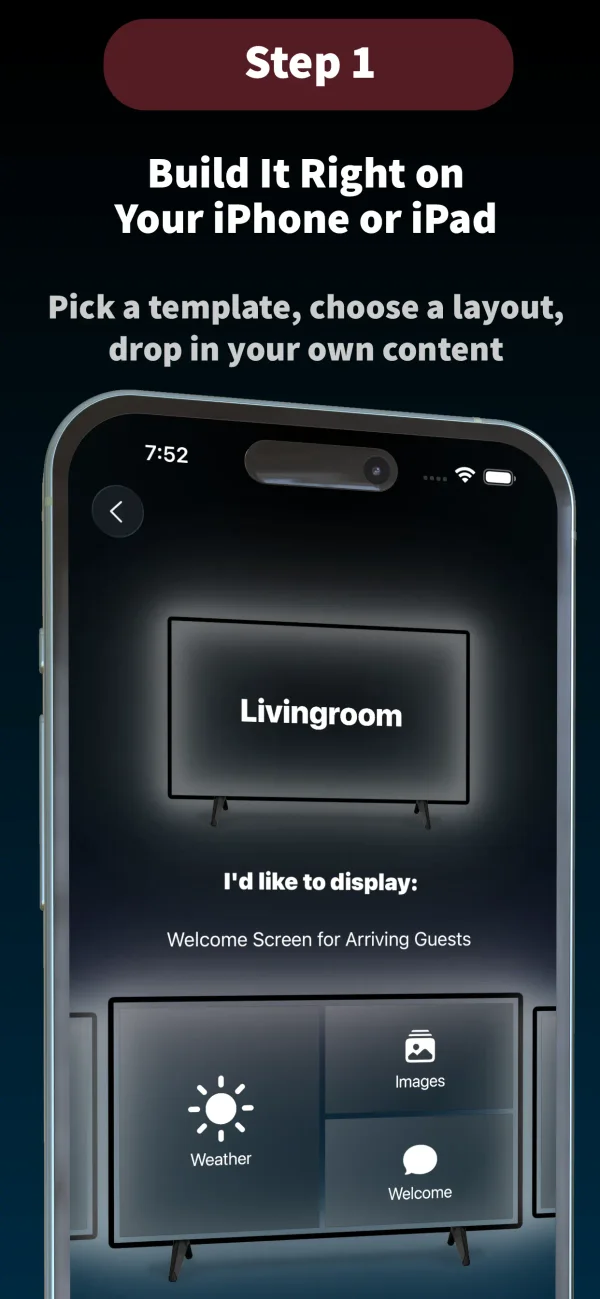
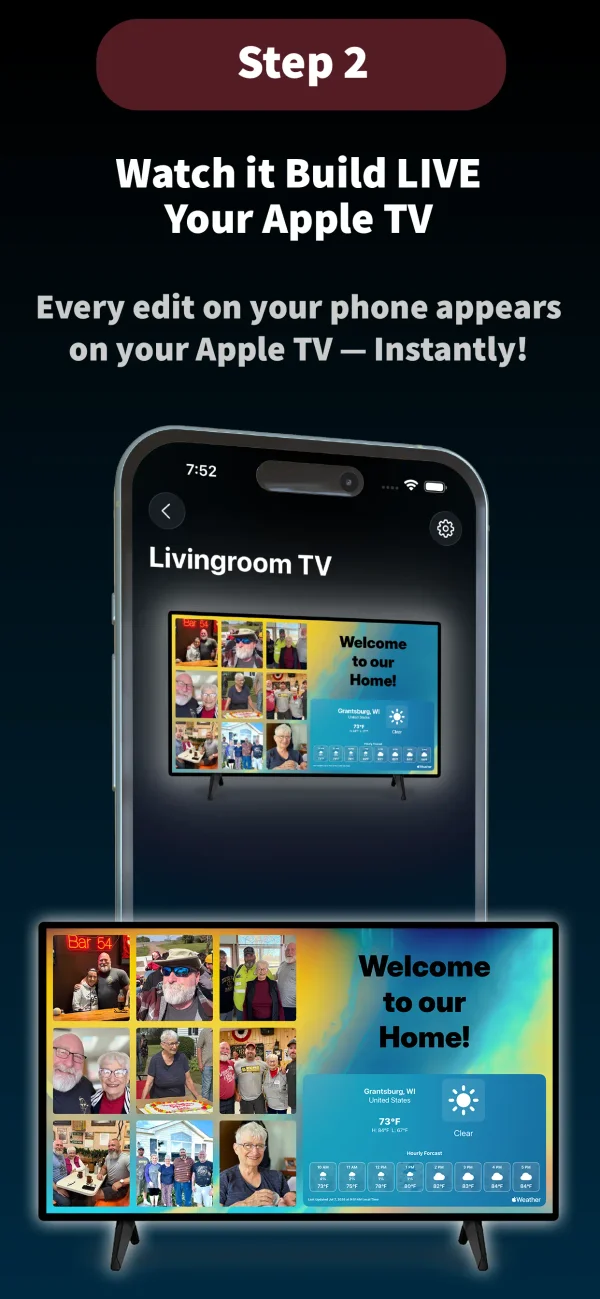
1Glance lets you build beautiful TV screens right from your phone. Pick a template, choose a layout, drop in your photos, messages, menus, and more. Then open the 1Glance app on your Apple TV and watch your content appear LIVE. Every edit on your phone updates the TV instantly.
No design skills. No expensive signage hardware. Just the Apple TV you already own.
HOW IT WORKS
1. Pick a template and layout on your iPhone
2. Add your own content: photos, messages, weather, waiting lists
3. Open 1Glance on your Apple TV and watch it go live
4. Update anytime, from anywhere in the room. Changes appear instantly.
PERFECT FOR YOUR BUSINESS
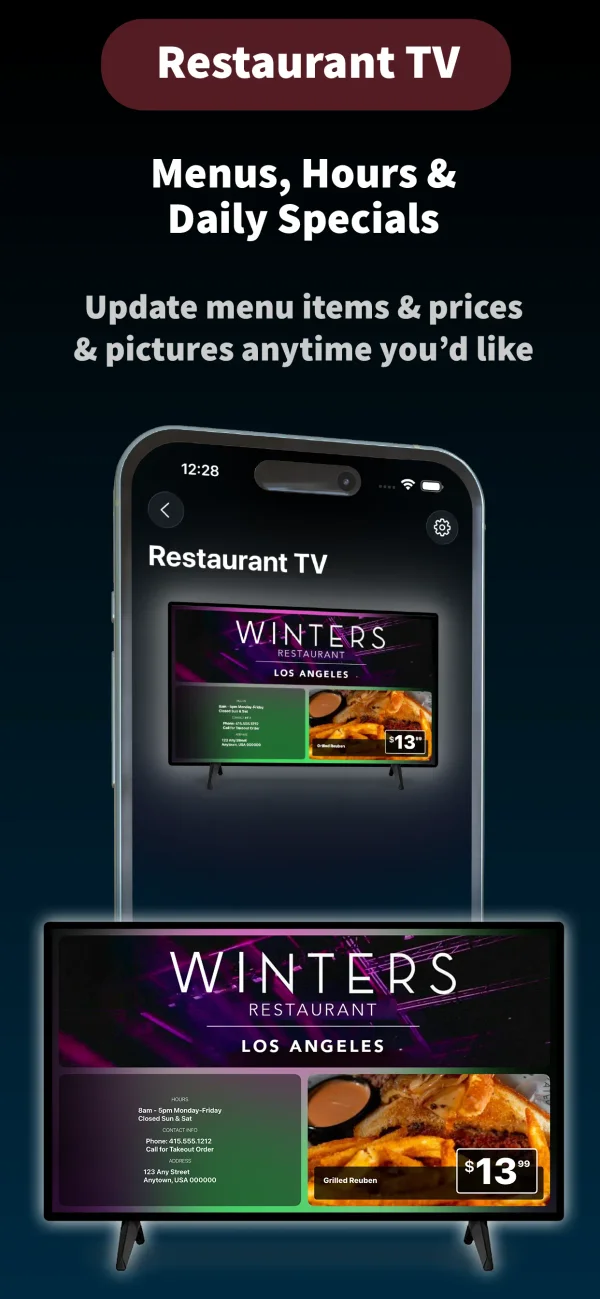
• Restaurants & cafés: menus, hours, and daily specials you can update before the lunch rush
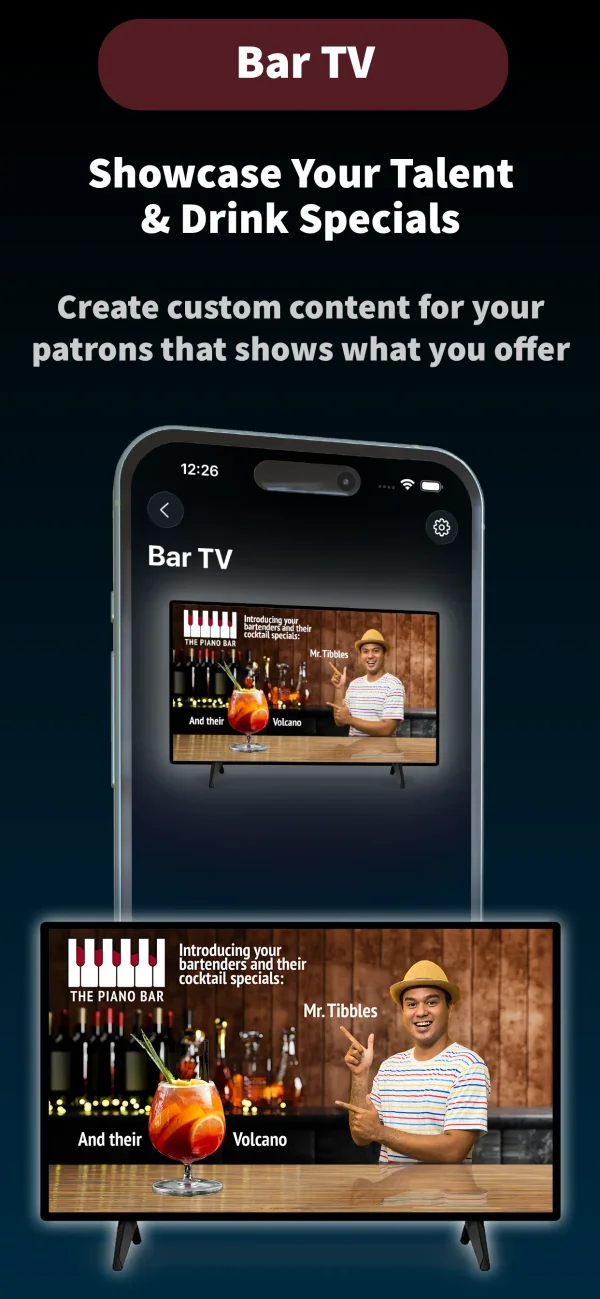
• Bars & venues: introduce your bartenders, promote drink specials, set the vibe
• Salons, barbershops & waiting rooms: run a live "Now Serving" list right from your pocket
• Real estate: showcase the listing (and yourself) at every open house
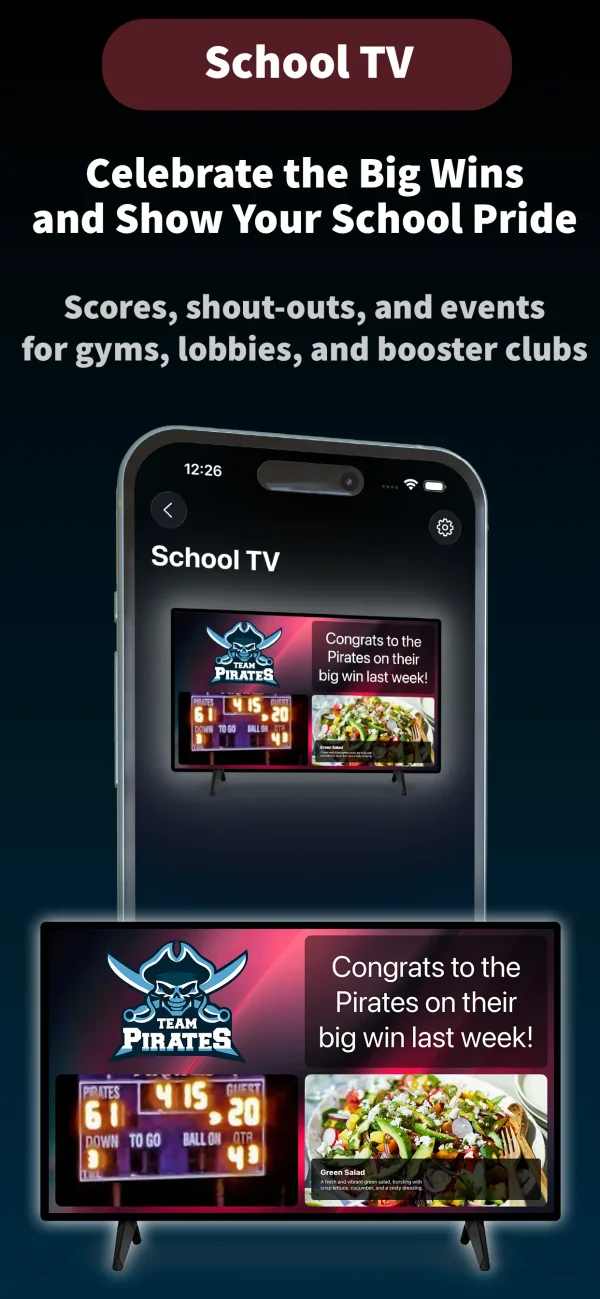
• Schools & teams: scores, shout-outs, and event screens for gyms and lobbies
PERFECT FOR YOUR HOME
• Welcome guests with a personal greeting, family photos, and live weather
• Turn game night up a notch with contests and photo walls
• Put reunions, birthdays, and holidays on the big screen as they happen
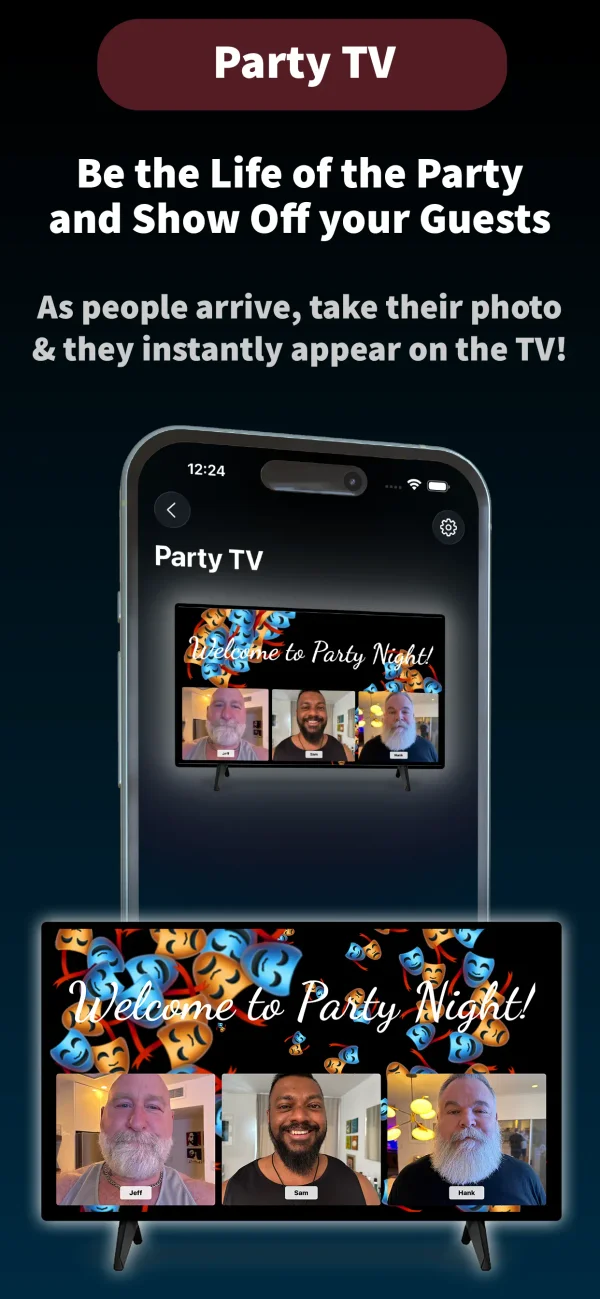
• Snap photos of guests as they arrive at your house party and watch them appear on the TV
BUILD WITH WIDGETS
Mix and match photo slideshows, welcome messages, live weather, waiting lists, and more. Arrange them in flexible layouts that look great on any TV.
WHY 1GLANCE
• LIVE updates. The TV mirrors every change as you make it, with no syncing and no waiting.
• Templates get you started in seconds, and layouts keep everything looking sharp
• Run different screens on different TVs, all from one iPhone
• Your content stays yours, built from your own photos and words
WHAT YOU NEED
The 1Glance app on your iPhone and the free 1Glance app on your Apple TV. That's it.
Your TV has been waiting to do more than stream. Give everyone something worth glancing at.
Download 1Glance and build your first screen tonight.
Terms of Use (EULA): https://www.apple.com/legal/internet-services/itunes/dev/stdeula/
Privacy Policy: https://1glance.app/pp.html
What’s new
Version 2.2.3 · Nov 20, 2026
Guest Upload — Anyone can add a photo by scanning a QR code
iPad Presentation — Screen Mirroring, no Apple TV required
Video Backgrounds
Overlays — Logos, Watermarks, Menu QR codes
New Animated Slideshows
News Ticker along the bottom
Drag & Drop Build (beta)
iPhone Duo Support
Added Screen Sharing between Users
App privacy
What Jeff Glover declares on the App Store about how this app handles data.
-
Data not collected
The developer does not collect any data from this app.
Privacy practices may vary, for example with the features you use or your age.
Information
- Seller
- 360 Buzz LLC
- Category
- Productivity
- Version
- 2.2.3
- Updated
- Nov 20, 2026
- Released
- Oct 18, 2023
- Size
- 89.5 MB
- Requires
- iOS 18.6 or later
- Age rating
- 4+
- Price
- Free
- In-app purchases
- Yes
- Languages
- English
- Copyright
- © 2026 360Buzz LLC
You might also like
-
 Continuity Digital SignageProductivity
-
 OptiSigns Digital SignageDigital Signage made simple
-
 OptiSigns AdminManage screens from anywhere
-
 UniFi DesignProductivity
-
 RoomScan Pro LiDAR floor plansThe easy way to measure rooms
-
 Hospitable.comGrow your short-term rentals.
-
 RealVNC Viewer: Remote DesktopProductivity
-
 UniFiEnterprise Network Management
-
 Craft: Notes, Documents, AITask, Schedule & Reminder
-
 Cloaked: Protect your privacyUnlimited secure identities