- Age rating4+
- CategoryPhoto & Video
- DeveloperSrijan Biswas
- LanguagesEnglish
- Size1.4 MB
Links to the official App Store page
Download.org hosts no file of 2 Colors Studio. The button opens its official App Store page, published by Srijan Biswas. Listing last checked on Nov 20, 2026.
Screenshots

About
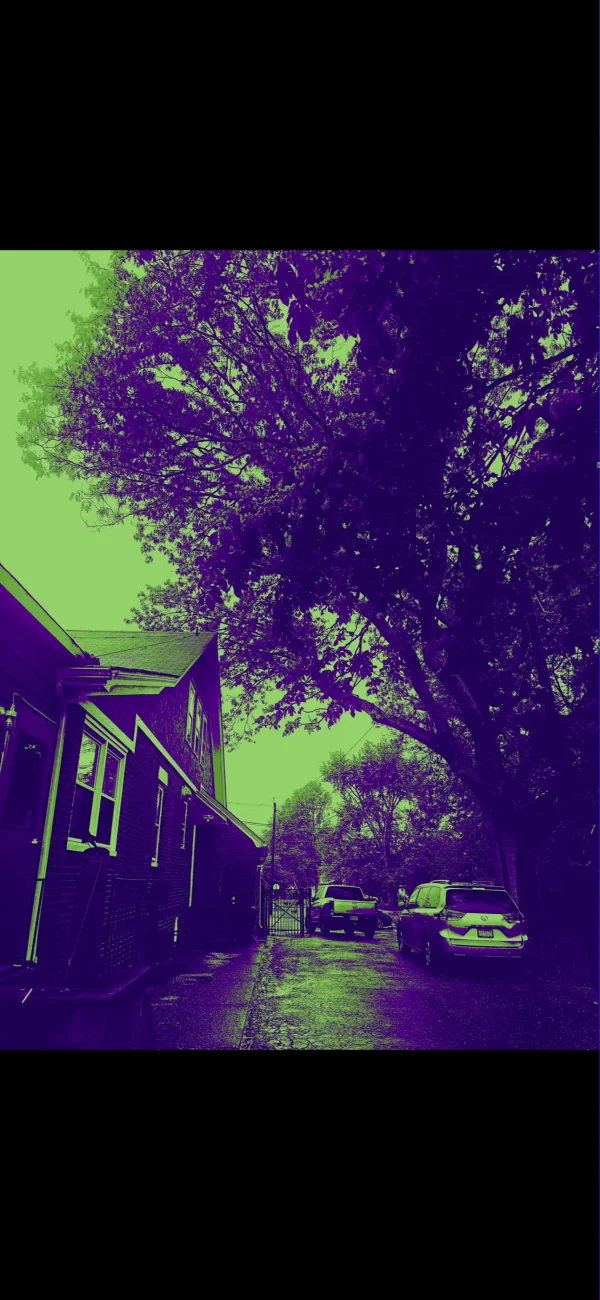
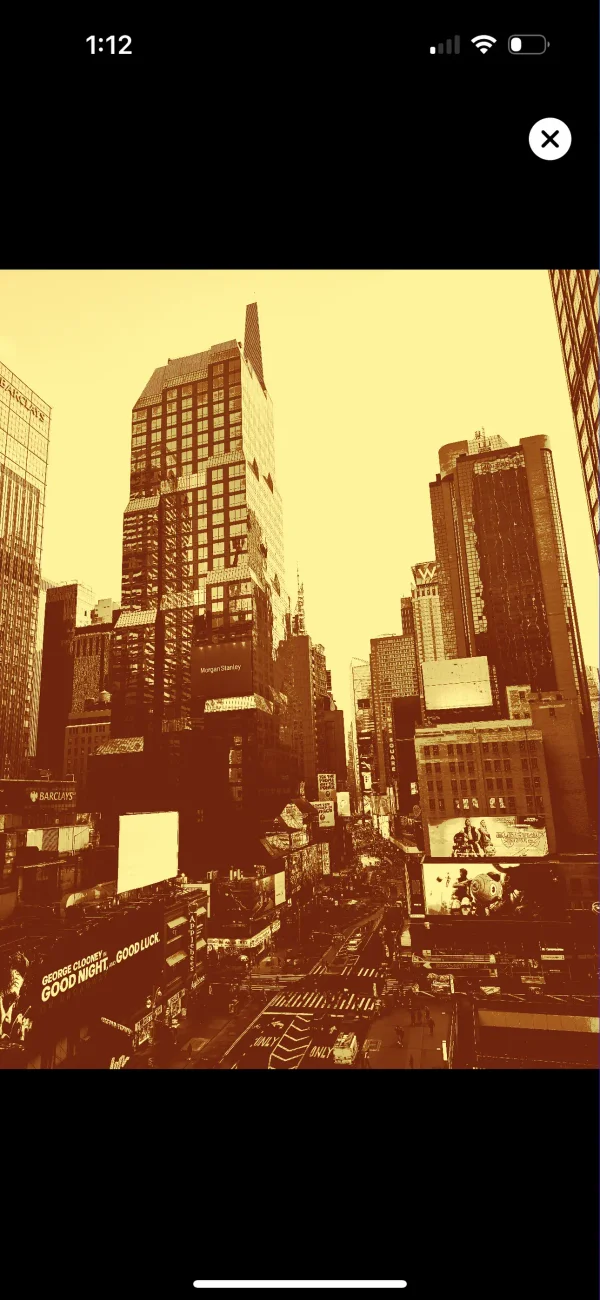
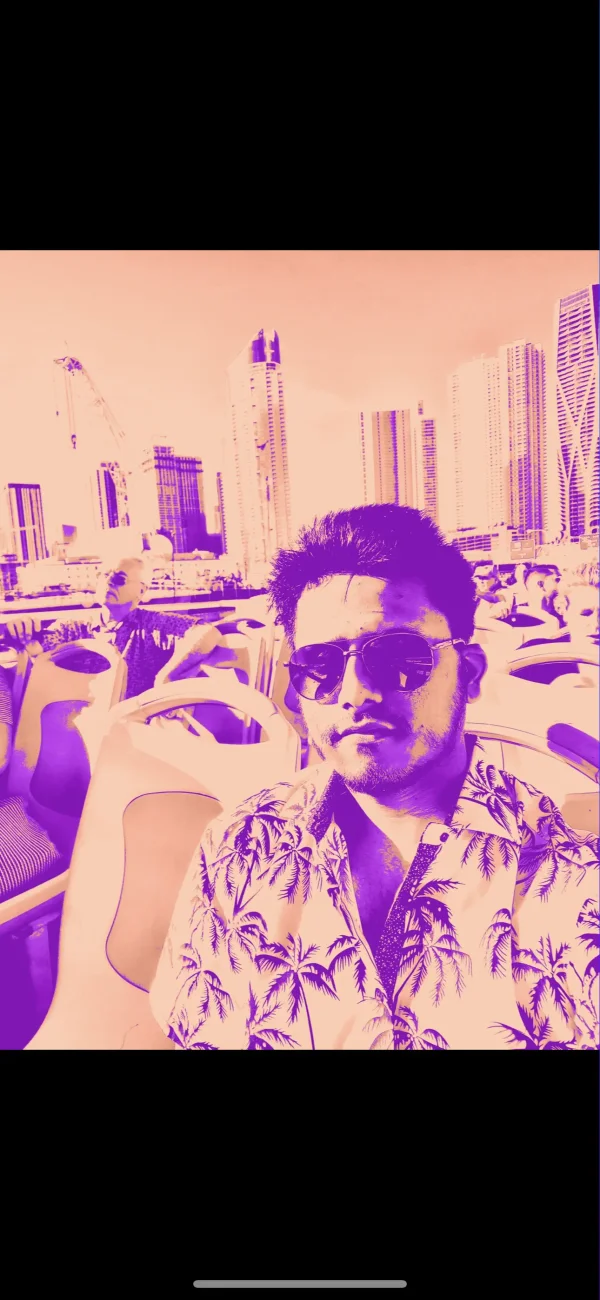
Transform your photos and videos with stunning dual-color effects! 2Colors Studio uses advanced brightness-mapping algorithms to create artistic, high-contrast visuals that will make your content stand out on social media.
KEY FEATURES:
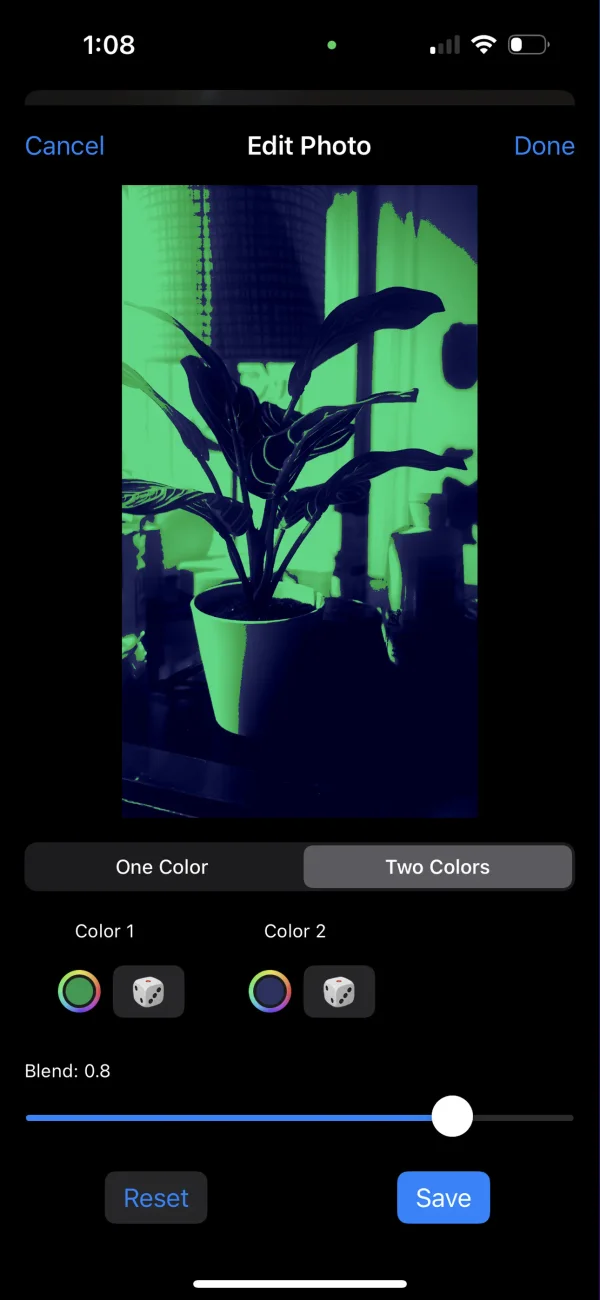
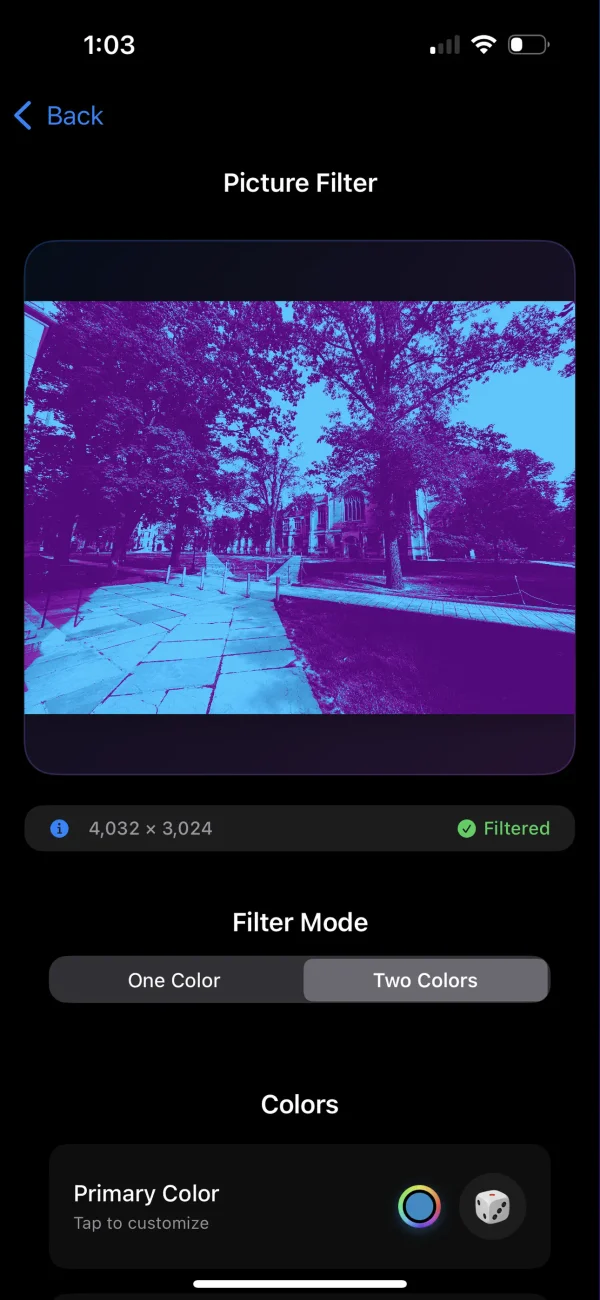
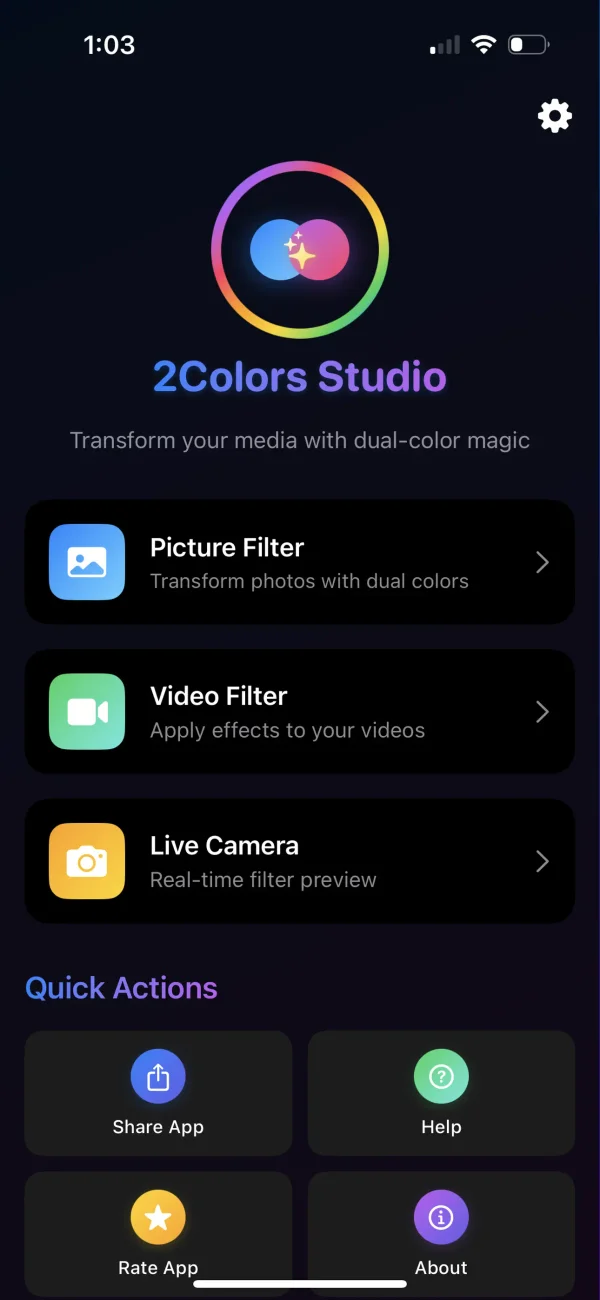
- Picture Filter - Transform any photo with one or two-color modes
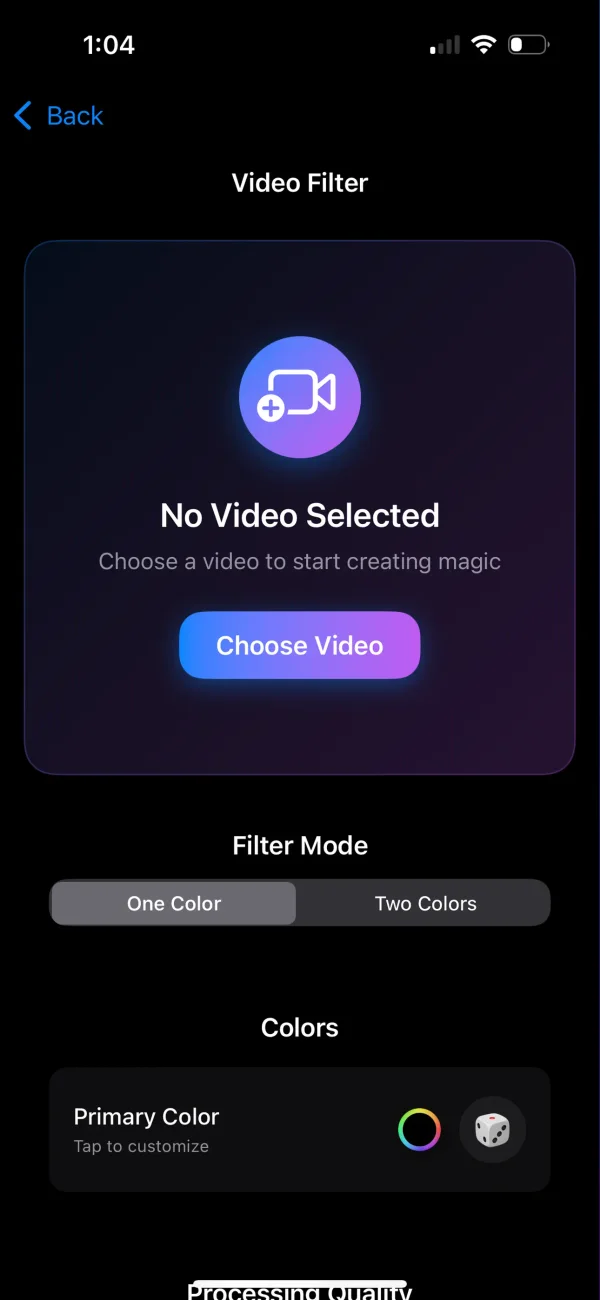
- Video Filter - Apply effects to videos up to 30 seconds
- Live Camera - Real-time preview with instant capture
- Color Harmony - Smart color suggestions and random generator
- High Quality - Multiple export quality options
- Easy Sharing - Save to Photos, share on social media
PERFECT FOR:
- Social media content creators
- Photography enthusiasts
- Digital artists
- Instagram, TikTok, and Facebook creators
- Anyone wanting unique visual effects
HOW IT WORKS:
Simply select your colors, choose between one or two-color mode, and watch as our advanced algorithm maps pixels based on brightness to create stunning dual-color transformations. Dark areas become one color, bright areas become another - it's that simple!
THREE POWERFUL MODES:
- Picture Filter: Upload any photo from your library and transform it instantly
- Video Filter: Apply the same magic to videos (up to 30 seconds for smooth processing)
- Live Camera: See effects in real-time and capture the perfect moment
ENDLESS CREATIVITY:
- Choose from millions of colors using our intuitive color picker
- Hit the random button (containing dice) for instant inspiration
- Experiment with high-contrast combinations for dramatic effects
- Try complementary colors for vibrant, eye-catching results
SOCIAL MEDIA READY:
Perfect for creating content that stands out on Instagram, TikTok, Facebook, and Twitter. Use #2colorsstudio to get featured on our social channels and join a community of creative artists!
PRO TIPS:
- High-contrast color combinations create the most dramatic effects
- Black and white photos work great as starting points
- Experiment with the random color generator for unexpected combinations
- Use complementary colors (opposite on the color wheel) for vibrant results
EASY TO USE:
No complex editing skills required! Our intuitive interface makes it simple for anyone to create professional-looking results in seconds. From beginners to pro photographers, everyone can create amazing dual-color art.
Download 2Colors Studio now and start creating magic!
Privacy: All processing happens locally on your device. We don't collect, store, or share any of your photos or personal data.
App privacy
What Srijan Biswas declares on the App Store about how this app handles data.
-
Data not collected
The developer does not collect any data from this app.
Privacy practices may vary, for example with the features you use or your age.
Information
- Seller
- Srijan Biswas
- Category
- Photo & Video
- Version
- 1.0
- Updated
- Jul 8, 2025
- Released
- Jul 8, 2025
- Size
- 1.4 MB
- Requires
- iOS 16.0 or later
- Age rating
- 4+
- Price
- Free
- Languages
- English
- Copyright
- Copyright © 2025 2Colors Studio. All rights reserved.
You might also like
-
 The Vybez AppPhoto & Video
-
 Square Fit : Square Pic Editor#1 Square Fit
-
 Filter ItEasy Photo Effects and Filters
-
 Photo Gallery - Media ManagerFind Duplicate Photos & Videos
-
 Klick: AI Photo PoseReal-time photo composition
-
 PFL - photo presetsPresets for your photos
-
 Gallery - Simple and fastNew Smart Gallery for Photos
-
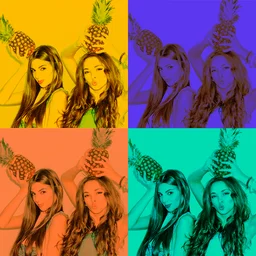 Pop Art filters and effectsCamera color photo editor
-
 ShadowLensThe fastest Camera app!
-
 Oil Paint - Photo to Art MakerOil Painting Effects + Editor