
2391 Inspection & Testing Pro
EICR, BS 7671 exam & tools
Designed for iPhone, iPad
In-app purchases
- Age rating4+
- CategoryEducation
- DeveloperEknath Kadam
- LanguagesEnglish
- Size63.4 MB
Links to the official App Store page
Download.org hosts no file of 2391 Inspection & Testing Pro. The button opens its official App Store page, published by Eknath Kadam. Listing last checked on Nov 25, 2026.
Screenshots


About
Pass the City & Guilds 2391-52 with 556 exam-standard questions, real exam-format mock tests, and the field tools you will actually use on site.
Built against BS 7671:2018+A4:2026 Part 6 (Inspection and Testing).
EXAM PREP — OPEN BOOK & CLOSED BOOK
The 2391-52 is sat in two parts, so the question bank is organised the same way. Work through the full open-book syllabus, then switch to Closed Book to drill the topics you must know without the regs in front of you.
• Initial Verification — 132 questions
• Periodic Inspection — 133 questions
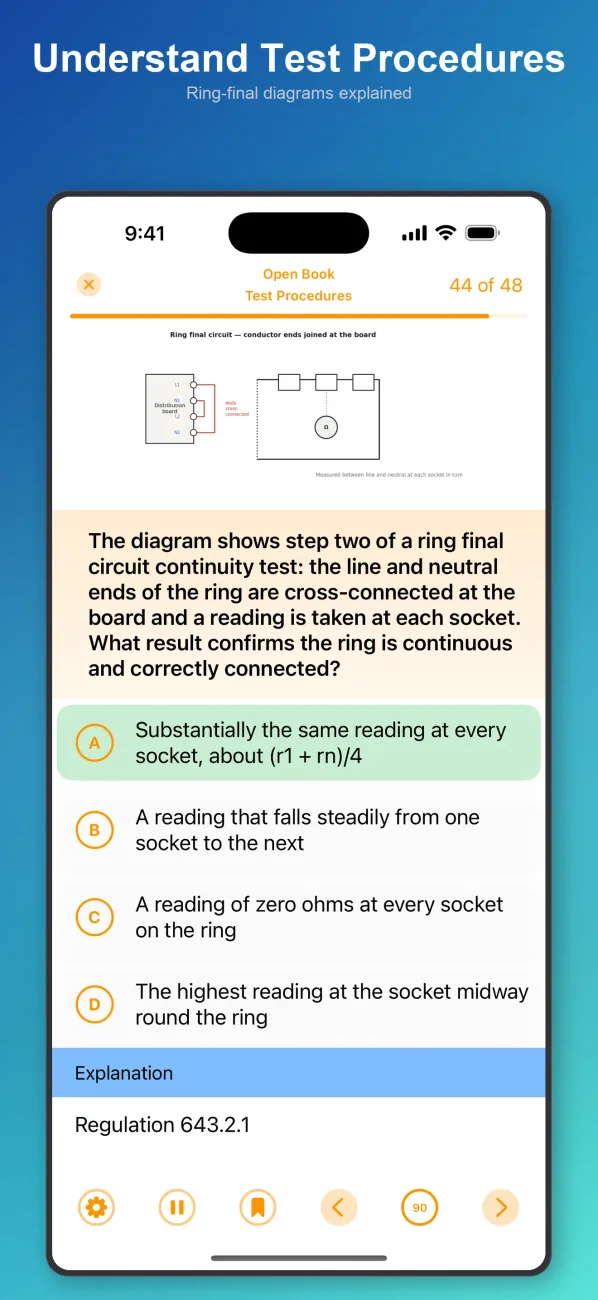
• Test Procedures — 78 questions
• Certification and Reporting — 63 questions
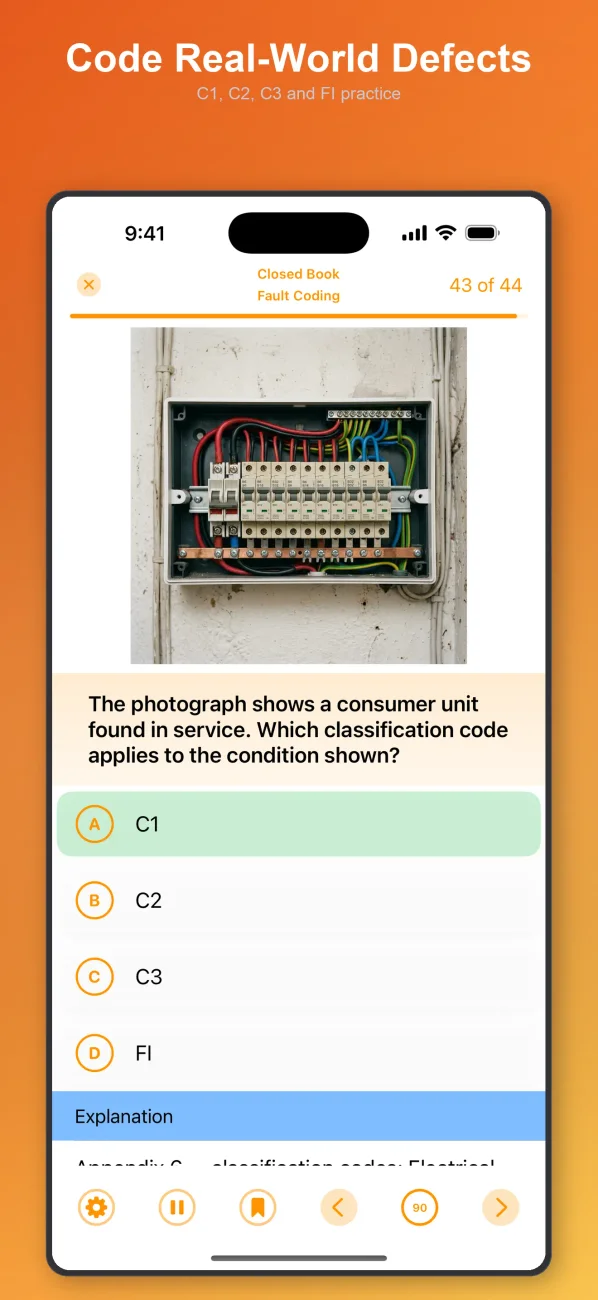
• Fault Coding — 67 questions
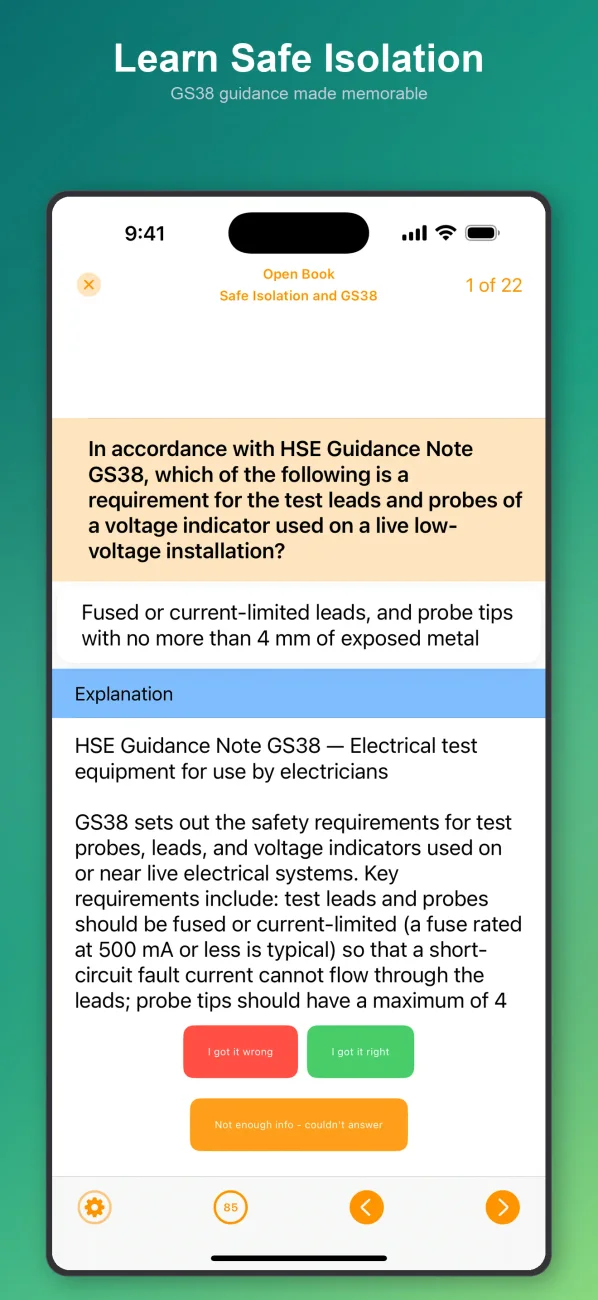
• Safe Isolation and GS38 — 47 questions
• Statutory Requirements — 36 questions
Every question carries a worked explanation, and diagrams are drawn to scale for test sequences, schedules and certificate extracts.
MOCK TEST THAT MATCHES THE REAL THING
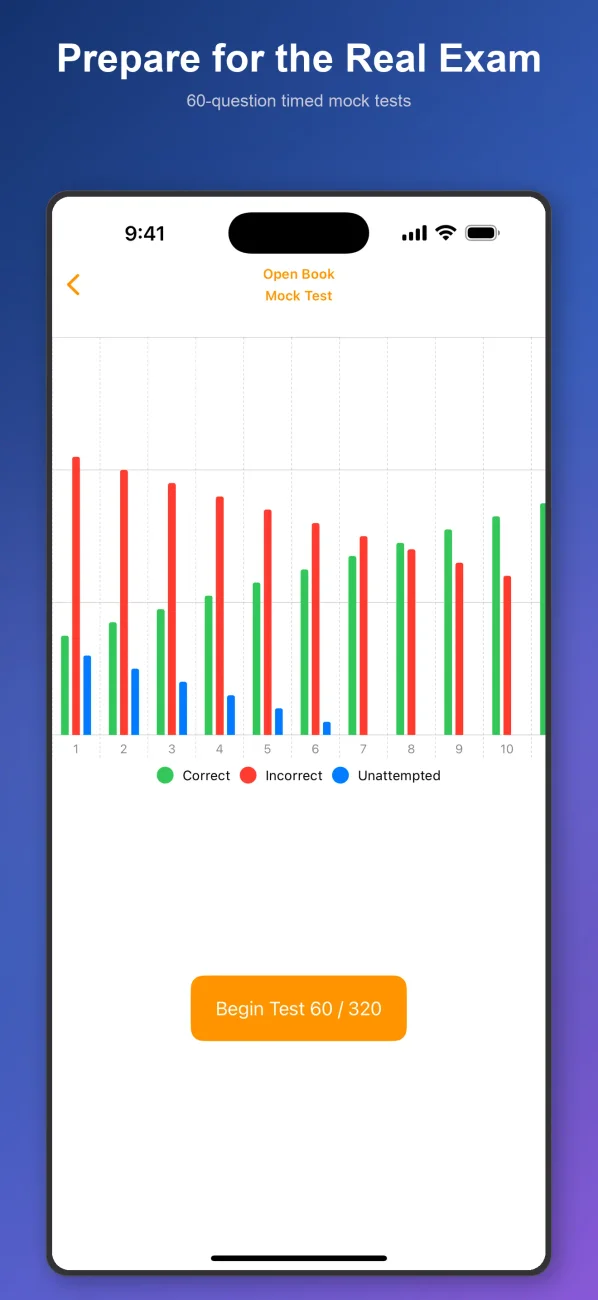
60 questions in 120 minutes, weighted across topics exactly as the real 2391-52 paper is. Questions and answer options are shuffled on every attempt, so you learn the subject rather than the position of the right answer.
SEVEN ON-SITE CALCULATORS
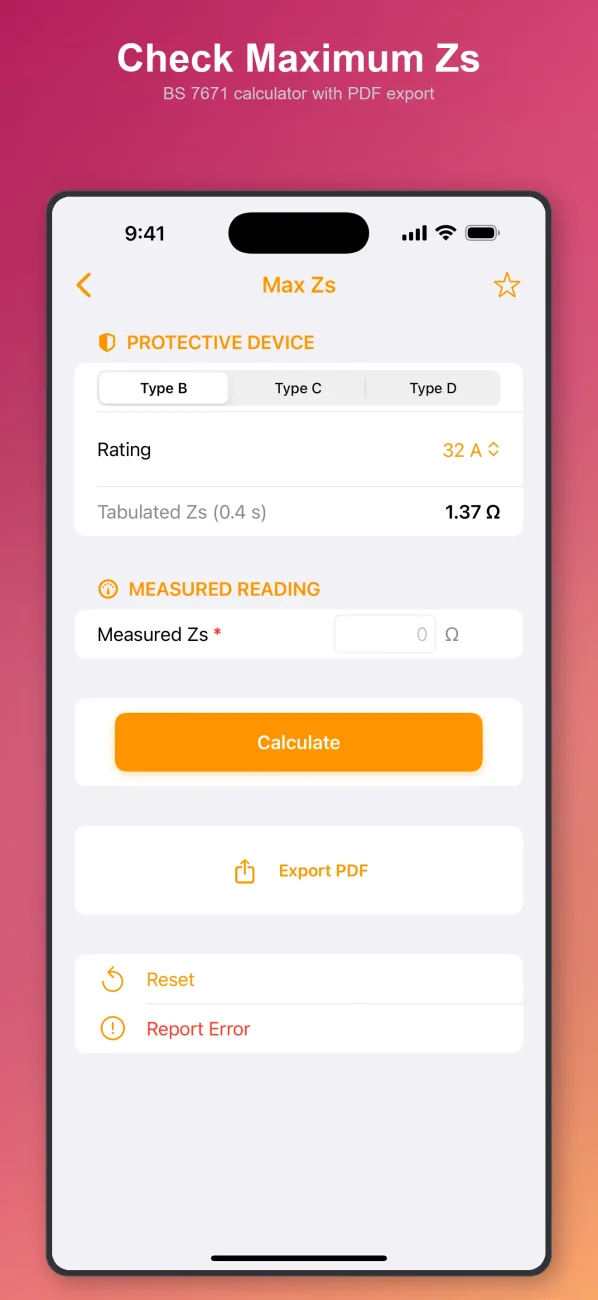
• Max Zs — 0.8 x tabulated rule of thumb
• R1+R2 — predict the continuity reading before you measure it
• Zs from Components — Ze + (R1+R2), checked against the tabulated limit
• Prospective Fault Current — the Ipf figure the certificate asks for
• Ring Final — (r1+r2)/4 continuity check
• Adiabatic — S = the square root of (I squared x t) / k
• Voltage Drop — mV/A/m x Ib x L
QUICK REFERENCE
26 reference cards across test and limiting values, classification and reporting, safe isolation and GS38, test sequence and procedure, and wiring identification and colours. Bookmark the ones you keep coming back to.
FIELD TOOLS
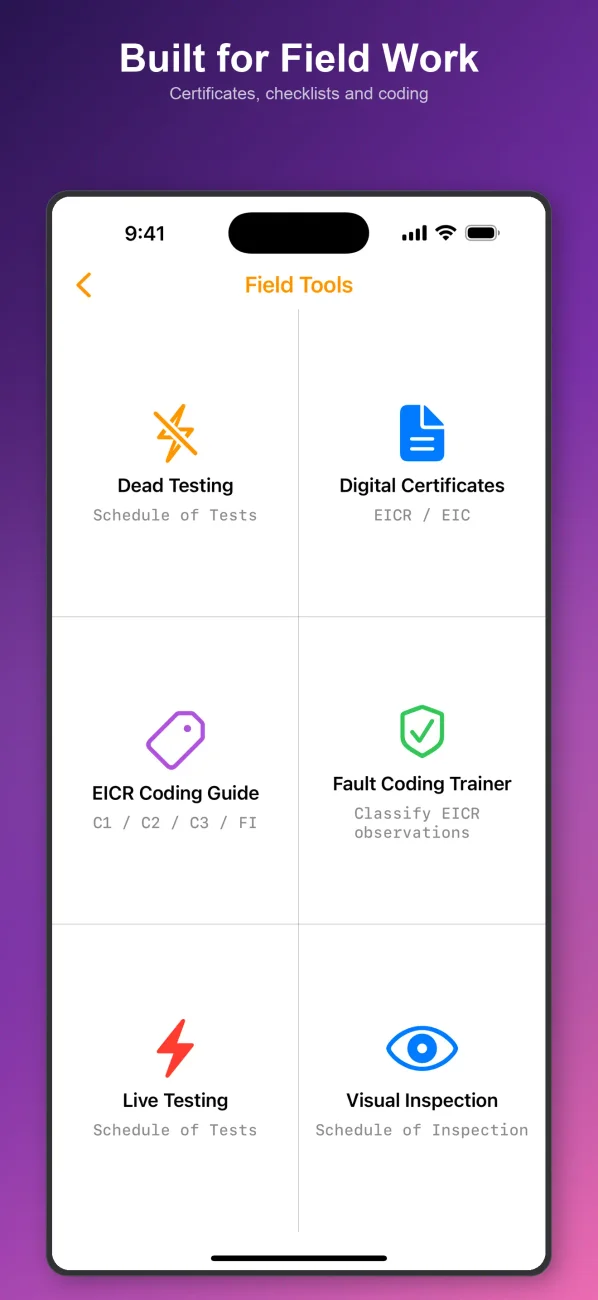
• Digital Certificates — build EIC, Minor Works and EICR / Condition Reports, then export a clean PDF
• Visual Inspection — full Schedule of Inspection, tickable on site
• Dead Testing and Live Testing — Schedule of Test Results, step by step
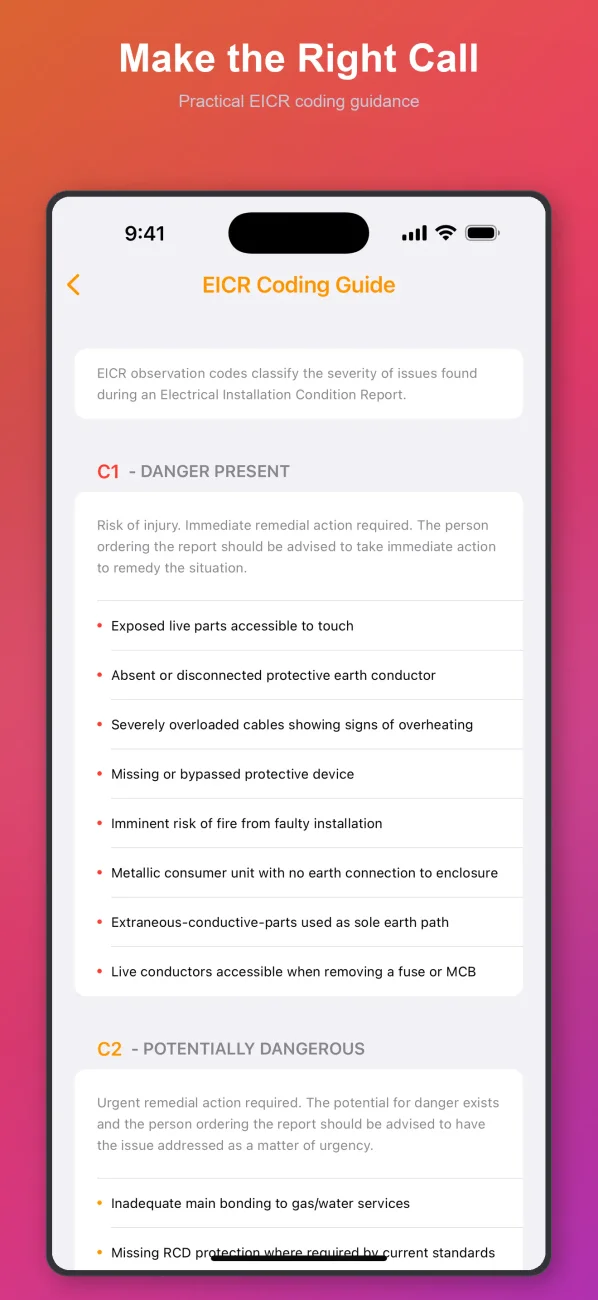
• EICR Coding Guide — C1, C2, C3 and FI, with the reasoning behind each
• Fault Coding Trainer — classify real EICR observations and check yourself against the correct code
ALSO INCLUDED
• Flash cards for rapid revision
• Voice-over in UK English, so you can revise hands-free
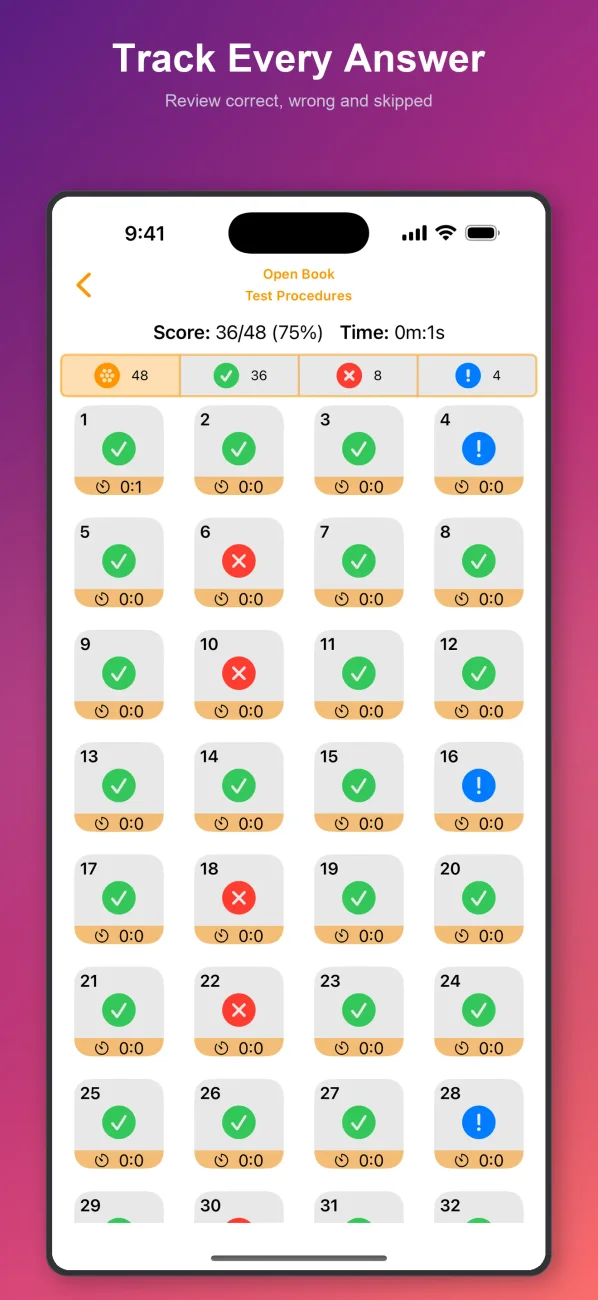
• Progress history and per-topic scoring to show where you are weak
• Choose 1 to 100 questions per practice session
• Exam date reminders
• iCloud sync across your iPhone and iPad
MADE FOR IPHONE DUO
Open your iPhone Duo and the app uses the whole inner display: each question sits beside its explanation, your score sits beside your results, and Calculators, Quick Reference and Field Tools show their list beside the item you have open.
Free to start. A subscription unlocks the full 556-question bank, unlimited mock exams, all calculators and Quick Reference, the fault coding trainer, and certificate export.
Subscriptions renew automatically unless cancelled at least 24 hours before the end of the current period. Manage or cancel in your Apple Account settings.
Privacy Policy: https://www.webrichsoftware.com/privacy.html
Terms of Use: https://www.apple.com/legal/internet-services/itunes/dev/stdeula/
What’s new
Version 11.7 · Nov 24, 2026
• Made for iPhone Duo: open it out to see each question and its explanation side by side, your score beside your results, and Calculators, Quick Reference and Field Tools listed beside the one you're using
• On iPad too, Calculators, Quick Reference and Field Tools now show their list beside the item you have open
• Mock tests look and feel more like the real exam, and the results list your weakest areas first
• Flash cards have a larger Reveal Answer button and a rounded question card, and skip questions that only make sense with their answer options
• Swiping to delete a certificate or checklist record now asks you to confirm first
• Add and edit forms ask before discarding your changes
• On iPad, delete prompts always offer Cancel
• Diagrams in questions take only the space they need, so more of the question fits on screen
• More text follows your chosen text size
• Removed stray asterisks from some question explanations
App privacy
What Eknath Kadam declares on the App Store about how this app handles data.
-
Data not collected
The developer does not collect any data from this app.
Privacy practices may vary, for example with the features you use or your age.
Information
- Seller
- Eknath Kadam
- Category
- Education
- Version
- 11.7
- Updated
- Nov 24, 2026
- Released
- Mar 27, 2009
- Size
- 63.4 MB
- Requires
- iOS 16.0 or later
- Age rating
- 4+
- In-app purchases
- Yes
- Languages
- English
- Copyright
- © 2008-2026 Webrich Software
You might also like
-
 18th Edition Wiring Regs PrepBS 7671 Electrician Mock Exam
-
 PCV Theory Test & Tool kitBus & Coach Theory Test
-
 Dental Nurse Exam RevisionNEBDN Level 3 Diploma practice
-
 Aico Installer CommunityEducation
-
 PCV Theory Kit – Bus & CoachMinibus & Passenger Test Prep
-
 ADR Driver Pro - Exam RevisionDangerous goods HGV test prep
-
 Dental Post-Reg MasteryRadiography, Sedation & OHE
-
 FREC 3 & 4 Exam RevisionPrehospital emergency care
-
 Electrician Exam 2026 PrepJourneyman NEC & Wiring
-
 Electrical Prep: JourneymanDrills, NEC tables, exam sim