
2FA QR Authenticator:AuthGuard
Secure keeper code for Login
Designed for iPhone, iPad
Free · In-app purchases
- Age rating4+
- CategoryUtilities
- DeveloperMikhail Andrewywvich Chekalin
- LanguagesEnglish+ 24 more
- Size85.7 MB
Links to the official App Store page
Download.org hosts no file of 2FA QR Authenticator:AuthGuard. The button opens its official App Store page, published by Mikhail Andrewywvich Chekalin. Listing last checked on Nov 13, 2026.
Screenshots
About
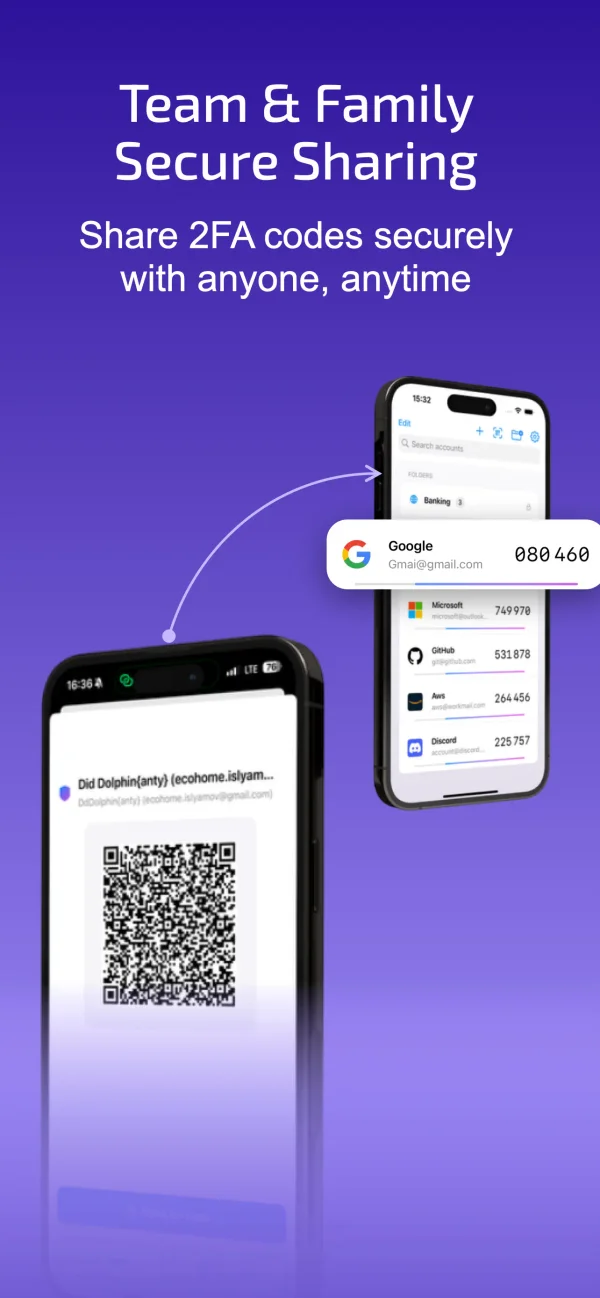
The easy and secure authenticator app for all your accounts — Google, Facebook, Instagram, Amazon, Microsoft, GitHub, Discord, Binance, Coinbase, and more.
Protect your logins with bank-level 2FA codes (TOTP) and stop worrying about privacy. Unlike other authenticators, we never track, store, or send your personal data. Your codes stay 100% offline, on your device.
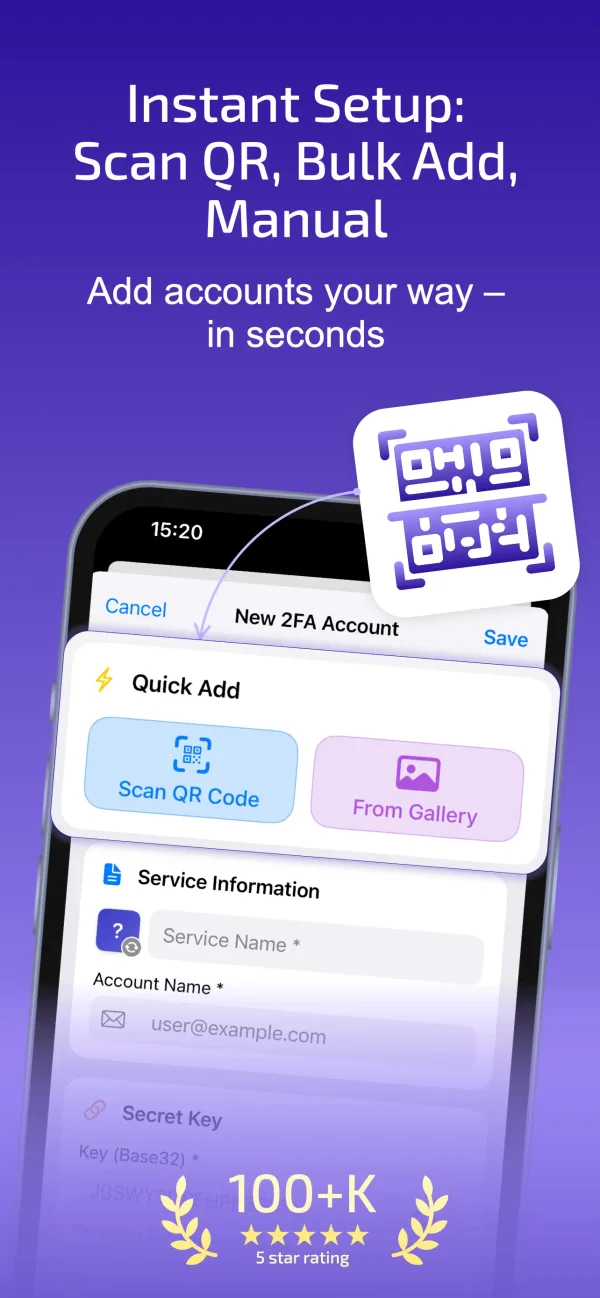
And the best part? Setup takes just seconds — simply scan a QR code or enter your key manually. No registration, no email, no hassle.
Core Security Features
• Two-factor authentication (2FA, TOTP, OTP) for all major services
• Works instantly with Google, Microsoft, Facebook, Instagram, Amazon, Discord, Steam, and more
• Crypto protection — secure your Binance, Coinbase, and Kraken accounts
• Complete privacy — no ads, no tracking, no servers
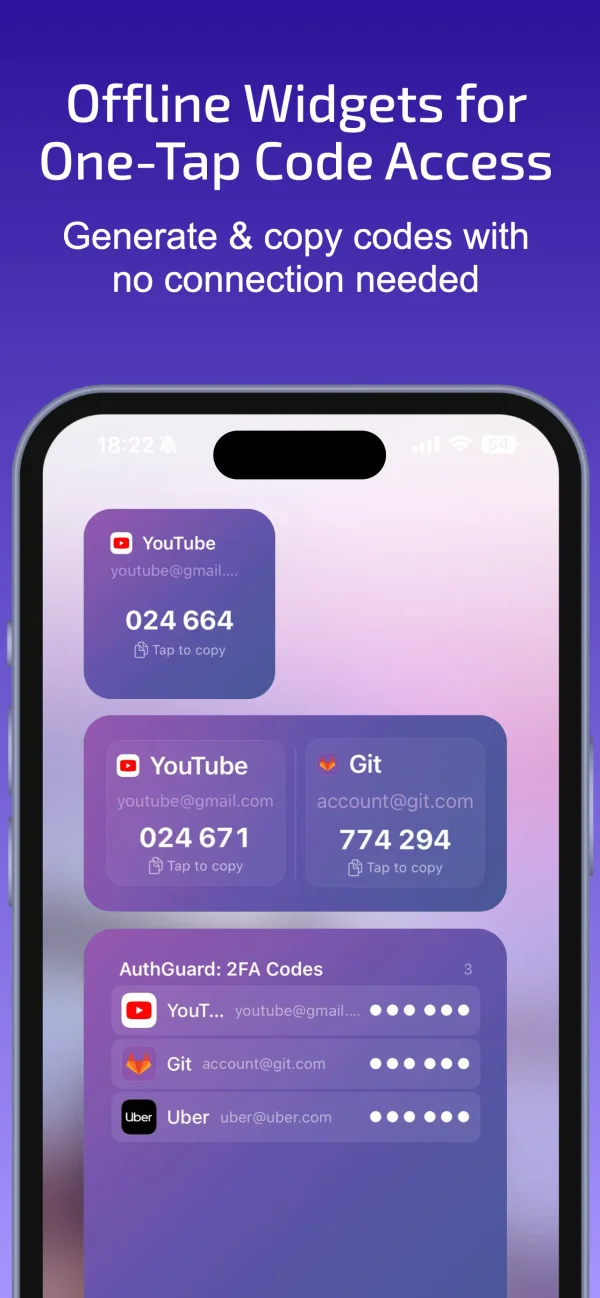
• Works offline — generate codes without internet
• One-tap copy for faster logins
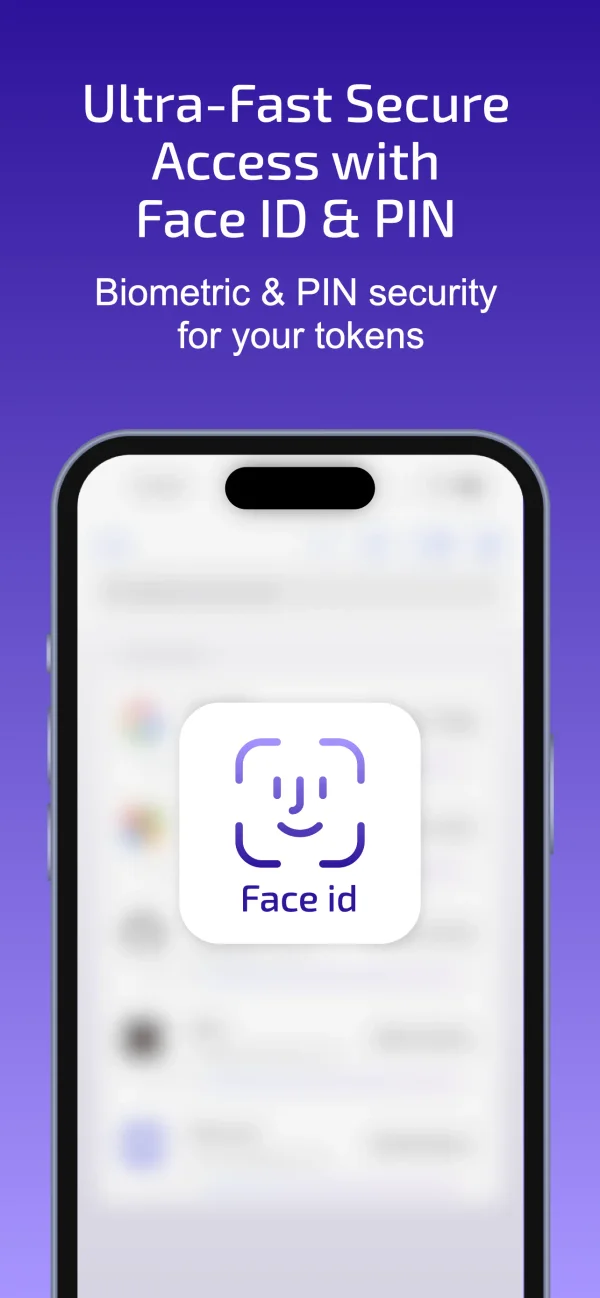
• Face ID / Touch ID & PIN protection
• AES-256 bank-grade encryption
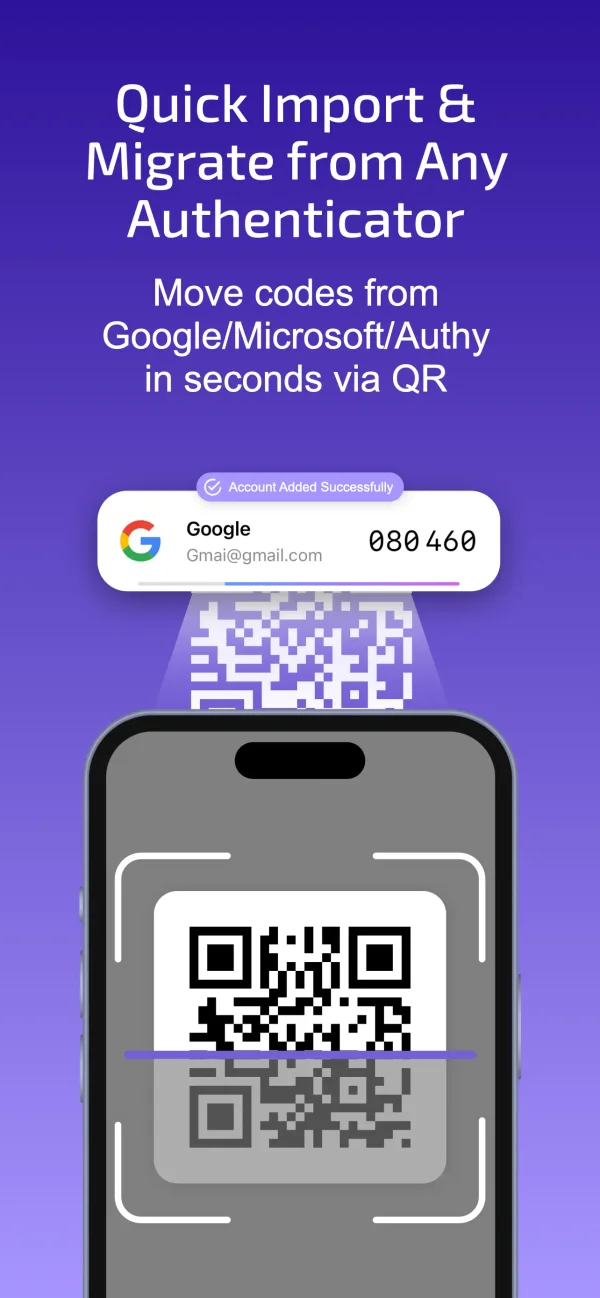
• Fast QR code scanner for instant setup
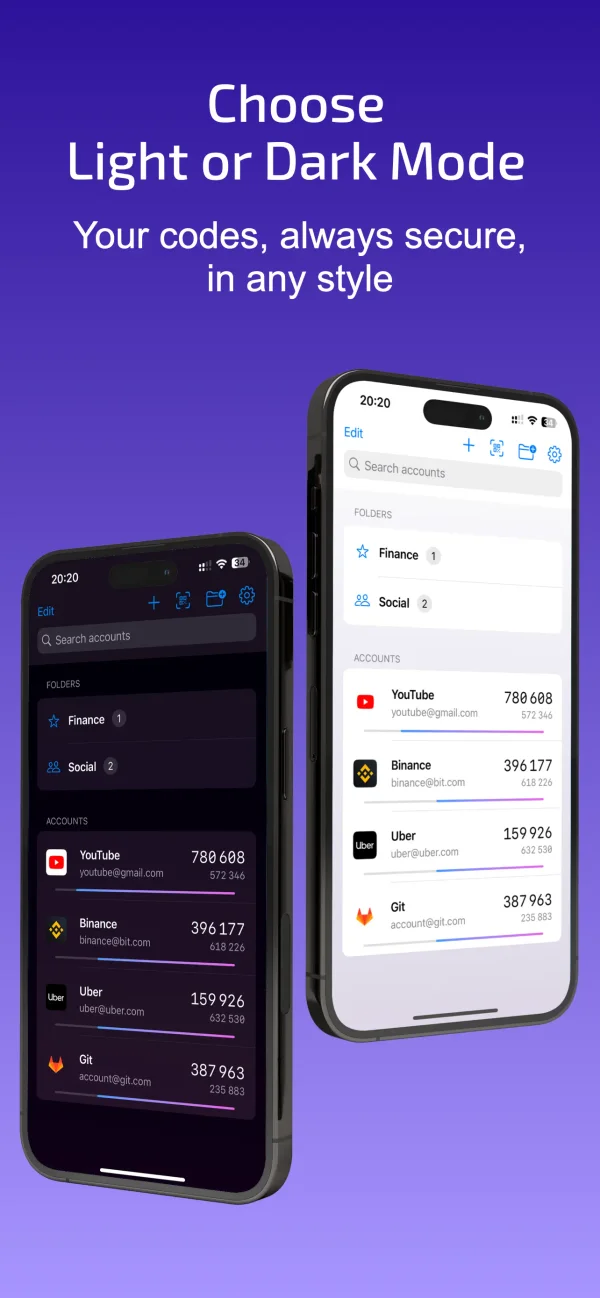
• Dark and Light mode support
• Home screen widgets for quick access
Advanced Features
• Unlimited authenticator accounts*
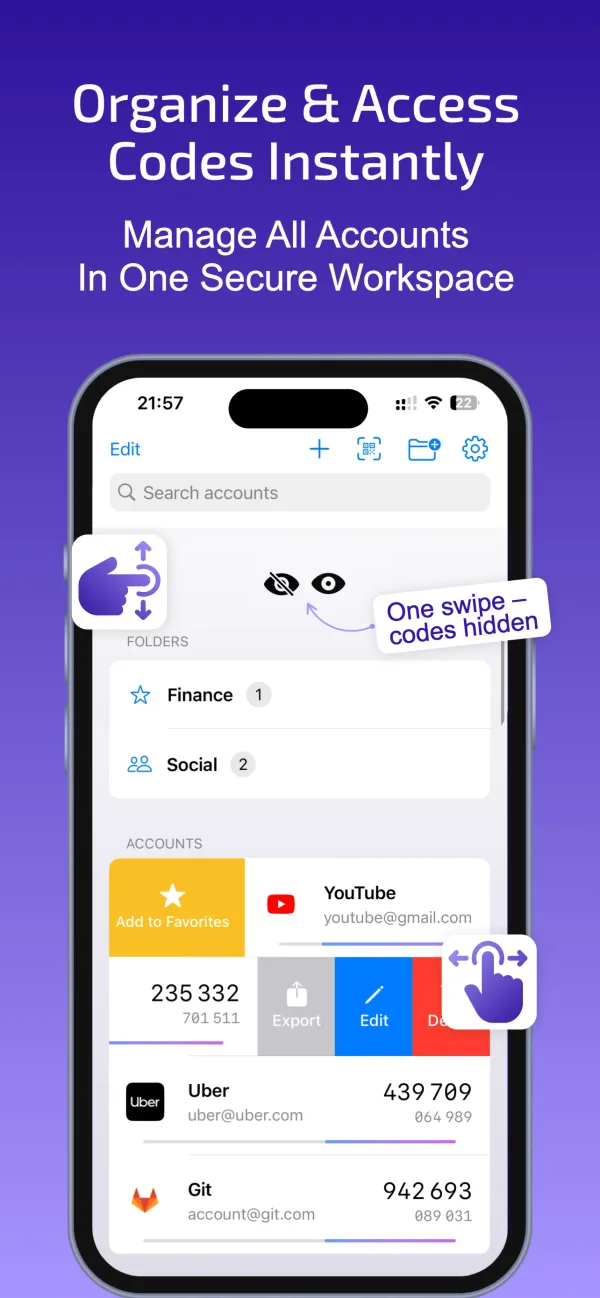
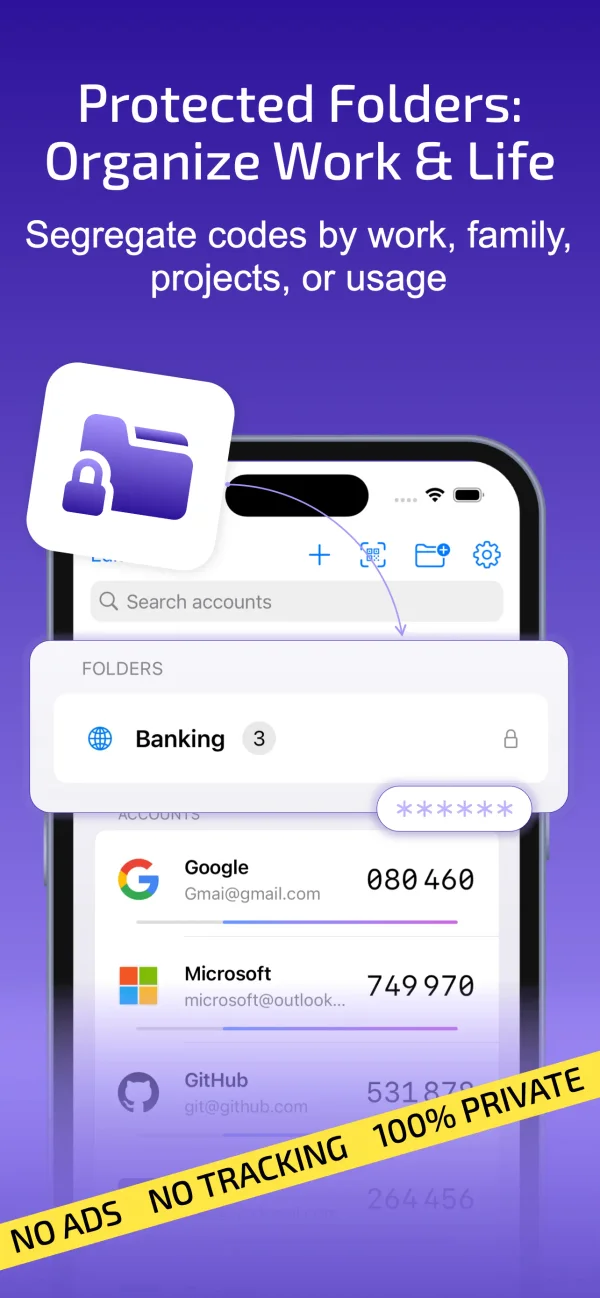
• Password-protected folders for easy organization*
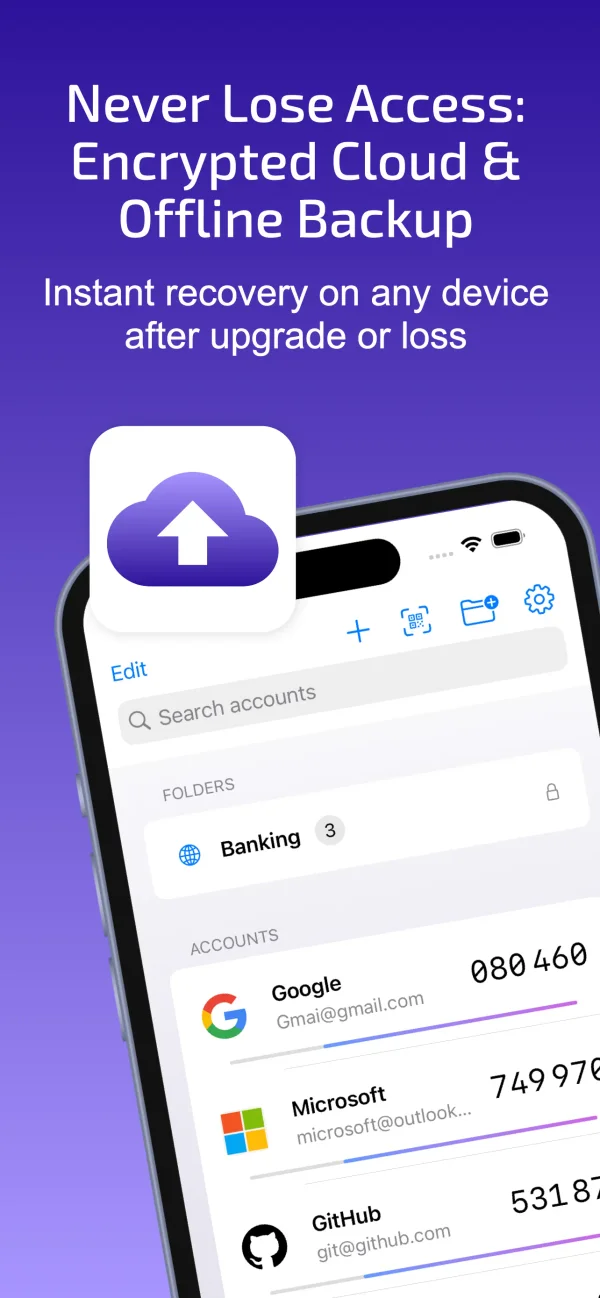
• Seamless iCloud backup & sync across devices*
• Export accounts for portability*
(*Premium features via in-app purchase)
Why Choose Us
Unlike Google Authenticator, Authy, or Microsoft Authenticator, our app combines maximum security with simplicity.
• No registration required
• No complicated setup
• Start protecting your accounts in under 10 seconds
Your secrets are encrypted locally, and with iCloud sync, your data flows directly to your Apple account, never through external servers.
How It Works
1. Scan a QR code or enter your key manually
2. Generate one-time codes instantly
3. Copy with a single tap
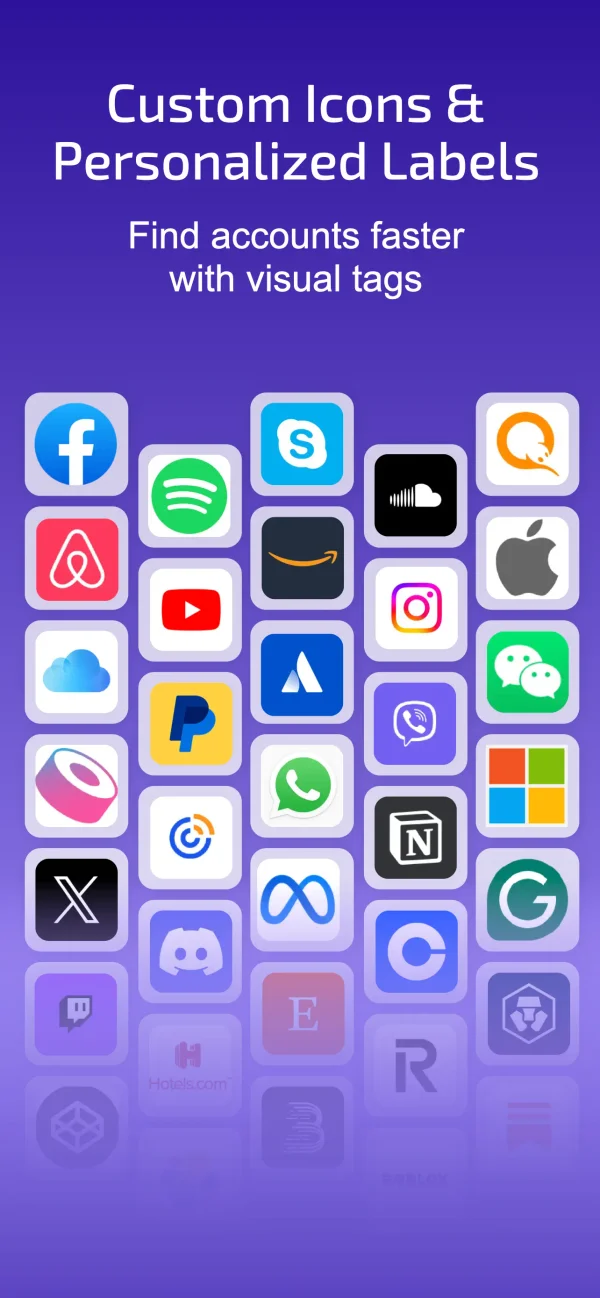
4. Organize with folders and custom names
5. Sync securely across all Apple devices
Trusted Worldwide
Join thousands of users — from security professionals to crypto traders — who switched to the authenticator that’s secure, private, and effortless to use.
No ads. No analytics. No tracking. Just simple 2FA security that works.
Download now and secure your accounts with the easiest authenticator alternative — private, reliable, and completely yours.
Terms of Use:
https://www.apple.com/legal/internet-services/itunes/dev/stdeula/
What’s new
Version 2.3 · Oct 4, 2026
A small update to improve reliability and performance.
App privacy
What Mikhail Andrewywvich Chekalin declares on the App Store about how this app handles data.
-
Data not collected
The developer does not collect any data from this app.
Privacy practices may vary, for example with the features you use or your age.
Information
- Seller
- Mikhail Andrewywvich Chekalin
- Category
- Utilities
- Version
- 2.3
- Updated
- Oct 4, 2026
- Released
- Aug 14, 2025
- Size
- 85.7 MB
- Requires
- iOS 17.6 or later
- Age rating
- 4+
- Price
- Free
- In-app purchases
- Yes
- Languages
- English, Arabic, Danish, Dutch, Finnish, French, German, Hebrew, Hindi, Indonesian, Italian, Japanese + 13 more
- Copyright
- © 2025 Mike Chek
You might also like
-
 2FA Authenticator - All in oneEnable 2-step verification
-
 プライベートブラウザ - タブも履歴も瞬時に消去Utilities
-
 Password Strength Check, TestCrack Time, Entropy Bit Score
-
 iPass Secure AuthTwo-Factor Login & OTP Codes
-
 Authenticator 2FA-OTP,MFA,TOTPTwo Factor Authentication
-
 2FA Authenticator: MFA, OTPMulti Factor Authentication
-
 GridDuck InstallerUtilities
-
 RadarSmartGPS Phone Locator & Tracker
-
 AiOne VMSUtilities