
30:30 - App Limits & Breaks
Lock apps after 30 min of use
Designed for iPhone
Free
- Age rating4+
- CategoryProductivity
- DeveloperSanghun Kong
- LanguagesEnglish+ 3 more
- Size8.1 MB
Links to the official App Store page
Download.org hosts no file of 30:30 - App Limits & Breaks. The button opens its official App Store page, published by Sanghun Kong. Listing last checked on Nov 25, 2026.
Screenshots

About
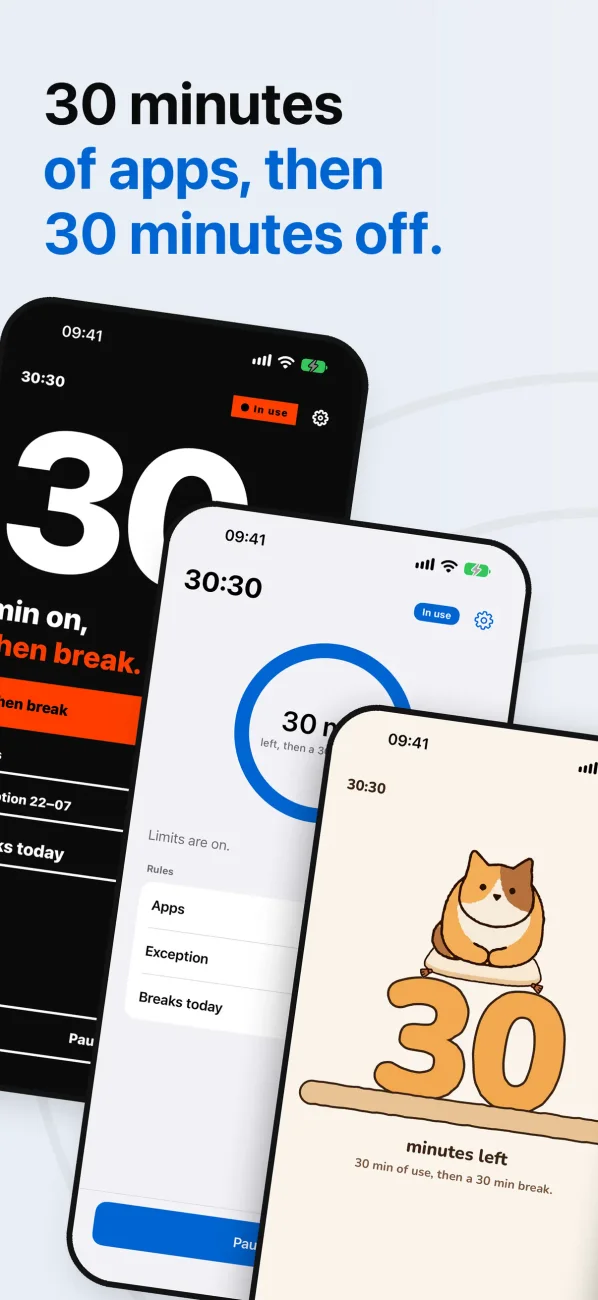
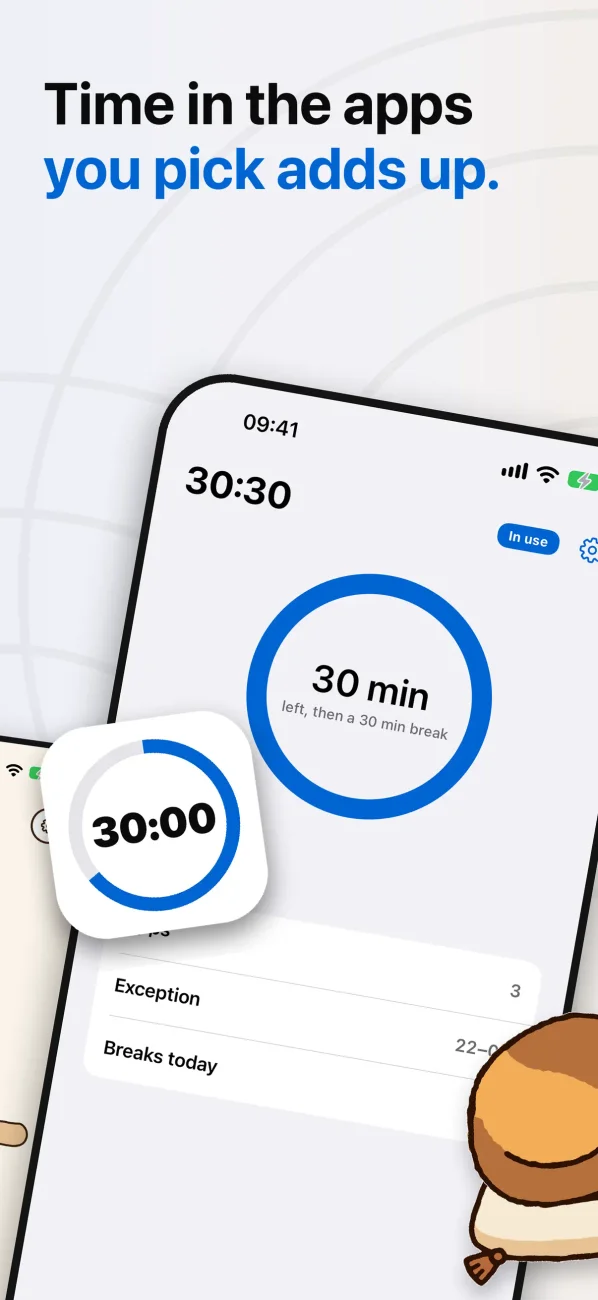
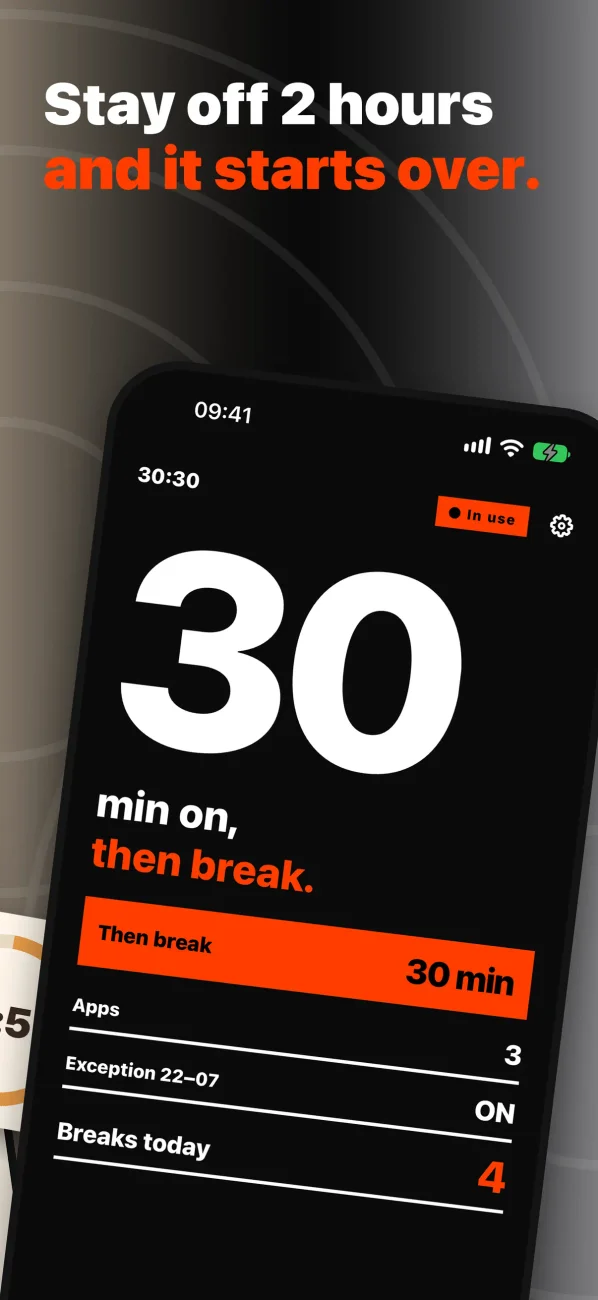
30:30 locks the apps you pick once you've used them for the time you set. By default that's 30 minutes of use, then a 30-minute break.
- Time in all your chosen apps adds up. 20 minutes in one and 10 in another makes 30.
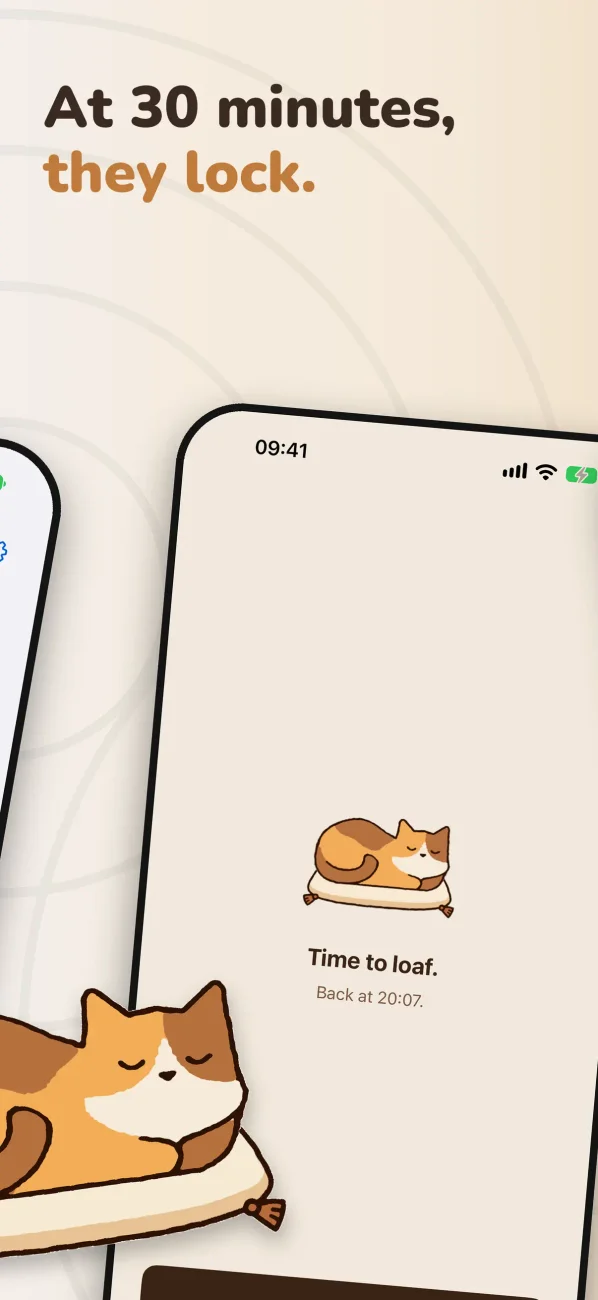
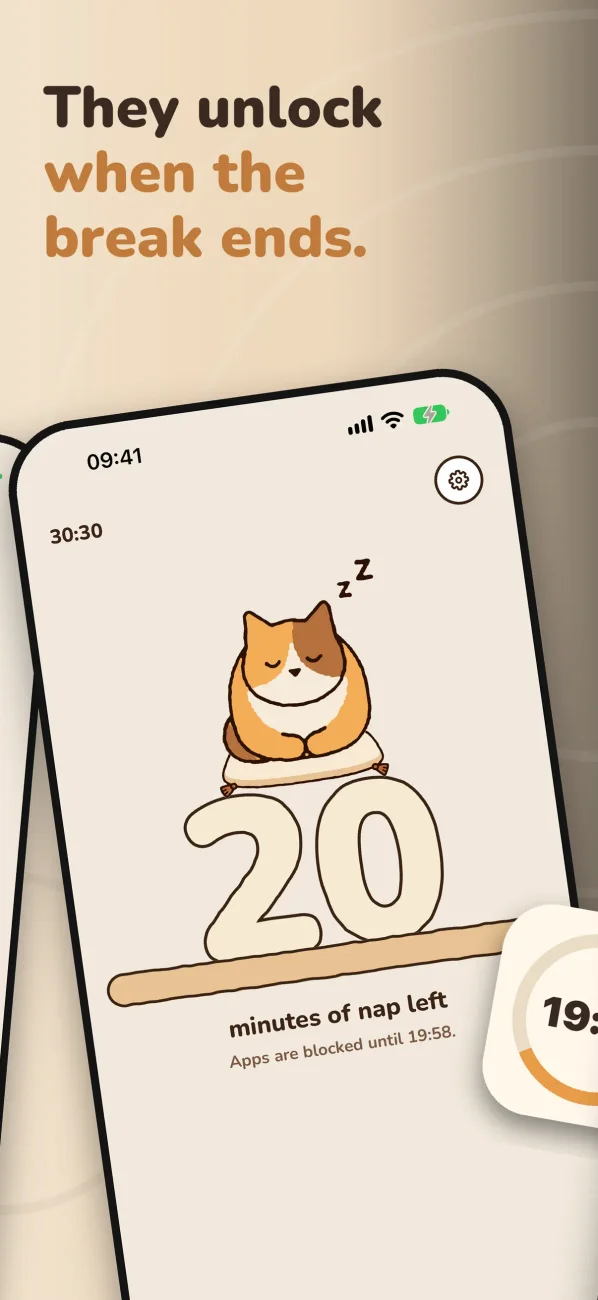
- When time's up, every chosen app locks. When the break ends, they unlock on their own.
- Leave them alone for 2 hours and the count starts over.
- You don't need to keep 30:30 open.
Use time can be 1 to 180 minutes and breaks 15 to 180 minutes. You can also set a daily time when the apps aren't limited.
There are three themes: Clear, Loaf Cat and Poster. In Loaf Cat, a calico cat falls asleep during breaks. The block screen and app icon change with the theme.
Home Screen and Lock Screen widgets show how much time is left.
Free, and you don't need an account. Requires iOS 17.4 or later.
What’s new
Version 1.0.3 · Nov 24, 2026
• Limits now restart on their own when you open the app after they stopped.
• The break timer shows up on widgets sooner.
• Fixed the access screen flashing when the app opens.
• Fixed limits switching off right after a break.
App privacy
What Sanghun Kong declares on the App Store about how this app handles data.
-
Data not linked to you
May be collected but is not linked to your identity.
- Location
- Identifiers
- Usage data
- Diagnostics
Privacy practices may vary, for example with the features you use or your age.
Information
- Seller
- Sanghun Kong
- Category
- Productivity
- Version
- 1.0.3
- Updated
- Nov 24, 2026
- Released
- Oct 27, 2026
- Size
- 8.1 MB
- Requires
- iOS 17.4 or later
- Age rating
- 4+
- Price
- Free
- Languages
- English, Japanese, Korean, Traditional Chinese
- Copyright
- © 2026 Sanghun Kong
You might also like
-
 Activity Timer: Time TrackerWork, Study, Exercise, Hobby
-
 Five: The Five-Minute RuleADHD timer for task paralysis
-
 Portside - Inbox Notes & TodoWrite first. Organize later.
-
 Brickby: Gamified To-Do ListDaily Planner & Habit Game
-
 Totly: ADHD To Do List & TasksBrain Dump, Focus & Planner
-
 Today 5Get More Done
-
 My To Do: Voice Task ListBrain Dump. Cross Off. Done.
-
 dl insightProductivity
-
 TODO 3: To-Do List & FocusDaily Planner, 3 Tasks a Day
-
 Podium – Presentation TimerTimed talks on every screen