
360° to Multi-View · Multi360
For Insta360, GoPro & DJI 360
Designed for iPhone, iPad, Mac
In-app purchases
- Age rating4+
- CategoryPhoto & Video
- DeveloperFumihiro Kawasaki
- LanguagesGerman+ 4 more
- Size40.5 MB
Links to the official App Store page
Download.org hosts no file of 360° to Multi-View · Multi360. The button opens its official App Store page, published by Fumihiro Kawasaki. Listing last checked on Nov 6, 2026.
Screenshots
About
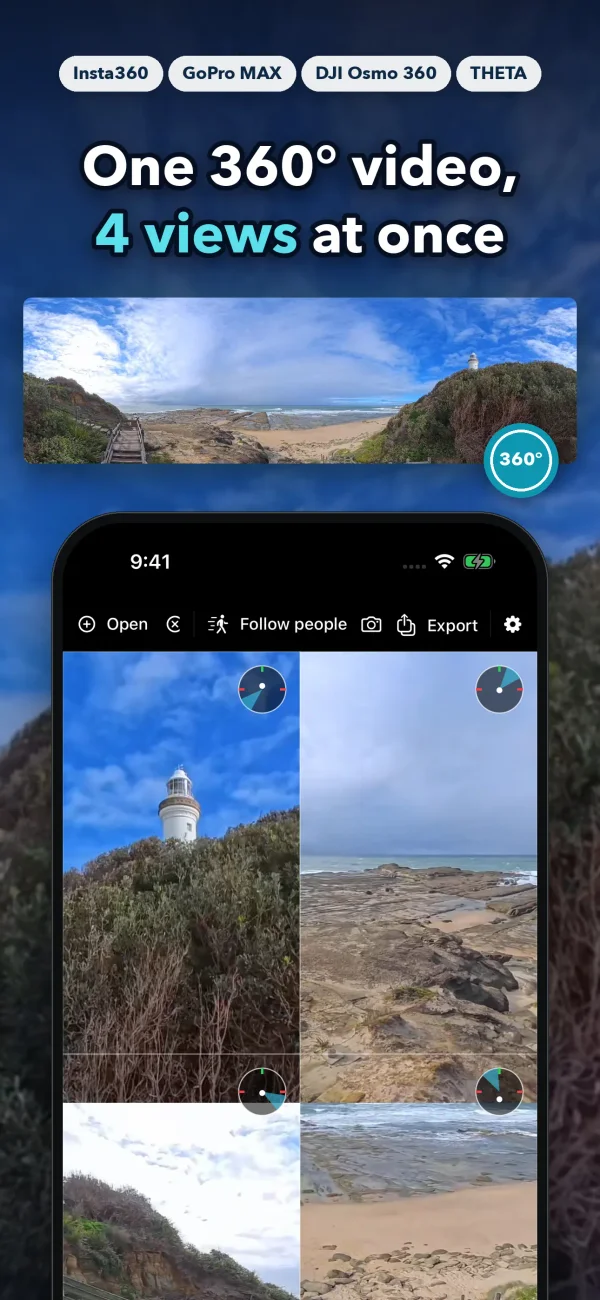
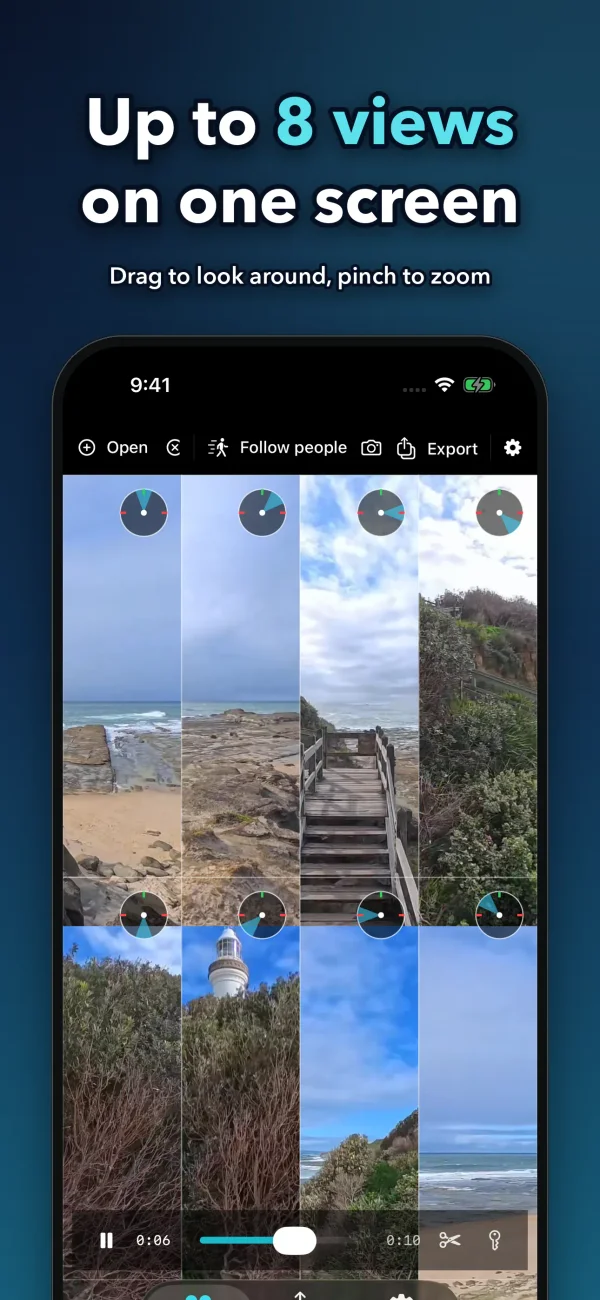
Multi360 turns ONE 360° video into several angles at the same time. Instead of reframing a single view like other 360° apps, Multi360 shows the same moment from up to eight virtual cameras side by side — and exports the whole layout as a single MP4.
Recitals, family gatherings, trips, events — capture every angle from just one 360° video.
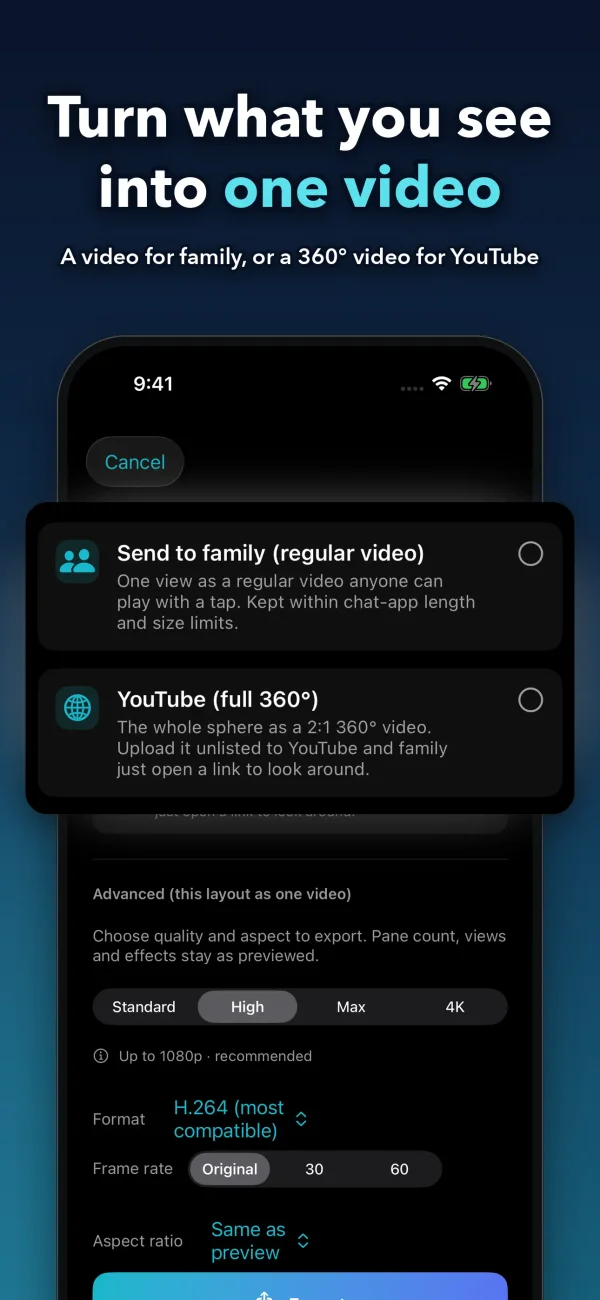
Sharing made simple: “Send to family” exports one view as a regular video within chat-app limits. “YouTube (full 360°)” exports the whole sphere with 360° metadata — upload it unlisted, send the link, done. Everything stays on your device, with no cloud and no subscription.
No footage yet? No problem. On first launch, a bundled sample video (a lighthouse and coastline) plays in four views at once, so you can try multi-view, keyframes, little planet and photo extraction right away.
■ Features
• Watch multiple angles at once: 1 / 2 / 4 / 6 / 8 panes
• Drag each view to aim it freely, with a direction compass
• Auto-framing: detects faces and salient regions and aims the panes for you
• Follow people: automatically builds several candidate videos — per person, highlight moment, direction of travel, slow look-around — to compare side by side
• Send to family: one view as a regular video within chat-app limits
• YouTube (full 360°): 2:1 export with 360° metadata
• Horizon levelling from the camera’s sensor data
• Composite export: combine your chosen angles into a single MP4
• Choose export quality (Standard / High / Max)
• Export as portrait 9:16, square 1:1 or landscape 16:9
• Set an export range (in / out points)
• Pinch to zoom each pane (40–100° field of view)
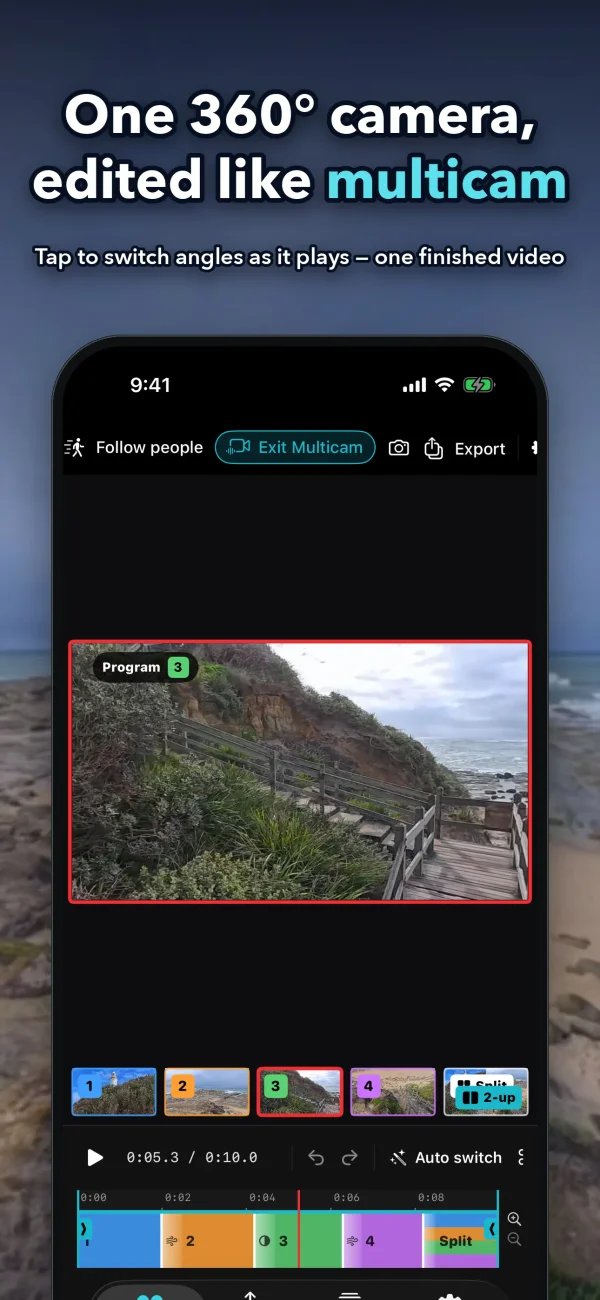
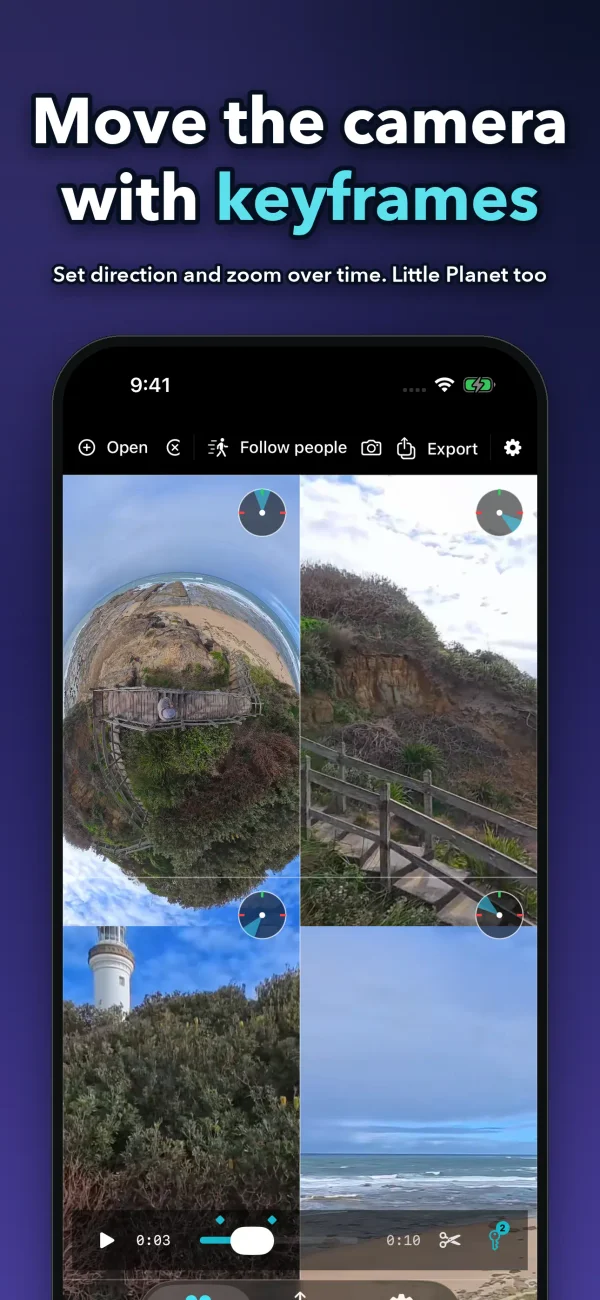
• Keyframe camera paths: set direction and zoom over time and every pane glides smoothly in one video
• Little-planet view and slow auto-pan, per pane
• Save screenshots (with or without a compass)
• Loop toggle, scrubbing, audio playback
• iPhone, iPad and Mac (Universal Purchase)
• Save projects and pick up where you left off (autosave, recent projects)
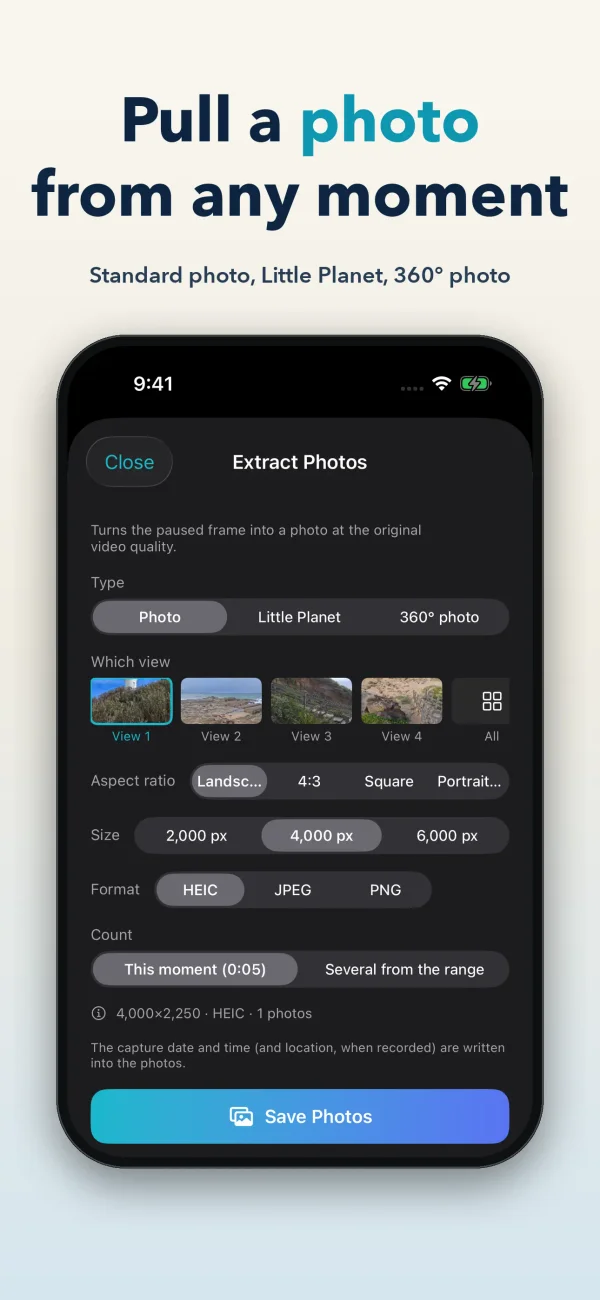
• Cut high-quality photos from 360° video (flat, little planet or 360° photo, with date and location)
• Make One for Me: open a video, tap once, and get a 30-second highlight that switches angles
• Music: import your own song and angles switch on the beat. Fine-tune on the timeline and export it mixed with the original sound
• Text: add titles, captions, date and place to your export
• Overlay GPS speed, route and altitude on your export (GoPro, Insta360, GPX)
• Export in 4K and HEVC 10-bit (ProRes 422 / HQ on Mac)
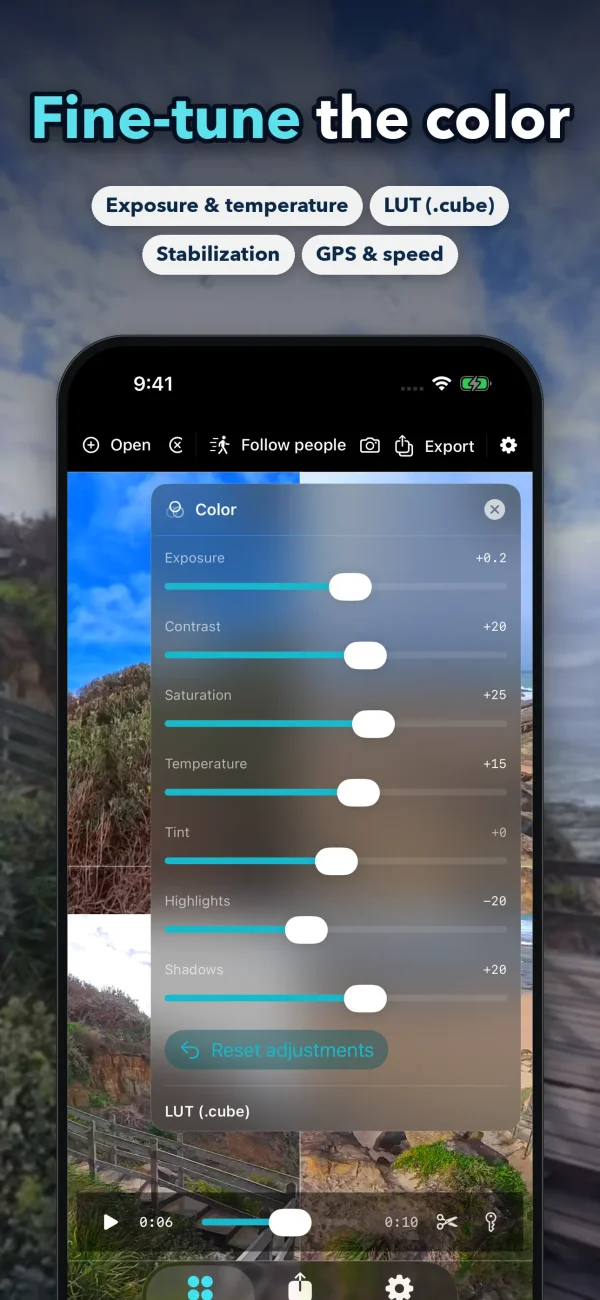
• Color adjustments and .cube LUT import
• Gyro stabilization (Insta360)
■ Supported video
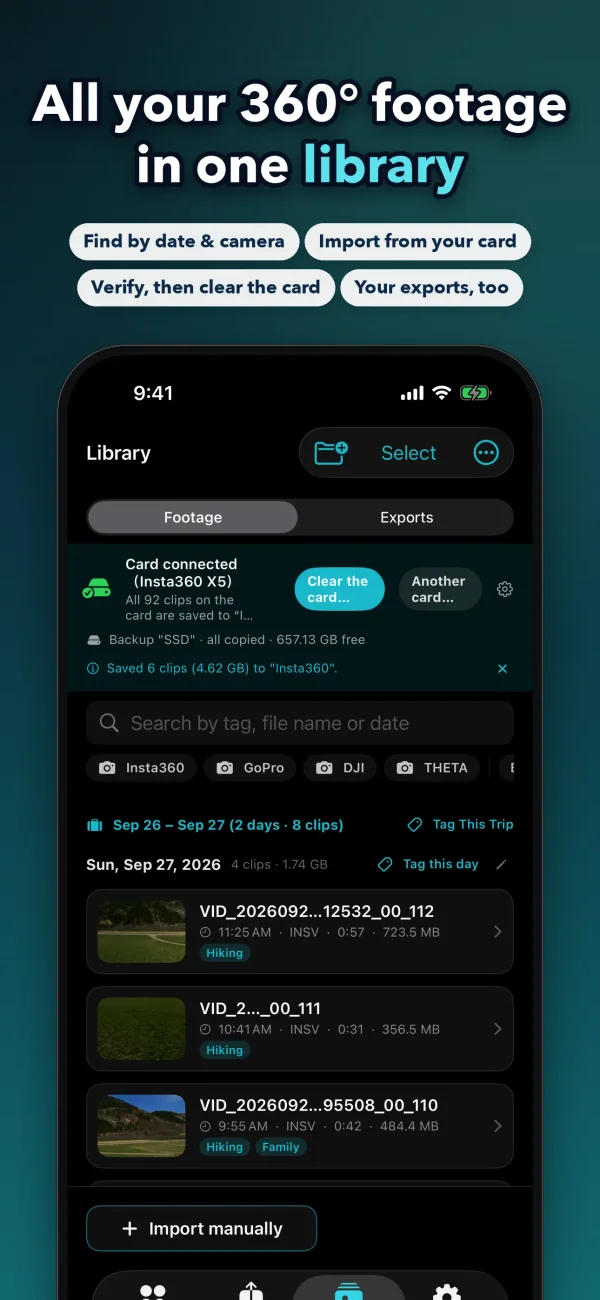
• Insta360 .insv / .lrv (dual fisheye) — opens directly, no conversion
• GoPro MAX / MAX 2 .360 — opens directly, no conversion
• DJI Osmo 360 .OSV — opens directly; lens calibration is read from the file
• Ricoh THETA video (.MP4)
• Equirectangular 360° video (MP4 / MOV)
• Direct links to 360° video (.mp4 / .mov / .m3u8)
■ Pricing
Viewing is free. Try one composite export free (first 15 seconds, small logo). Unlock full-length, unlimited exports with a one-time Pro purchase — not a subscription. Features added in future updates are included at no extra cost. Works across iPhone, iPad and Mac.
■ Privacy
Everything runs on your device; your videos are never uploaded. No ads. Pro exports carry no watermark or logo.
Note: how each angle looks can vary by camera and shooting conditions.
Multi360 is an independent app and is not affiliated with, endorsed by, or sponsored by Insta360, GoPro, DJI or Ricoh. All brand and product names are trademarks of their respective owners.
Sample videos: CC BY 3.0, Wikimedia Commons
What’s new
Version 1.0.6 · Nov 2, 2026
• Make One for Me: one tap turns the best moments into a 30-second video
• Music: import your own song and the angles switch on the beat. Choose how often, then fine-tune on the timeline
• Set the song and original sound levels and export one mixed video
• Text: add titles, captions, date and place to your export
App privacy
What Fumihiro Kawasaki declares on the App Store about how this app handles data.
-
Data not linked to you
May be collected but is not linked to your identity.
- Identifiers
- Usage data
Privacy practices may vary, for example with the features you use or your age.
Information
- Seller
- Fumihiro Kawasaki
- Category
- Photo & Video
- Version
- 1.0.6
- Updated
- Nov 2, 2026
- Released
- Oct 19, 2026
- Size
- 40.5 MB
- Requires
- iOS 18.0 or later
- Age rating
- 4+
- In-app purchases
- Yes
- Languages
- German, English, Simplified Chinese, Korean, Japanese
- Copyright
- © 2026 LineOcean
You might also like
-
 Suila VRPlay your own 360° videos
-
 Immuch360: 360° & 3D PlayerPanorama photo & video viewer
-
 Orbital VR360 video player and editor
-
 PhotoObjects CreatorTurn Photos into 3D Objects
-
 SpherePlayer 360Play 360 videos
-
 VeoScanAR
-
 Pan65: XPan Camera & EditorShoot Film Style XPan Photos
-
 Buttery SlomoSuper smooth slow-motion video
-
 Easy360ViewerPhoto & Video
-
 Orbio - VR Player for 8K VideoPlay 360 & 3D immersive movies