3D Object Capture|Room Scanner
For Objects and Rooms, LiDAR
Designed for iPhone, iPad, Mac
Free · In-app purchases
- Age rating4+
- CategoryUtilities
- DeveloperAsterKit
- LanguagesEnglish+ 13 more
- Size22.4 MB
Links to the official App Store page
Download.org hosts no file of 3D Object Capture|Room Scanner. The button opens its official App Store page, published by AsterKit. Listing last checked on Nov 24, 2026.
Screenshots

About
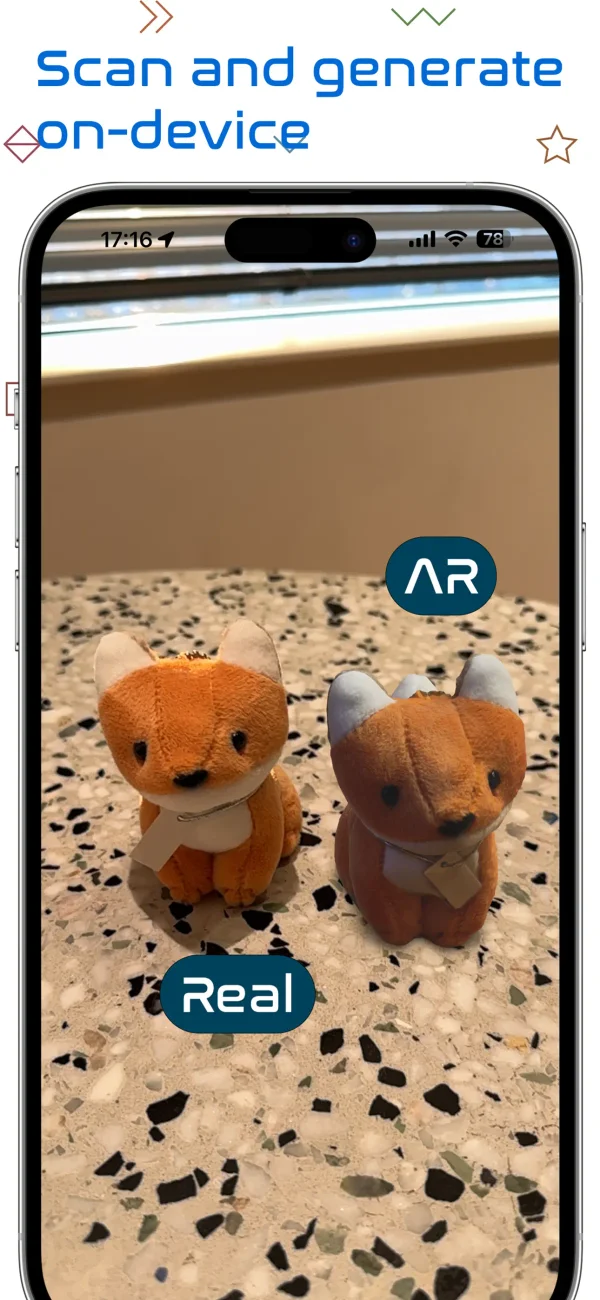
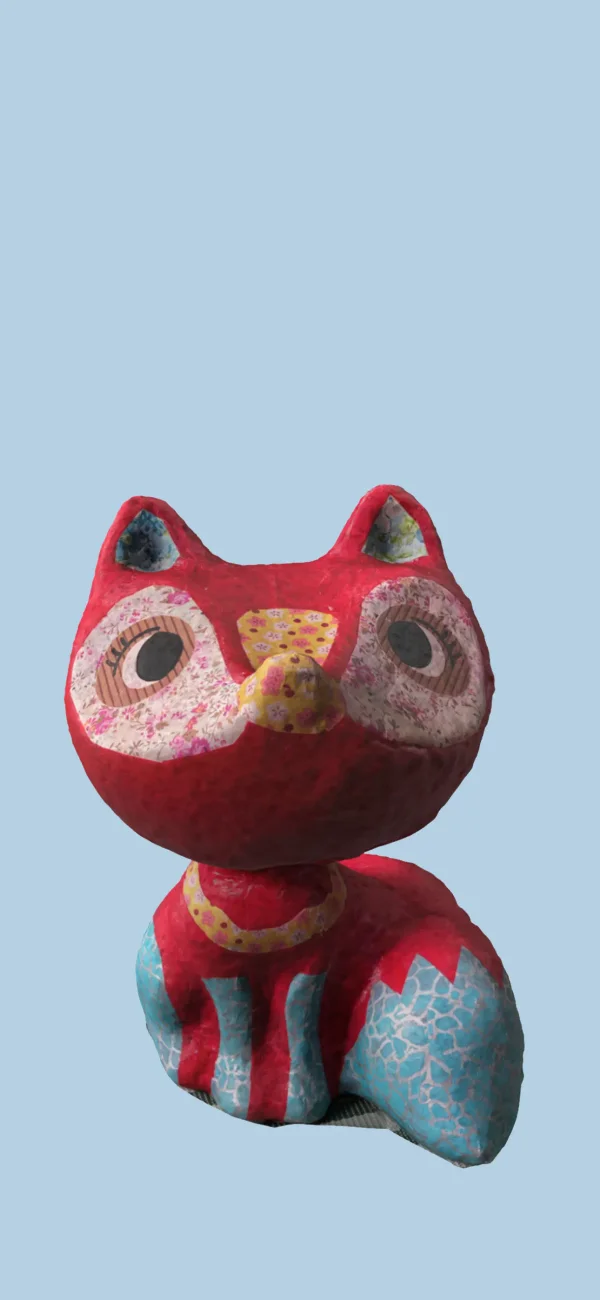
Turn your iPhone or iPad into a powerful 3D scanner. Point at an object, follow the AR guidance, and get a textured 3D model — built entirely on your device. No account. No cloud processing. No subscription.
SCAN OBJECTS
Perfect for artworks, hand-crafted items, toys, anime figures, and more:
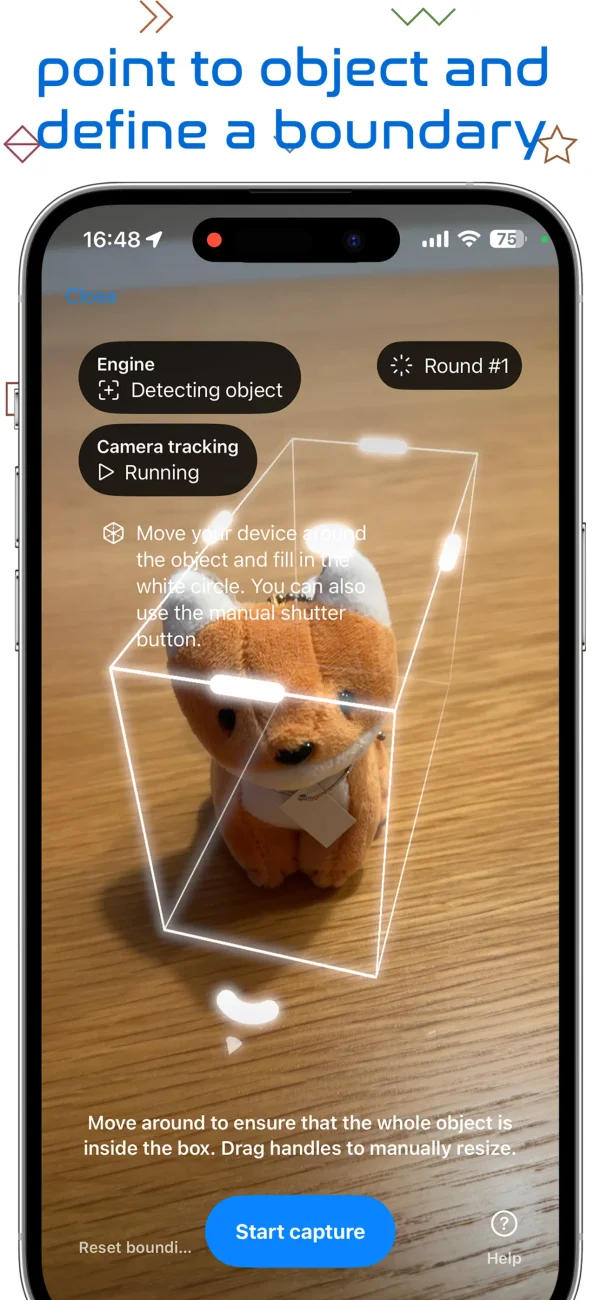
1. Point at the object — the app gauges its size and places a bounding box you can adjust
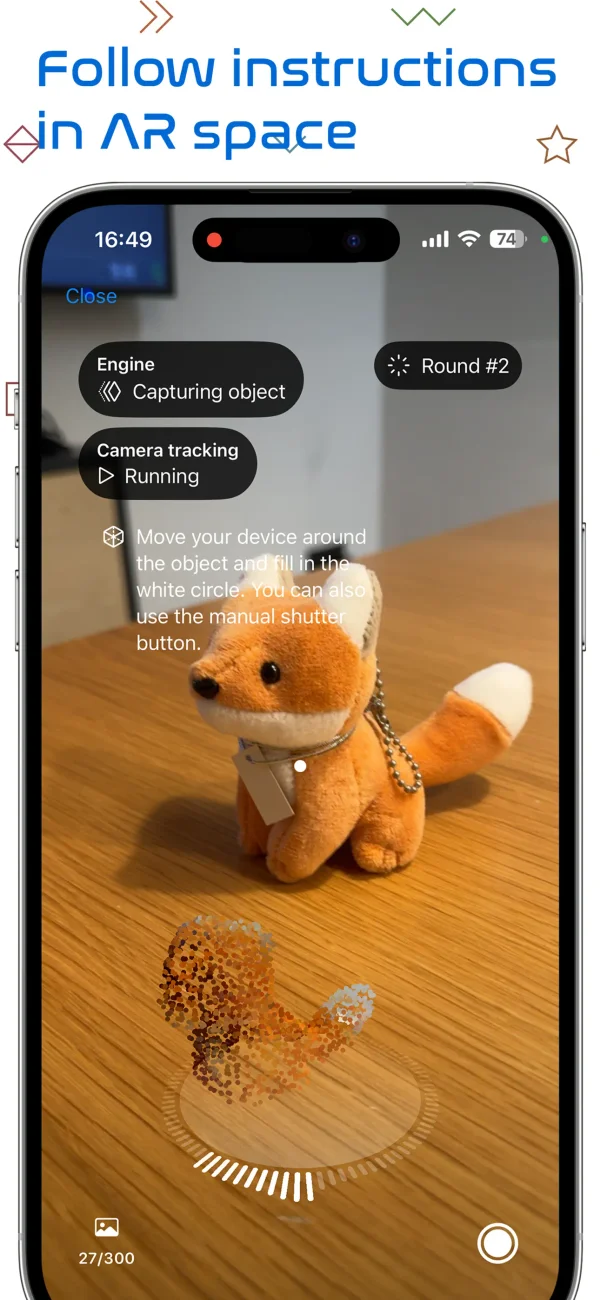
2. Slowly circle the object — photos are taken automatically; just light up the ring of white dots
3. Follow the guided passes with short tutorial videos: flip the object, or scan from a lower angle and the top
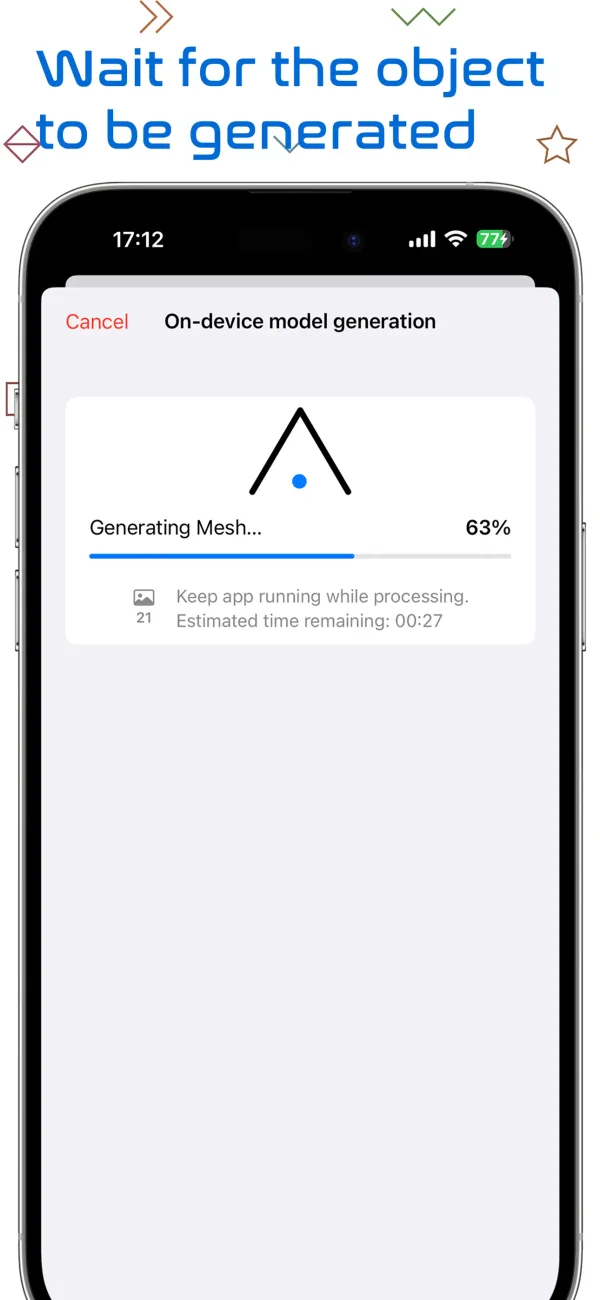
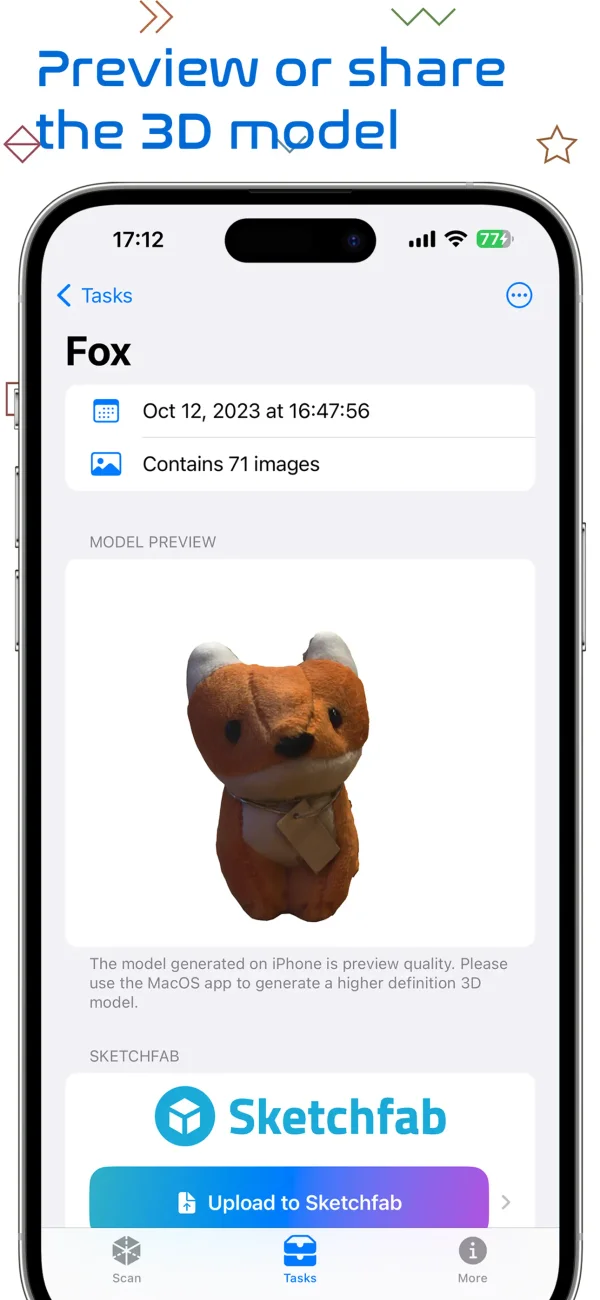
4. Generate the model on your device and preview it in AR
5. Share it in a few taps
SCAN ROOMS — TWO WAYS
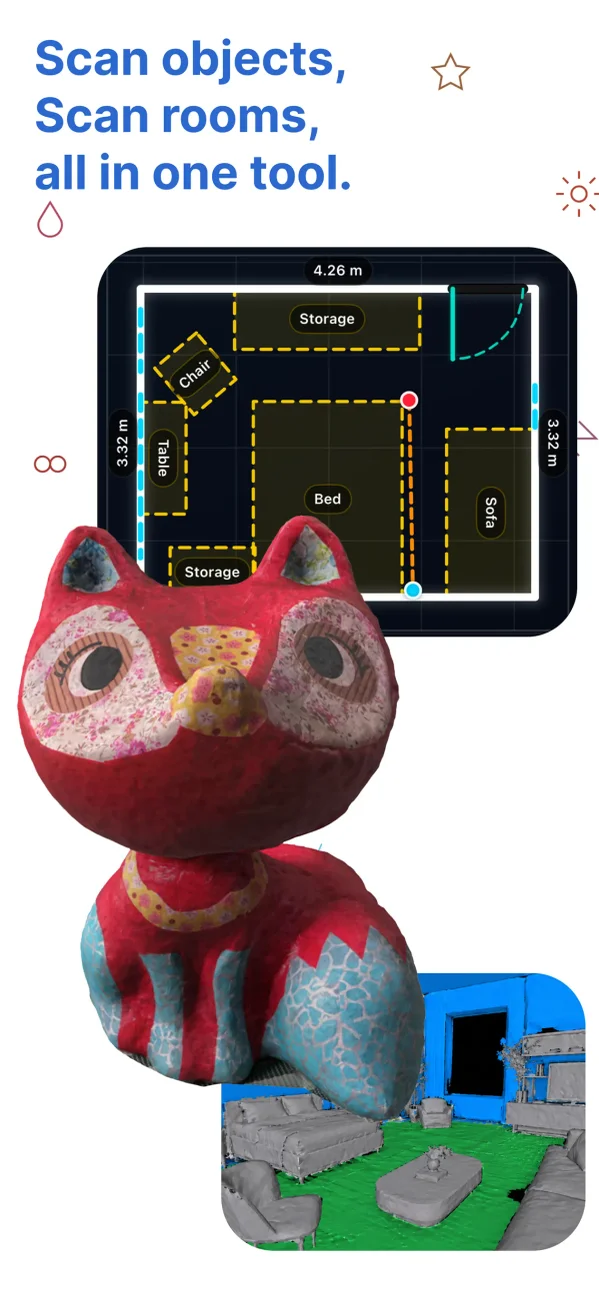
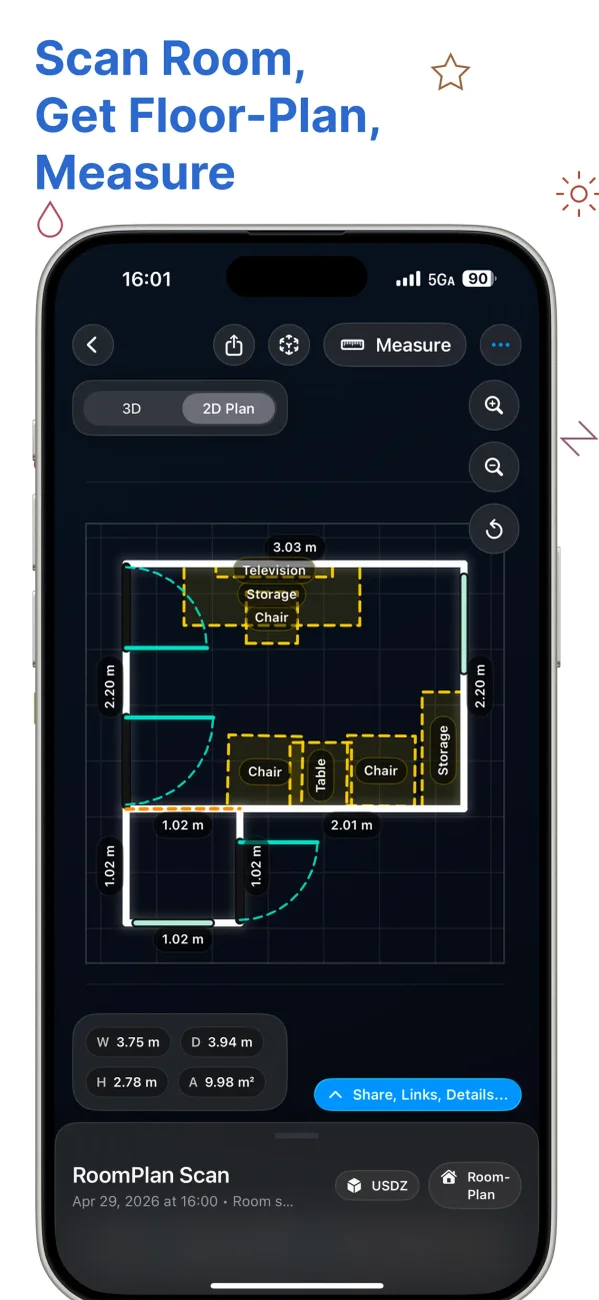
• Floor plan: walk through your space and watch walls, doors, windows, and furniture get outlined live. Scan several rooms and merge them into one structure. You get an interactive 3D model plus a measured 2D floor plan: floor area, wall lengths and height, door and window counts — tap any piece of furniture for its dimensions.
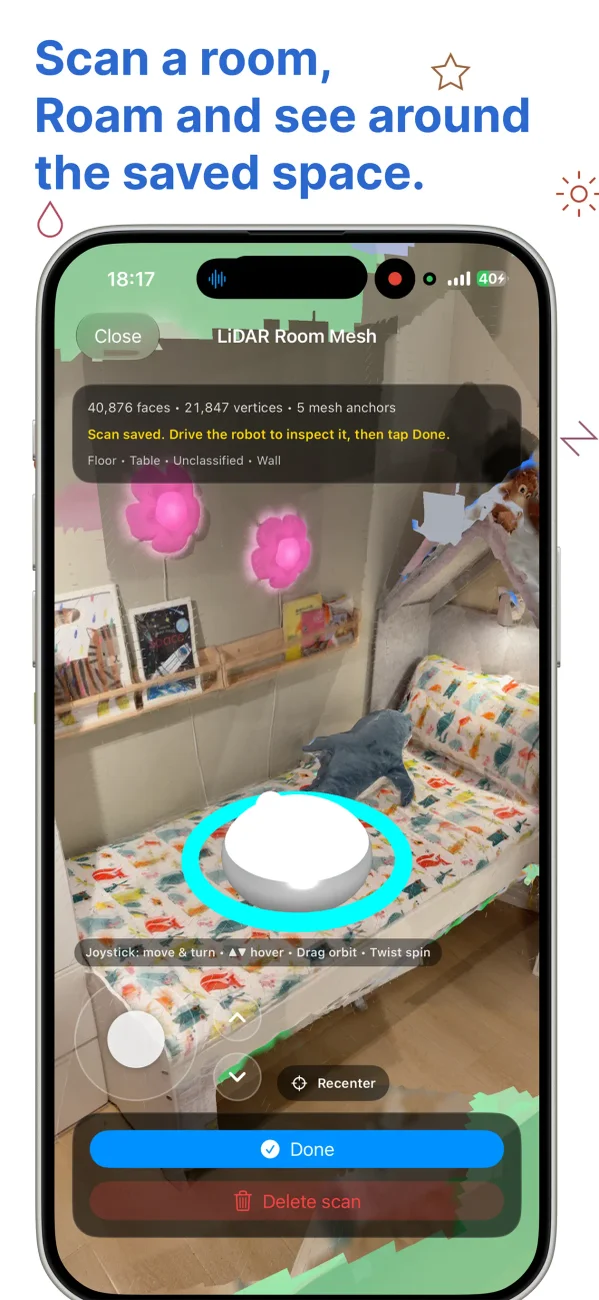
• Photo-textured room mesh (LiDAR): capture a true 3D mesh of your room with photos baked in as seam-free textures. The app shoots high-resolution (up to 4K HDR) photos hands-free while a color tint shows what you have covered. Then drive a hovering robot through your scan in third person, with real collision against your scanned walls and furniture. Exploring is free; exporting and sharing room meshes requires Pro.
EXPORT & SHARE
• .usdz — mobile friendly, opens straight into AR Quick Look
• .obj with textures — for professional 3D software (Pro)
• .stl — for 3D printing (Pro); room meshes export with hole filling, smoothing, and a detail slider
• Share via Messages, Mail, AirDrop, or save to Files
• Create a public iCloud Drive download link anyone can open — no app needed (iOS 26 or later)
• Publish to Sketchfab and share your model as a link or QR code
CAD-STYLE FLOOR PLAN EXPORTS
• PNG image or a CAD-styled multi-page PDF report with dimension lines, a scale bar, and wall/object schedules (2 free exports included)
• Layered DXF that opens in your CAD software (Pro)
• Plan your furniture: draw annotation boxes with exact real-world sizes on the floor plan — they turn red if they would collide with walls or existing furniture (Pro)
MEASURE
See the real-world width, height, and depth of your scans, and measure point-to-point on 3D models and 2D floor plans, in your local units (2 free measuring sessions included).
AND MORE
• Import 10 or more of your own photos from Photos or Files and reconstruct them into a 3D model on-device (Pro)
• Try it instantly with a free downloadable example capture
• Transfer captures to the companion Mac app for maximum-detail models
• Localized in 16 languages
• Pro is a one-time purchase — no subscription, works on all your devices
REQUIREMENTS
Scanning requires a LiDAR-equipped iPhone Pro or iPad Pro. Captured data stays on your device unless you choose to share it.
What’s new
Version 22.0.1 · Jul 19, 2026
Performance improvements
App privacy
What AsterKit declares on the App Store about how this app handles data.
-
Data not collected
The developer does not collect any data from this app.
Privacy practices may vary, for example with the features you use or your age.
Information
- Seller
- ASTERKIT SOFTWARE LIMITED
- Category
- Utilities
- Version
- 22.0.1
- Updated
- Jul 19, 2026
- Released
- Oct 28, 2021
- Size
- 22.4 MB
- Requires
- iOS 18.0 or later
- Age rating
- 4+
- Price
- Free
- In-app purchases
- Yes
- Languages
- English, Arabic, French, German, Indonesian, Italian, Japanese, Korean, Portuguese, Russian, Simplified Chinese, Spanish + 2 more
- Copyright
- © 2021~2026 Indie Developed by Shunzhe Ma, @MszPro
You might also like
-
 3D Object & Room ScannerTape Measure & Reality Scan
-
 Revo Scan-3D scanner app3D Scan APP
-
 3D LiDAR Scanner & Model MakerLiView: Scan Modeling & Viewer
-
 RTAB-Map - 3D LiDAR ScannerOpen Source Visual/LiDAR SLAM
-
 SiteScape: LiDAR Scanner & CAD3D Scan, 3D Model, 3D Photo
-
 PIX4Dcatch: 3D scanner3D models from images & LiDAR
-
 Creality ScanUtilities
-
 Recon-3DAccurate 3D Data For Forensics
-
 CamToPlan - 3D Scanner & LiDARCapture, Measure, Floor Plan
-
 3d Scanner App™LIDAR Scan in 3d