Parapeek Clock
Peek inside. Change your view.
Designed for iPhone, iPad, iPod touch
Free · In-app purchases
- Age rating12+
- CategoryUtilities
- DeveloperShinichi Doui
- LanguagesEnglish+ 1 more
- Size99.2 MB
Links to the official App Store page
Download.org hosts no file of Parapeek Clock. The button opens its official App Store page, published by Shinichi Doui. Listing last checked on Nov 23, 2026.
Screenshots
About
A room inside your screen. Lean over and look in.
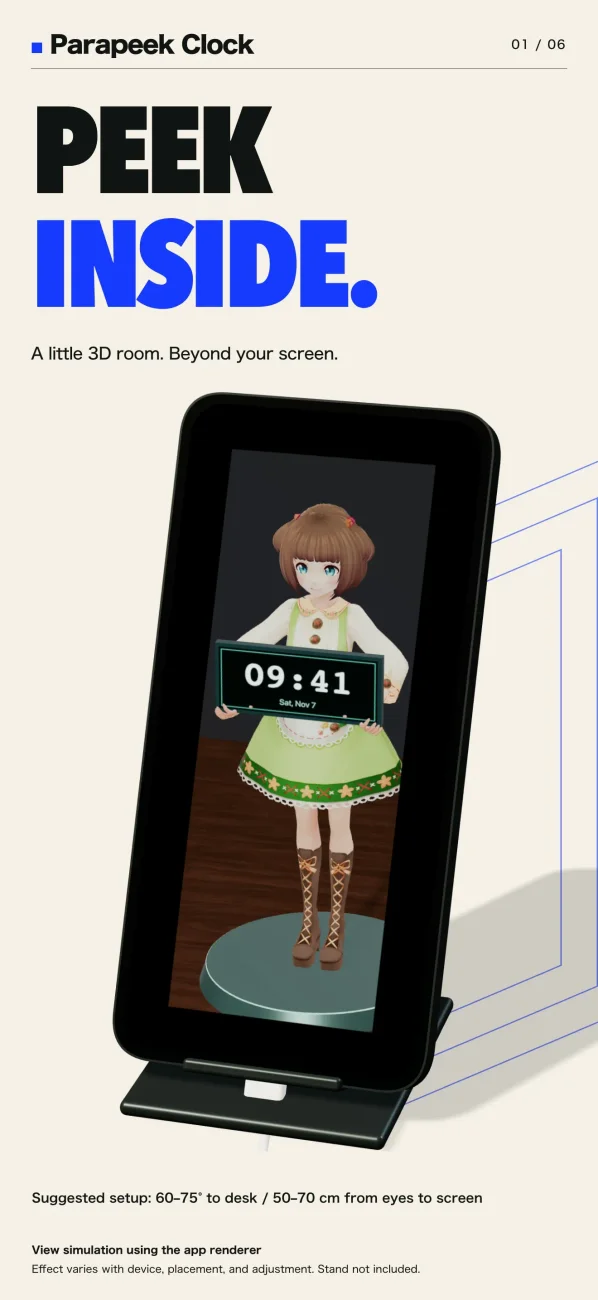
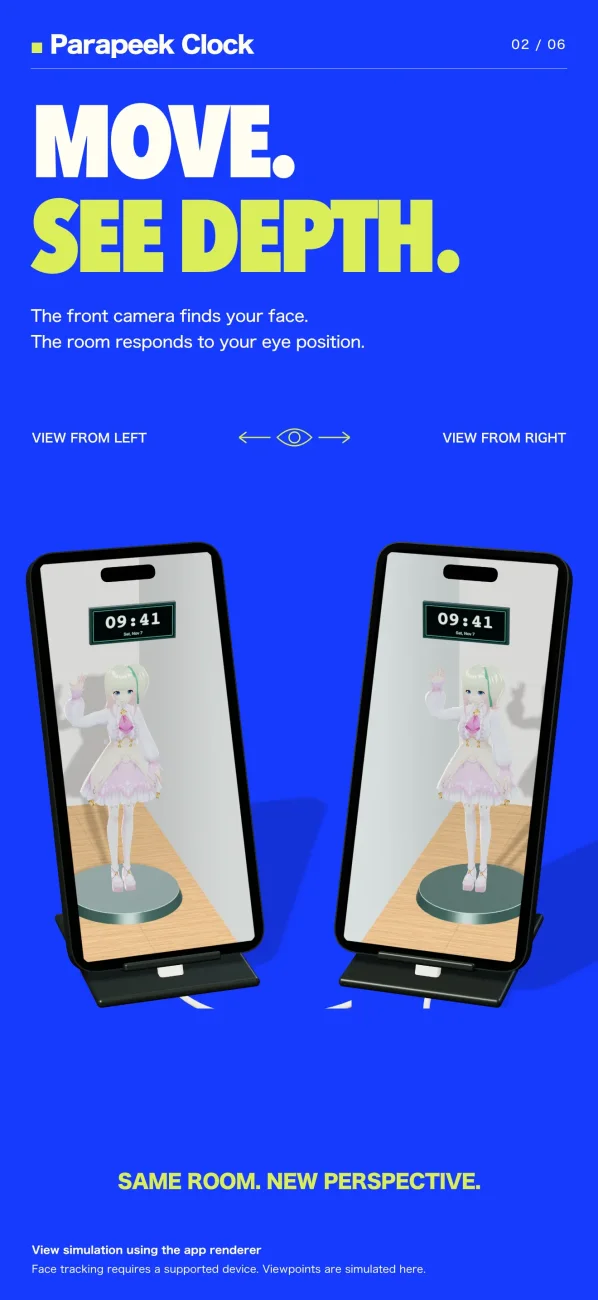
Stand your iPhone or iPad on your desk and look around a miniature room. As you move your head, the character, clock and walls line up differently. The view follows your eye position and the tilt of your device.
A ROOM THAT FEELS LIVED IN
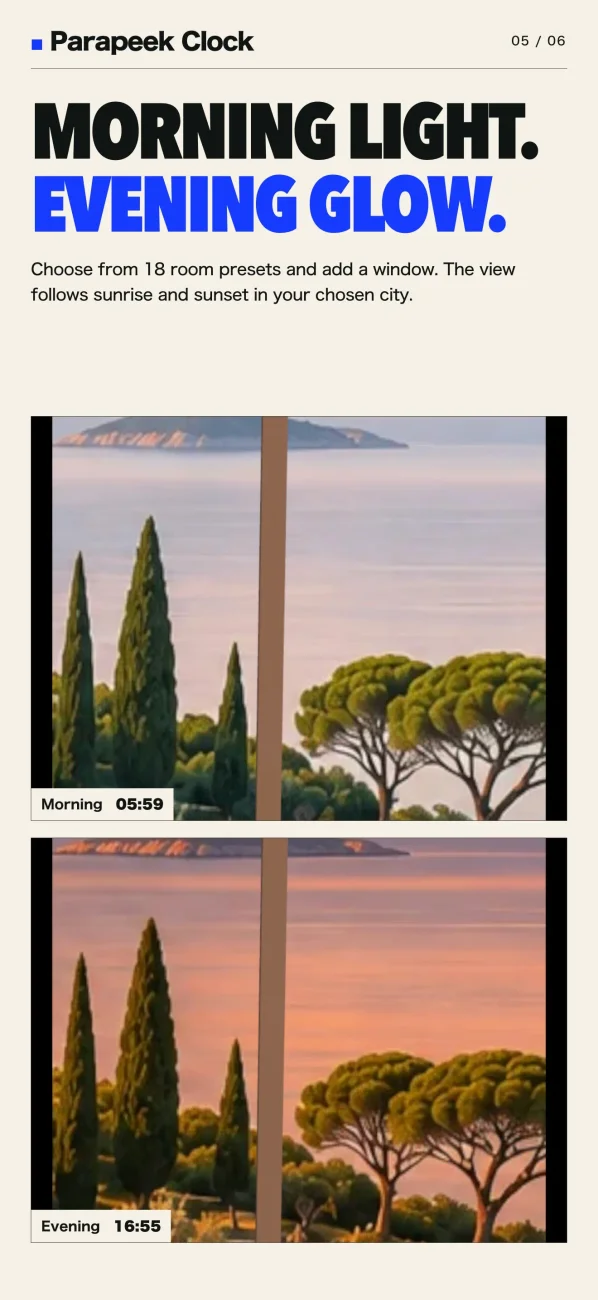
Your character can greet you, shift their weight, stretch or glance your way. You can also choose Still in Model settings. The view outside follows sunrise and sunset in your chosen city. Place a seasonal item in the room and see it change with the weather or date, from a snowman to holiday decorations.
ONE ROOM, TWO SCREENS
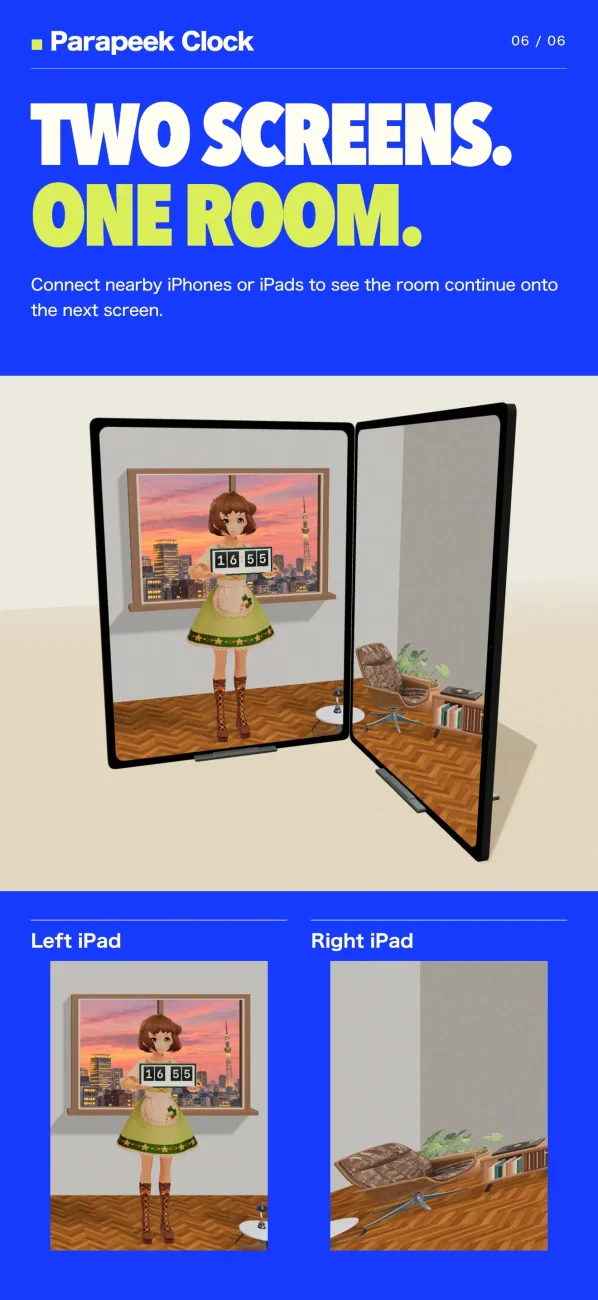
Connect a nearby iPhone or iPad, then place its screen in the room to match its position on your desk. Each device shows the same room from a different angle. For a custom model, import the same file on each device.
MAKE IT YOURS
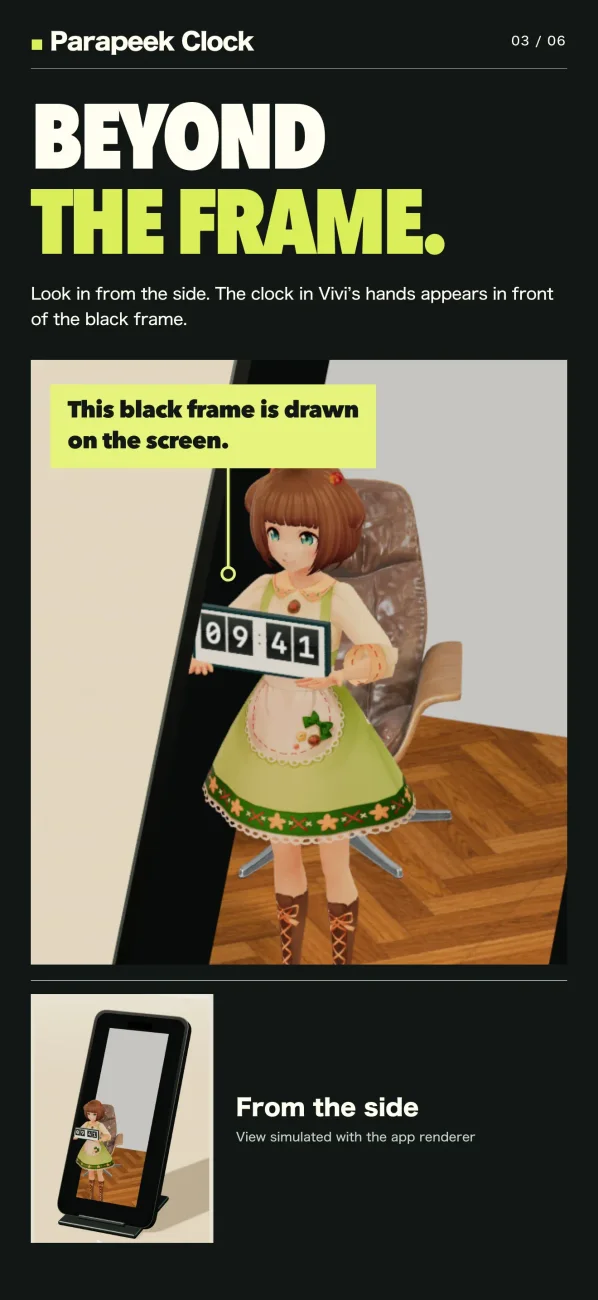
Choose from 18 room presets, including Vivi at Night, a neon disco and two aquariums. Keep up to ten fish in a tank. Change the furniture, lighting, floor, walls and windows, or decorate with your own photos. Use mirrors and shadows to give the room depth. Move a character or clock forward to overlap the frame, and save your layout as a personal preset.
BRING YOUR OWN MODEL
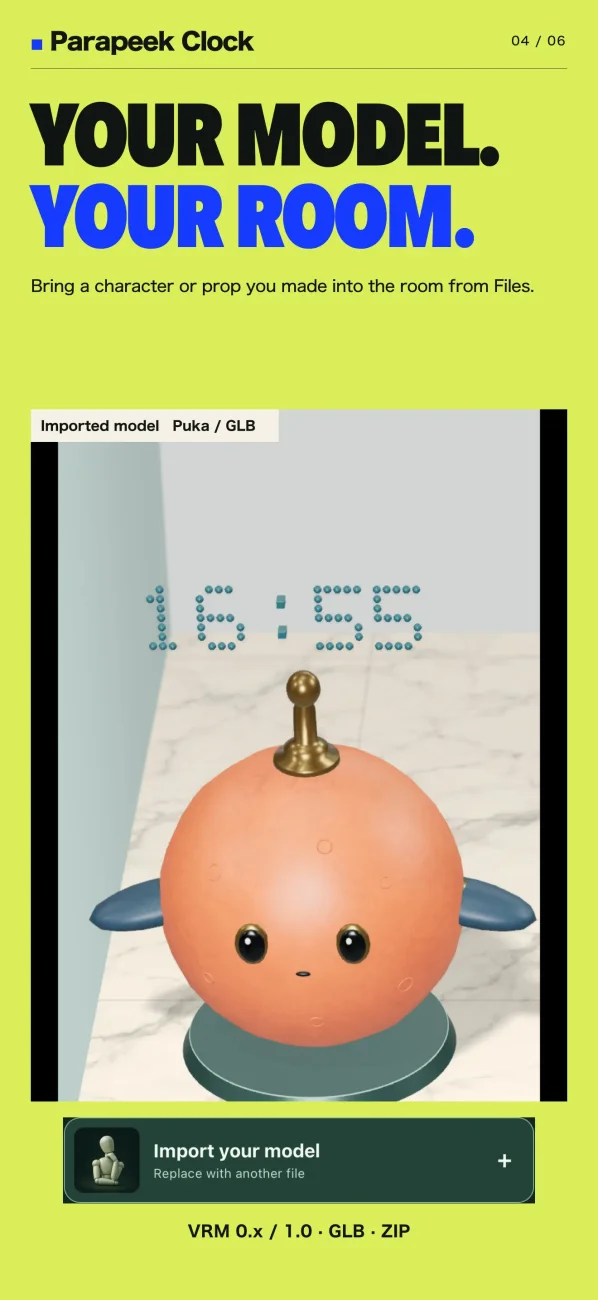
Vivi, Victoria and Puka are included. Import a character or a prop from Files as GLB (glTF 2.0) or VRM 0.x / 1.0, including models inside a ZIP. Use a self-contained model up to 50 MB with embedded textures, or a ZIP up to 256 MB. Models requiring Draco, Meshopt or BasisU are not supported. Imported files stay on your device.
TIME, WEATHER AND HEADLINES
Set a digital, flip, analog or 3D clock in the character’s hand, on the floor or on a wall. Add a calendar, a forecast or an RSS/Atom feed. Calendars display dates. For feeds, choose an included source or enter an HTTPS address after checking the publisher’s terms. On supported devices, you can use the rear camera as a room background.
Start a timer and watch the countdown in 3D. Add hourly effects or schedule up to eight alarms, once or by weekday. While the app is open, the room plays sounds and effects. In the background, alarms use local notifications if allowed. Notification sounds follow your device settings.
GETTING STARTED
Start with a stable stand at about 60–75° and view the screen from about 50–70 cm away. Tap the room and open the book icon for the illustrated guide. iPad supports portrait and landscape. The room also works with the camera off.
Camera images are processed on your device. When you connect devices, they share viewpoint coordinates to display the room. This information is not used for advertising. The app is free with ads. A one-time purchase removes ads and can be restored.
What’s new
Version 1.4.1 · Nov 22, 2026
On iPhone Duo, you can now open Folded display from Advanced settings under View and device. Rest the lower half on a desk to see one room across both halves of the screen.
App privacy
What Shinichi Doui declares on the App Store about how this app handles data.
-
Data used to track you
May be used to track you across apps and websites owned by other companies.
- Identifiers
-
Data linked to you
May be collected and linked to your identity.
- Location
- Identifiers
- Usage data
-
Data not linked to you
May be collected but is not linked to your identity.
- Diagnostics
Privacy practices may vary, for example with the features you use or your age.
Information
- Seller
- Shinichi Doui
- Category
- Utilities
- Version
- 1.4.1
- Updated
- Nov 22, 2026
- Released
- Nov 4, 2026
- Size
- 99.2 MB
- Requires
- iOS 15.0 or later
- Age rating
- 12+
- Price
- Free
- In-app purchases
- Yes
- Languages
- English, Japanese
- Copyright
- © 2026 Doui Lab