- Age rating4+
- CategoryBusiness
- Developer3M Company
- Size369.1 MB
Links to the official App Store page
Download.org hosts no file of 3M™ Connected Equipment. The button opens its official App Store page, published by 3M Company. Listing last checked on Nov 12, 2026.
Screenshots

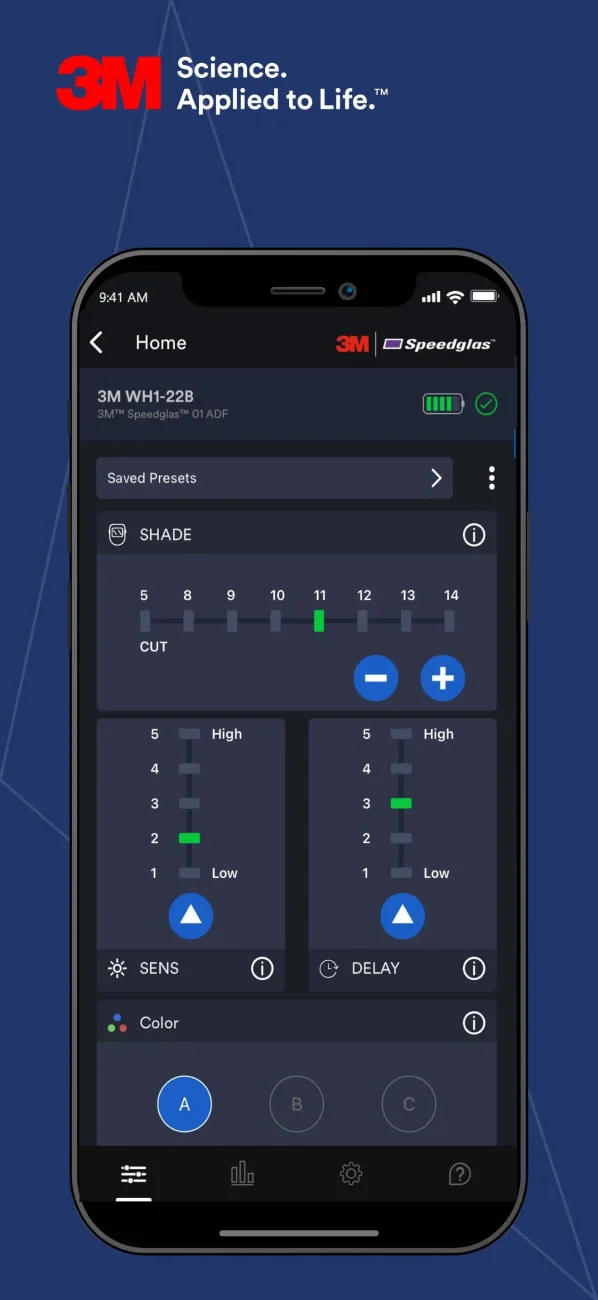

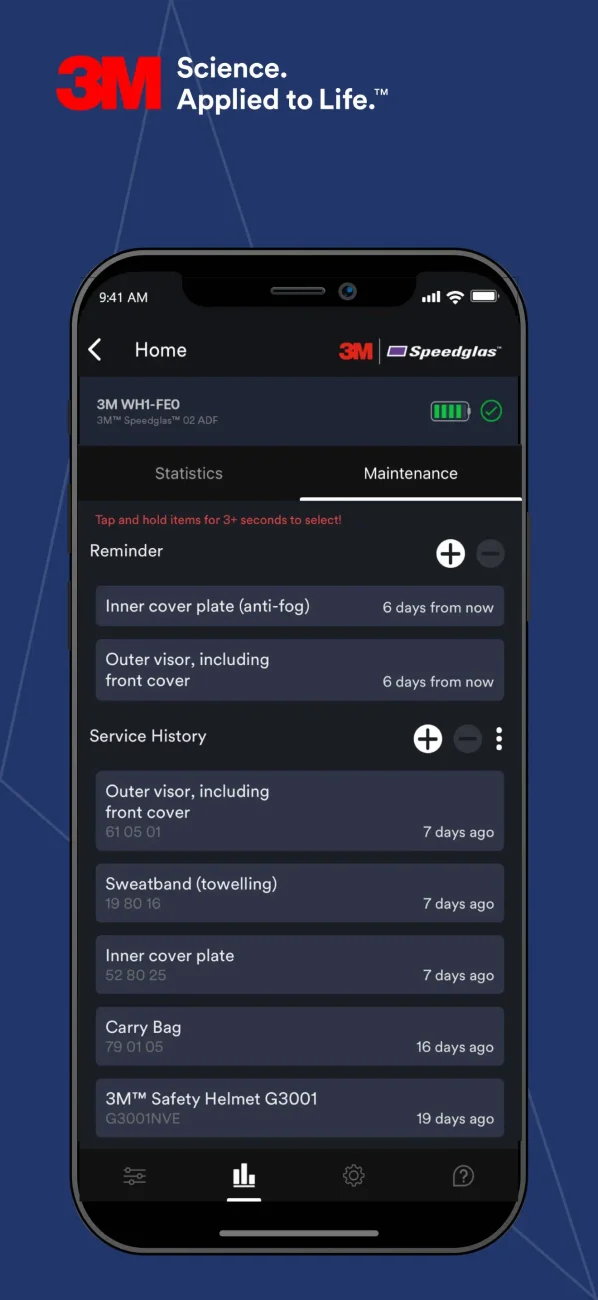
About
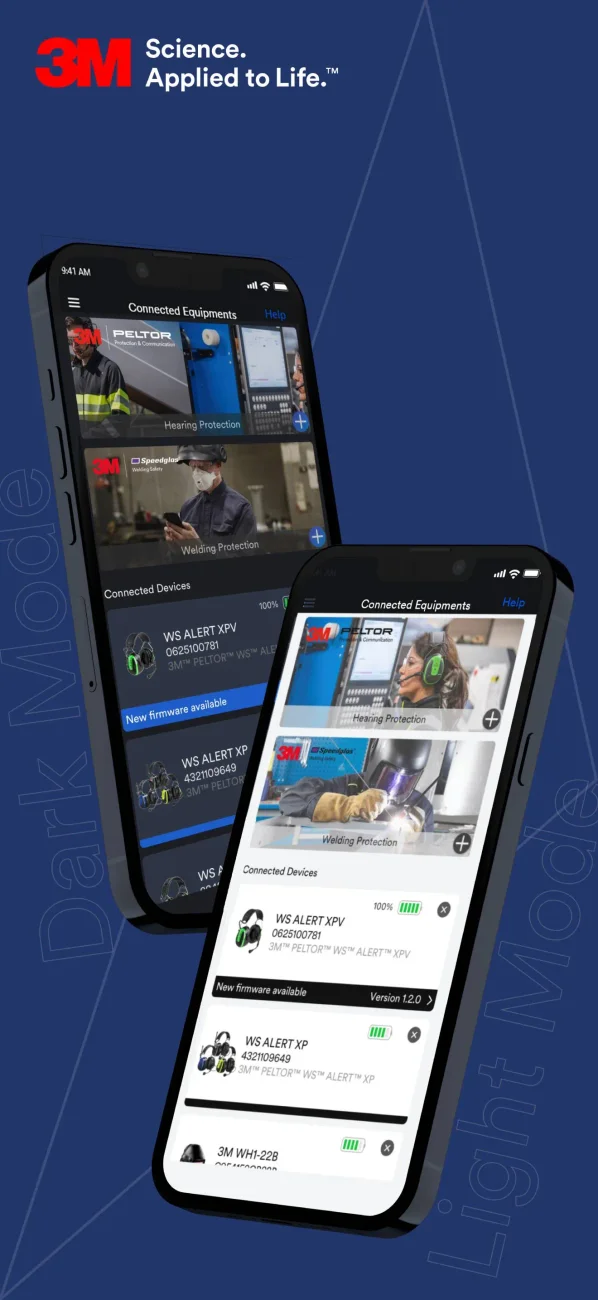
Make the most out of your connected 3M product and start to use the 3M Connected Equipment app.
This mobile app helps you to intuitively interact with your 3M™ PELTOR™ or 3M™ Speedglas™ product.
You can set up the equipment and store pre-sets in the mobile app. Reminders can help you to ensure proper maintenance of the high-performance product. Have instant access to support with user manuals, etc. in the app.
Supported 3M™ PELTOR™ WS™ ALERT™ headsets:
• XPI+ Headset
• XP+ Headset
• X+ Headset
• XPV Headset
• XPI Headset (after August 2019)
• XP Headset (after September 2022)
• X Headset
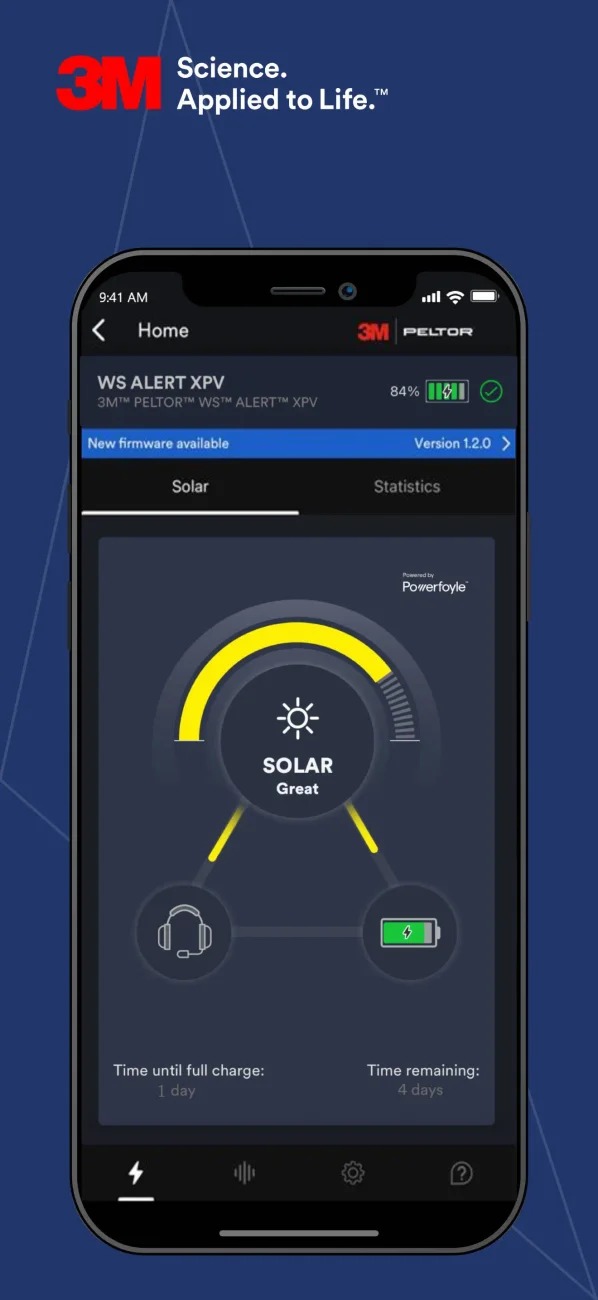
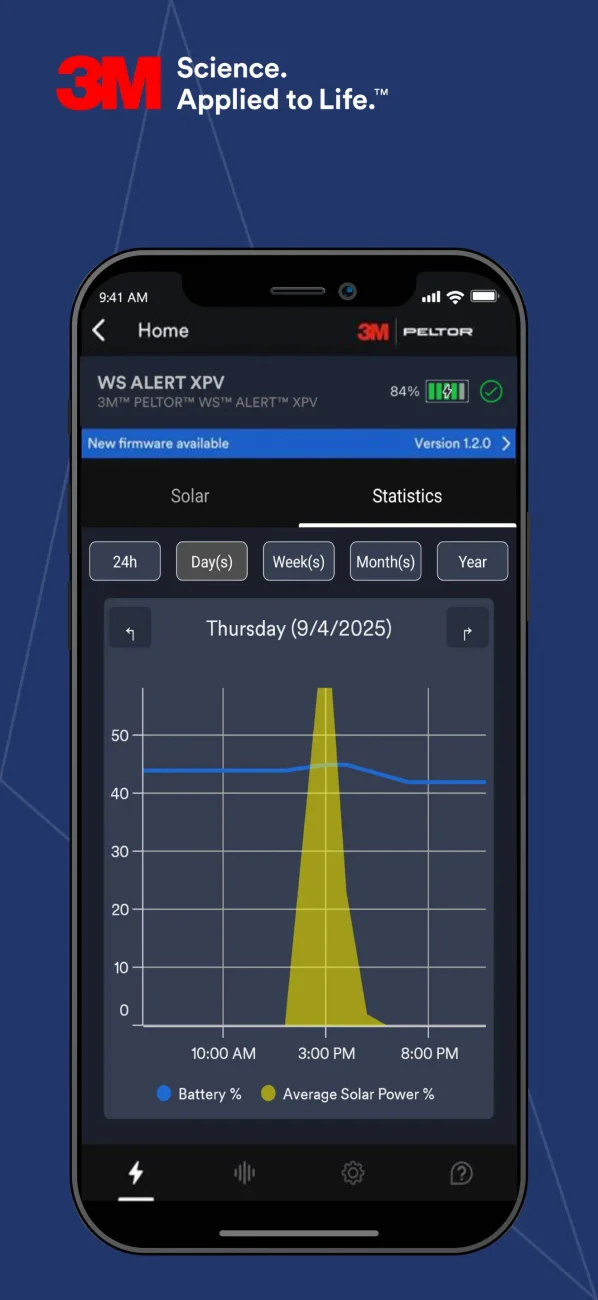
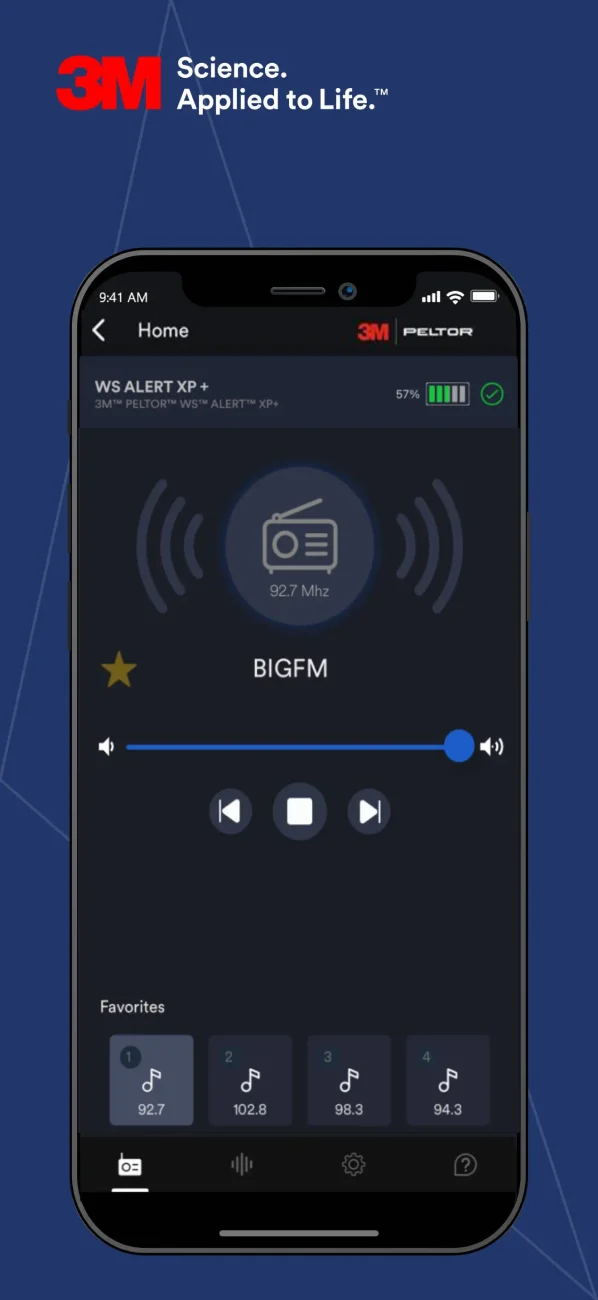
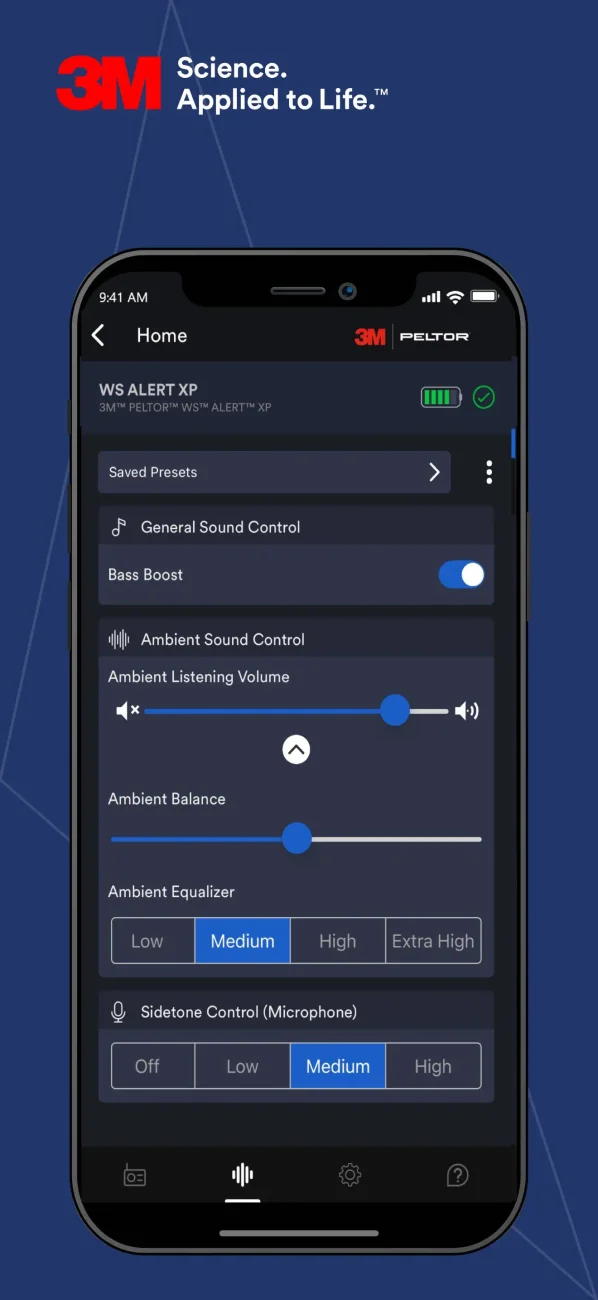
Depending on the specific product, the app offers different functionalities, e.g.: Easy evaluation of solar energy flow and solar power statistics. Choose between predefined functions on Multi-function Button. Simple selection and storage of FM-radio stations. Reminder for hygiene-kit (foam + cushion) exchange. Easy adjustment of audio settings: FM-radio volume, bass-boost, side-tone volume, ambient sound, ambient equalizer etc.
If there is a new firmware update available, you can get it via the mobile app (OTA).
Support of 3M™ Peltor™ PIC-100 Professional In Ear Communication Headset
Supported 3M™ Speedglas™ welding lens models:
• G5-01TW
• G5-01VC
• G5-02
• G5-01/03TW
• G5-01/03VC
Depending on the specific product, the app offers different functionalities, e.g.: Storage of up to ten pre-sets (settings for shade, sensitivity, delay, etc.) in your phone. Easily record your welding helmet maintenance log to the app. Adjust the TAP functionality for quickly changing between grind/cut and welding mode. Name your device and digitally lock the name for recognition of ownership. Instantly know statistics, including hours in the dark state/light state, number of on/off cycles of your Auto Darkening Filter (ADF) etc. Log the statistics of your ADF to different projects. Easily export your project data and settings to your email client or clipboard for later analysis.
What’s new
Version 5.2.1 · Aug 27, 2026
Bug fixes
App privacy
What 3M Company declares on the App Store about how this app handles data.
-
Data not linked to you
May be collected but is not linked to your identity.
- Location
- Contact info
- Identifiers
- Diagnostics
Privacy practices may vary, for example with the features you use or your age.
Information
- Seller
- 3M Company
- Category
- Business
- Version
- 5.2.1
- Updated
- Aug 27, 2026
- Released
- Mar 2, 2019
- Size
- 369.1 MB
- Requires
- iOS 13.0 or later
- Age rating
- 4+
- Price
- Free
- Copyright
- © 3M Company, 2026