
3uTools Guide
Firmware, Backup & Fix Guides
Designed for iPhone, iPad
Free · In-app purchases
- Age rating4+
- CategoryUtilities
- DeveloperMD UZZAL MIA
- LanguagesEnglish
- Size28.4 MB
Links to the official App Store page
Download.org hosts no file of 3uTools Guide. The button opens its official App Store page, published by MD UZZAL MIA. Listing last checked on Nov 21, 2026.
Screenshots

About
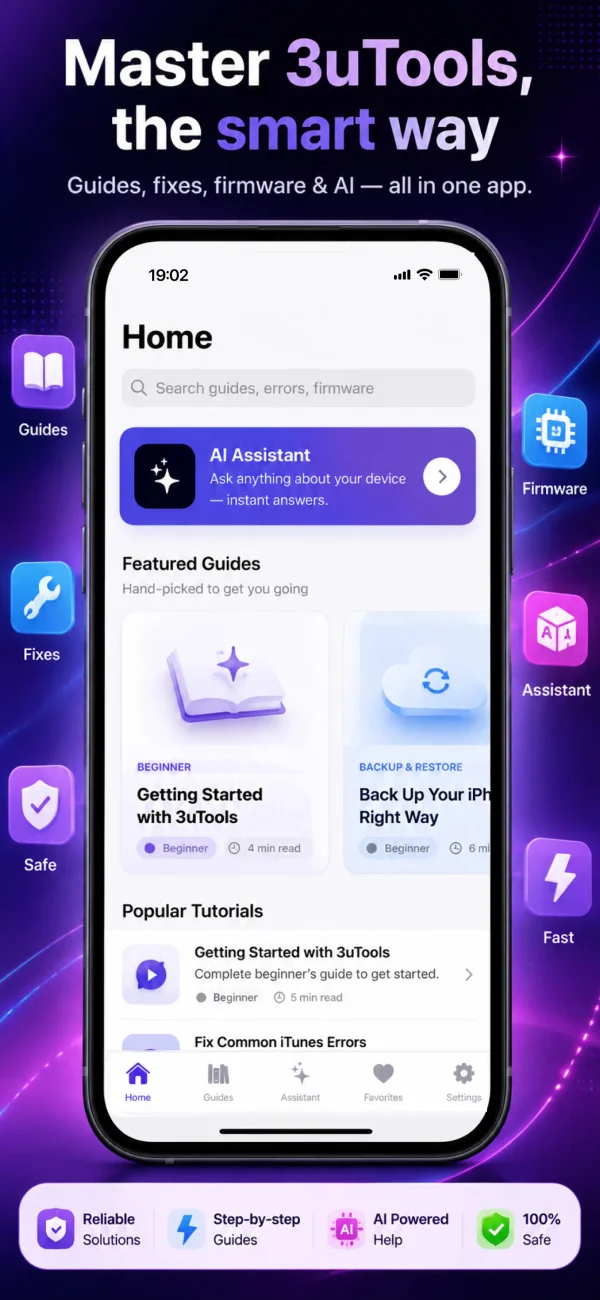
3uTools Guide is your friendly, step-by-step companion for getting the most out of your iPhone, iPad, and iOS device management — explained in plain English.
Whether you're flashing firmware for the first time, backing up precious data, or trying to rescue a device stuck in recovery mode, this app walks you through every step with clear, beginner-friendly tutorials and pro-level deep dives.
WHAT'S INSIDE
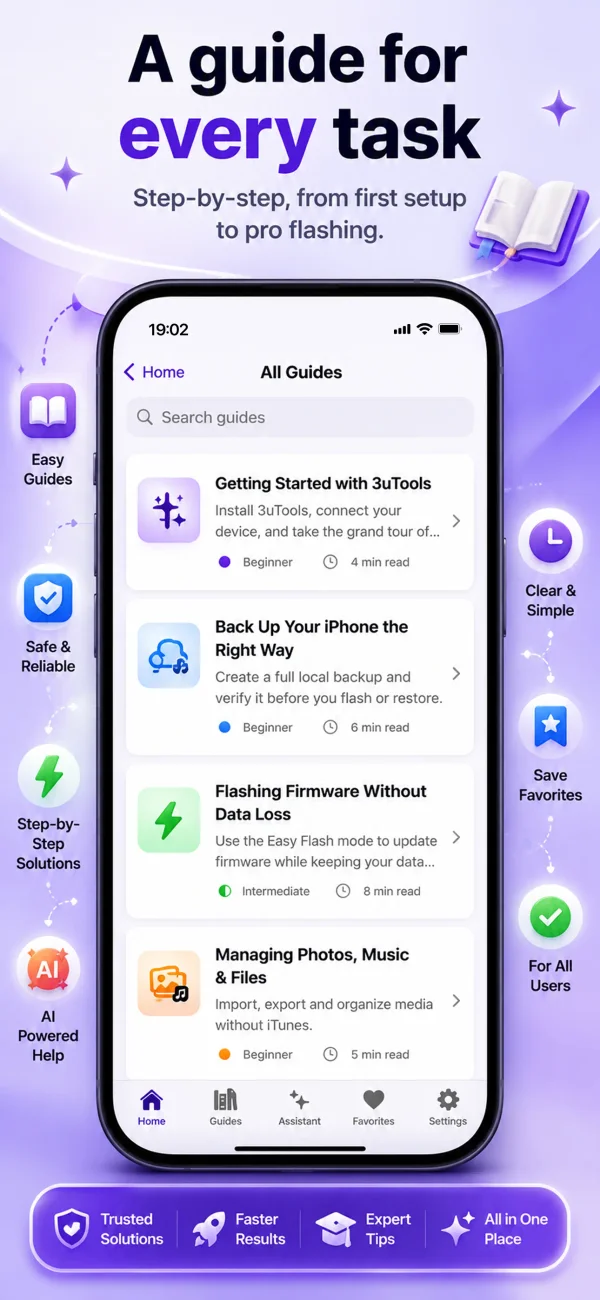
• Step-by-Step Guides
Curated tutorials organized by skill level and topic — Beginner, Advanced, Backup & Restore, Flashing, Device Management, and Troubleshooting. Start with the essentials or jump straight to power-user workflows.
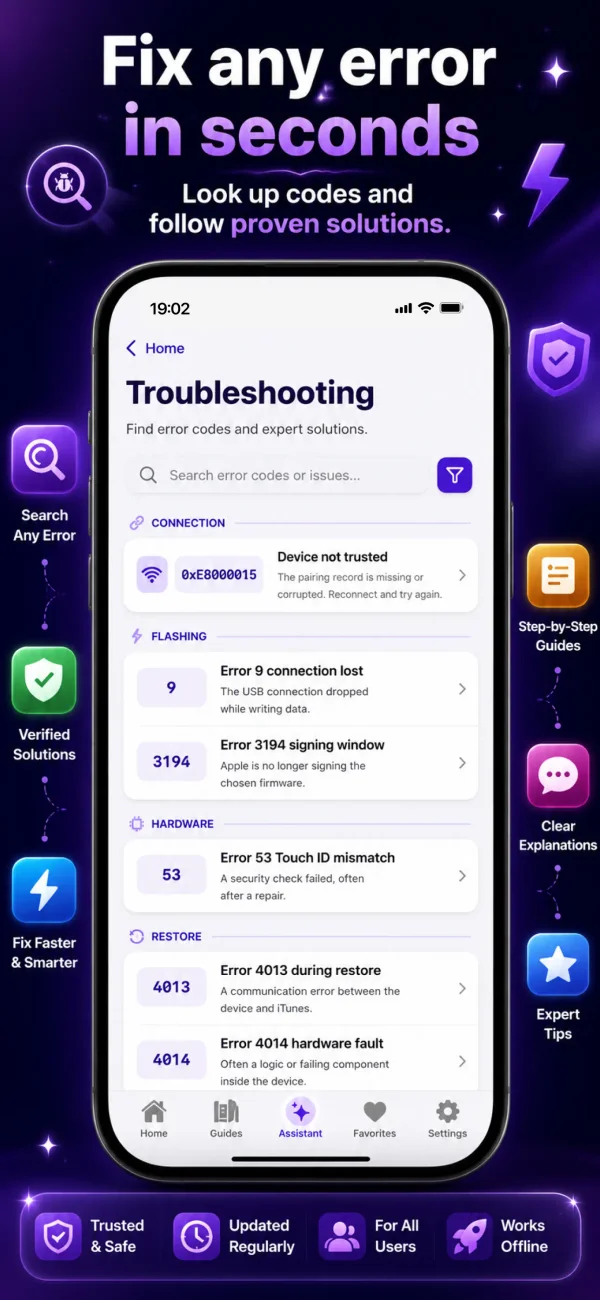
• Fix Common Problems Fast
Stuck on Error 4013, 4014, 3194, Error 9, Error 53, or "device not trusted"? Our troubleshooting library decodes the most common error codes and shows you exactly how to fix them.
• Firmware & Device References
Browse firmware information and device guides so you always know what to flash and how to do it without losing your data.
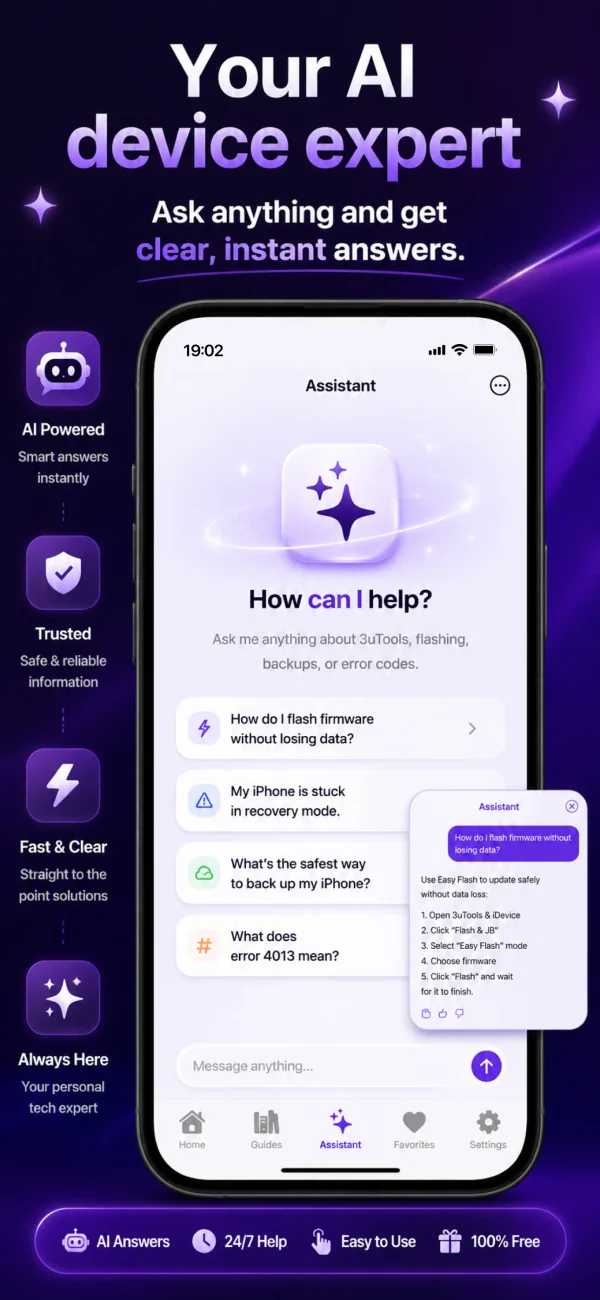
• Built-In AI Assistant
Ask anything about device management, firmware, backups, or errors and get instant, easy-to-understand answers — like having an expert in your pocket.
• Smart Search & Favorites
Find the exact guide you need in seconds, and save your go-to tutorials for quick access later.
• Beautiful, Native Design
A clean, fast, distraction-free interface built for iOS, with light and dark mode support.
POPULAR TOPICS COVERED
• Getting started with device management tools
• Backing up your iPhone the right way
• Flashing firmware without data loss
• Managing photos, music, and files
• Fixing a device stuck in recovery mode
• Reading device logs and diagnostics
• Battery health and verification reports
• Restoring from a backup
PREMIUM
Upgrade to Premium for the full experience:
• Unlimited AI Assistant questions
• Ad-free, distraction-free reading
• Advanced flashing & diagnostics tutorials
• Exclusive tools, checklists, and firmware references
Available as a monthly, yearly, or one-time lifetime purchase.
IMPORTANT
3uTools Guide is an independent, unofficial educational guide. It is not affiliated with, endorsed by, or associated with 3uTools or its developers. All trademarks belong to their respective owners.
Download 3uTools Guide and master your device the smart way.
Privacy policy : https://sites.google.com/view/threeutools-guide/home
Terms of Use: https://sites.google.com/view/3utools-guide-terms-of-use/home
What’s new
Version 1.6 · Oct 12, 2026
Bug fixes and improvements.
App privacy
What MD UZZAL MIA declares on the App Store about how this app handles data.
-
Data not linked to you
May be collected but is not linked to your identity.
- User content
Privacy practices may vary, for example with the features you use or your age.
Information
- Seller
- MD UZZAL MIA
- Category
- Utilities
- Version
- 1.6
- Updated
- Oct 12, 2026
- Released
- Jul 2, 2026
- Size
- 28.4 MB
- Requires
- iOS 17.6 or later
- Age rating
- 4+
- Price
- Free
- In-app purchases
- Yes
- Languages
- English
- Copyright
- © 2026 MD UZZAL MIA. All rights reserved.
You might also like
-
 3uAirPlayerUltra-HD Screen Casting Tool
-
 Test & Check for iPhoneDevice system status info tool
-
 SafeCode OTPUtilities
-
 GeoCeptor: Location SpooferChange GPS & Timezone
-
 Super Proxy - Tunnel your appsTunnel your apps
-
 GeoSpoof: Location ChangerGPS, Safari & Timezone Spoofer
-
 Octo BrowserPrivate profiles, one browser
-
 RedApp BrowserFast, Secure & Search Engine
-
 PodKinopodcast recorder
-
 Mahsa VPNBest VPN, Uncensored Browsing