
3x3 AI Cube Solver
Solve any cube, step by step
Designed for iPhone, iPad, iPod touch
Free
- Age rating4+
- CategoryPuzzle
- DeveloperKok Sing Ng
- LanguagesEnglish
- Size33.9 MB
Links to the official App Store page
Download.org hosts no file of 3x3 AI Cube Solver. The button opens its official App Store page, published by Kok Sing Ng. Listing last checked on Nov 23, 2026.
Screenshots


About
3x3 AI Cube Solver solves any scrambled Rubik's Cube, and it is designed to be usable without relying on colour.
SOLVE
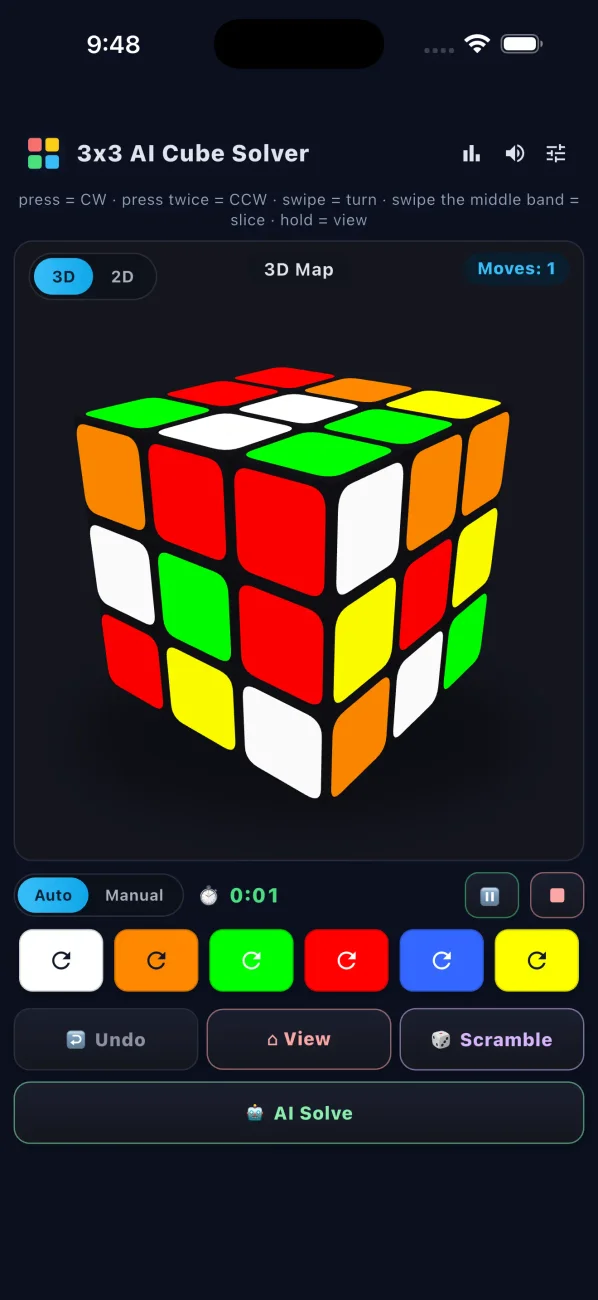
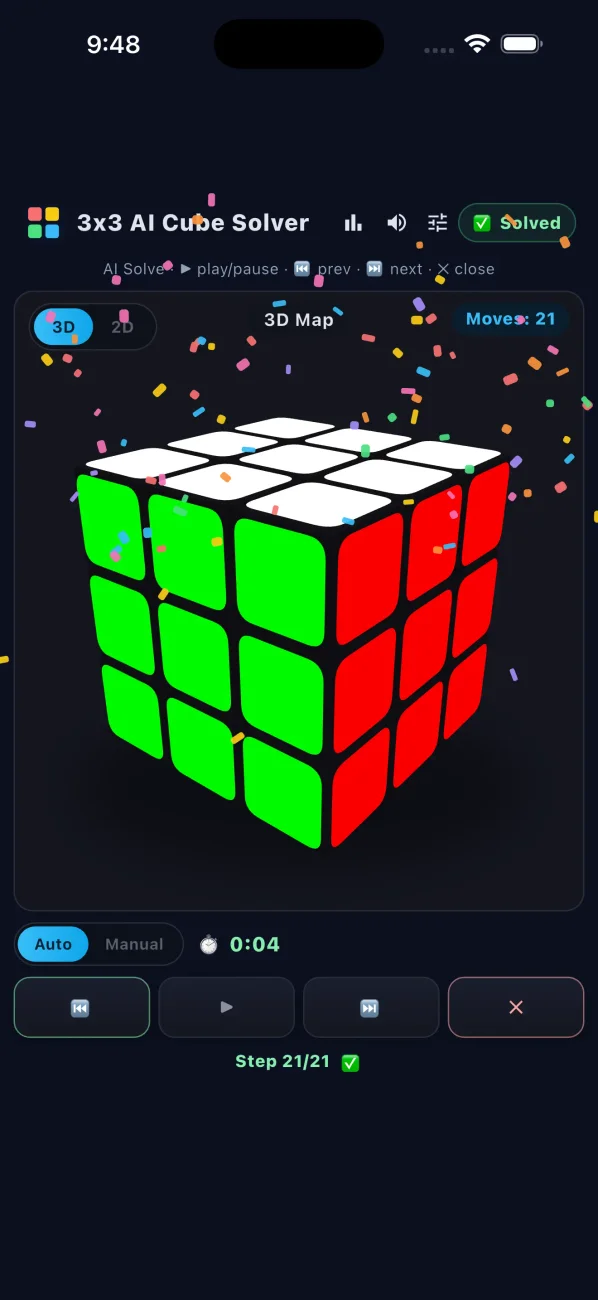
· AI Solve walks through the whole solution move by move, animating it on the cube so you can follow instead of reading notation.
· Scramble, undo, and a solve timer that keeps your times.
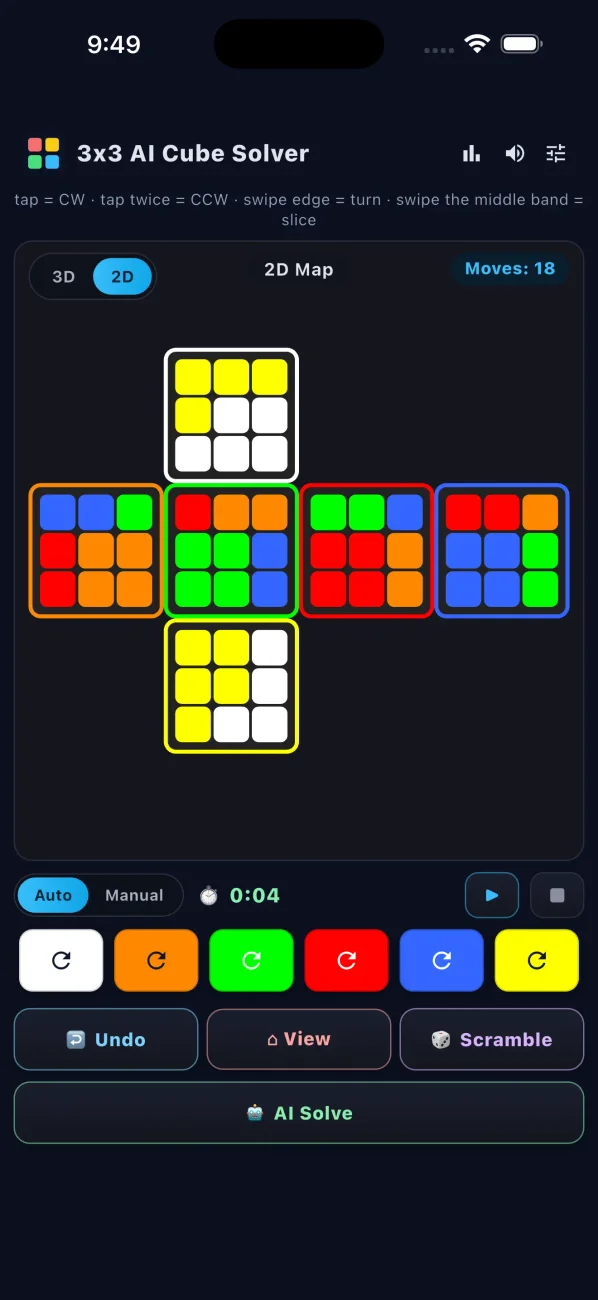
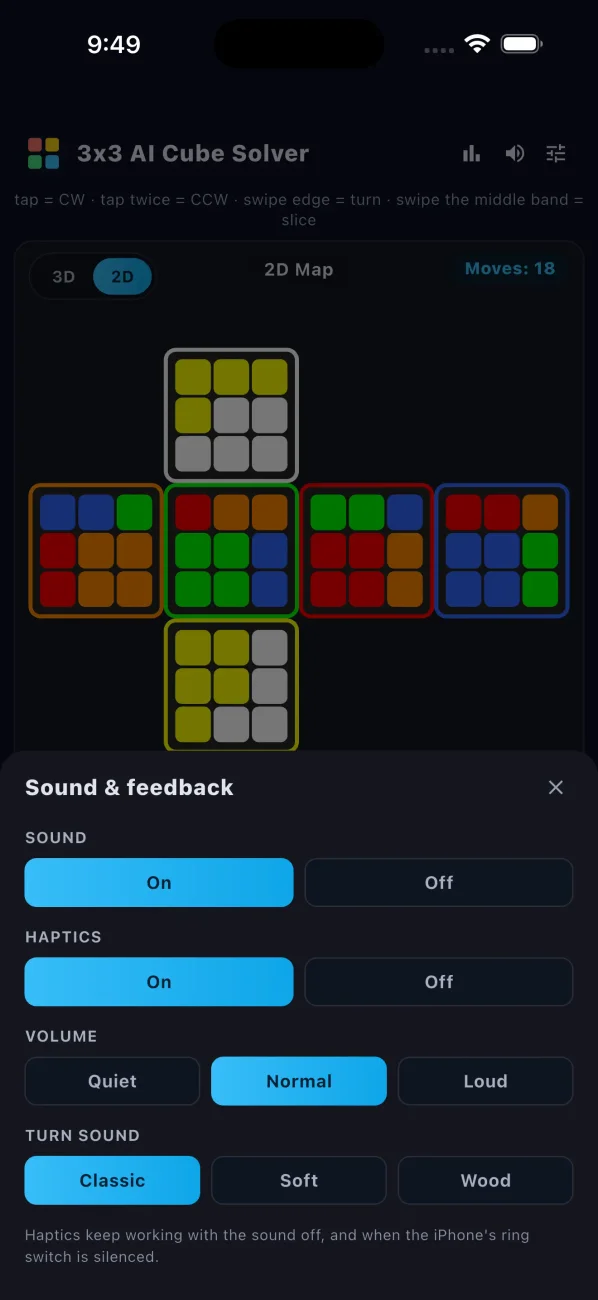
· Choose the 3D cube or the flat 2D map — the two always agree.
PAINT AND SHARE
· Painted a physical cube? Enter its colours on the 2D map. AUTO FILL completes the cube and only keeps a fill the solver can actually solve; FIX clears the stickers that block a solution.
· SHARE copies a link, or shows a QR code: scan it with another phone, or open the same link at trevva.io/rubik in any browser. No account needed.
ACCESSIBLE BY DESIGN
· Every sticker can show a shape — circle, cross, triangle, star, diamond, square — plus a number, so colour is never the only cue.
· An accessible palette with stronger contrast for colour-blind players.
· Meaningful labels for VoiceOver: buttons say what they do, and face readings are spoken in colour names.
· Read more at https://trevva.io/rubik/accessibility
ON IPAD
· Portrait: the controls sit in a panel beside the cube, so the cube gets the screen instead of the buttons.
· Landscape: the 2D map and the 3D cube side by side, with one action bar.
· The panel can be placed on the left or right for either hand.
FREE, AND PRIVATE
· No ads, no in-app purchases, no paywall, no account.
· Painted cubes and settings are stored on your device only. Nothing is uploaded.
What’s new
Version 2.1.8 · Nov 9, 2026
Accessibility fixes.
The 2D map now reads each sticker aloud — colour, shape and number — so the board can be walked and painted with a screen reader.
The 3D cube announces itself instead of being skipped, and points at Read face for detail.
Editor: paint chips say "Paint with white" rather than a face letter, and the QR button is labelled.
Settings now calls the feature Shapes, matching the description.
Text grows with your device's text size, up to 200%.
App privacy
What Kok Sing Ng declares on the App Store about how this app handles data.
-
Data not collected
The developer does not collect any data from this app.
Privacy practices may vary, for example with the features you use or your age.
Information
- Seller
- Kok Sing Ng
- Category
- Puzzle
- Version
- 2.1.8
- Updated
- Nov 9, 2026
- Released
- Oct 6, 2026
- Size
- 33.9 MB
- Requires
- iOS 15.0 or later
- Age rating
- 4+
- Price
- Free
- Languages
- English
- Copyright
- © 2026 Ng Kok Sing
You might also like
-
 Cube Master StudioPro 3x3 Timer & Simulator
-
 Cube One: 3D Cube PuzzleSmooth, snappy cube turning
-
 Cubr 3D3D Puzzle Cube Challenge
-
 CUUUUBEA 3D cube you solve by hand
-
 Cube at a Glance: Scan & SolveScan Cubes. Solve with Ease.
-
 How to solve Rubiks cube 3*3Step by step moves and lessons
-
 Cube Solver & Tutor: 3x3Scan, Solve & Learn the Cube
-
 AI Cube Solvercube-3D
-
 Cubing: Learn 3x3 CubeCFOP Algorithms & Timer
-
 Cube Solver - 3D Cube Puzzle3D cube puzzle and solver