
- Age rating4+
- CategoryPhoto & Video
- DeveloperFilip Raszyk
- LanguagesEnglish
- Size4.1 MB
Links to the official App Store page
Download.org hosts no file of 720nm. The button opens its official App Store page, published by Filip Raszyk. Listing last checked on Nov 18, 2026.
Screenshots



About
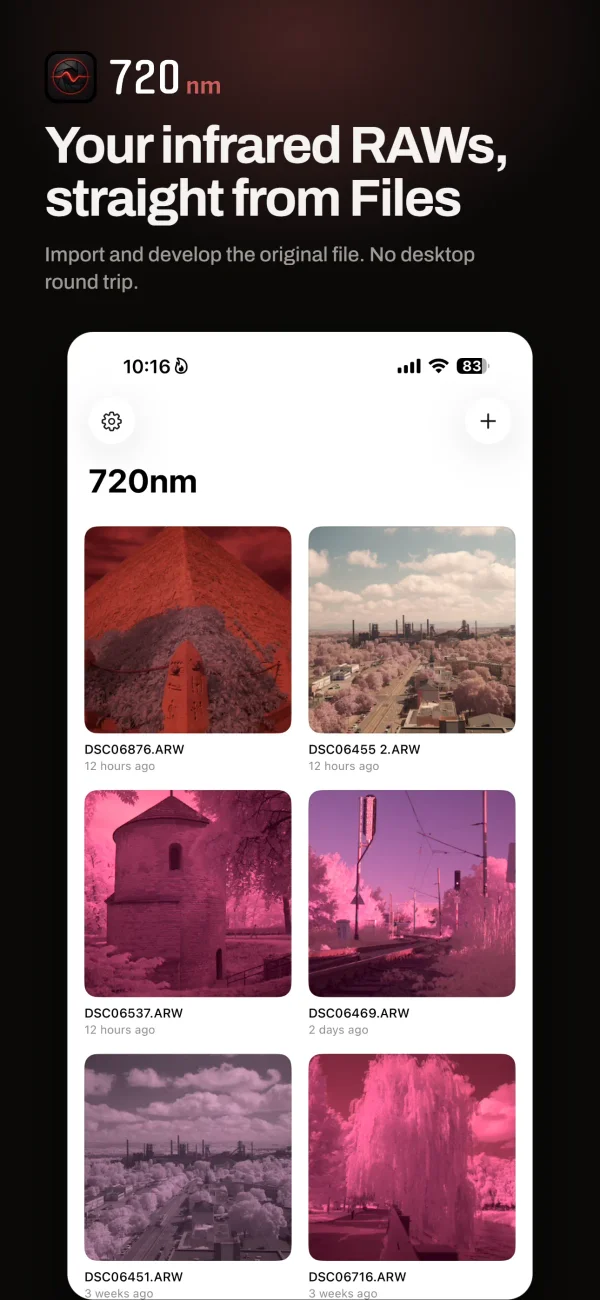
720nm is a fast, native infrared photo editor for iPhone and iPad. Built for photographers shooting on IR-converted or IR-filtered cameras who want a real editing workflow without opening a laptop.
Everything you need for IR, done right:
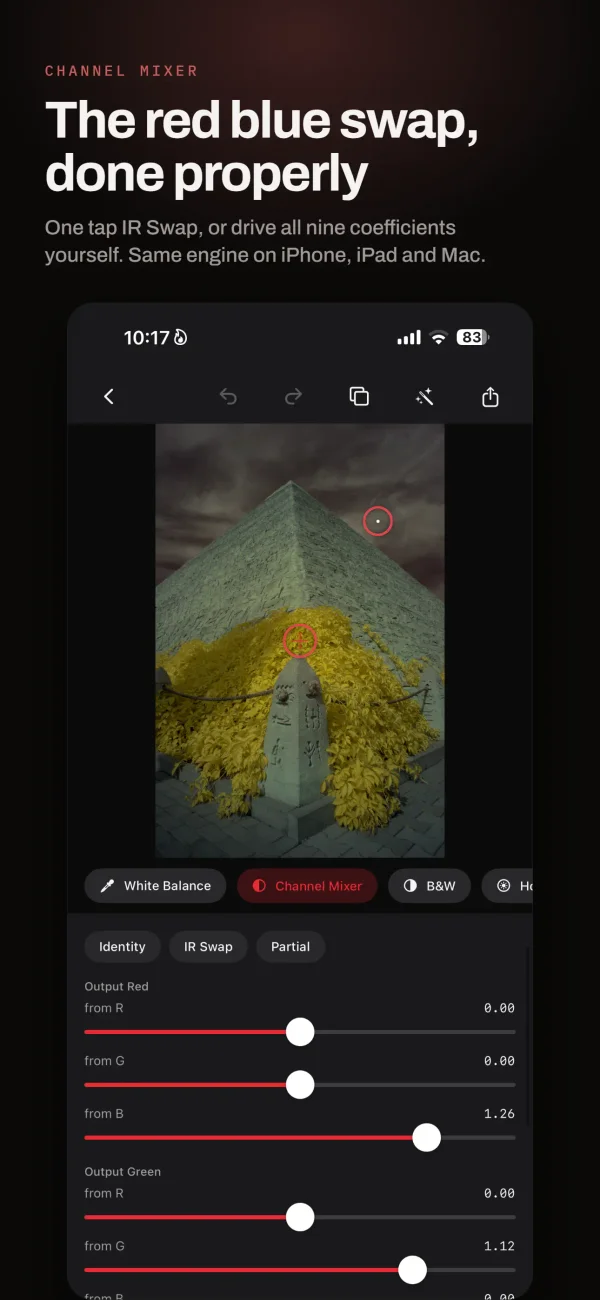
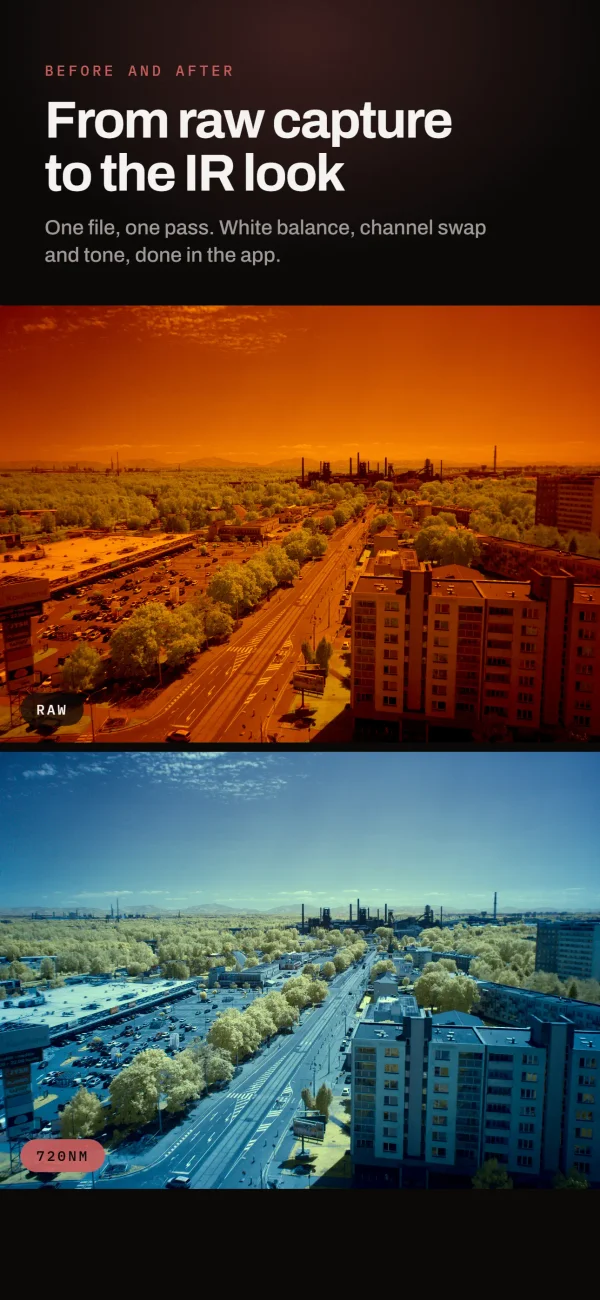
• Channel swap - one tap for the classic red/blue "blue sky" IR conversion, plus full manual RGB channel mixing when you want control.
• Tap white balance - sample foliage or any reference point to neutralize the deep color cast instantly, with manual temperature and tint too.
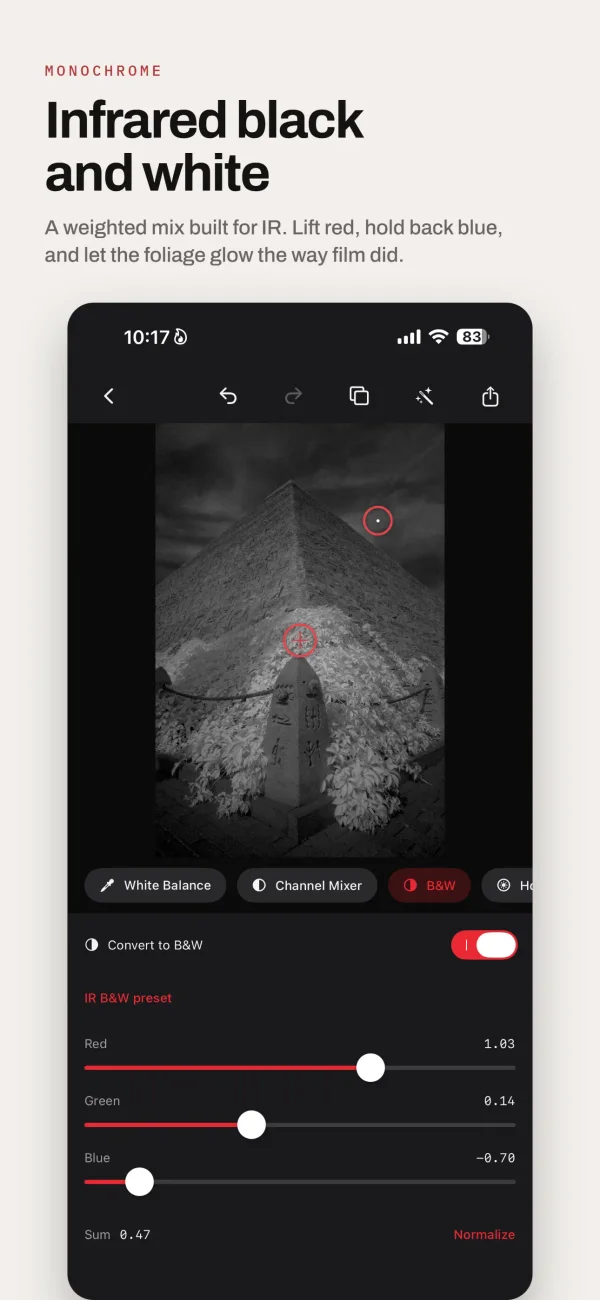
• Dramatic B&W - a channel-weighted mixer built for high-contrast infrared black & white, not a flat desaturate.
• Hot-spot correction - automatically reduce the bright center hot spot common with IR lenses, then clean up residue by hand with the brush (Apple Pencil supported on iPad).
• Tone controls - contrast, clarity, and sharpening tuned for flat, soft IR captures.
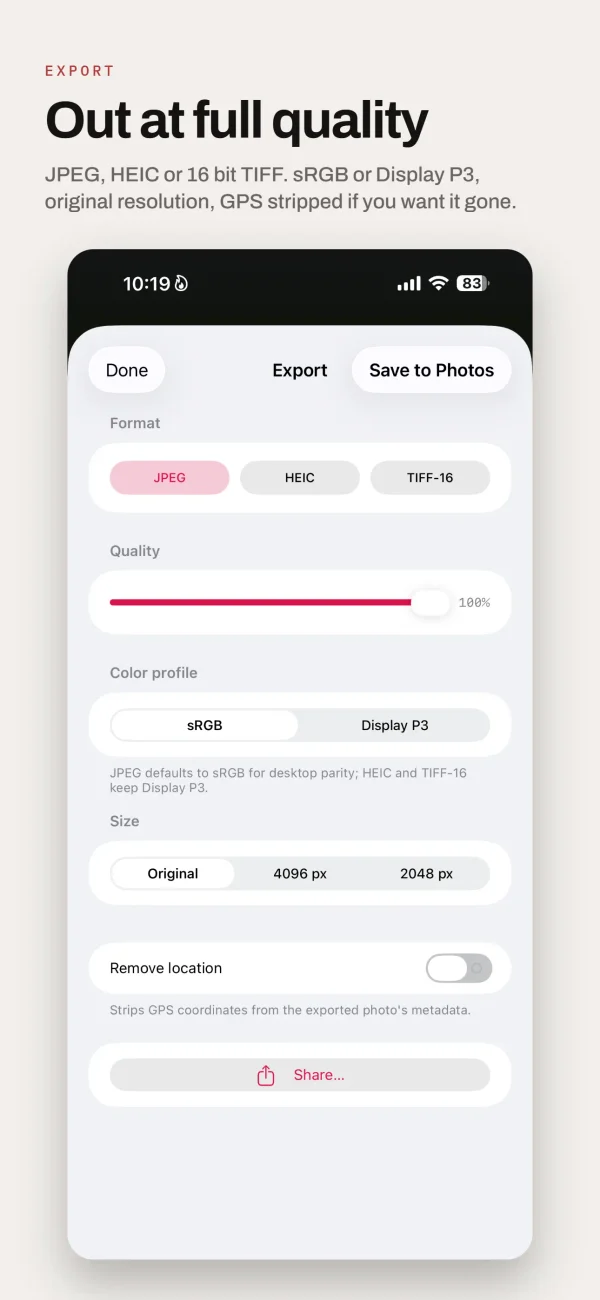
• RAW in, high-quality out - open your RAW files; export JPEG, 10-bit HEIC, or 16-bit TIFF for a lossless desktop round-trip.
Non-destructive, always. Your edits are a live stack - the original pixels are never touched until you export. EXIF, orientation, and color space survive the round-trip.
Fast where it counts. Real-time preview on channel and tone operations, so editing never lags.
On iPad, the larger canvas and Apple Pencil make manual hot-spot touch-up precise.
Honest, simple pricing. One price to download. Every feature unlocked from the first launch. No trial, no subscriptions, no in-app purchases, no per-feature paywalls, no tracking.
What’s new
Version 1.3 · Aug 6, 2026
720nm 1.3 — What's New (App Store Connect)
Import many photos at once.
You can now select any number of photos in one go, from Photos or from
Files, and 720nm creates a project for each. Imports run one at a time so
memory stays steady even with large RAW batches, and you can cancel
partway — everything already imported stays put.
After an import you now stay in your library, where the new photos are
waiting, instead of being taken straight into the editor.
Also fixed: on narrower iPhones the editor's top bar could push the whole
screen off-centre, clipping the Export button and cutting off values like
the white-balance reading. The editor now fits properly on every iPhone.
App privacy
What Filip Raszyk declares on the App Store about how this app handles data.
-
Data not collected
The developer does not collect any data from this app.
Privacy practices may vary, for example with the features you use or your age.
Information
- Seller
- Filip Raszyk
- Category
- Photo & Video
- Version
- 1.3
- Updated
- Aug 6, 2026
- Released
- Jul 15, 2026
- Size
- 4.1 MB
- Requires
- iOS 17.0 or later
- Age rating
- 4+
- Price
- $4.99
- Languages
- English
- Copyright
- © 2026 frscz.com
You might also like
-
 ColorCastColor space converter
-
 RGB Channel MixerPhoto & Video
-
 ksAstroLensAstrophotography for Hestia
-
 NIR ColorPhoto to surreal infrared
-
 Plenka IR - Photo EditorFilters and Effects
-
 ImagExif 2 - edit exif dataPhoto GPS, Camera Info, EXIF
-
 Milky Way TonightAstrophotography Forecast
-
 Fix Old Photos - LumaFix AIRestore Repair Revive Images
-
 Bluristic - Long ExposureMotion Blur & Multi Exposure
-
 FilmFold - Vintage CameraFilm, CCD, Y2K Digicam & VHS