
8Pass: Digital Vault
Encrypted, offline and private
Designed for iPhone, iPad, Mac, iPod touch
Free · In-app purchases
- Age rating4+
- CategoryProductivity
- DeveloperGrigor Agabalyan
- LanguagesEnglish+ 2 more
- Size49.7 MB
Links to the official App Store page
Download.org hosts no file of 8Pass: Digital Vault. The button opens its official App Store page, published by Grigor Agabalyan. Listing last checked on Nov 17, 2026.
Screenshots

About
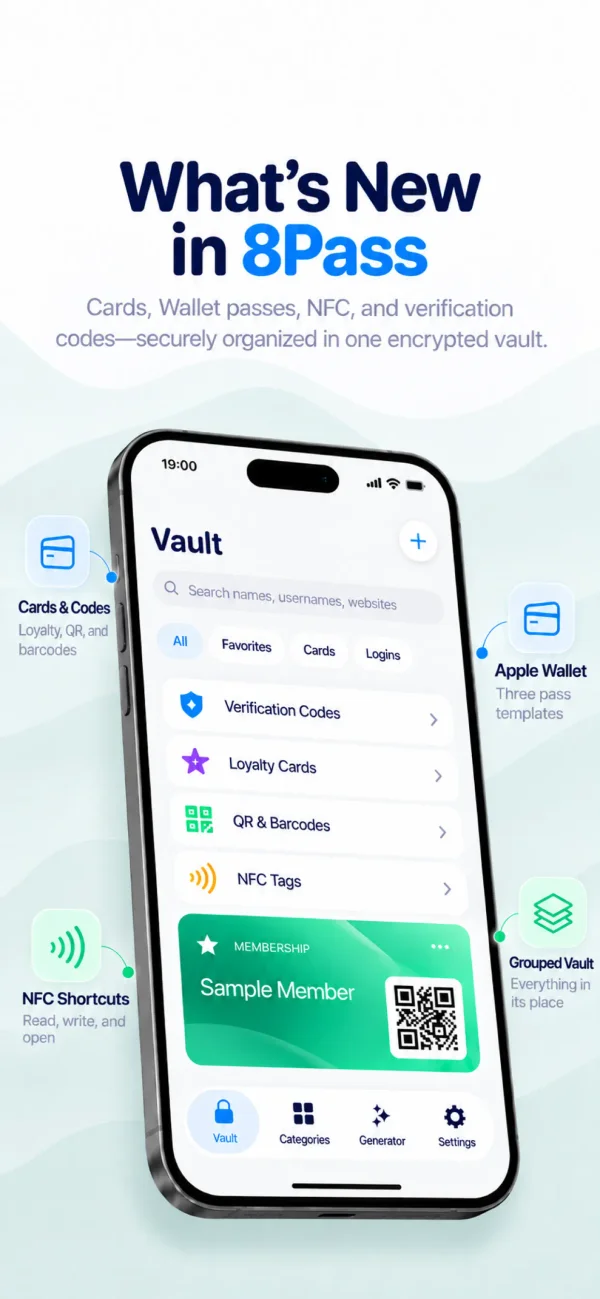
8Pass keeps your passwords, verification codes, cards, codes and NFC tags in one encrypted vault on iPhone, iPad, Mac and Apple Watch — and puts your cards into Apple Wallet.
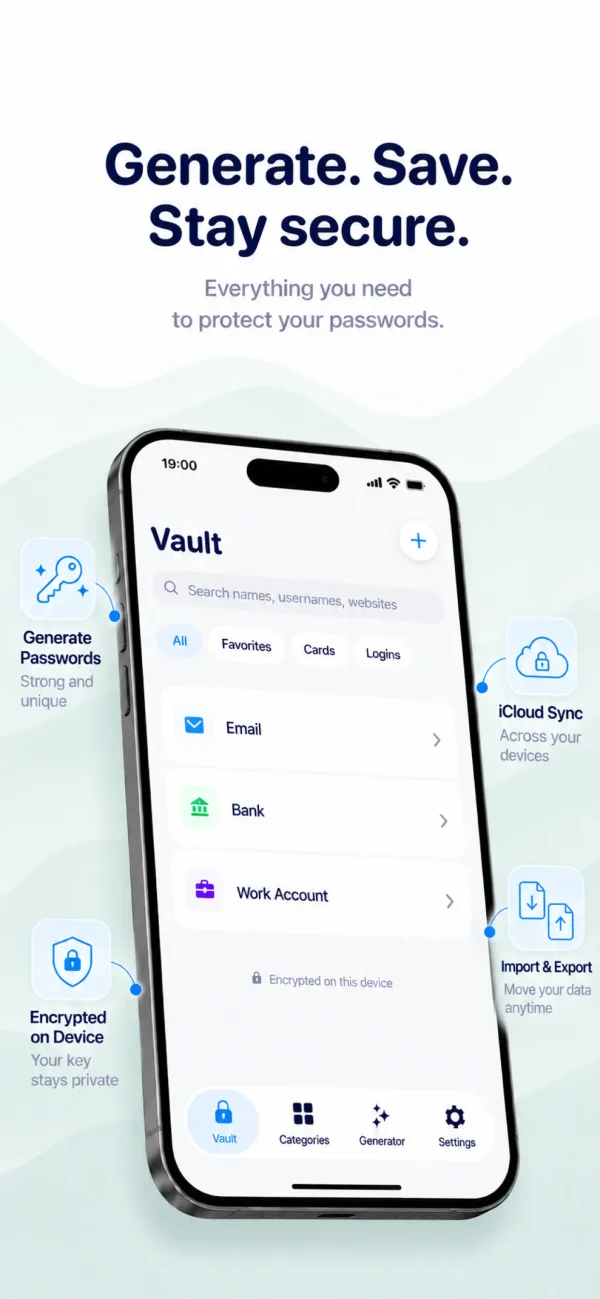
Your vault is encrypted on your device with a key only you hold. Keep it local, or turn on iCloud Sync to carry the same encrypted vault across your Apple devices.
WHAT YOU CAN KEEP
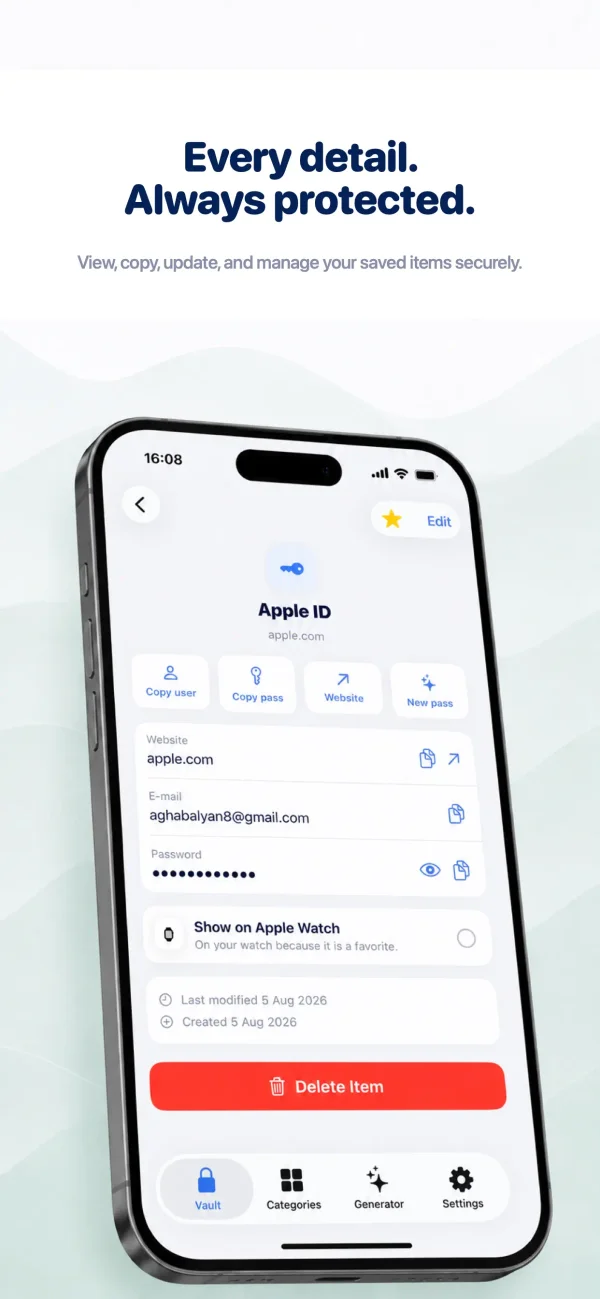
• Logins, email accounts, bank and payment cards, Wi-Fi routers, work and personal accounts, with notes
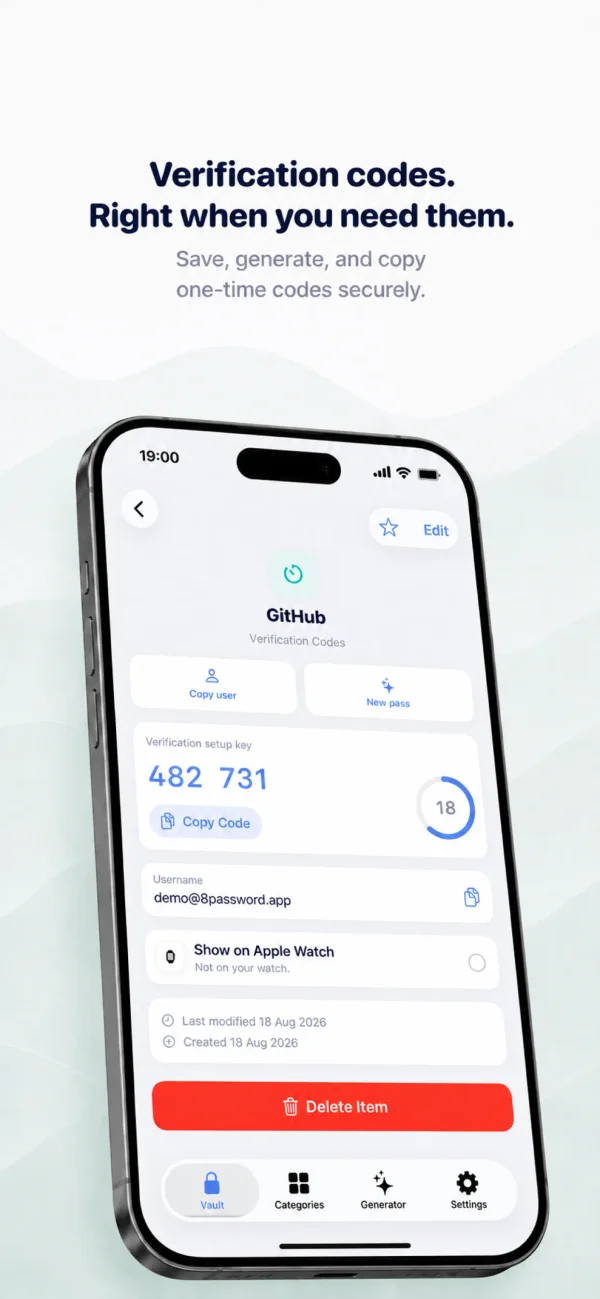
• Verification codes (TOTP) for two-factor sign-ins, shown live beside the login
• Loyalty and membership cards with their barcode or QR code
• QR codes and barcodes you scan or create
• NFC cards and tags
A VAULT THAT STAYS TIDY
The All view groups everything by type — Logins, Verification Codes, Cards, QR & Barcodes, NFC and more — with counts, a quick preview of each and Show All. Search finds an item by its name, username, website or what a card is. Favorites and categories are a tap away.
APPLE WALLET
Turn a loyalty or membership card into an Apple Wallet pass. Choose a template — Standard, Membership or Event — pick a color or your own artwork and logo, and add it with a tap. The pass is there on your iPhone and Apple Watch, and it updates when you edit the card.
VERIFICATION CODES
Add a second factor to any login. Codes count down in the app, on your Mac and on your wrist, and copy with one tap.
CARDS & CODES
Scan a card's barcode or a QR code with the camera, or type it in. Show it full-screen at the counter. Create QR codes for Wi-Fi networks, links and text.
NFC
Read NFC cards and tags, save what they hold, and write tags of your own — including an 8Pass Shortcut, a tag that opens a saved item on your iPhone.
PASSWORD GENERATOR AND SECURITY CENTER
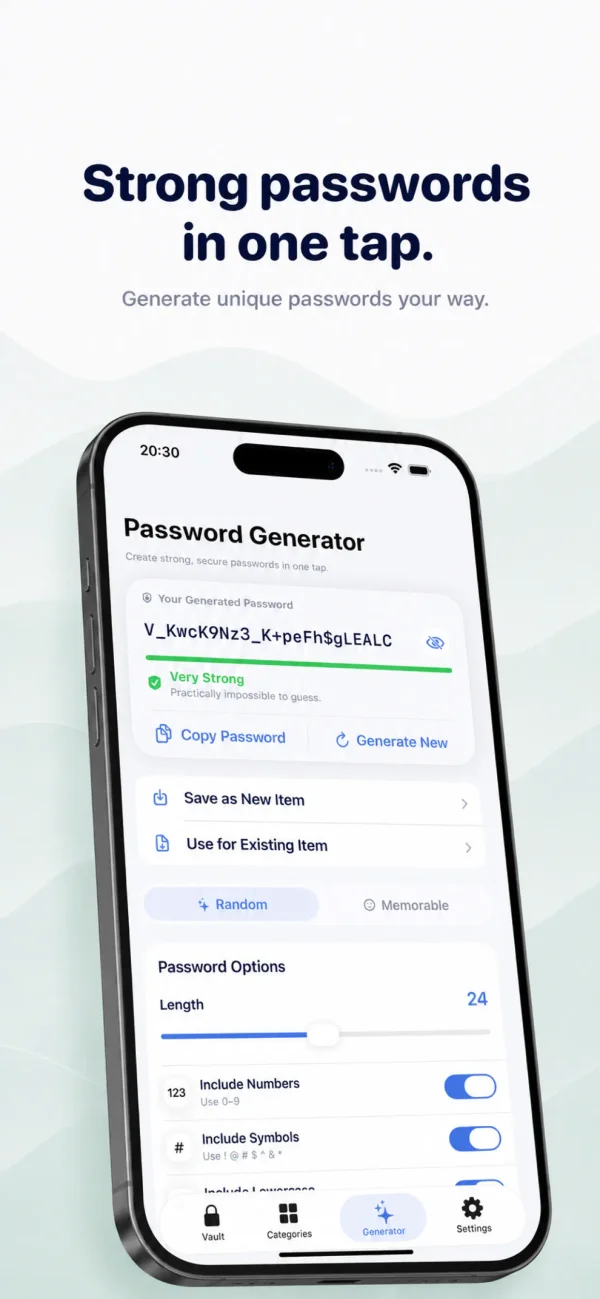
Generate strong random passwords or memorable passphrases, and let the Security Center point out weak, reused and old passwords.
AUTOFILL
Fill usernames, passwords and verification codes in Safari and apps on iOS and macOS.
ON EVERY DEVICE
iPhone, iPad with a split list-and-detail layout, a native Mac app with a sidebar and keyboard navigation, and an Apple Watch app for your favorites, codes and barcodes.
IMPORT AND EXPORT
Bring passwords in from a CSV file or an encrypted 8Pass backup, and export whenever you like. Your data is never locked in.
PRIVACY AND SECURITY
Face ID, Touch ID or a PIN; automatic locking; a clipboard that clears itself; a recovery key that you keep. 8Pass never sells your information or uses it for advertising.
8PASS PREMIUM
8Pass is free for up to 10 items, with the generator, the scanner, the NFC reader and Apple Wallet included. Premium unlocks unlimited items, iCloud Sync, AutoFill, verification codes, the Apple Watch app, the Security Center, advanced generator modes and import.
Available in English, Armenian and Russian.
Privacy Policy: https://github.com/Aghabalyan/eightpassword-privacy
Terms of Use (EULA): https://www.apple.com/legal/internet-services/itunes/dev/stdeula/
What’s new
Version 4.6 · Oct 22, 2026
A fresh icon, and 8Pass is ready for iPhone Duo.
• Optimized layouts for open and folded displays
• Cards, codes, and camera previews stay clear of the fold
• New light, dark, and tinted app icons
• The redesigned interface is now standard
• Smaller download and performance improvements
App privacy
What Grigor Agabalyan declares on the App Store about how this app handles data.
-
Data linked to you
May be collected and linked to your identity.
- Contact info
- Identifiers
-
Data not linked to you
May be collected but is not linked to your identity.
- Usage data
- Diagnostics
Privacy practices may vary, for example with the features you use or your age.
Information
- Seller
- Grigor Agabalyan
- Category
- Productivity
- Version
- 4.6
- Updated
- Oct 22, 2026
- Released
- Jul 16, 2020
- Size
- 49.7 MB
- Requires
- iOS 15.0 or later
- Age rating
- 4+
- Price
- Free
- In-app purchases
- Yes
- Languages
- English, Armenian, Russian
- Copyright
- © Grigor Aghabalyan
You might also like
-
 IG Mobile - Admin PortalEffortless Activity Monitoring
-
 PanicVault - Password ManagerKeePass Sync & AutoFill
-
 ScroLearn: Learn by DoomscrollKnowledge in Every Scroll
-
 kept · Doc Scanner & OrganiserScan receipts, bills & PDFs
-
 AuNEX AuthenticatorProductivity
-
 QuickPass - Password ManagerYour Secure Password Keeper
-
 OneVault Password ManagerStore & Autofill Passwords
-
 DigiFarmz PocketProductivity
-
 ReceiptOrg: Receipt ScannerBusiness & Personal Expenses
-
 Vaultix: Password ManagerOffline vault, 2FA & autofill