
- Age rating4+
- CategoryProductivity
- DeveloperSTAGSTER LABS LLP
- LanguagesEnglish
- Size5.9 MB
Links to the official App Store page
Download.org hosts no file of 99 Tasks. The button opens its official App Store page, published by STAGSTER LABS LLP. Listing last checked on Nov 15, 2026.
Screenshots


About
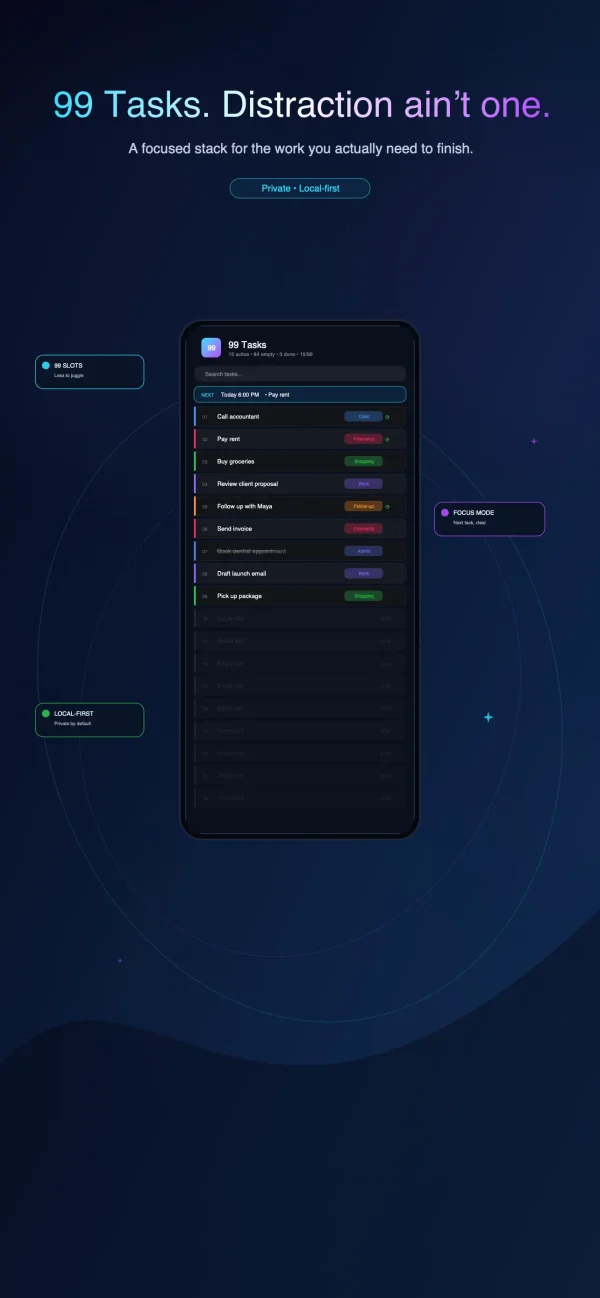
I got 99 tasks, but distraction ain't one.
Most task apps trap you in an infinite backlog of forgotten to-dos, complex project hierarchies, and monthly subscription taxes. 99 Tasks cuts through the noise. It gives you exactly 99 private, local-first slots for your active work — calls, payments, errands, follow-ups, and reminders. When your stack is full, you finish what's there before adding more. The constraint IS the superpower.
What you can do in 30 seconds:
• Capture a task by typing — natural language parses categories, due dates, and slots inline
• Tap a row's icons to set focus, important, My Day, reminder, notes, or clear
• Swipe left to clear, swipe right to focus
• Find any task by what it means, not just the words you used
• Set a local reminder in one tap
• Plan your day with My Day — the app suggests overdue and due-today items for you
Why 99 Tasks instead of another todo app:
• Exactly 99 slots. No infinite backlog. No boards. No projects.
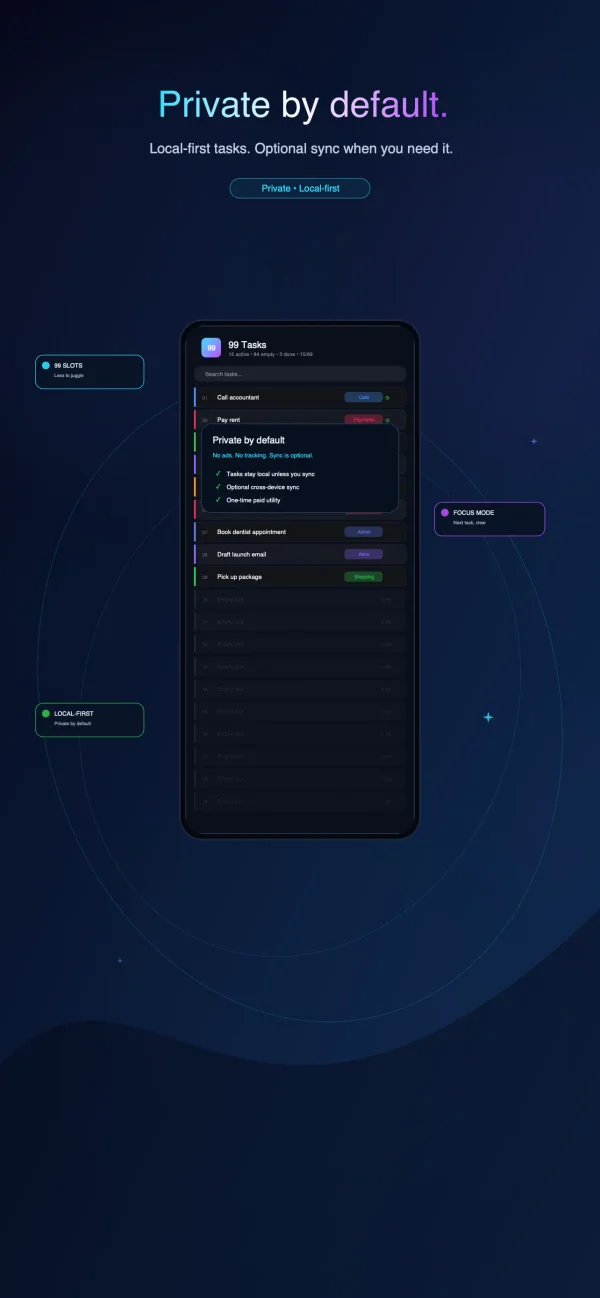
• Local-first. Your tasks live on your device. Sync is optional, not required.
• No account. No email. No password. Open the app and start.
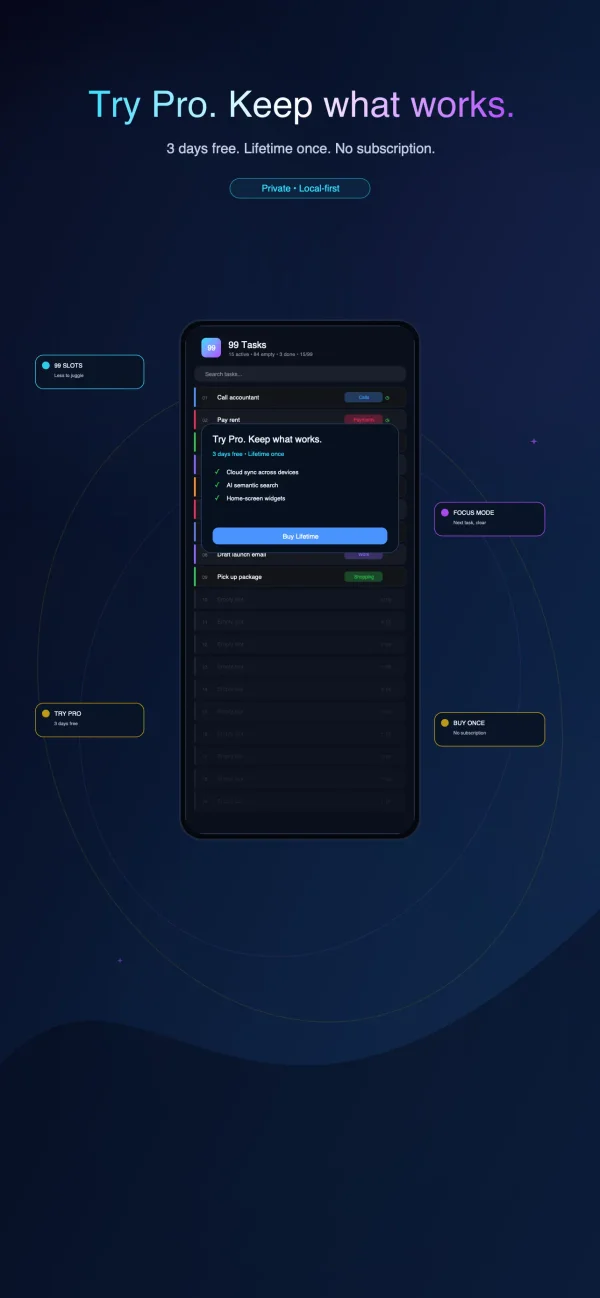
• One-time $4.99 Lifetime. No monthly subscription. Three days free to try everything.
• On-device semantic search — your task contents never leave your device.
• iOS home-screen widget in three sizes. Mac menu bar companion.
Built for:
• People with too many task apps who keep starting new ones
• Founders, operators, freelancers, and builders who live in many apps
• Anyone with attention friction who benefits from a fixed visual stack
• Mac users who want a menu bar task companion
• People who want a private paid utility instead of another account-based todo app
What’s new
Version 2.0 · Aug 26, 2026
2.0 is the build that listens. If you bounced from 1.4 or 1.5, this is the one to come back to.
Tap to do anything. Every action on a task row is now a real button — no more long-press to set a reminder or mark a task focused.
• Focus, Important, My Day, Reminder, Notes, and Clear are inline on every iPhone row
• 44-point touch targets, sized for thumbs
• Onboarding now walks you through your first five tasks
• Reminder menu opens from a real button, not by guessing where to tap
• Fixed: the Notes editor kept adding new lines as you typed — notes now type and wrap normally
• Fixed: keyboard appears on the first tap, every time
• Fixed: swipe-to-clear works the first time, not the second
Your 99 slots are still local. Sync is still optional. Lifetime is still $4.99, once.
App privacy
What STAGSTER LABS LLP declares on the App Store about how this app handles data.
-
Data not collected
The developer does not collect any data from this app.
Privacy practices may vary, for example with the features you use or your age.
Information
- Seller
- STAGSTER LABS LLP
- Category
- Productivity
- Version
- 2.0
- Updated
- Aug 26, 2026
- Released
- May 4, 2026
- Size
- 5.9 MB
- Requires
- iOS 17.0 or later
- Age rating
- 4+
- Price
- Free
- Languages
- English
- Copyright
- © 2026 STAGSTER LABS LLP
You might also like
-
 Structured Flow: Daily PlannerAI Calendar, Tasks & Routines
-
 Avocadoc: Family DocsScan IDs, visas & records
-
 SwipfolioShow your work, one swipe away
-
 Folio: Notes, Todos & AITell your AI. Find it here.
-
 Arise OSProductivity
-
 WorkHours Log Timesheet OT PayShift Roster Stats Export Off
-
 BakeNote : Baking DiaryYour daily baking moments
-
 VoxSafe-Offline TranscriptionVoice notes, offline & private
-
 DocLens - OCRLocal OCR & Translate