
- Age rating4+
- CategoryBusiness
- DeveloperSithu Aung
- LanguagesEnglish+ 1 more
- Size43.5 MB
Links to the official App Store page
Download.org hosts no file of A List POS. The button opens its official App Store page, published by Sithu Aung. Listing last checked on Nov 12, 2026.
Screenshots

About
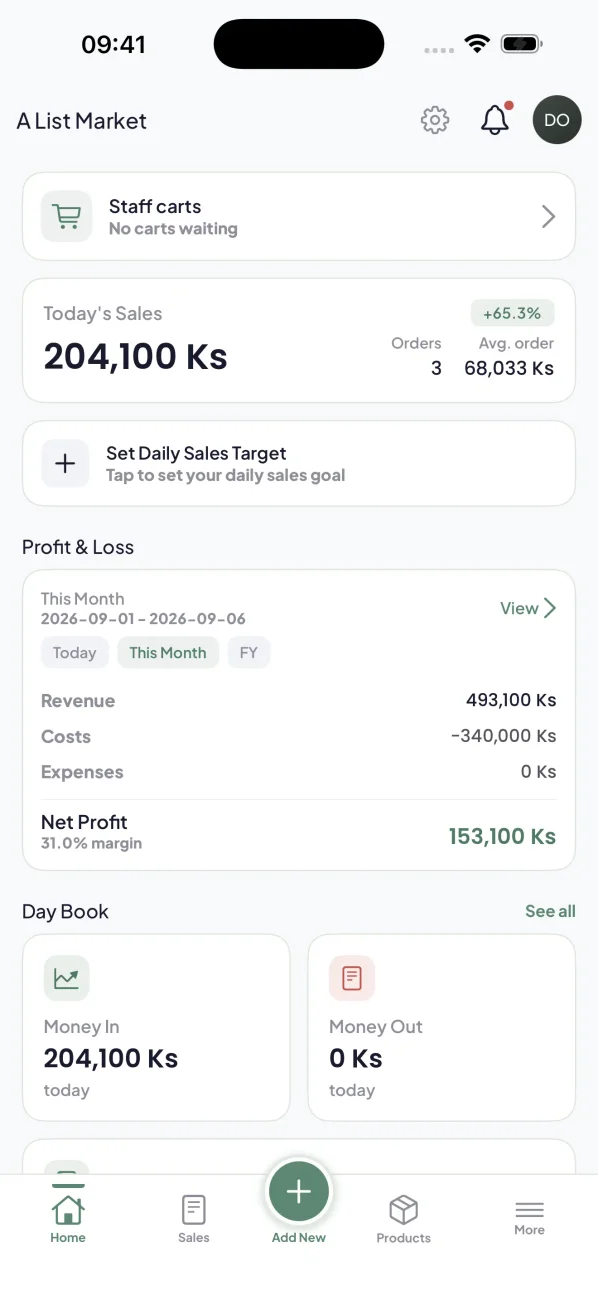
A List brings point-of-sale and everyday shop operations together on your iPhone. It connects to your provisioned business workspace. An activation code and assigned staff PIN are required.
SELL AND TRACK SALES
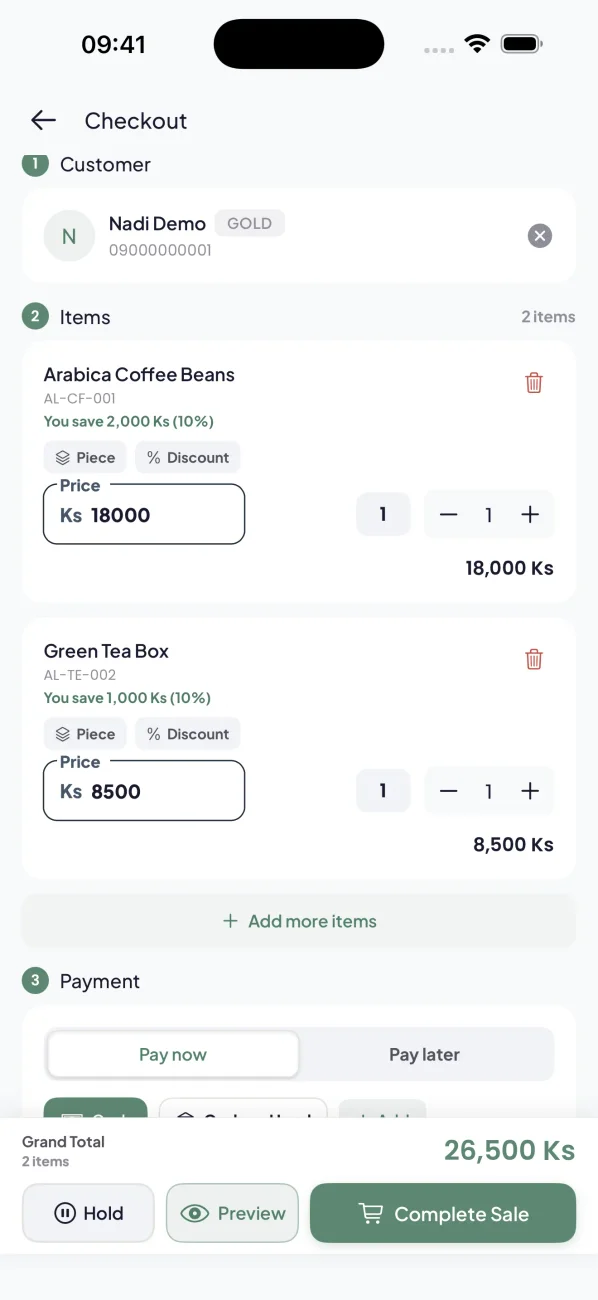
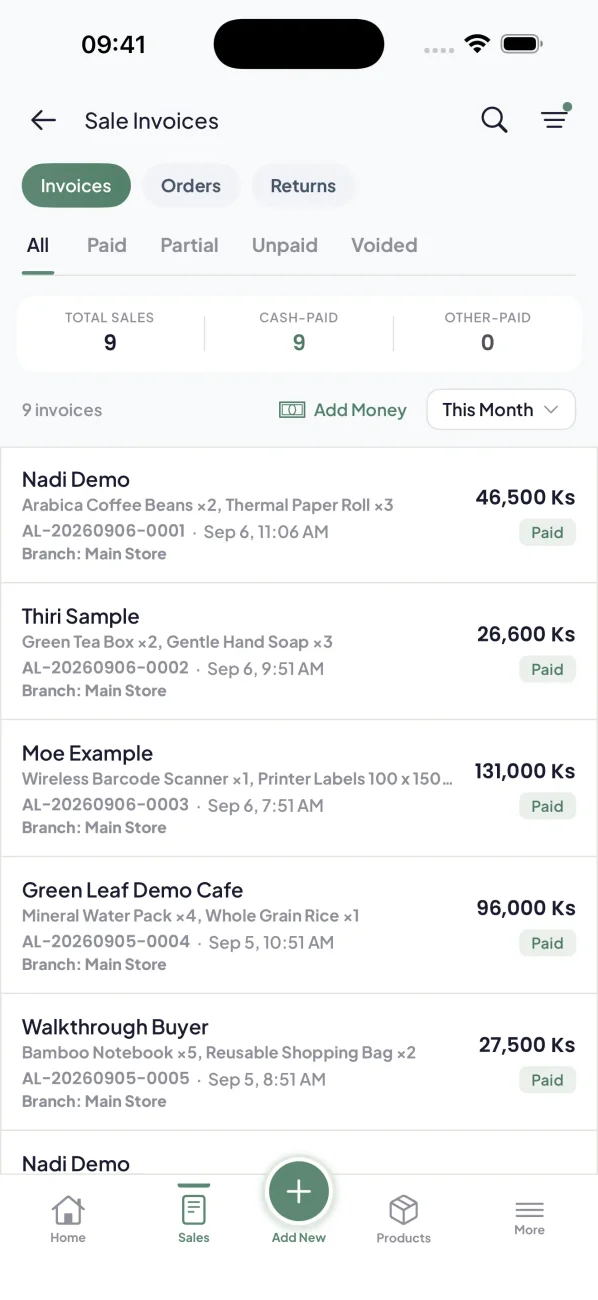
Create sale invoices, receipts, quotations, sale orders and returns. Find products quickly, build a cart and keep track of payments.
MANAGE PRODUCTS AND STOCK
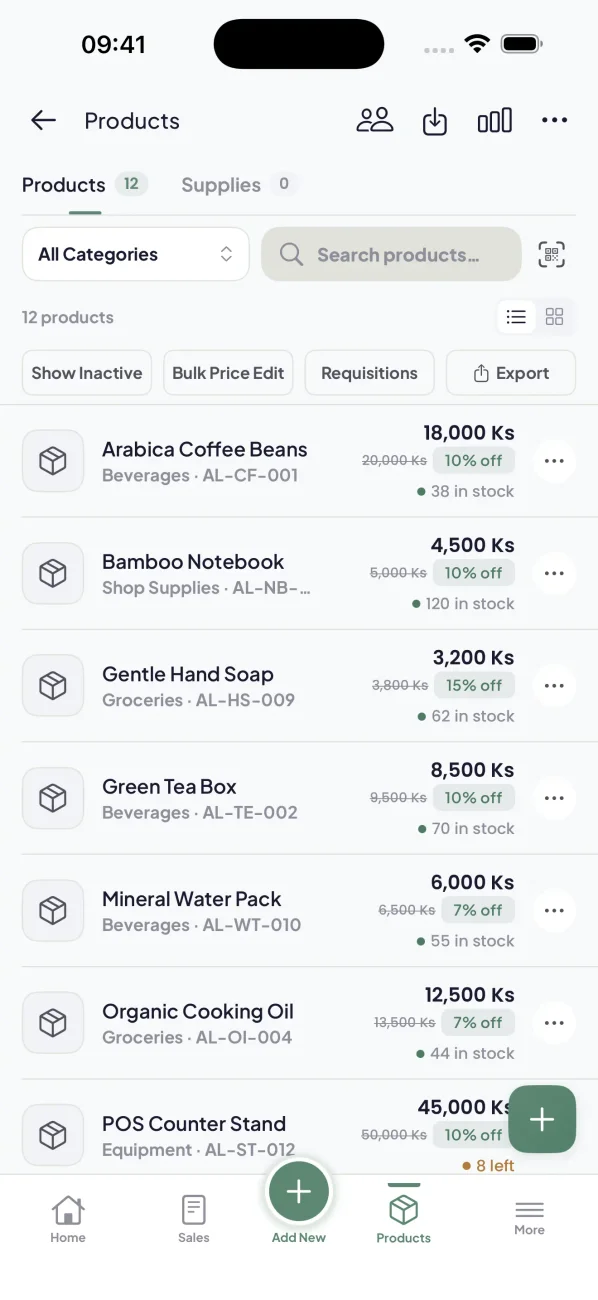
Organize products, categories, prices and units. Track inventory across warehouses, including batches, expiry dates and serial tags where enabled.
KEEP BUSINESS RECORDS TOGETHER
Manage customers and suppliers, review balances, record purchases and expenses, and track cash and bank ledger entries.
SEE YOUR SHOP ACTIVITY
Review dashboards, reports, statements and transaction history to understand day-to-day operations.
PRINT AND SHARE
Scan product barcodes with the camera. Print receipts and labels using compatible Bluetooth or local-network printers, and share generated business documents.
An internet connection is required to access and update business data. Available features depend on your shop configuration, service plan and staff permissions. Hardware such as printers is optional and sold separately.
What’s new
Version 1.8 · Nov 4, 2026
1.8 — Report dates and clearer payroll wallet words
• Sale Report, Day Book and All Transactions show each activity's date above its time, so a report that covers several days can be read row by row. The PDF export prints the date too.
• Payroll: the wallet line under an employee says which way it runs, "Owes shop" or "Shop owes", before the amount.
• Payment Out to an employee explains that this money is owed back to the shop and comes out of the next pay; a gift or festival money goes in Expenses.
App privacy
What Sithu Aung declares on the App Store about how this app handles data.
-
Data linked to you
May be collected and linked to your identity.
- Purchases
- Financial info
- Location
- Contact info
- User content
- Search history
- Identifiers
- Usage data
- Sensitive info
- Diagnostics
Privacy practices may vary, for example with the features you use or your age.
Information
- Seller
- Sithu Aung
- Category
- Business
- Version
- 1.8
- Updated
- Nov 4, 2026
- Released
- Sep 17, 2026
- Size
- 43.5 MB
- Requires
- iOS 17.0 or later
- Age rating
- 4+
- Languages
- English, Burmese
- Copyright
- © 2026 Sithu Aung
You might also like
-
 Store POSOffline Point of Sale System
-
 Purchase Order VendorCuePO Maker & Stock Counts
-
 MM TruckProBusiness
-
 Inventory Count List-Stock LogProduct & Inventory Tracker
-
 Thuta POSBusiness
-
 My sheet: Balance expenseTrack your expense and income
-
 NgweSayinIncome, expenses & debts
-
 BizNote: Business LedgerCashbook, Debt, Sales & Stock
-
 Quibit SuiteAll-in-One Productivity Suite
-
 PharmaOS: Pharmacy ManagerInventory, Sales & Expiry