- Age rating4+
- CategoryPhoto & Video
- DeveloperPixtolab Technologies Inc.
- LanguagesEnglish+ 1 more
- Size13.8 MB
Links to the official App Store page
Download.org hosts no file of A+ Signature. The button opens its official App Store page, published by Pixtolab Technologies Inc. Listing last checked on Nov 16, 2026.
Screenshots

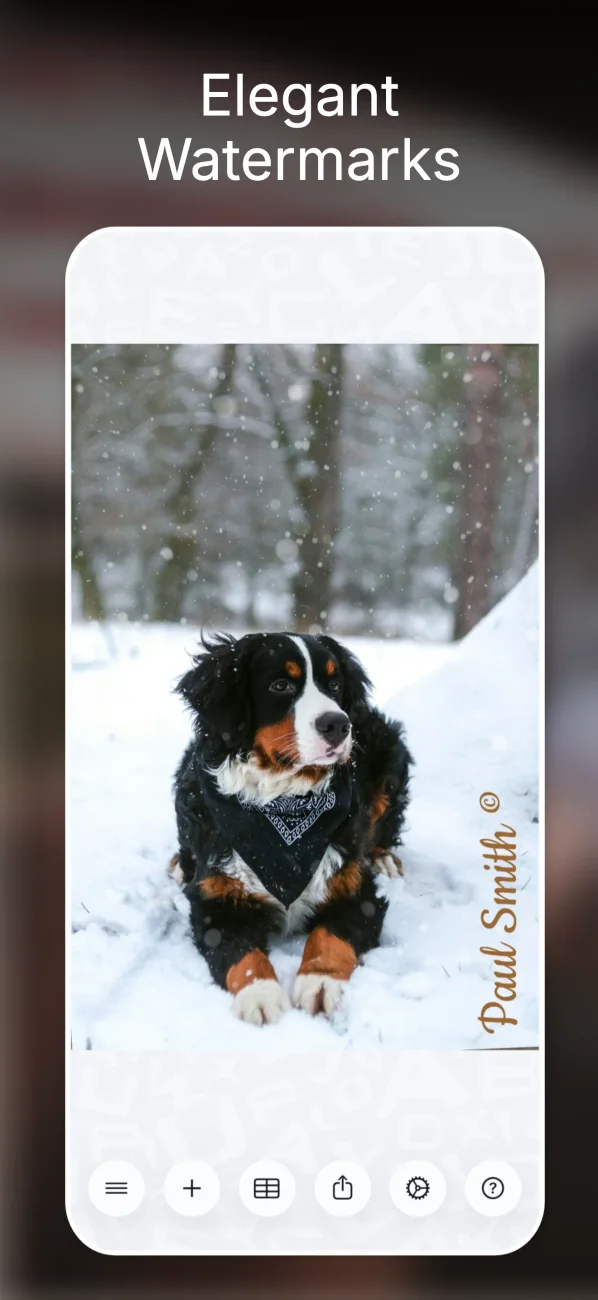
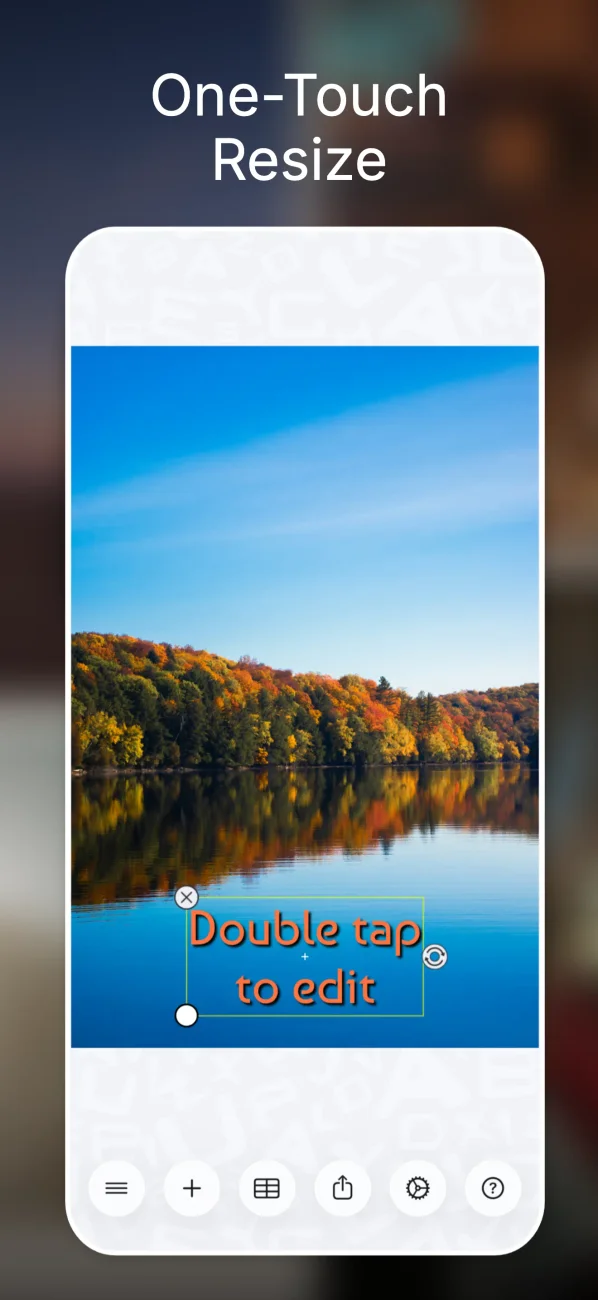


About
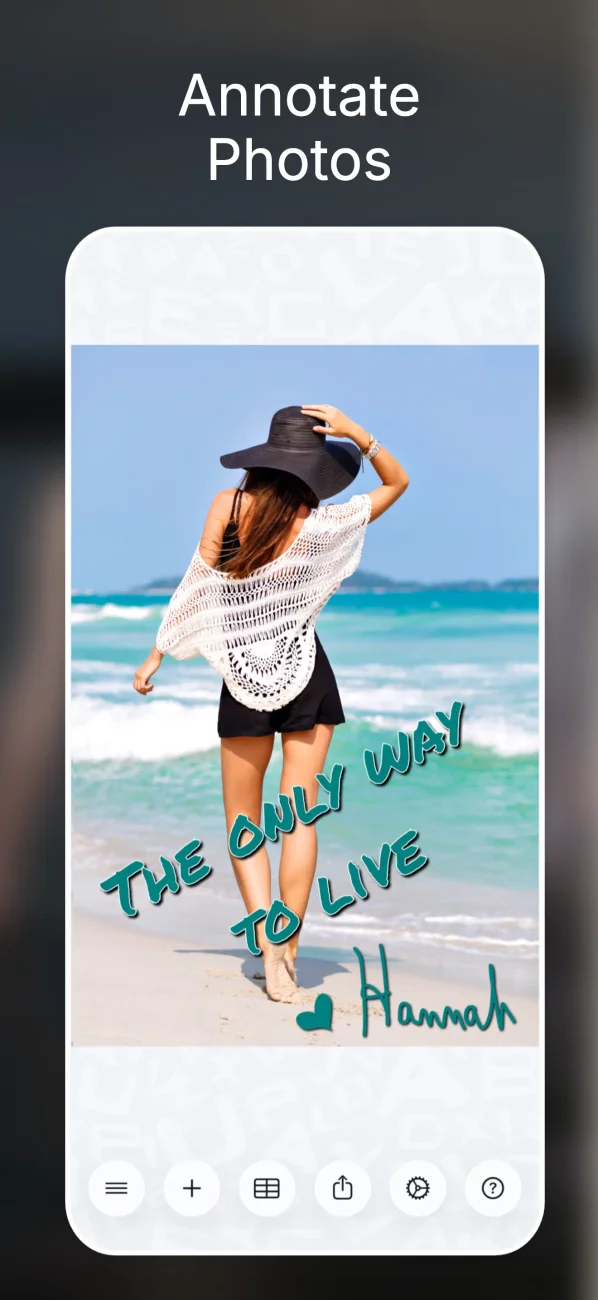
A+ Signature lets you add beautiful text, handwriting, drawings, watermarks, captions, and signatures to any photo.
Use it to annotate images for work, protect your photos with elegant watermarks, create photocard-style designs, add autographs, or make fun captioned images. A+ Signature combines flexible text tools with smooth freehand drawing so it is easy to personalize and share your pictures.
What’s inside:
• Add multiple text annotations to a photo
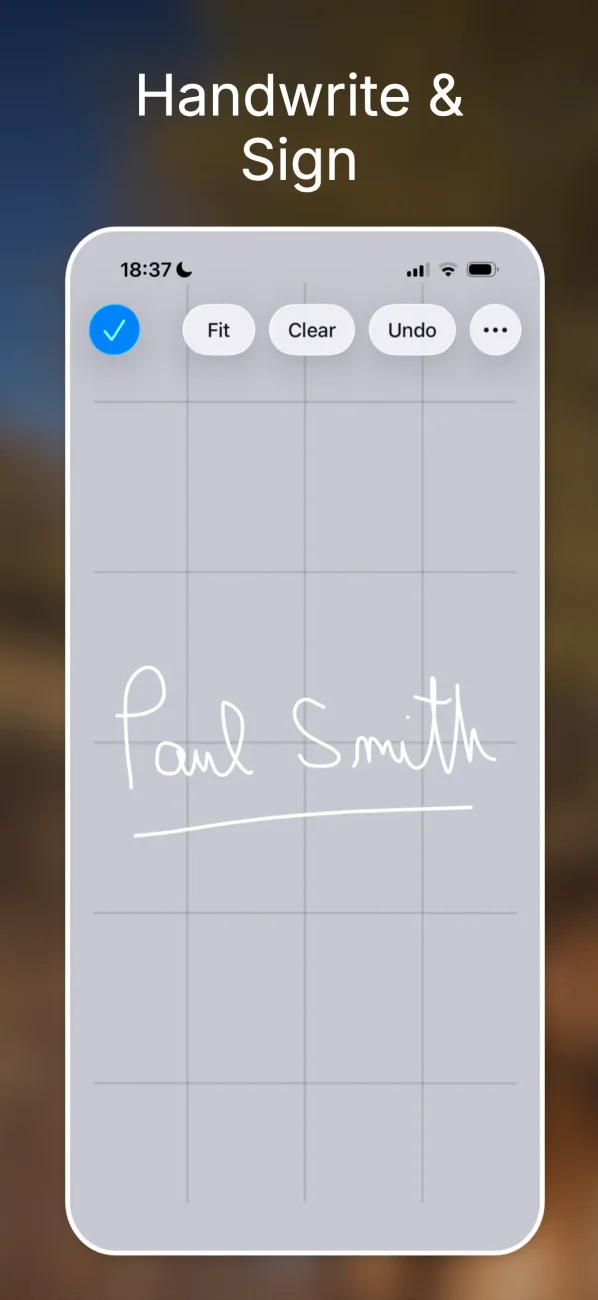
• Draw smooth handwriting, sketches, and signatures
• Move, rotate, and resize annotations with ease
• Adjust color, opacity, and shadow for text and drawings
• Choose fonts from your device plus 115 included fonts for hundreds of style variations
• Add text outlines for stronger contrast on photos
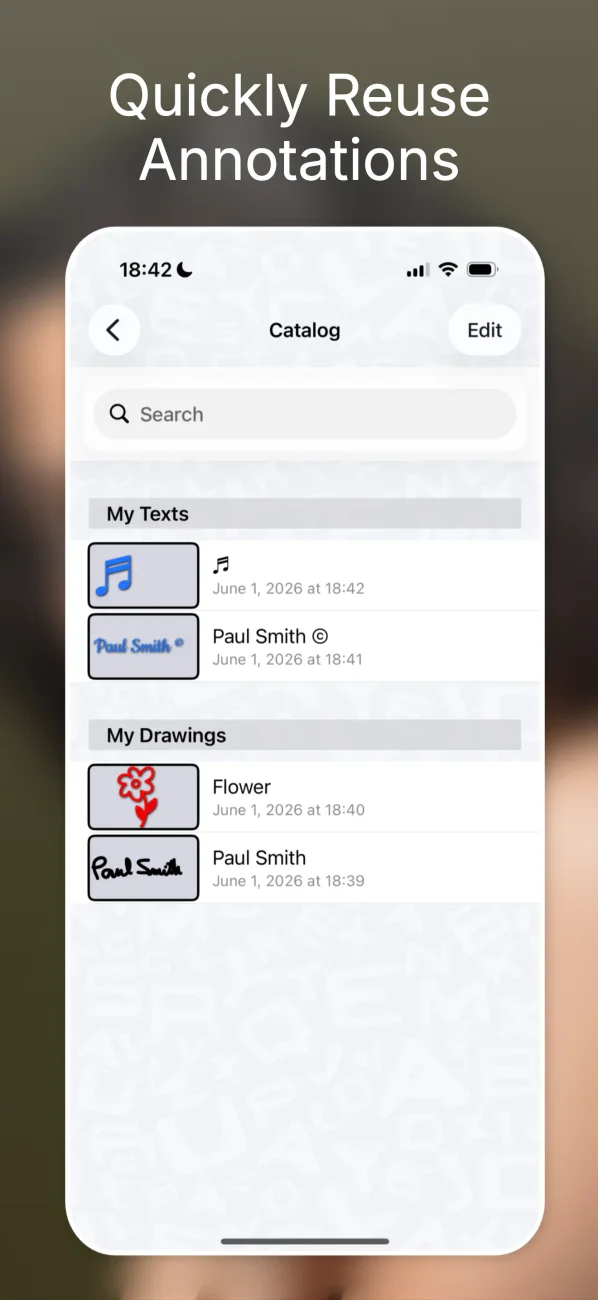
• Save and reuse favorite text and drawing elements with the Catalog
• Use customizable Stock Items for faster editing
• Copy and paste text or drawing annotations
• Export any annotation or signature as a PNG image
• Share annotated photos by email, AirDrop, or with other compatible apps
• Open photos from other compatible apps
• Works great with your fingers or a stylus
A+ Signature is ideal for photo annotation, watermarking, signatures, captions, photocards, and creative image sharing.
Looking for more advanced creative editing tools and additional flexibility? Try our other iOS app, Mix on Pix.
What’s new
Version 5.0 · Jun 3, 2026
- Refreshed User Interface.
- Dark mode support.
- Improved accessibility
- New font search functionality.
- Easy font favorites.
- Resize an annotation with 1 finger.
- Export an annotation as an image (png).
- macOS support (runs on Apple Silicon Macs).
- Other tweaks, bug fixes and improvements.
App privacy
What Pixtolab Technologies Inc. declares on the App Store about how this app handles data.
-
Data not collected
The developer does not collect any data from this app.
Privacy practices may vary, for example with the features you use or your age.
Information
- Seller
- Pixtolab Technologies Inc.
- Category
- Photo & Video
- Version
- 5.0
- Updated
- Jun 3, 2026
- Released
- Dec 19, 2010
- Size
- 13.8 MB
- Requires
- iOS 26.2 or later
- Age rating
- 4+
- Price
- $3.99
- Languages
- English, French
- Copyright
- © Pixtolab Technologies Inc.
You might also like
-
 Your-StorePhoto & Video
-
 PadiddlePhoto & Video
-
 Passport Photo ID: AI HeadshotPassport Photos Made Easy
-
 Image Converter : Photos & PDFConvert JPEG, PNG, HEIC, PDF
-
 Pierre AI: Photo MentorPersonal photography mentor
-
 WatermarklyBatch protect product photos
-
 ilumen — Film CameraFilm look. No AI. Real RAW.
-
 HalfFilm -ハーフカメラ/多重露光/AIドット絵変換Photo & Video
-
 Screeny: Screenshot EditorBeautiful Screenshot Frames
-
 Standby BoothPhoto & Video