
A1 Multitrack Record
16-Ch Multitrack USB Recorder
Designed for iPhone, iPad
$9.99
- Age rating4+
- CategoryMusic
- DeveloperJeremy Horn
- LanguagesEnglish
- Size5.3 MB
Links to the official App Store page
Download.org hosts no file of A1 Multitrack Record. The button opens its official App Store page, published by Jeremy Horn. Listing last checked on Nov 18, 2026.
Screenshots

About
USB Multitrack Recorder App.
Connect any USB Class Compliant Devices for up to 16-Channels of Audio Recording. Including Yamaha RUIO, Yamaha DM7/DM3, Dante AVIO and other USB Audio Interfaces.
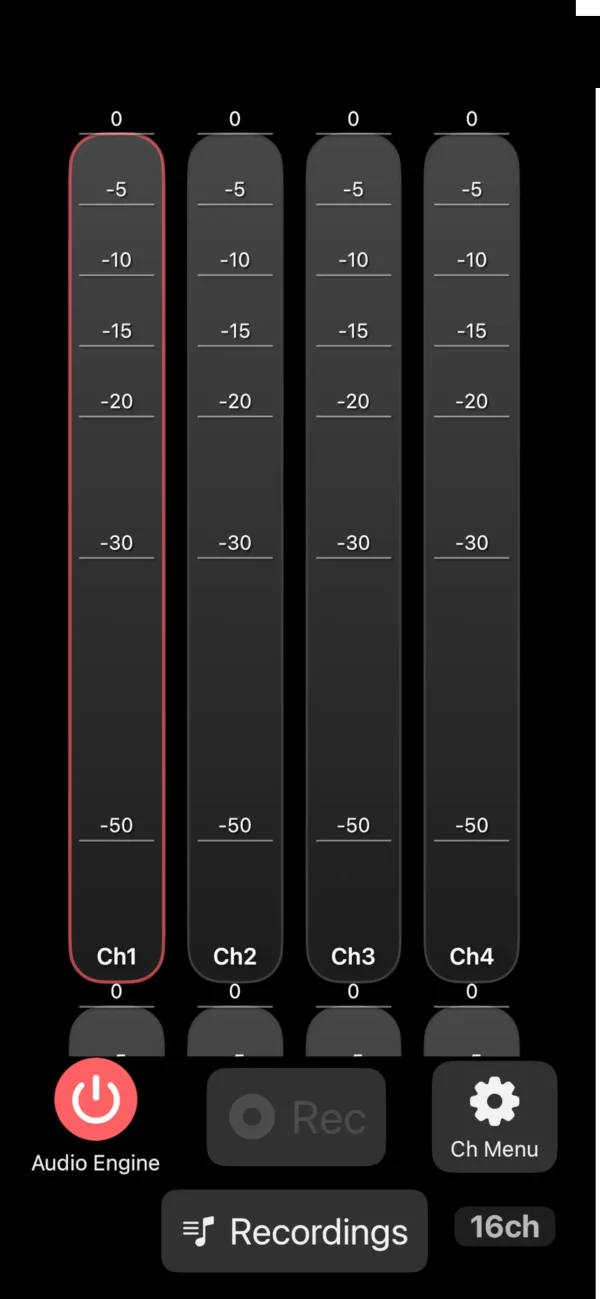
- Turn on Audio Engine - Auto initializes Channel Count for Connected USB Device
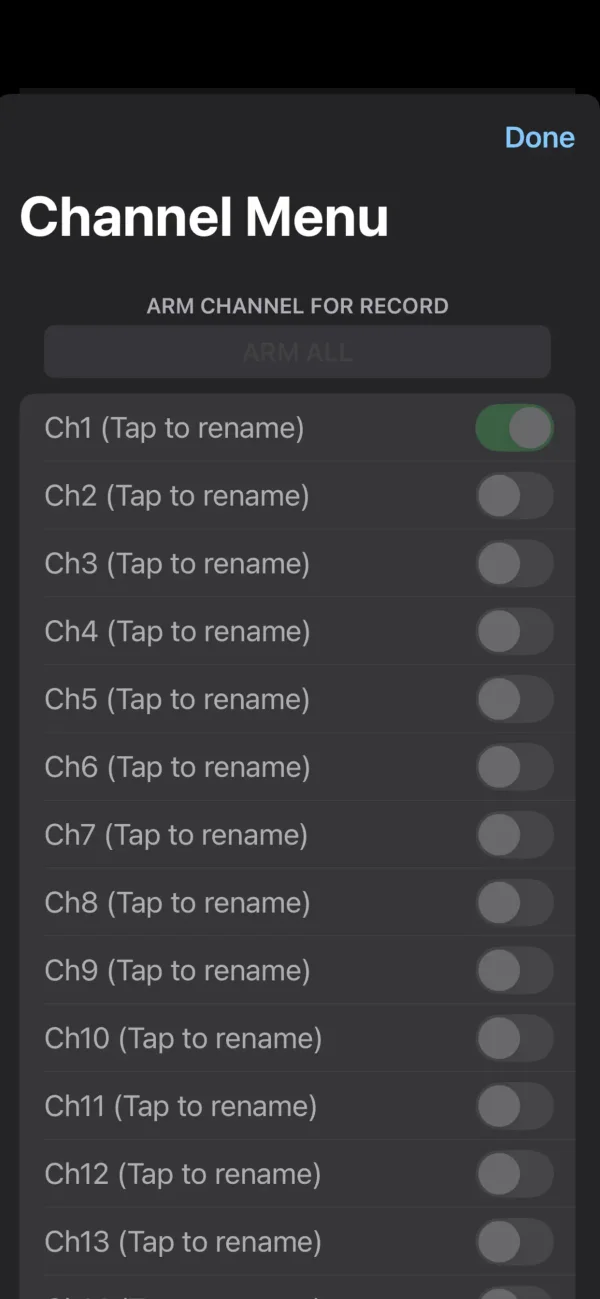
- Arm and Rename Channels in Ch Menu
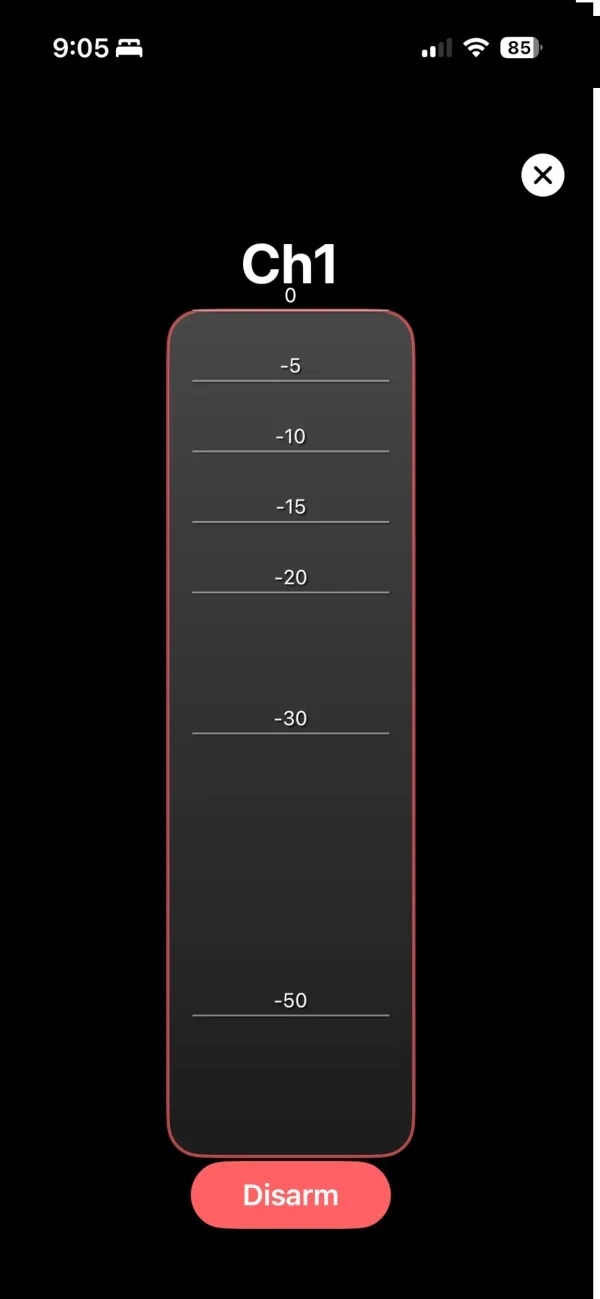
- Tap each Channel to Arm and Name Individual Channels
- Press Rec and Enter Recording Name. Start Recording. (MAKE SURE PROPER CHANNELS ARE ARMED)
- Record at 48K 32-Bit Float. (Records into internal memory that persists after app close
- After stopping record, files are available to export files in the Recordings Menu (Up to 64 Slots). Files are available in Recordings Menu until deleted or purged.
- To Share, Export Selected Recording Files and choose destination from Apple Share Card. Files will be Zipped and Exported to chosen destination.
- Import files into DAW or NLE for editing.
App privacy
What Jeremy Horn declares on the App Store about how this app handles data.
-
Data not collected
The developer does not collect any data from this app.
Privacy practices may vary, for example with the features you use or your age.
Information
- Seller
- Jeremy Horn
- Category
- Music
- Version
- 1.0
- Updated
- Jan 2, 2026
- Released
- Jan 2, 2026
- Size
- 5.3 MB
- Requires
- iOS 17.6 or later
- Age rating
- 4+
- Price
- $9.99
- Languages
- English
- Copyright
- © Jeremy Horn
You might also like
-
 AmpliTube OrangeClassic British guitar tones
-
 Slab - Plate ReverbA plate reverb you can play
-
 The LevelerReal-Time Loudness Control
-
 Stray Cat PurristThe ultimate guitar noise gate
-
 Multi-TrackerRecord, Mix, and Master
-
 GSDSP MagicFusionSpectral Vocoder AUv3
-
 AmpliTube MESA/BoogieMesa/Boogie guitar tone to go
-
 ShowRecorder: Mixer MultitrackLive recorder, every channel
-
 Loopia: AI Music Loop StudioCreate Beats & Loops
-
 DrumPerfect ProMusic