- Age rating4+
- CategoryUtilities
- Developer杏生 卢
- LanguagesSimplified Chinese
- Size20.6 MB
Links to the official App Store page
Download.org hosts no file of A592DSP. The button opens its official App Store page, published by 杏生 卢. Listing last checked on Nov 12, 2026.
Screenshots

About
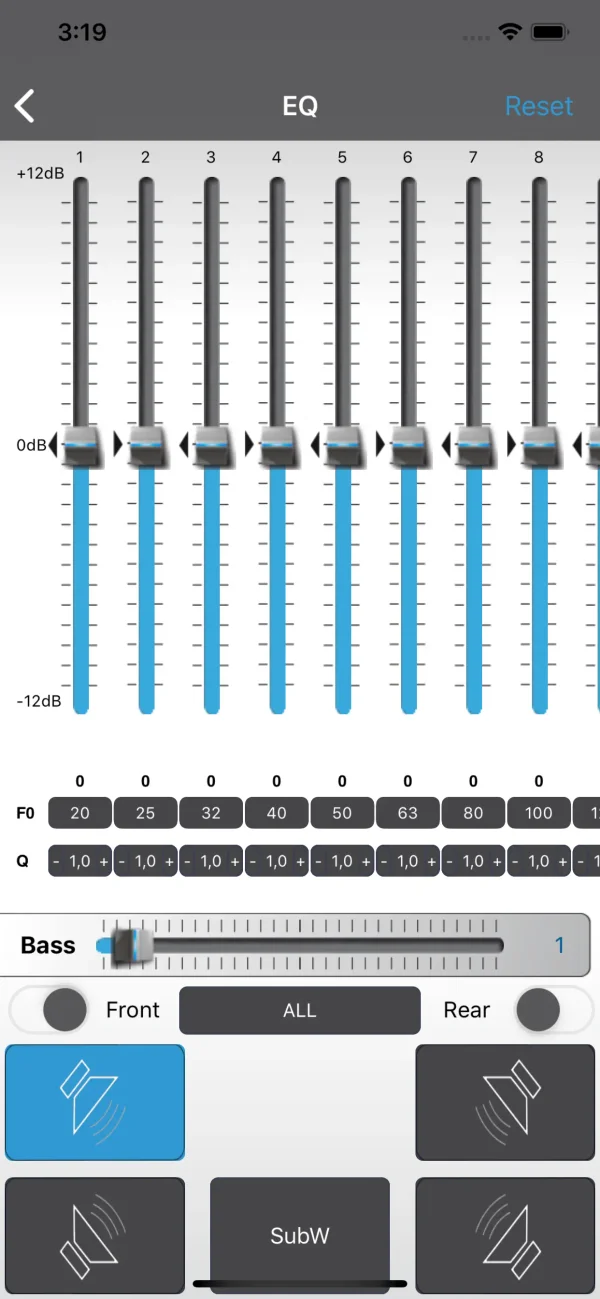
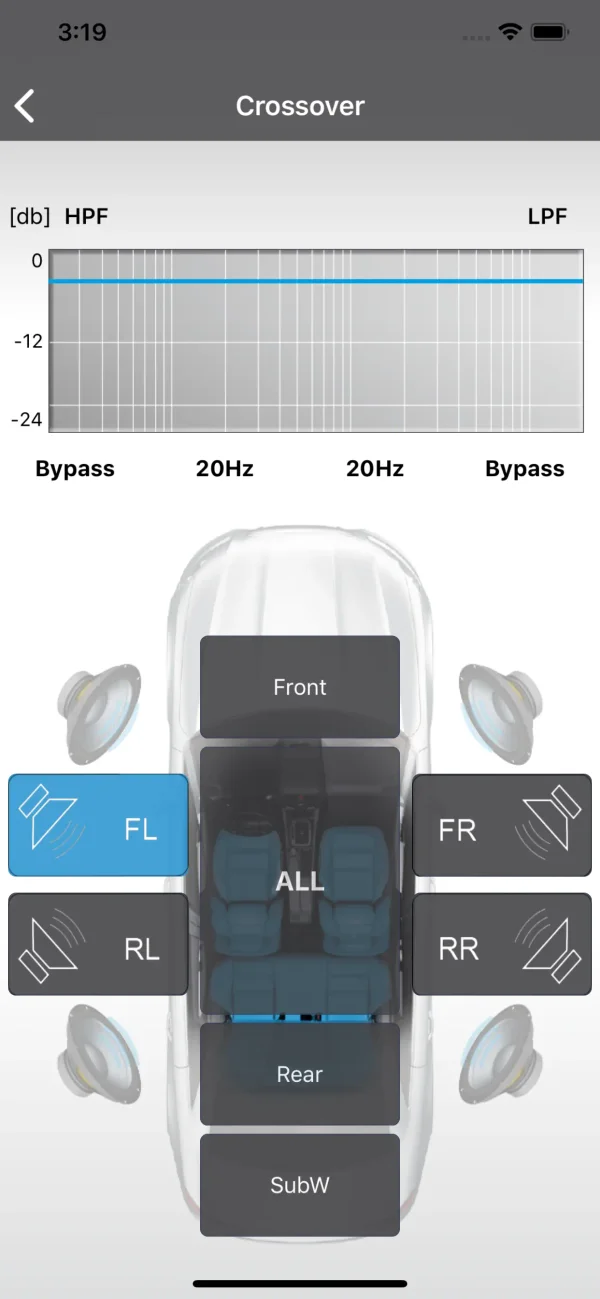
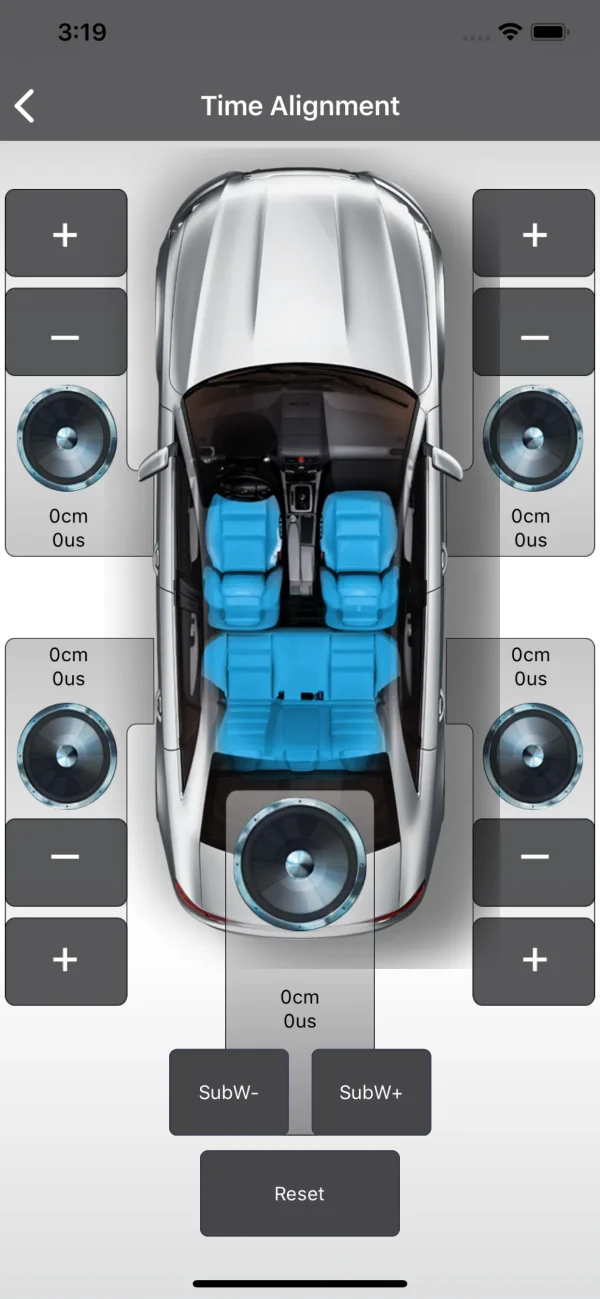
After connecting App to Car Amplifier with Integrated DSP, EQ, BASS, TIME ALIGNMENT, PHASE, MUTE, FILTER , SAVE SOUND SETTING TO PHONE, SAVE SOUND SETTING TO AMPLIFIER, LOAD SOUND SETTING FROM PHONE, RCA OUTPUT etc could be controlled through this App.
How to use:
1.Install App and turn on power of car
2. Turn on Bluetooth on your iPhone
3,Open App and wait for around 5 seconds, then click “Connect” icon in left corner of bottom. Amplifier will be connected to App automatically.
4.DIY you preferred sound and then click “Save to AMP” icon to save. Or click “ Save to Phone” to save.
Note:
1.Do not exit app during saving and do not turn off power supply, program may be shut down caused by this.
What’s new
Version 1.1.1 · May 8, 2026
- Fixed some bugs.
App privacy
What 杏生 卢 declares on the App Store about how this app handles data.
-
Data not collected
The developer does not collect any data from this app.
Privacy practices may vary, for example with the features you use or your age.
Information
- Seller
- 杏生 卢
- Category
- Utilities
- Version
- 1.1.1
- Updated
- May 8, 2026
- Released
- Sep 10, 2020
- Size
- 20.6 MB
- Requires
- iOS 15.6 or later
- Age rating
- 4+
- Languages
- Simplified Chinese
- Copyright
- ©️ 2026 AXTON