AAC Speech & Communication
Offline Autism PECS Talker
Designed for iPhone, iPad, iPod touch
Free · In-app purchases
- Age rating4+
- CategoryEducation
- DeveloperChristopher Mckellar
- LanguagesEnglish
- Size185.4 MB
Links to the official App Store page
Download.org hosts no file of AAC Speech & Communication. The button opens its official App Store page, published by Christopher Mckellar. Listing last checked on Nov 12, 2026.
Screenshots


About
A simple, powerful AAC board for nonverbal individuals and people with speech challenges. Create and use symbol boards with pictures, text, and natural text-to-speech — fully offline, no internet required.
Designed for autism, aphasia, ALS/MND, stroke recovery, cerebral palsy, and more. Perfect for home, school, therapy sessions, or everyday communication.
Free Version – Core AAC Features
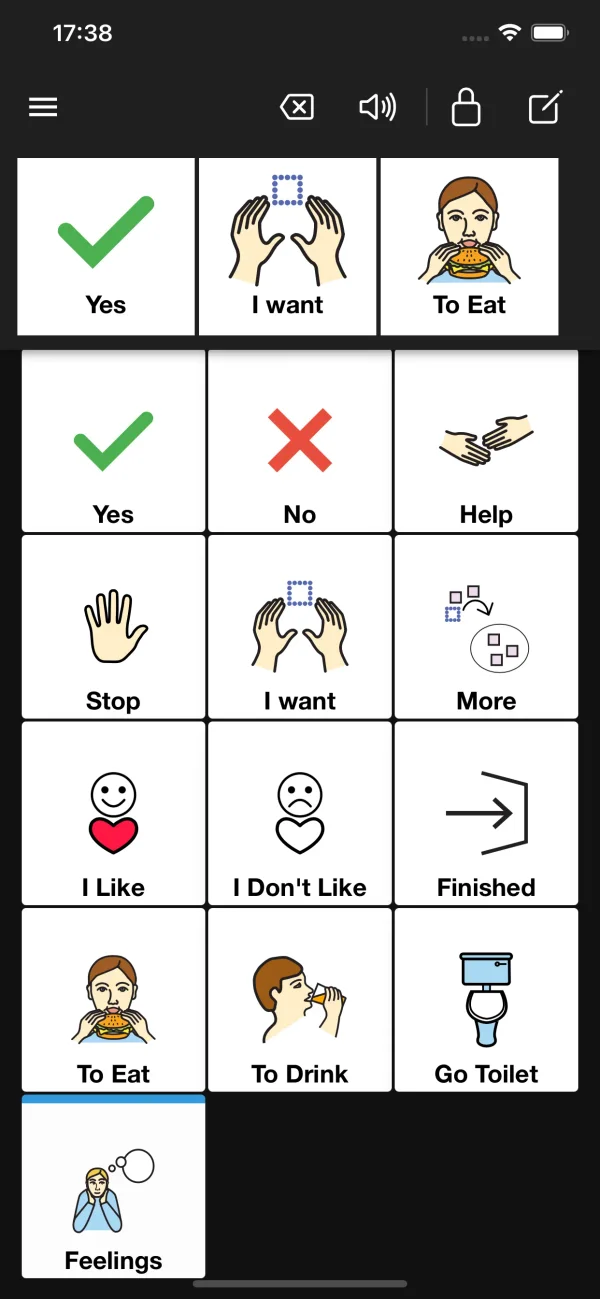
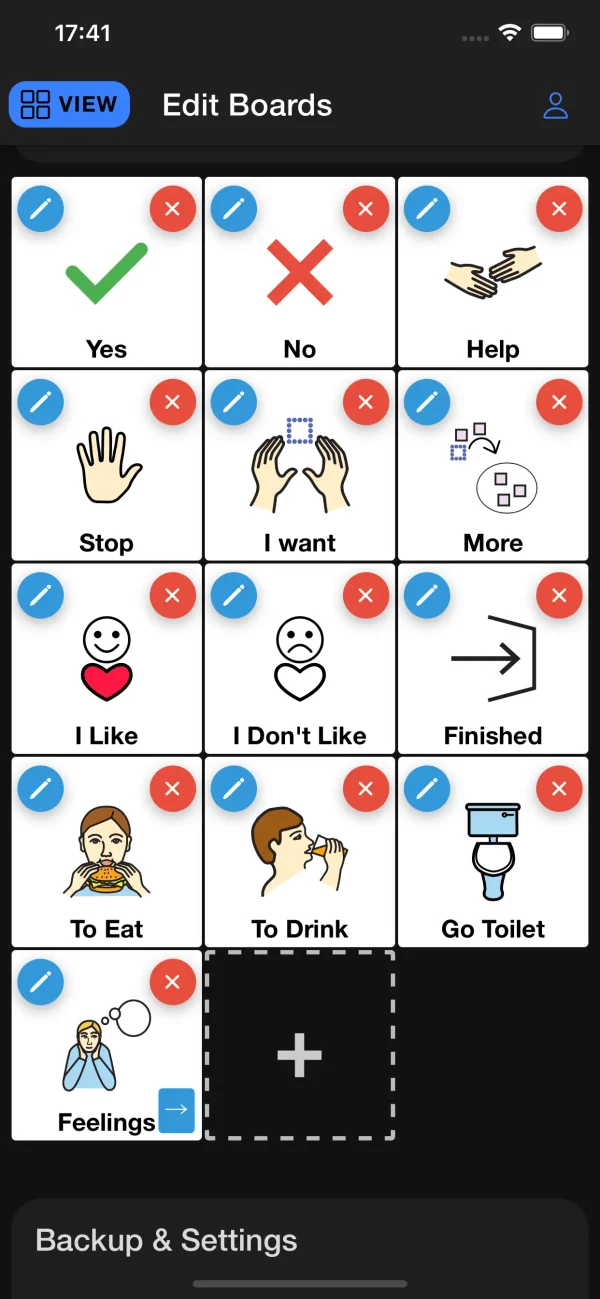
• Intuitive communication grids with symbols, photos, voice clips and text
• Tap tiles to build and speak sentences instantly
• Ready-made topic boards (emotions, food, school, daily activities & more)
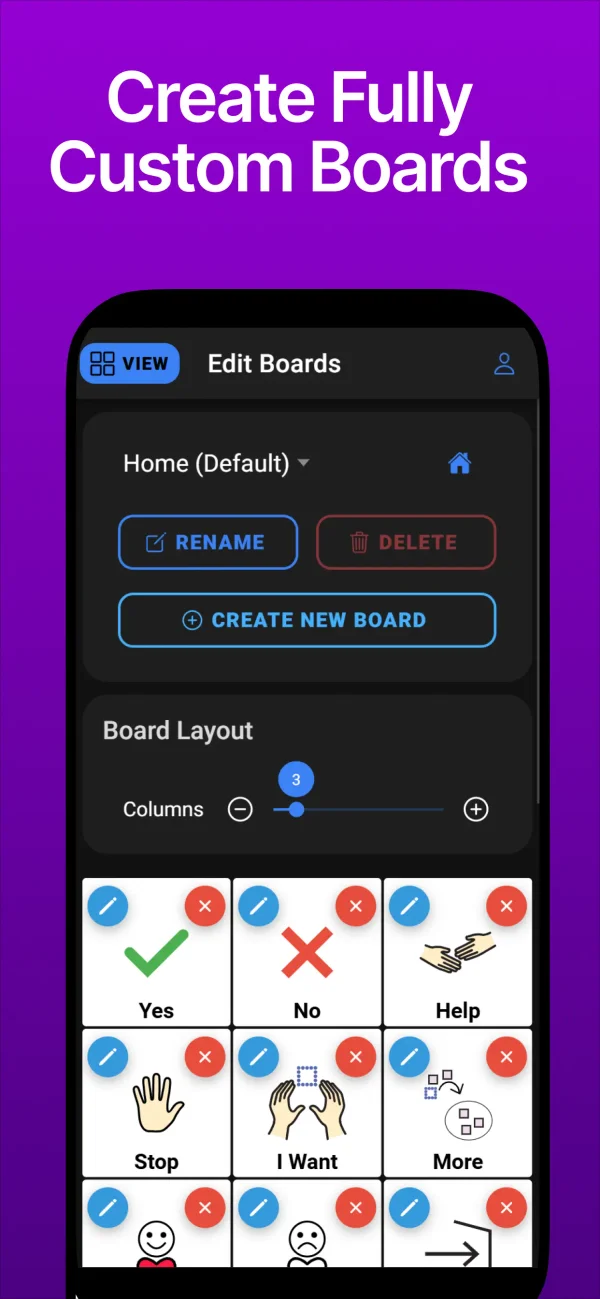
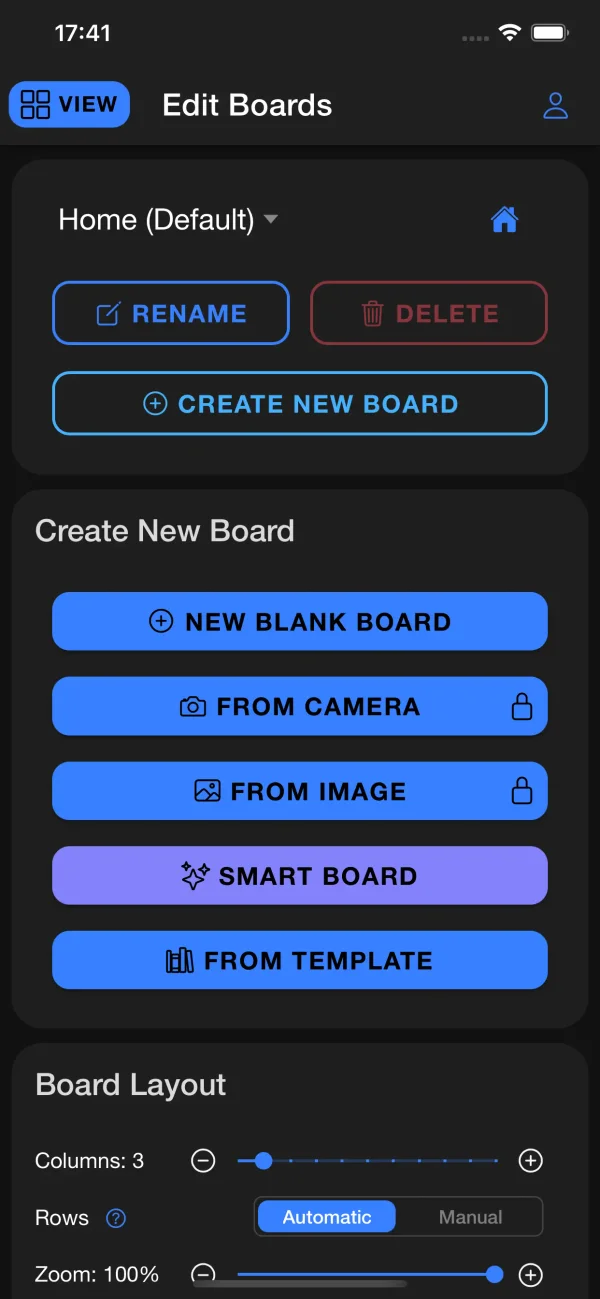
• Create and edit up to 3 custom boards
• Searchable library with thousands of Mulberry SVG symbols
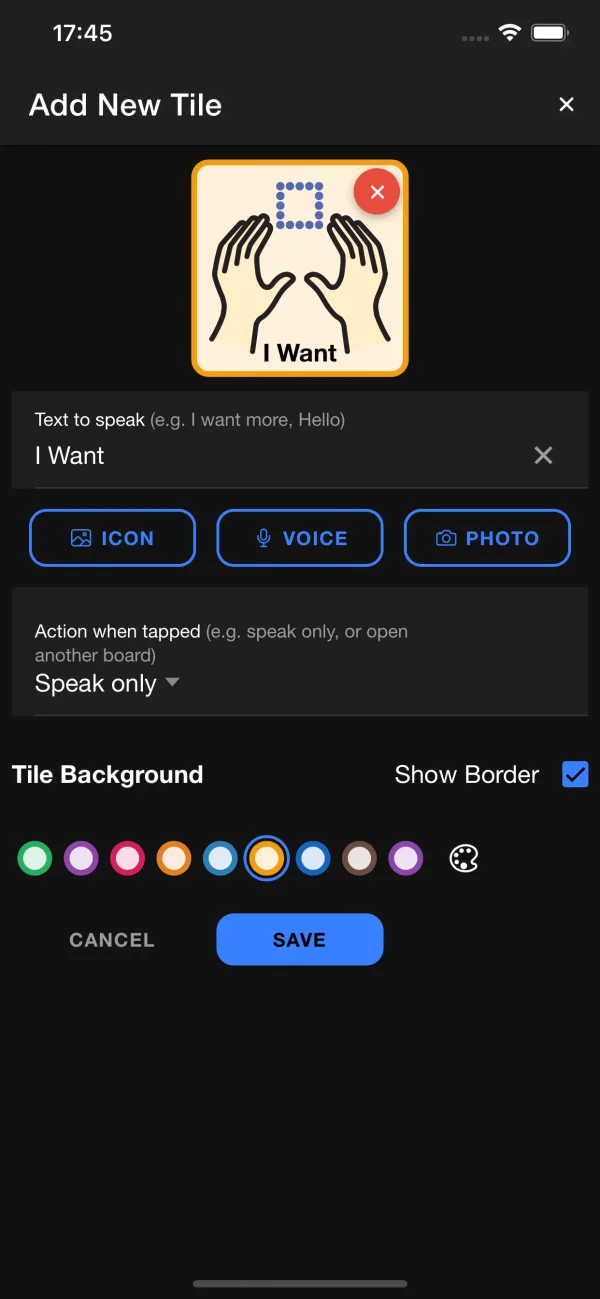
• Add your own photos, icons, or recorded audio
• Folder navigation between boards
• Clear message bar with consistent core word placement
• Export boards as printable PDFs
• Accessibility options: adjustable fonts & spacing, highlight scanning, cream background (glare reduction), high-contrast mode (CVI support)
• Profile Export & Import: Share boards, tiles, custom images, and voice recordings offline between devices.
• Offline AI Board Generation: Create complete boards from simple text prompts offline. Adjust tile counts, swap or remove suggestions.
Premium – One-Time Unlock (No Subscription)
Pay once. Own forever. Includes all future updates.
• Unlimited custom boards
• Cloud Sync for backup and cross-device access
• Multiple Profiles (school vs home, siblings, clients)
• Camera Scan – photograph objects or materials to create boards instantly
• Gallery Import – auto-detect symbols from saved photos
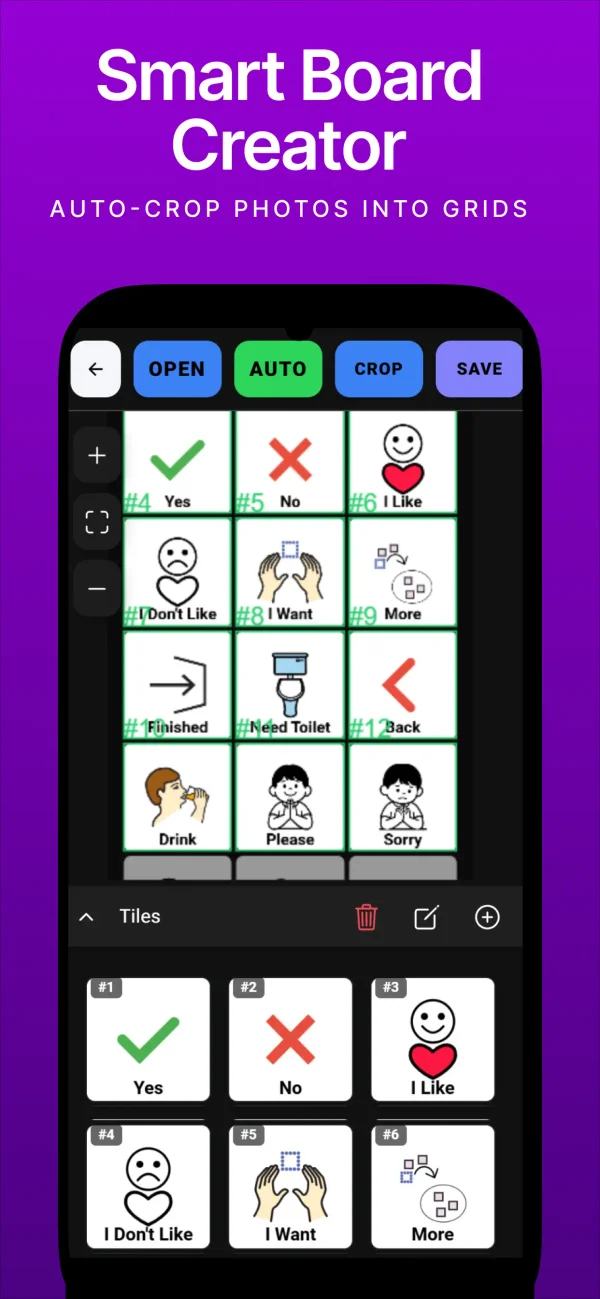
• Smart Board Creator (Standout Feature):
Take a photo of printed symbol sheets, worksheets, scene photos, or real-world objects. The app automatically detects items, places crop boxes, and turns them into a ready-to-use digital communication grid in seconds — with manual adjustment if needed.
Whether you’re a parent modelling language, a speech & language therapist, teacher, or caregiver, this app makes AAC simple, fast, and affordable. Start with core words, use templates for quick wins, or digitize paper-based systems effortlessly.
No subscriptions. No recurring fees.
Give a voice. Empower communication.
What’s new
Version 2.4 · Nov 9, 2026
Faster app startup and smoother browsing of boards and symbols
Improved performance when loading symbols with customised skin tones
Improved Smart Board editing with Undo, Redo and smoother zoom controls
General accessibility, layout and stability improvements
App privacy
What Christopher Mckellar declares on the App Store about how this app handles data.
-
Data linked to you
May be collected and linked to your identity.
- Contact info
- User content
Privacy practices may vary, for example with the features you use or your age.
Information
- Seller
- Christopher Mckellar
- Category
- Education
- Version
- 2.4
- Updated
- Nov 9, 2026
- Released
- Aug 17, 2026
- Size
- 185.4 MB
- Requires
- iOS 15.0 or later
- Age rating
- 4+
- Price
- Free
- In-app purchases
- Yes
- Languages
- English
- Copyright
- © 2026 Chris McKellar
You might also like
-
 Bravo AACAI-enhanced AAC application
-
 Dawn AACYour own voice, offline.
-
 Model CommunicatorTopic-organized AAC talker
-
 Sayella: AAC Speech AppAffordable AAC, yours to own
-
 Talking Tiles: AAC for KidsNonverbal Communication Board
-
 SunspeakTap words and symbols to speak
-
 Another Voice AACCommunication for non-verbal
-
 Oggy AACSimple tap-to-speak AAC board
-
 AAC Kids Communication BoardAutism & Nonverbal Speech app
-
 Alto AACYour voice, one tap away