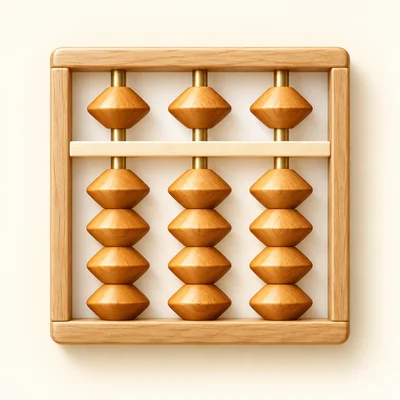
Abacus Practice: Mental Math
Lessons, flash & PDF drills
Designed for iPhone, iPad
$0.99 · In-app purchases
- Age rating4+
- CategoryEducation
- DeveloperSMART BIT K.K
- LanguagesEnglish+ 4 more
- Size18.0 MB
Links to the official App Store page
Download.org hosts no file of Abacus Practice: Mental Math. The button opens its official App Store page, published by SMART BIT K.K. Listing last checked on Nov 18, 2026.
Screenshots

About
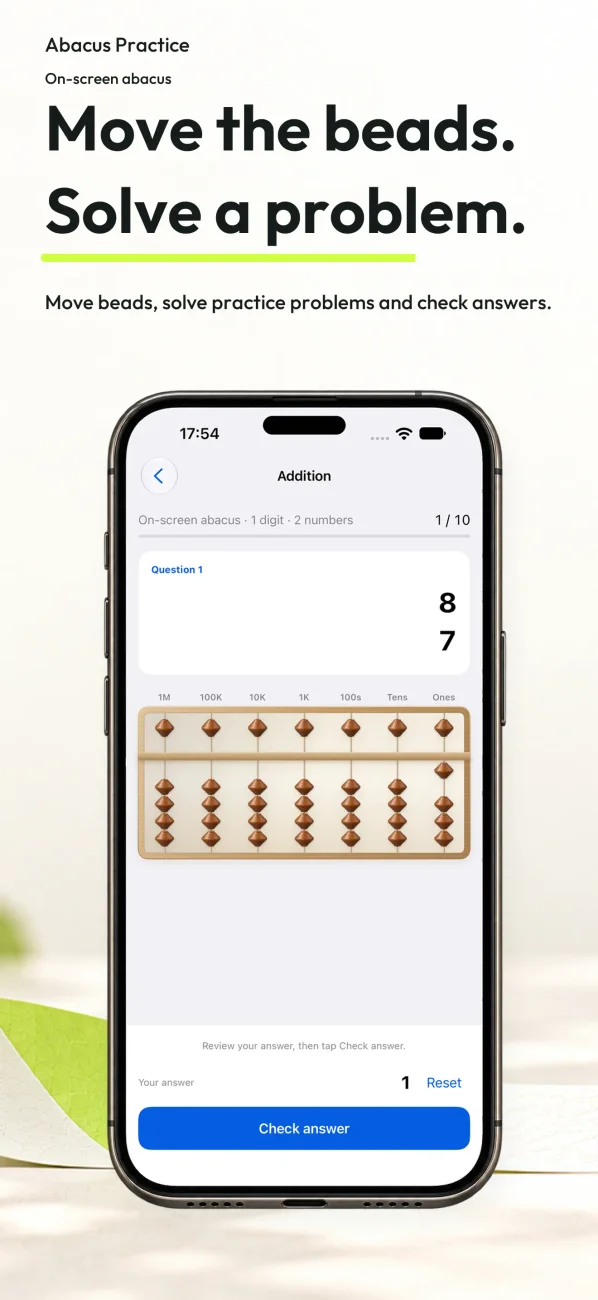
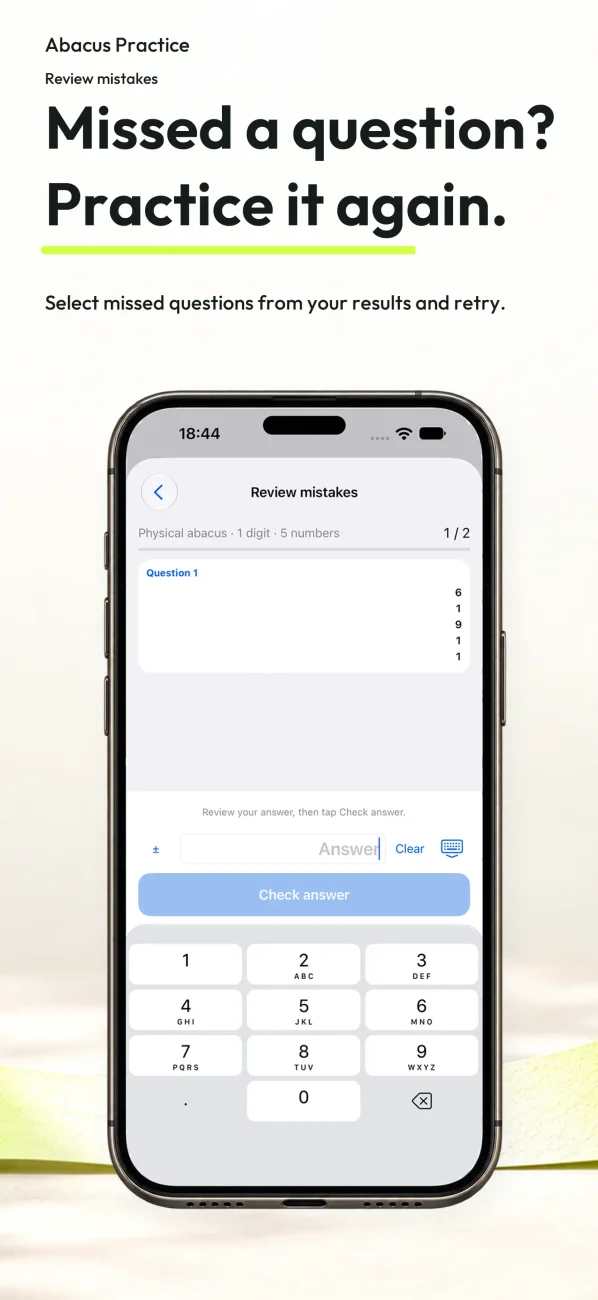
Build an answer with beads. Check it, then try your mistakes again.
Abacus Practice brings Japanese soroban and mental arithmetic practice to iPhone and iPad. Use the on-screen abacus, work with your own physical soroban, or answer mentally.
LEARN AND PRACTICE
• 16 introductory lessons with bead movement demonstrations
• Addition, subtraction, multiplication and division
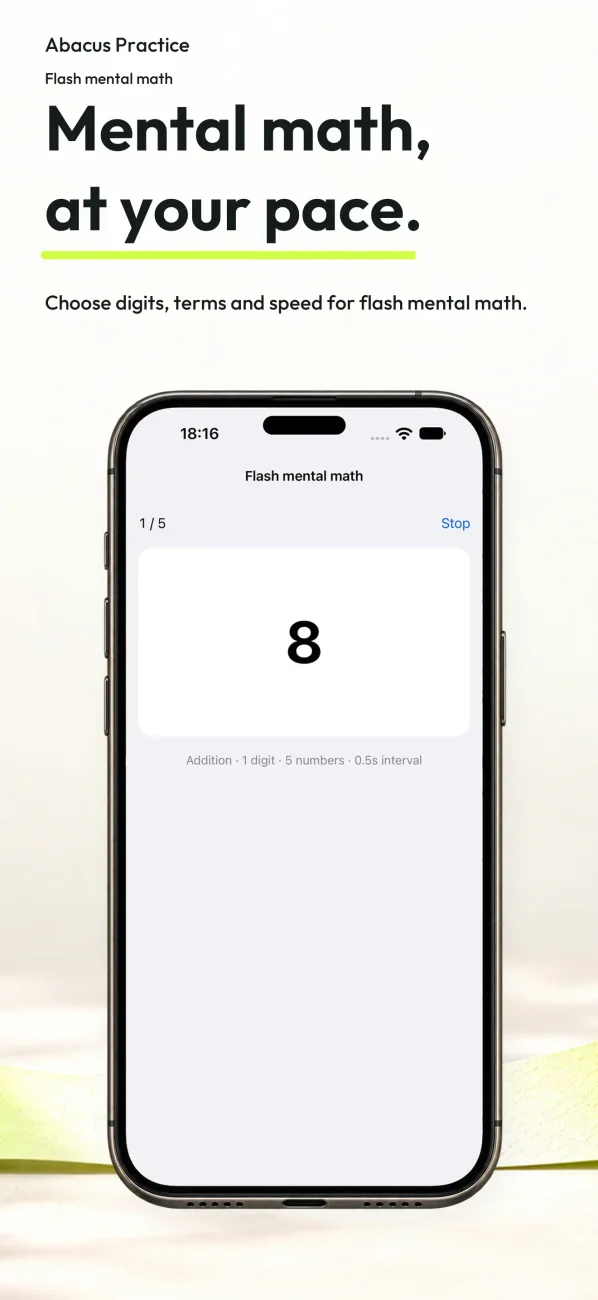
• Flash mental arithmetic with adjustable speed and column-style drills
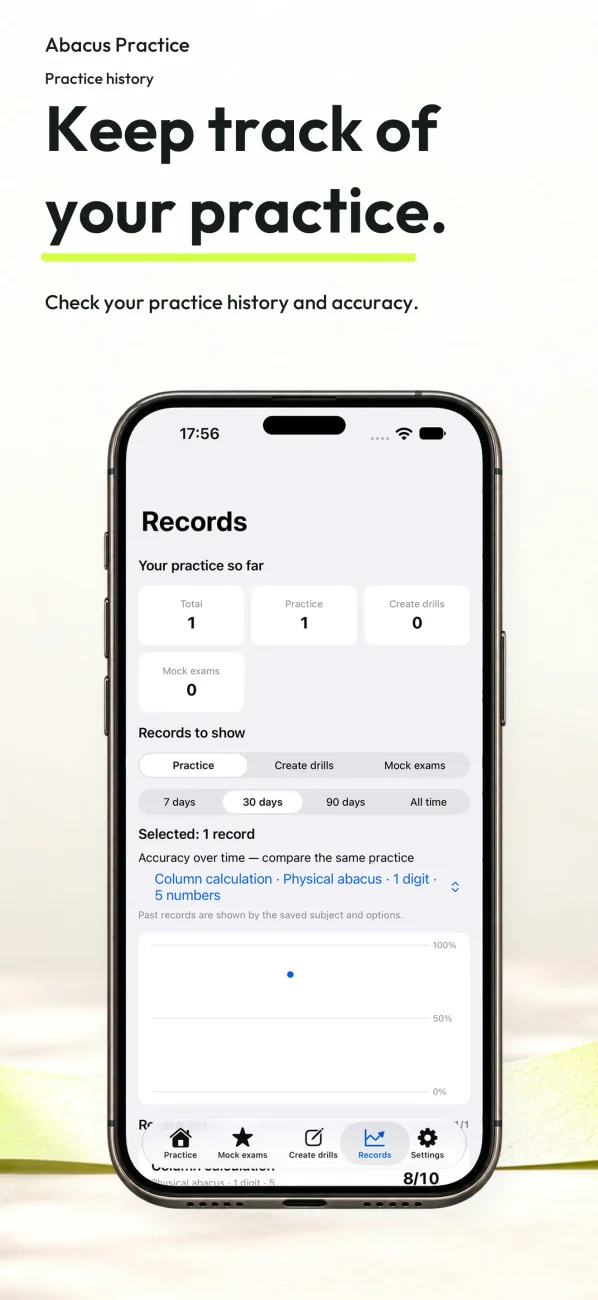
• Answer checking, per-question results and mistake-only review
• Start another session with your previous practice settings
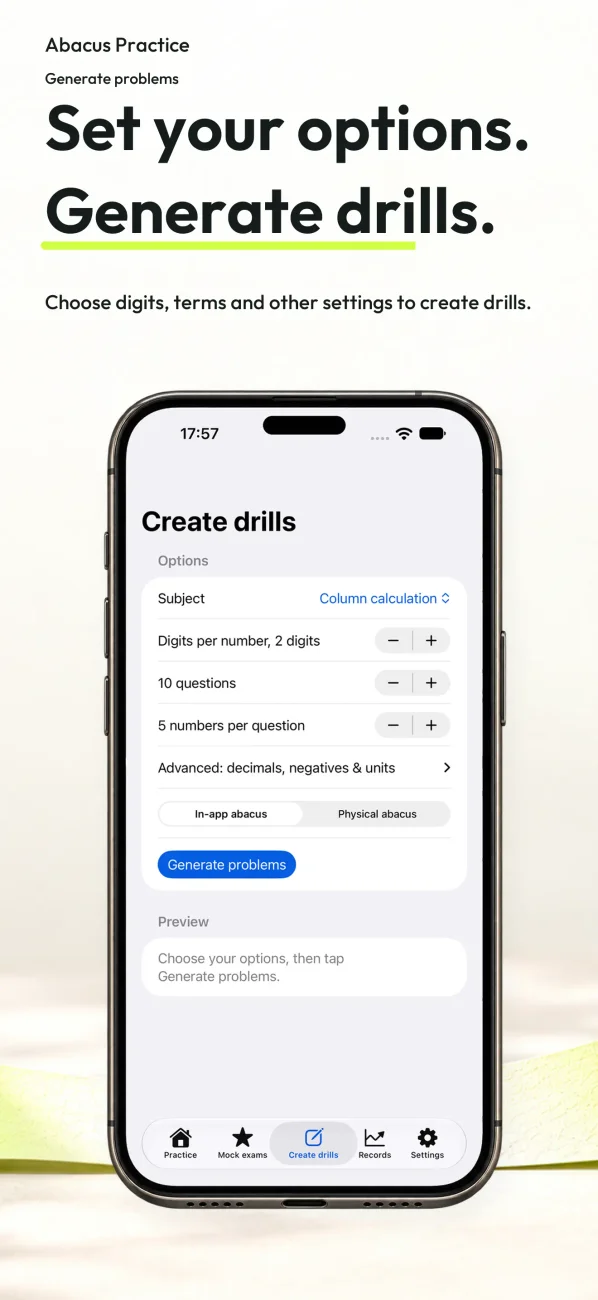
CREATE YOUR OWN DRILLS
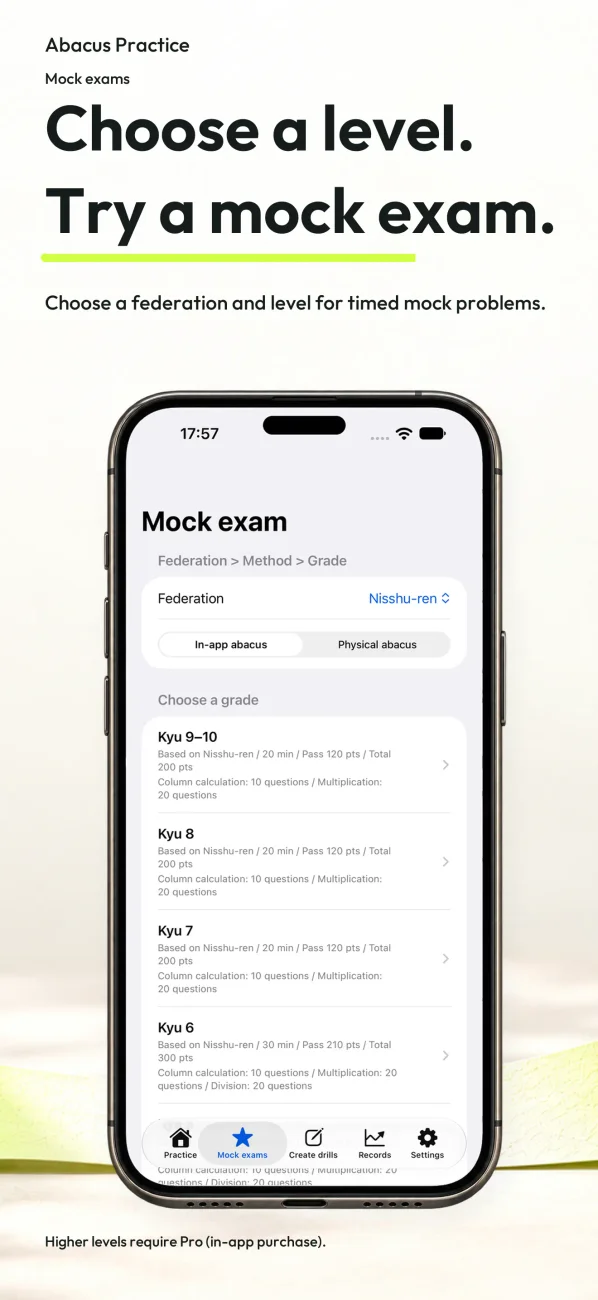
Generate problems from selected conditions and practice them in the app. Timed mock exams show answer progress and scores by subject. These are practice formats based on Japanese soroban exams, not official examinations or a guarantee of passing.
FIND YOUR FAVORITE BEADS
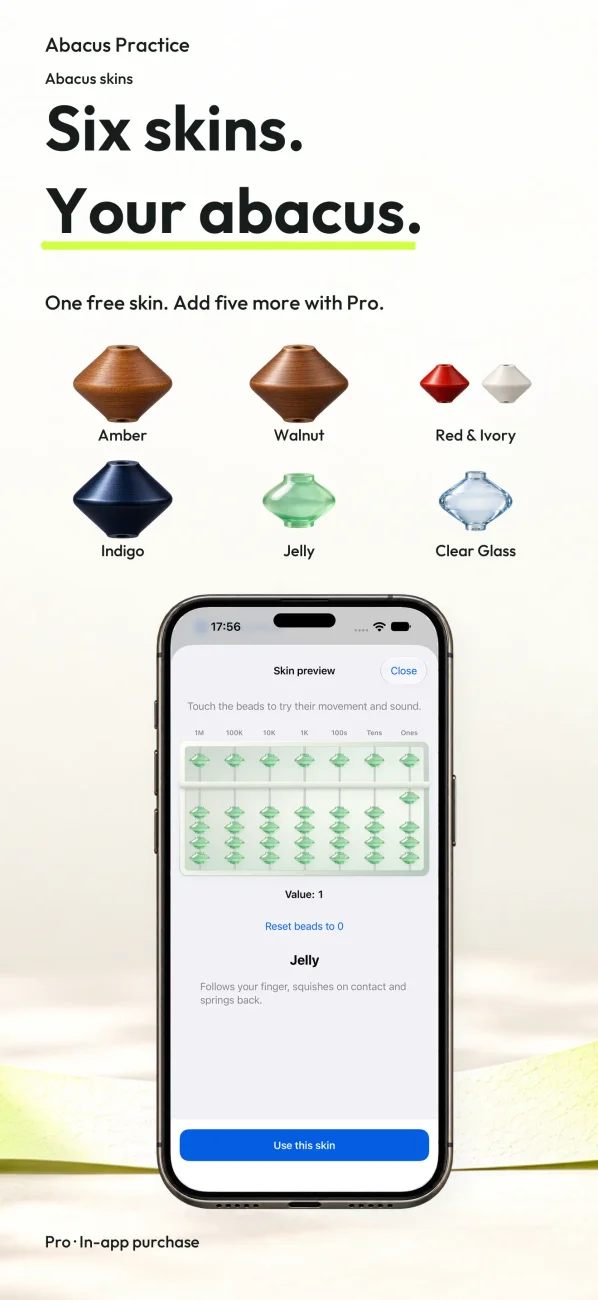
The standard wooden beads have a detailed natural texture. Pro adds skins including springy mint Jelly and transparent Glass, each with a distinct feel and sound. Try extra skins in the interactive preview before purchase. Sound, haptics and left-handed layout are adjustable.
FREE AND PRO
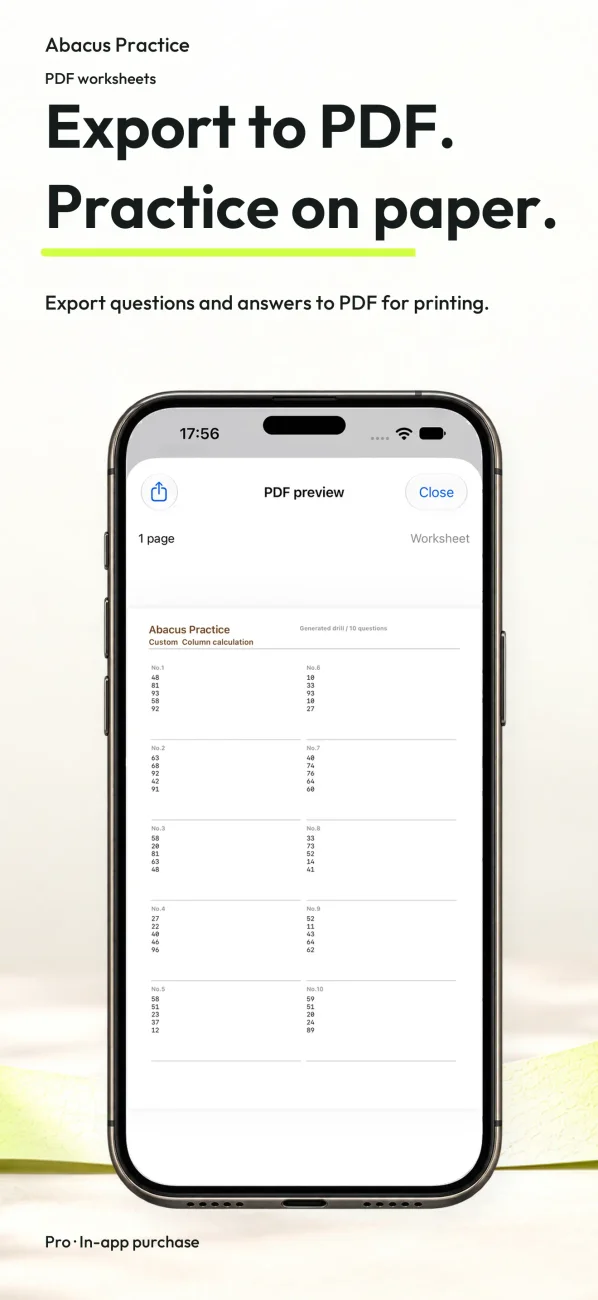
Introductory lessons, basic practice, a free abacus, and selected problem-generation and mock-exam options are available free. A one-time Pro purchase unlocks expanded practice conditions, advanced problem generation, PDF worksheet creation and sharing, additional exam levels, and extra skins. There is no monthly subscription.
No account or ads. Practice records are stored on this device.
Now available in Japanese, English, Simplified Chinese, Traditional Chinese and Korean. Screens, all 16 introductory lessons, instructions, purchases and restore, practice history and PDFs follow your app language. Change it directly in Settings > App language inside the app; your choice applies immediately.
There are six skins in total: standard Amber is free; Pro adds Walnut, Red & Ivory, Indigo, Jelly and Glass.
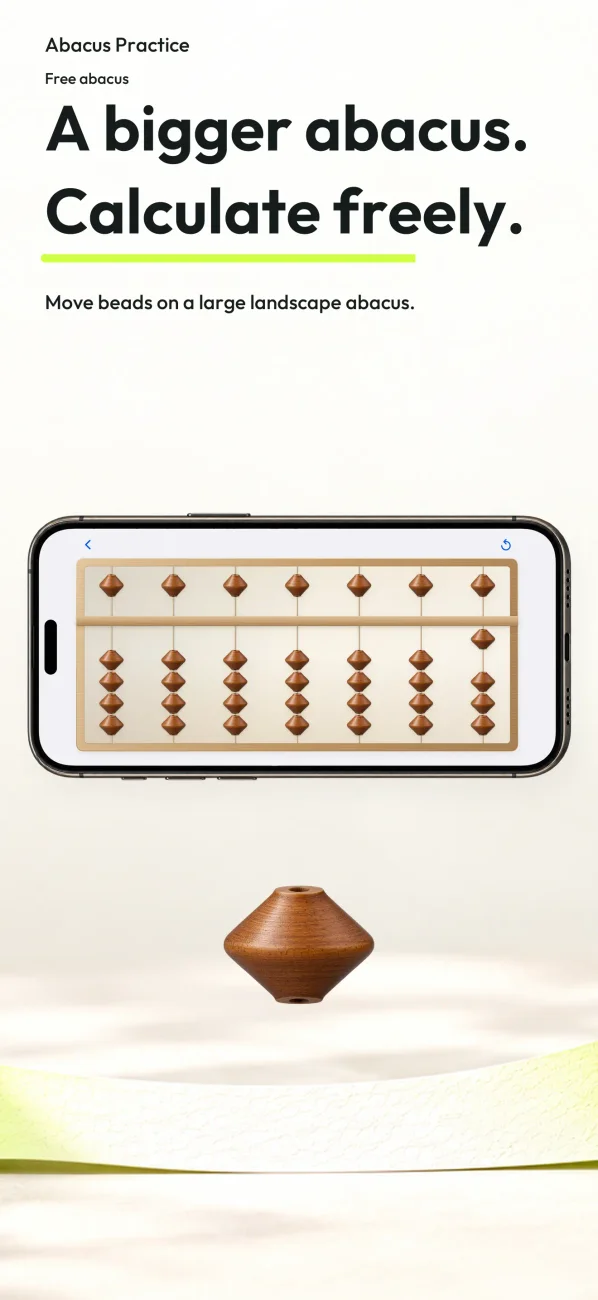
The free abacus uses a large landscape board with minimal controls so you can focus on moving the beads.
What’s new
Version 1.1 · Oct 13, 2026
Made the Settings skin list lighter to render. List thumbnails now use static images of the real abacus; tap a skin to try bead movement in its interactive preview. Non-interactive boards no longer participate in drag recognition.
Removed the duplicate keyboard-dismiss button in invoice arithmetic. The control is now beside the answer field. Hiding the keyboard preserves your entered answer.
Improved mock exam and generated-practice layouts. The complete abacus and answer controls remain visible with long questions. All problem lines can be read from first to last. Improved compact-screen and large-text layouts.
Reduced resource usage during sustained Free Abacus input. Bead images and touch sounds use bounded shared resources. Improved landscape transitions and initial screen stability.
Switch between five languages directly in the app settings, without restarting. Your choice is remembered after relaunch. Existing problem conditions and generated questions are preserved; PDFs are created in the selected language.
Translated purchase-information errors now clear correctly after the connection recovers.
Now available in Japanese, English, Simplified Chinese, Traditional Chinese and Korean. Screens, all 16 introductory lessons, instructions, purchases and restore, practice history and PDFs follow your app language. Change it directly in Settings > App language inside the app; your choice applies immediately.
Improved practice layouts and answer checking. Fixed Clear, sign and keyboard controls and landscape clipping. The free abacus now uses a large landscape board and returns to a portrait layout on exit. Improved question generation for repeat sessions and added completion celebrations. Refined the six bead skins, colors and previews before purchase, mock-exam answer review, problem creation, PDF sharing and records.
App privacy
What SMART BIT K.K declares on the App Store about how this app handles data.
-
Data not collected
The developer does not collect any data from this app.
Privacy practices may vary, for example with the features you use or your age.
Information
- Seller
- SMART BIT, K.K.
- Category
- Education
- Version
- 1.1
- Updated
- Oct 13, 2026
- Released
- Jun 2, 2026
- Size
- 18.0 MB
- Requires
- iOS 17.0 or later
- Age rating
- 4+
- Price
- $0.99
- In-app purchases
- Yes
- Languages
- English, Japanese, Korean, Simplified Chinese, Traditional Chinese
- Copyright
- © 2026 Smartbit
You might also like
-
 そろばん練習Education
-
 Add & Subtract MasterPractice written calculation
-
 Written Multiplication MasterPractice multiplication steps
-
 Kanji Neat Writing MasterPractice writing kanji neatly
-
 珠算能力検定試験 合格ドリルEducation
-
 Bio - フラッシュ暗算Education
-
 フラッシュ計算Education
-
 Long Division MasterPractice long division steps
-
 ChemulationEducation