
AboutMyDevice: Benchmark, info
View detailed hardware info
Designed for iPhone, iPad, Mac
Free · In-app purchases
- Age rating4+
- CategoryUtilities
- DeveloperSouth Bay Compute, LLC
- LanguagesEnglish+ 23 more
- Size44.1 MB
Links to the official App Store page
Download.org hosts no file of AboutMyDevice: Benchmark, info. The button opens its official App Store page, published by South Bay Compute, LLC. Listing last checked on Nov 25, 2026.
Screenshots
About
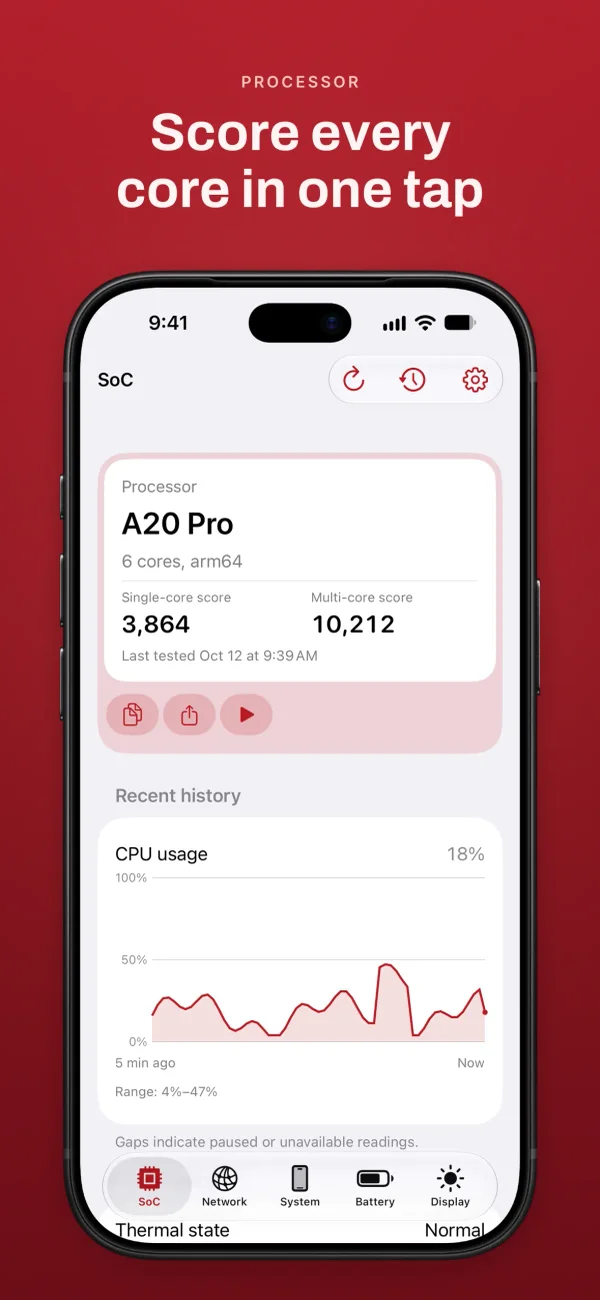
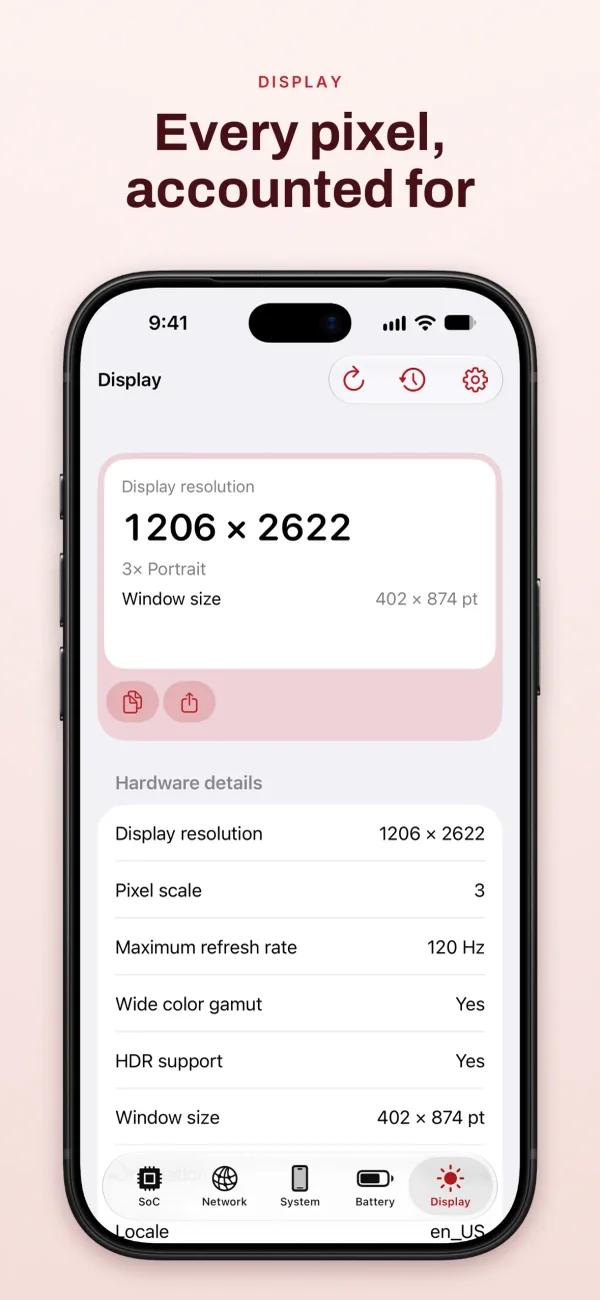
AboutMyDevice shows you exactly what's inside your iPhone and iPad, clearly and instantly. You can also benchmark your iPhone or iPad System on a Chip (SoC) with Manhattan, the same single-core and multi-core benchmark on every platform AboutMyDevice runs on, and share your result as a card.
Tap into five sections to see the specs that actually matter, pulled live from your device:
• SoC — chip architecture, processor cores, active CPUs, clock speed, cache, and supported instruction sets
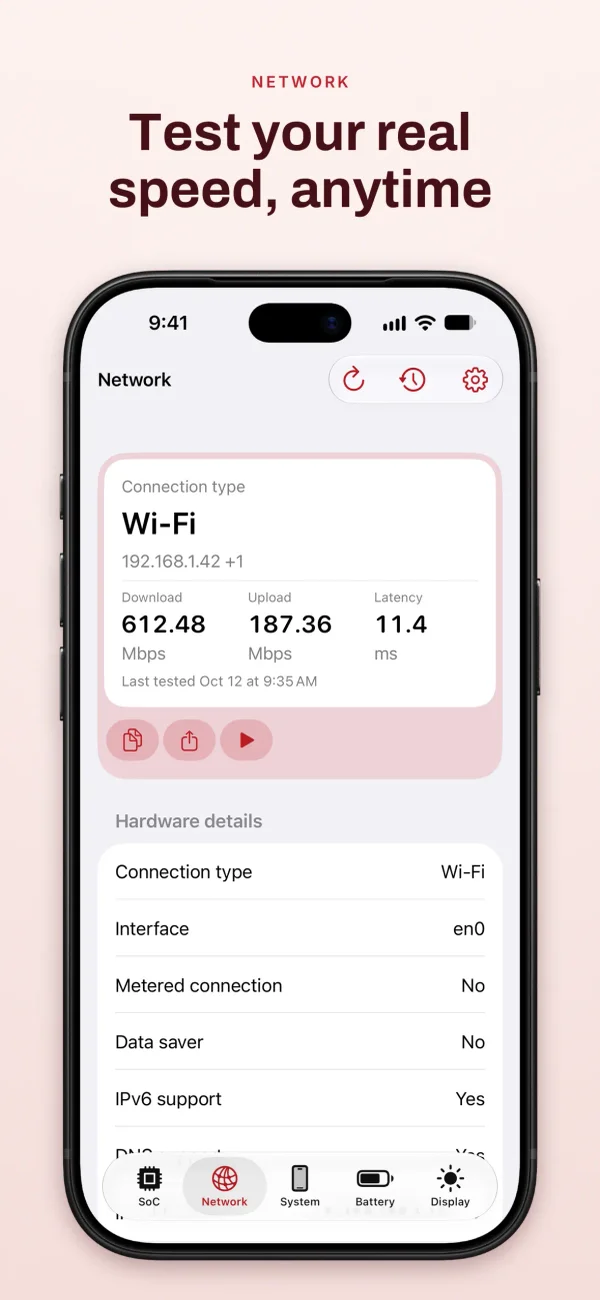
• Network — interfaces, IPv4 and IPv6 addresses, hostname, plus a built-in speed test for latency, download, and upload
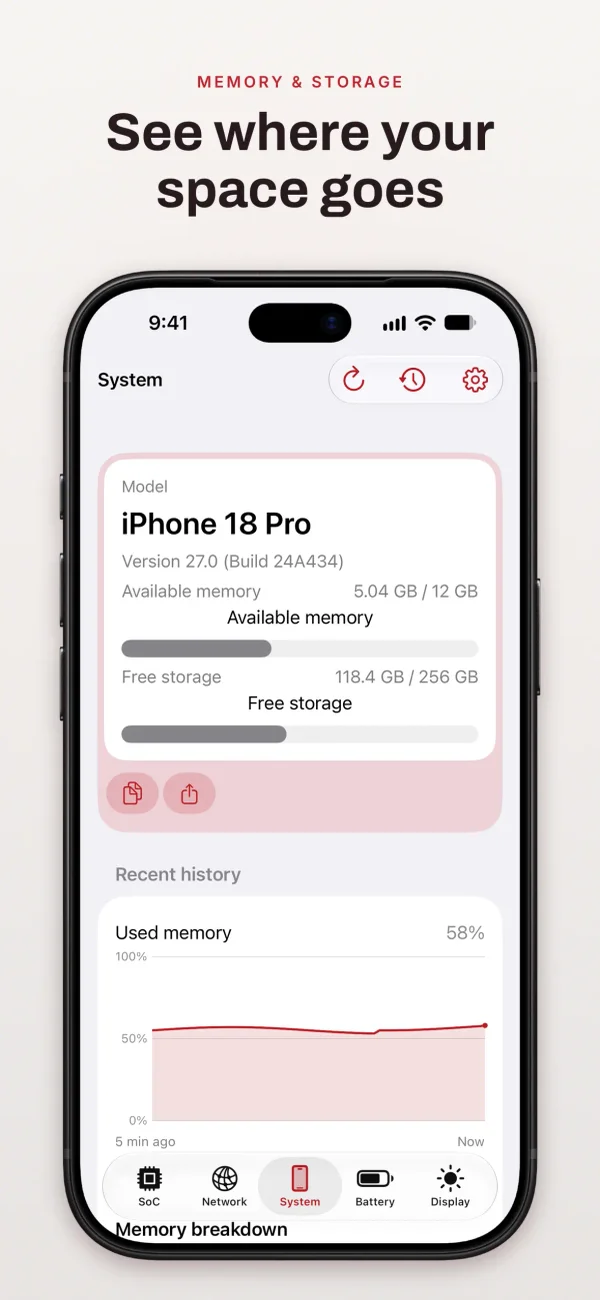
• System — iOS version, kernel details, locale, time zone, memory, and storage usage
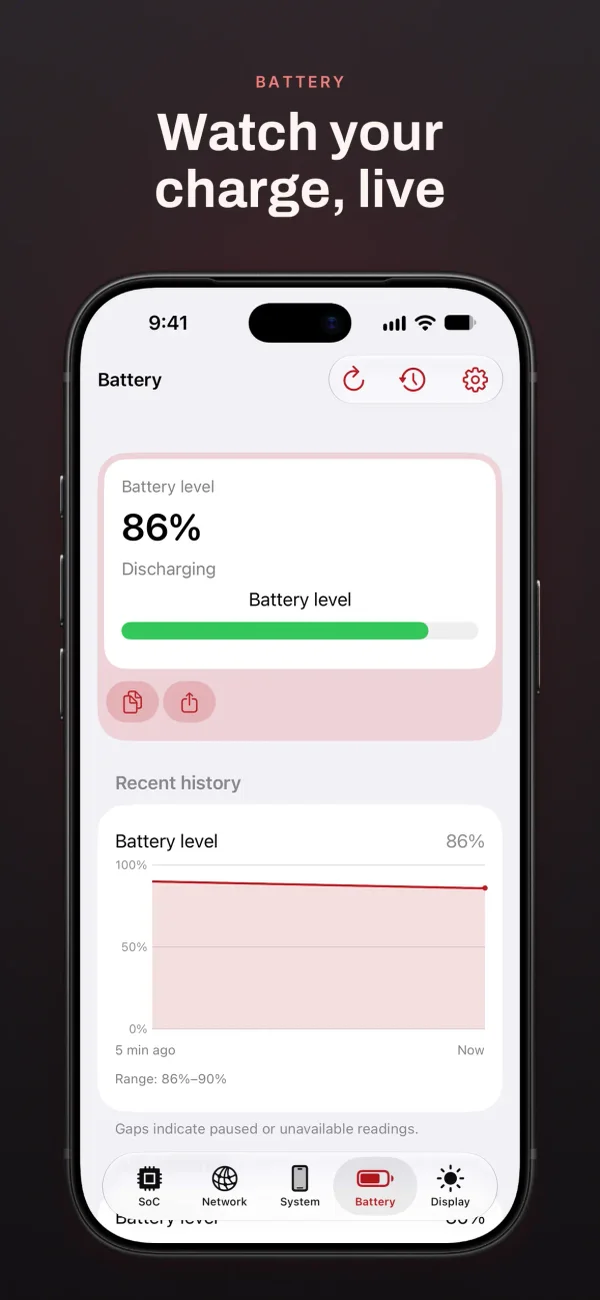
• Battery — charge level, charging state, and Low Power Mode status
• Display — logical and physical resolution, pixel ratio, orientation, and light/dark appearance
DESIGNED TO BE FAST
• Swipe left or right to move between sections, or tap to jump straight to one
• Reorder the sections to put what you care about first — your layout is remembered next launch
• Copy any section to the clipboard with a single tap
• Refresh anytime to re-read live values
• Built-in light and dark mode
ABOUTMYDEVICE PLUS
AboutMyDevice shows ads on iPhone and iPad. AboutMyDevice Plus is an optional auto-renewing subscription, billed every 1, 3 or 6 months, that removes them. Payment is charged to your Apple Account; the subscription renews unless cancelled at least 24 hours before the end of the period, and can be managed in your account settings.
PRIVACY
No account or sign-in is needed. Ads come from Google. Where the law requires it, Google's consent form appears first and Settings lets you change your ad privacy choices at any time. What the app collects, and why, is in the privacy policy.
Whether you're checking specs before a sale, troubleshooting, comparing devices, or just curious about your hardware, AboutMyDevice gives you the full picture in seconds.
Privacy policy: https://southbaycompute.com/aboutmydevice/privacy/
Terms of Use: https://www.apple.com/legal/internet-services/itunes/dev/stdeula/
What’s new
Version 22026.11.25 · Nov 24, 2026
Layout and stability improvements.
App privacy
What South Bay Compute, LLC declares on the App Store about how this app handles data.
-
Data used to track you
May be used to track you across apps and websites owned by other companies.
- Identifiers
-
Data linked to you
May be collected and linked to your identity.
- Purchases
- Location
- Identifiers
- Usage data
- Diagnostics
-
Data not linked to you
May be collected but is not linked to your identity.
- Diagnostics
Privacy practices may vary, for example with the features you use or your age.
Information
- Seller
- South Bay Compute, LLC
- Category
- Utilities
- Version
- 22026.11.25
- Updated
- Nov 24, 2026
- Released
- Jun 9, 2026
- Size
- 44.1 MB
- Requires
- iOS 26.0 or later
- Age rating
- 4+
- Price
- Free
- In-app purchases
- Yes
- Languages
- English, Arabic, Bengali, Dutch, Filipino, French, German, Hebrew, Hindi, Indonesian, Italian, Japanese + 12 more
- Copyright
- © 2026 South Bay Compute
You might also like
-
 Hardware++Hardware Diagnostics
-
 Kindred ContactBe the one who remembers
-
 Swell InternetManage internet and mobile
-
 Playlist Alarm: Wake to MusicGentle fade-in song clock
-
 Proton SRLProton
-
 mDeviceAll your devices in one place
-
 decibella 2: Sound Level MeterDecibel & Frequency Analyzer
-
 **CalcMemo - 電卓つきメモ帳**Utilities
-
 Shrouded Email UtilityShrouded
-
 Artisans 3D SoundKitAll-in-One Audio Toolkit