- Age rating4+
- CategoryUtilities
- DeveloperAsoft.iOS
- LanguagesEnglish+ 12 more
- Size20.8 MB
Links to the official App Store page
Download.org hosts no file of ACalcM. The button opens its official App Store page, published by Asoft.iOS. Listing last checked on Nov 23, 2026.
Screenshots


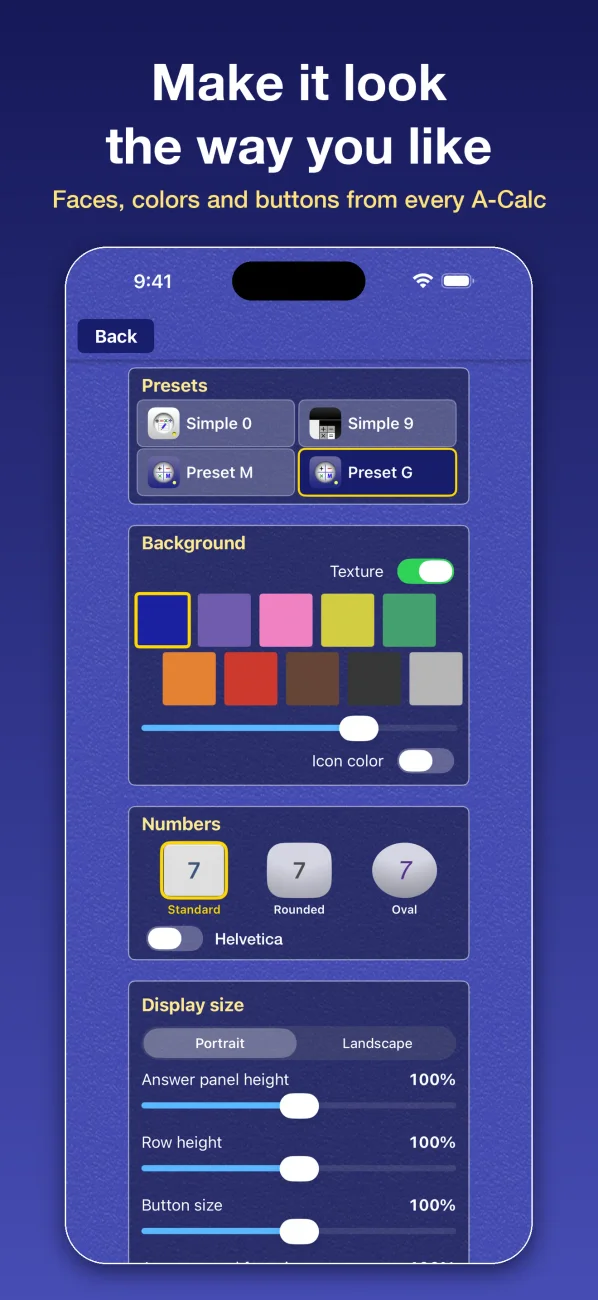
About
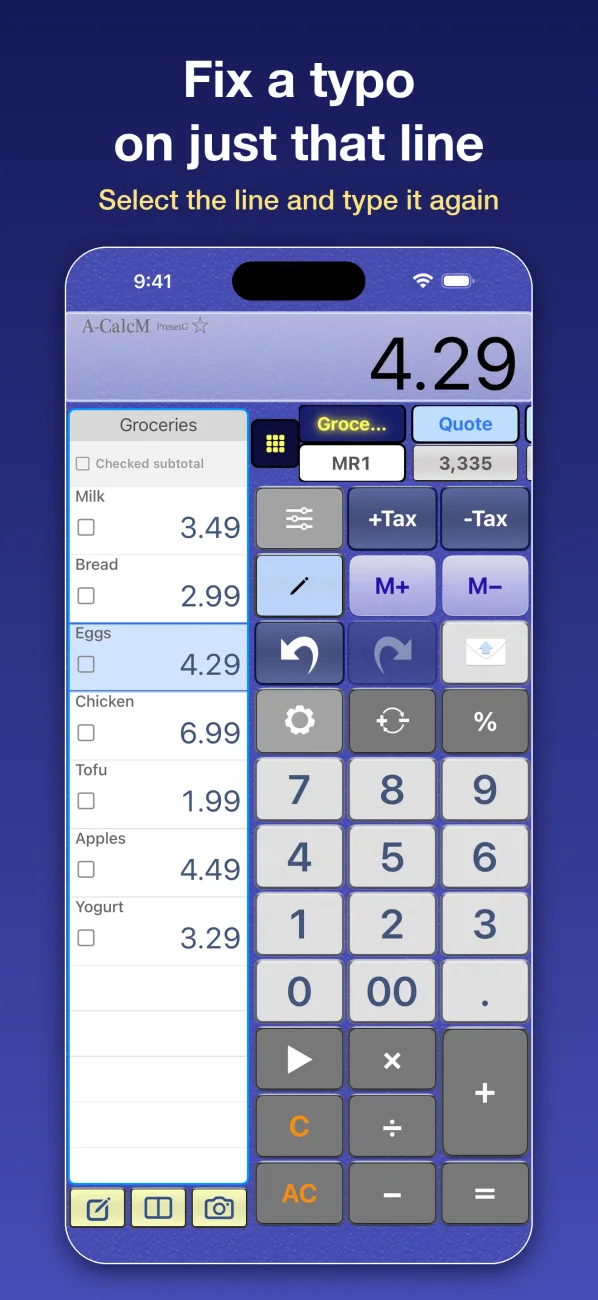
A-CalcM is a calculator that keeps your values and operators in "calculation lists", so you can check every number as you go and fix just one part later.
■ Features
• Calculation lists: calculations are recorded in lists (columns) with a running total. Switch between lists with tabs
• 4 presets: Simple 0 / Simple 9 / Preset M (classic A-CalcM) / Preset G (everything included)
• Compare lists: show two lists side by side (iPhone, portrait)
• Subtotal of checked rows, and copy or move checked rows to another list
• Text notes: add item names or purposes to cells
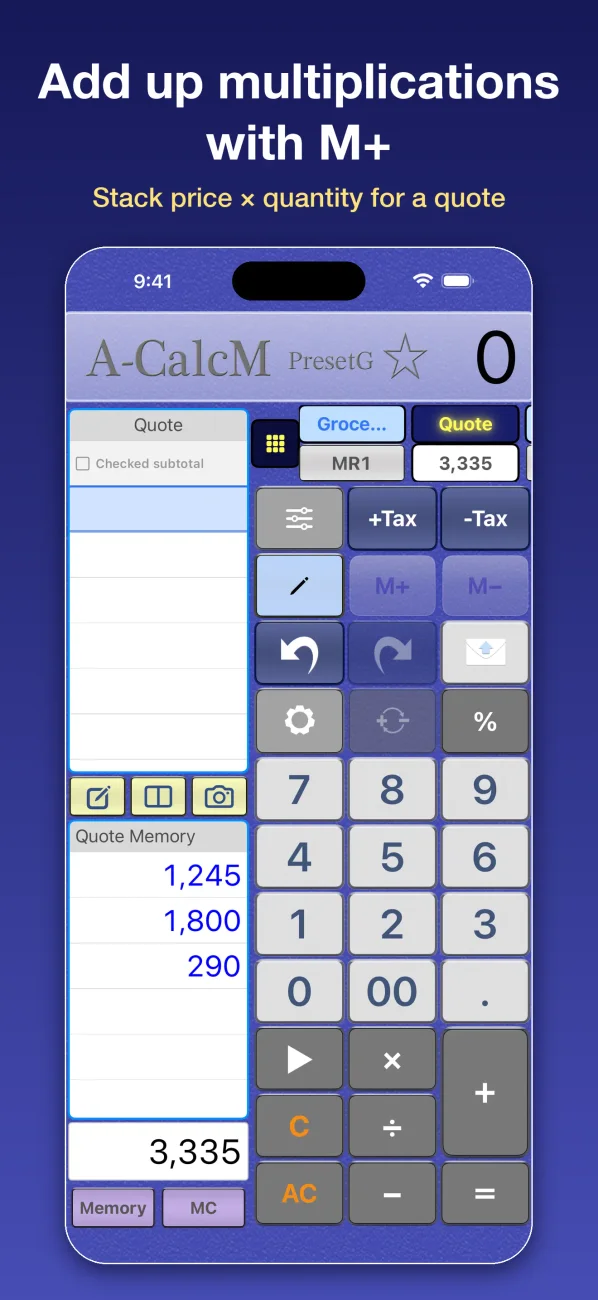
• Memory (M+ / M− / MR / MC) kept per list
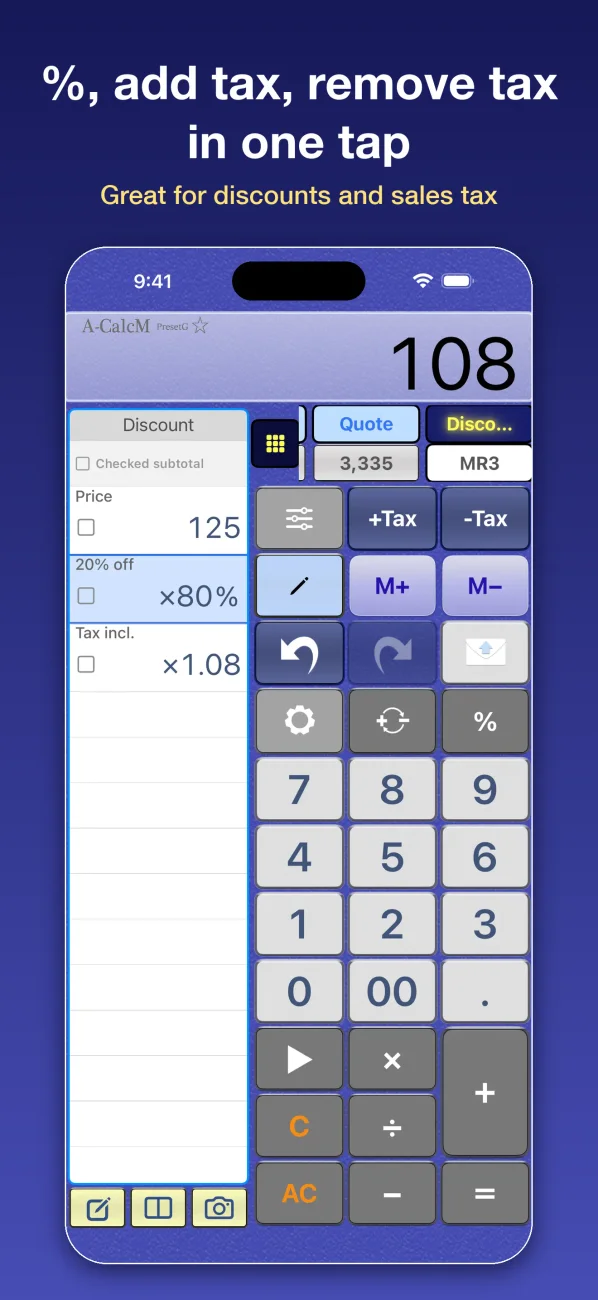
• +Tax / −Tax for tax-included and tax-excluded amounts (set the rate in Settings)
• Choose rounding and decimal places
• Share & export as an image or text. Text is tab-separated, so it pastes straight into spreadsheet apps
• Back up by saving to and importing from a file
• Customize button layout and size, and font sizes
■ Reading receipts (Preset G)
If you already use an AI app, pass it a photo of a receipt, paste its answer, and the rows go into a list. Before importing, you can check that the rows add up to the printed total.
• The photo goes directly to the AI app you pick in the share sheet. A-Soft does not receive it
• Accuracy depends on the AI model you use. AI is not perfect, so always compare the rows with the receipt before importing
■ Pro (one-time in-app purchase)
Available in Settings.
• Hides the ad banner area
• Up to 31 lists (3 without Pro)
• List lock, which protects a list from AC and MC (Preset G)
• Send up to 20 receipt photos to the AI app at once (1 at a time without Pro)
If you bought "Remove ads" before, it works as Pro.
Terms of Use: https://www.a-soft.info/en/terms/
Privacy Policy: https://www.a-soft.info/en/policy/
What’s new
Version 10.0.16 · Nov 21, 2026
• Fixed: on the unfolded iPhone Duo in landscape with “Hide the status bar (time and battery)” on, the list frame and the = key in Preset M (Extended) touched the rounded corners of the screen.
App privacy
What Asoft.iOS declares on the App Store about how this app handles data.
-
Data used to track you
May be used to track you across apps and websites owned by other companies.
- Identifiers
- Usage data
-
Data linked to you
May be collected and linked to your identity.
- Identifiers
- Usage data
-
Data not linked to you
May be collected but is not linked to your identity.
- Usage data
Privacy practices may vary, for example with the features you use or your age.
Information
- Seller
- ACCESS, K.K.
- Category
- Utilities
- Version
- 10.0.16
- Updated
- Nov 21, 2026
- Released
- Apr 10, 2013
- Size
- 20.8 MB
- Requires
- iOS 17.4 or later
- Age rating
- 4+
- Price
- Free
- In-app purchases
- Yes
- Languages
- English, French, German, Indonesian, Italian, Japanese, Korean, Portuguese, Russian, Simplified Chinese, Spanish, Traditional Chinese + 1 more
- Copyright
- © 2026 ACCESS, K.K.
You might also like
-
 保存できるリスト電卓Utilities
-
 MobileSupport - RemoteCallUtilities
-
 Triple CalcUtilities
-
 Memo Calculator · FusionCalc2Sticky Note + Handy Calculator
-
 ScombAppUtilities
-
 Magnet CalculatorUtilities
-
 T-Calc-LiteTwo calculators are in One App
-
 Barcode Scanner - EAN & UPCFast inventory & stock reader
-
 つながる! LAVIEUtilities
-
 常時安全セキュリティ24Utilities