AccessProg2 - Access Client
Microsoft Access Client
Designed for iPhone, iPad, iPod touch
- Age rating4+
- CategoryProductivity
- DeveloperBalasubramanian Ramanathan
- LanguagesRussian+ 8 more
- Size169.2 MB
Links to the official App Store page
Download.org hosts no file of AccessProg2 - Access Client. The button opens its official App Store page, published by Balasubramanian Ramanathan. Listing last checked on Nov 10, 2026.
Screenshots
About
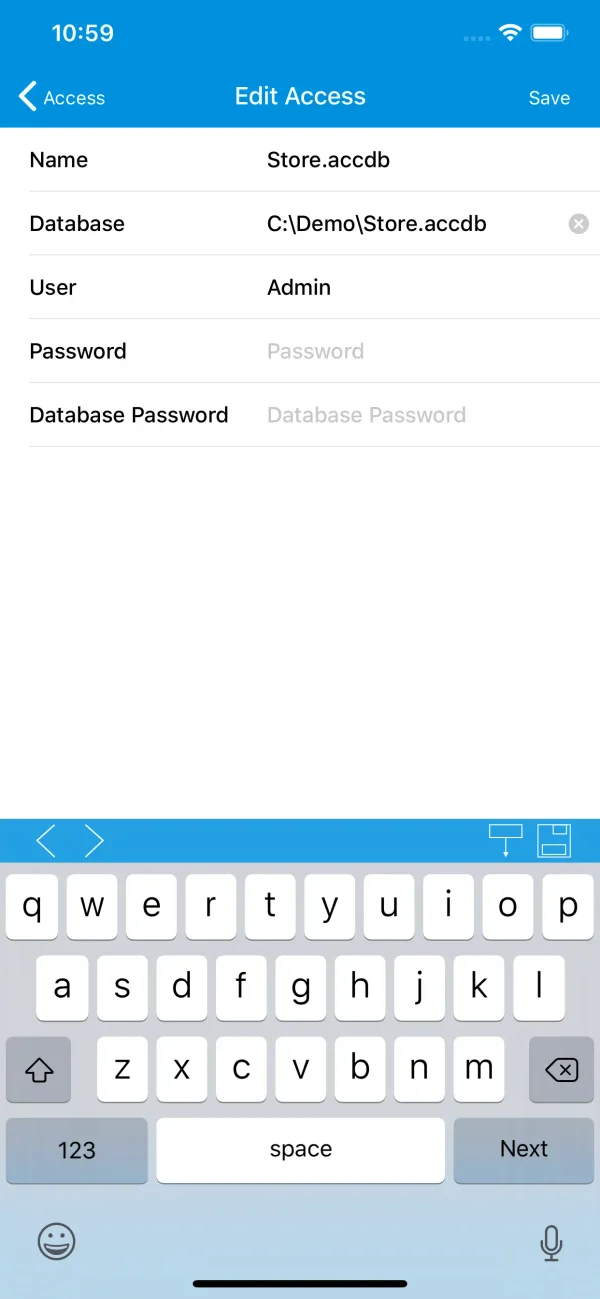
Are you a Microsoft Access database user and ever wished about exploring the database from iOS devices by touch from anywhere, then this is a powerful companion tool for you to remotely visualize and explore the Microsoft Access database in an intuitive way.
For detailed information please visit http://makeprog.com
FEATURES
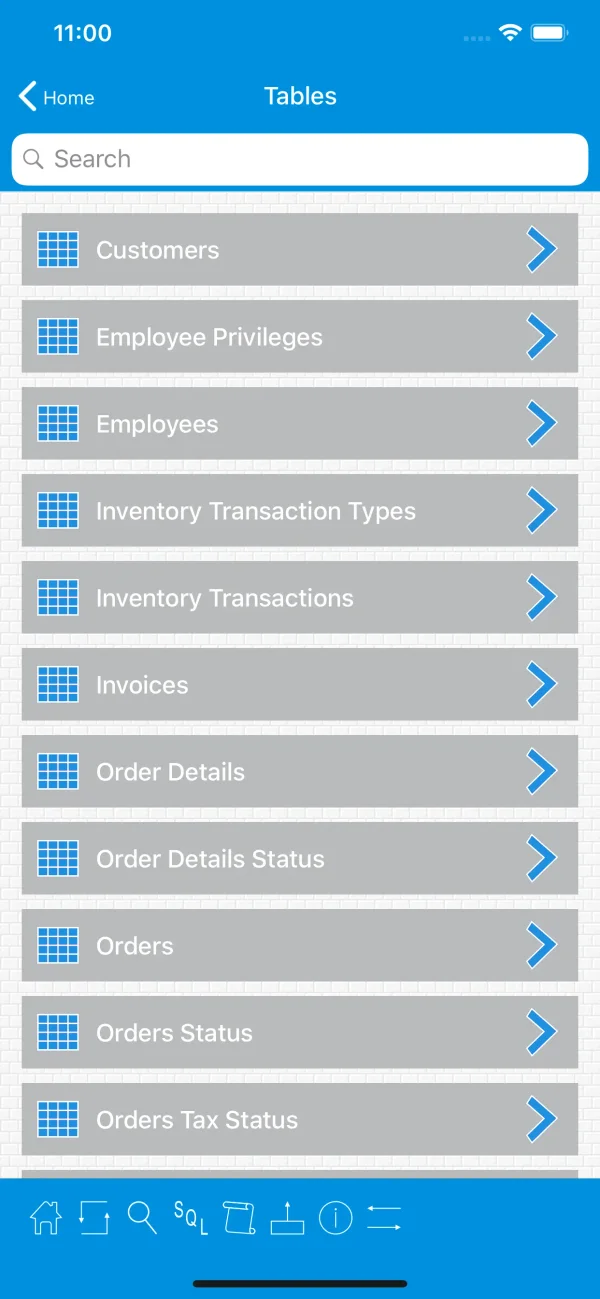
• Visualize, search & script database objects.
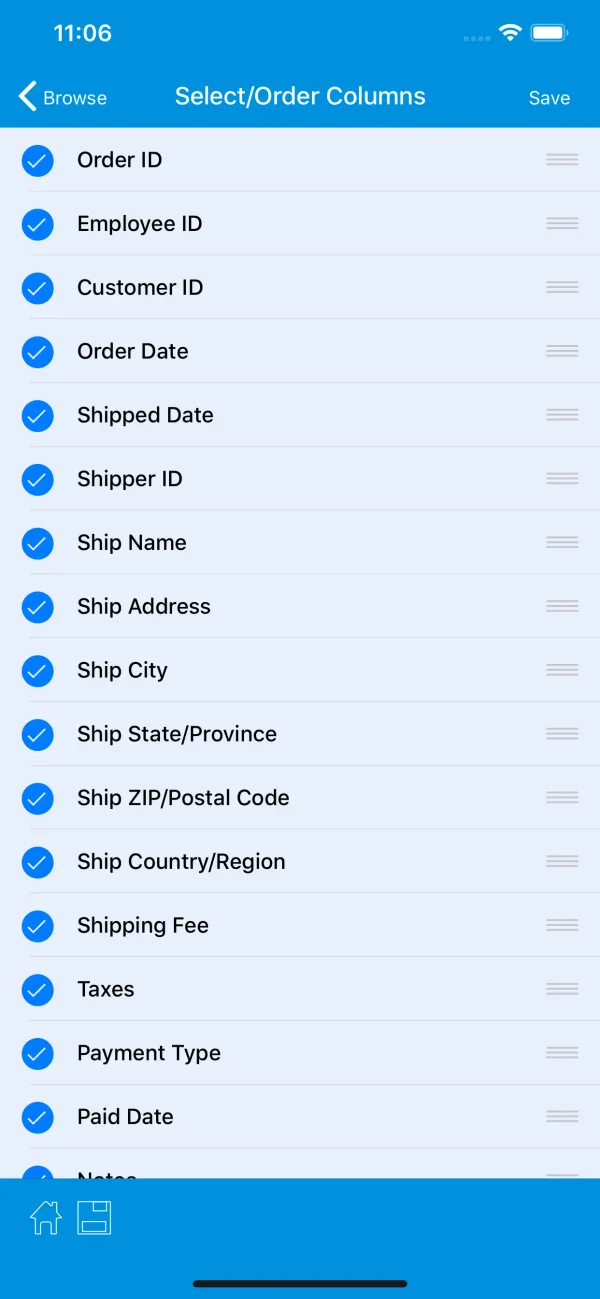
• Database objects can be viewed in Tiles & Table view.
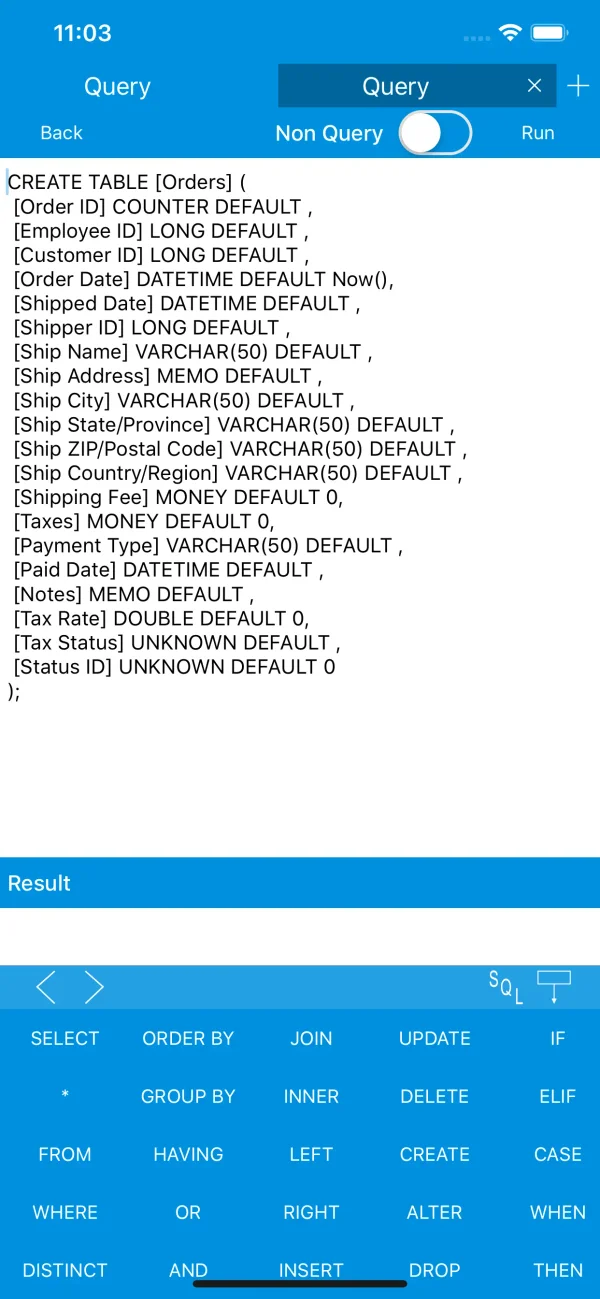
• Administer database by scripting.
• Multi tab query runner with asynchronous and parallel query execution.
• Send any kind of ad-hoc query and browse the results in table.
• Fast access to SQL keywords using special SQL keyboard.
• Save queries to iOS device and reuse.
• Theme support for user interface.
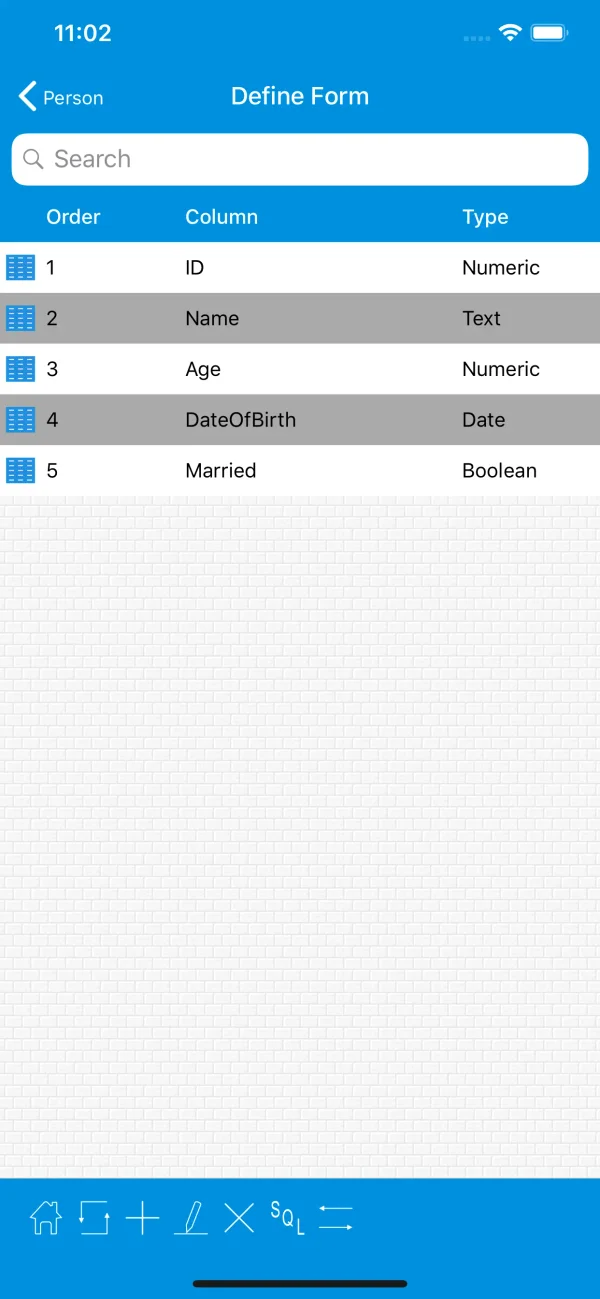
• Define Entry Form and Add, Edit & Delete Table Rows.
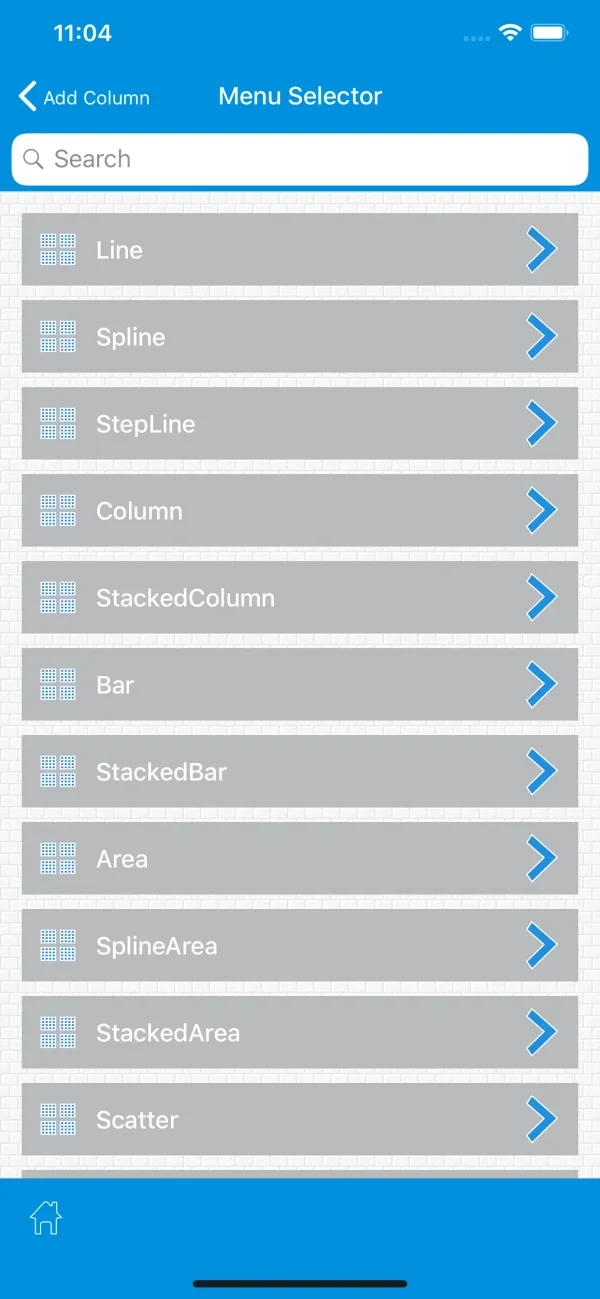
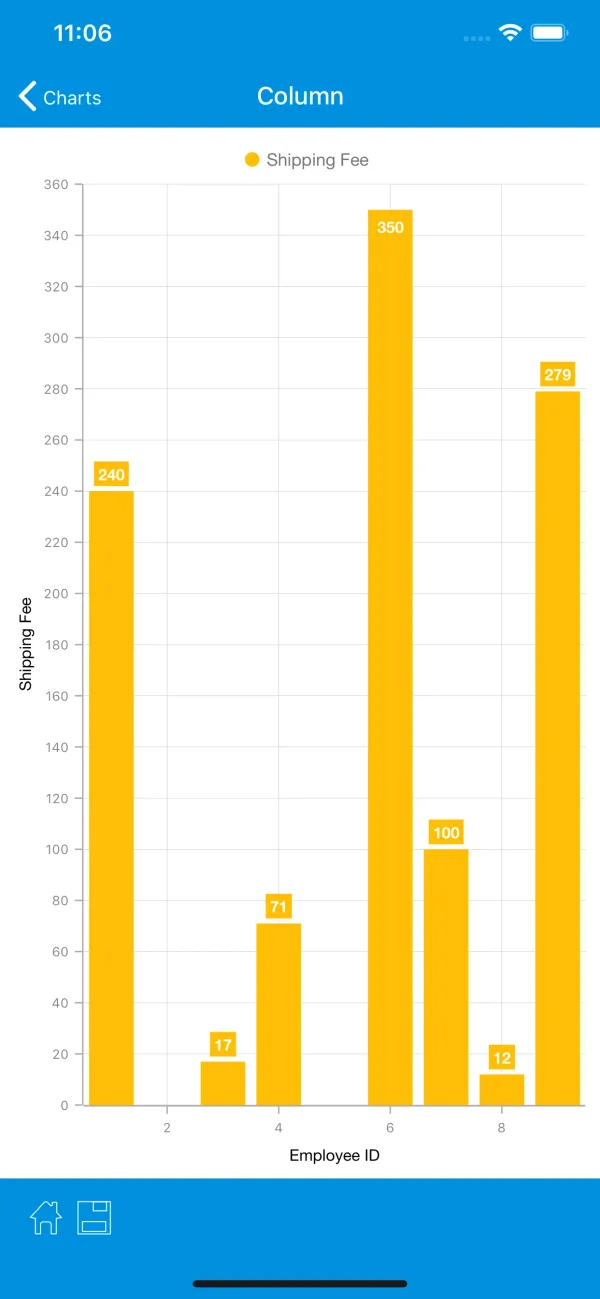
• Charting
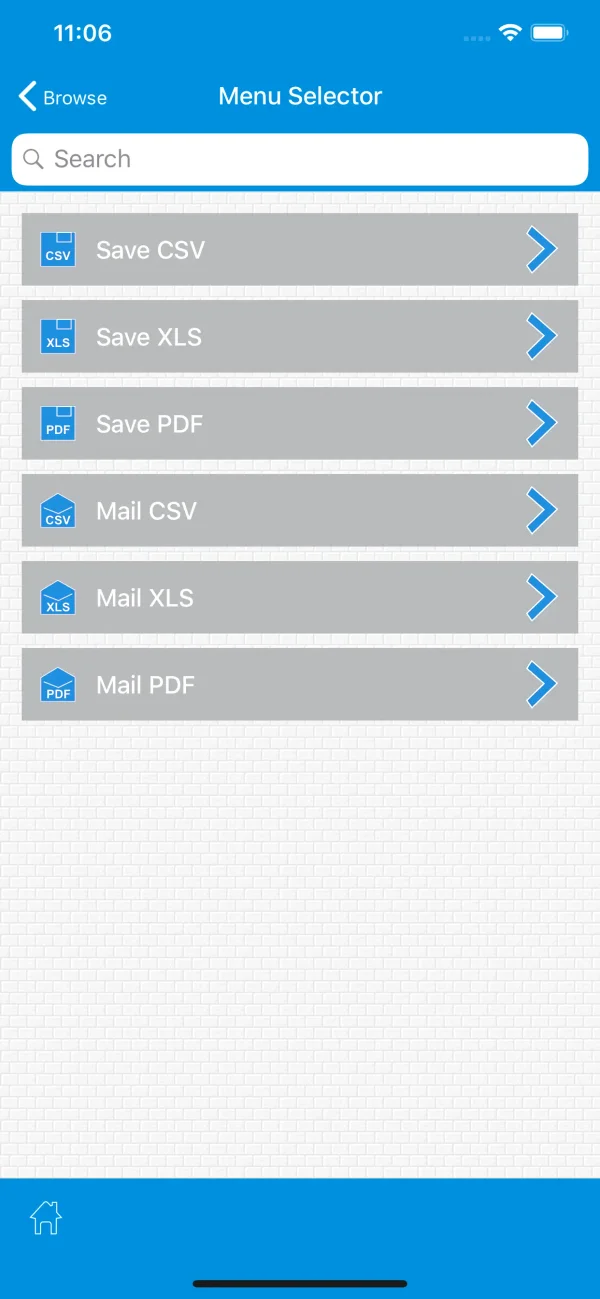
• Export to Pdf, Csv and Xlsx
SHARING
• Email script and query results instantly.
• Download saved queries using iTunes.
EXPLORE & SCRIPT
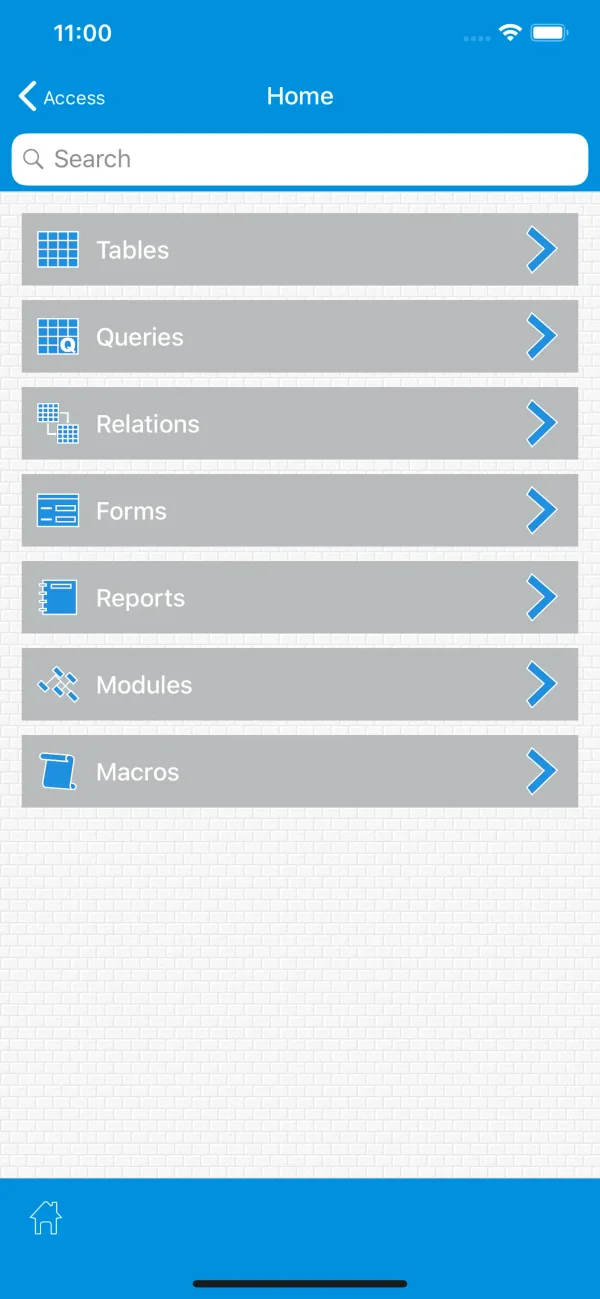
• Tables, Queries, Relations & Indexes.
• List Forms, Reports, Macros & Modules.
WINDOWSPROG BRIDGE SERVER (FREE)
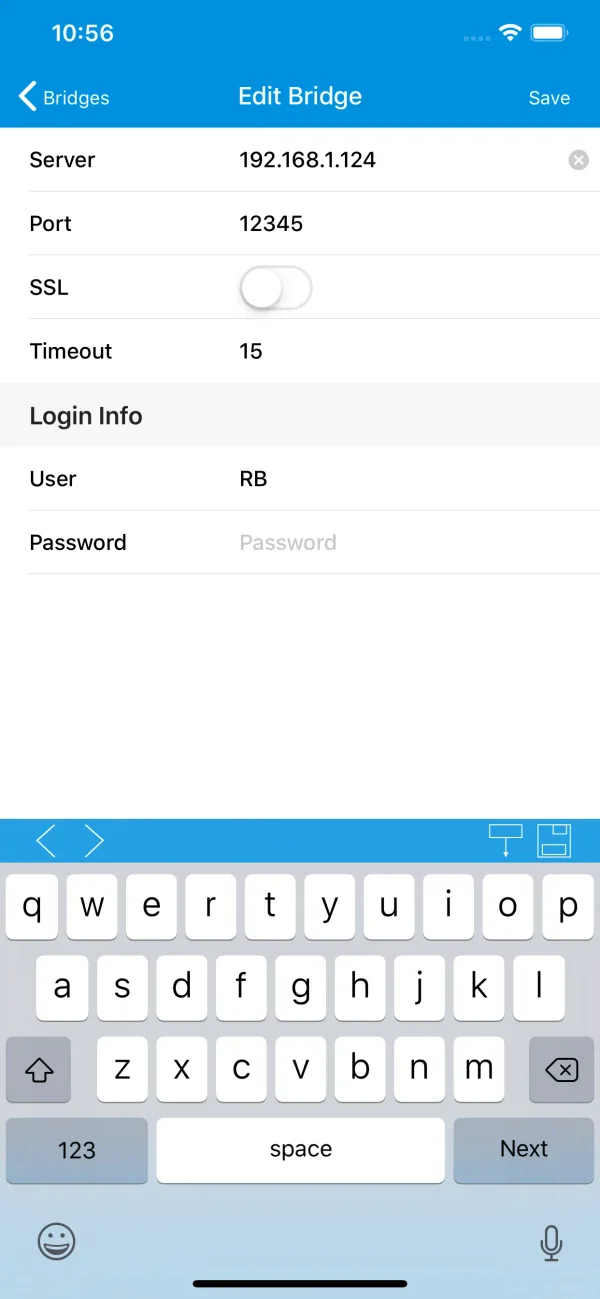
• This iOS application requires a Bridge Server to be installed in a Windows Machine to process the requests made by iOS Devices.
• The Bridge Server is the one stop communication point for Microsoft Access and it can be downloaded for free from http://makeprog.com
• Refer to http://makeprog.com/Products/iWindowsProg/WindowsProgBridgeServer.aspx for more information.
• Works Over 3G/4G.
COST
• $19.99 for Full product.
Privacy Policy : http://makeprog.com/documents/Privacy Policy.pdf
Terms & Conditions : http://makeprog.com/documents/Terms and Conditions.pdf
What’s new
Version 1.4.3 · Nov 11, 2023
Support for iOS 17
App privacy
What Balasubramanian Ramanathan declares on the App Store about how this app handles data.
-
Data not collected
The developer does not collect any data from this app.
Privacy practices may vary, for example with the features you use or your age.
Information
- Seller
- Balasubramanian Ramanathan
- Category
- Productivity
- Version
- 1.4.3
- Updated
- Nov 11, 2023
- Released
- Sep 28, 2018
- Size
- 169.2 MB
- Requires
- iOS 9.3 or later
- Age rating
- 4+
- Languages
- Russian, German, Japanese, French, Simplified Chinese, English, Portuguese, Spanish, Korean
- Copyright
- © 2018 MakeProg Technologies
You might also like
-
 British Steel SectionsDimensions & Properties
-
 DWG Viewer 2D - For DWG to PDFView CAD drawings (DWG & DXF)
-
 Form Extractor - Scan & ExportFormulary document scanner
-
 Database Pro.View&Edit Access and SQLite DB
-
 Construction Daily Reports AppCrew, Contractor & Field Log
-
 CDR Construction Daily ReportsProductivity
-
 Wallet: Bill Organizer, BudgetExpense Tracker, Savings Goals
-
 Construction Calculator A1 ProConcrete Steel & BOQ Estimator
-
 TerraFlexProductivity
-
 Nutshell: Widgets for NotionQuick task & database access