
AdBlocker Ultimate
Block ads & protect privacy
Designed for iPhone, iPad
Free · In-app purchases
- Age rating4+
- CategoryProductivity
- DeveloperAdAvoid OOD
- LanguagesEnglish
- Size29.2 MB
Links to the official App Store page
Download.org hosts no file of AdBlocker Ultimate. The button opens its official App Store page, published by AdAvoid OOD. Listing last checked on Nov 20, 2026.
Screenshots

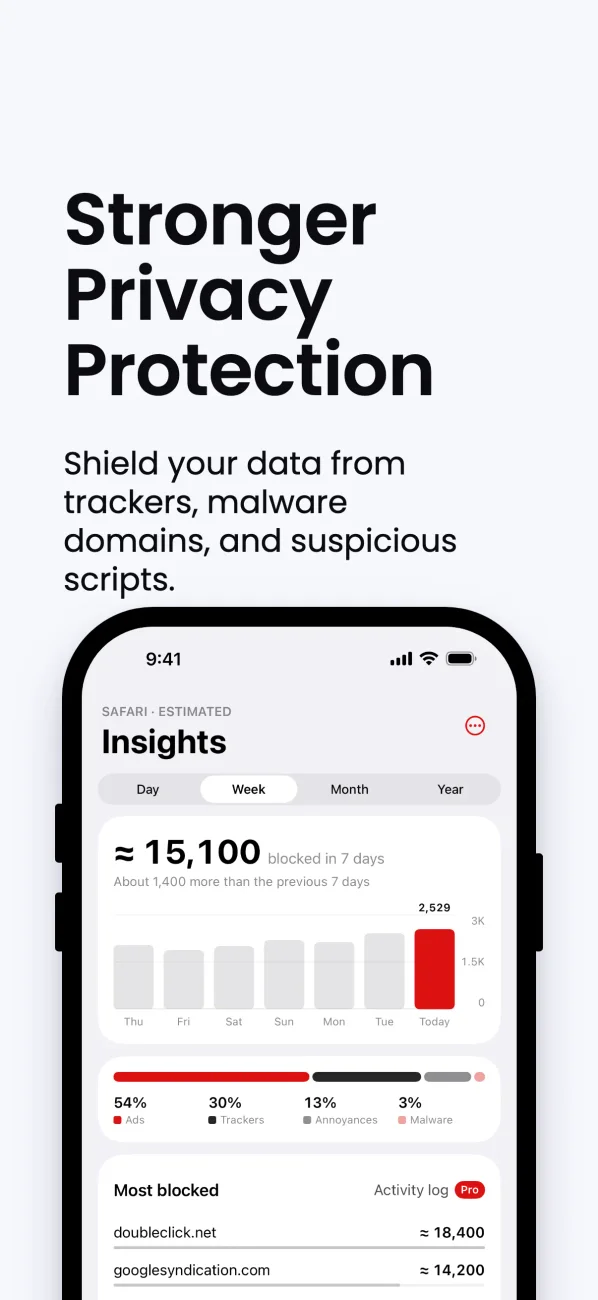
About
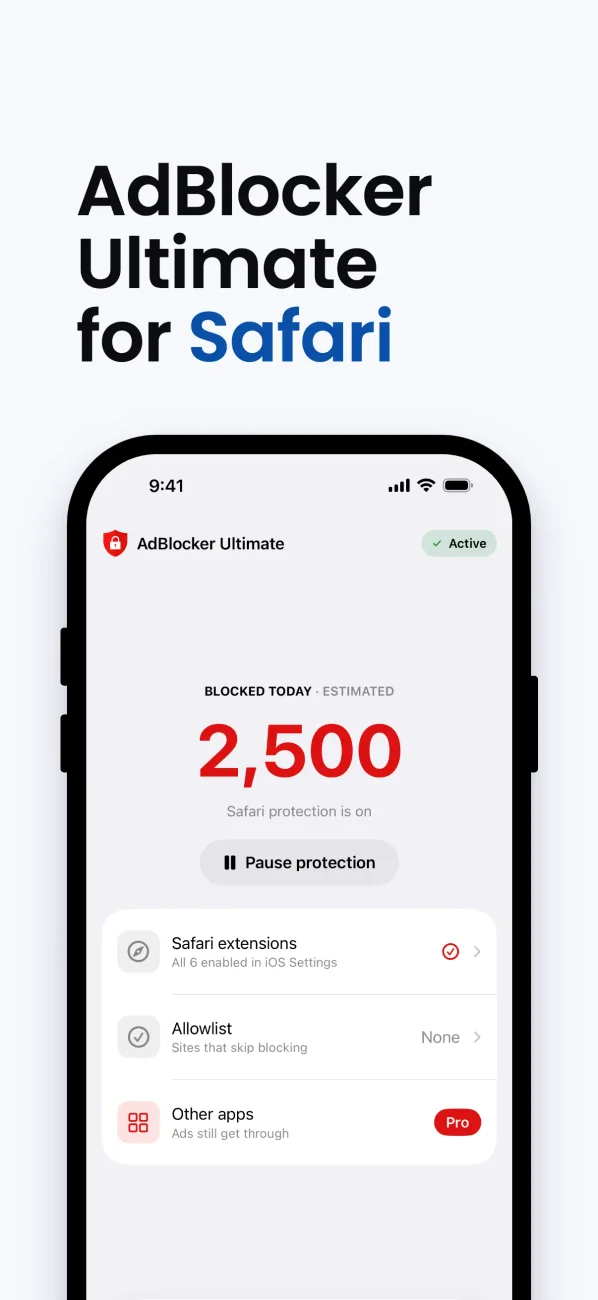
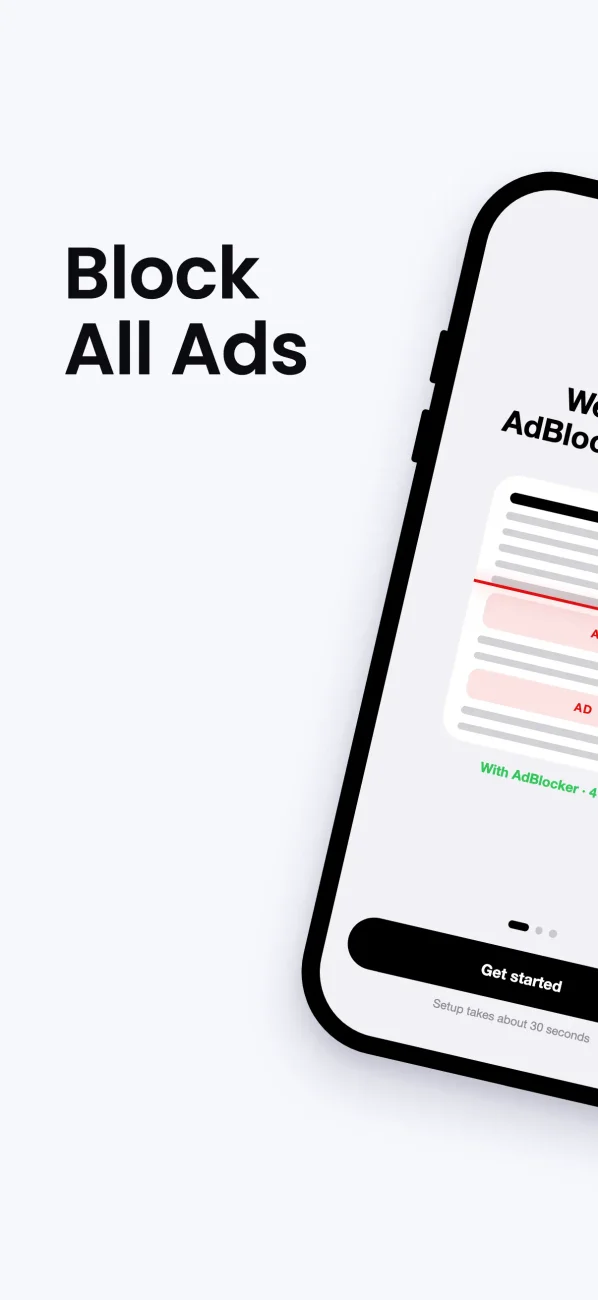
AdBlocker Ultimate removes all ads from Safari - banners, pop-ups, video pre-rolls, and tracking scripts. No "acceptable ads," no exceptions. Just a clean, fast browsing experience.
HOW IT WORKS
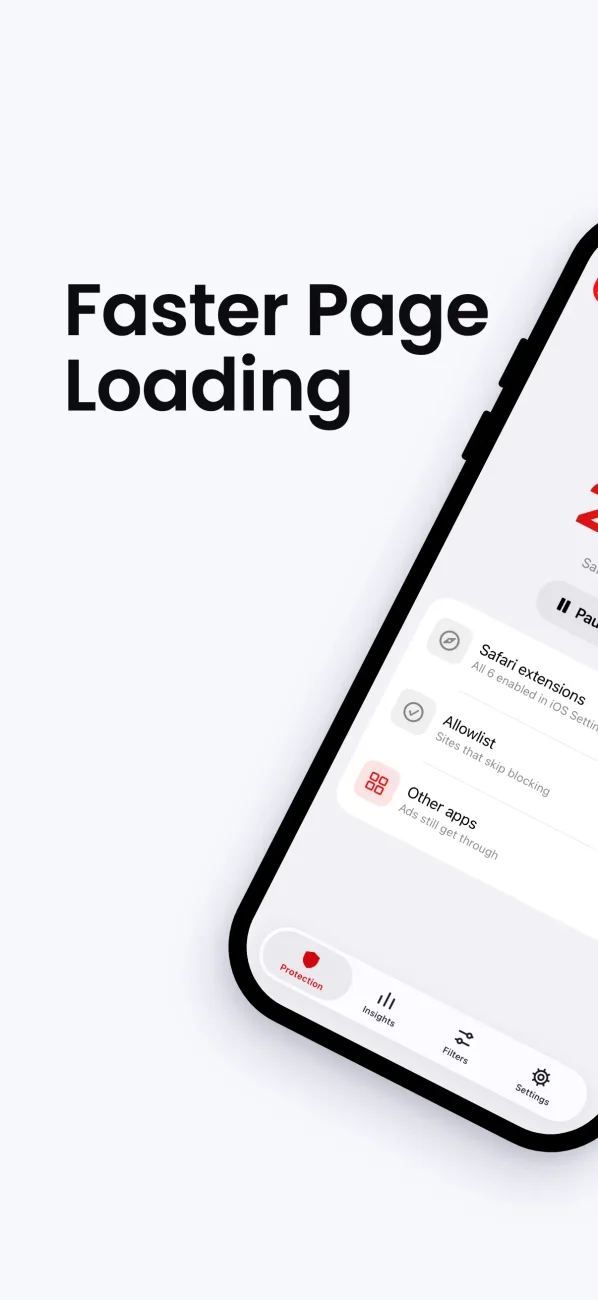
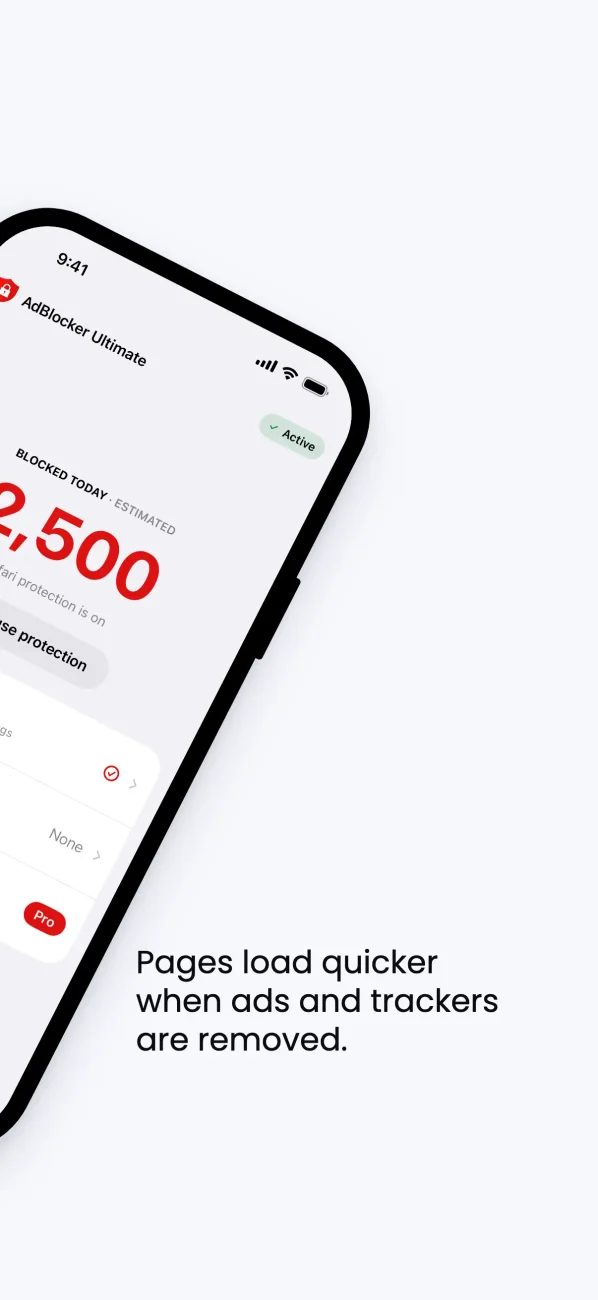
AdBlocker Ultimate provides Safari content blockers that run natively on iOS. Ads are blocked before they load, so pages load faster and use less data.
FEATURES
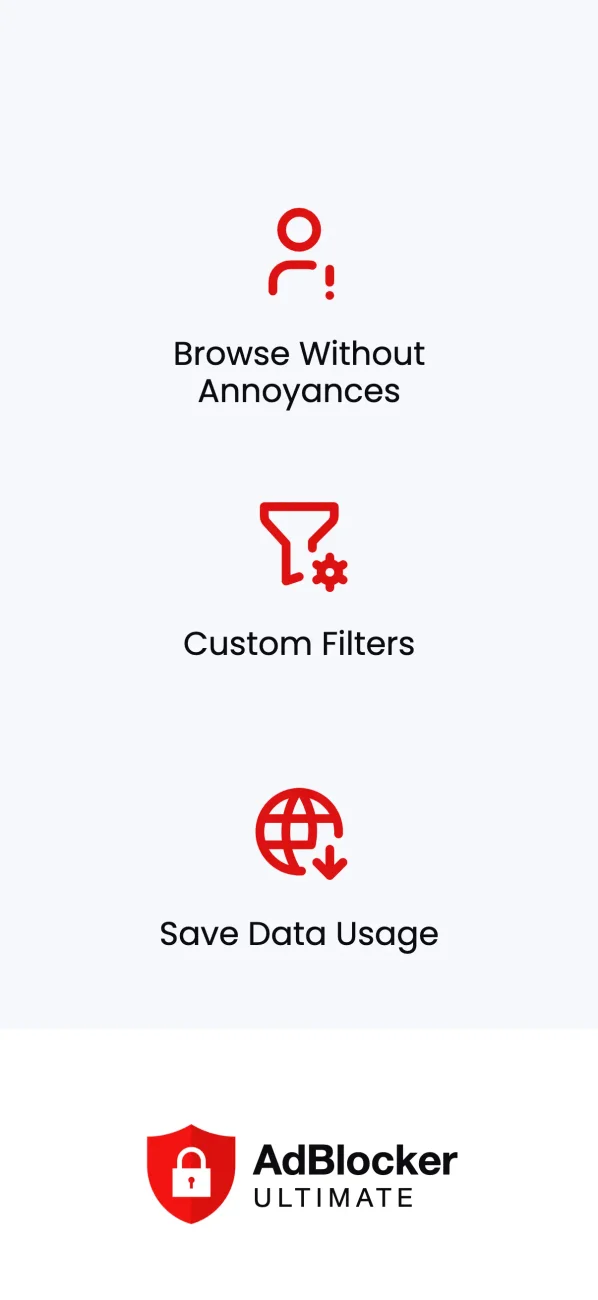
- Block ads, trackers, and malware domains across Safari
- Multiple content blockers: Ads, Tracking, Security, and Annoyances — each with its own rule set for maximum coverage
- Domain whitelist: temporarily allow ads on sites you want to support
- Filter management: choose which filter categories are active
- Guided setup: step-by-step instructions to enable content blockers in Safari settings
- DNS Protection: block ads and trackers system-wide (Premium)
- Custom filter rules and third-party filter lists (Premium)
Free core protection with optional Premium upgrade. 7-day free trial included.
PRIVACY FIRST
AdBlocker Ultimate never sees your browsing data. Safari content blockers are enforced by iOS itself — the app has no access to page content or browsing history.
GETTING STARTED
1. Open AdBlocker Ultimate
2. Follow the "How to Enable" guide to turn on content blockers in Safari settings
3. Browse the web ad-free
Questions or feedback? Visit adblockultimate.net
Terms of Use (EULA): https://www.apple.com/legal/internet-services/itunes/dev/stdeula/
Privacy Policy: https://adblockultimate.net/privacy
What’s new
Version 3.2.0 · Nov 16, 2026
A fresh new look, plus a clear view of everything AdBlocker Ultimate blocks.
- Redesigned app: new Protection, Insights, Filters and Settings tabs, with your protection status at a glance.
- Insights: see how many ads and trackers were blocked by day, week, month or year, broken down by category.
- Activity log: see which domains DNS Protection blocked in your apps.
- Easier setup: a new step-by-step guide with a short video shows you how to turn on every Safari extension.
- Filters: see how many rules are active and when your filters were last updated.
- Monthly plan: Premium is now available monthly as well as yearly.
- Appearance: choose Light, Dark or match your device.
- Privacy control: turn off "Count blocked ads" to stop recording any stats.
- More reliable DNS Protection and many smaller fixes.
App privacy
What AdAvoid OOD declares on the App Store about how this app handles data.
-
Data not collected
The developer does not collect any data from this app.
Privacy practices may vary, for example with the features you use or your age.
Information
- Seller
- AdAvoid OOD
- Category
- Productivity
- Version
- 3.2.0
- Updated
- Nov 16, 2026
- Released
- May 31, 2016
- Size
- 29.2 MB
- Requires
- iOS 16.0 or later
- Age rating
- 4+
- Price
- Free
- In-app purchases
- Yes
- Languages
- English
- Copyright
- © 2026 AdAvoid Ltd.
You might also like
-
 Block advertising - Ad removeradblock , ad blocker, pop up
-
 Ad Blocker: Block Ads & Pop upSafari Adblocker for Security
-
 AdLock: Ad Blocker for SafariBlock Ads & Pop-ups
-
 iShield - AdBlock SystemProductivity
-
 PiPYube - Video Ad BlockerPicture in Picture Play Video
-
 Poper Blocker: Ad BlockerBlock Ads & Popups Instantly
-
 Adblock Plus for Safari & AppsAd Blocker for Web & Privacy
-
 OrNET Shield - Ad BlockerAd Blocker Extension
-
 Addons - Scripts & AdblockUserscripts for Safari
-
 G App LauncherProductivity