AdGuard Mail & Temp Mail
Temp email to avoid spam
Designed for iPhone, iPad, Mac, iPod touch
Free · In-app purchases
- Age rating4+
- CategoryProductivity
- DeveloperAdguard Software Limited
- LanguagesEnglish
- Size94.3 MB
Links to the official App Store page
Download.org hosts no file of AdGuard Mail & Temp Mail. The button opens its official App Store page, published by Adguard Software Limited. Listing last checked on Nov 24, 2026.
Screenshots

About
AdGuard Mail is a service that allows you to receive emails without revealing your personal email address to the sender.
Our service provides you with everything you need to protect your mail:
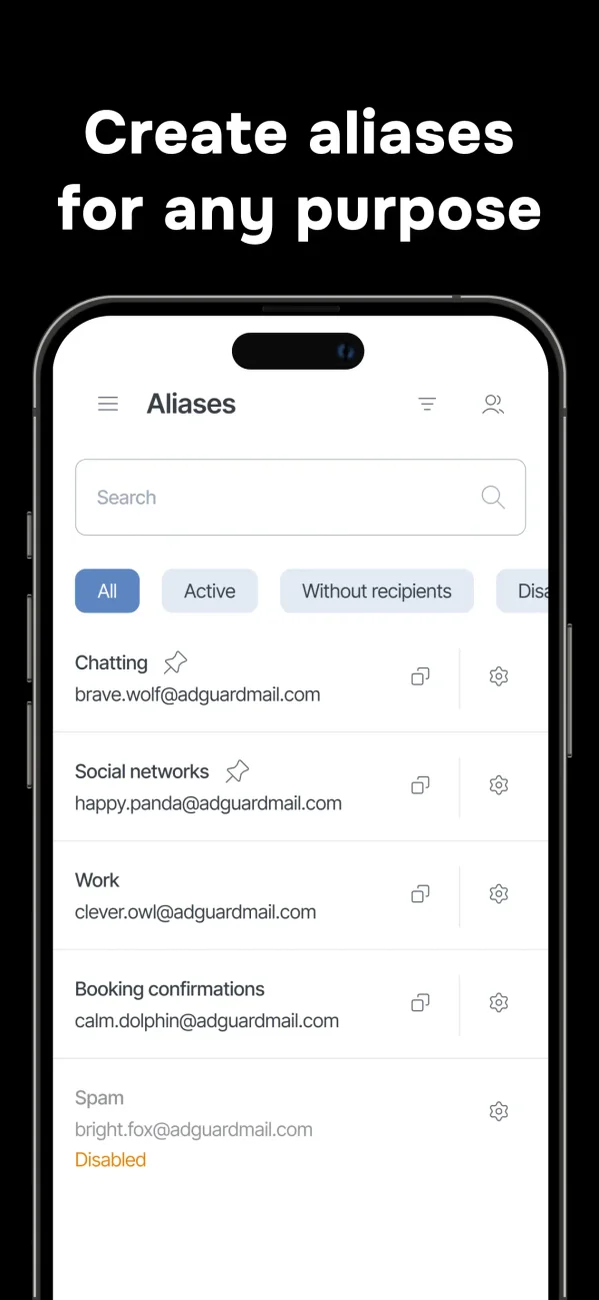
- Aliases for email forwarding
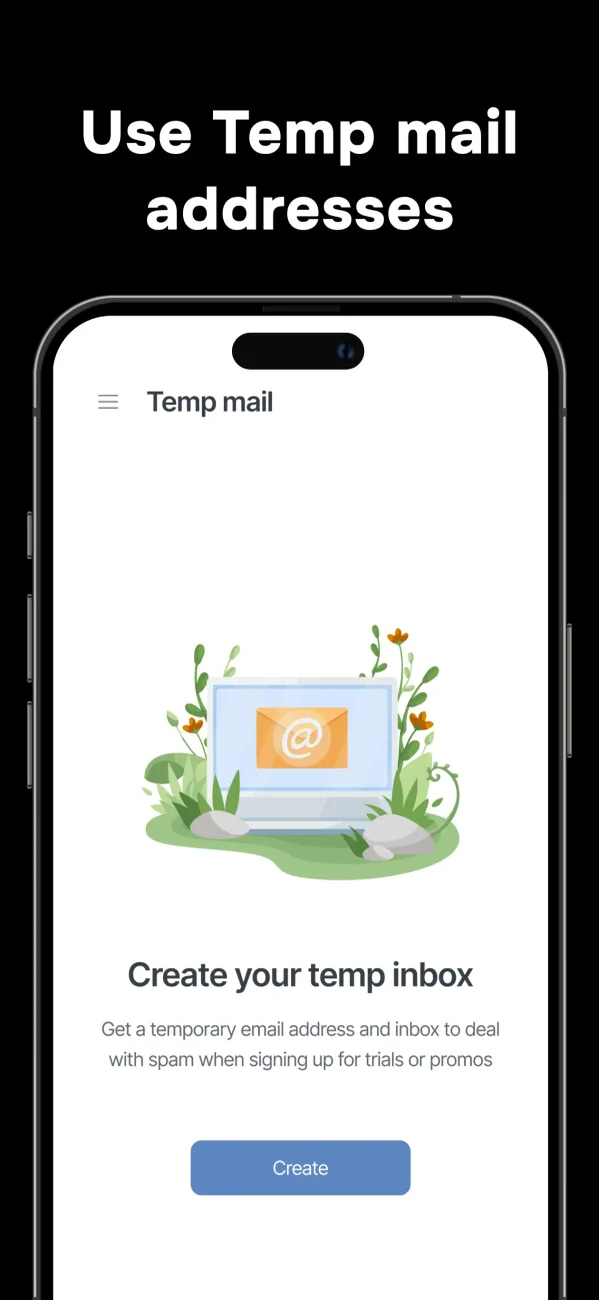
- Temporary email addresses for short-term communications
From the industry leader with over 15 years of experience in user privacy tools and services.
With AdGuard Mail you can:
* Create aliases
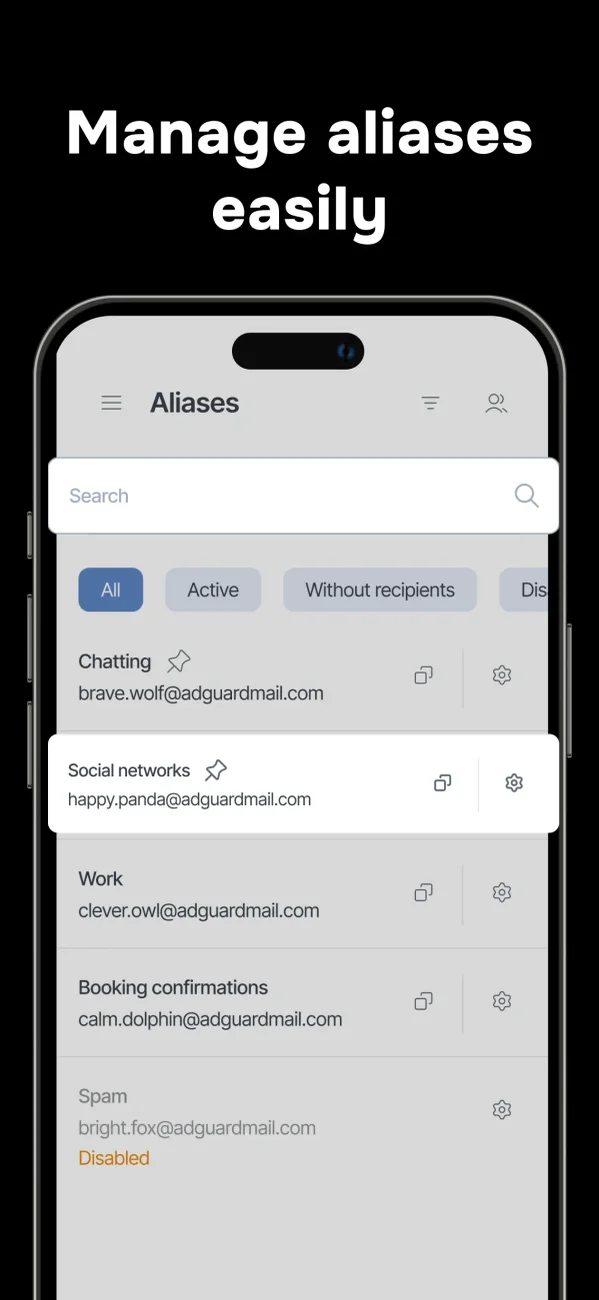
* Manage your email subscriptions
* Use temporary email addresses
Why use AdGuard Mail?
1. Receive email anonymously
2. Control email forwarding
3. Avoid spam in your main inbox
4. Protect your privacy
5. Prevent tracking
1. Receive email anonymously: Use aliases to receive email anonymously instead of exposing your primary email address. This method allows you to subscribe to services or share your contact information with people or organizations you don’t fully trust without revealing your real email address. Email sent to these aliases is seamlessly forwarded to your primary inbox, keeping your personal address private and reducing the risk of spam and unwanted communication. By using aliases, you can maintain your privacy while securely and efficiently managing multiple interactions.
2. Control email forwarding: If you start receiving spam or unwanted email at a specific alias, you can simply disable it to prevent further messages from being forwarded to your main inbox. This feature helps maintain a clean, organized email setup. By disabling problematic aliases, you can prevent spam from cluttering your inbox and ensure that only relevant and trusted email reaches you. It helps protect your primary email address from any kind of unwanted messages.
3. Avoid spam in your main inbox: Use temporary email addresses for quick online interactions. When you sign up for free trials, receive promotional codes, or participate in online forums, choose a disposable email address instead of your primary email address. This approach keeps your primary inbox uncluttered and protected from potential spam. Temporary email addresses provide a secure way to handle short-term interactions without compromising the integrity of your primary email. In addition, all messages to these temporary addresses are sent directly to your inbox in AdGuard Mail. Unlike aliases, Temp Mail allows you to quickly manage your email subscriptions without having to switch between your primary email service and AdGuard Mail.
4. Protect your privacy: If a website requires email verification, but you’re not sure your information will remain confidential, you can use a random address from a temporary email address generator or an alias. That way, even if the untrustworthy site shares it with third parties, your primary email address remains hidden. This method helps protect your personal information, such as your name and address, and prevents spam newsletters from reaching your primary inbox.
5. Prevent tracking: A disposable email address helps protect your online privacy by preventing websites from collecting data that could be used to target ads or track user activity, so your browsing habits remain private.
Privacy policy: https://adguard-mail.com/privacy.html
Terms of use: https://adguard-mail.com/eula.html
What’s new
Version 1.7 · Nov 23, 2026
Trying AdGuard Mail just got easier. With version 1.7, you can get a free temporary email address and start using it right away — no AdGuard account or sign-in required. Just open AdGuard Mail, get your address, and you’re ready to go.
App privacy
What Adguard Software Limited declares on the App Store about how this app handles data.
-
Data linked to you
May be collected and linked to your identity.
- Contact info
Privacy practices may vary, for example with the features you use or your age.
Information
- Seller
- Adguard Software Limited
- Category
- Productivity
- Version
- 1.7
- Updated
- Nov 23, 2026
- Released
- Nov 24, 2024
- Size
- 94.3 MB
- Requires
- iOS 15.0 or later
- Age rating
- 4+
- Price
- Free
- In-app purchases
- Yes
- Languages
- English
- Copyright
- © Adguard Software Limited
You might also like
-
 Noop mail - Temporal mailCreate a temp email address
-
 Temp Mail Pro - Multiple EmailDisposable inbox manager
-
 Temp Mail by Priyo MailProductivity
-
 IronVestAll-in-one security & privacy
-
 Temp Mail by temp-mail.ioForget about spam
-
 Temp Email-Anonymous Temp MailPrivacy Temporary Email Inbox
-
 Dual Space: Dual App ParallelMulti Space, Clone App
-
 10 Minute - Temp Mail AddressKeep you real inbox clean
-
 Temp Mail - Temporary Mail BoxInbox locks and text reader
-
 Quickmail Disposable MailboxInstantMail for TemporaryEmail