- Age rating4+
- CategoryHealth & Fitness
- DeveloperHyunjin Shin
- LanguagesEnglish+ 1 more
- Size4.2 MB
Links to the official App Store page
Download.org hosts no file of Afoot: Auto Tracker. The button opens its official App Store page, published by Hyunjin Shin. Listing last checked on Nov 12, 2026.
Screenshots


About
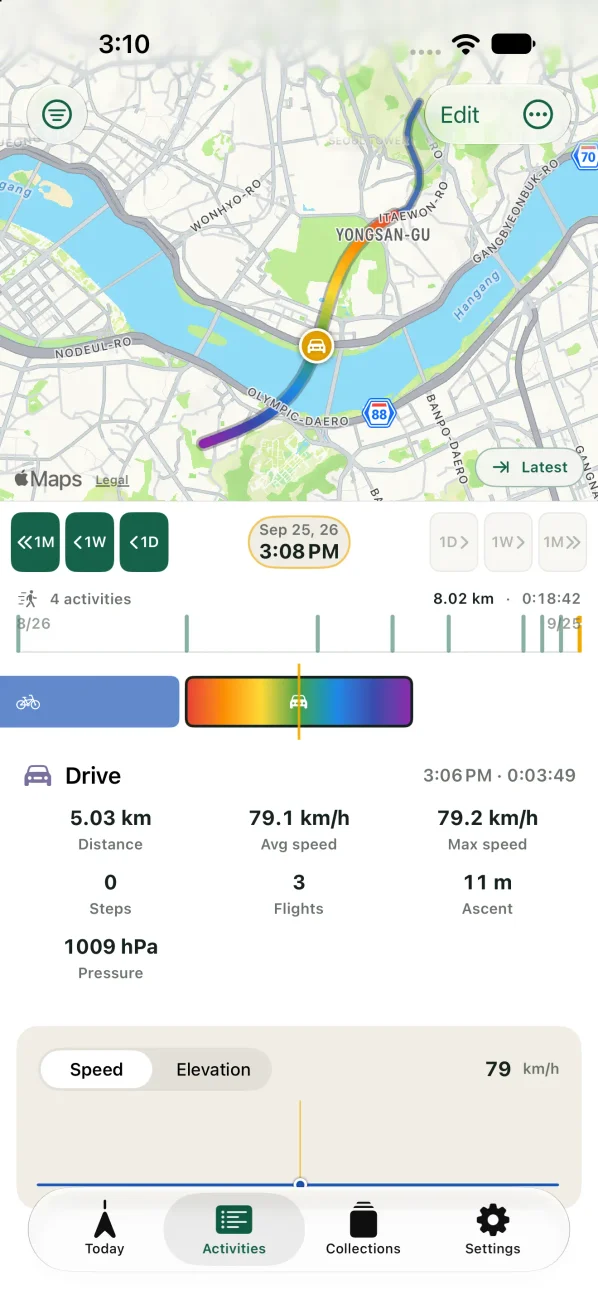
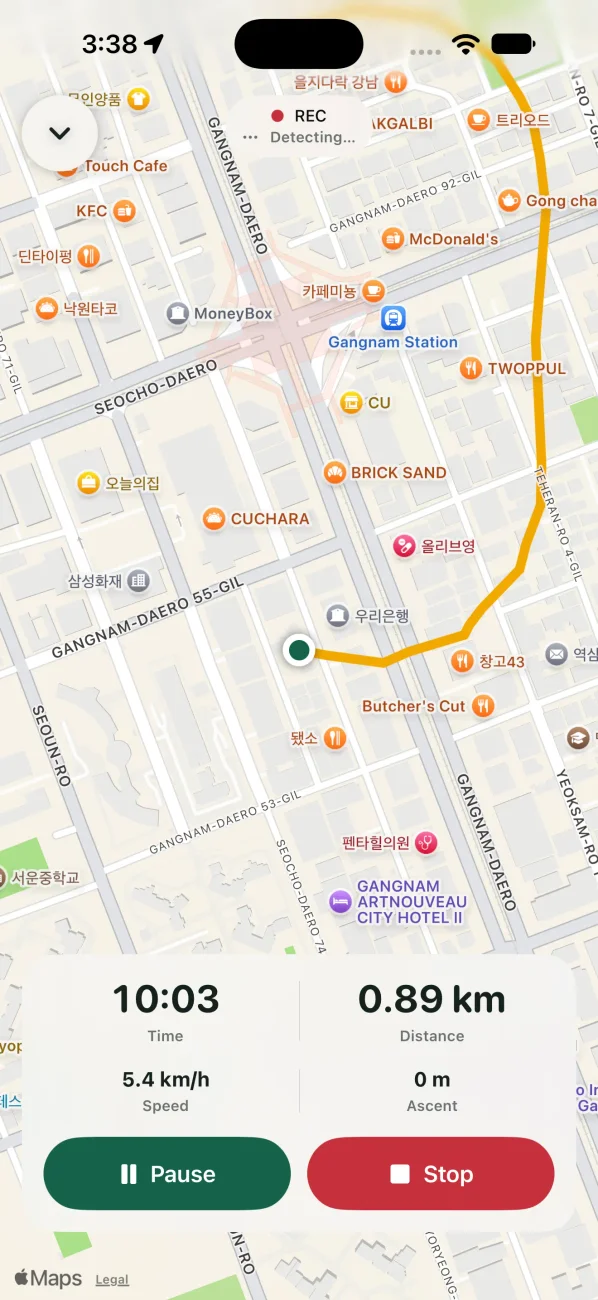
Tap Start tracking once and Afoot records your day on its own. It can tell whether you’re walking, running, cycling, or driving. You don’t need an account. Your history stays on your iPhone.
■ Automatic recording You don’t have to keep the app open. If Afoot gets an activity wrong, you can fix it on the timeline.
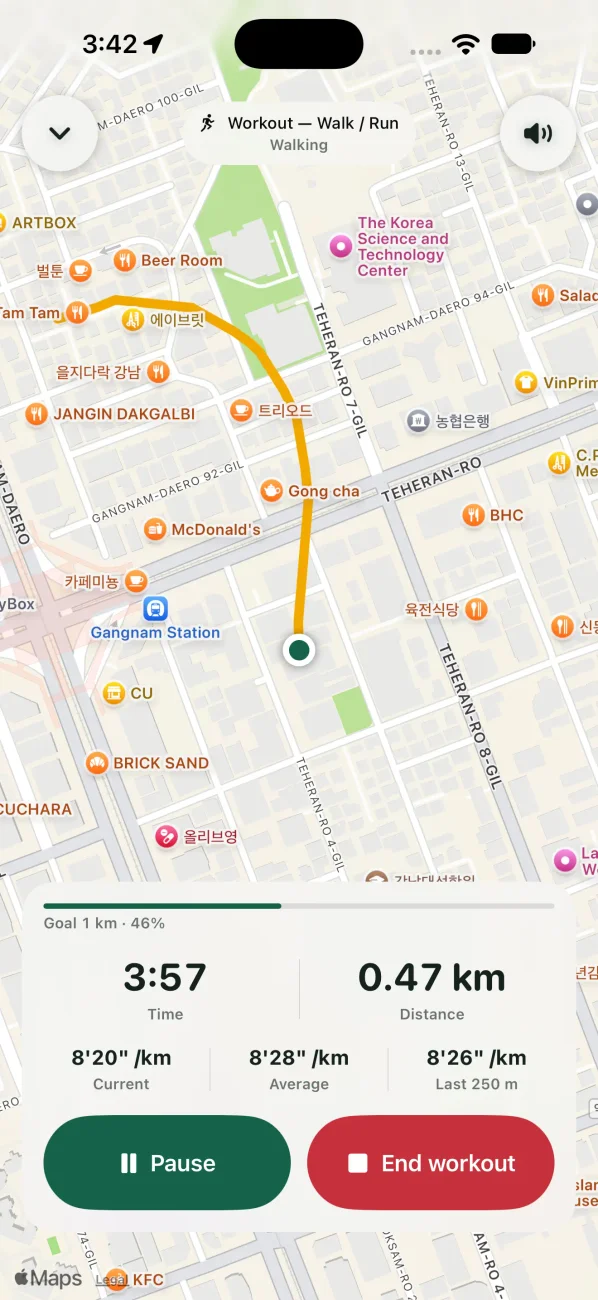
■ Workouts Choose cycling, walk/run, or hiking and set a goal by distance, time, or destination. Afoot reads out your progress as you go. When you finish, you’ll see your pace (speed for cycling) and estimated calories.
■ Place alerts Save home or work to pause recording while you’re there. Save a place you’re heading to, and Afoot notifies you how far you have left as you get close.
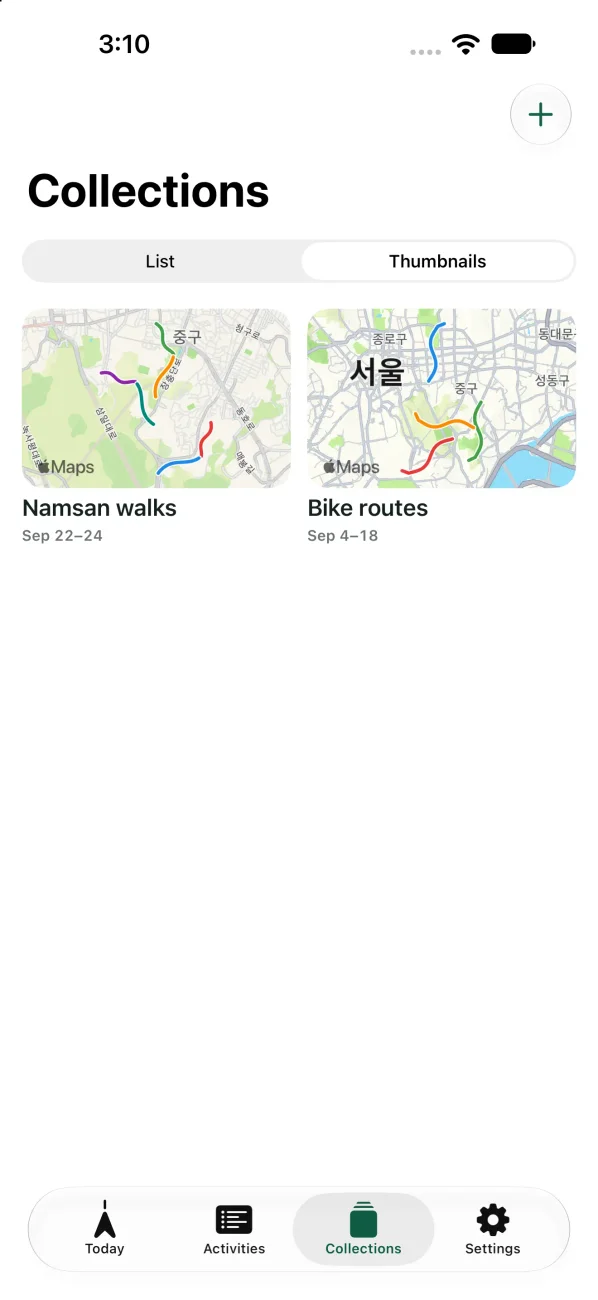
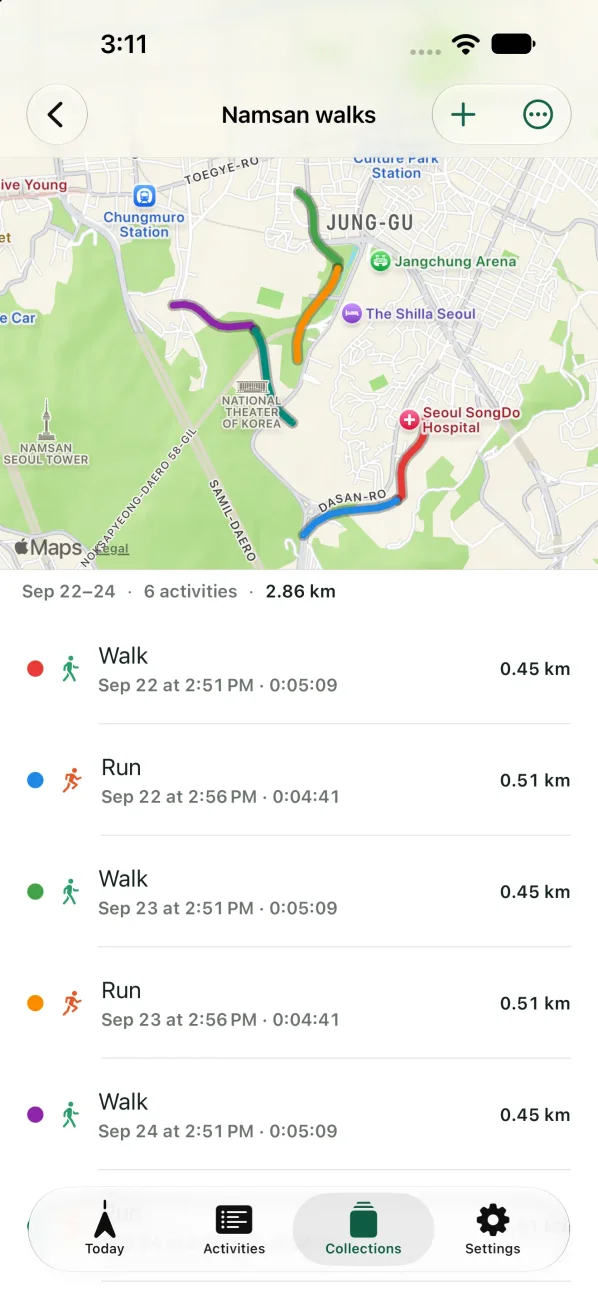
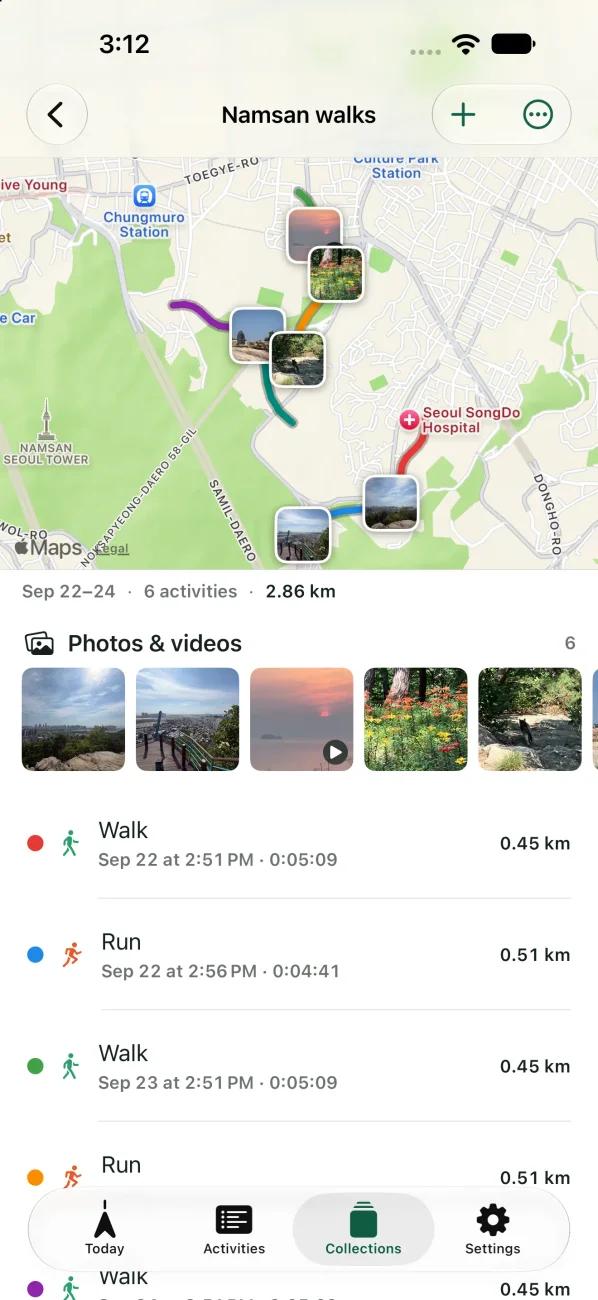
■ Collections Put the activities from a trip, or a route you take often, on one map. Photos and videos you took along the way show up where you took them. You can export a collection as an image or a video.
■ Maps and history Every route has speed and elevation graphs. You can jump to any past day from the calendar. You can also import and export GPX files.
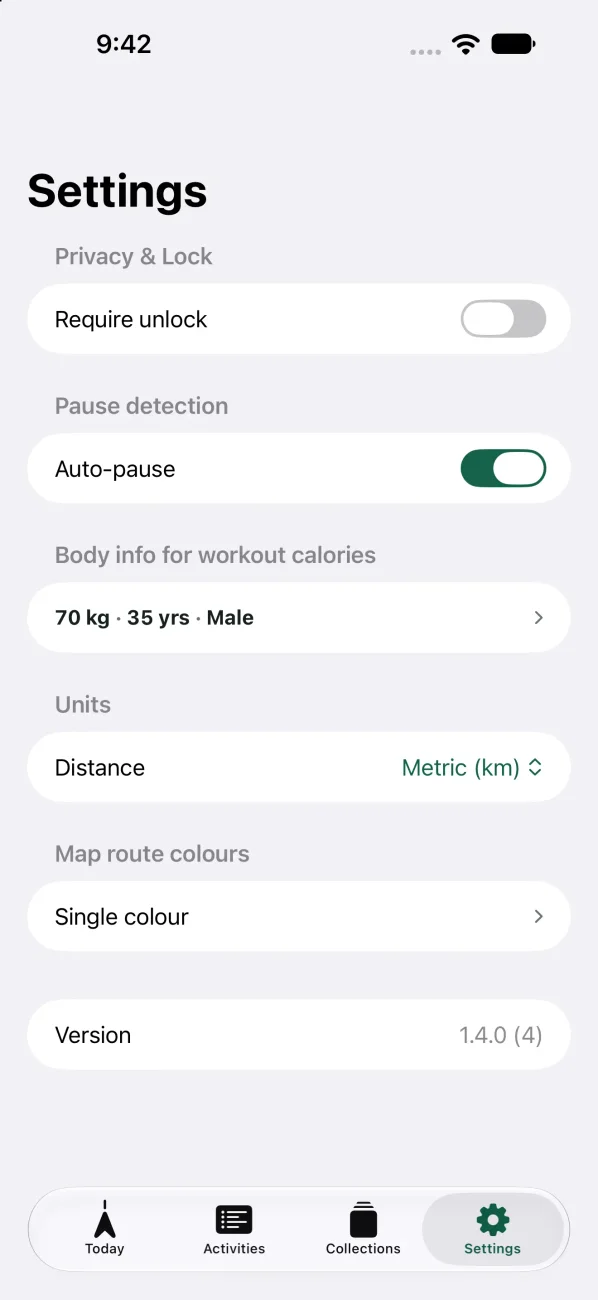
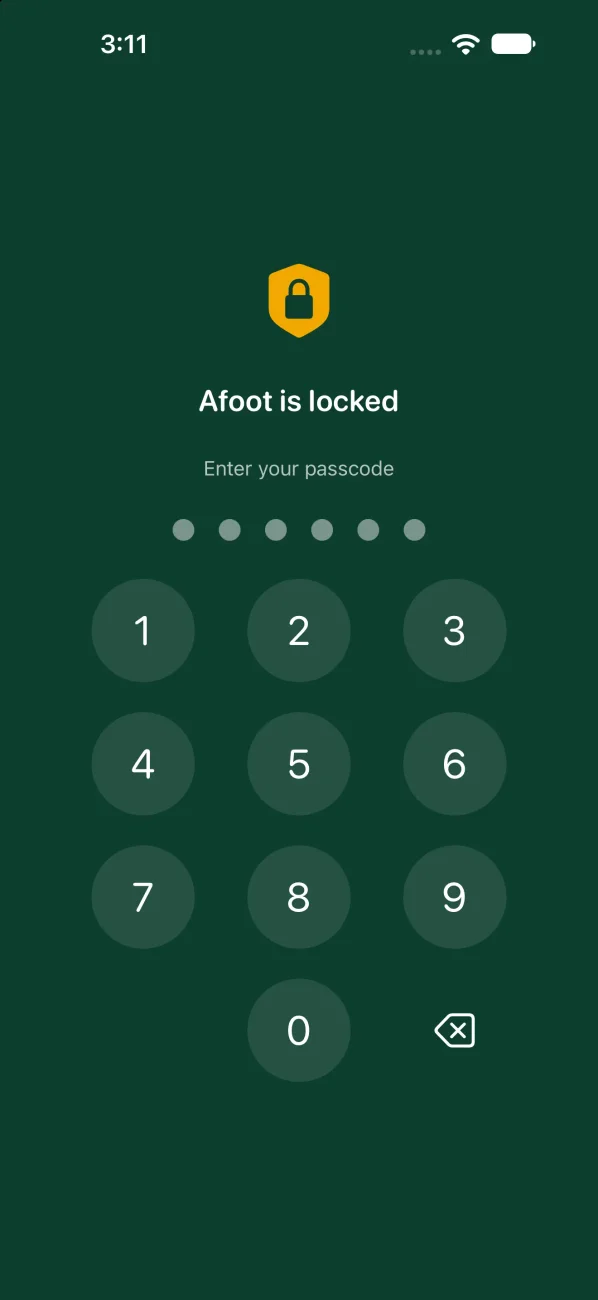
■ Privacy There are no ads, and no tracking or analytics code. Afoot looks through your photos on your iPhone and uploads nothing. You can lock the app with Face ID.
■ Battery Using GPS in the background can drain your battery faster.
What’s new
Version 1.4.0 · Sep 26, 2026
v1.4.0
■ Workouts You can now record workouts. Choose cycling, walk/run, or hiking and set a goal by distance, time, or destination. Afoot reads out your progress as you go. When you finish, the workout is saved as a collection with your pace (speed for cycling) and estimated calories.
■ Place alerts Save home or work as a Pause recording place, and Afoot stops recording while you’re there. As you get close to a Distance alerts place, you get notifications with the distance left. Tap one to follow the countdown on the Lock Screen.
■ Collections Photos and videos you took during a collection’s activities now show up on its map, where you took them. You can also export a collection as an image or a video.
■ Other changes Afoot no longer sends an “Activity recorded” notification after each activity, and the Activity notifications switch is gone. If recording stops without you tapping Stop, you now always get a notification.
App privacy
What Hyunjin Shin declares on the App Store about how this app handles data.
-
Data not collected
The developer does not collect any data from this app.
Privacy practices may vary, for example with the features you use or your age.
Information
- Seller
- Hyunjin Shin
- Category
- Health & Fitness
- Version
- 1.4.0
- Updated
- Sep 26, 2026
- Released
- Aug 5, 2026
- Size
- 4.2 MB
- Requires
- iOS 17.0 or later
- Age rating
- 4+
- Languages
- English, Korean
- Copyright
- © 2026 devplant
You might also like
-
 Sthira: Yoga Interval TimerAsana, Stretch & Pose Holds
-
 돌봄다리 - 우리 동네 요양보호사 구인구직Health & Fitness
-
 Step Walk Tracker DaillyStep Walk Tracker: Calorie Log
-
 이지앤안고라Health & Fitness
-
 Krav Maga ProHealth & Fitness
-
 Arc Timeline - Trips & PlacesYour automatic quantified self
-
 Workout Timy - Gym HIIT TimerWOD, interval, hiit, crossfit
-
 Color Blind Test: Ishihara EyeColour Vision & Eye Exam Prep
-
 Runnect: 코스를 그리고 공유하는 데일리 러닝앱Health & Fitness
-
 Colorblind Eye Exam TestColor Vision Screening Pro