
Ahem: Personal Reminders
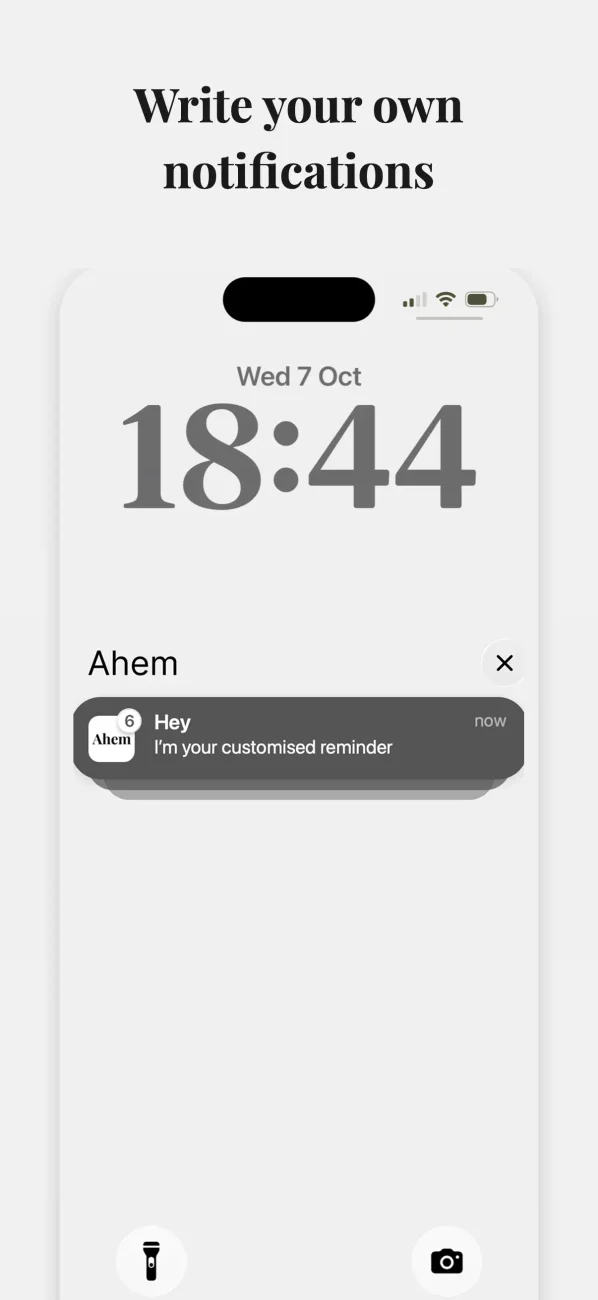
Write your own notifications
Designed for iPhone, iPad, iPod touch
Free · In-app purchases
- Age rating4+
- CategoryProductivity
- DeveloperQIJING WANG
- LanguagesEnglish
- Size42.5 MB
Links to the official App Store page
Download.org hosts no file of Ahem: Personal Reminders. The button opens its official App Store page, published by QIJING WANG. Listing last checked on Nov 15, 2026.
Screenshots

About
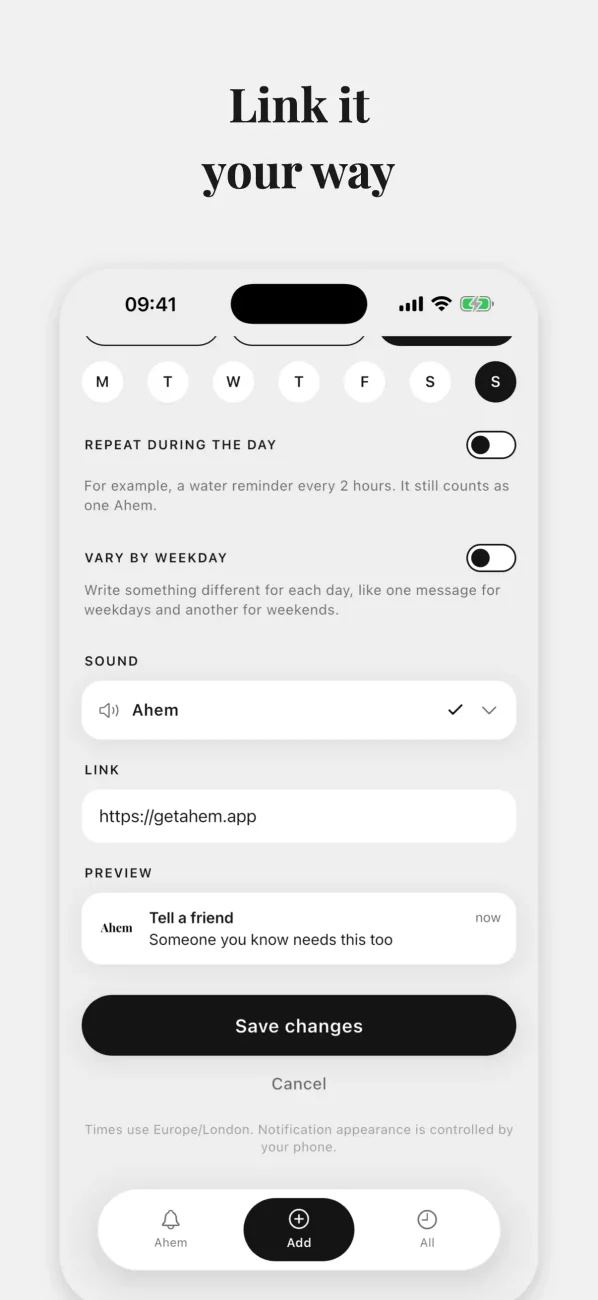
Ahem lets you write your phone's reminders in your own words. It's made for giving yourself a little "ahem" about something in your day.
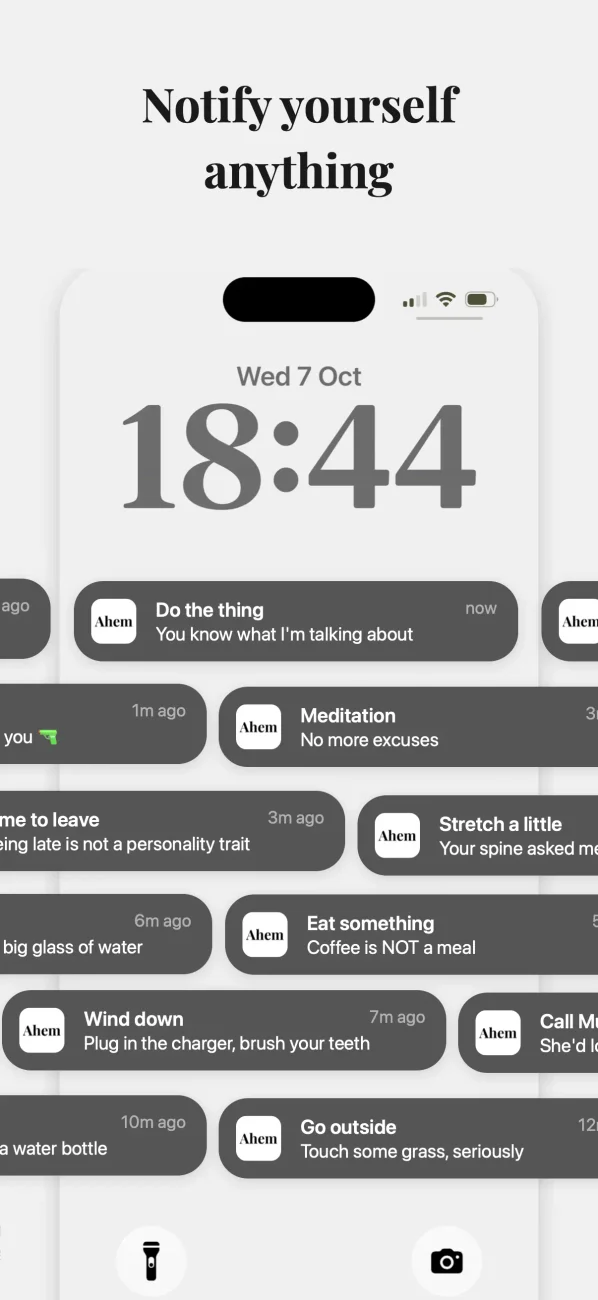
It could be something big, like an exam or an interview, or something small, like breakfast or a glass of water. It could even be a lyric, or a compliment you'd like to hear again. Whatever it is, Ahem makes your reminder sound like you, not your app.
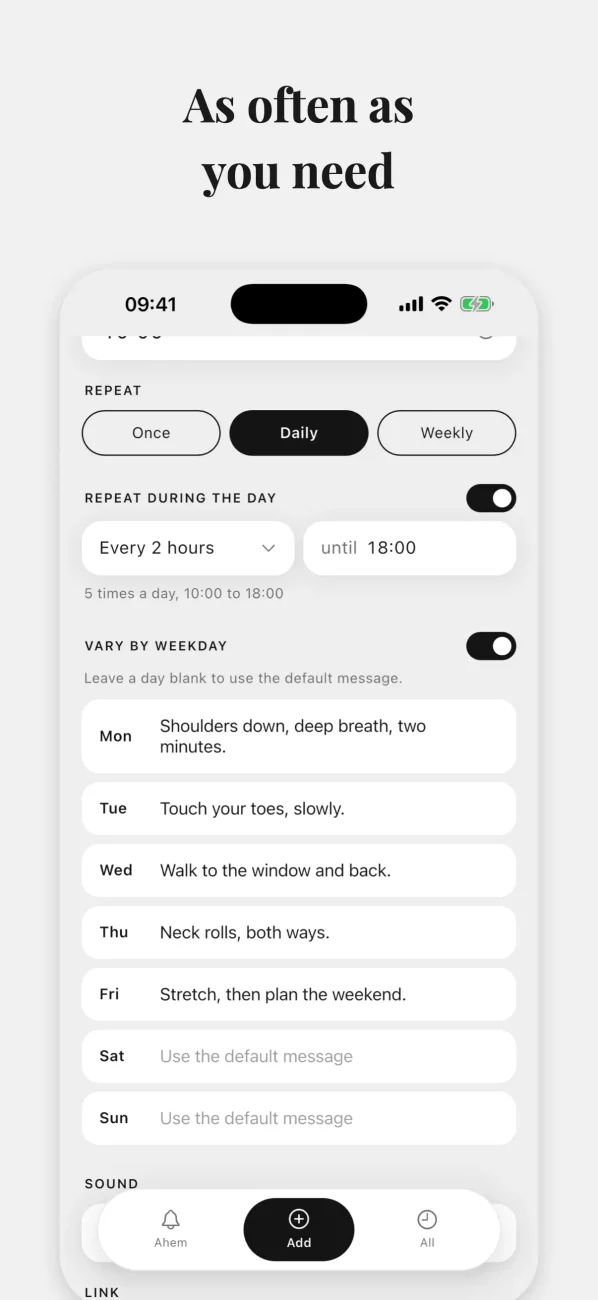
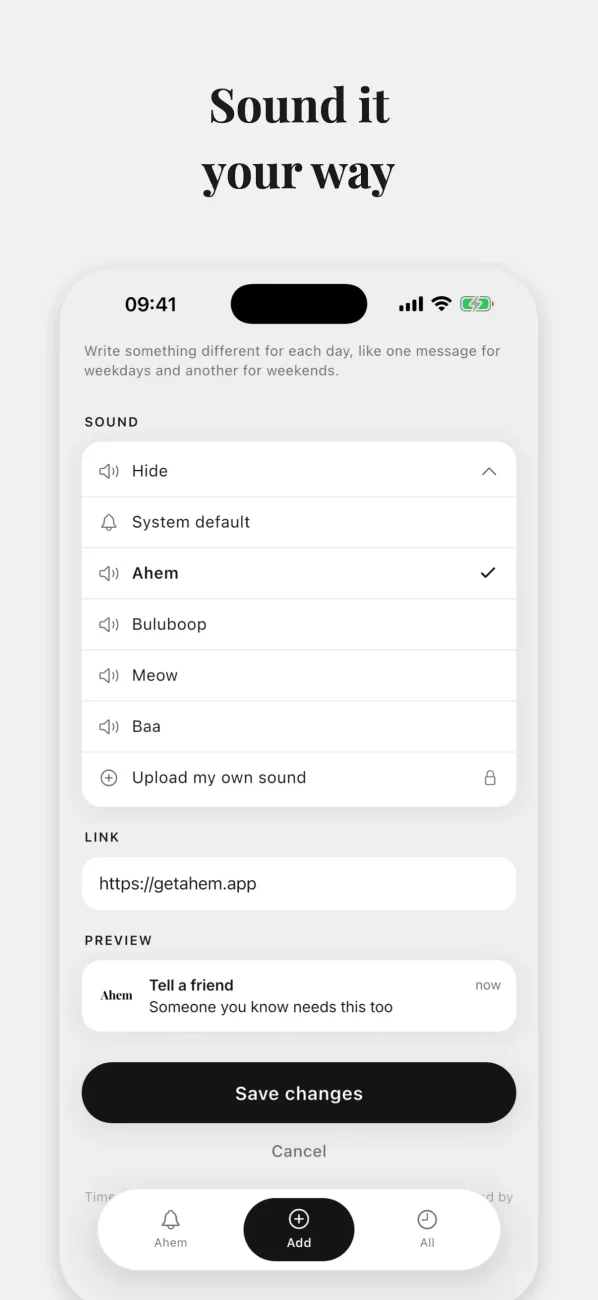
Give each Ahem a title and a description, and choose when it arrives: once, every day, or on the days you pick, with a different message for each day if you like. Need it more than once? Repeat it during the day, from every 15 minutes to every 6 hours. You can also choose the notification sound, and attach a link that opens when you tap the Ahem.
Sort your Ahems into categories like Health or Work, and fold away the ones you don't need to see. Your next Ahem waits in a widget on your Home Screen or Lock Screen, and counts down in the Dynamic Island.
All your Ahems stay in one place, in time order, with everything coming up in the next seven days. Not ready yet? Ask Ahem to remind you again in 5 minutes to an hour. Sign in to keep your Ahems synced and backed up. Works offline, with no ads and no tracking.
FREE AND PRO
Free: up to 10 Ahems turned on at a time, with every built-in sound, links, categories, widgets and repeats during the day.
Pro: unlimited Ahems, record or upload your own sounds, and export your Ahems. 7-day free trial on the monthly and yearly plans, or a one-time lifetime purchase.
Subscriptions renew automatically unless cancelled at least 24 hours before the end of the current period. Payment is charged to your Apple ID at confirmation of purchase. Manage or cancel anytime in your App Store account settings.
Terms of Use: https://www.apple.com/legal/internet-services/itunes/dev/stdeula/
Privacy Policy: https://getahem.app/privacy.html
What’s new
Version 1.0.2 · Nov 2, 2026
What's new
• Repeat an Ahem during the day, from every 15 minutes to every 6 hours
• Sort your Ahems into categories, and fold away the ones you don't need
• See your next Ahem in a Home Screen or Lock Screen widget
• Count down to your next Ahem in the Dynamic Island
• Weekly now starts on weekdays
• A quick guide the first time you open Ahem
• Free plan now includes 10 active Ahems, with every built-in sound and links
• Long-press an Ahem to duplicate or delete it
• Your Ahems are listed by time of day
• The test Ahem arrives in 10 seconds, with a countdown
• Choose which Google account to sign in with
• Clearer text and layout fixes
App privacy
What QIJING WANG declares on the App Store about how this app handles data.
-
Data linked to you
May be collected and linked to your identity.
- Purchases
- Contact info
- User content
- Identifiers
Privacy practices may vary, for example with the features you use or your age.
Information
- Seller
- QIJING WANG
- Category
- Productivity
- Version
- 1.0.2
- Updated
- Nov 2, 2026
- Released
- Oct 21, 2026
- Size
- 42.5 MB
- Requires
- iOS 15.0 or later
- Age rating
- 4+
- Price
- Free
- In-app purchases
- Yes
- Languages
- English
- Copyright
- © 2026 Qijing Wang
You might also like
-
 Paradoc: PDF Document ScannerScan to PDF, Merge & Compress
-
 Zombii: AI Detox & FocusBlocks apps, helps your brain.
-
 TinyMilestone: AI JournalReflect, track goals & habits
-
 QuickSave - Links, ScreenshotsSave links, images & notes
-
 Do3: Focus To-Do ListDaily planner, beat overwhelm
-
 Ikoi: To-Do List & PlannerTasks, Habits & Pomodoro
-
 Clipboard AI - Paste KeyboardSave & Tag Copy Text History
-
 Touch Time - World ClockTimer, Alarm & Countdown
-
 Bookmark & Link Saver - TraceScreenshot Organizer & Notes
-
 TwinGridCloud4Things - Utility