
AI Background Generator Studio
Edit, Remove and Replace
Designed for iPhone, iPad
Free · In-app purchases
- Age rating4+
- CategoryPhoto & Video
- DeveloperFelix Brix
- LanguagesEnglish+ 5 more
- Size193.7 MB
Links to the official App Store page
Download.org hosts no file of AI Background Generator Studio. The button opens its official App Store page, published by Felix Brix. Listing last checked on Nov 12, 2026.
Screenshots
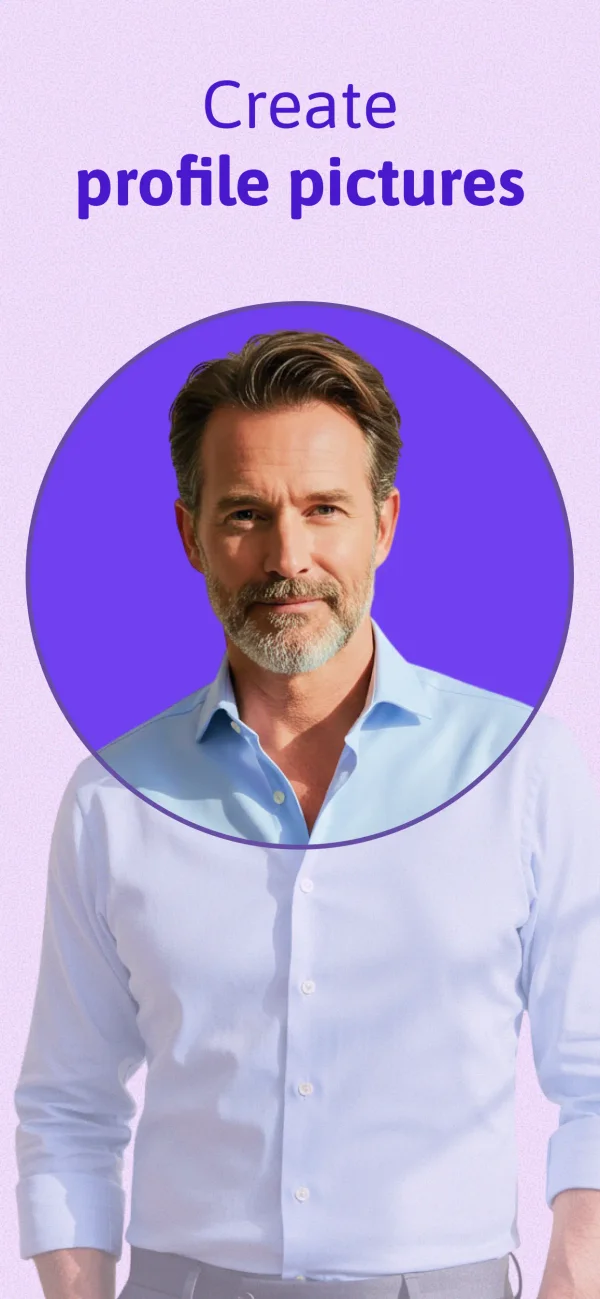
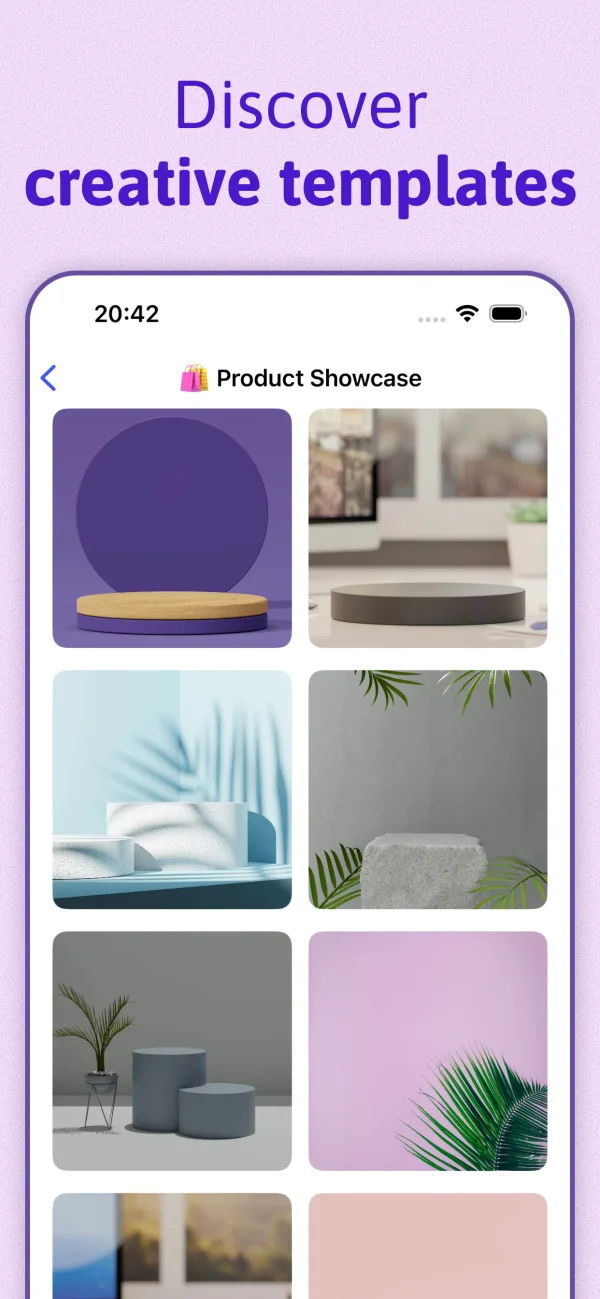
About
Welcome to AI Studio – the app for removing backgrounds and creating new scenes in a tap.
Every day, people use AI Studio to level up their product photography, marketing visuals, and social media content with unmatched ease and creativity.
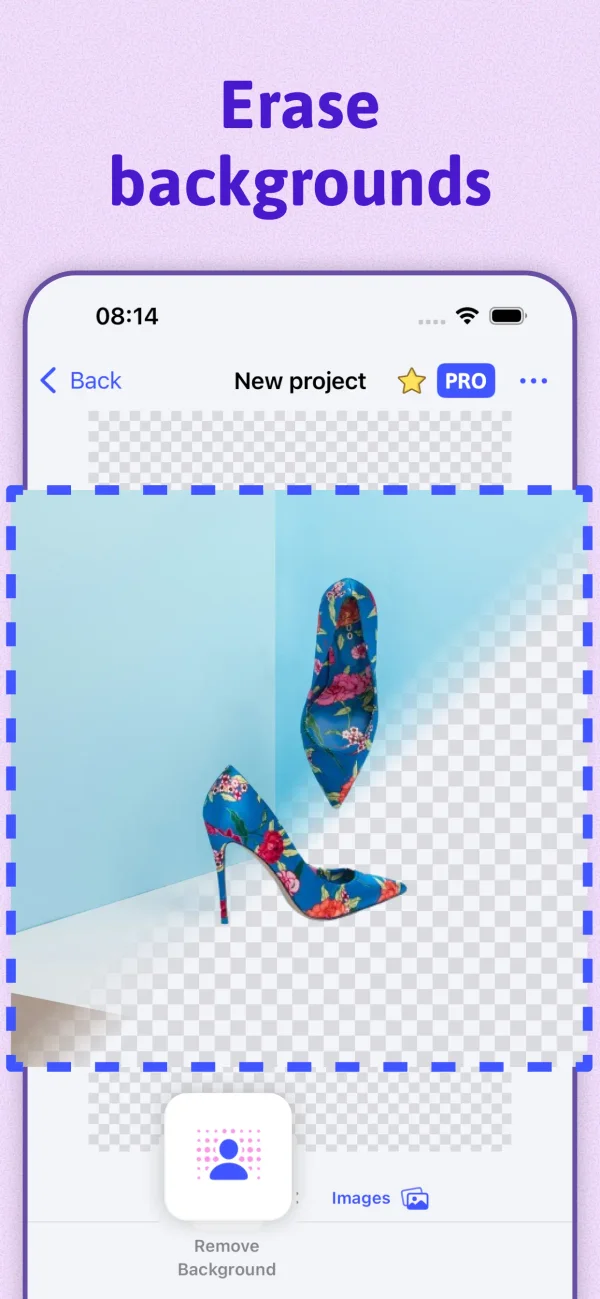
REMOVE BACKGROUNDS
• Instantly remove backgrounds from any image with a single tap
• Perfect for product shots, portraits, and social media content
• Powered by advanced AI for crisp, clean cutouts
• Save time and skip manual editing
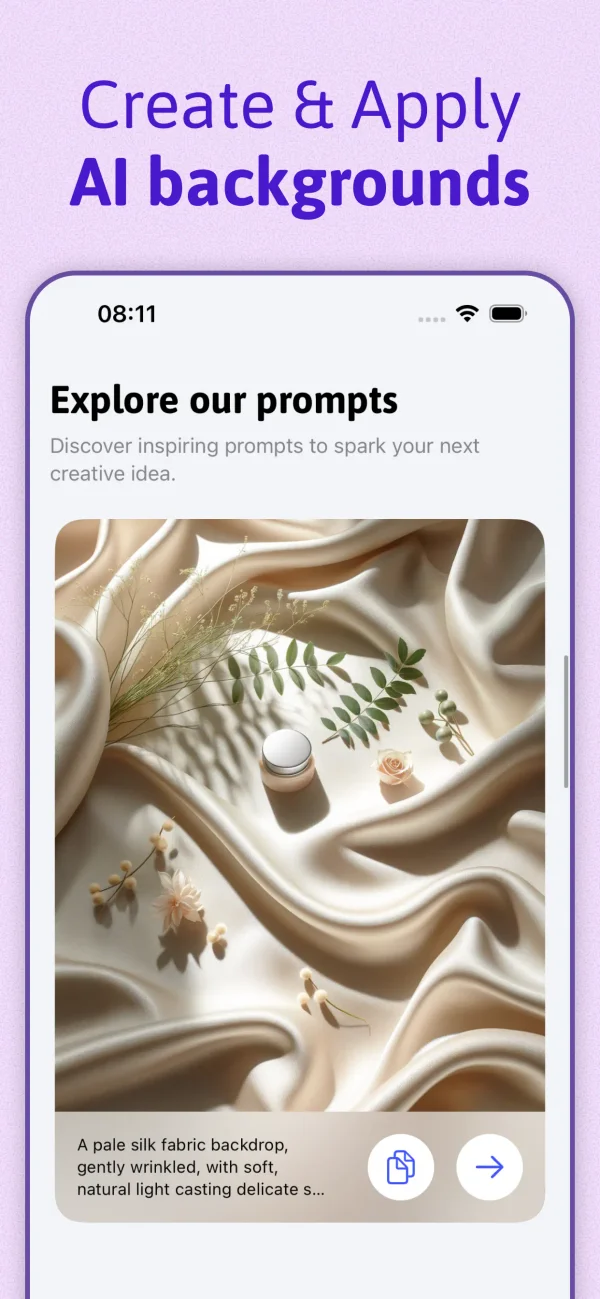
AI-GENERATED BACKGROUNDS
• Generate unique scenes with the help of artificial intelligence
• Use built-in prompts or create your own for full creative control
• Perfect for e-commerce, branding, and promotional material
BACKGROUND TEMPLATES
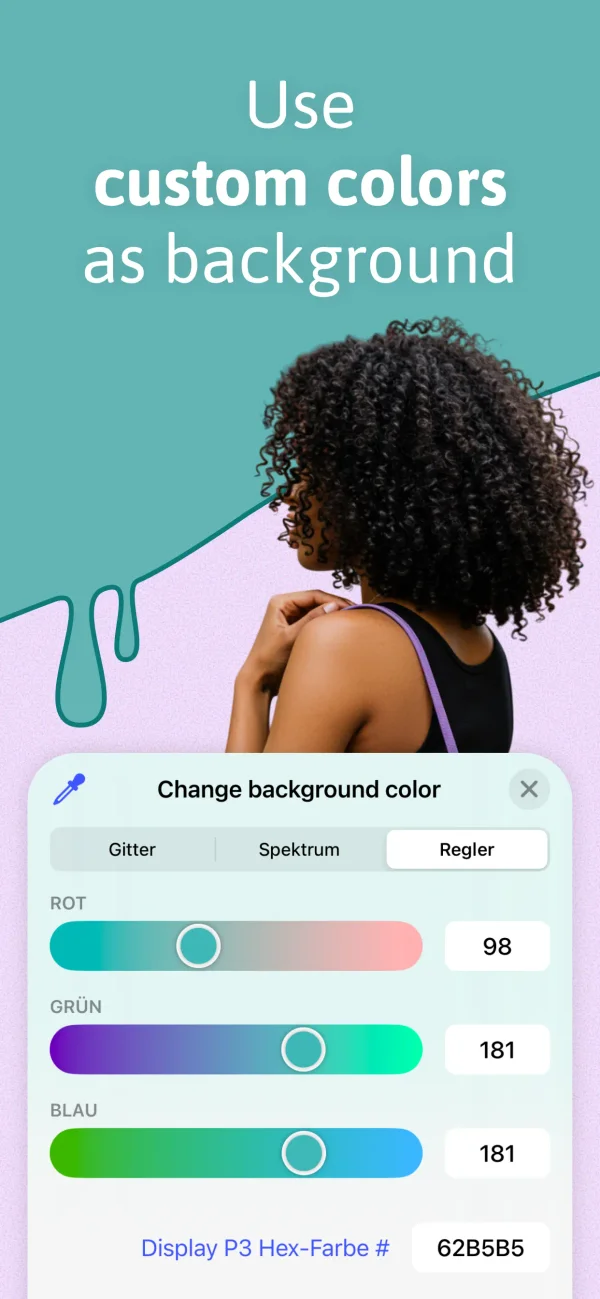
• Now featuring organized background templates across multiple categories
• Colors, Cultural & Travel, Dark Mode Friendly, Floral & Botanical, Gradient Blends, Patterns & Tiles, Product Showcase, Profile Pictures
SEAMLESS BACKGROUND REMOVAL
• Automatically remove backgrounds from your product images
• Preserve fine details for a clean, high-quality cutout
• Ready your images to place them in your generated scenes
COMPOSE PROFESSIONAL VISUALS
• Combine products and AI-generated backgrounds into compelling scenes
• No photography studio or complex editing software required
• Ideal for businesses, influencers, and designers on the go
SAVE AND MANAGE PROJECTS
• Organize your work in a personal library
• Save time by accessing and editing previous projects whenever needed
• Your creative assets always at your fingertips
EXPORT AND SHARE
• Export high-resolution images directly from your device
• Share instantly to social media, marketplaces, or marketing channels
GO BEYOND LIMITS
• Boost your productivity with our extended prompting options and additional credits
• Available in the new Shop section
AI STUDIO PRO
Unlock the full potential of AI Background Generator Studio with PRO features.
• Create un unlimited number of projects
• Edit and export as many visuals as you need – no restrictions
Terms of Service: https://www.jungspree.com/en/terms-of-service/ai-studio/
What’s new
Version 1.8 · May 20, 2026
We've been working hard to make your creative workflow smoother and more powerful. Here's what's new:
New Result View with Pinch to Zoom
Inspect your AI-generated images like never before. The all-new Result tab lets you view your creations separately from the canvas. Pinch to zoom in up to 5x magnification, pan around to explore every detail, and double-tap to reset. A handy zoom indicator keeps you oriented as you explore.
Smarter AI Image Generation
Studio AI now intelligently adapts to your project. When you've placed image layers on your canvas, the AI uses them as context to generate backgrounds that blend seamlessly with your composition. Start with a blank canvas and get a pure AI creation, or combine your images with AI for stunning composites - the app picks the best approach automatically.
Improved Image Quality Options
We've refined the quality settings to give you better control over your AI-generated backgrounds. Choose the quality level that fits your needs and get results that match your creative vision.
Enhanced Workflow
Save and share your results directly from the new Result tab. The entire editor experience has been streamlined - switching between background, images, and result views is seamless with smooth animations. Your last result is saved with your project, so you can pick up right where you left off.
Pro Upgrade Benefits
Pro users now enjoy a completely clean creative experience - no ads and no watermark on exports. Free users can still access all core features with a subtle Studio AI watermark on their creations.
Stay Connected
Subscribe to our newsletter right from the app to get tips, inspiration, and updates on new features.
Bug Fixes & Performance
Under the hood, we've updated our API integration for faster and more reliable image generation, improved how images are displayed across the app, and squashed several bugs for a smoother experience.
Download the update and take your AI-powered photo editing to the next level!
App privacy
What Felix Brix declares on the App Store about how this app handles data.
-
Data used to track you
May be used to track you across apps and websites owned by other companies.
- Usage data
-
Data not linked to you
May be collected but is not linked to your identity.
- User content
- Usage data
Privacy practices may vary, for example with the features you use or your age.
Information
- Seller
- Felix Brix
- Category
- Photo & Video
- Version
- 1.8
- Updated
- May 20, 2026
- Released
- May 11, 2025
- Size
- 193.7 MB
- Requires
- iOS 17.6 or later
- Age rating
- 4+
- Price
- Free
- In-app purchases
- Yes
- Languages
- English, French, German, Italian, Portuguese, Spanish
- Copyright
- © 2026 jungspree
You might also like
-
 hotshot - compare selfiesSwipe your photoshoot
-
 Analog Cam - Retro, EffectsFilm, Filters, Vintage, FXs
-
 SnapX Pro: Save Your MomentsSave & Share in One Tap
-
 Photo Editor Eraser AI: VanishRemove Unwanted Object, People
-
 Ai ToonistAI Cartoon Photo Editor
-
 Image Resizer - ResizeProPhoto & Video
-
 Clifie: Photo Slideshow MakerSlide show creator with Music
-
 Pixy Scanner : Scan to PDFScan Documents, Photos & IDs
-
 SuperScale Photo Enhancer AIEnhance Image, Restore Quality
-
 JPG Optimizer PROJPEGs with the smallest size