
AI Coloring Page Maker
Create Printable Pages Fast
Designed for iPhone
Free · In-app purchases
- Age rating4+
- CategoryGraphics & Design
- DeveloperHiroki Sakaguchi
- LanguagesEnglish+ 1 more
- Size6.1 MB
Links to the official App Store page
Download.org hosts no file of AI Coloring Page Maker. The button opens its official App Store page, published by Hiroki Sakaguchi. Listing last checked on Nov 18, 2026.
Screenshots

About
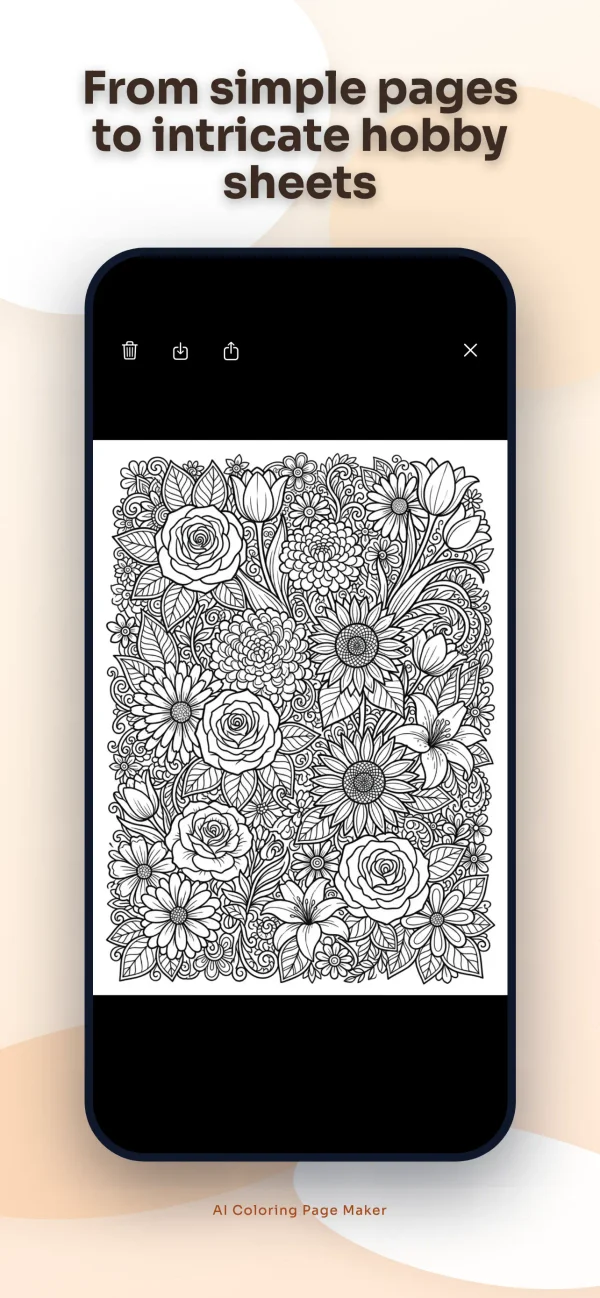
AI Coloring Page Maker turns any idea into a printable coloring page — in seconds.
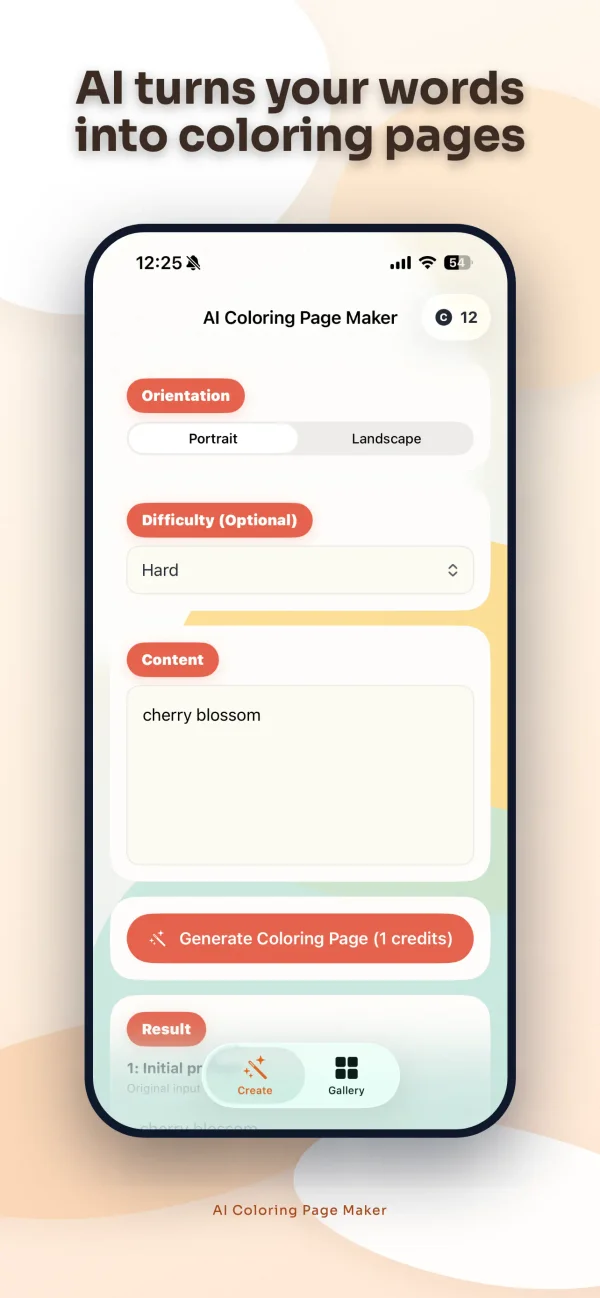
Type a theme like "underwater castle" or "flowers in a garden" and the AI generates a clean line-art page ready to print and color on paper.
WHO IS IT FOR?
Parents — Create custom coloring pages your kids will love. Type their favorite animals, subjects, or themes and print as many copies as you need.
Teachers & Educators — Generate themed coloring pages in seconds. Seasons, holidays, science topics, or classroom themes — just type and print for your class.
Adults — Enjoy coloring as a relaxing hobby. Create mandalas, nature scenes, abstract patterns, or anything you can imagine.
Caregivers — Prepare simple, engaging coloring pages for seniors or group activities.
HOW IT WORKS
Enter a theme in plain language
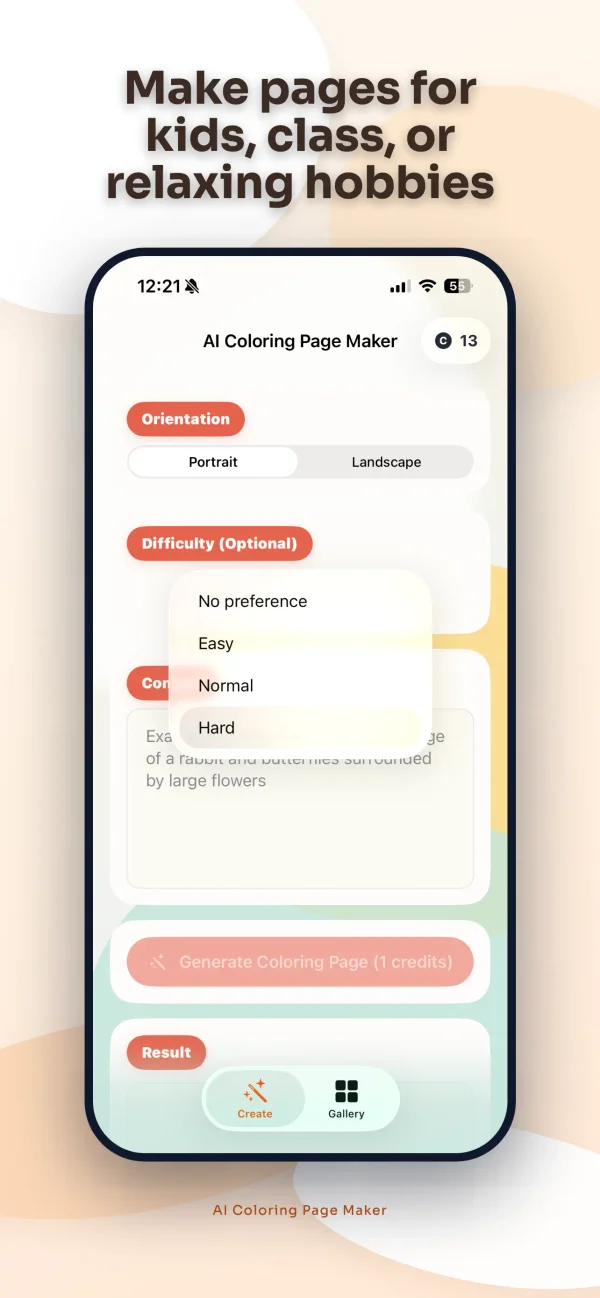
Choose a difficulty setting: No preference, Easy, Normal, or Hard
Pick portrait or landscape orientation
Generate your coloring page
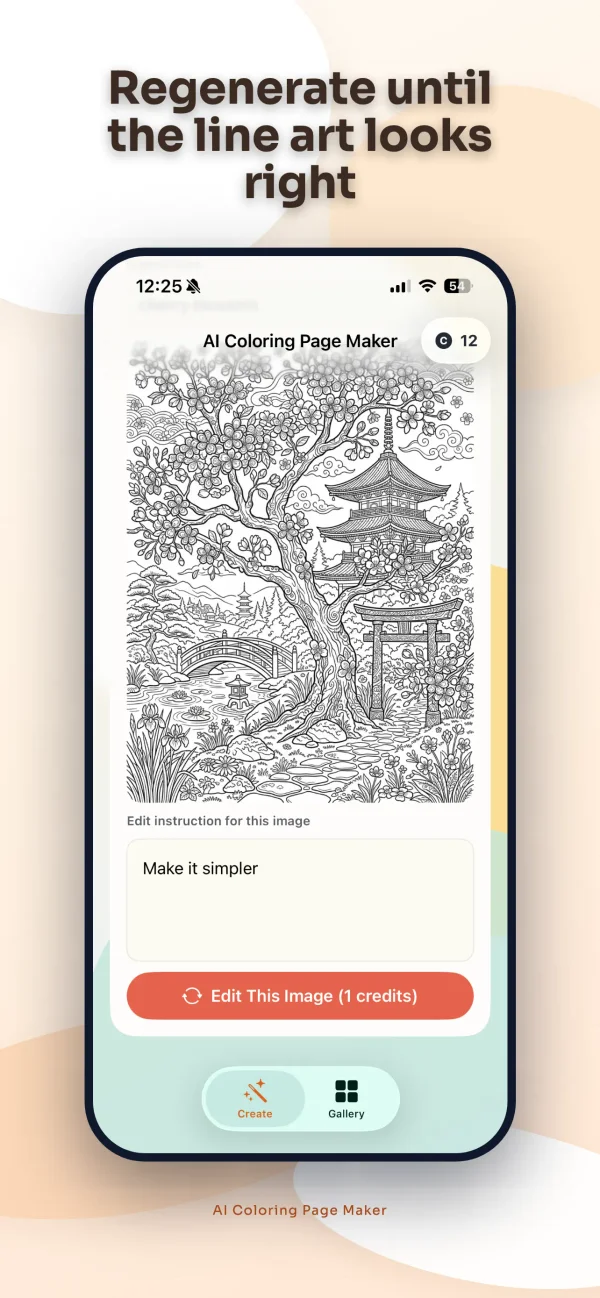
Refine it by describing changes — "fewer lines", "add a butterfly", "make it simpler"
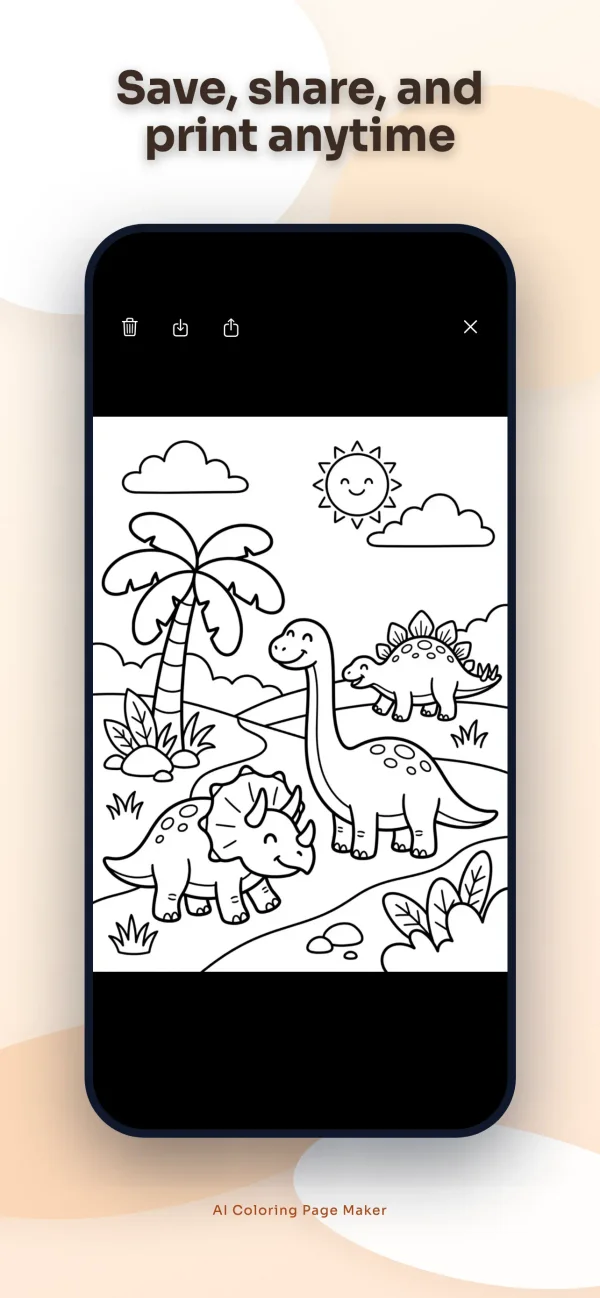
Save to your gallery or share for printing
KEY FEATURES
AI-powered generation from any theme you describe
Natural language editing — describe changes and regenerate
Flexible difficulty settings: No preference, Easy, Normal, or Hard
Portrait and landscape orientation
Gallery to manage your coloring page collection
Full-screen viewer with swipe navigation and zoom
Save images to your photo library
Share pages with family, friends, or students
English and Japanese language support
DESIGNED FOR PRINTING
This is not a digital coloring app. AI Coloring Page Maker is built for people who love coloring on paper. Generate the perfect page, print it at home or at school, and enjoy the tactile experience of real coloring.
Start with free credits — no subscription required to try it out.
Terms of Use: https://www.apple.com/legal/internet-services/itunes/dev/stdeula/
What’s new
Version 1.0.2 · Apr 3, 2026
A few minor improvements and fixes.
App privacy
What Hiroki Sakaguchi declares on the App Store about how this app handles data.
-
Data not linked to you
May be collected but is not linked to your identity.
- Diagnostics
Privacy practices may vary, for example with the features you use or your age.
Information
- Seller
- Hiroki Sakaguchi
- Category
- Graphics & Design
- Version
- 1.0.2
- Updated
- Apr 3, 2026
- Released
- Mar 23, 2026
- Size
- 6.1 MB
- Requires
- iOS 17.0 or later
- Age rating
- 4+
- Price
- Free
- In-app purchases
- Yes
- Languages
- English, Japanese
- Copyright
- © 2026 Hiroki Sakaguchi
You might also like
-
 まほうのぬりえメーカーGraphics & Design
-
 Elo: AI Coloring BookPhoto to Sketch & Line Art
-
 Coloring Book Maker AICreate Coloring Book with AI
-
 AI Coloring Book MakerPhoto Pages Kids Games
-
 4K Backgrounds - Wall itAesthetic Daily 4K Wallpapers
-
 AI Coloring Page Maker & PrintCreate & Print Custom Pages
-
 Coloring Page Maker—Color PalPrintable Sheets & Kids Books
-
 ColorMyPic: AI Coloring PagesMake coloring book from photos
-
 Crayon: Coloring Book & PagesMandala, Zen & Stress Relief
-
 AI Kids Room Makeover Design#1 AI Kids Room Makeover