AI Image Translator
Photo Translator
Designed for iPhone, iPad, iPod touch
Free · In-app purchases
- Age rating4+
- CategoryProductivity
- DeveloperAhmad Sattar
- LanguagesEnglish
- Size82.9 MB
Links to the official App Store page
Download.org hosts no file of AI Image Translator. The button opens its official App Store page, published by Ahmad Sattar. Listing last checked on Nov 12, 2026.
Screenshots
About
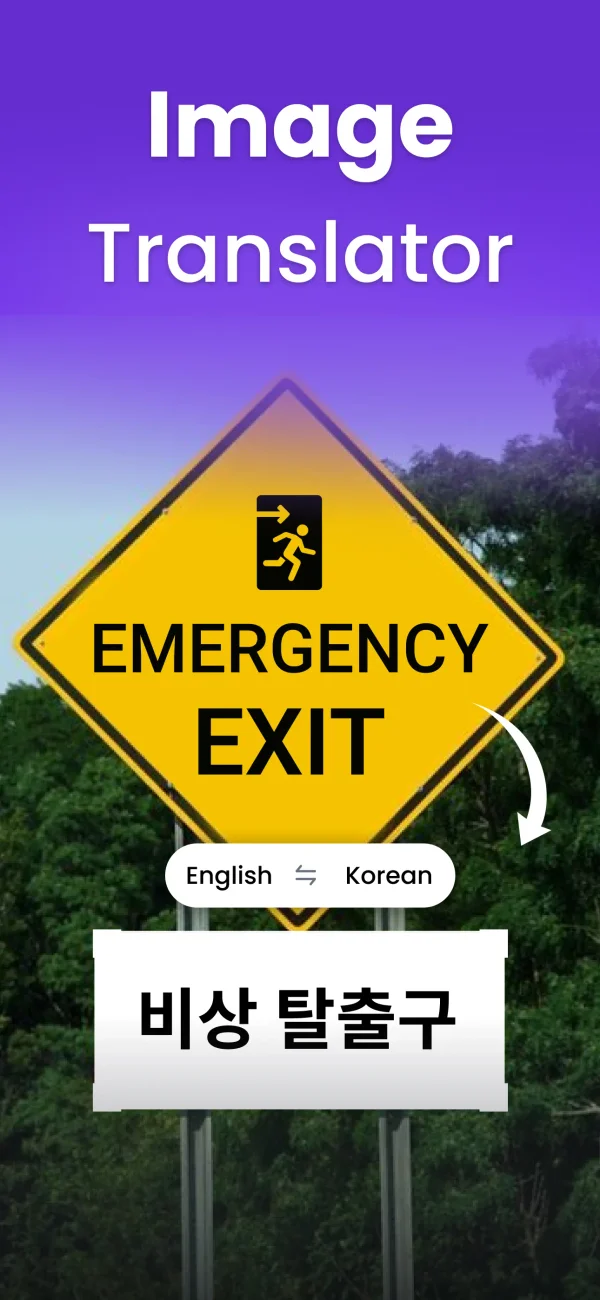
Our Image Translator app is designed to automatically translate text written on photos into a wide range of languages. This photo translator uses modern technology for accurate image recognition & translation. Plus, it translates photos without disrupting their pixels, margins, colors, or overall quality.
Whether traveling abroad, communicating with foreign clients, or translating images for multilingual websites, the picture translator app is the perfect solution.
How to Use the Photo Translator App?
Follow the below listed simple steps to translate photos using our free image translator;
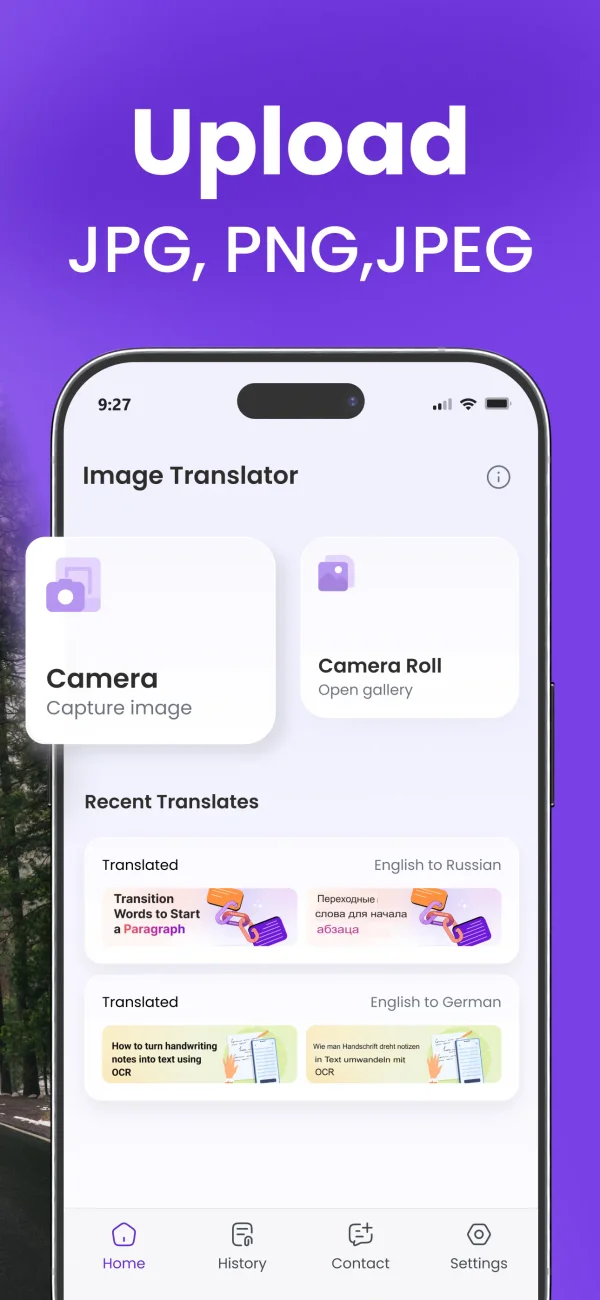
1. Download & Open the photo translator app. There you’ll see two options: “Camera” & Gallery.
2. Upload the image either from “Gallery” or capture the image using the “Camera” option.
3. Crop images to skip unnecessary parts of your image.
4. Pick the original language of the image and the language in which you want to translate it.
5. Click the “Translate” button and our picture translator app will quickly translate your photo.
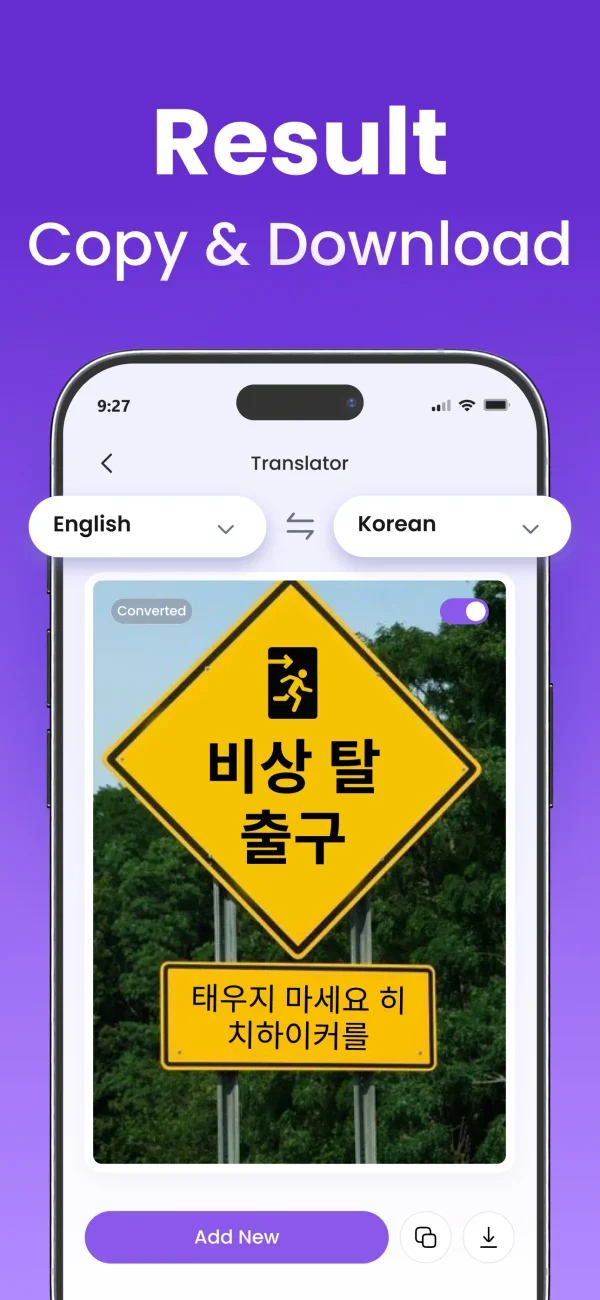
6. Finally, you can “Copy” or “Download” the translated image.
Key Features of the Picture Translator
Below are the standout features of our free photo translator app;
* Advanced Technology
The photo translator app uses advanced and powerful technology to accurately recognize and translate text on images. You can confidentiality translate photos of product menus, billboards, posters, packaging, etc.
* Fast Translator
Whether it is a screenshot, scanned document, or image, our app can instantly translate it into your desired language.
* Clean & Simple UI
This translator app offers a sleek and easier-to-understand interface, for a smooth user experience. Everyone can effortlessly upload photos, select languages, and do translations.
* Image Crop
Our image translator app offers an “Image Crop” feature to let you remove unnecessary sections of the image. This way, you can achieve more precise and focused translation.
* High-Quality Translation
The app always does high-quality image translation. It maintains the original context, layout, and font of the text. Plus, it doesn’t change the image color or pixels.
*Wide Range of Languages
This image translator app supports a wide range of languages, allowing you to confidently translate images to and from multiple languages.
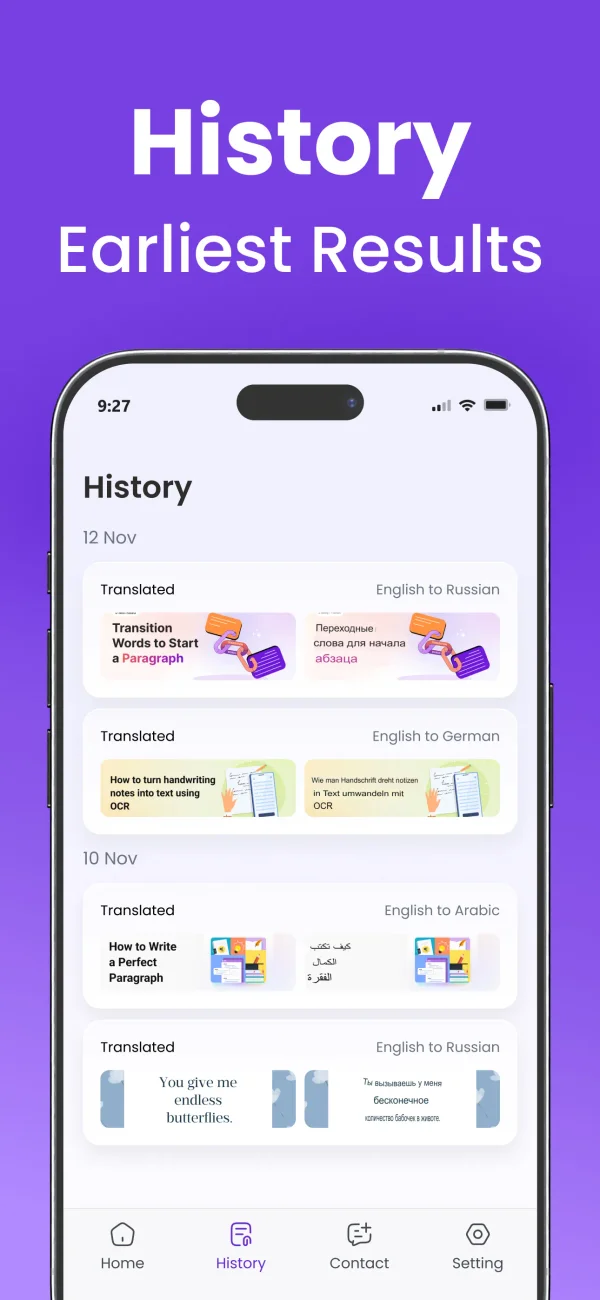
* History Option
Another key feature of the picture translator app is the “History” option. It allows you to revisit the previously translated images. It saves both original and translated images in the history.
Who Can Use Our Photo Translator App?
● Travelers can use our translator app to translate signs, menus, documents, etc. in foreign countries.
● The image translator app is helpful for business professionals to bridge language gaps in international meetings or deals.
● Students and educators can also use this image translator app to translate academic materials to access and understand important information.
● Social media users and marketers can use this app to translate messages and social media posts.
Our image translator app is designed to remove language barriers. Download and install the app and enjoy seamless photo translation for work, study, or travel purposes.
Note:
Your privacy is important to us. We never store, share, or use your personal data or uploaded images — the app is completely safe to use.
For any questions or issues, contact us anytime. Your feedback helps us improve the app.
Subscriptions:
Payment will be charged to your iTunes account upon purchase. Subscriptions auto-renew unless turned off at least 24 hours before renewal. Manage or cancel anytime in your App Store account settings.
Terms of Use: https://www.imagetotext.info/terms-of-services.php
Privacy Policy: https://www.imagetotext.info/image-translator/mobile-application/privacy-policy
What’s new
Version 2.1.2 · Mar 30, 2026
Stop struggling with language barriers! Use our fast Photo Translator app to translate photos, screenshots, or documents seamlessly.
App privacy
What Ahmad Sattar declares on the App Store about how this app handles data.
-
Data not collected
The developer does not collect any data from this app.
Privacy practices may vary, for example with the features you use or your age.
Information
- Seller
- Ahmad Sattar
- Category
- Productivity
- Version
- 2.1.2
- Updated
- Mar 30, 2026
- Released
- Dec 12, 2024
- Size
- 82.9 MB
- Requires
- iOS 15.6 or later
- Age rating
- 4+
- Price
- Free
- In-app purchases
- Yes
- Languages
- English
- Copyright
- © imagetotext.info
You might also like
-
 Verum MailPrivate. Instant. Disposable.
-
 Checklist Widget - Check MeDaily To Do List Task Tracker
-
 AI Writer: Story, Email, PoemAI Writing app: Text Generator
-
 Countdown Timer PlannerCountdowns events and plans
-
 TwiBlockRemove ads
-
 Passport Photo Booth: Photo IDPassport Booth, ID Photo Maker
-
 Teleprompter Video ™Captions, Prompter & Script
-
 Chat Genius - AI Bot AssistantPowered by ChatGPT & GPT-4o
-
 Blip NotesEffortless, time-limited notes
-
 Todoable: Family CalendarDaily Schedule, Planner, To-do