
AI Note Taker: Note Taking app
Digital, Daily note writer
Designed for iPhone, iPad, iPod touch
In-app purchases
- Age rating4+
- CategoryUtilities
- DeveloperVybe Tech
- LanguagesGerman+ 12 more
- Size10.4 MB
Links to the official App Store page
Download.org hosts no file of AI Note Taker: Note Taking app. The button opens its official App Store page, published by Vybe Tech. Listing last checked on Nov 13, 2026.
Screenshots

About
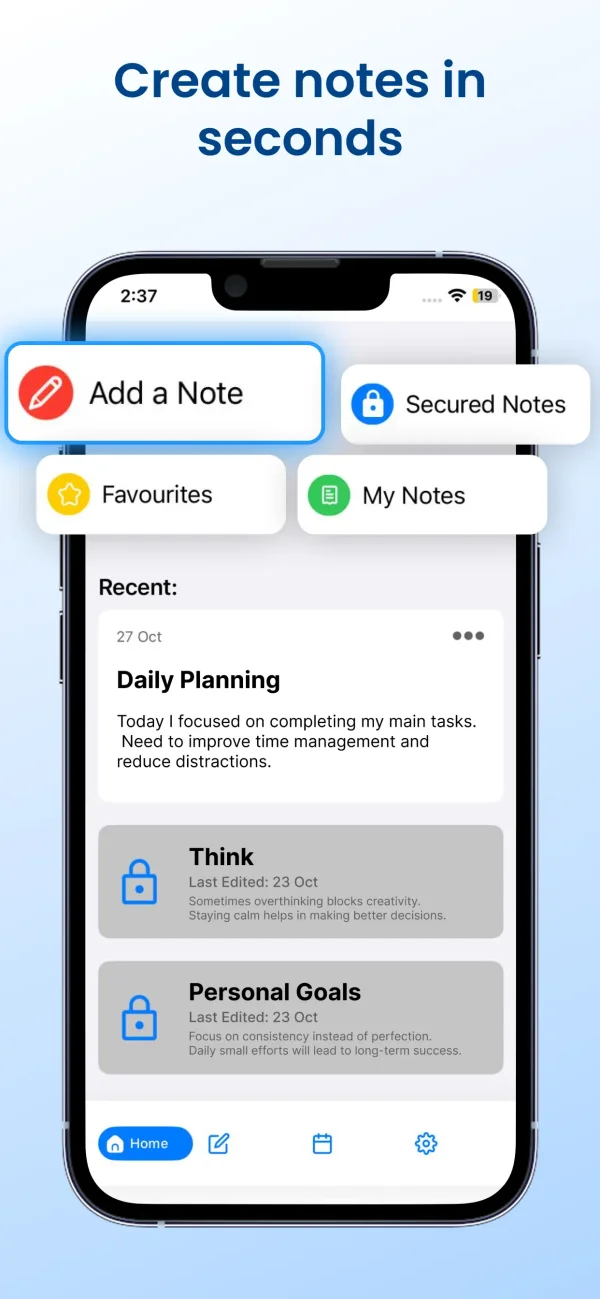
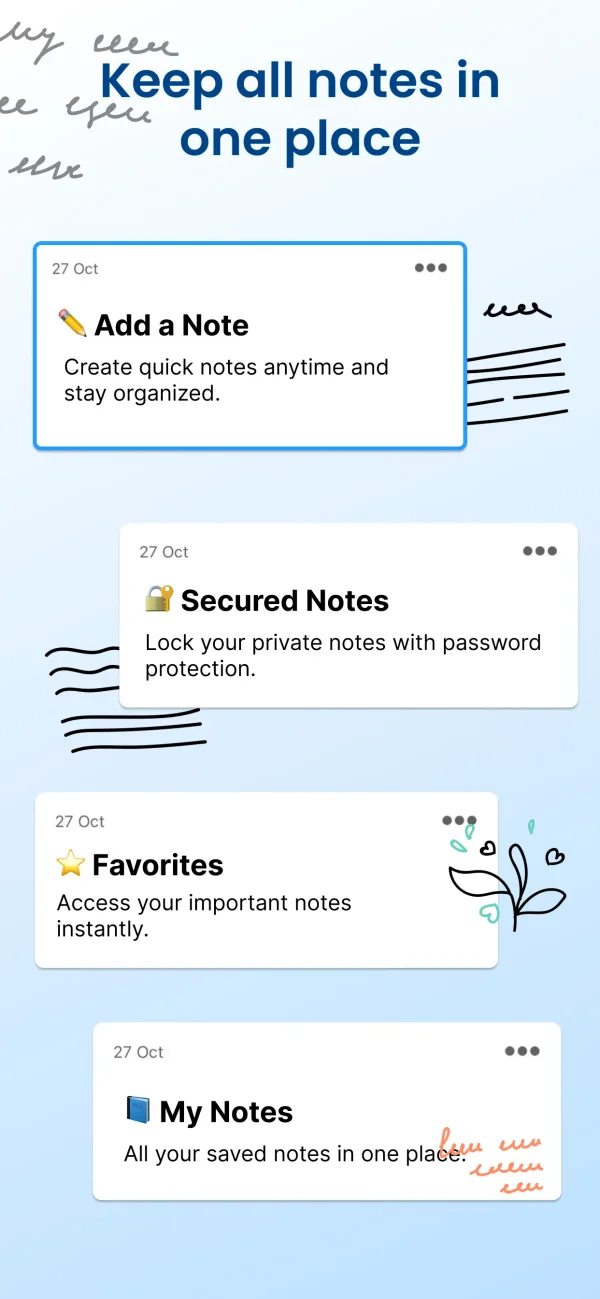
Digital Notes Writer changes the way you organize and save your thoughts. Built for fast privacy and productivity, ai note taker gives you a powerful digital writing space where every note stays safe, searchable, and ready whenever you need it.
Powerful Note-Taking Made Simple
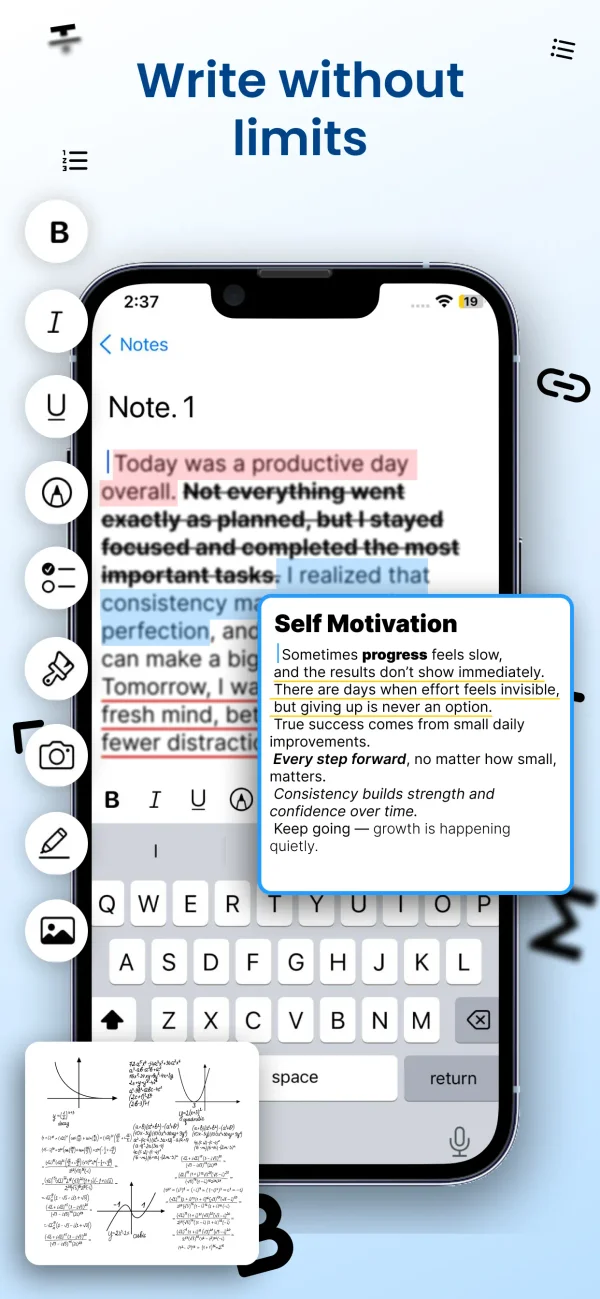
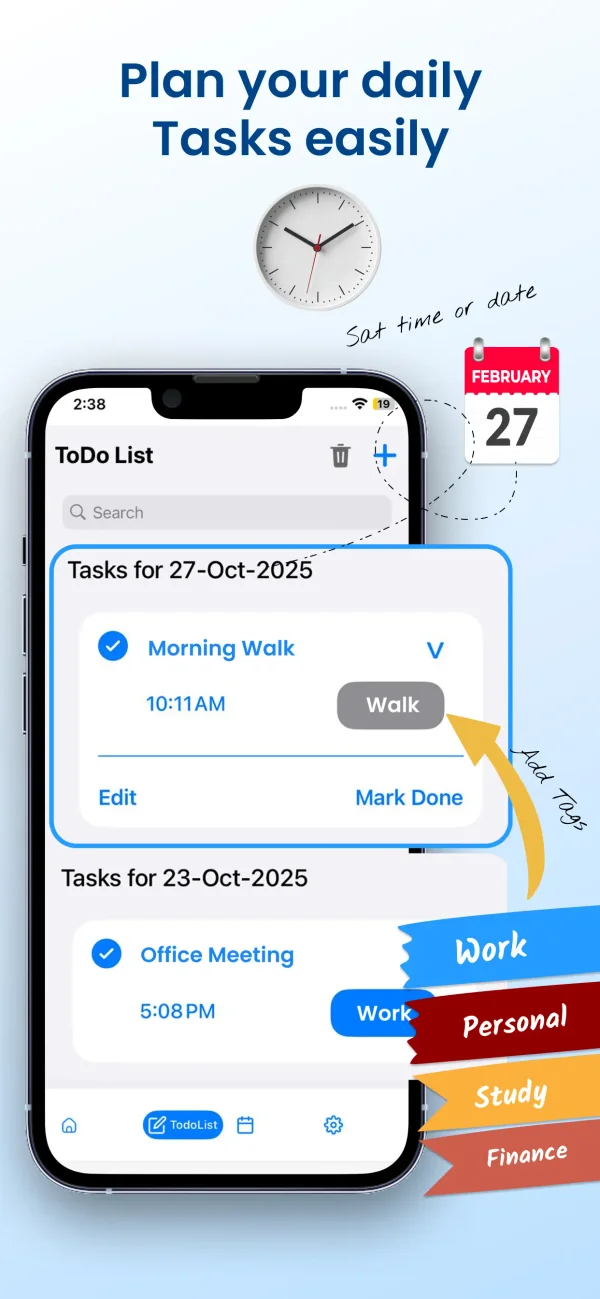
Write, type, or draw. Note taking app works the way you want. Use templates to create notes quickly and organize your ideas with folders and tags. Add text, sketches, or images to your notes and create checklists for tasks and reminders. Everything you capture is instantly searchable, so you always find what you need.
Security You Can Trust
Your notes are private and secure. With advanced encryption, app lock, and secure cloud sync, your personal and professional information stays safe. Only you can access your notes.
Organize & Access Notes Effortlessly
Organize your notes with smart folders, favorites, and tags. Browse your history, pin important notes, and quickly jump to the content that matters most. Digital Notes Writer ensures your workflow stays smooth and clutter-free.
Sync & Backup Across Devices
No need to worry about losing your notes anymore. Our ai note taker app's automatic cloud sync keeps your data up to date across iPhone, iPad, and other supported devices. Back up your notes and restore them anytime, anywhere.
Boost Productivity
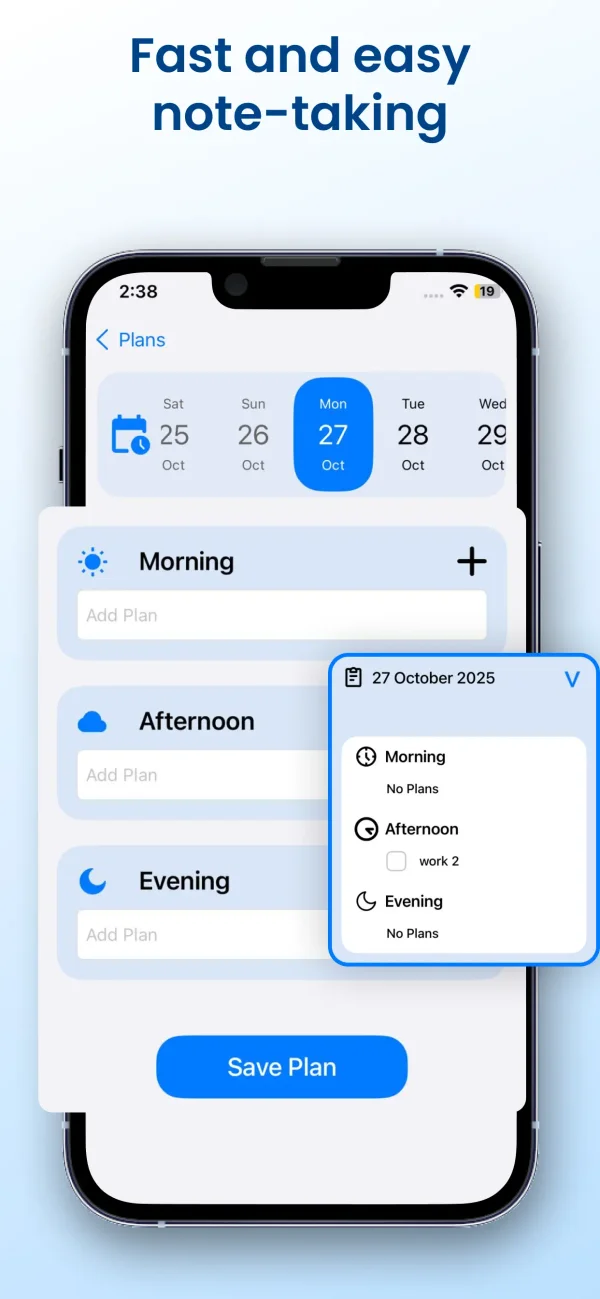
From brainstorming ideas to planning projects, ai note taker is specifically designed to help you stay focused. Attach documents, highlight important points, and use checklists to track tasks.
Perfect For Everyone
― Students taking study notes or preparing for exams.
― Professionals managing projects, meetings, and to-do lists
― Writers, creatives, and anyone who gets ideas on the go.
Note:
STEP 1: Payment will be charged to your iTunes account at confirmation of purchase. Your subscription will automatically renew unless auto-renew is turned off at least 24 hours before the end of the current subscription period.
STEP 2: Your account will be charged for renewal within 24 hours before the end of the current subscription period. Automatic renewals will cost the same price you were originally charged for the subscription.
STEP 3: You can manage your subscriptions and turn off auto-renewal by going to your Account Settings on the App Store after purchase. Read our terms of service and Privacy Policy for more information.
Terms of Use:
https://sites.google.com/view/vybe-tech/terms-of-use
Privacy Policy:
https://sites.google.com/view/vybe-tech/home
What’s new
Version 1.2 · Mar 14, 2026
Do Notes
- Bug Fixes and improvement enhanced
App privacy
What Vybe Tech declares on the App Store about how this app handles data.
-
Data not collected
The developer does not collect any data from this app.
Privacy practices may vary, for example with the features you use or your age.
Information
- Seller
- Vybe Tech
- Category
- Utilities
- Version
- 1.2
- Updated
- Mar 14, 2026
- Released
- Nov 3, 2025
- Size
- 10.4 MB
- Requires
- iOS 15.6 or later
- Age rating
- 4+
- In-app purchases
- Yes
- Languages
- German, English, French, Italian, Japanese, Korean, Dutch, Portuguese, Russian, Traditional Chinese, Turkish, Simplified Chinese + 1 more
- Copyright
- Copyright © VybeTech 2025
You might also like
-
 Light Ink- AI Notes, Docs, PDFNote taking & whiteboard app
-
 Craft Design: SVG & Cut FilesSublimation & Monogram Maker
-
 PearnotesNotes, timers & AI
-
 Tape Measure & AR Ruler3D Scan Room, Height,Distance
-
 Key-InfoUtilities
-
 Scano3D — AI Model & ScannerText to 3D · print-ready STL
-
 AI Note Taker: Note KeeperVoice Recorder: Speech to Text
-
 Settings Guide & TipsFix Battery, Wi-Fi & Privacy
-
 Image to PDF - Photo to PDFConvert images to PDF fast
-
 PDF Viewer : Read & EditRead, manage or edit PDF files