AI PDF Scan Pro Document Maker
Scan, Edit, OCR, Sign, Export
Designed for iPhone, iPad
Free · In-app purchases
- Age rating9+
- CategoryUtilities
- DeveloperChintan Shah
- LanguagesEnglish+ 10 more
- Size111.0 MB
Links to the official App Store page
Download.org hosts no file of AI PDF Scan Pro Document Maker. The button opens its official App Store page, published by Chintan Shah. Listing last checked on Nov 18, 2026.
Screenshots

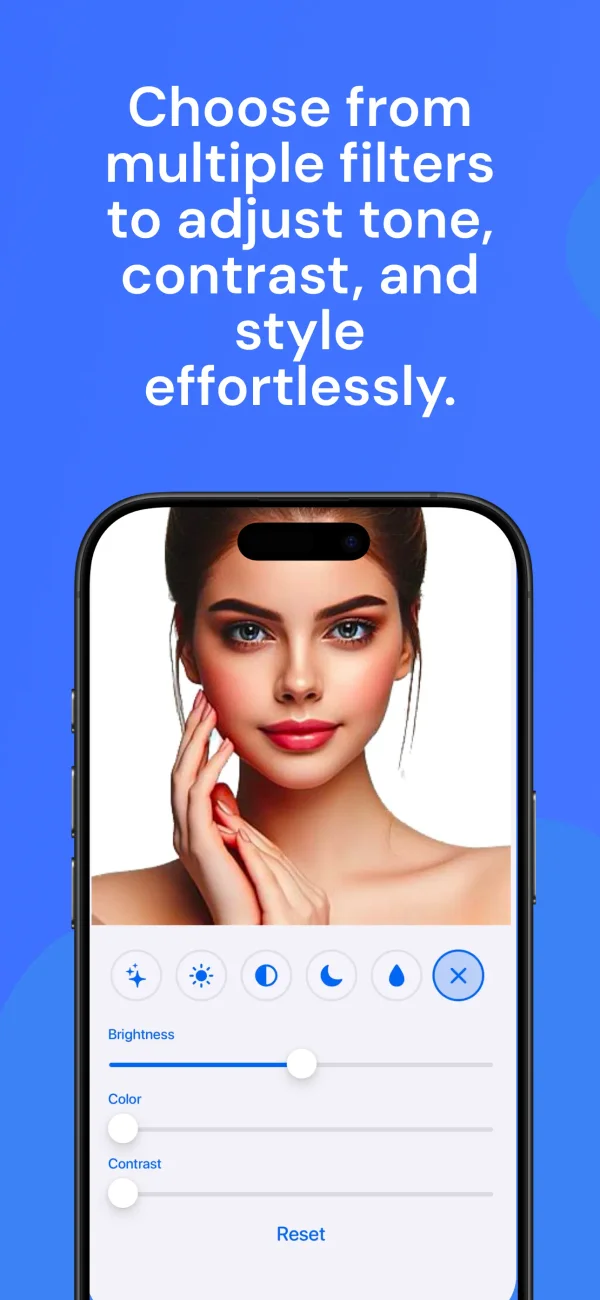
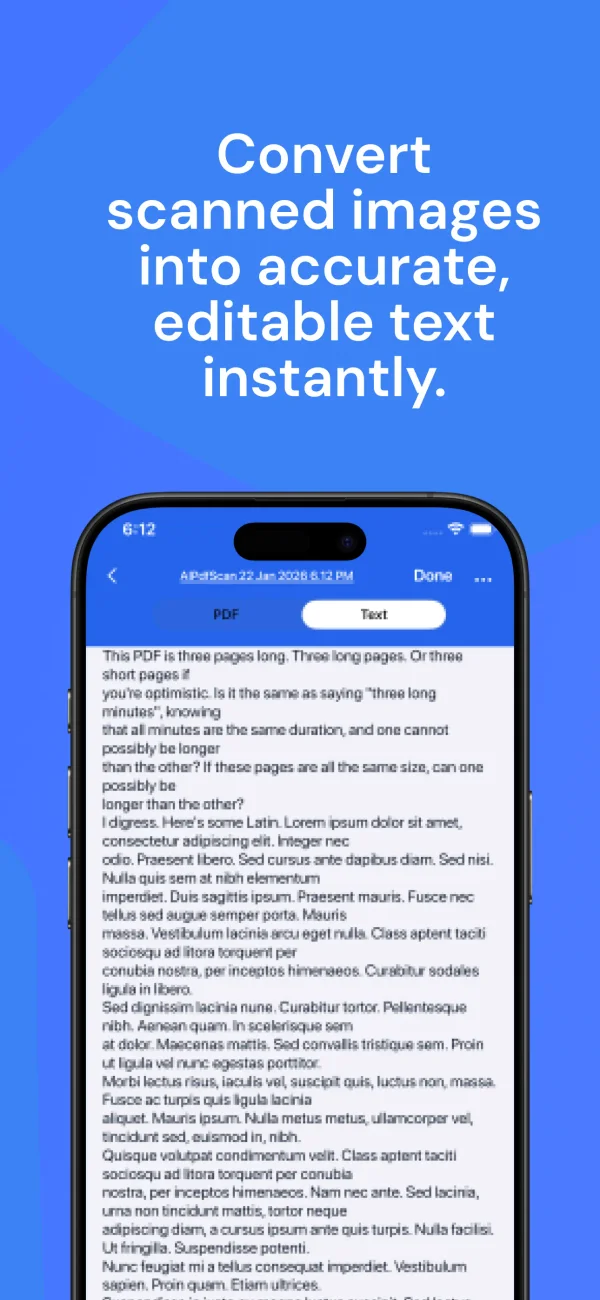
About
AI PDF Scan is a powerful mobile scanner app designed to make document scanning, editing, and management simple, fast, and high-quality. Whether you need to scan documents, receipts, notes, invoices, or business cards, AI PDF Scan brings professional scanning and productivity tools into one compact, reliable, and easy-to-use app.
Designed for students, professionals, freelancers, and businesses, AI PDF Scan helps you digitize paperwork, stay organized, and work smarter from anywhere.
Key Features
High-Quality Scans
: Capture clear and sharp PDFs or JPGs with resolutions up to 200 DPI or higher, delivering results comparable to traditional desktop scanners.
Instant Camera Launch
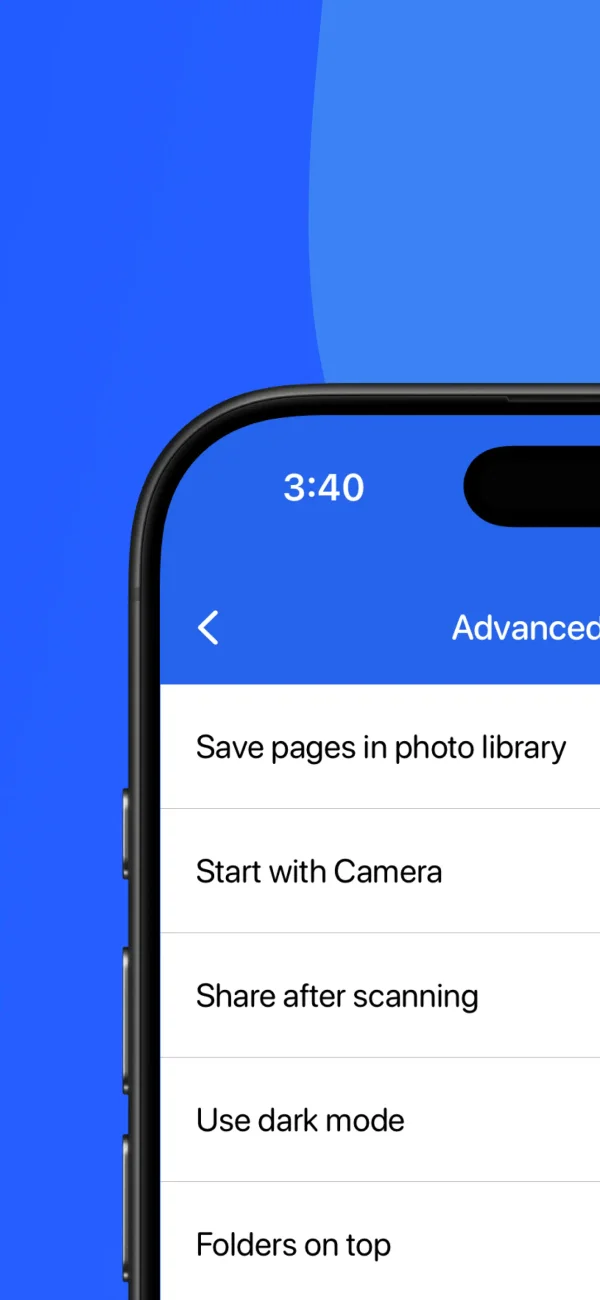
: Start the app directly with the camera, allowing you to scan documents immediately without navigating through menus.
Quick and Efficient Scanning
: Automatic edge detection accurately identifies document borders for fast and precise scans every time.
Multi-Page Scanning
: Scan single or multiple pages seamlessly and combine them into one organized PDF file.
Scan Optimization:
Improve readability with advanced filters such as color, grayscale, and black-and-white modes.
Document Editing Tools
: Easily crop, rotate, reorder, add, or remove pages to create clean and professional documents.
Add Notes to PDFs
: Annotate documents by adding notes directly to your PDFs, ideal for reviews, reminders, and collaboration.
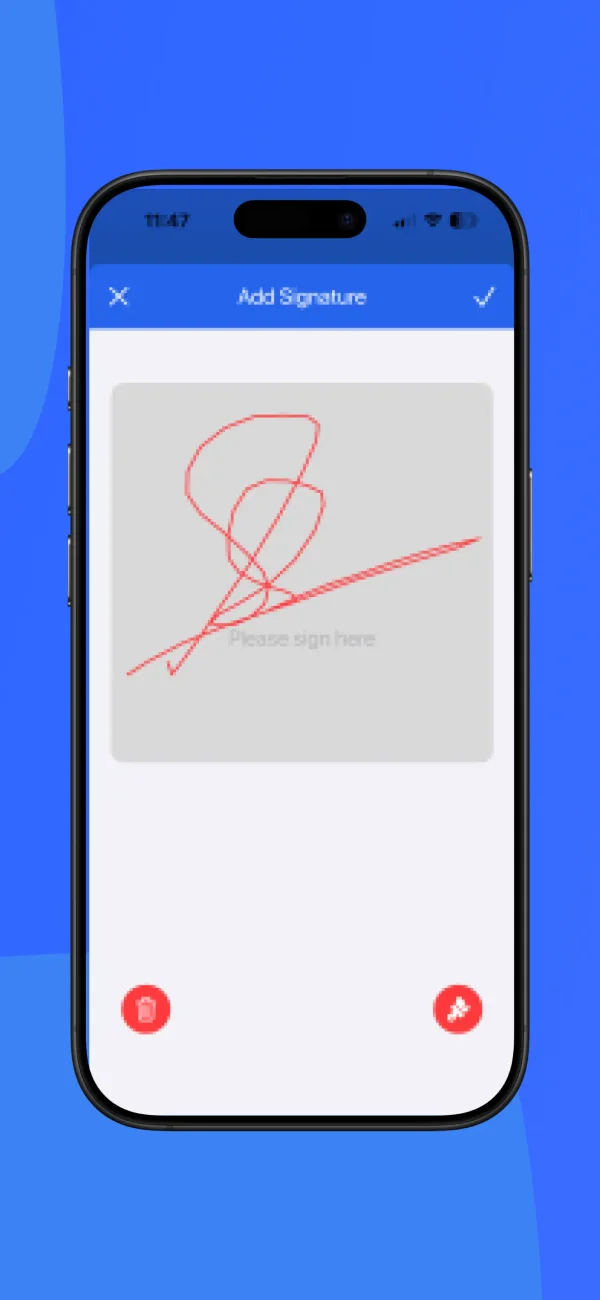
Signature and Drawing (Premium):
Add handwritten signatures or drawings to documents for approvals and personalization.
Text Recognition – OCR (Premium)
: Extract text from scanned documents to search, copy, edit, and reuse content efficiently.
Scan Anything
Receipts, contracts, notebooks, whiteboards, business cards, IDs, handwritten notes, and more.
Home Screen Widgets
: Access quick scan actions, recent documents, and shortcuts directly from your Home Screen.
Smart Organization
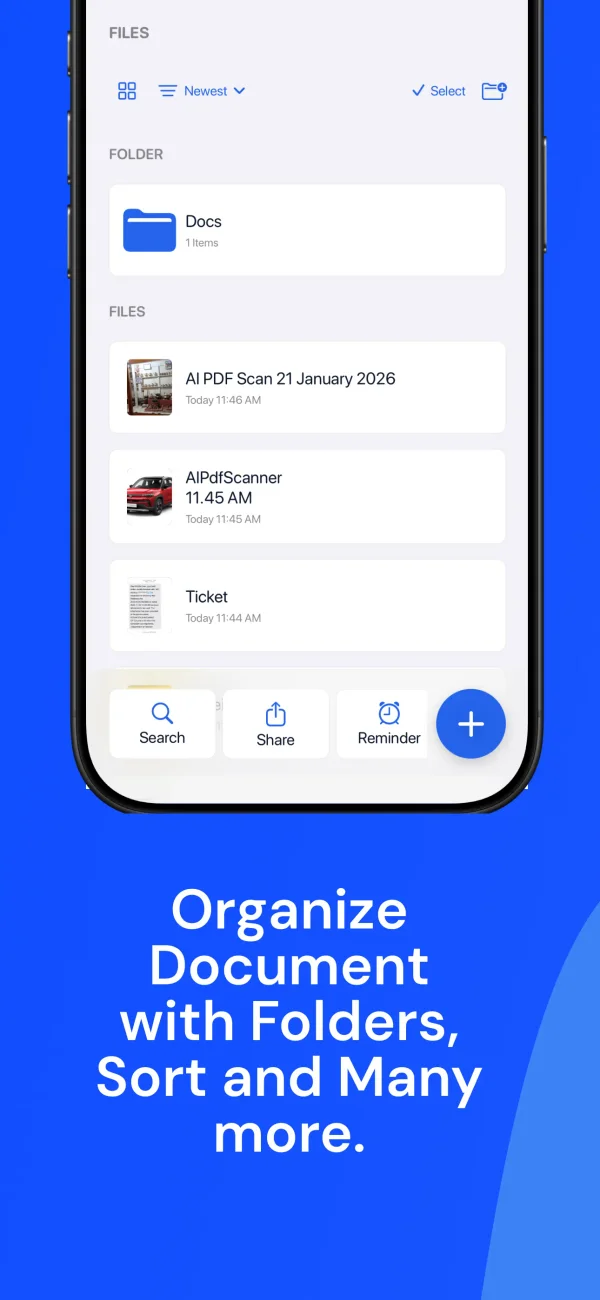
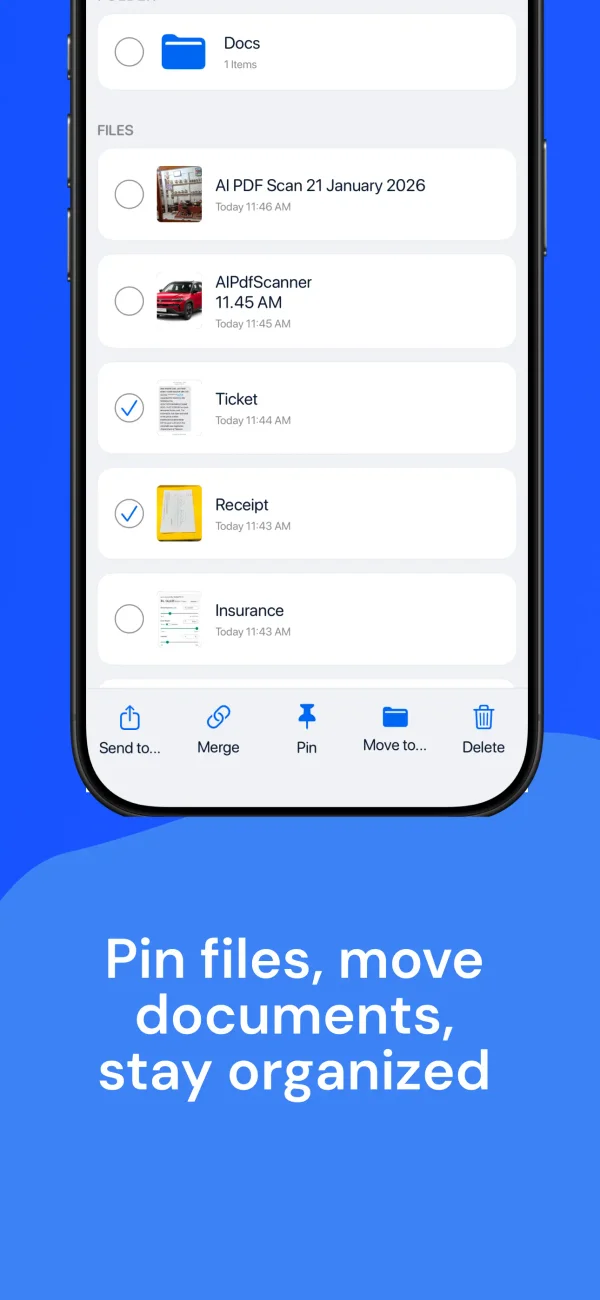
: Automatically organize files using keyword-based or date-based naming for easy retrieval.
Clean and Intuitive Design
: A simple, modern interface designed to minimize steps and maximize productivity.
Multilingual Support
AI PDF Scan supports 10 languages, allowing users around the world to scan, edit, and manage documents in their preferred language.
Ideal Use Cases
• Digitizing office documents and contracts
• Scanning receipts for expense tracking
• Creating PDFs from handwritten notes
• Signing and sharing documents on the go
• Organizing paperwork for school or business
• Paperless document storage and management
Why Choose AI PDF Scan
• Professional-quality output
• Fast and reliable performance
• Advanced editing and annotation tools
• Suitable for personal and professional use
• Secure and offline-friendly scanning experience
Reliable and Flexible Workflows
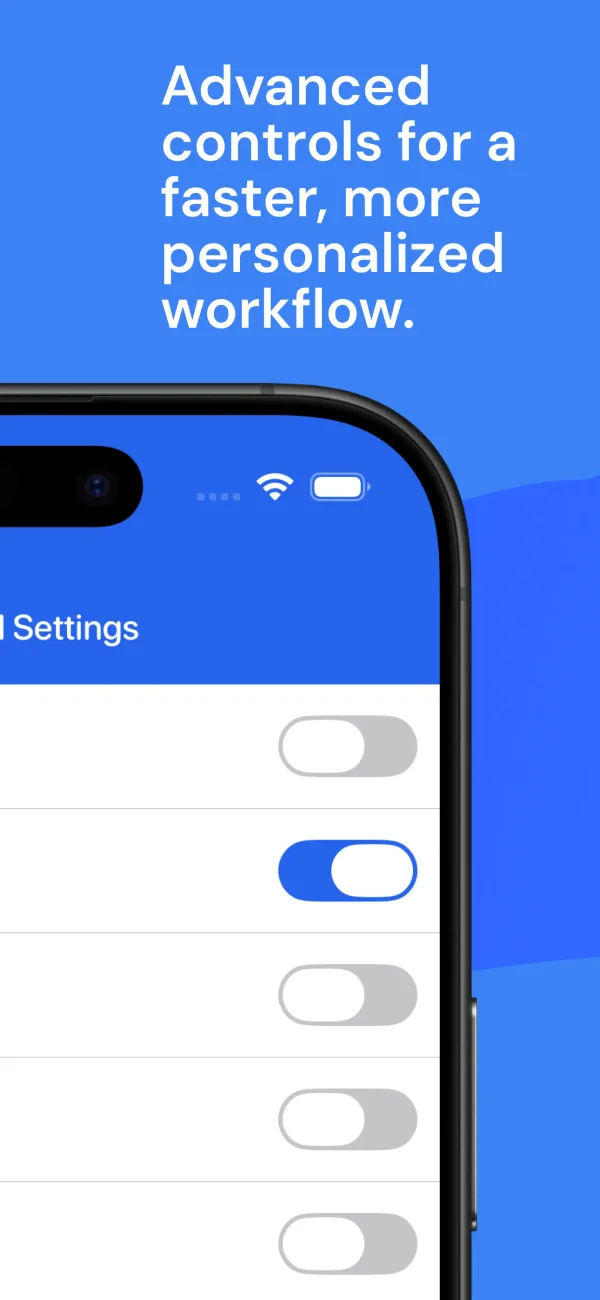
AI PDF Scan is built to fit seamlessly into your daily workflow. Create PDFs in seconds, update documents anytime, and keep everything accessible when you need it. The app works reliably even without an internet connection, giving you full control over your documents. Whether you are working remotely, studying, traveling, or managing paperwork on the go, AI PDF Scan helps you stay productive and paperless with confidence.
Premium Features
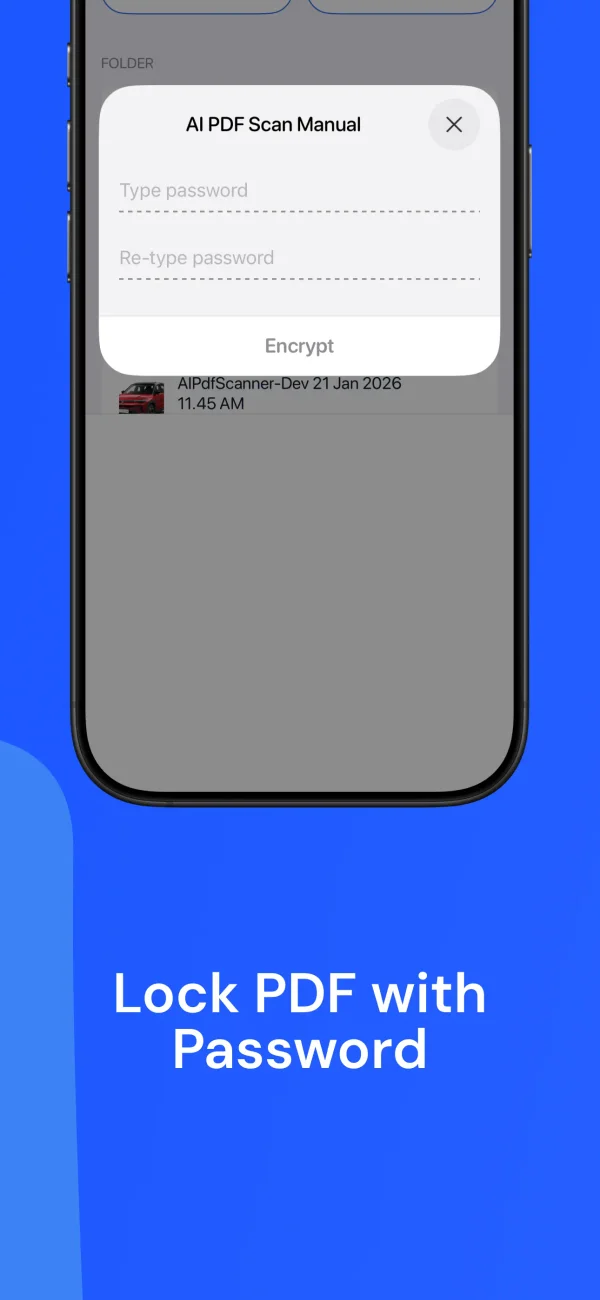
Unlock advanced tools such as OCR text search, digital signatures, document encryption, reminders, and additional productivity features through in-app purchases. Full details are available inside the app.
Privacy First
Your privacy matters. Documents are never stored on our servers and are processed only on your device or with the cloud service you choose. AI PDF Scan does not sell or share personal data.
Terms of Service / EULA: https://brainvire-mobileapp.notion.site/Terms-of-Service-AI-PDF-Scan-2d39ba6d0bf880e9922cf01145e6f9ab
Privacy Policy: https://brainvire-mobileapp.notion.site/Privacy-Policy-AI-SwiftScan-2d39ba6d0bf880f38979c3e71755217e
Get Started Today Experience fast, secure, and efficient document scanning with AI PDF Scan.
What’s new
Version 1.1.12 · Jul 6, 2026
We're excited to bring AI PDF Scan to Mac, making it easier than ever to manage your documents across all your Apple devices.
Now Available on Mac
- Use AI PDF Scan on your Mac with the same powerful scanning, editing, and document management experience you enjoy on mobile.
Seamless Cross-Device Sync
- Access your scanned documents and PDFs across your supported devices, so your files are always up to date wherever you work.
Powerful PDF Tools
- Scan, organize, edit, and manage your PDF documents with intelligent AI-powered features designed to boost your productivity.
Performance Improvements
- Enhanced app performance for a faster and smoother experience.
- Improved reliability and stability across supported devices.
- General bug fixes and usability improvements.
Update now to enjoy AI PDF Scan on Mac and experience seamless document management across all your devices.
App privacy
What Chintan Shah declares on the App Store about how this app handles data.
-
Data used to track you
May be used to track you across apps and websites owned by other companies.
- Identifiers
- Diagnostics
-
Data linked to you
May be collected and linked to your identity.
- Identifiers
- Diagnostics
Privacy practices may vary, for example with the features you use or your age.
Information
- Seller
- Chintan Shah
- Category
- Utilities
- Version
- 1.1.12
- Updated
- Jul 6, 2026
- Released
- Jan 20, 2026
- Size
- 111.0 MB
- Requires
- iOS 17.0 or later
- Age rating
- 9+
- Price
- Free
- In-app purchases
- Yes
- Languages
- English, Arabic, French, German, Italian, Japanese, Korean, Portuguese, Spanish, Thai, Vietnamese
- Copyright
- © 2026 Brainvire Infotech Inc.
You might also like
-
 SOnIAUtilities
-
 Swipe Photo Storage CleanerSwipeWipe to clean Camera Roll
-
 MyCar Service LogsThe vehicle maintenance app
-
 NFS Files – NAS Drive ClientSynology, QNAP & Linux Server
-
 MobileDiskTransfer files via Wi-Fi
-
 Metronome Pro: Tempo & BeatsTuner, Drum, BPM, Powerbeats
-
 kite MobilityElectric ride share
-
 Universal Remote App for TVRemote control your Smart TV
-
 Translator TreeUtilities
-
 Union Living Residents AppExperience Stay @ Union Living