AI Scanner - PDF Scan & OCR
Auto Scan, Convert PDF & Sign
Designed for iPhone, iPad, iPod touch
In-app purchases
- Age rating4+
- CategoryBusiness
- DeveloperNguyen Quang Huy
- LanguagesEnglish
- Size77.5 MB
Links to the official App Store page
Download.org hosts no file of AI Scanner - PDF Scan & OCR. The button opens its official App Store page, published by Nguyen Quang Huy. Listing last checked on Nov 12, 2026.
Screenshots

About
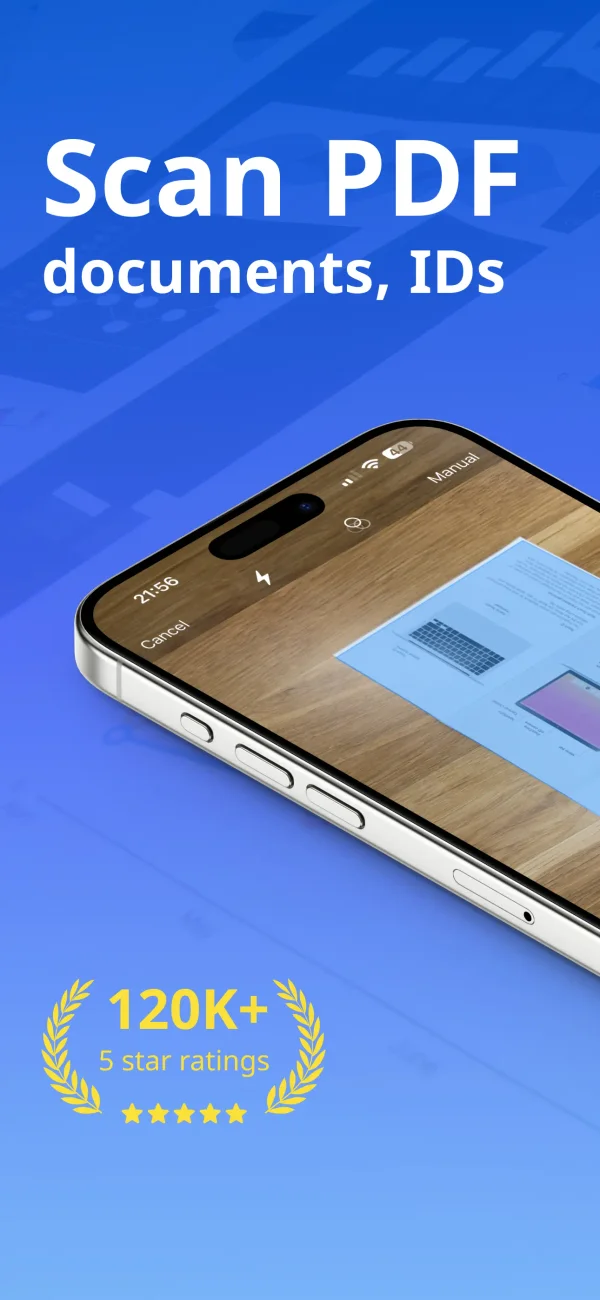
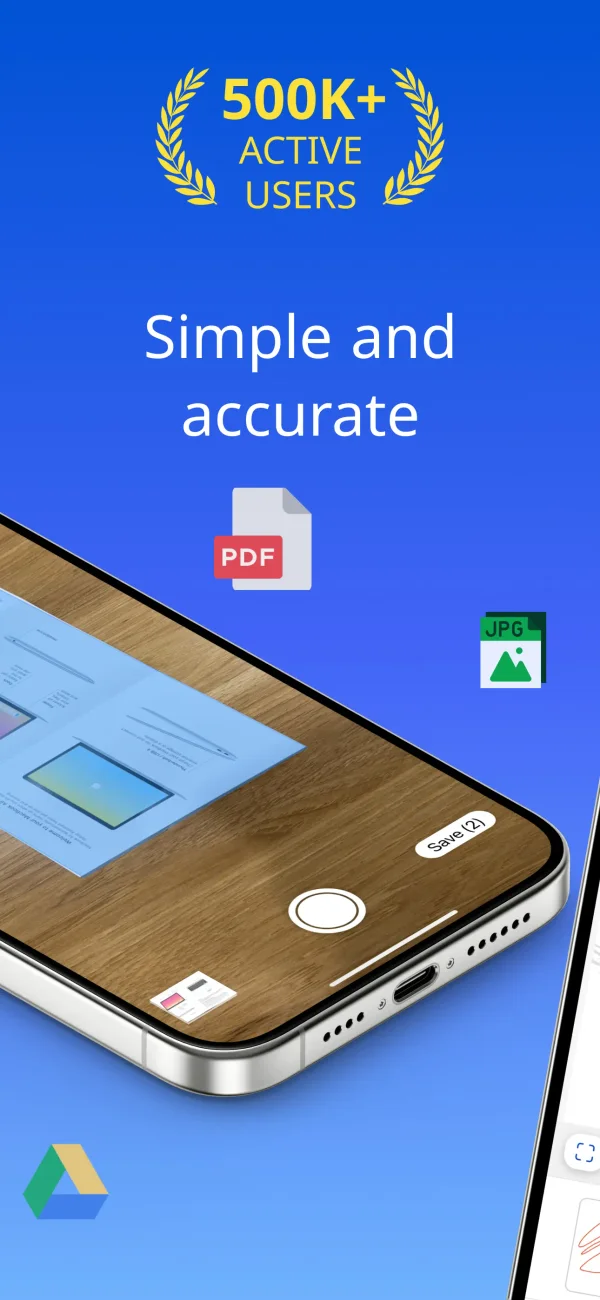
Doc Scanner Photo Scan Text will maximize your document management efficiency : a text scanner pdf for iphone, to change photo text into PDF, while saving both time and storage.
Doc Scanner supports photo scan, scan text and can sign, stamp, sharpen your images, for best document quality, combined with top edge OCR engine of Image to Text.
Doc Scanner: Photo Scan Text, a.k.a Text Scanner PDF for Iphone, supports you with a bunch of features::
- Scan anything: ID cards, receipts, notes, recipes, photo scan, text scan, business cards, whiteboards and turn them into PDF or JPG files you can work with on your smartphone, tablet.
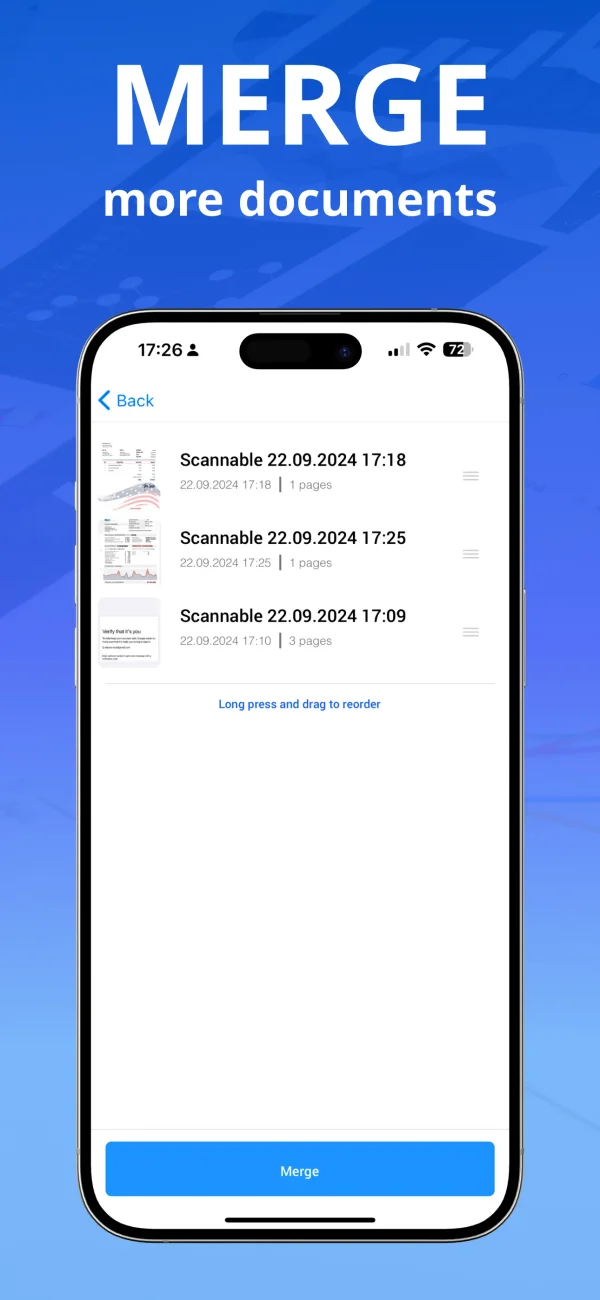
- Doc Scanner scan multiple pages smoothly, photo scan and text scanner pdf for iphone can be combined or merge multiple documents into single document.
- Automatically scan without tapping and add pictures for scanning from camera roll.
- Protect documents with Face ID or PIN for more securely
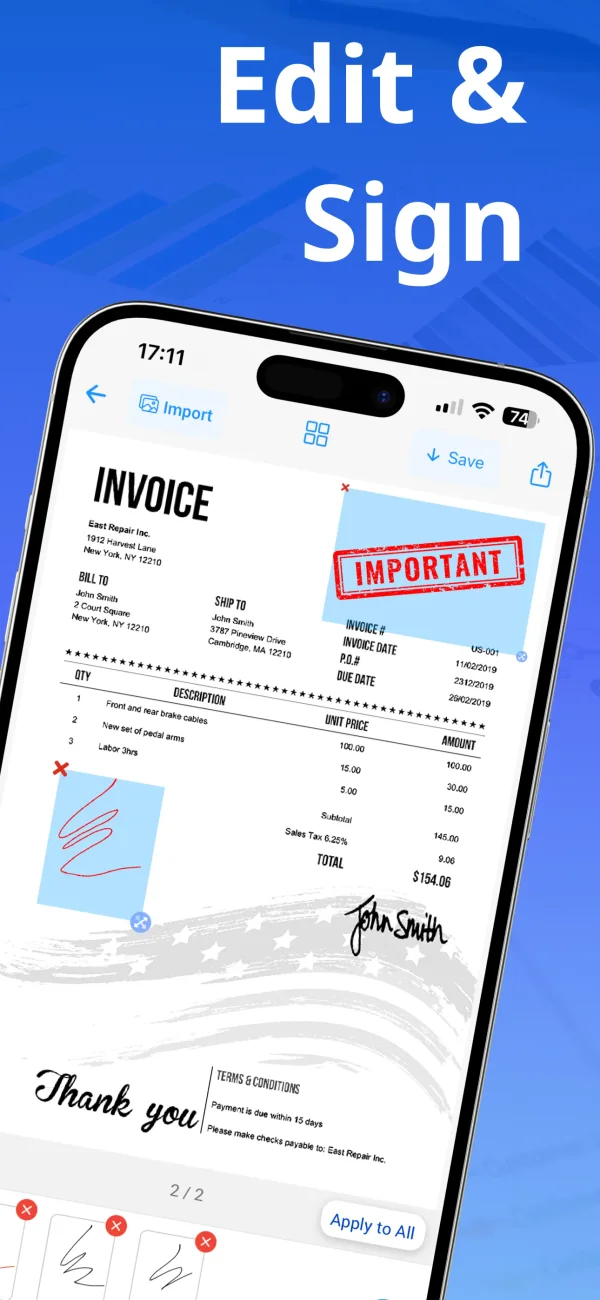
- Text scanner PDF can edit and sign documents with ease using the e-signature feature, preview, reorder, rotate, adjust color in photo scans.
- Image processing engine that allows you to change contrast, enhance, sharpen for the perfect document quality!
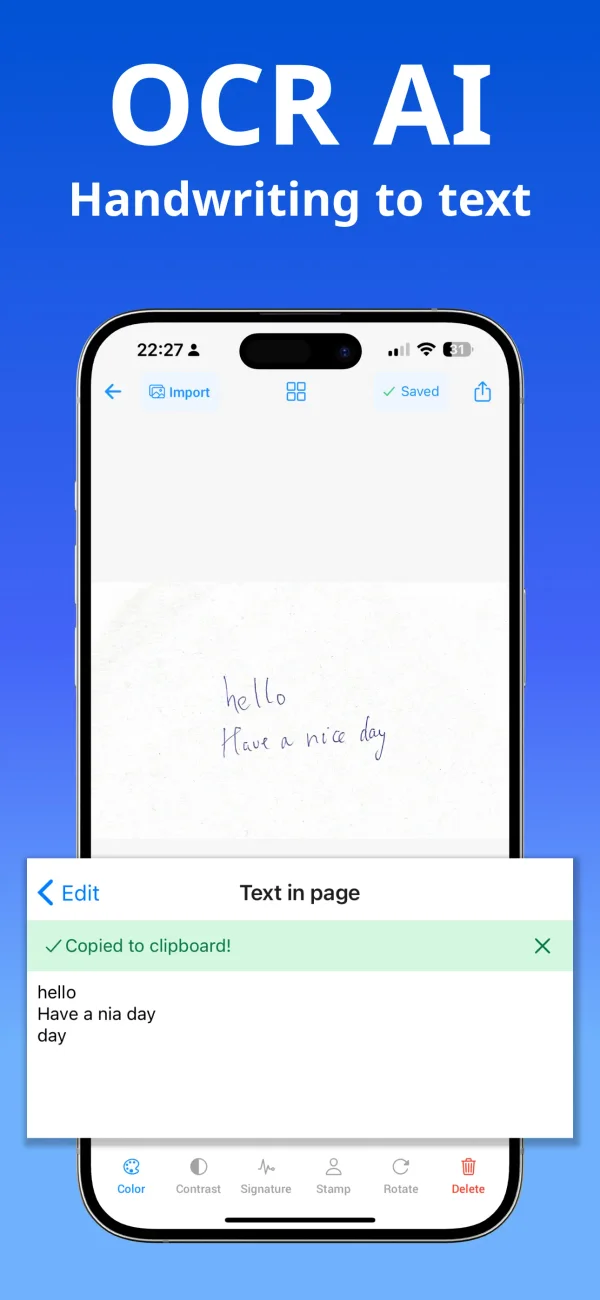
- Automatic OCR turns text scanner pdf into content you can edit, copy and share to other documents.
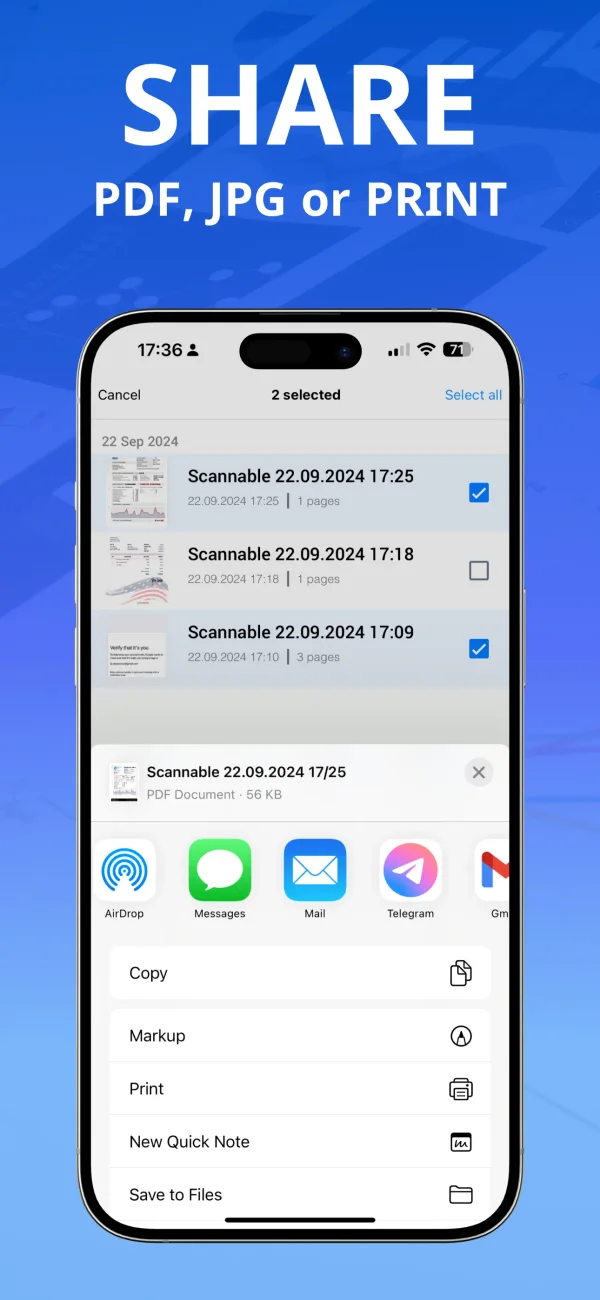
- Print PDFs directly from the app for more convenience.
- Compress PDF files for easy sharing with friends, with just a few taps.
Note: Subscription will be charged to your account and will auto-renew.
Hope you enjoy photo scan and share your documents!
Links to our Terms of Service and Privacy Policy can be found below:
+ Terms of Use: https://huyquangvevo.github.io/scannable-support/terms-and-conditions
+ Privacy Policy: https://huyquangvevo.github.io/scannable-support/privacy
Please contact us at ufaxservice@gmail.com to get help with your problems.
What’s new
Version 1.0.2 · Feb 10, 2025
- Exciting New Features!
- Auto-scan is now 2x faster!
- Better PDF quality & file compression.
- E-signature improvements – Sign docs effortlessly.
- Bug fixes & performance upgrades for a smoother experience.
App privacy
What Nguyen Quang Huy declares on the App Store about how this app handles data.
-
Data not collected
The developer does not collect any data from this app.
Privacy practices may vary, for example with the features you use or your age.
Information
- Seller
- Nguyen Quang Huy
- Category
- Business
- Version
- 1.0.2
- Updated
- Feb 10, 2025
- Released
- Sep 28, 2024
- Size
- 77.5 MB
- Requires
- iOS 13.4 or later
- Age rating
- 4+
- In-app purchases
- Yes
- Languages
- English
- Copyright
- © 2024 QH TH