- Age rating4+
- CategoryEducation
- DeveloperEvgenii Lugovoi
- LanguagesEnglish+ 6 more
- Size22.3 MB
Links to the official App Store page
Download.org hosts no file of AI SoundPaint. The button opens its official App Store page, published by Evgenii Lugovoi. Listing last checked on Nov 21, 2026.
Screenshots
About
First release of SoundPaint!
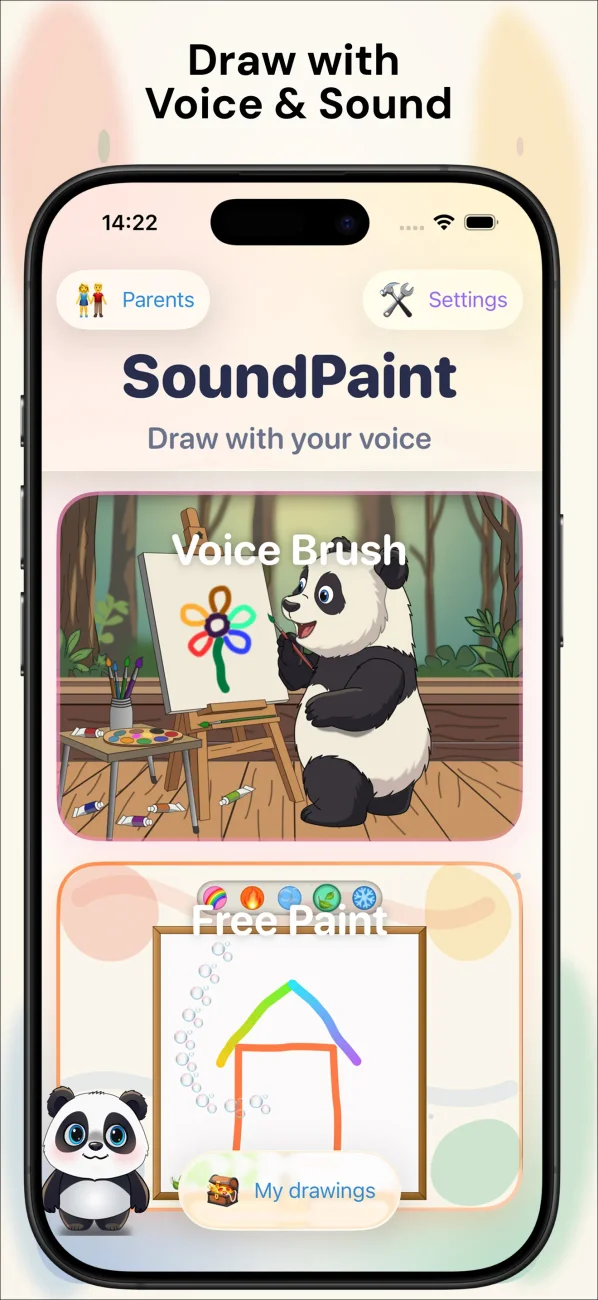
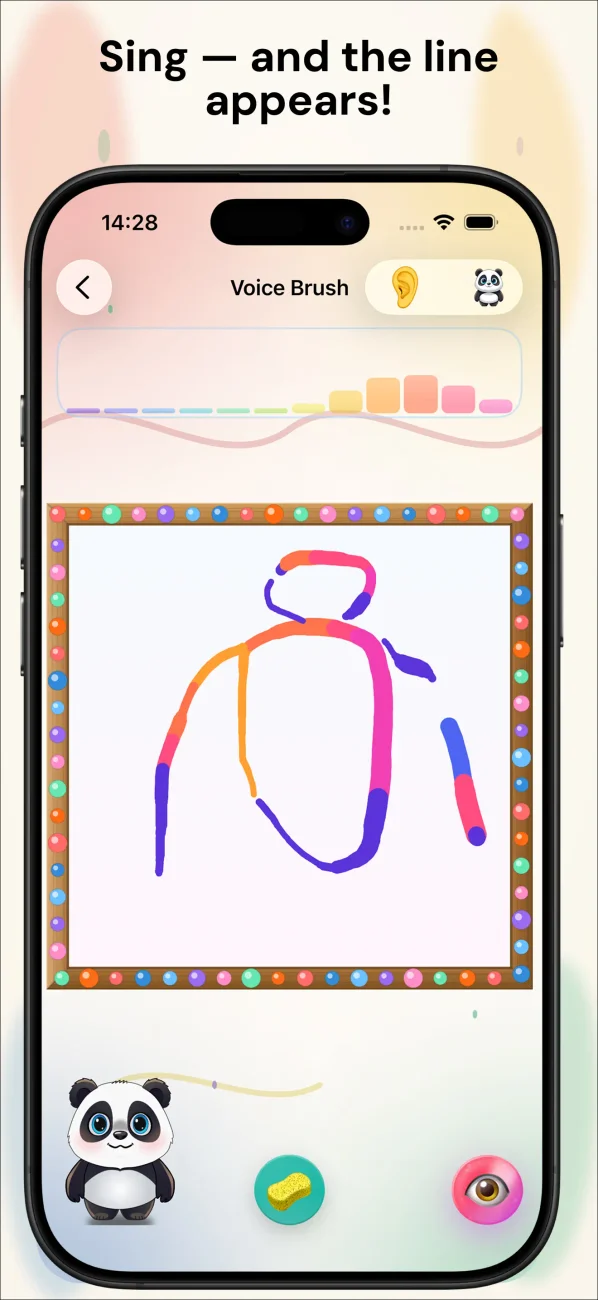
• Voice Brush: draw lines with your voice
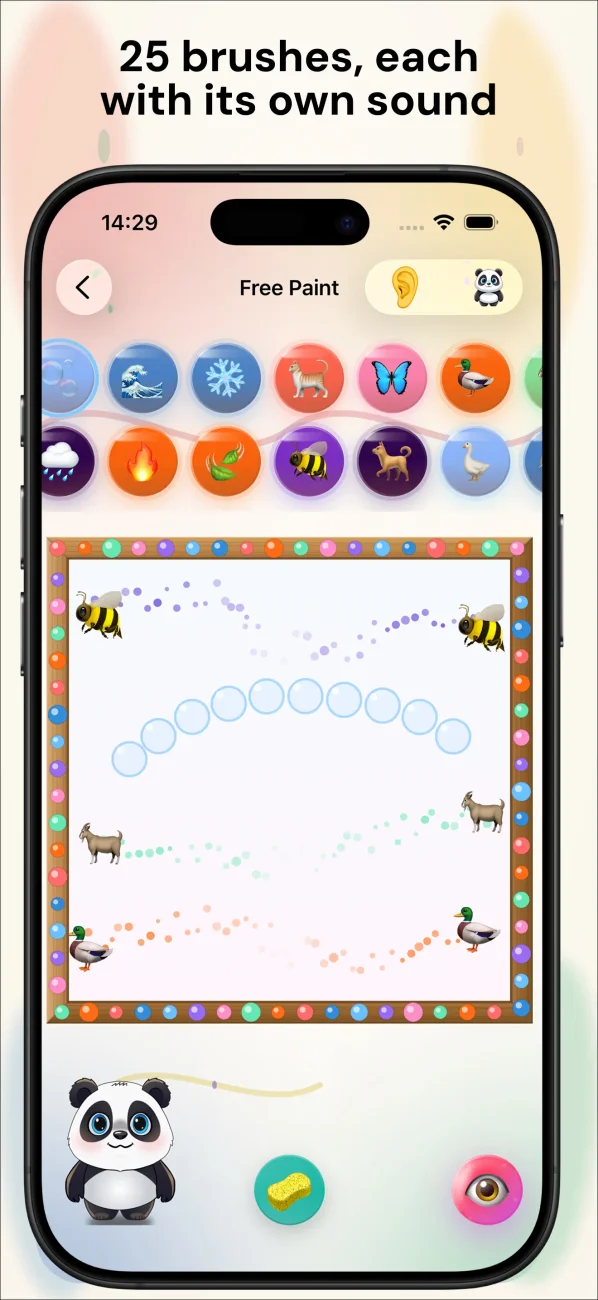
• 25 brushes with real animal and nature sounds
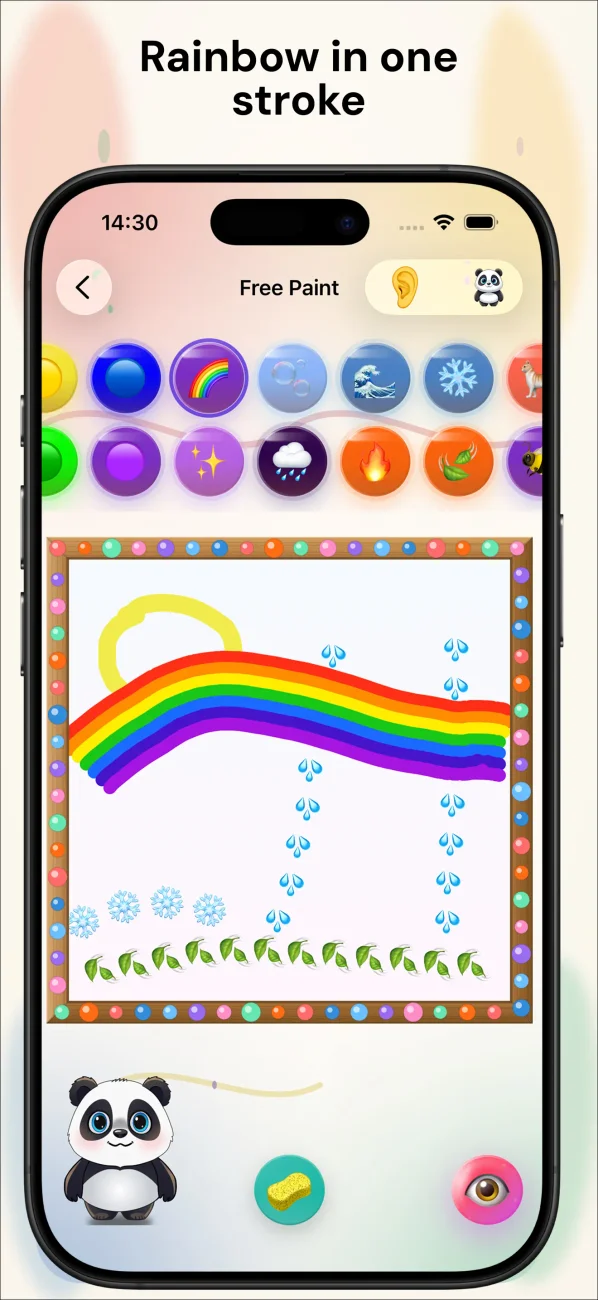
• Rainbow brush: seven colors in one stroke
• Gallery with iCloud sync across your devices
• Parent Zone protected by Face ID / Touch ID
Your child draws — and hears what they painted.
SoundPaint turns your child's voice and touch into bright, musical pictures. It's not just a coloring app — it's your little one's first musical instrument.
——————————————————————
HOW IT WORKS
——————————————————————
• Voice Brush
Drag a finger across the screen and sing or speak. The louder the voice, the thicker and brighter the line. High notes paint in warm colors, low notes in cool blues. Your child literally paints with their voice.
• Free Paint — 25 Brushes with Real Sounds
A cat meows, a bee buzzes, a duck quacks, an elephant trumpets. A rainbow shimmers in seven colors, bubbles pop, snowflakes fall, fire crackles. Every stroke — a new sound, every line — a little discovery.
• The Drawing That Sings
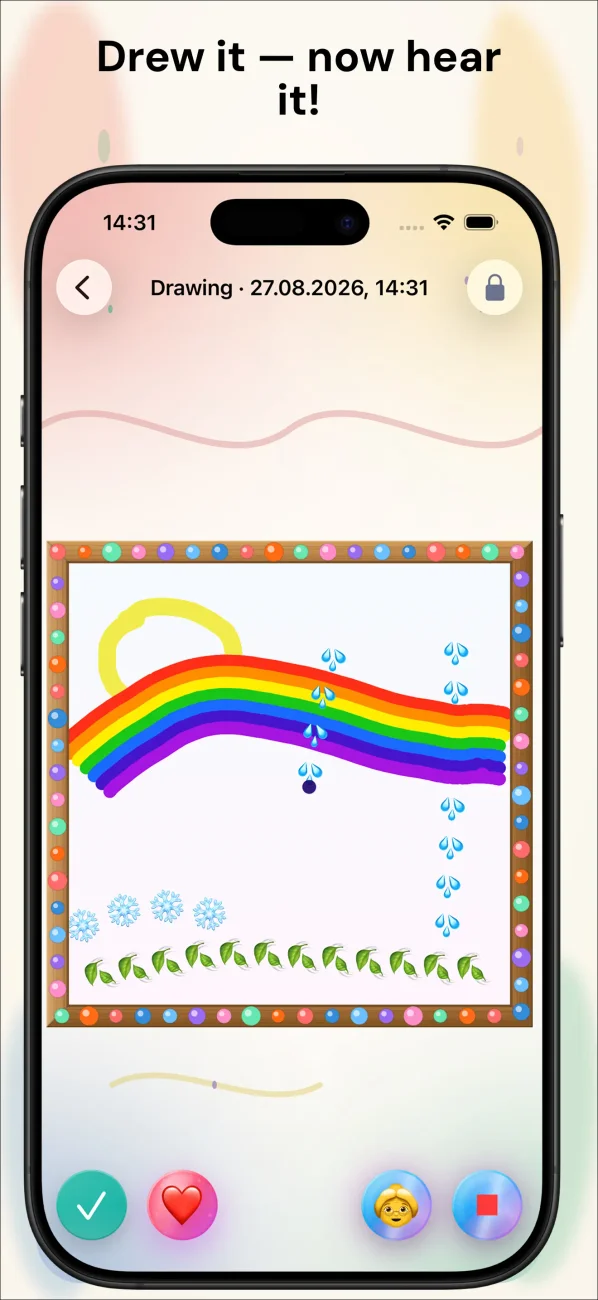
Finished drawing? Tap "Play It Back." Every stroke comes alive in the order it was drawn. Your child hears their own music.
——————————————————————
DESIGNED FOR AGES 3–5
——————————————————————
No words or instructions — just big colorful buttons and emoji. A little panda named Spotty lives on screen with your child: shows what to do, cheers at every drawing, and dozes off when no one's been painting for a while.
Onboarding takes two minutes: a short animated walkthrough, and your little one is already painting on their own.
——————————————————————
GALLERY & SYNC
——————————————————————
Every drawing is automatically saved with its audio track. iCloud keeps your child's drawing history on all your Apple ID devices — iPad on the couch and iPhone in your pocket. Nothing gets lost.
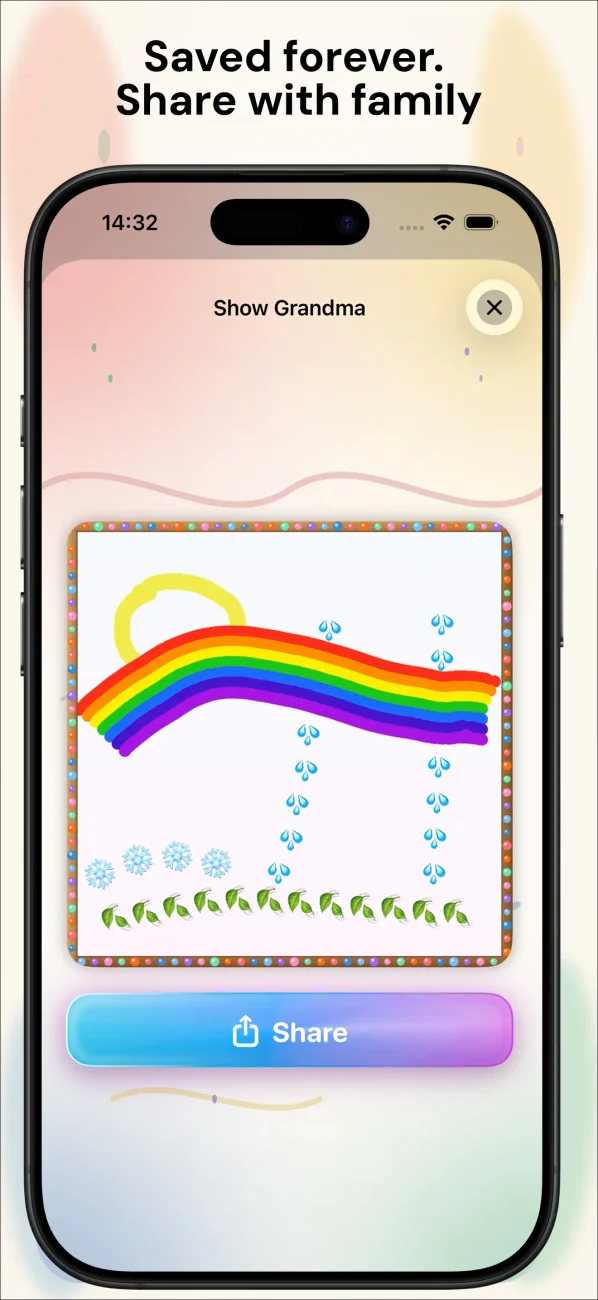
Share any drawing in one tap: the app creates a video with animation and sound — perfect for sending to family.
——————————————————————
PARENT ZONE
——————————————————————
Protected by Face ID or Touch ID — little hands can't sneak in. Inside you'll find:
• Full drawing history with dates and times
• Gallery management: select and delete multiple at once
• Voice assistant and volume settings
• Privacy information
——————————————————————
PRIVACY
——————————————————————
No ads. No in-app purchases. No trackers.
Audio is recorded only to play back your drawing and stored in your personal iCloud account. Data is never shared with third parties or used for analytics.
Terms of Use: https://www.apple.com/legal/internet-services/itunes/dev/stdeula/
Privacy Policy: https://crocolab-art.github.io/soundpaint/privacy-policy.html
App privacy
What Evgenii Lugovoi declares on the App Store about how this app handles data.
-
Data not collected
The developer does not collect any data from this app.
Privacy practices may vary, for example with the features you use or your age.
Information
- Seller
- Evgenii Lugovoi
- Category
- Education
- Version
- 1.0
- Updated
- Sep 1, 2026
- Released
- Aug 31, 2026
- Size
- 22.3 MB
- Requires
- iOS 26.0 or later
- Age rating
- 4+
- Price
- Free
- Languages
- English, French, German, Japanese, Portuguese, Russian, Spanish
- Copyright
- © Crocolab Art 2026
You might also like
-
 Тест капитанаEducation
-
 Flash SyllabesEducation
-
 Coloring for Kids Ages 2-5Toddler coloring book & paint
-
 Kids Drawing | HappyDoodleKids Doodle & Drawing (2–8)
-
 HEBREW ULPANEducation
-
 Sandbox ARBuild, Create & Explore in AR
-
 Learn Hebrew (Beginners)Quick and easy to learn
-
 Pictalk Buddy: Routine & AACVisual & AAC tools for autism
-
 GraphoGame: FrançaisEducation
-
 Lola's Alphabet Train ABC GameLearn to read! Fun learning!