
AI Usage Tracker: Pulse
Monitor Codex, Claude & More
Designed for iPhone, iPad
Free
- Age rating4+
- CategoryDeveloper Tools
- DeveloperPibardos LLC
- LanguagesEnglish
- Size43.8 MB
Links to the official App Store page
Download.org hosts no file of AI Usage Tracker: Pulse. The button opens its official App Store page, published by Pibardos LLC. Listing last checked on Nov 17, 2026.
Screenshots
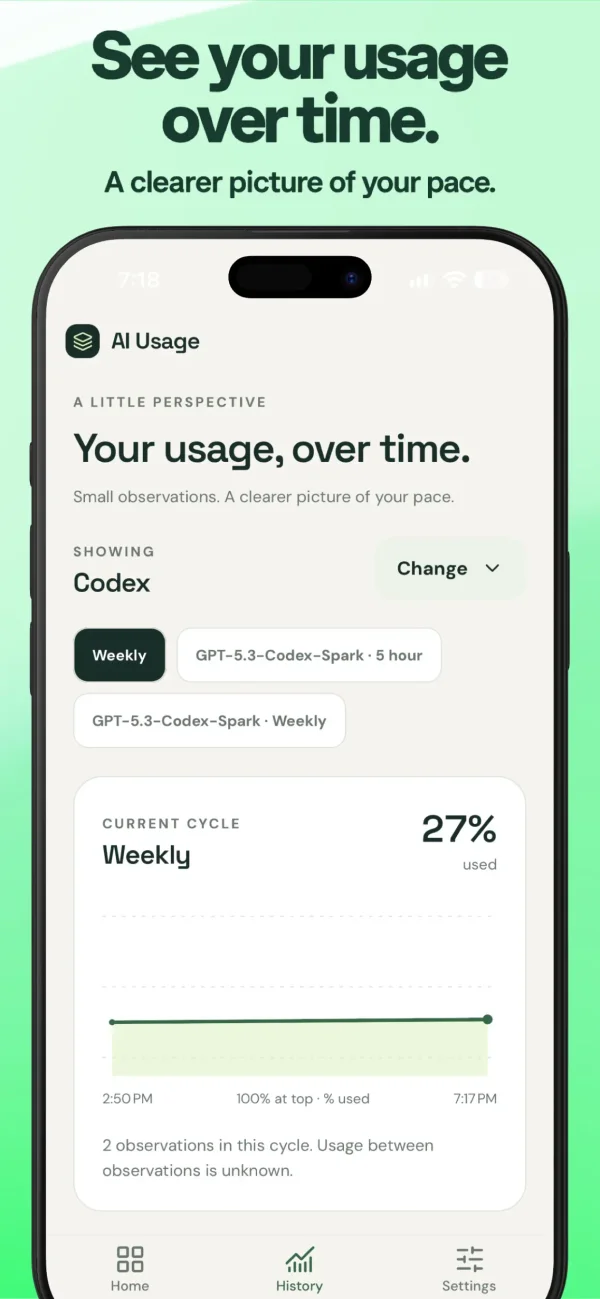
About
Keep track of your AI limits before they interrupt your flow.
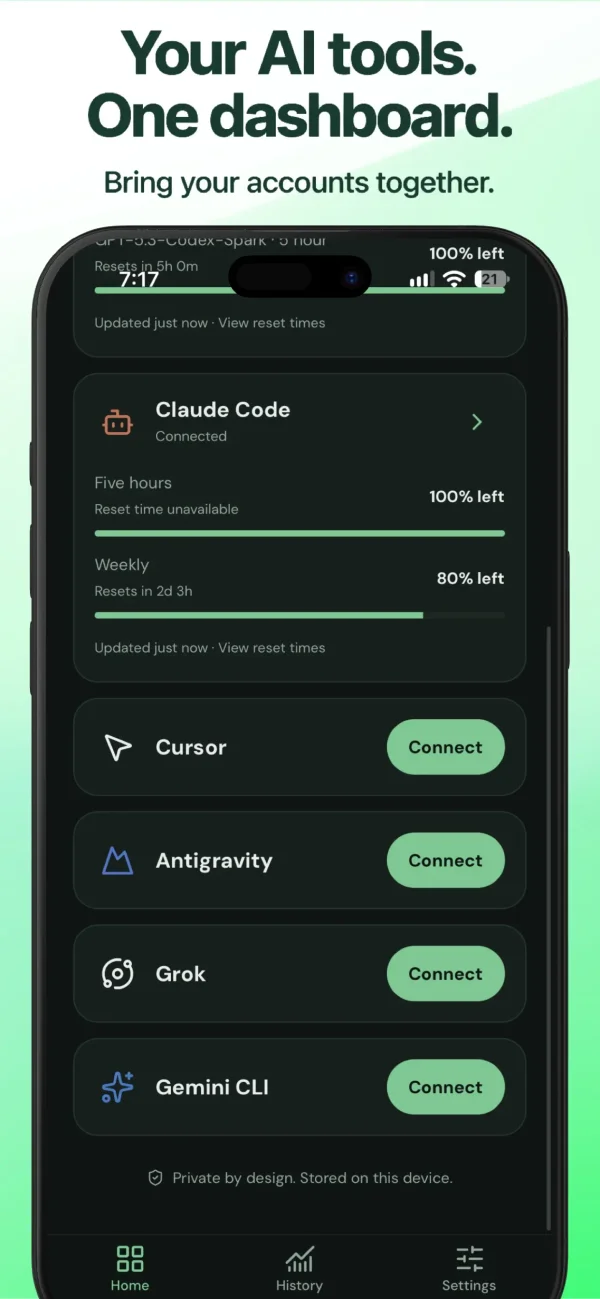
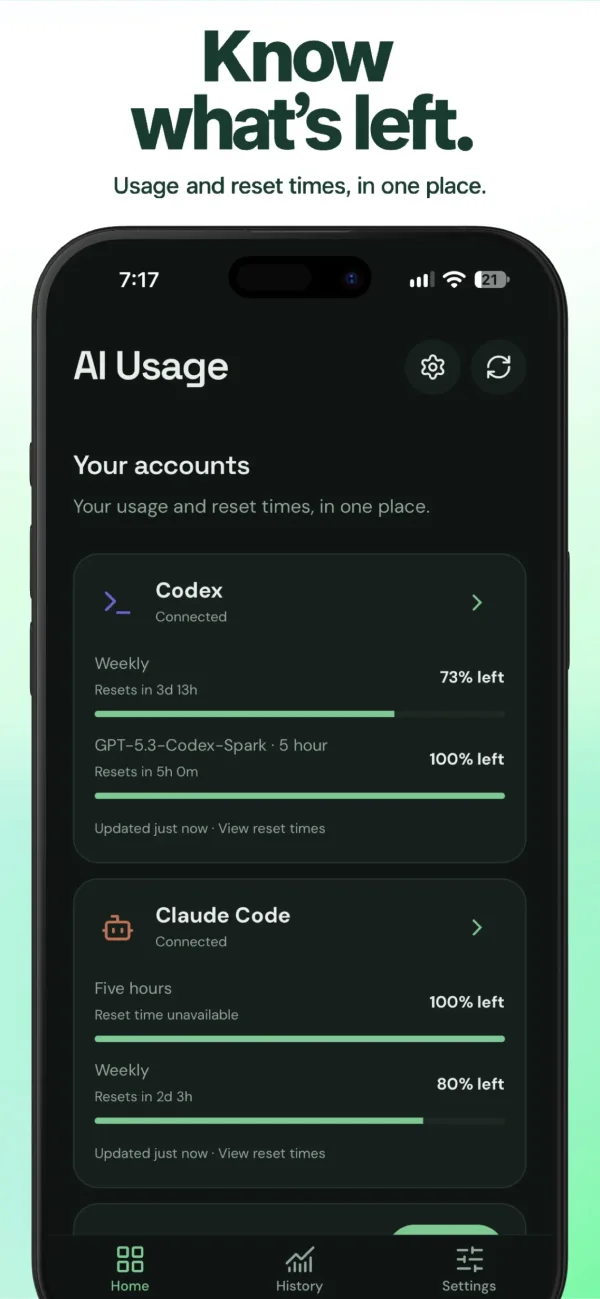
AI Usage brings your connected AI accounts into one dashboard, so you can see your remaining allowance, check upcoming resets, and plan your next session.
Connect Codex, Claude Code, Cursor, Antigravity, Grok, and Gemini CLI to keep your usage in view.
• Your usage at a glance: See usage, remaining allowance, and available limits for each connected provider.
• Reset countdowns: Check when your allowance is expected to refresh.
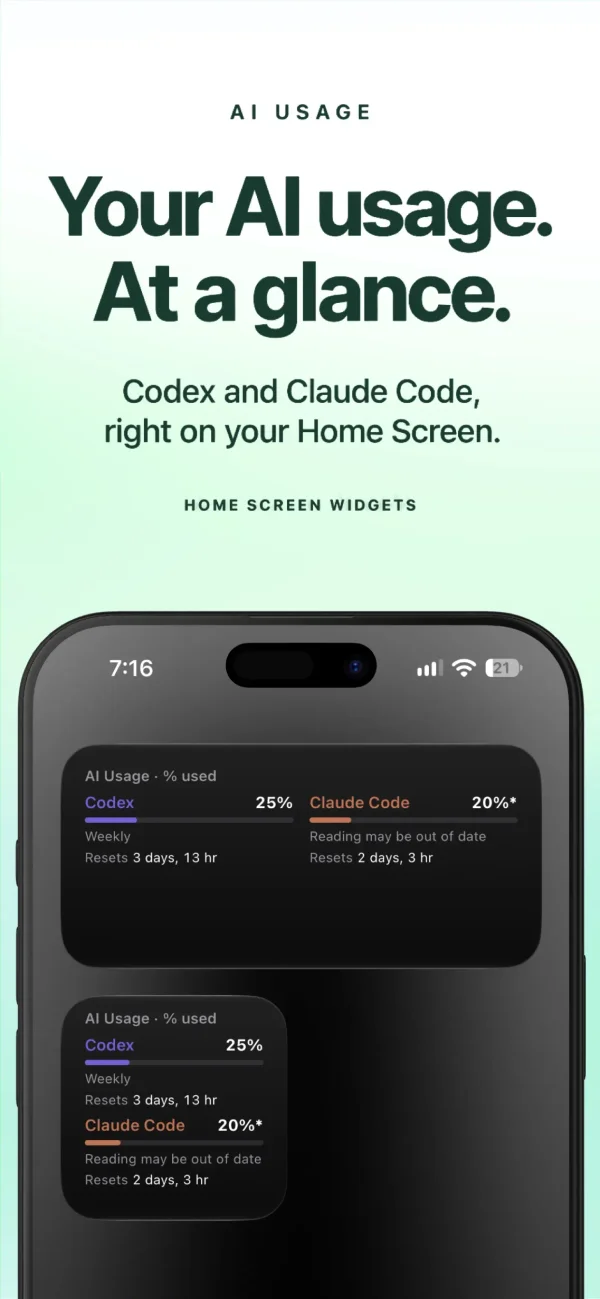
• Home Screen widgets: Follow all your connected providers together, or focus on one.
• Usage history and forecasts: Explore readings saved on your device and estimate how long your allowance may last based on recent activity.
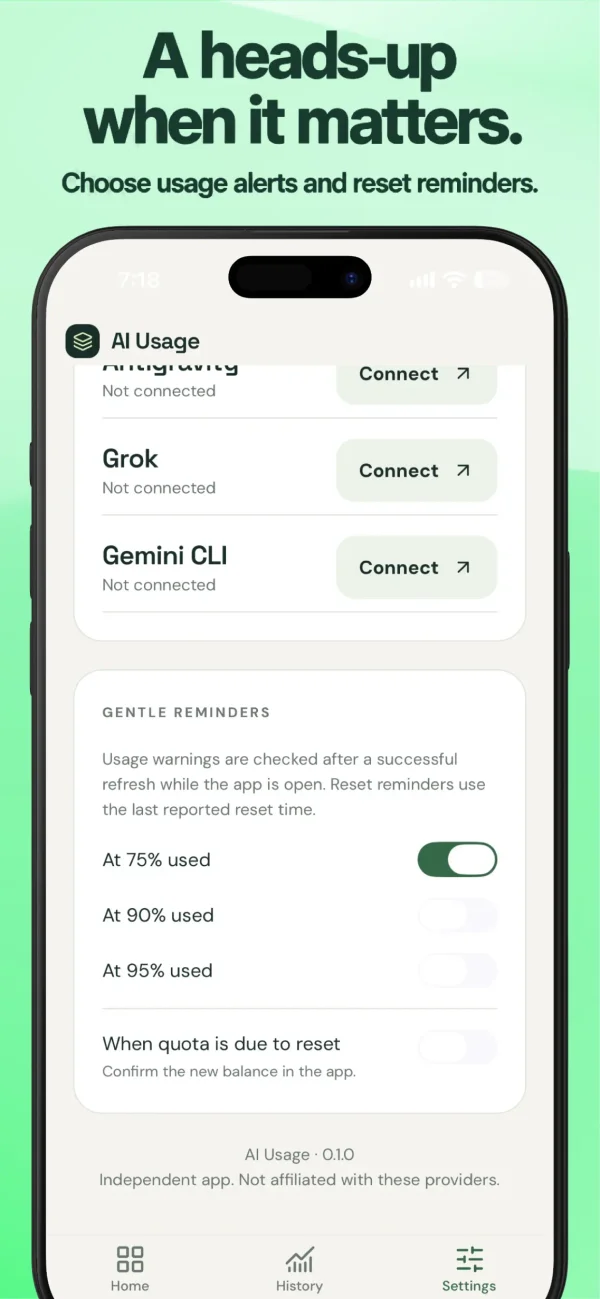
• Optional reminders: Choose alerts at 75%, 90%, or 95% usage, plus reminders for expected resets.
Your usage history stays on your device, and sign-in credentials are stored securely. Disconnecting a provider removes its saved session, history, and reminders from the app.
Whether you’re coding, researching, or creating, AI Usage helps you decide when to keep going, switch tools, or take a break.
Requires an account with a supported provider. Available usage details vary by provider and plan. Gemini support tracks Gemini CLI allowance. Refresh timing depends on provider availability and your device; forecasts and reset times are estimates.
AI Usage is an independent app and is not affiliated with or endorsed by the supported providers.
What’s new
Version 1.1.1 · Oct 25, 2026
- Improved Antigravity sign-in: choose the correct Google account and view its usage.
- Widgets now show weekly and five-hour limits together, with new Settings options to customize your view.
App privacy
What Pibardos LLC declares on the App Store about how this app handles data.
-
Data not collected
The developer does not collect any data from this app.
Privacy practices may vary, for example with the features you use or your age.
Information
- Seller
- Pibardos LLC
- Category
- Developer Tools
- Version
- 1.1.1
- Updated
- Oct 25, 2026
- Released
- Sep 16, 2026
- Size
- 43.8 MB
- Requires
- iOS 16.4 or later
- Age rating
- 4+
- Price
- Free
- Languages
- English
- Copyright
- © 2026 Pibardos
You might also like
-
 UsageScope: AI Usage TrackerClaude, Codex Usages and Reset
-
 Charge - AI Usage TrackerDeveloper Tools
-
 QuotaKit: AI Usage TrackerQuota alerts & spend
-
 Usages: AI Usage TrackerQuota limits, resets & cost
-
 Model UsageAI coding usage dashboard
-
 Rate Limits: AI Usage TrackerYour AI Usage and Limits
-
 Kastyl: AI Usage TrackerLimits, Resets & Widgets
-
 Omnis - AI Usage TrackerYour AI usages
-
 API UsageAI spend at a glance
-
 Codex Meter - Your Codex UsageDeveloper Tools