
AI Video Eraser: Remove Object
Remove People & Text in Video
Designed for iPhone, iPad
Free · In-app purchases
- Age rating4+
- CategoryGraphics & Design
- Developer颖 周
- LanguagesEnglish+ 32 more
- Size57.3 MB
Links to the official App Store page
Download.org hosts no file of AI Video Eraser: Remove Object. The button opens its official App Store page, published by 颖 周. Listing last checked on Nov 29, 2026.
Screenshots

About
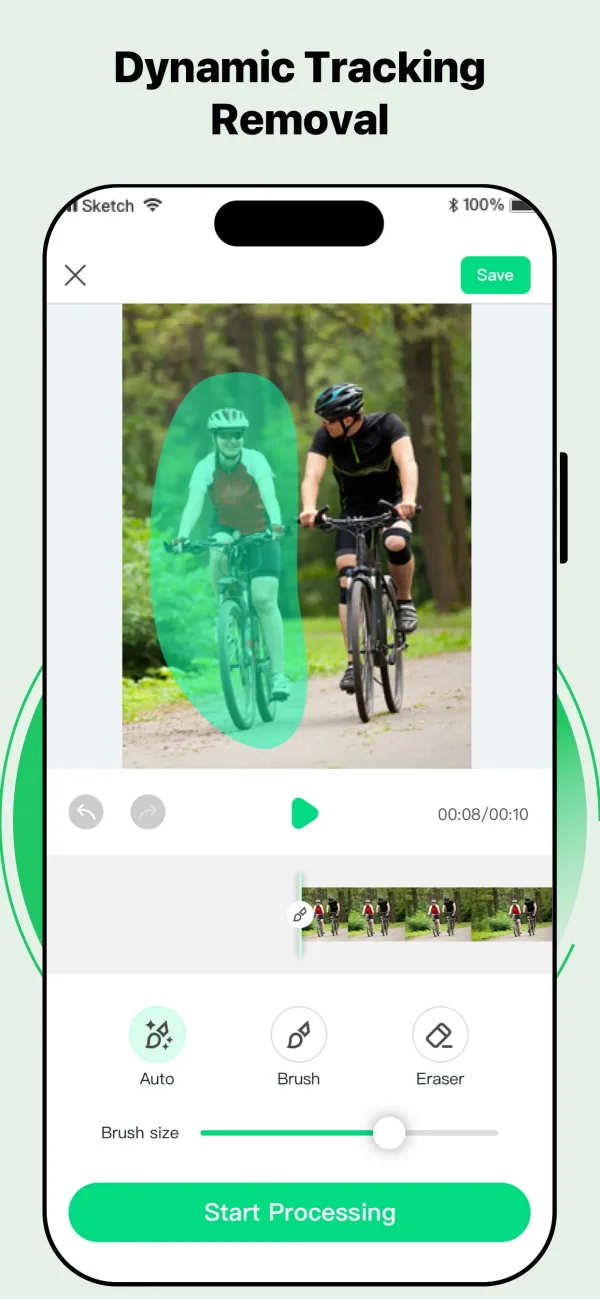
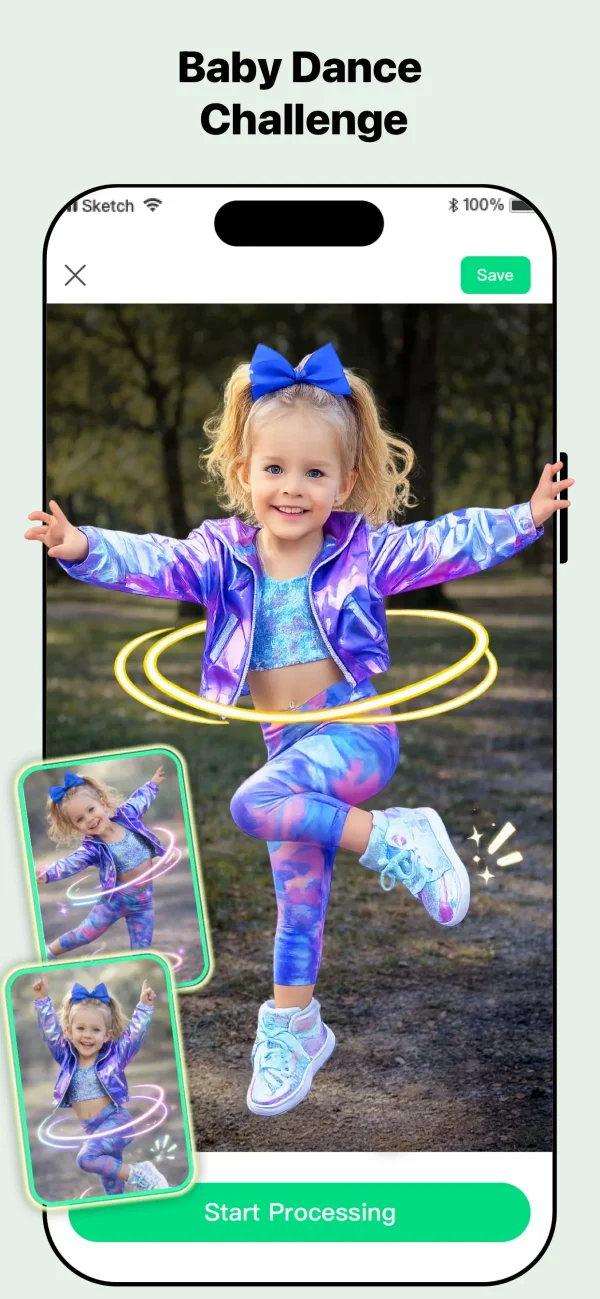
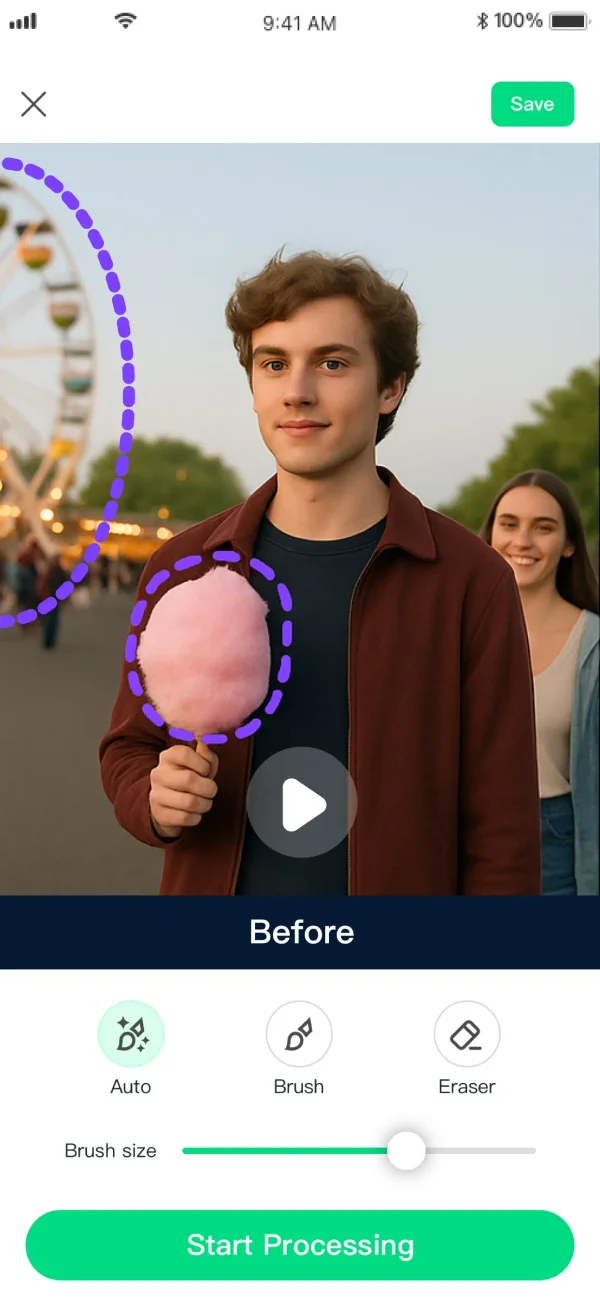
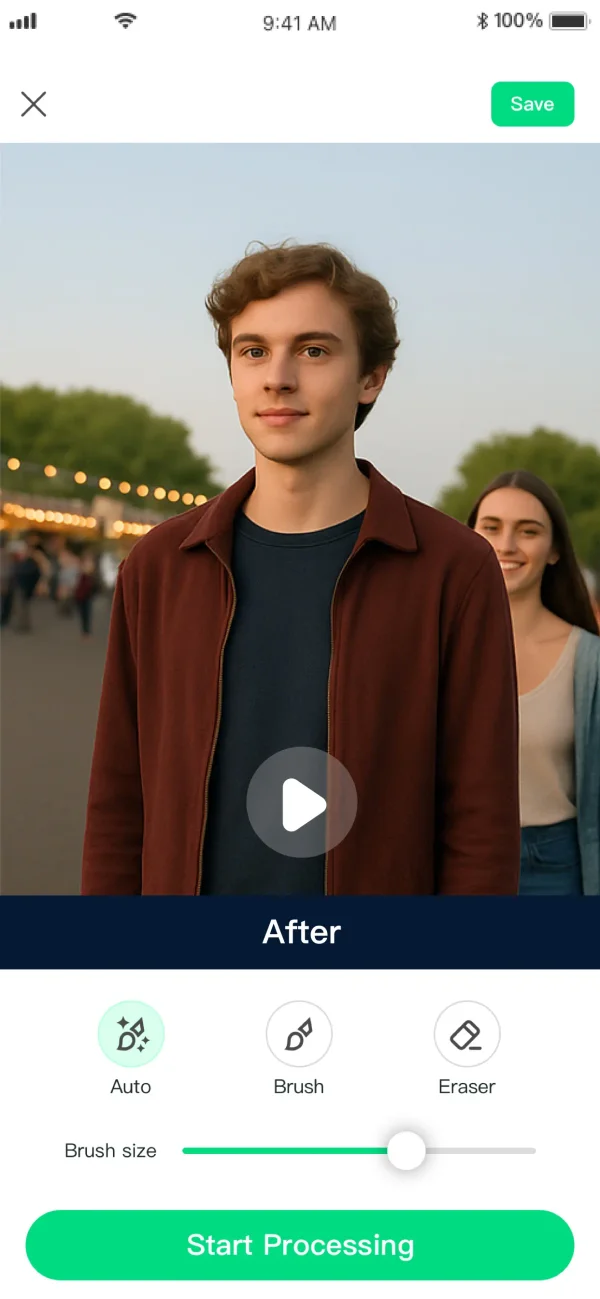
Video Eraser (AI Video Eraser: Remove Object) is an AI-powered iPhone and iPad app that removes people, objects, logos, text and other unwanted elements from videos. Mark what you want gone, and the AI reconstructs the background behind it – no video editing skills required.
REMOVE OR COVER: CHOOSE YOUR WORKFLOW
• Remove people and moving objects with Dynamic Tracking.
• Mark stationary text, logos or distractions with Fixed Area. Moving text and changing subtitles may need extra edits.
• Edit with Prompt: describe the change you want and choose the model suited to your clip.
• Video Editor: combine mosaic, crop, filters and adjustments on your device. Save directly to Photos without using credits. Mosaic covers the marked area; it does not reconstruct the background.
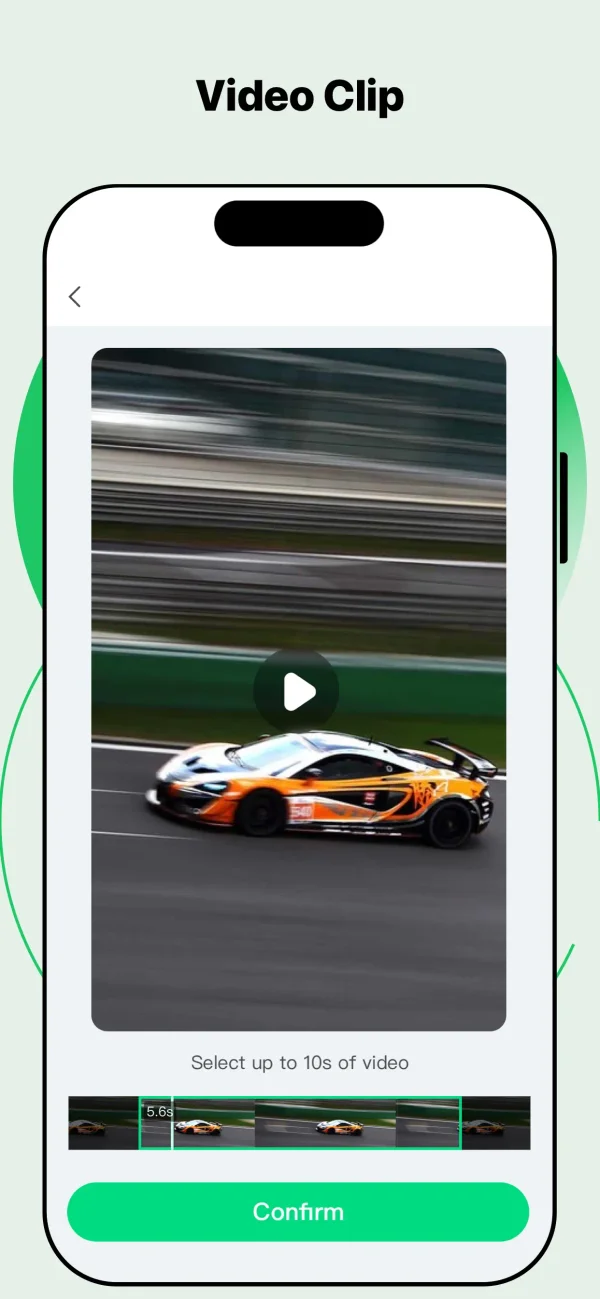
• Pinch to zoom and pan with two fingers for more precise marking. Trim your clip and preview the result before saving.
HOW IT WORKS
1. Import a video and select the part you need.
2. Choose an AI tool to remove or edit content, or open Video Editor for local edits.
3. For AI processing, check the credit cost before starting. Review the result before saving.
BEFORE PROCESSING
Works on iPhone and iPad with iOS 18 or later. Clip duration, supported input and output resolution depend on the selected mode and model; check the current limits in the app. AI removal and prompt editing require an internet connection. Processing time and results vary; complex scenes can retain visible artifacts. Keep your original video and inspect the edited areas before sharing.
DOWNLOAD AND CREDITS
Free to download. Cloud AI removal and prompt editing use credits; check the cost shown in the app before starting. Editing and saving in Video Editor do not use credits. Plans and credit packs are available in the app. Subscriptions renew automatically unless cancelled in your App Store settings.
Support: feedback@globalpixelstudio.com
PRIVACY
Videos are processed securely and automatically deleted from our servers within 1 hour. We never use your videos for anything else.
=== IMPORTANT ===
Video Eraser is intended for personal content or footage you have permission to edit. Removing copyrighted graphics or logos without authorization may violate the law. The developer is not responsible for misuse.
Terms: https://docs.qq.com/doc/DWGxoWUhYRWVaWUZm
Privacy: https://docs.qq.com/doc/DWHpKbVVzVFVTREdL
What’s new
Version 1.3.9 · Nov 22, 2026
• Restored support for short videos and Live Photos in Dynamic Tracking and Fixed Area.
• Improved reliability when preparing longer videos for AI processing.
• Fixed crashes when selecting a video source on iPad or capturing a frame.
Fixed crashes that could occur while editing videos, drawing a removal mask, or saving the result. AI tasks now recover more reliably after a temporary connection issue.
App privacy
What 颖 周 declares on the App Store about how this app handles data.
-
Data not collected
The developer does not collect any data from this app.
Privacy practices may vary, for example with the features you use or your age.
Information
- Seller
- 颖 周
- Category
- Graphics & Design
- Version
- 1.3.9
- Updated
- Nov 22, 2026
- Released
- Apr 1, 2025
- Size
- 57.3 MB
- Requires
- iOS 18.0 or later
- Age rating
- 4+
- Price
- Free
- In-app purchases
- Yes
- Languages
- English, Arabic, Catalan, Croatian, Czech, Danish, Dutch, Finnish, French, German, Greek, Hebrew + 21 more
- Copyright
- © Ground Soft
You might also like
-
 AI Video & Photo GeneratorPicture Art Image Editor Maker
-
 FluxArt - AI Image GalleryCreate & Edit art
-
 Remove Objects & Photo EraserErase Image & People Remover
-
 GrainLab Film Grain EditorRealistic Analog Filmgrain App
-
 3DS PlanMaker, AI Arch designInterior Styer, Room Designs
-
 Viszy AI: New Avatar MakerMake AI Art,Action Figure,Toy
-
 Color Finder ™Graphics & Design
-
 Business Card Maker·Digital Business Card Designer
-
 Blend PhotosCombine Photo, Photo Blender
-
 Wallpapers for Dynamic Island.Aesthetic wallpaper background