
AI Video Generator, Maker
Create Movie and Stories
Designed for iPhone, iPod touch
Free · In-app purchases
- Age rating17+
- CategoryGraphics & Design
- DeveloperKLYPP OTERHOLM
- LanguagesEnglish+ 12 more
- Size11.0 MB
Links to the official App Store page
Download.org hosts no file of AI Video Generator, Maker. The button opens its official App Store page, published by KLYPP OTERHOLM. Listing last checked on Nov 13, 2026.
Screenshots

About
Magivid turns your photos into short videos. Pick a ready-made scene, swap a face into any clip, or describe what you want to see — and save the result straight to your camera roll.
PICK A SCENE, ADD YOUR PHOTO
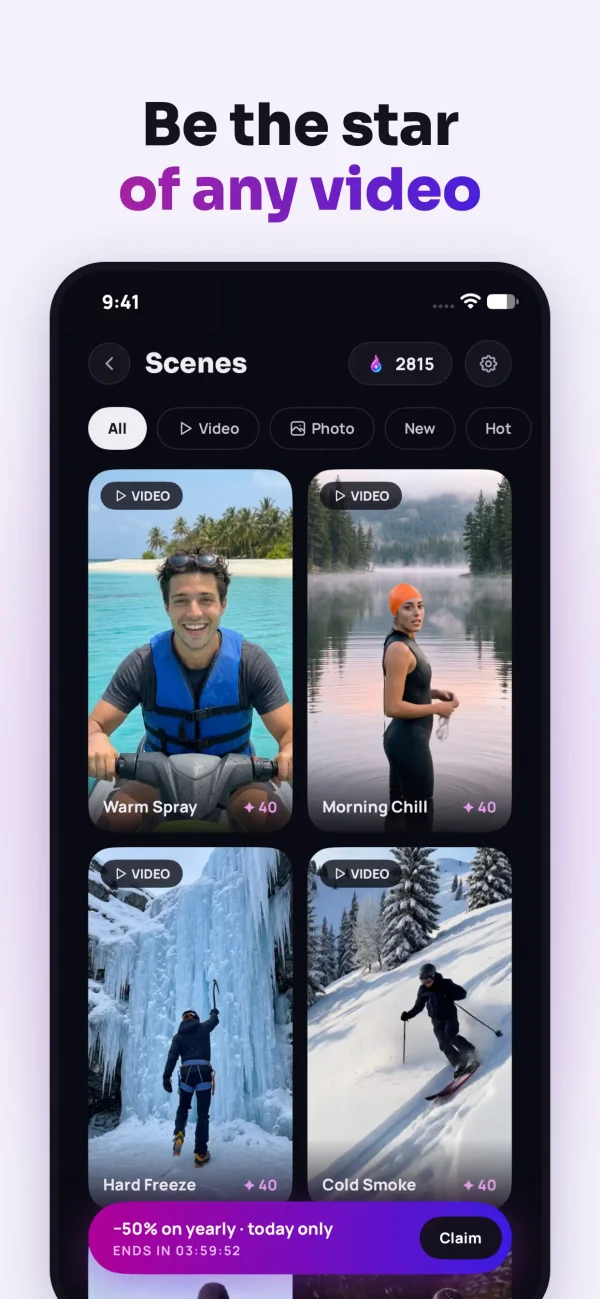
Browse 40+ ready-made scenes — video clips and photo looks, with new ones added over time. Every scene plays its preview right in the grid, so you know what you are getting before you start. Choose one, add a clear photo of yourself, and Magivid puts you inside it. Filter by Video, Photo, New or Hot, and pick the frame for your clip: 9:16 for Reels and Shorts, 1:1 for the feed, or 16:9 for widescreen.
DESCRIBE IT, GET A CLIP
Type the scene you have in mind — "a slow pan across a rain-lit street, neon signs reflecting in puddles, one person walking toward the camera" — and Magivid renders it as a video. Add a reference photo if you want the clip to grow out of your own picture, or leave it out and let the words do the work.
IT RENDERS IN THE BACKGROUND
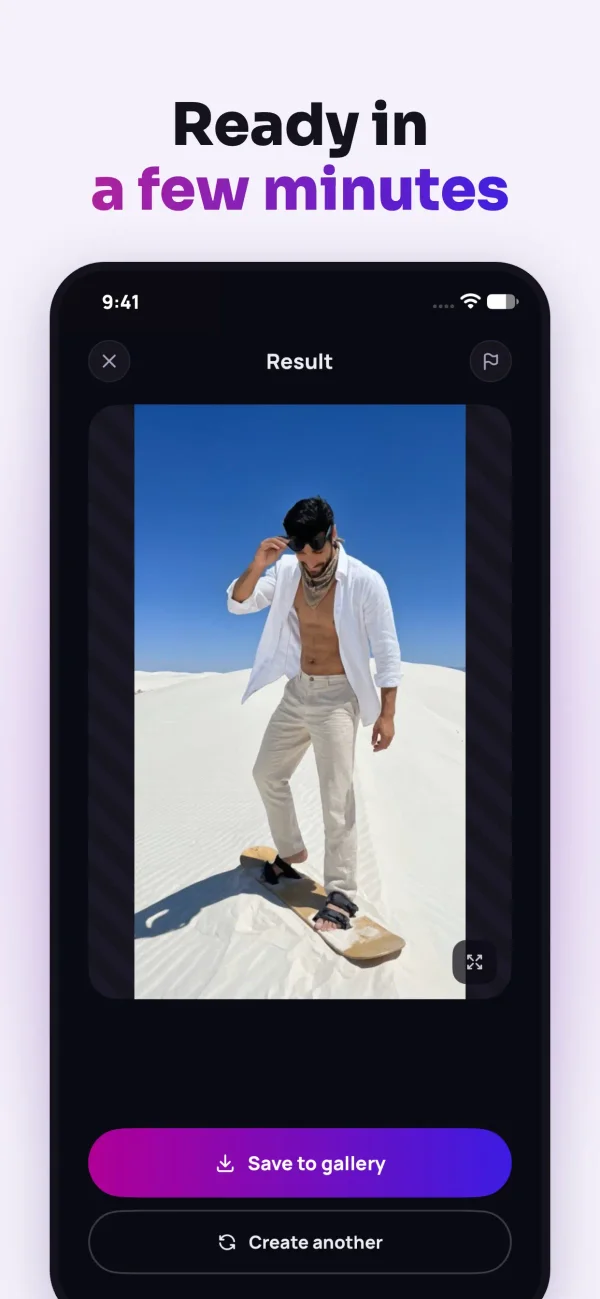
Start a render and put your phone away. Magivid keeps working and sends you a notification the moment your result is ready.
EVERYTHING IN ONE LIBRARY
Every video and photo you make is kept in your Library, sorted into photos and videos, ready to save to Photos or share with friends.
BUILT TO STAY OUT OF YOUR WAY
• No ads, anywhere
• Prices shown before every render
• Video and photo results in one app
• Available in 13 languages
SPARKS AND MAGIVID PRO
Renders are paid for with sparks, and every render shows its cost before you spend anything. Magivid PRO comes as a weekly or a yearly plan: the yearly plan adds 1,000 sparks with every renewal, the weekly plan adds 200, and PRO unlocks every scene in the catalog. Need more sparks sooner? Top up any time with a one-time spark pack.
FREE SPARKS
Check in every day to collect free sparks — the reward grows over a seven-day streak — and get a one-time bonus for turning on notifications.
Payment is charged to your Apple Account at confirmation of purchase. Subscriptions renew automatically unless auto-renew is turned off at least 24 hours before the end of the current period, and your account is charged for renewal within 24 hours before the end of the period. You can manage or cancel your subscription in Settings › Apple Account › Subscriptions. Spark packs are one-time purchases and are spent as you create.
Privacy Policy: https://sites.google.com/view/privacypolicymagivid
Term of Use: https://sites.google.com/view/terms-of-use-magivid
What’s new
Version 1.1 · Oct 7, 2026
improving interface design and usability
adding functionality
adding localizations
adding analytics
App privacy
What KLYPP OTERHOLM declares on the App Store about how this app handles data.
-
Data used to track you
May be used to track you across apps and websites owned by other companies.
- Identifiers
- Usage data
-
Data not linked to you
May be collected but is not linked to your identity.
- User content
- Identifiers
- Usage data
- Diagnostics
Privacy practices may vary, for example with the features you use or your age.
Information
- Seller
- KLYPP OTERHOLM
- Category
- Graphics & Design
- Version
- 1.1
- Updated
- Oct 7, 2026
- Released
- May 9, 2024
- Size
- 11.0 MB
- Requires
- iOS 15.0 or later
- Age rating
- 17+
- Price
- Free
- In-app purchases
- Yes
- Languages
- English, Arabic, French, German, Hindi, Italian, Japanese, Korean, Portuguese, Russian, Simplified Chinese, Spanish + 1 more
- Copyright
- © KLYPP OTERHOLM
You might also like
-
 AI Video Generator, EditorCreate Movie and Stories Maker
-
 AI Video Generator, CreatorStories Editor and Movie Maker
-
 AI Design Room - Home DecorPlanner, Interior Designer App
-
 AI Interior Design, DecoratorRoom Planner & Home Designer
-
 Room Design: AI Home DecorInterior Designer and Planner
-
 AI Room Design: Home DecorInterior Designer & Planner
-
 PixelMint – AI Photo MagicAI Photo Magic & Filters
-
 CoolFonts - Keyboard & themesFonts for iPhones & Emoji
-
 Logo Maker - Graphic Design .Logo Creator, Graphic Design
-
 AI Room Design and Home DecorInterior Designer, Planner app