AI Weekly Spend Tracker - Pace
Escape paycheck to paycheck
Designed for iPhone, iPod touch
Free · In-app purchases
- Age rating4+
- CategoryFinance
- DeveloperPurple Bluebonnets Labs LLC
- LanguagesEnglish
- Size77.2 MB
Links to the official App Store page
Download.org hosts no file of AI Weekly Spend Tracker - Pace. The button opens its official App Store page, published by Purple Bluebonnets Labs LLC. Listing last checked on Nov 17, 2026.
Screenshots

About
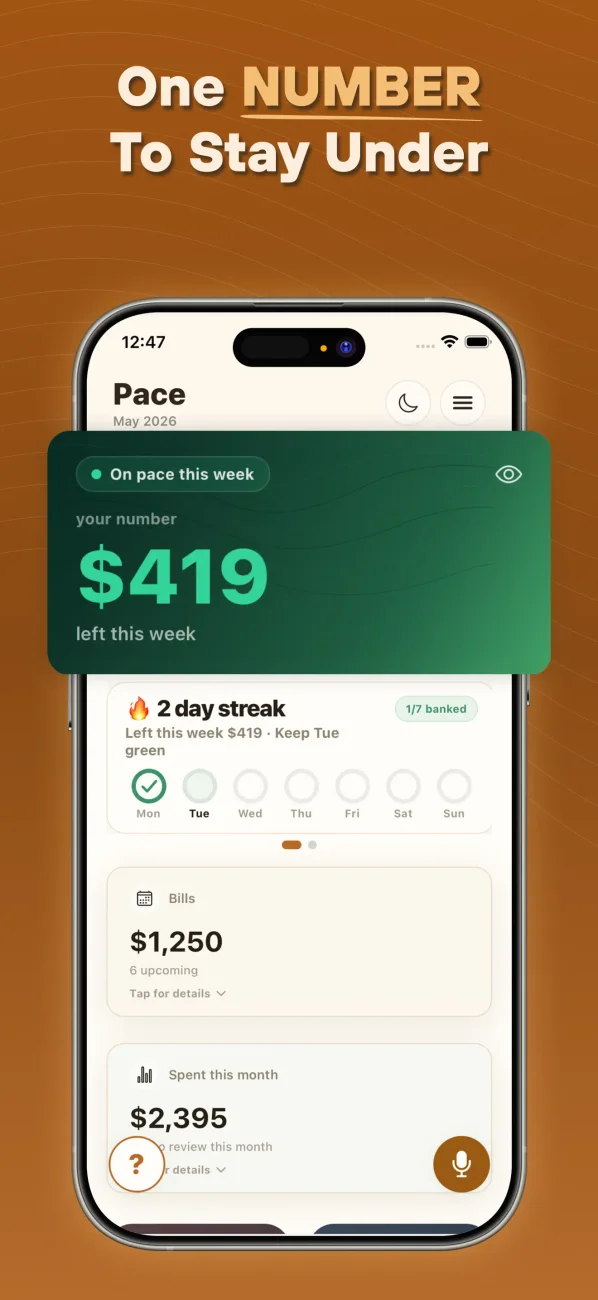
You don't need a budget. You need one number.
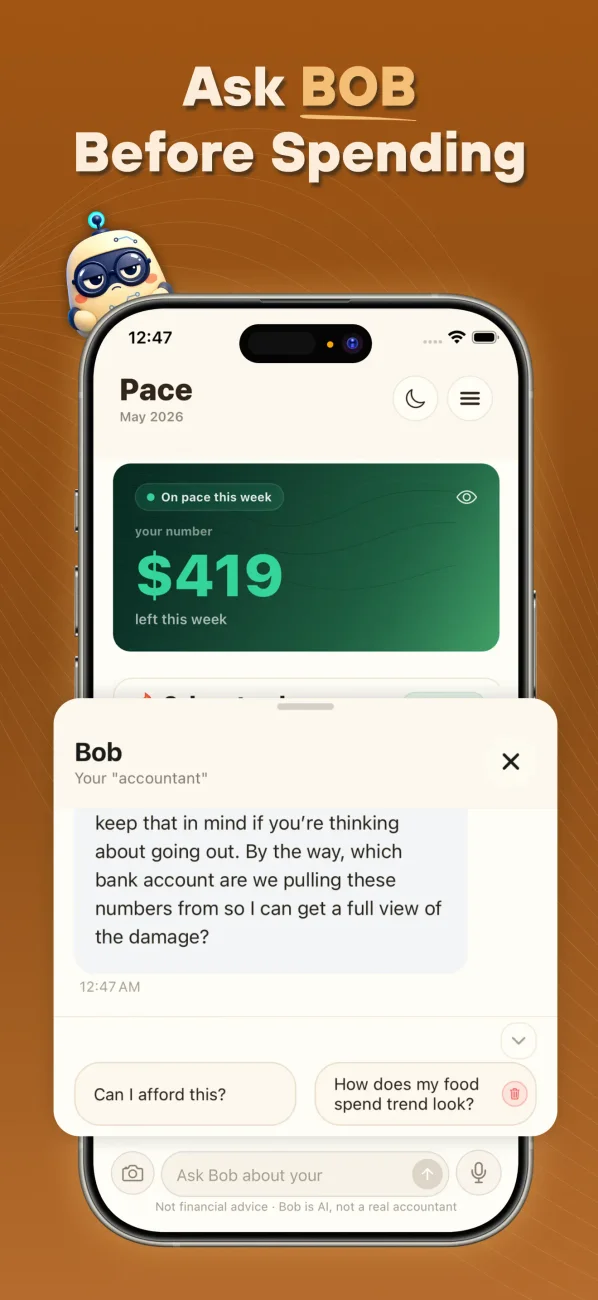
Pace answers the question that matters before you tap pay: can I spend this?
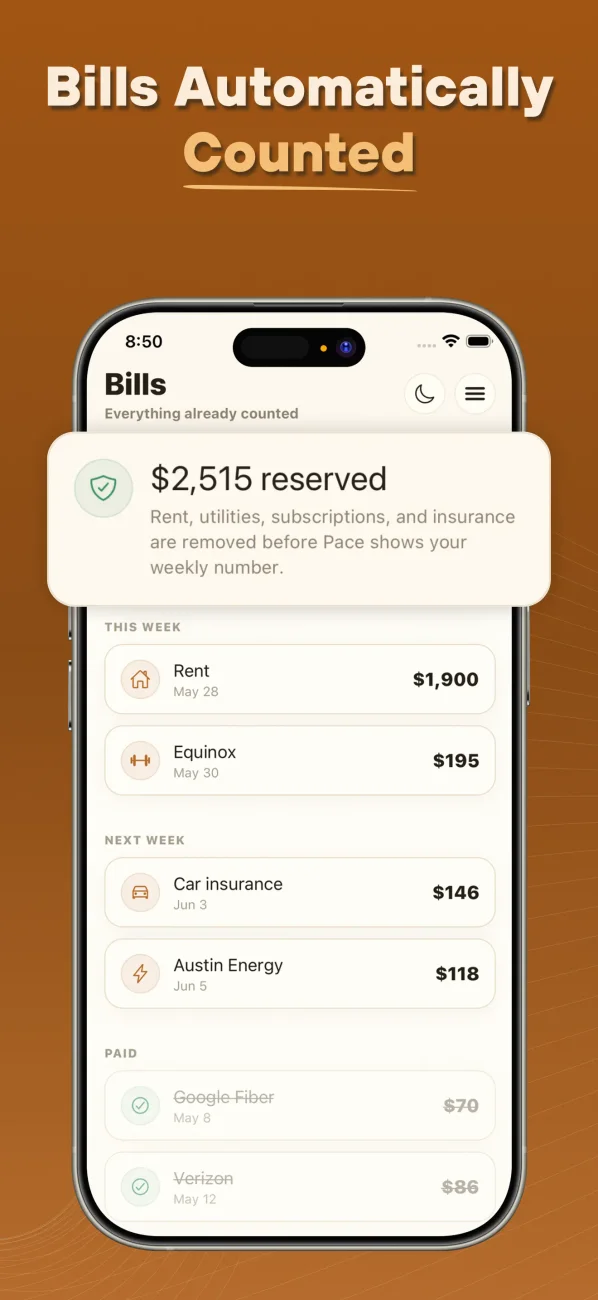
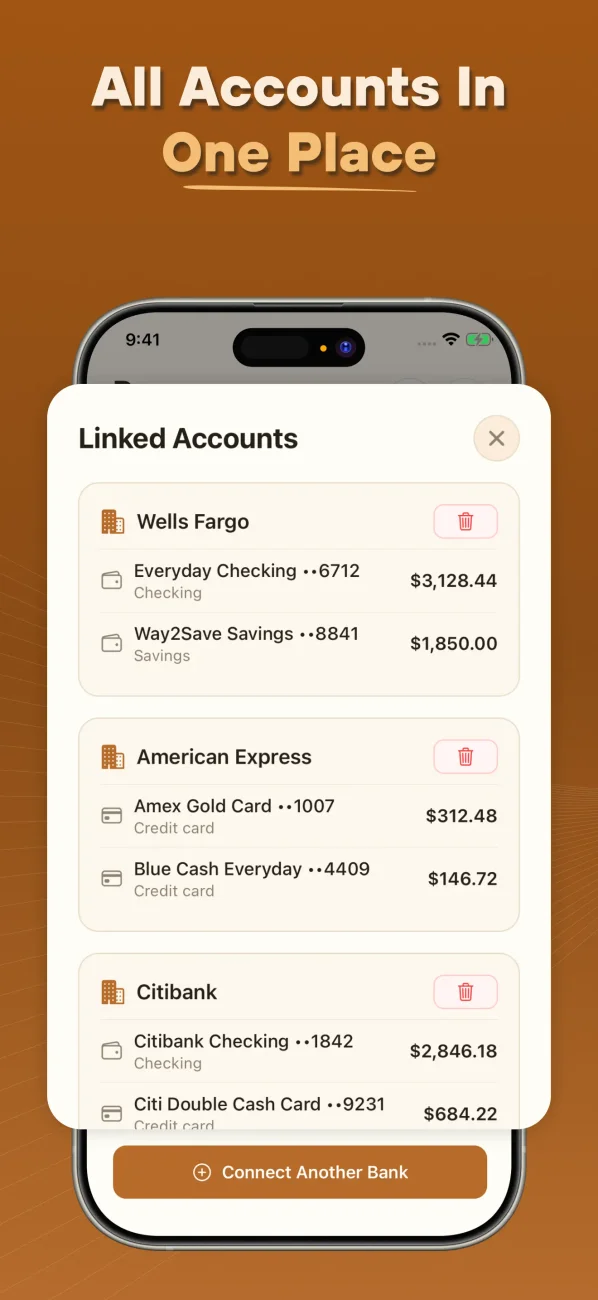
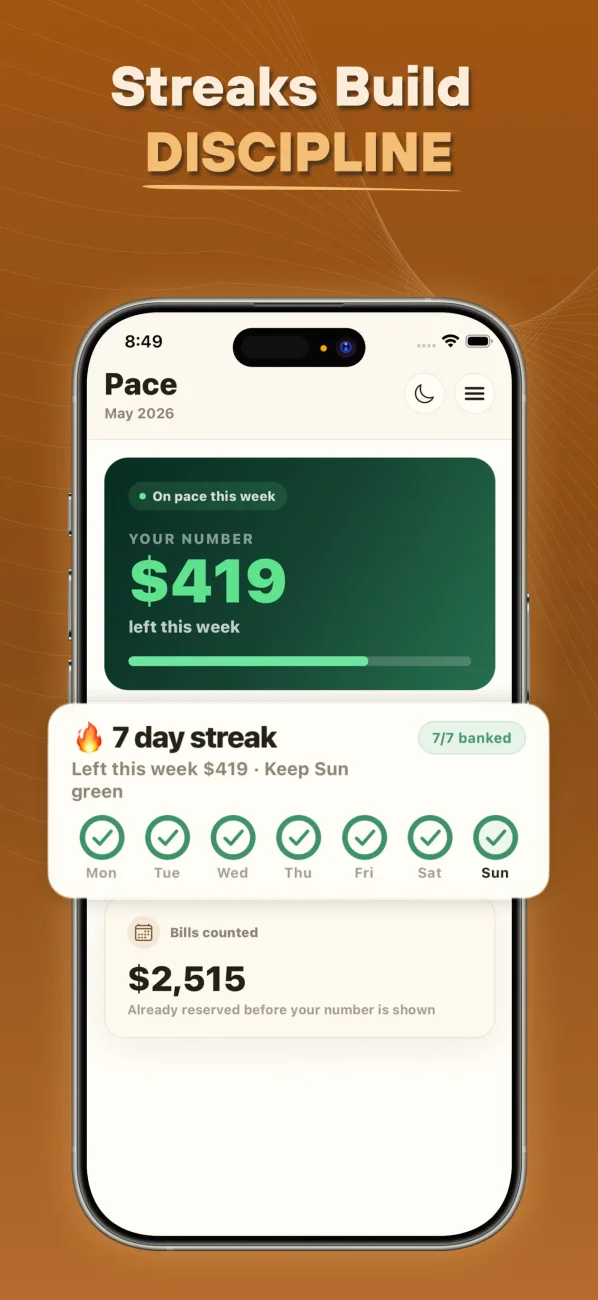
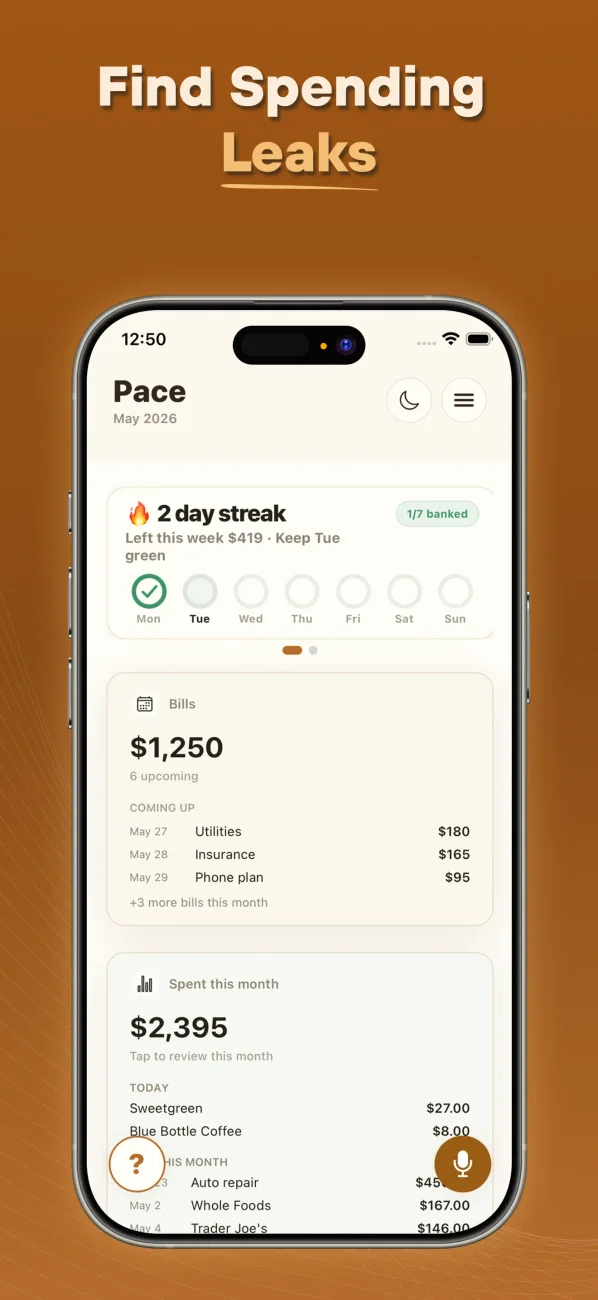
Connect your accounts, count bills first, and get one weekly number to stay under. Every week you beat it is money that can go at your debt, your savings goal, or your future — your call. Streaks keep you honest. Bob, your AI money coach, explains what changed, finds the leaks, and answers "can I afford this?" in plain English.
With Pace, you can:
- See the one weekly number that's actually safe to spend
- Track spending across connected accounts and manual entries
- Count bills and recurring charges before you spend
- Put your under-budget weeks to work against debt or savings goals
- Ask Bob before a purchase
- Spot subscriptions and quiet money leaks
- Build a streak that makes staying under feel like winning
Pace requires a Pace Pro auto-renewable subscription: $9.99 per month or $69.99 per year (prices may vary by region). The monthly plan starts with a 1-month free trial. Payment is charged to your Apple ID, and subscriptions renew automatically unless cancelled in your Apple ID settings at least 24 hours before the current period ends.
No spreadsheets. No 30 categories. No guilt.
Bank-level security with read-only connections. Pace is budgeting software, not a debt relief, settlement, or credit repair service. Estimates are educational and based on the numbers you provide.
Terms of Use: https://www.pace.money/terms
Privacy Policy: https://www.pace.money/privacy
What’s new
Version 1.0.6 · Sep 20, 2026
Hellloooo Pacers!
Pace now talks to your AI assistant. Make a key under Account, paste it into Muse, and ask "what can I spend this week?" from anywhere. ChatGPT and Claude are next.
Your Monday recap stays put. It used to disappear the second you peeked. Now it sits on your home screen until you clear it, and Money recap in the menu takes you straight back to it.
App privacy
What Purple Bluebonnets Labs LLC declares on the App Store about how this app handles data.
-
Data used to track you
May be used to track you across apps and websites owned by other companies.
- Purchases
- Identifiers
- Usage data
-
Data linked to you
May be collected and linked to your identity.
- Purchases
- Financial info
- Location
- Contact info
- User content
- Identifiers
- Usage data
- Diagnostics
-
Data not linked to you
May be collected but is not linked to your identity.
- Purchases
- Identifiers
- Usage data
Privacy practices may vary, for example with the features you use or your age.
Information
- Seller
- Purple Bluebonnets Labs LLC
- Category
- Finance
- Version
- 1.0.6
- Updated
- Sep 20, 2026
- Released
- Jul 23, 2026
- Size
- 77.2 MB
- Requires
- iOS 15.1 or later
- Age rating
- 4+
- Price
- Free
- In-app purchases
- Yes
- Languages
- English
- Copyright
- © 2026 Purple Bluebonnets LLC
You might also like
-
 VoccaYour AI money companion
-
 Sacred Bill TrackerPayments & Expense Organizer
-
 Financial Fitness PassportYour money checkup & AI guide
-
 PocketPinch: Spend SmarterKnow before you buy
-
 WalletIN: Budget & Expense AITrack Money, Budget & Save
-
 Daily Spending Planner: BudgetExpense Tracker & Money Saver
-
 Roo MoneyBudgeting That Works
-
 Money by CheckrManage Expenses, Subscriptions
-
 Bento: Budget & Money TrackerFinance, Subscriptions & AI
-
 Safe to Spend: Cash FlowBudget & Bills Before Payday