AiClass: AI Lecture Notes
Lecture recorder & exam review
Designed for iPhone, iPad, Mac
Free · In-app purchases
- Age rating4+
- CategoryEducation
- DeveloperChengYuan Chang
- LanguagesEnglish
- Size94.0 MB
Links to the official App Store page
Download.org hosts no file of AiClass: AI Lecture Notes. The button opens its official App Store page, published by ChengYuan Chang. Listing last checked on Nov 16, 2026.
Screenshots

About
Record the lecture. Review only what you don't know yet.
AiClass is your AI study companion. It doesn't just organize your materials; it understands the professor, you, and a whole semester of progress.
EVERY KEY POINT LINKS BACK TO THE SECOND IT WAS SAID
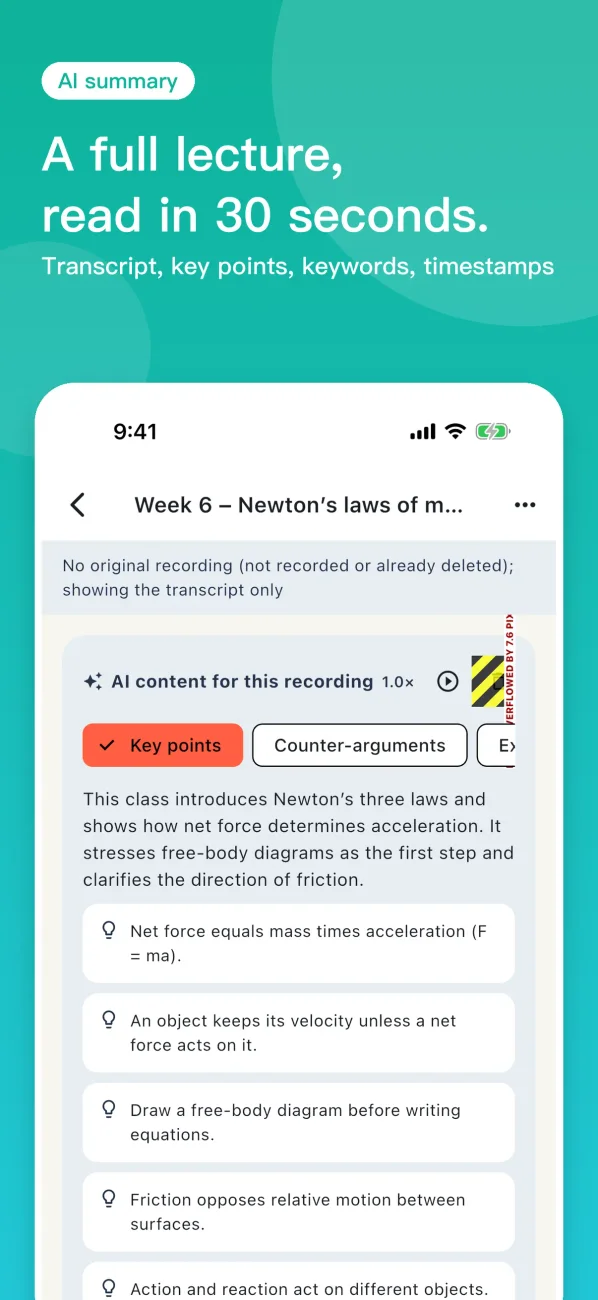
Jump from an AI key point to the transcript, then to the exact second in the original recording. No guessing whether the AI got it right: the evidence is right there.
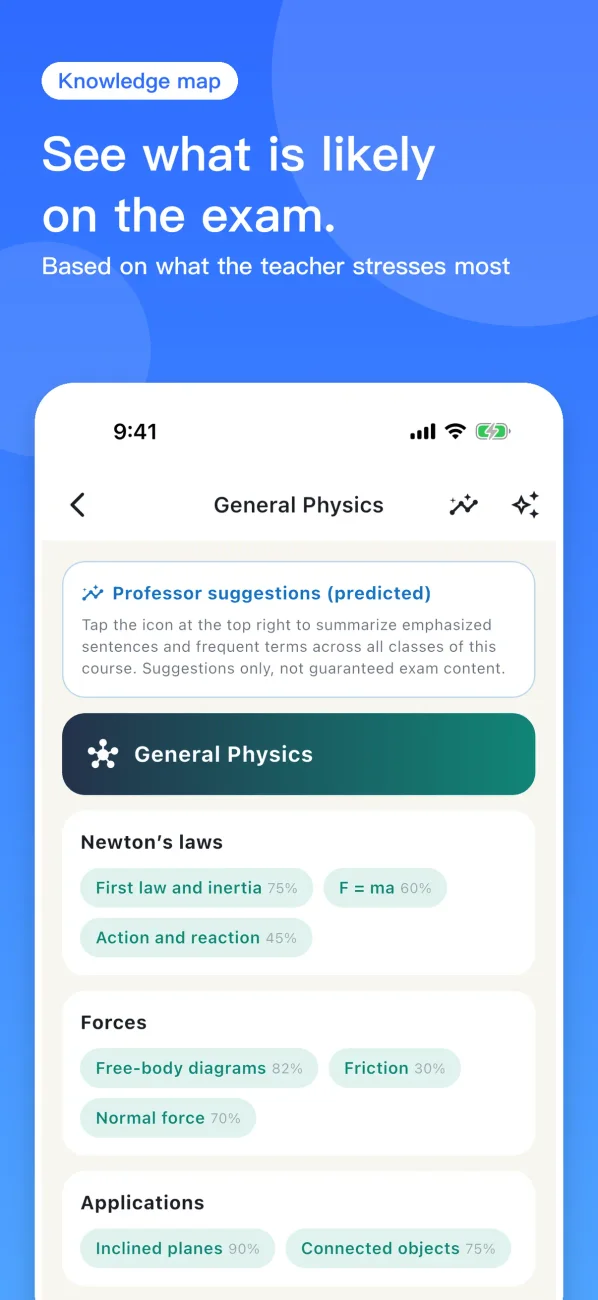
"THIS WILL BE ON THE EXAM" GOES STRAIGHT INTO YOUR QUESTION BANK
When AI organizes a lecture, it finds the parts the professor stressed, like "this is important" or "this will be on the exam", and turns them into key points and quiz questions, each one playable back to that moment.
NEW: TASKS AND HOMEWORK, SORTED FOR YOU
AiClass pulls every assignment out of the recording: who is responsible for what and by when ("Steven, you handle the purchasing by May 3"), plus homework topics and due dates for the whole class. If nothing was assigned, it simply says "No tasks this time"; it never makes tasks up.
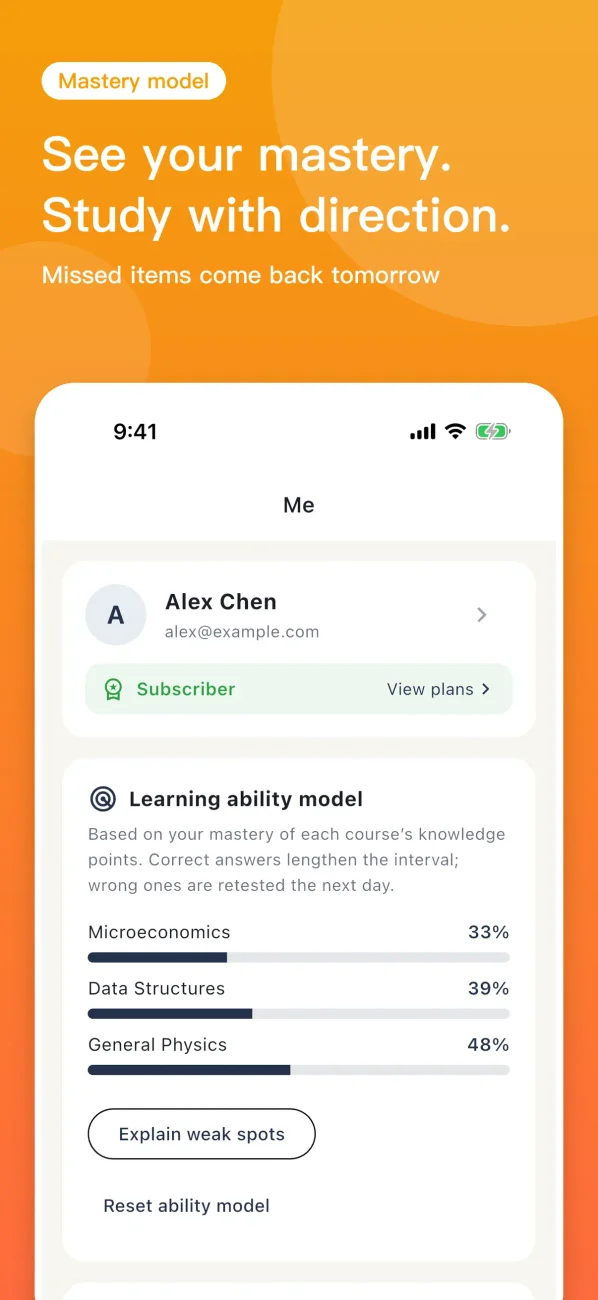
IT LEARNS YOUR WEAK SPOTS
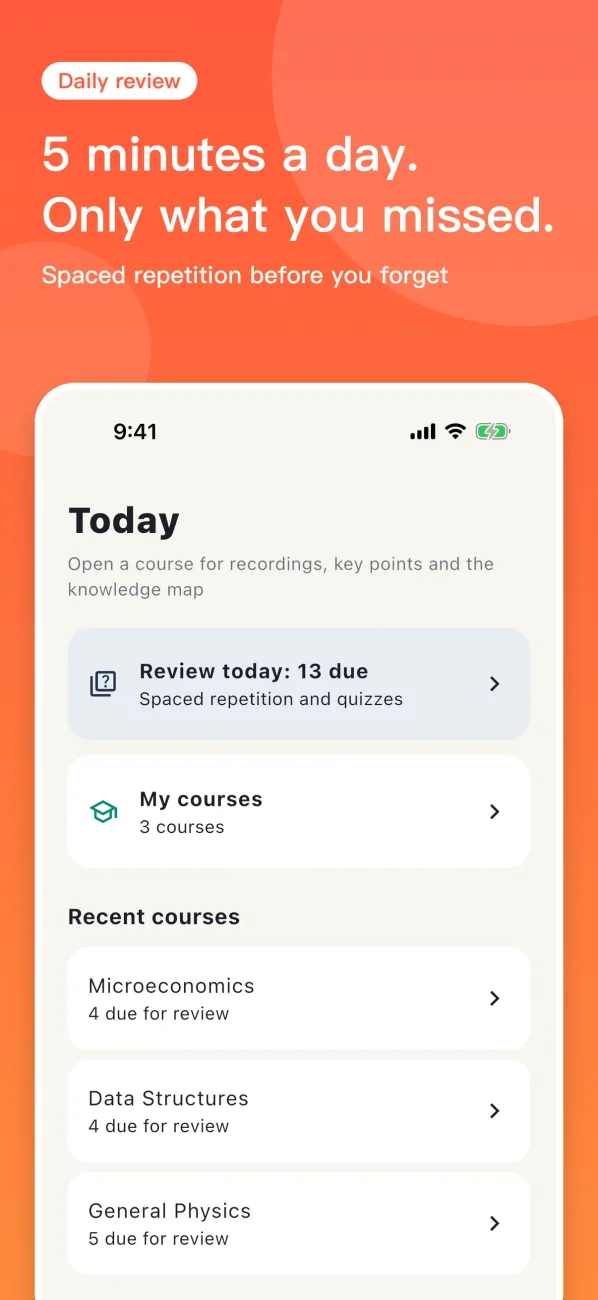
AiClass tracks what you know and what you don't, then uses spaced review to quiz you only on your weak spots.
TURN KEY POINTS INTO DIAGRAMS
One tap and AI draws a diagram of a key point, such as the supply and demand curve behind a price ceiling.
ASK THE AI ASSISTANT ANYTIME
Call up the AI assistant from any screen and keep asking questions with the lecture's key points already in context.
HOW IT WORKS
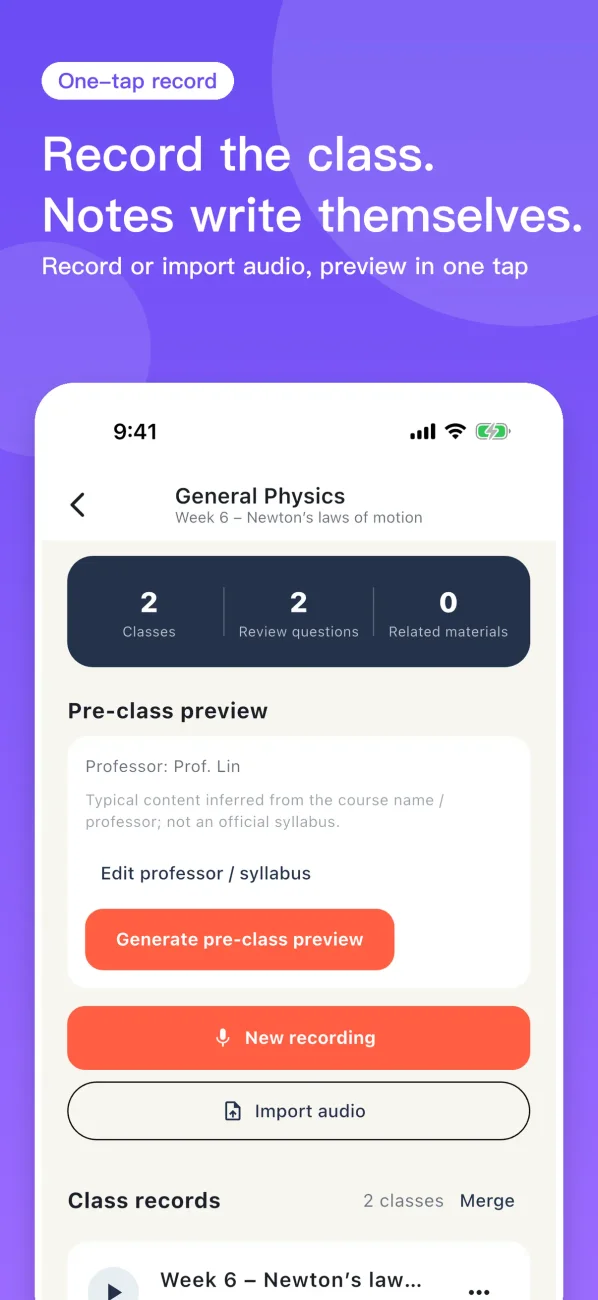
1. Add a course: enter the course name, optionally the professor and syllabus, and get a pre-class preview in one tap.
2. Record in class: get a live transcript as you record, even offline, and drop bookmarks.
3. After class: get an accurate transcript, key points, a question bank, diagrams, and a list of tasks and homework.
4. Before the exam: review by weak spot with spaced repetition.
PRIVACY FIRST
Recordings, transcripts and your learning model stay on your device. AI only runs after you tap and agree, and your content is never used to train AI models.
AI ACCOUNT
AI features use the AI service account you connect, or your own API key. AI usage is billed by that provider and is not included in AiClass plans.
PLANS
New users get every feature free for 7 days. Then choose a monthly plan, a semester plan (auto-renews every 6 months), a yearly plan, or lifetime. Each account can be used on up to 2 devices.
Please follow your school's and instructor's rules on recording lectures.
Privacy Policy: https://aiclass.jxdtw.com/privacy.html
Terms of Use (EULA): https://www.apple.com/legal/internet-services/itunes/dev/stdeula/
What’s new
Version 1.0.4 · Nov 7, 2026
Fixed repeated and missing words in live transcripts; new on-device SenseVoice speech engine; model download progress while recording.
App privacy
What ChengYuan Chang declares on the App Store about how this app handles data.
-
Data linked to you
May be collected and linked to your identity.
- Purchases
- Contact info
- Identifiers
Privacy practices may vary, for example with the features you use or your age.
Information
- Seller
- ChengYuan Chang
- Category
- Education
- Version
- 1.0.4
- Updated
- Nov 7, 2026
- Released
- Oct 22, 2026
- Size
- 94.0 MB
- Requires
- iOS 17.0 or later
- Age rating
- 4+
- Price
- Free
- In-app purchases
- Yes
- Languages
- English
- Copyright
- © 2026 吉星達企業社
You might also like
-
 AI-901 Practice TestDaily AI-901 Review
-
 AI-901 Study & PracticeLearn AI. Review mistakes.
-
 Oberoi International SchoolEducation
-
 東吳大學Education
-
 LiveLearning PROEducation
-
 Riddhi DeorahEducation
-
 國圖到你家Education
-
 DMV Test Pro - 2026 PermitPass Car/CDL/Moto. All States.
-
 Bible Reading Made EasyReference
-
 Sinónimos y Antónimos OfflineWrite and speak accurately