
- Age rating4+
- CategoryPhoto & Video
- DeveloperYong Liu
- LanguagesEnglish+ 1 more
- Size48.9 MB
Links to the official App Store page
Download.org hosts no file of 爱剪AIcut. The button opens its official App Store page, published by Yong Liu. Listing last checked on Nov 20, 2026.
Screenshots



About
AICut edits video without a timeline. Tap + and choose what you are making:
Talking head
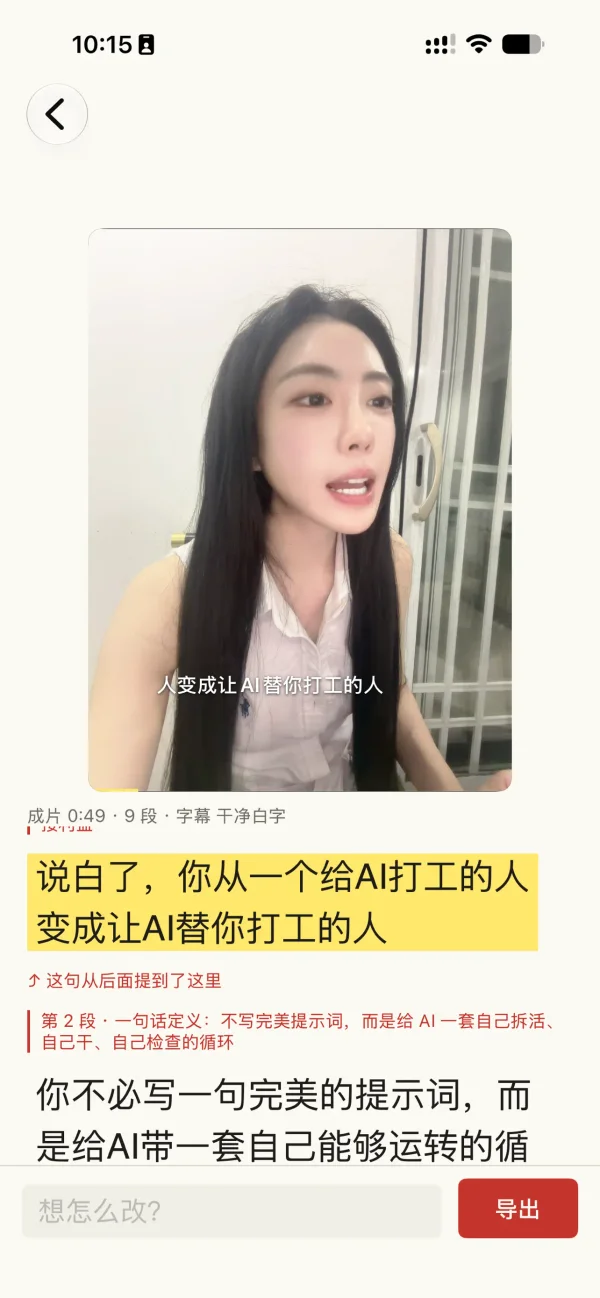
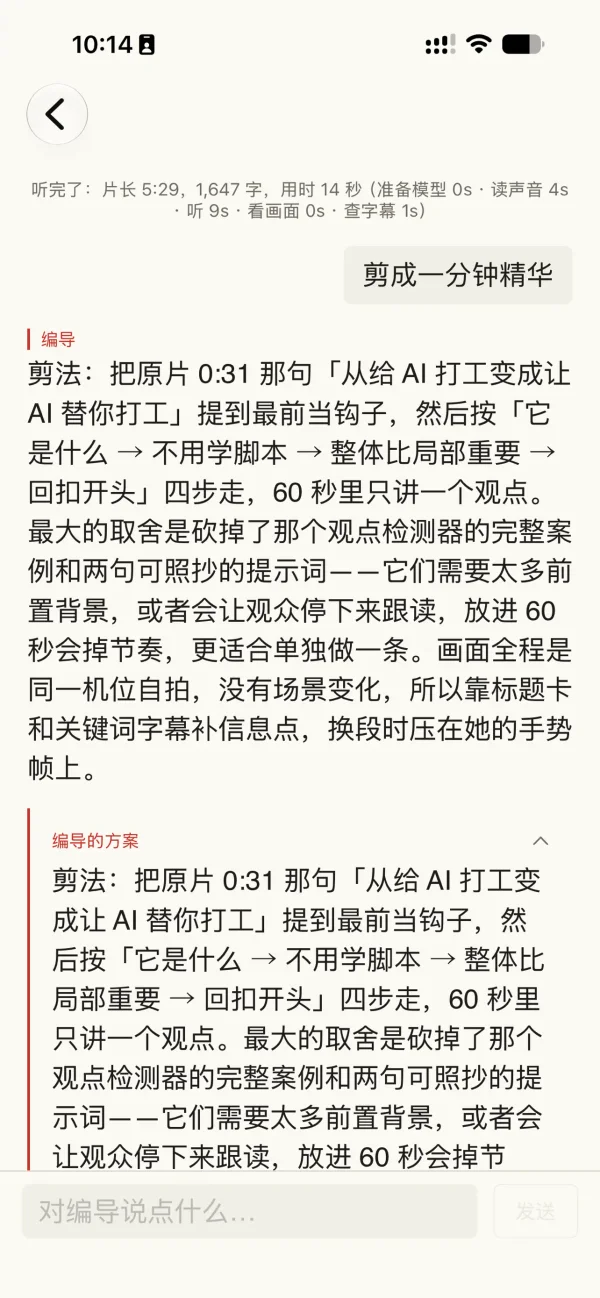
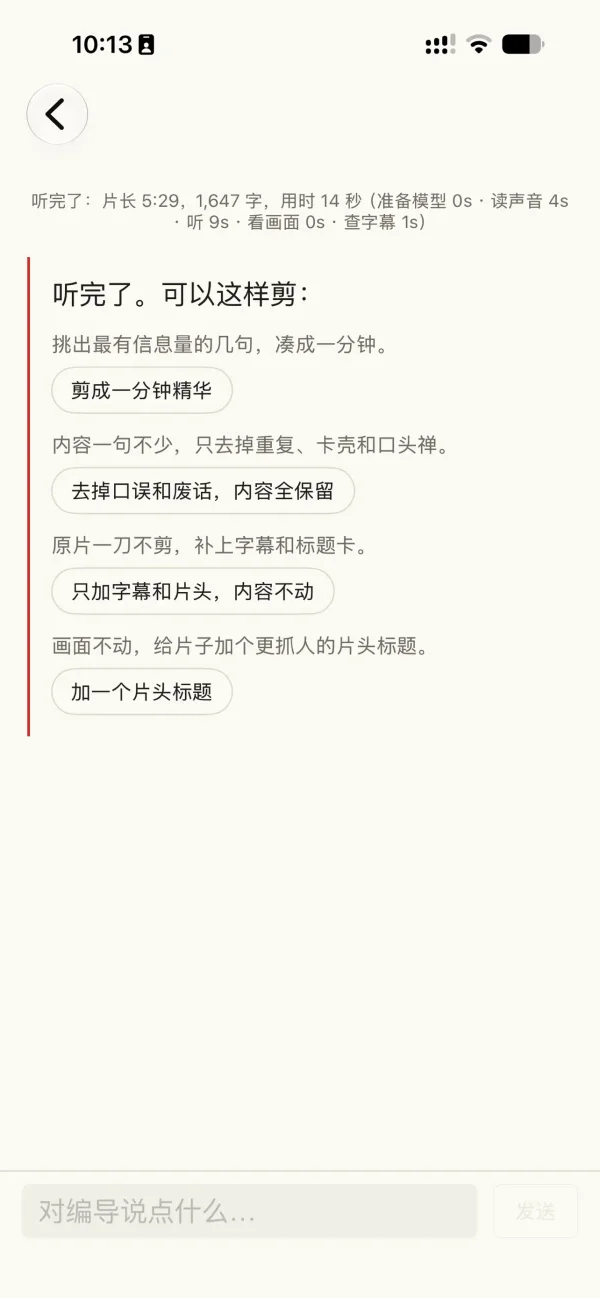
Pick a clip of yourself talking. An AI director listens, looks at a few frames, and hands you a plan: who it is for, which line opens, how it flows, what gets cut. Say yes, and an AI editor makes the cut: stumbles removed, your strongest line moved to the front, captions that highlight word by word, an animated opener, keywords that pop. A five-minute clip usually goes from picking the video to a finished cut in Photos in two or three minutes. It can also turn one long video into several short ones.
Travel vlog
Bring up to 20 clips. The director cuts each into shots, looks at the frames, listens to any narration, and first offers two or three ways to cut this footage; pick one and it plans and edits. Silent shots are fine, with an optional on-screen caption per shot; built-in royalty-free music ducks under speech.
Create with AI
No footage at all. Write what you want: the topic, the audience, the length. The director writes a storyboard for you to review; tap "Make it" and the app generates each scene's picture and voice-over, then assembles a vertical short. Pictures come from Volcengine Ark video generation, Ark image generation with a slow push-in, or a free typographic card, depending on the account you connect; voice-over uses Doubao speech.
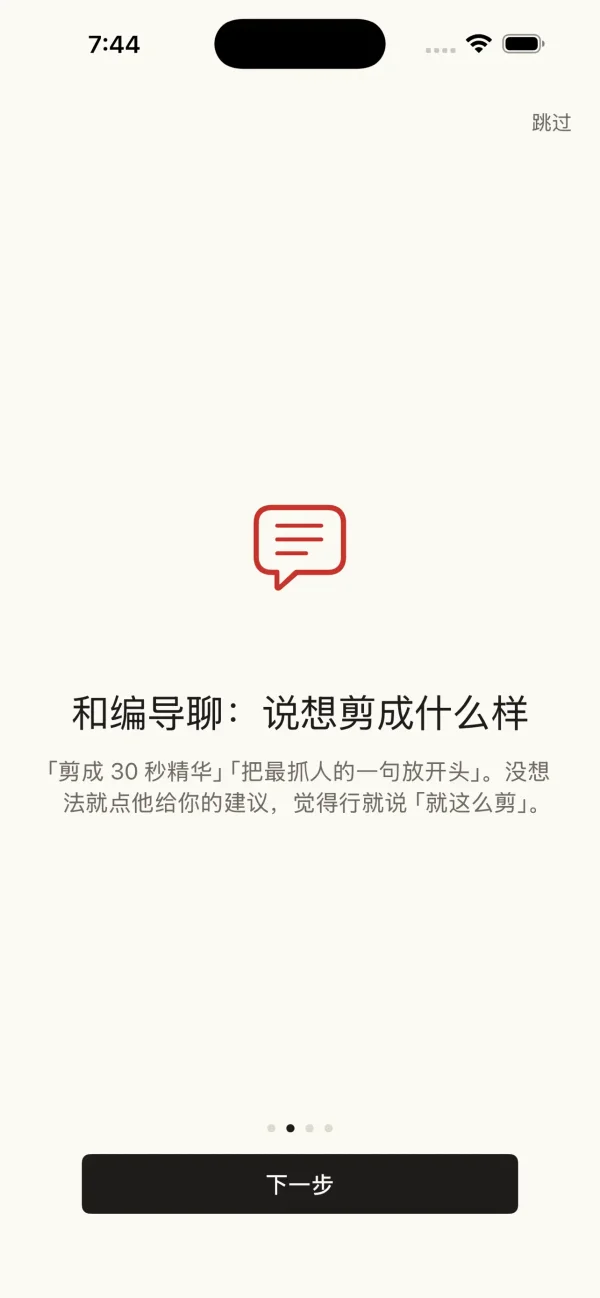
Want it different? Just say so:
"Shorter, keep it under 45 seconds"
"Switch the captions to the dark bar style"
"Drop the third part"
"Change the opener" · "Make scene two a night shot"
Start right away
200,000 tokens of trial usage are built in. When it runs out, add your own API key under Models: DeepSeek, MiniMax, Volcengine Ark, or any endpoint using the standard chat API.
Your video stays on your device
Transcription, shot detection and rendering run on the device. Only the transcript and frame screenshots go to the model service; the video itself is never uploaded. In Create mode, each scene's picture description and narration text go to the generation service. Your API key lives only in the device Keychain.
No account, no ads, no tracking. Chinese and English interface; edits videos in either language.
What’s new
Version 1.1 · Sep 19, 2026
Three ways to start. Tap + and choose:
• Travel vlog: bring up to 20 clips. The director cuts them into shots, looks at the frames, listens to any narration, and offers two or three ways to cut before making the plan. Silent footage works too, with built-in music that ducks under speech.
• Create with AI: no footage needed. Write one idea, review the storyboard, and the app generates each scene's picture and voice-over into a vertical short. Pictures come from Volcengine Ark video generation, image generation, or a free typographic card, depending on the account you connect.
• Talking-head upgrades: word-by-word caption highlighting, four animated openers (headline, number, question, list) over the opening frame, and keywords that pop when spoken.
Also: mixed portrait and landscape clips are centered automatically; opener text gets a dark backdrop so it reads on bright frames; "change the opener", "keep captions still" and "retitle it" apply instantly without re-editing.
App privacy
What Yong Liu declares on the App Store about how this app handles data.
-
Data not linked to you
May be collected but is not linked to your identity.
- User content
Privacy practices may vary, for example with the features you use or your age.
Information
- Seller
- Yong Liu
- Category
- Photo & Video
- Version
- 1.1
- Updated
- Sep 19, 2026
- Released
- Sep 18, 2026
- Size
- 48.9 MB
- Requires
- iOS 26.0 or later
- Age rating
- 4+
- Price
- Free
- Languages
- English, Simplified Chinese
- Copyright
- © 2026 Yong Liu
You might also like
-
 DualVoxShow the scene. Speak. Done.
-
 白泽 AI - 让创作不再等灵感Photo & Video
-
 AICut - Video Search & TrimmerExtract Audio Image Video Text
-
 Wispim: Voice TeleprompterBest teleprompter for video
-
 ByeCut: AI Video EditorJust talk. It edits itself.
-
 DCam : Pro Photo Pose CameraModel Posture Imitation
-
 RawCut: AI Video Editor&MakerScript & clips to short video
-
 Bubble TeleprompterPrompt & Record. No Membership
-
 Wisecut AI : AI Video EditorViral Clips
-
 CamCheeseStrike a pose, snap better!