
Air File Transfer
Fast, secure file transfers
Designed for iPhone
Free · In-app purchases
- Age rating4+
- CategoryProductivity
- DeveloperSecgin LLC
- LanguagesEnglish+ 4 more
- Size18.0 MB
Links to the official App Store page
Download.org hosts no file of Air File Transfer. The button opens its official App Store page, published by Secgin LLC. Listing last checked on Nov 16, 2026.
Screenshots
About
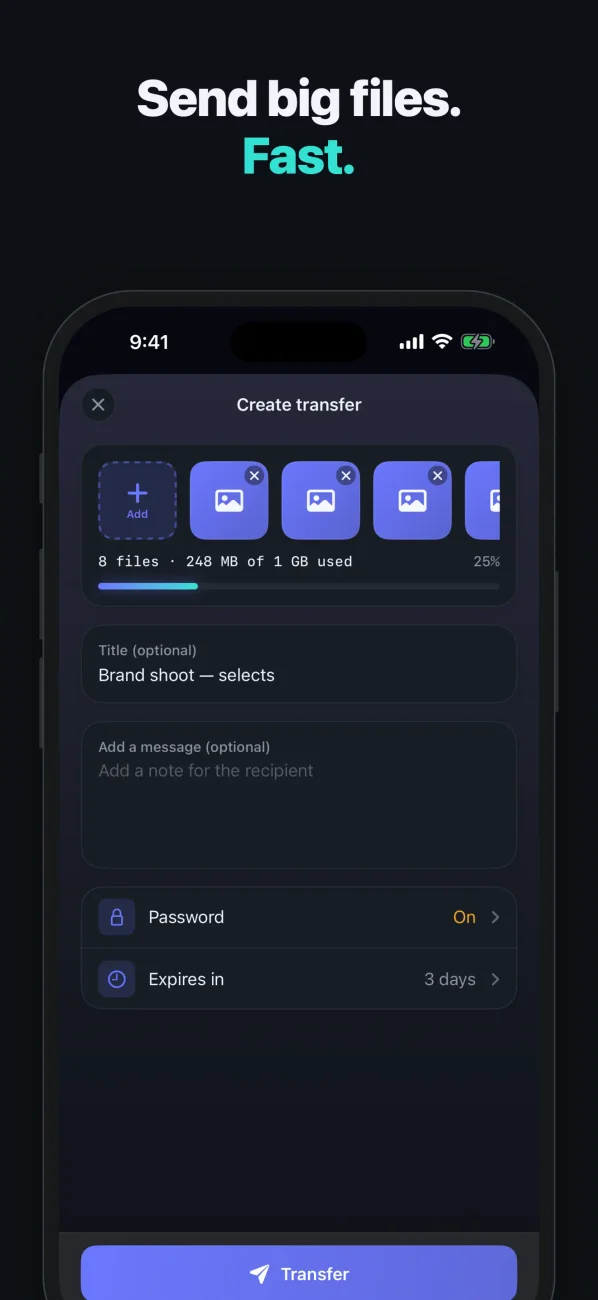
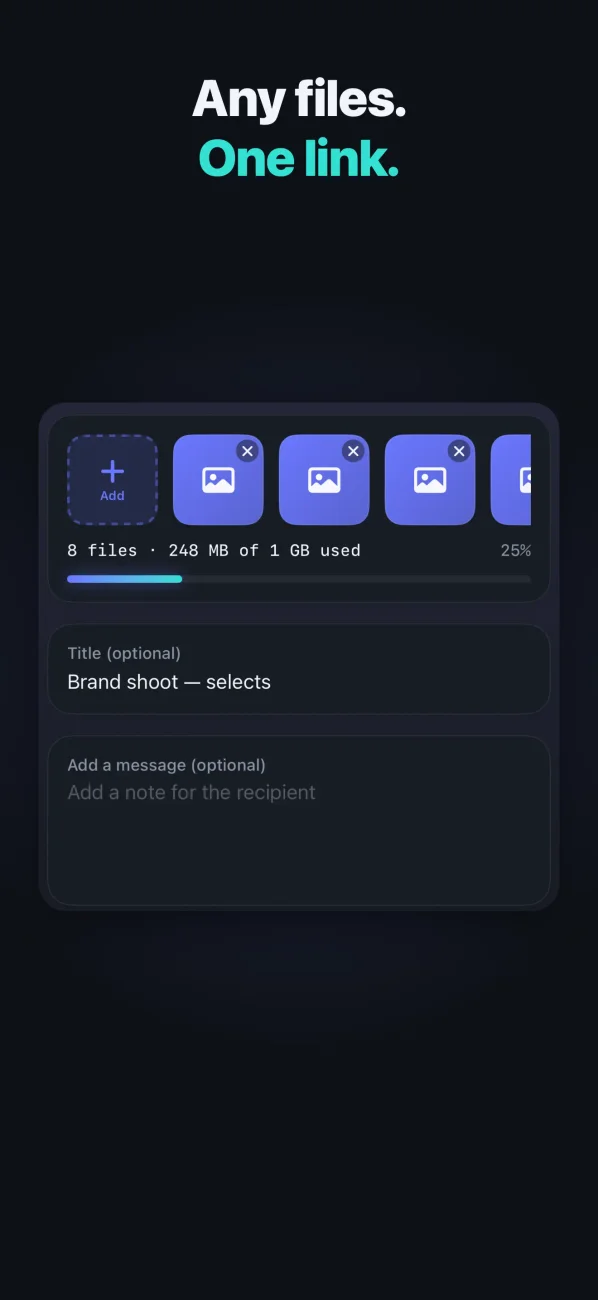
Send big files the easy way. Air File turns any photo, video, or document into a clean, shareable download link in seconds — no account, no clutter, no ads.
Pick your files, tap Transfer, and hand over a link. Whoever you send it to just opens it in their browser — they don't need the app. Every transfer is time-boxed and tracked, so nothing lingers online longer than you want.
WHY AIR FILE
- No account needed to start — open the app and send.
- No ads, ever. A calm, native iPhone experience.
- Honest pricing with a genuinely usable free tier — no launch paywall.
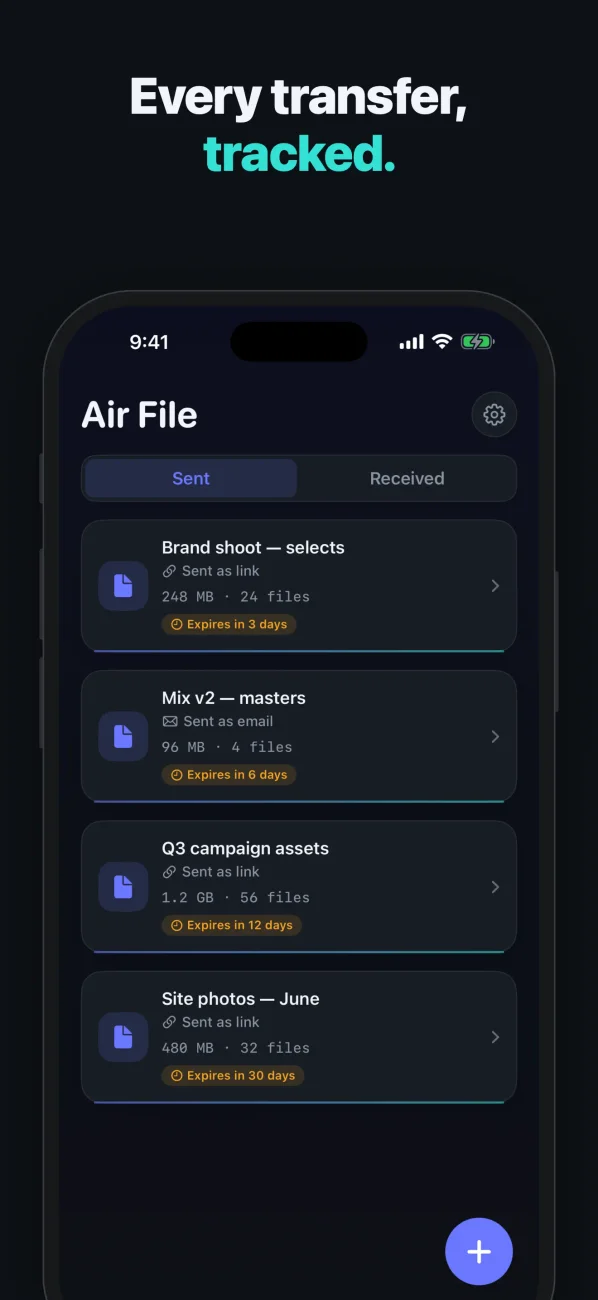
- Your Sent history in one place, each transfer with size, file count, and an expiry countdown.
HOW IT WORKS
1. Tap + and add photos, videos, or files.
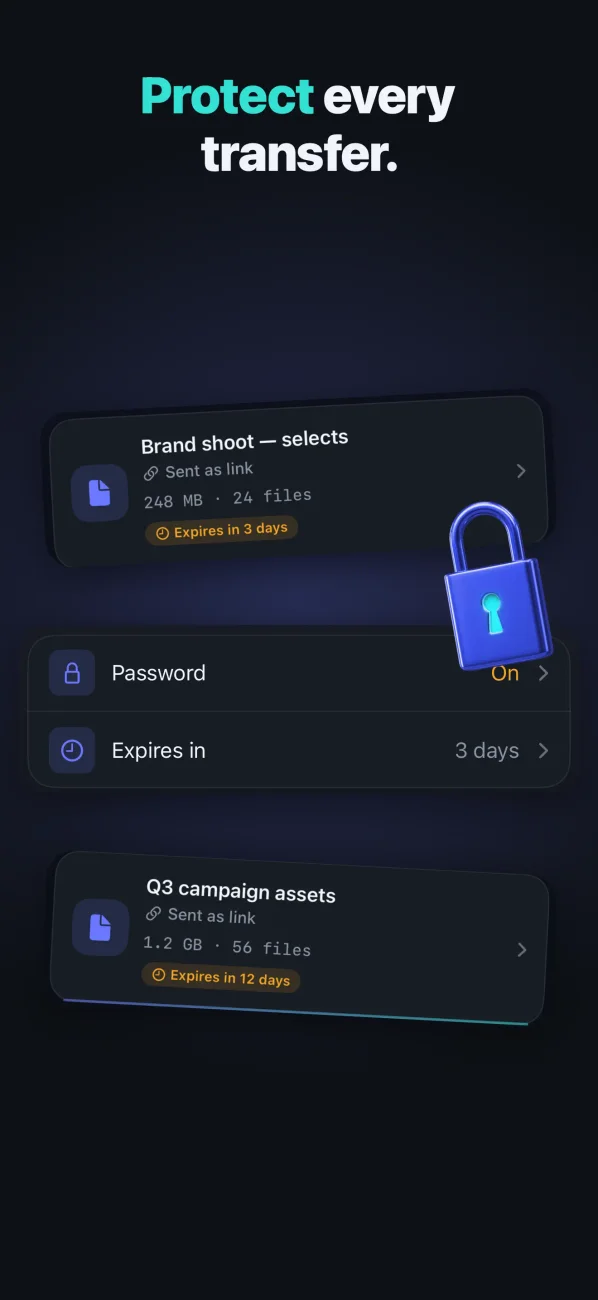
2. Set a password and expiry (optional).
3. Tap Transfer to get your link.
4. Share it anywhere — messages, email, anywhere you can paste a link.
FREE
- Unlimited transfers
- Up to 1 GB per transfer
- 3-day link expiry
- Basic download count
PRO
- Send up to 250 GB per transfer
- Long expiry — up to 30 days, or links that never expire
- Password-protect any transfer
- Full download tracking — see exactly when your link is opened and downloaded
Air File Pro is a subscription (weekly, monthly, or yearly) with a 7-day free trial. Cancel anytime. The free tier stays free and fully usable — Pro just removes the ceilings and adds privacy and insight.
Move the files that are too big for chat and email, without the surprise billing and neglected apps you've come to expect from file transfer. Air File is built to be the file-sharing app that's actually a great iPhone app.
Subscriptions auto-renew unless turned off at least 24 hours before the end of the period. Payment is charged to your Apple ID. Manage or cancel in Settings.
Privacy Policy: https://dropbeam-0016a2.web.app/privacy.html
Terms of Use (EULA): https://www.apple.com/legal/internet-services/itunes/dev/stdeula/
What’s new
Version 1.0.2 · Aug 1, 2026
- Improved performance: faster, smoother app experience
- Bug fixes: minor issues resolved for seamless use
- Enhanced security: updated to protect your data
App privacy
What Secgin LLC declares on the App Store about how this app handles data.
-
Data not collected
The developer does not collect any data from this app.
Privacy practices may vary, for example with the features you use or your age.
Information
- Seller
- secgin gida sanayi ve ticaret limited sirketi
- Category
- Productivity
- Version
- 1.0.2
- Updated
- Aug 1, 2026
- Released
- Jul 31, 2026
- Size
- 18.0 MB
- Requires
- iOS 17.0 or later
- Age rating
- 4+
- Price
- Free
- In-app purchases
- Yes
- Languages
- English, French, German, Russian, Spanish
- Copyright
- © 2026 Air File
You might also like
-
 FTP Client - Files locationFTP, FTPS & SFTP over SSH
-
 MobiDrive Cloud Storage & SyncPhoto backup & doc editing
-
 Torrent File SaverSave files from direct URL
-
 Owlfiles - File ManagerAccess SMB WebDAV FTP and S3
-
 Smart Switch・Copy & Move DataProductivity
-
 PairDropFast &Secure Photo Sharing App
-
 µBrowser: Fast, Safe & PrivateSmooth Web Surfing Experience
-
 File Transfer - SnapdropFiles Share For Snap Drop
-
 Send Anywhere - File TransferShare files, Play MP3 & Videos
-
 UTM Remote Virtual MachinesRemote desktop for VMs