
Air Printer: Smart Printing
Print & Scan from Mobile Phone
Designed for iPhone, iPad, iPod touch
Free · In-app purchases
- Age rating4+
- CategoryUtilities
- DeveloperFutsum Semhar
- LanguagesEnglish
- Size43.1 MB
Links to the official App Store page
Download.org hosts no file of Air Printer: Smart Printing. The button opens its official App Store page, published by Futsum Semhar. Listing last checked on Nov 13, 2026.
Screenshots
About
Printsy: Your Ultimate Printing and Scanning Companion
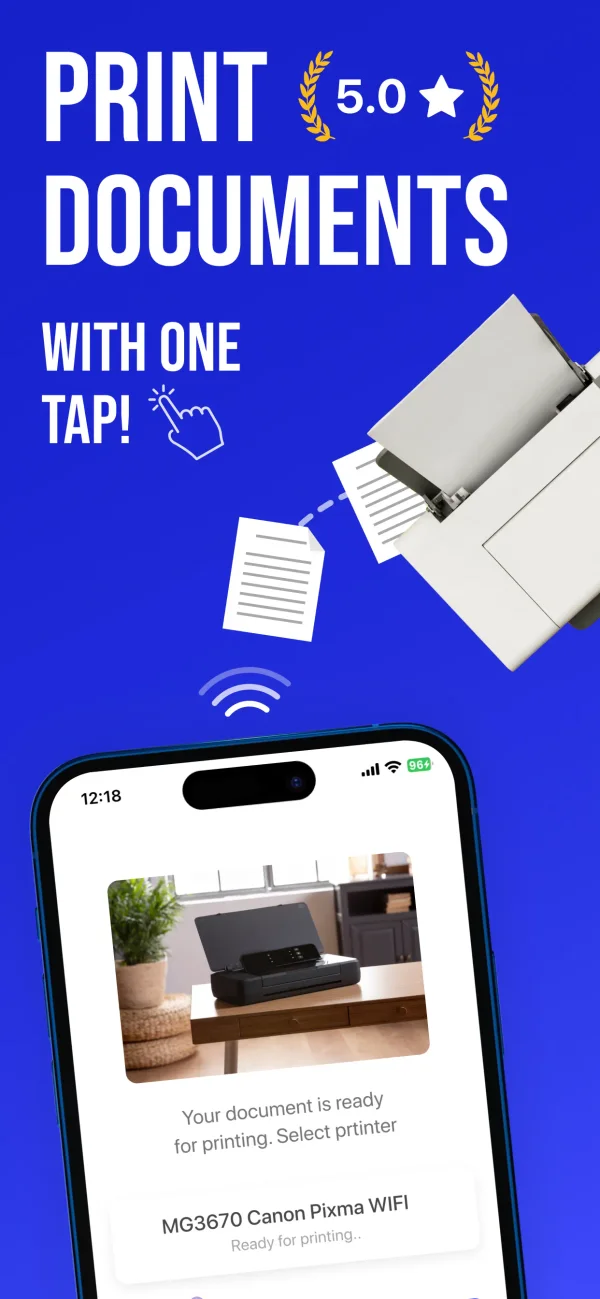
Say goodbye to complicated setups and hello to effortless printing and scanning with Printsy. Designed for simplicity and efficiency, Printsy lets you print and scan documents, photos, and more directly from your device’s storage, iCloud, or email with just a few taps. Whether you're at home or on the go, you have complete control over your printer and scanner, unlocking essential features at your fingertips.
Key Features:
- Print from iPhone & iPad: Wirelessly print documents and photos directly from your iPhone or iPad without the need for extra software. Print seamlessly and hassle-free every time.
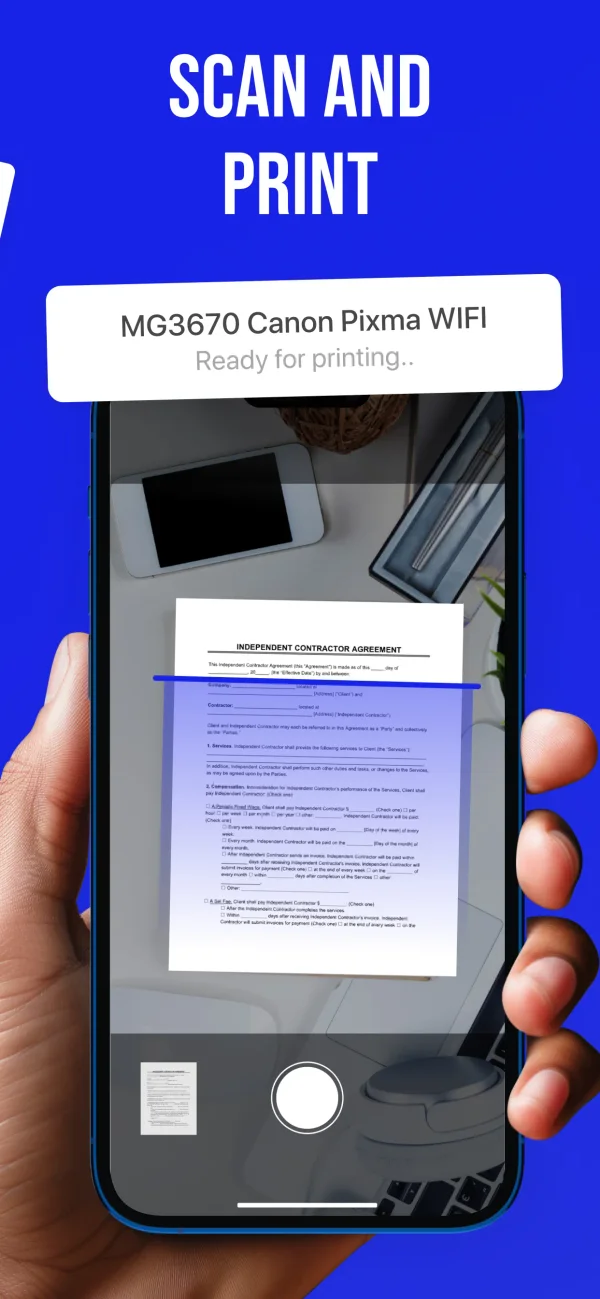
- Scan Documents & Photos: Quickly scan multiple documents or photos in one go and save them as PDF files. Efficient and fast scanning, ideal for managing your documents on the move.
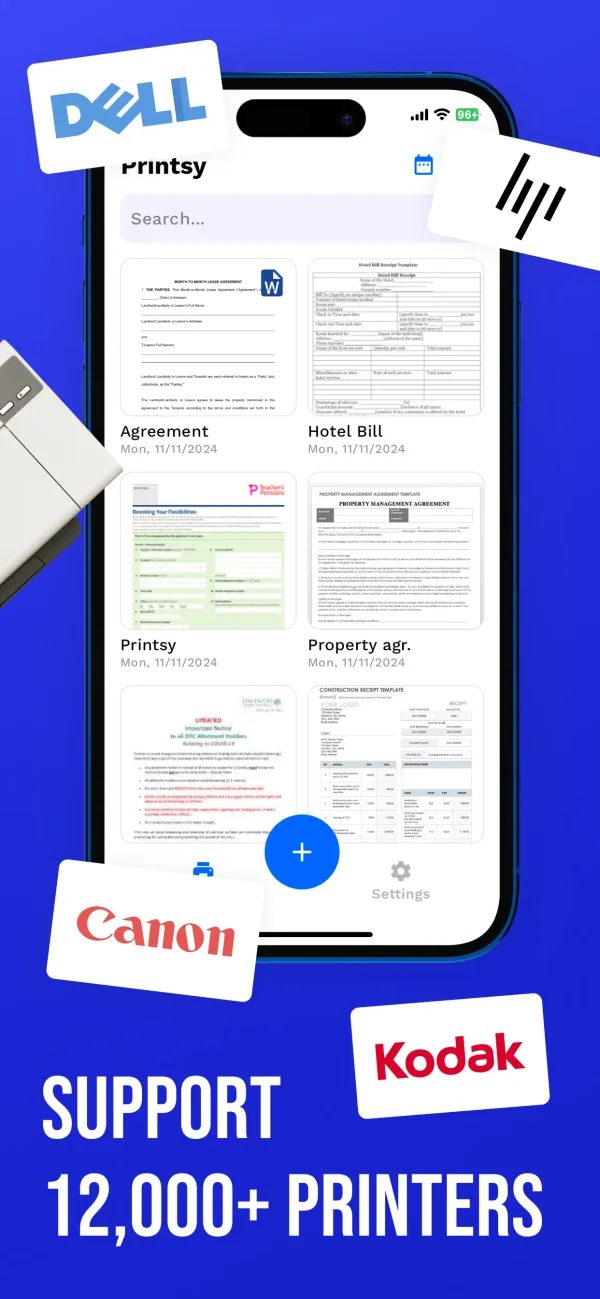
- Import & Print: Easily import files from your email or other apps into Printsy. Print documents or photos stored in cloud services like iCloud, Dropbox, or Google Drive—without switching between apps.
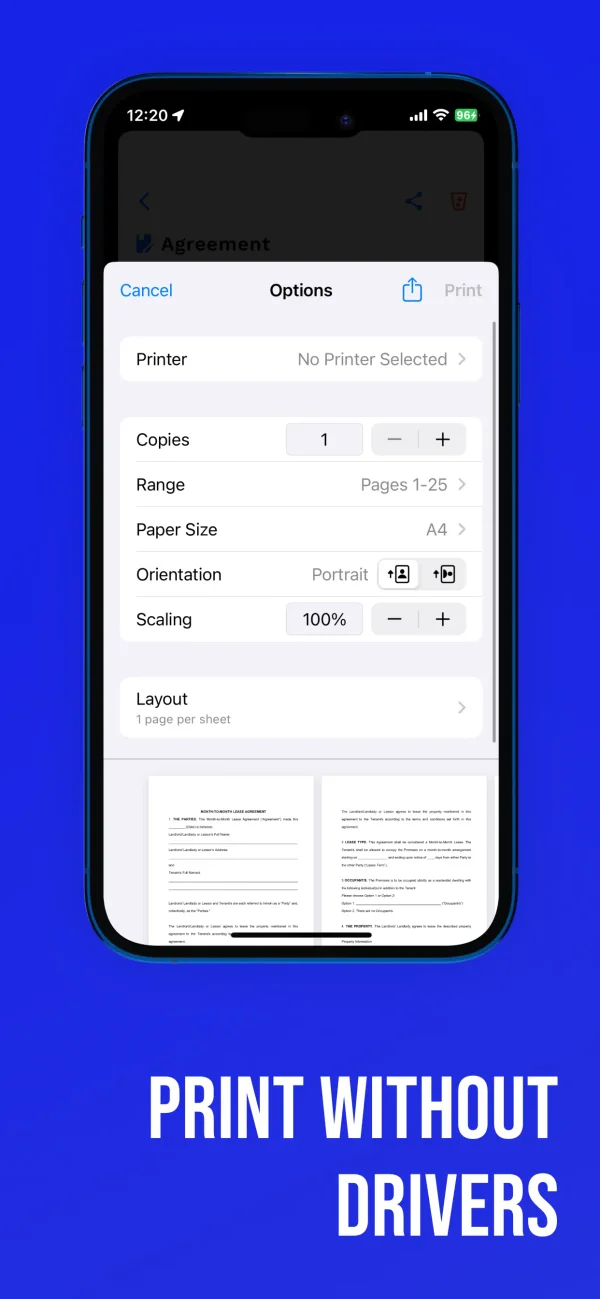
- Versatile Print Options: Customize your printing experience with options like the number of copies, page range, paper size, orientation, and pages per sheet. Full control over how your documents are printed, exactly the way you want.
- Seamless Printer Integration: Printsy is compatible with a wide range of printer brands and models, ensuring smooth performance and reliable operation, no matter what printer you use.
- User-Friendly Design: Simple and intuitive, Printsy’s interface makes it easy for anyone to use. Whether you're a tech expert or a beginner, printing and scanning is quick and straightforward.
Unlock even more powerful features with our flexible premium subscription options:
- Weekly (3-Day Free Trial): Access premium features for one week at a time—perfect for short-term needs.
- Annual: Enjoy full access to all premium features for an entire year at a discounted rate, ideal for long-term users.
Transform your device into a powerful printing and scanning tool with Printsy today!
Privacy Policy: https://docs.google.com/document/d/1y60ao2IrLh6idqE33ueBPp0d0f7kKreihqu-ZjBRJYU/edit?usp=sharing
Terms Of Use: https://docs.google.com/document/d/1qHjuthhZDSwyXgBB41e06cZ9TZoAqMvL01TIPtwall0/edit?usp=sharing
What’s new
Version 1.0.2 · Nov 26, 2024
With this update, we’ve fixed a number of issues to ensure the app works seamlessly and reliably for you
App privacy
What Futsum Semhar declares on the App Store about how this app handles data.
-
Data not collected
The developer does not collect any data from this app.
Privacy practices may vary, for example with the features you use or your age.
Information
- Seller
- Futsum Semhar
- Category
- Utilities
- Version
- 1.0.2
- Updated
- Nov 26, 2024
- Released
- Nov 13, 2024
- Size
- 43.1 MB
- Requires
- iOS 12.0 or later
- Age rating
- 4+
- Price
- Free
- In-app purchases
- Yes
- Languages
- English
- Copyright
- © 2024 Tamara Silvia Gilmeanu
You might also like
-
 Hidden Camera · Spy Detector ·Detect Listening Device & Cam
-
 Home Monitor:Hidden Spy CameraHome Protection - Anti-Spyware
-
 Call Recorder · Voice Record ·Calls Audio Phone Recording it
-
 WiFi & Hidden Camera DetectorSpeed Test: Spy Cam Finder
-
 Remote Universal - TV Control.Smart Controller Bar Now Stick
-
 WIFI Speed Test & Internet MapNetwork Analyzer Hidden Device
-
 Question - Answer: Homework AIStudy Helper Solver Math,Essay
-
 Plant and Coin Identifier ScanID Cam Scanner: Identification
-
 fHC&D Scanner Detector HiddenDevice Scan, Detection Covert
-
 Find Lost Device - Air FinderBluetooth Tracker and Locator