- Age rating+4
- CategoryHealth & Fitness
- Developer智寅 丁
- LanguagesPortuguese+ 10 more
- Size47.0 MB
Links to the official App Store page
Download.org hosts no file of Aligner Tracker-AlignerDiary. The button opens its official App Store page, published by 智寅 丁. Listing last checked on Nov 23, 2026.
Screenshots
About
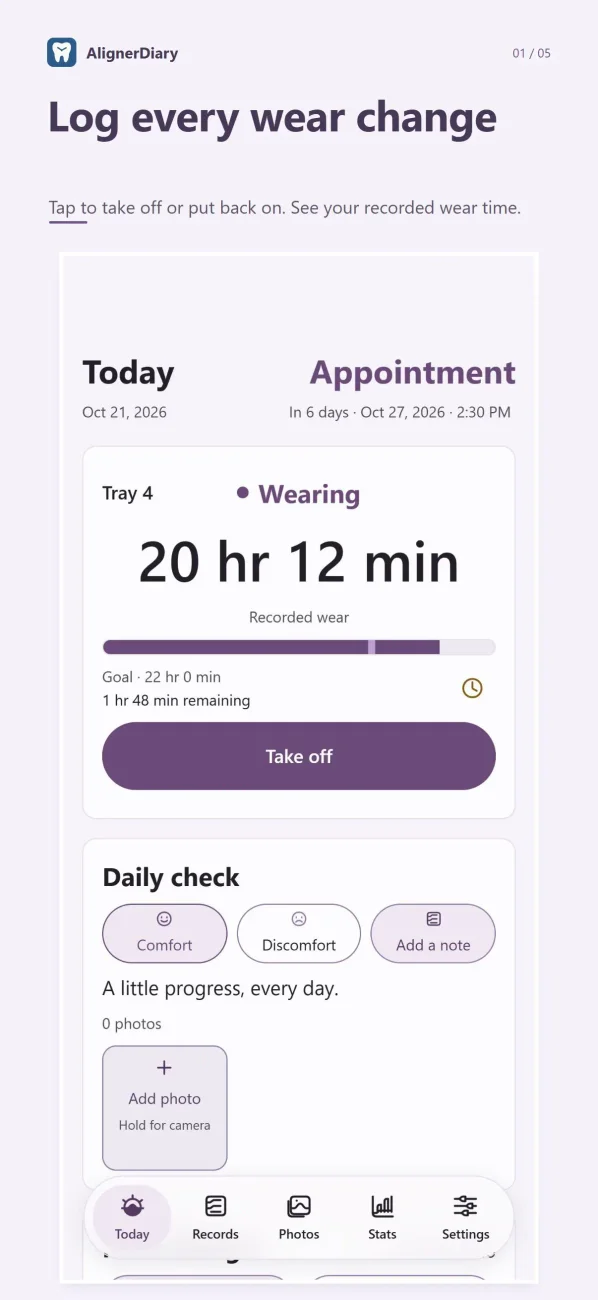
AlignerDiary is your personal clear aligner journal, bringing daily wear, tray changes, orthodontic appointments and photos together. Redesigned navigation across five tabs makes recording and looking back feel more connected. No registration required.
Log when your aligners are in or out
Tap when you take them out or put them back in to view your recorded wear time. Add or correct missed entries, record how you feel and leave a note.
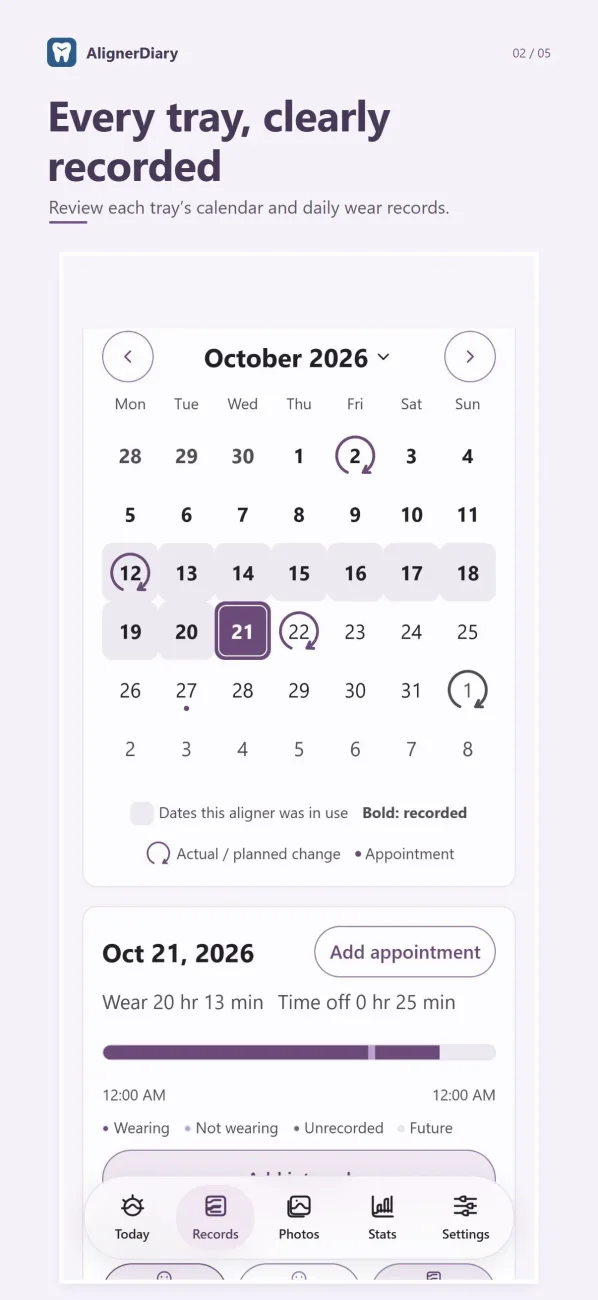
Review each set of aligners
Browse a calendar and daily timeline for each set, with wearing, removed and unknown periods shown separately. Enter the change dates and orthodontic appointments set by your dental professional, and add local reminders.
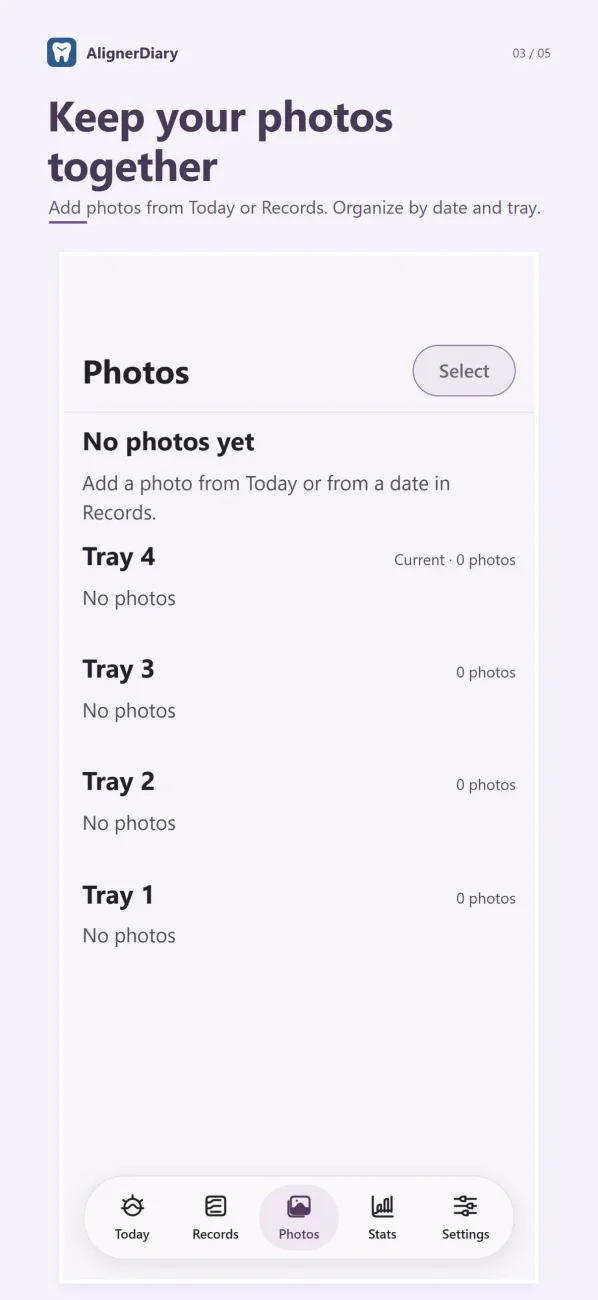
Keep your everyday photos together
Take photos or import several at once, organized by date and aligner set. Use the camera guide and 3-second countdown, then adjust the image after capture. Dates appear on thumbnails. Swipe left or right through photo details, or browse with the thumbnail strip. Compare multiple photos in stacked or tiled layouts: pinch to zoom them together, then pan them together while zoomed in. Photos are for personal review; the app does not assess treatment results.
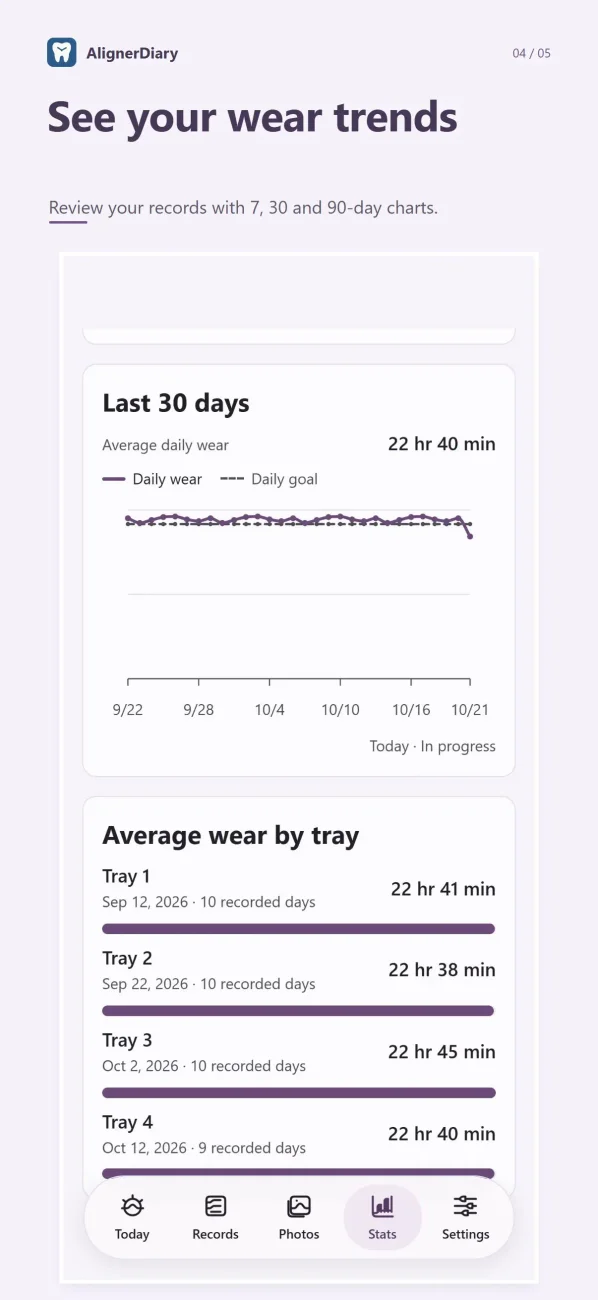
Look back with wear-time charts
Choose a window of up to 7, 30 or 90 days, limited by your actual history. View daily recorded wear time alongside your goal curve. Recent summaries and per-set averages stop at yesterday; today is marked as in progress. Unknown time is not counted as zero.
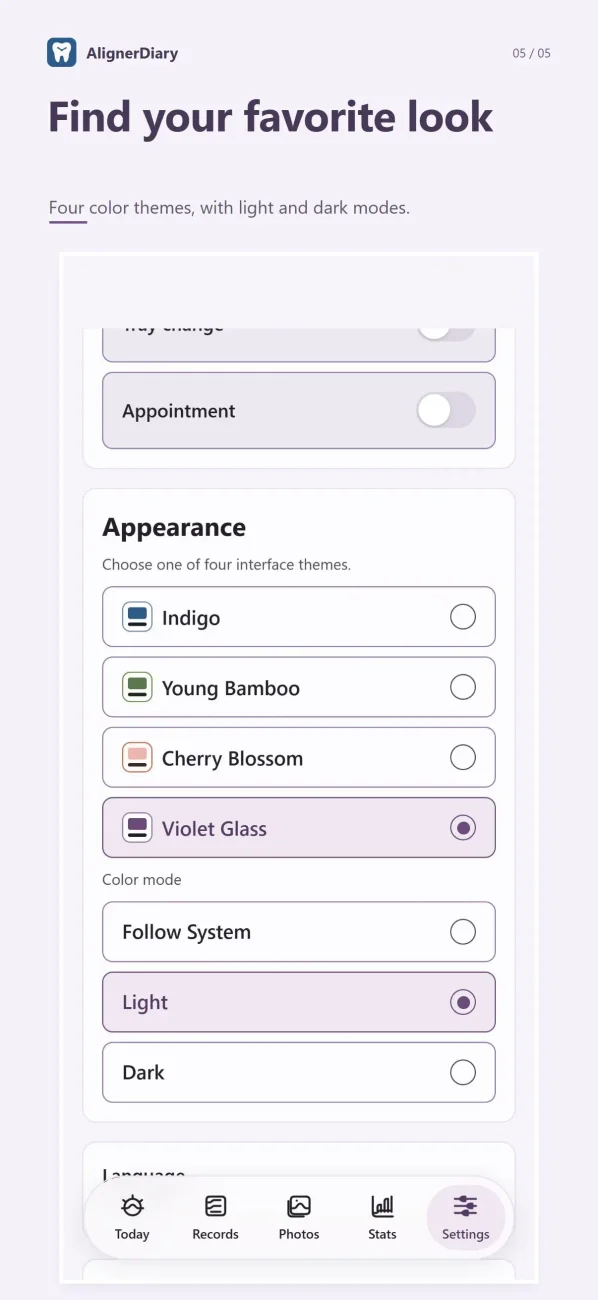
Make it feel like yours
Choose from four color themes, with light and dark modes. The app supports eleven interface languages, including Italian, Simplified and Traditional Chinese, English, Japanese and Arabic.
Your records and photos stay on your device by default. Export a complete manual backup including photo files, or use a private iCloud backup in your own Apple account. iCloud backup requires an available account and network access. Backup is not two-way sync between devices.
New users can explicitly activate a 30-day free trial, then choose a one-time permanent unlock. There is no subscription or automatic charge when the trial ends. Existing records and photos remain viewable after the trial expires. Users whose original app acquisition is verified by Apple as a production build of 92.2 or earlier retain free access.
AlignerDiary is for personal records. It does not provide diagnosis or treatment advice, assess treatment outcomes or automatically change your treatment schedule. Follow the plan set by your dental professional.
What’s new
Version 2026.1.2.1 · Nov 20, 2026
• Improved adding photos to past records.
• Improved error feedback and recovery from purchase-verification interruptions.
• Verified, valid Lifetime Unlock access is retained on this device when you change App Store region or Apple account.
App privacy
What 智寅 丁 declares on the App Store about how this app handles data.
-
Data not collected
The developer does not collect any data from this app.
Privacy practices may vary, for example with the features you use or your age.
Information
- Seller
- 智寅 丁
- Category
- Health & Fitness
- Version
- 2026.1.2.1
- Updated
- Nov 20, 2026
- Released
- Oct 7, 2026
- Size
- 47.0 MB
- Requires
- iOS 16.4 or later
- Age rating
- +4
- In-app purchases
- Yes
- Languages
- Portuguese, German, Simplified Chinese, Traditional Chinese, Korean, Spanish, French, English, Italian, Japanese, Arabic
- Copyright
- © ZHIYIN DING
You might also like
-
 YAJI - Braces & Aligner LogTrack your orthodontic journey
-
 Tray Tick: Aligner TrackerRetainer Wear Timer & Alerts
-
 SmileDiary - Aligner TrackerClear Aligner & Retainer Timer
-
 TrayMateMedical
-
 TrayBuddyAligner Tracker & Dental Care
-
 Alinear: Aligner TrackerWear Timer & Tray Reminders
-
 Clear Aligner Tracker & TimerWear time log for every tray
-
 PostureCoreAndMoreA Fitness Assistant App
-
 SmileTrack - マウスピース矯正管理Health & Fitness
-
 Aligner Tracker - Wear22Tray Timer, Never Miss 22h