AlignShot – Overlay Camera
Superimpose, Align & Blend
Designed for iPhone
Free · In-app purchases
- Age rating4+
- CategoryPhoto & Video
- DeveloperMANUEL MATAS GALEOTE
- LanguagesEnglish+ 57 more
- Size35.5 MB
Links to the official App Store page
Download.org hosts no file of AlignShot – Overlay Camera. The button opens its official App Store page, published by MANUEL MATAS GALEOTE. Listing last checked on Nov 20, 2026.
Screenshots

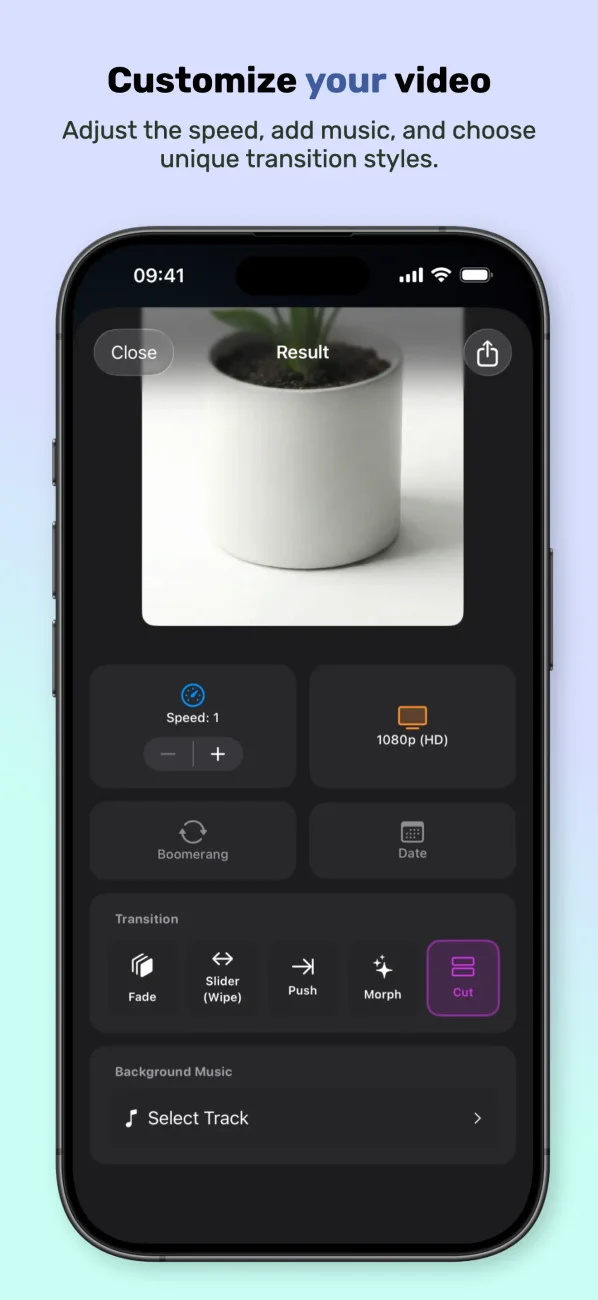
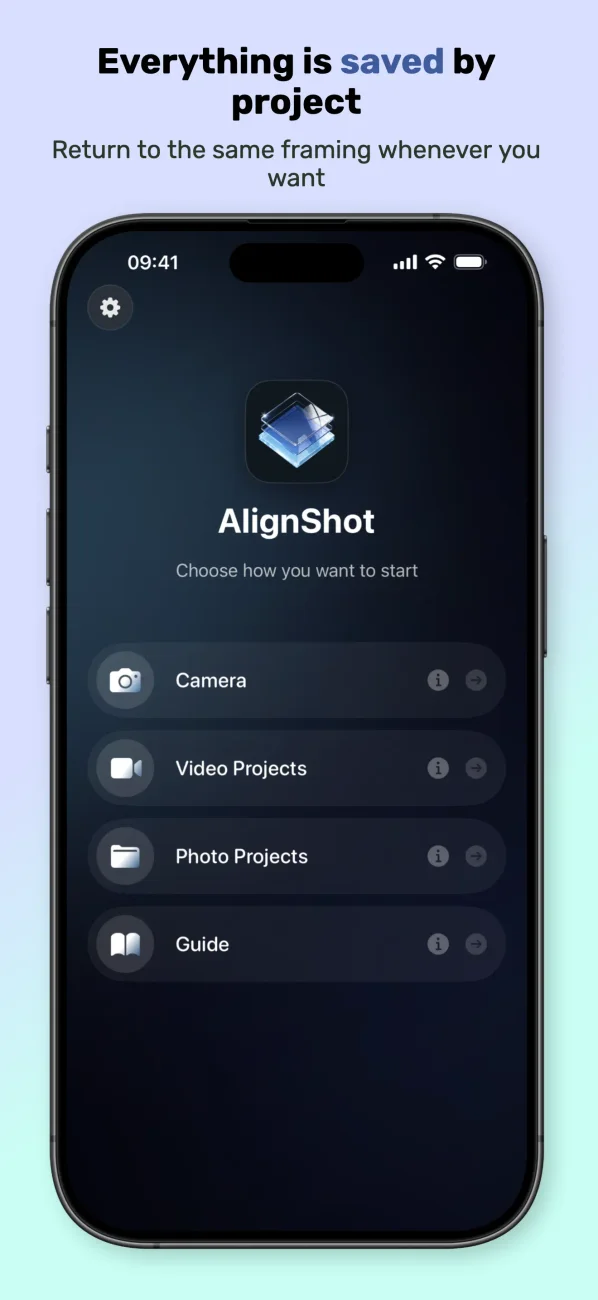
About
Align your photos with pinpoint precision using a reference image overlay and create complex compositions in a powerful layer-based editor.
AlignShot combines a real-time "Ghost Overlay" camera with an advanced editing canvas. It is the ultimate tool for replicating poses, maintaining consistency in product photography, documenting progress, or creating perfect "before and after" comparisons.
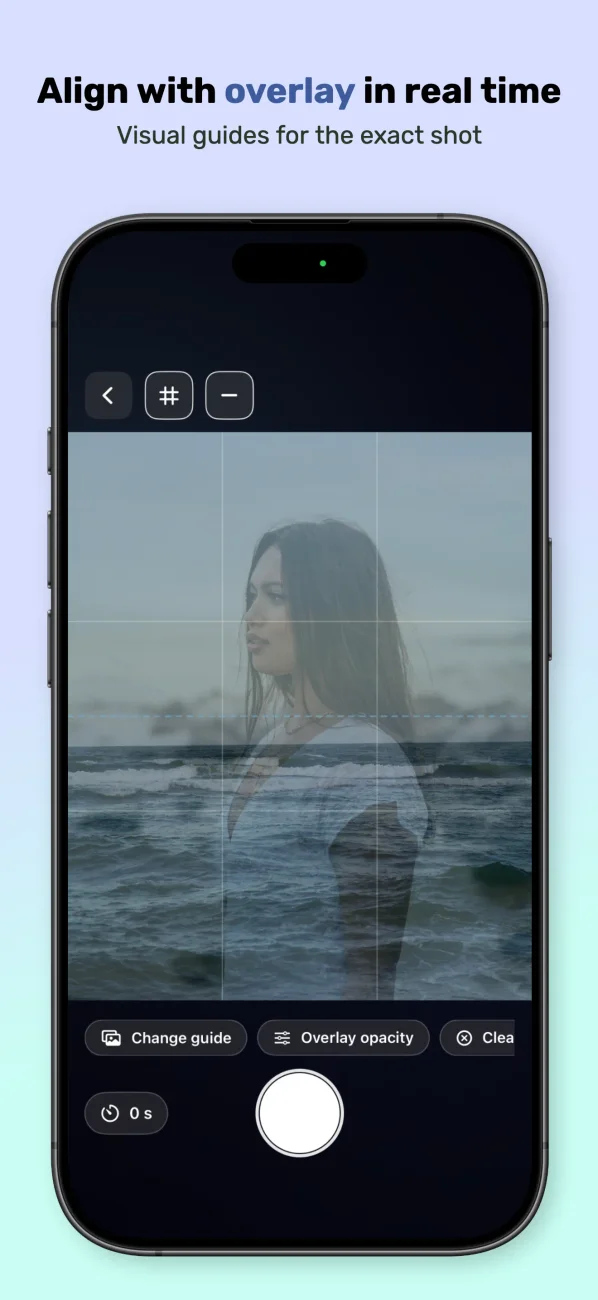
ALIGNMENT CAMERA (GHOST CAMERA)
Capture the perfect shot using a live visual reference.
• Real-Time Overlay: Place any photo (from your gallery or the previous shot) as a semi-transparent guide over the camera view.
• Full Gesture Control: Move, scale, and rotate the ghost image with two fingers to match reality exactly.
• Adjustable Opacity: Slide to see more or less of the reference (from 5% to 95%).
• Precision Tools: 3x3 Grid (Rule of Thirds) and Horizon Level for straight photos.
• Capture Modes: Timer (3s/10s), visual flash, and haptic feedback.
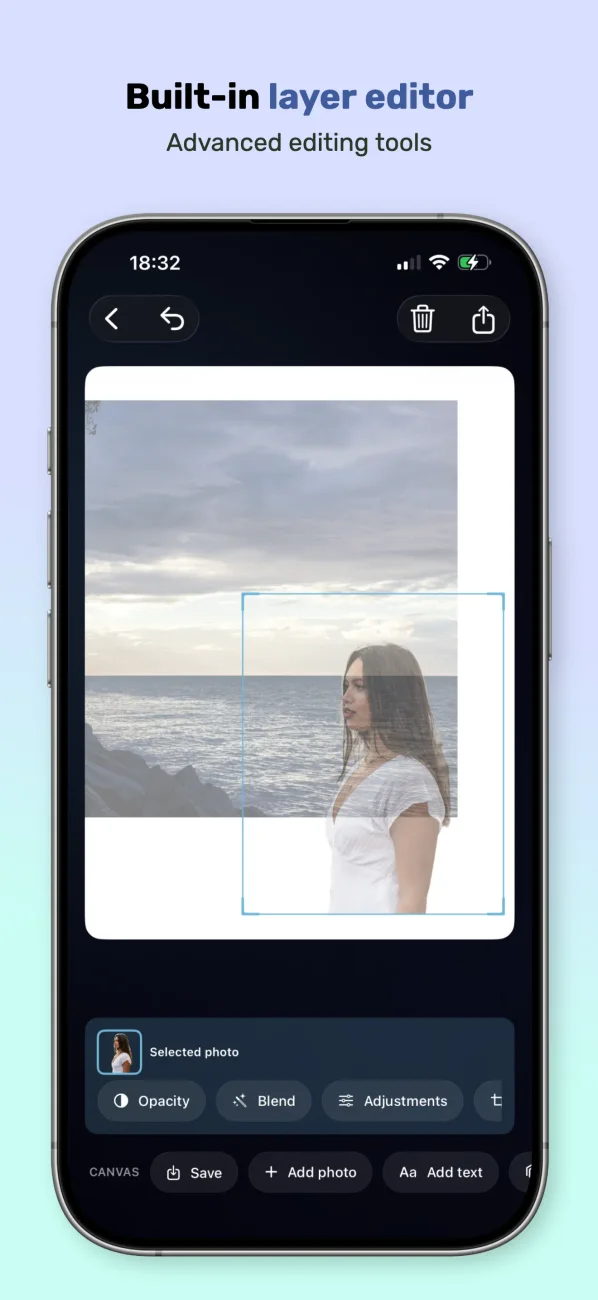
CANVAS AND LAYER EDITOR
Take your photos further with a complete non-destructive editor.
• Layer System: Combine multiple images and text in a single project. Reorder, lock, or duplicate with ease.
• Blend Modes: Create artistic effects using modes like Multiply, Screen, Overlay, Darken, and Lighten.
• Professional Adjustments: Control brightness, contrast, saturation, and opacity per individual layer.
• Aesthetic Filters: Apply styles like Sepia, Noir, Fade, Chrome, Instant, and Mono.
• Flexible Formats: Canvases adapted for social media (1:1, 4:3, 9:16 Story, 16:9).
AI MAGIC & PRO TOOLS
• AI Background Removal: Automatically remove the background from any photo to integrate it into new scenes or create stickers (Pro Feature).
• Unlimited Import: Add as many photos as you need to your canvas.
PROJECT MANAGEMENT
• Non-Destructive Editing: Your projects are saved locally. You can reopen them, move layers, or change text at any time.
• Fast Workflow: Switch from Camera to Canvas automatically or start a project from the Gallery.
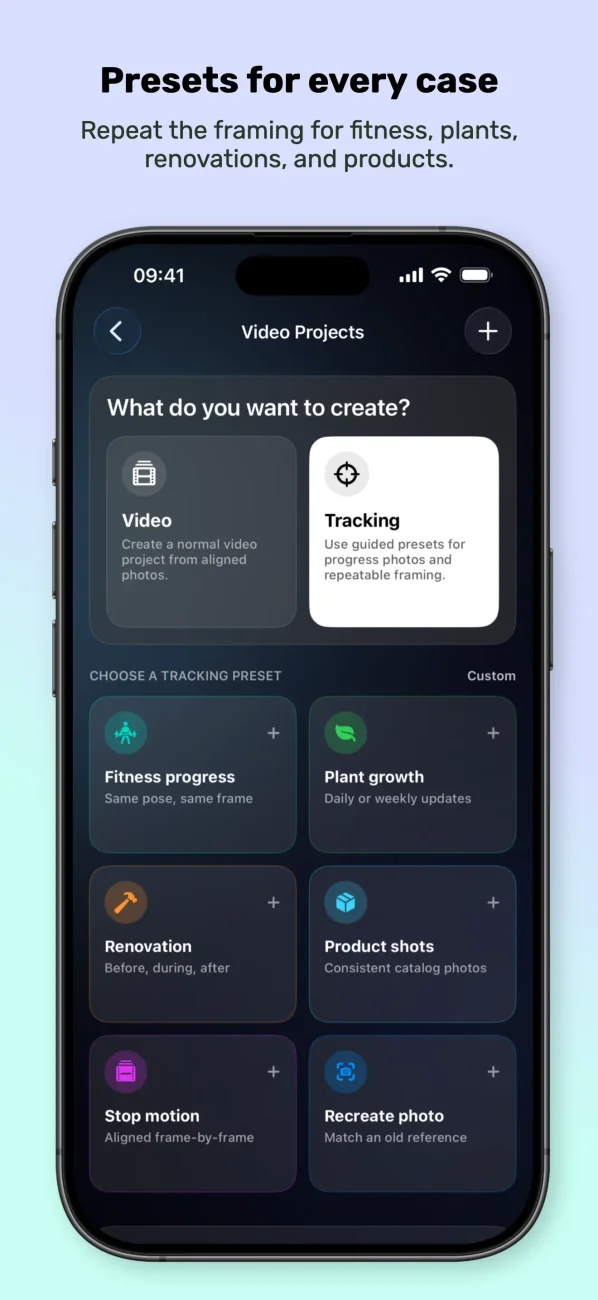
TYPICAL USE CASES
• Before/After Comparisons (Fitness, renovations, art).
• Consistent Product Photography for catalogs.
• Recreating old photos in the exact same spot.
• Manual Stop Motion and Time-lapse.
• Creative collages and photomontages.
PRIVACY AND DESIGN
• 100% Private: All processing is done locally on your device. Your photos are never uploaded to external servers.
• Clean Experience: Modern native-style design, Dark Mode support, and no intrusive ads.
---
Legal Information:
This app uses the Apple Standard End User License Agreement (EULA):
https://www.apple.com/legal/internet-services/itunes/dev/stdeula/
Privacy Policy:
https://sites.google.com/view/overlaycameraprivacy/home
What’s new
Version 2.7.1 · Nov 12, 2026
Bug fixes and performance improvements.
App privacy
What MANUEL MATAS GALEOTE declares on the App Store about how this app handles data.
-
Data not linked to you
May be collected but is not linked to your identity.
- Purchases
- Identifiers
- Usage data
- Diagnostics
Privacy practices may vary, for example with the features you use or your age.
Information
- Seller
- MANUEL MATAS GALEOTE
- Category
- Photo & Video
- Version
- 2.7.1
- Updated
- Nov 12, 2026
- Released
- Nov 4, 2025
- Size
- 35.5 MB
- Requires
- iOS 17.6 or later
- Age rating
- 4+
- Price
- Free
- In-app purchases
- Yes
- Languages
- English, Afrikaans, Albanian, Arabic, Armenian, Azerbaijani, Basque, Belarusian, Bengali, Bulgarian, Catalan, Croatian + 46 more
- Copyright
- © 2026 Manuel Matas Galeote
You might also like
-
 OverCam – Photo Overlay CameraAlign & Recreate: Pose Guide
-
 CameraOverlay - Compare photosRecreate photos easily
-
 MatchFrame: Camera OverlayBefore After Photo & Video
-
 kasanete - Overlay CameraSame Angle Photo Every Time
-
 ORA - The Overlay Camera ToolPhoto & Video
-
 GhostFrame: Recreate Any PhotoPhoto & Video
-
 Apollo - Camera OverlayBefore and After Photos
-
 OverCam - Overlay CameraTrace, align & match shots
-
 Photo Overlay Camera: RetakeeAlign & Retake Pictures
-
 PastShot: Then & Now CameraStep into your old photos